This troubleshooting guide goes over all the effective solutions to fix the problem of your iPhone contacts and calendar events not syncing to their respective apps on your Apple Watch.
How to fix Contacts and Calendar sync problems on Apple Watch
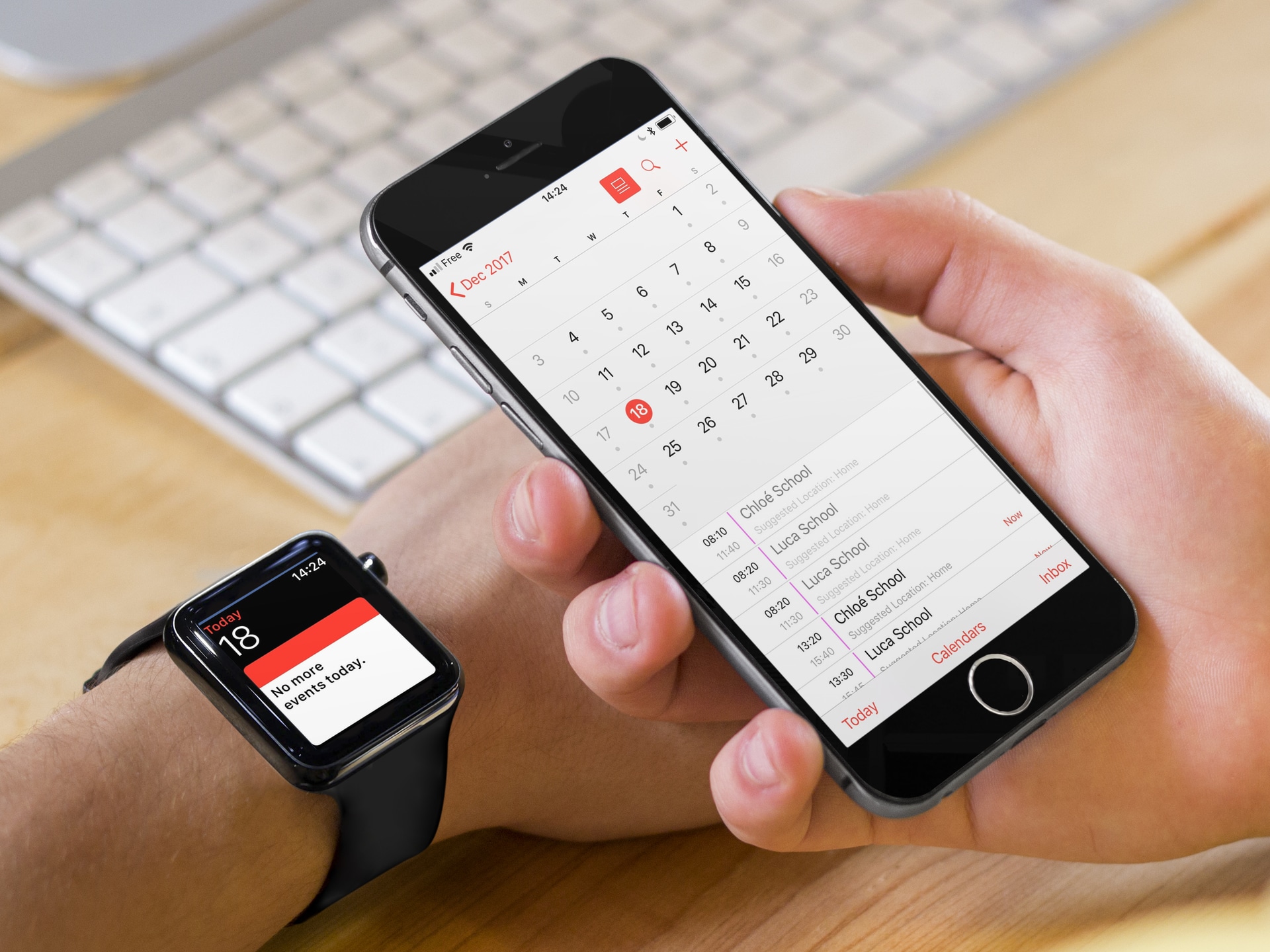
This troubleshooting guide goes over all the effective solutions to fix the problem of your iPhone contacts and calendar events not syncing to their respective apps on your Apple Watch.

While everybody else is busy making wrapping gifts and making lists of the coolest things of 2017, Cody and Sebastien are talking iPhone X scratch resistance, HQ, app pre-orders, AirPods, and cool new accessories.
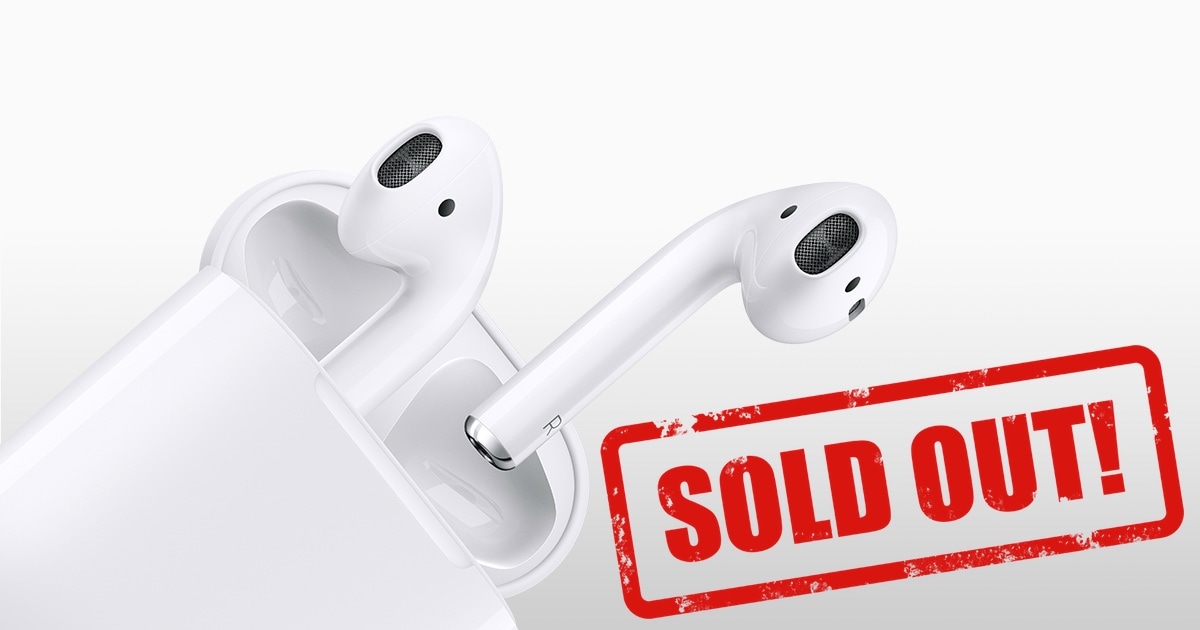
We hope you didn't count on buying a pair of AirPods to a loved one at the last minute this holiday season, because they are sold out at most retail locations, including of course Apple's, which lists them on its website as available starting January 5th, at the earliest.
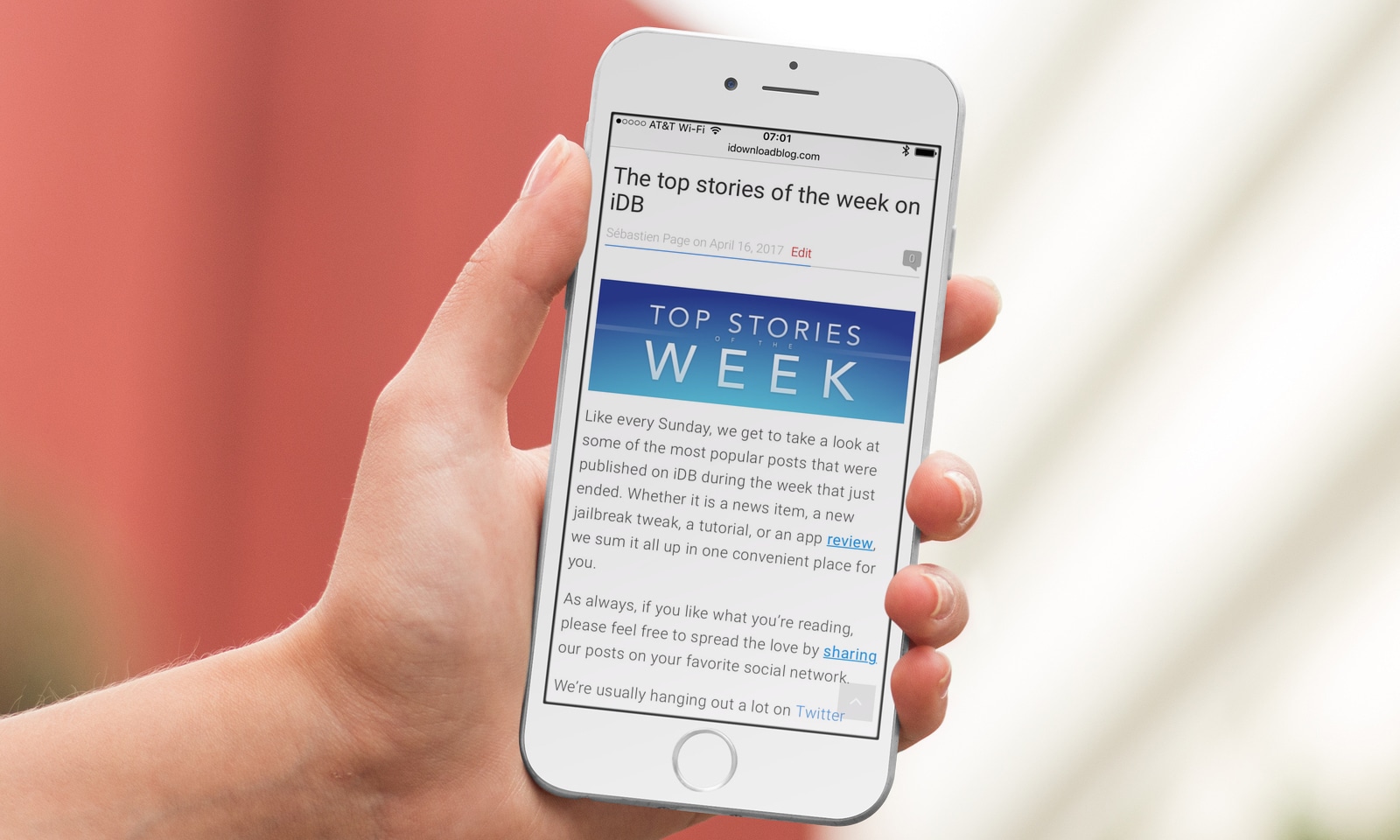
Like every Sunday, we get to take a look at some of the most popular posts that were published on iDB during the week that just ended. Whether it is a news item, a new jailbreak tweak, a tutorial, or an app review, we sum it all up in one convenient place for you.
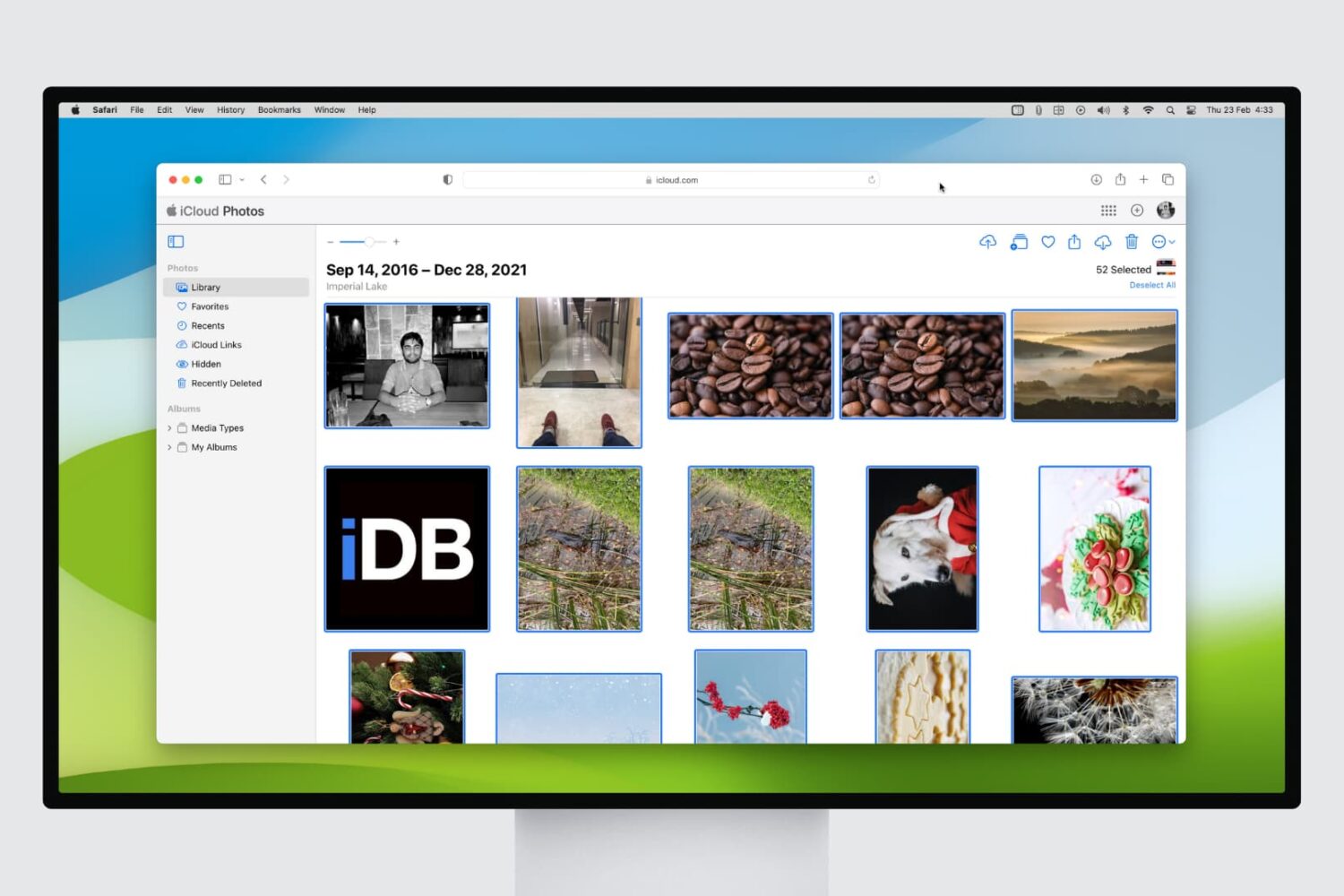
If you're a frequent user of iCloud Photo Library, you might find yourself with a cluttered photo collection. Deleting multiple pictures at once can be a tedious task, but with a few simple steps, you can free up storage space in no time.
In this article, we'll show you how to delete multiple pictures at once in iCloud Photo Library from your web browser, making it easier to manage your photo collection and keep your iCloud storage under control.
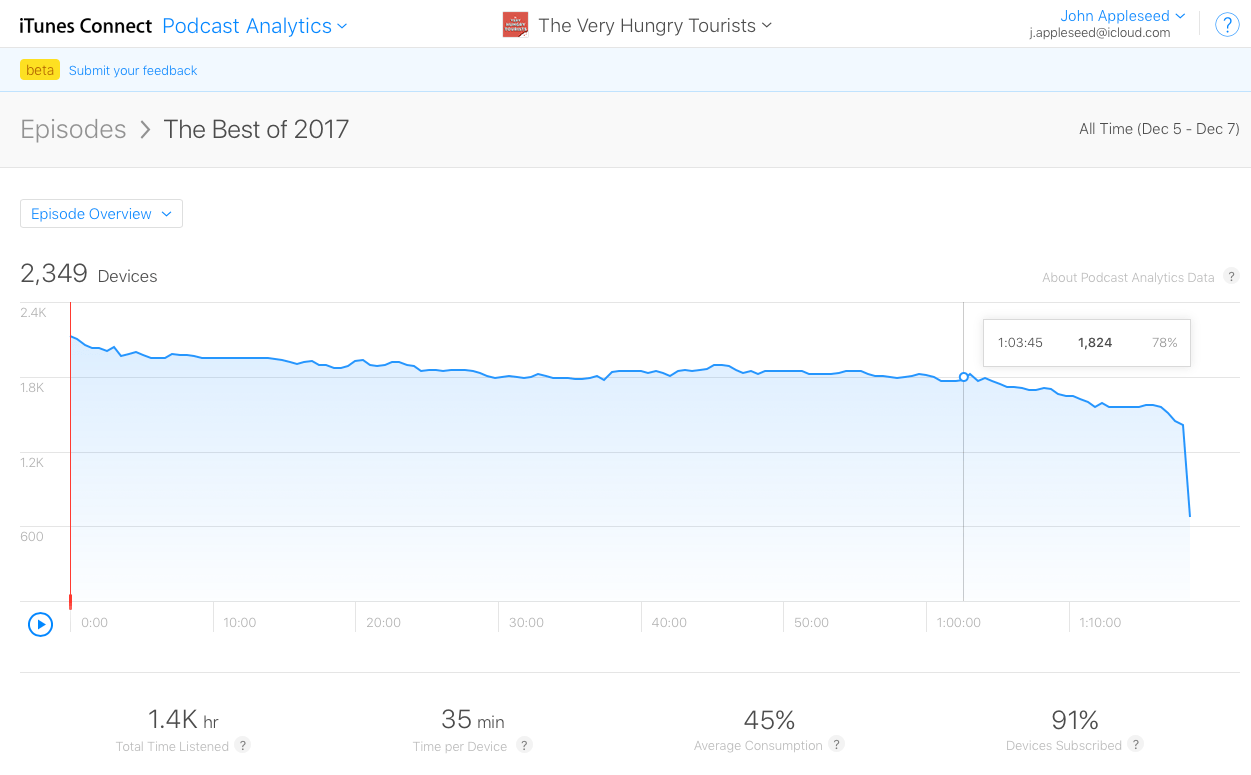
Apple launched a new Podcast Analytics service in beta on Thursday, giving podcasters the chance to take a look at basic metrics and trends. Available in beta, this new service was first announced during WWDC 2017.
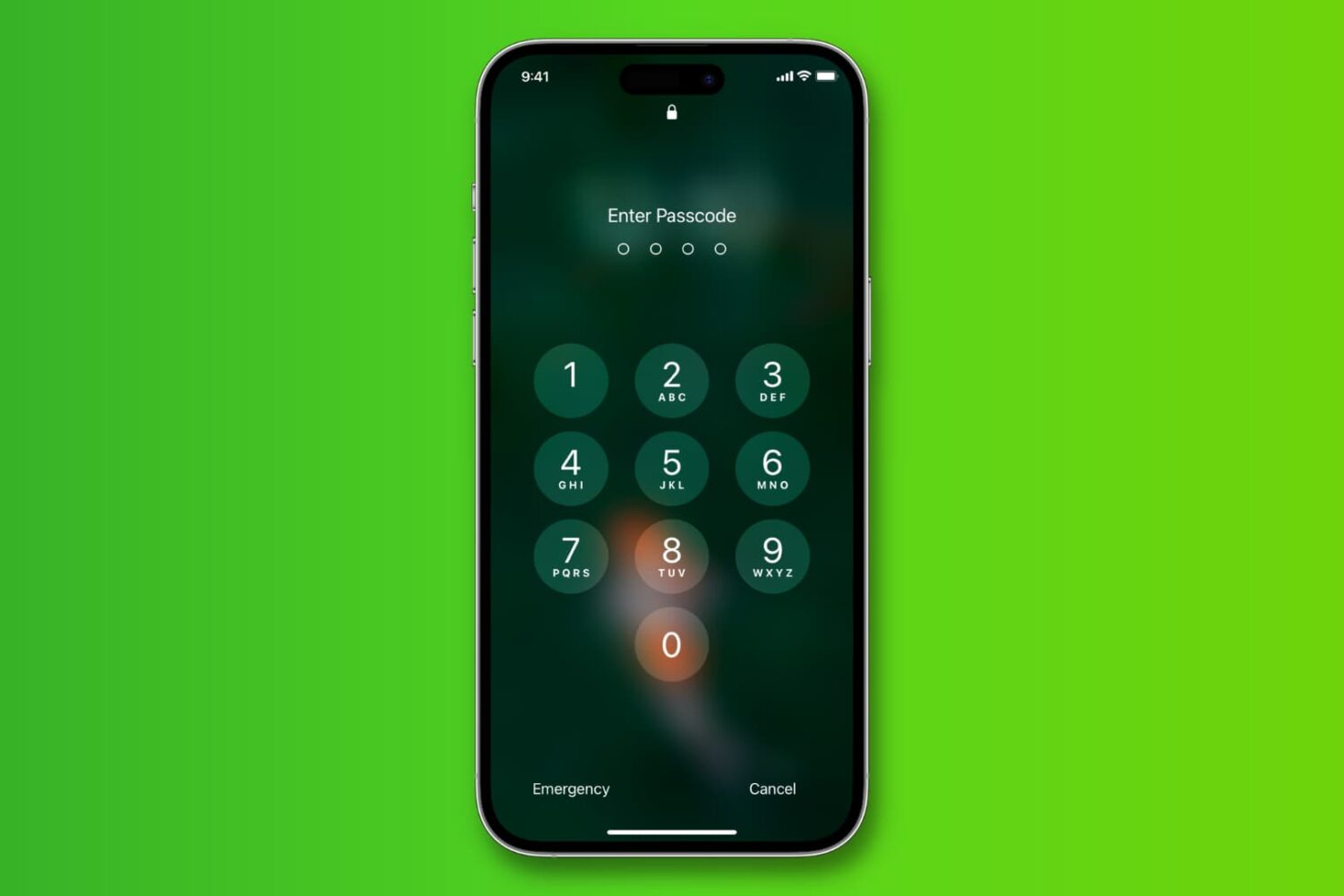
Learn how to change the length of your iPhone passcode from 6 digits to 4 so it’s easier to memorize and faster to type when unlocking.
Cody is not very happy with the way iOS handles sound control. Sebastien talks about the iDB app update and the inconsistencies of the app approval process in the App Store. They both talk about the best App Store apps of 2017, as per Apple... Then Sebastien confides about his latest addiction. But everything is fine because Jony is back in the studio.

Playing a song, an album, or a playlist on repeat in the Apple Music app is a bit confusing. First, the repeat option is not obviously located within the app, and second, what happens when you tap on it is even less obvious.
If you are confused about playing music on repeat in the Music app of your iPhone or iPad, then read on as you're about to learn how to use the repeat button.
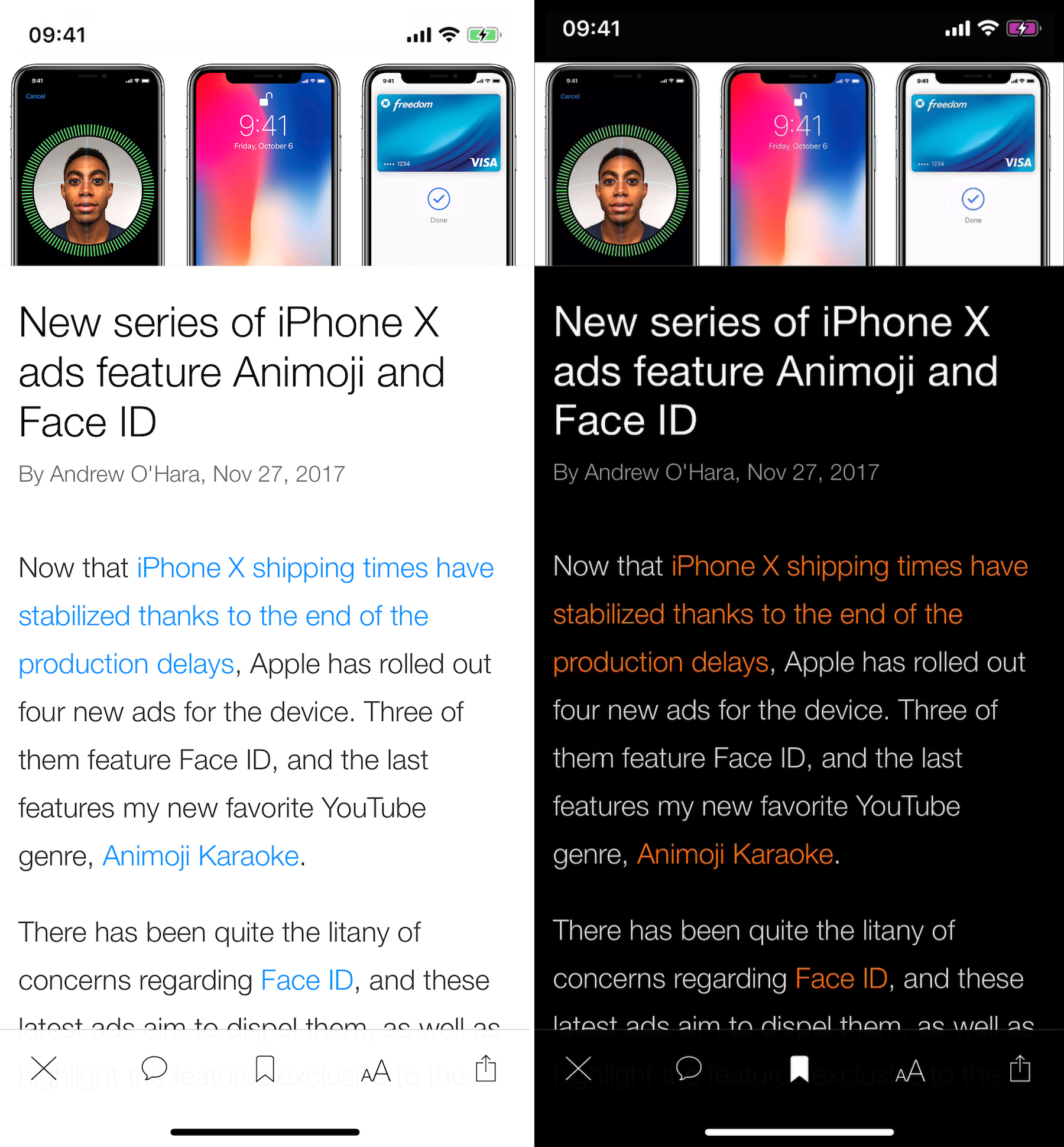
Looking at the feedback we've been getting, it seems a lot of you will be happy to learn that the iDB app has been updated and now supports the larger screen of the iPhone X. Available in the App Store as version 1.4.2, this new release also brings support for Smart Invert Colors.
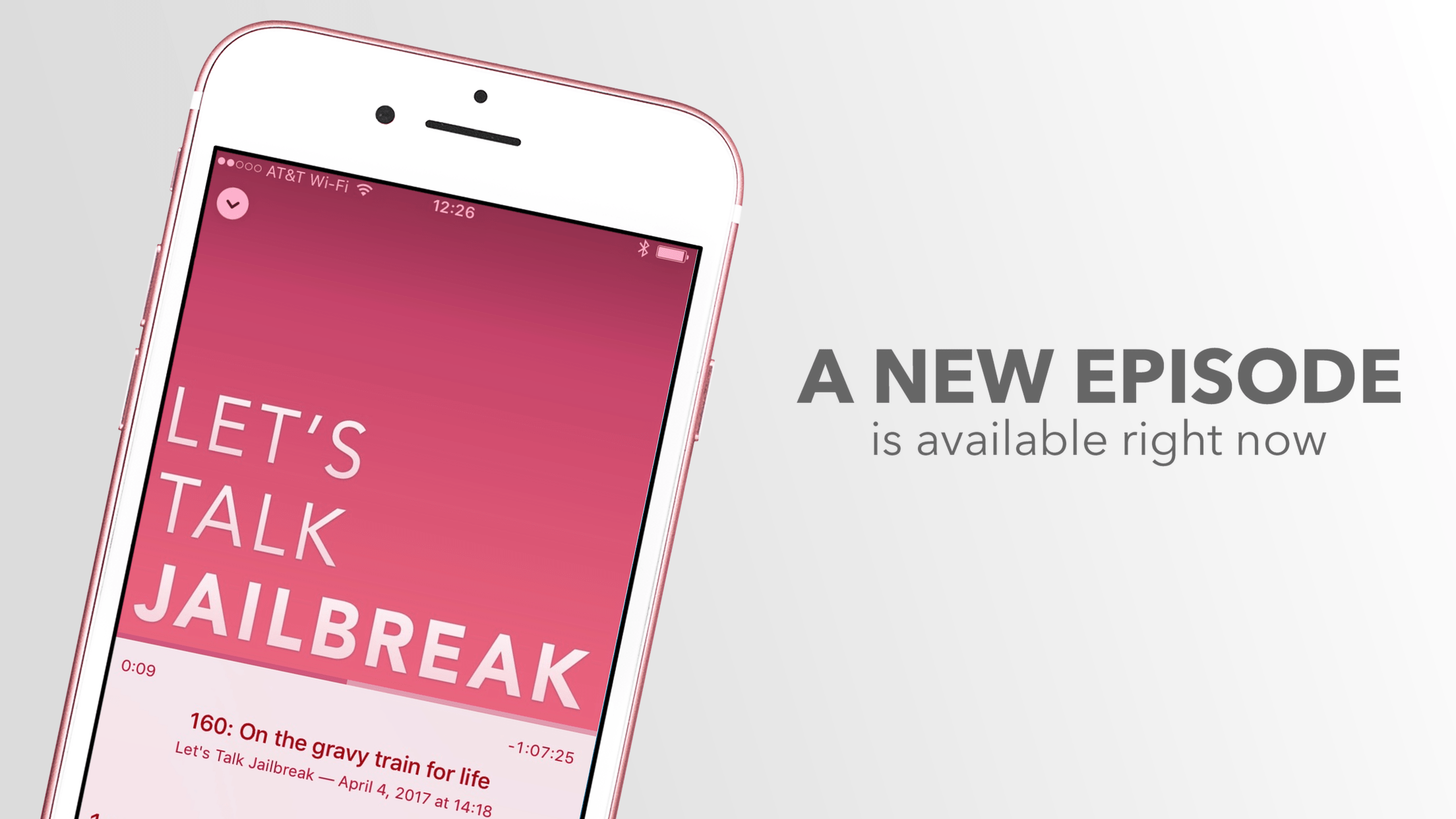
The jailbreaking landscape has changed dramatically over the last few years, and this episode is the perfect illustration of it all.
Oh boy, was that a bad week for Apple. Last time it was so bad, Scott Forstall was still working for the company. Like with most bad stories, there is a silver lining, albeit very minor. On a more positive note, HQ is fun (add "senastienpage" as your referral code in the app - yes, it's totally misspelled!), wireless charging is awesome, and maybe you can help Cody find the right app to wake up in the morning.