Christian joined iDownloadBlog.com in March 2011 and brought with him his 20+ years of journalism experience. He specializes in Apple news, tips, and reviews, bringing years of expertise in technology journalism to his readers. Known for his insightful analysis and engaging writing style, Christian keeps his audience up-to-date with the latest in the tech world.
Before that, he contributed to reputable publications like Geek.com, Tom's Hardware, 9to5Mac and 9to5Google.
Christian studied Information Science, specializing in Expert Systems and Management Information Systems. After starting a faculty e-zine in his graduation year, he dropped out to pursue a lifelong career in journalism.
He was Editor-in-Chief of a gaming magazine, started three periodicals covering gaming consoles, PCs and consumer technology, and founded a marketing agency specializing in interactive entertainment.
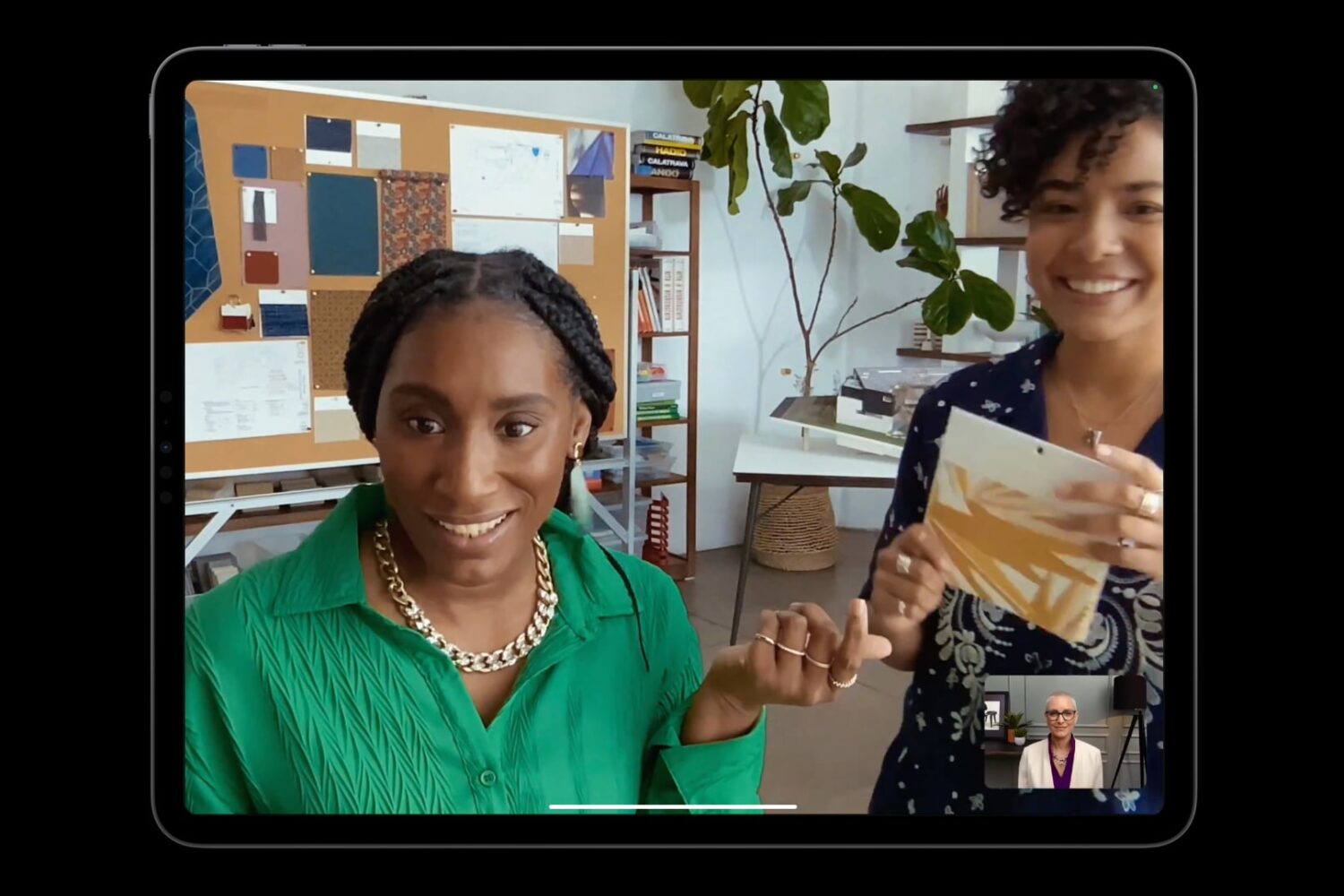
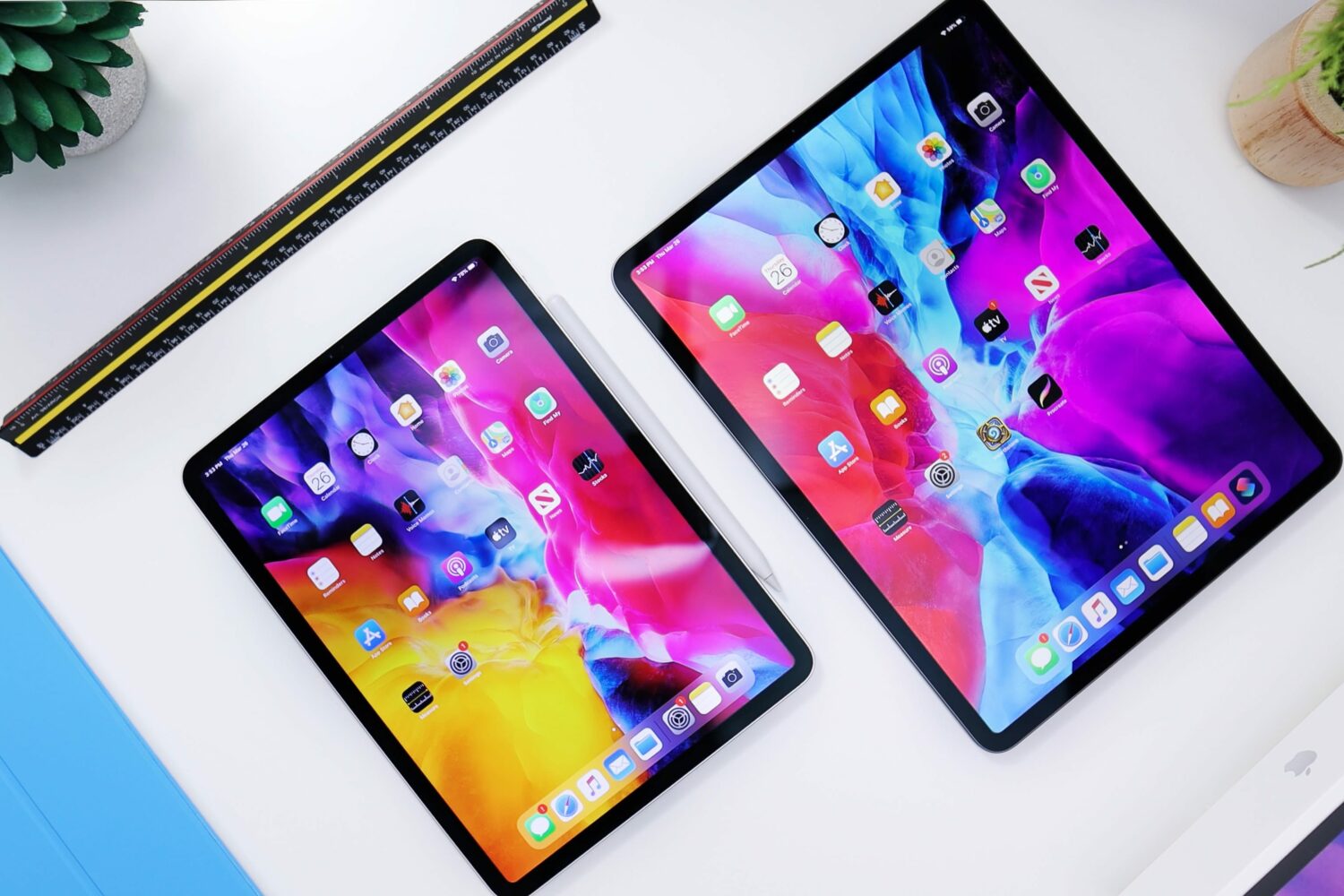
Putting the iPad Pro’s front camera along the landscape edge instead of the top will fix weird angles when videoconferencing in horizontal orientation.
Do you still rock an older iPhone or iPad that can't be updated to iOS 17? If so, you can get essential security fixes by installing iOS 15.8.1 and 16.7.5.
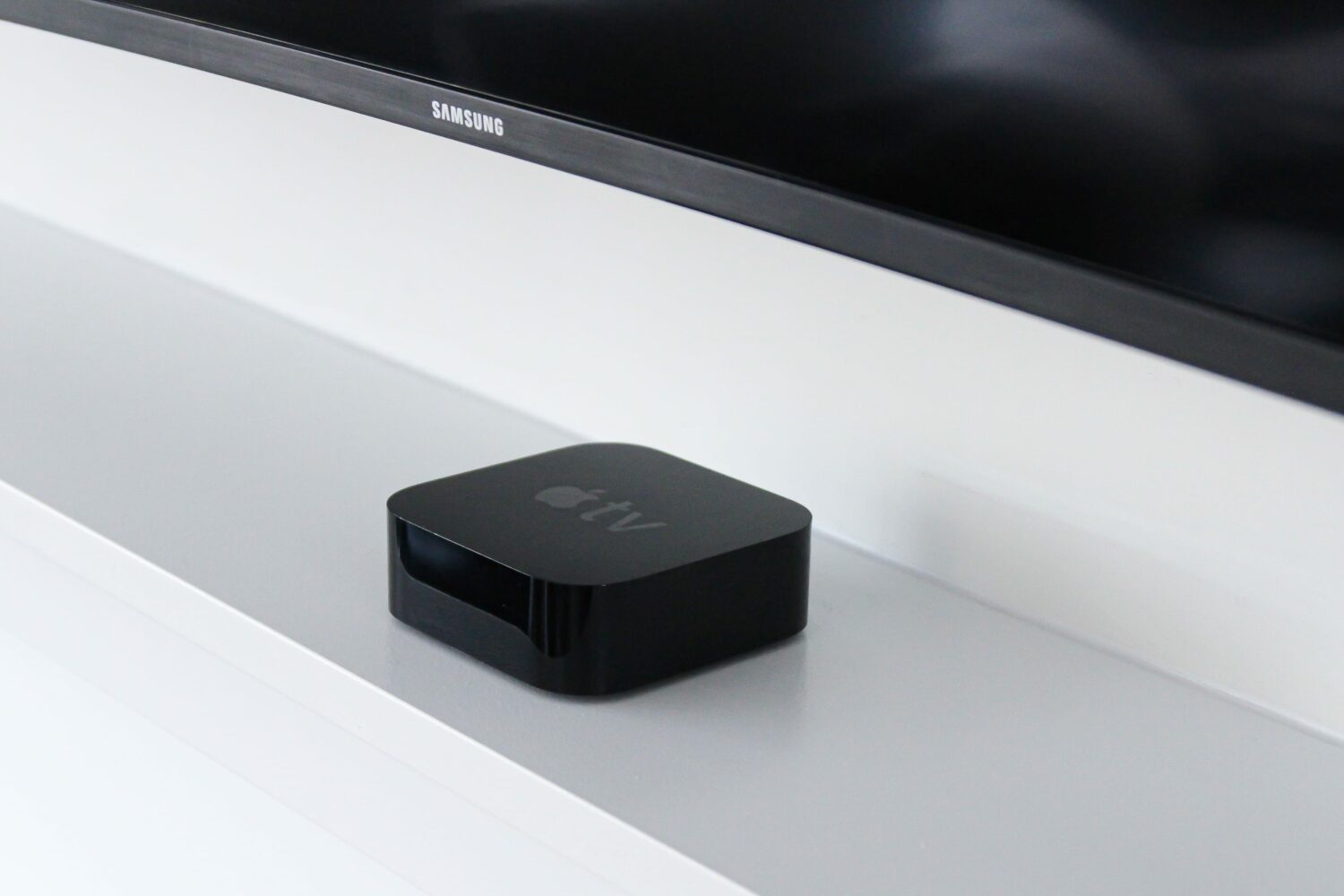
As per release notes for tvOS 17.3, there are no new Apple TV features in this update. But don't skip it—you're recommended to install even bug-fix updates.
Apple listed no significant new features in the official iPadOS 17.3 release notes beyond Apple Music playlist collaboration and a handful of bug fixes.
Here's a handy list of both native and non-native apps and games that run on the Vision Pro headset, whether they come from Apple or third-party developers.
Apple's spring hardware refreshes could include M3 MacBook Air laptops, iPad Air tablets with 11 and 13-inch screens and iPad Pros equipped with OLED displays.
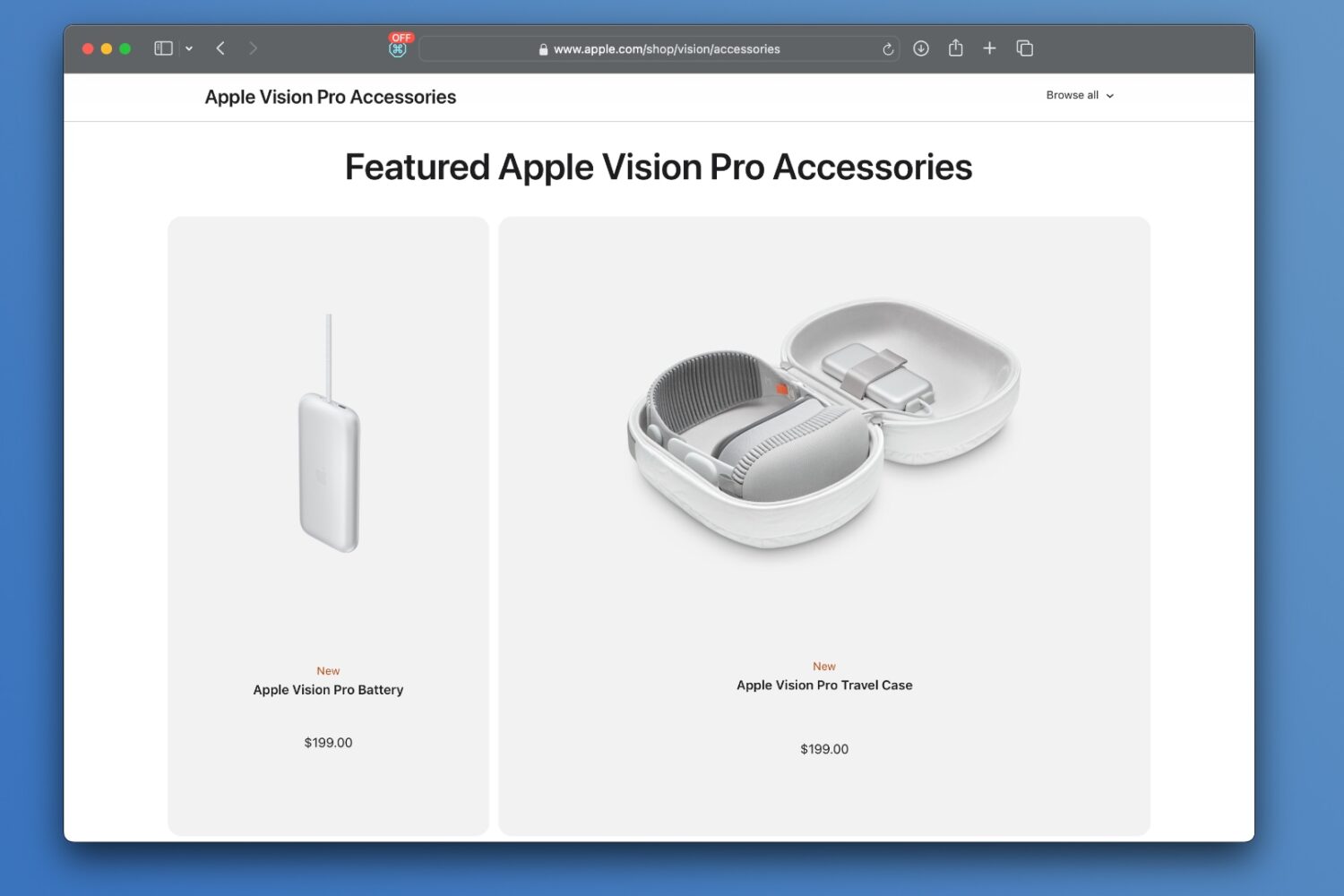
You can customize your Vision Pro headset with a slew of accessories, including a pricey Apple-designed protective travel case and Belkin's handy battery holder.
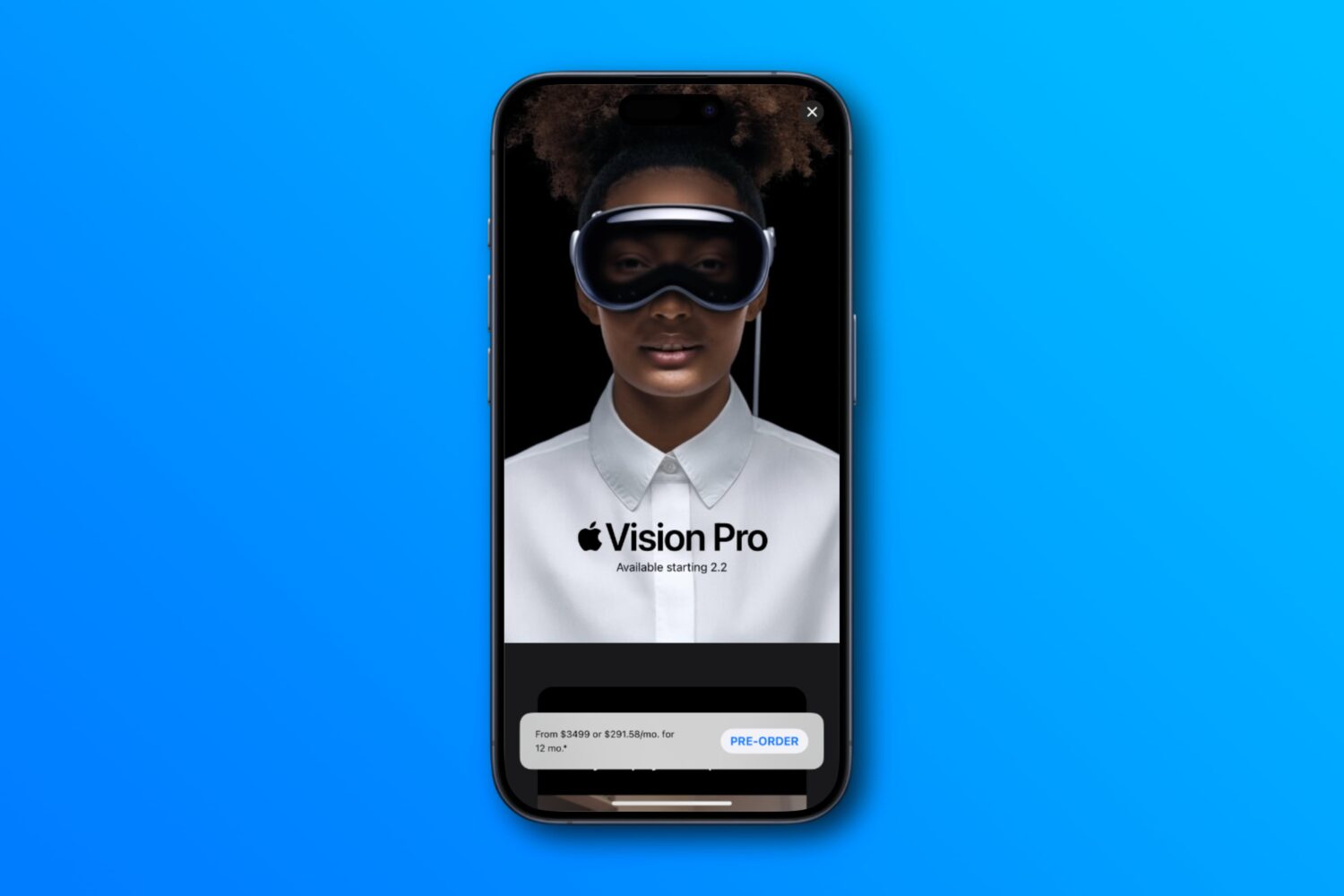
Consult our guide when you pre-order your Apple Vision Pro for an overview of the purchasing steps and optional upgrades such as additional storage, AppleCare, etc.