Anthony Bouchard

Anthony Bouchard joined the iDownloadBlog.com team in 2016 after originally covering Apple and iPhone jailbreak news at ModMyi.com. As an experienced editor, he brings more than 15 years’ worth of jailbreaking knowledge to our in-depth guides, opinion pieces, and news articles. His passion for device customization and user choice sparks his strong push to empower readers with the tools they need to explore and enjoy the freedom that comes with jailbreaking. Anthony blogs about not only jailbreaking, but also Apple software & accessories, drones & photography, and Nintendo gaming systems. Anthony honed his advanced technical knowledge over the years with hands-on projects ranging from gaming PC builds to engine repair mechanics. His never-ending hunger for knowledge is why you’ll always find him tinkering – tearing things apart and putting them back together to understand what makes them tick.

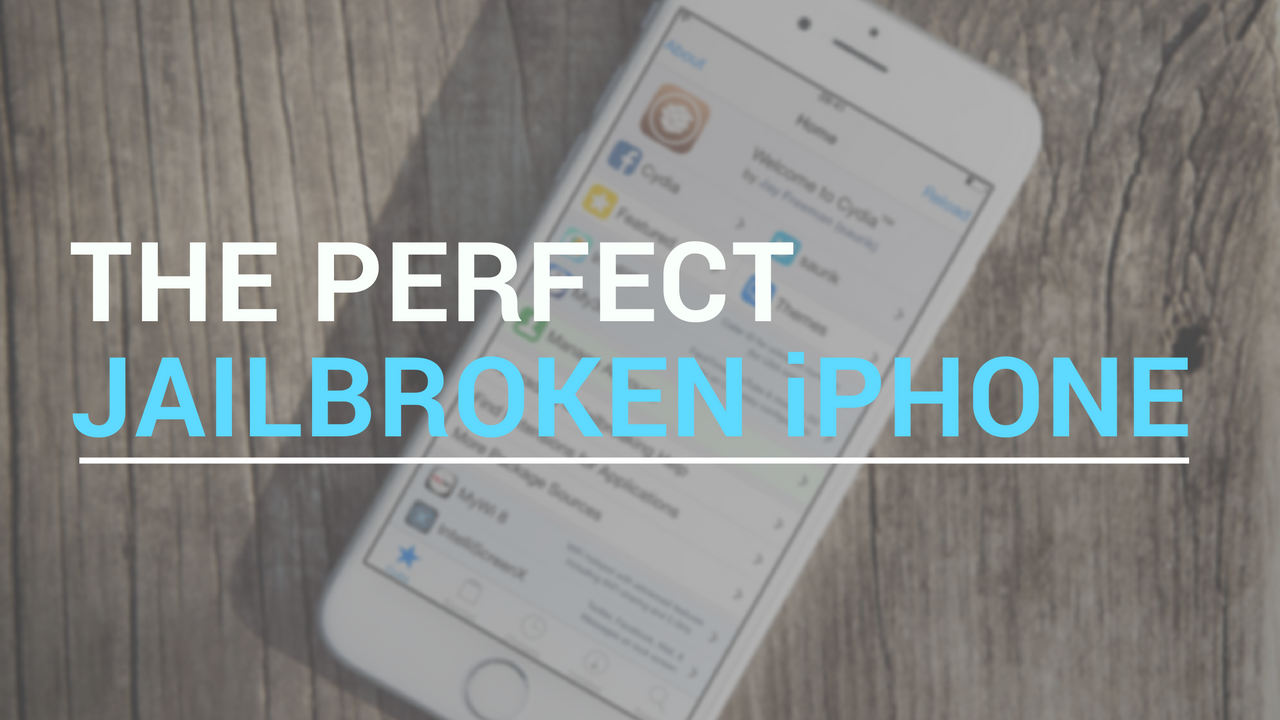
The perfect jailbroken iPhone: iOS 9 edition

Following a ritualistic bloodline of popular posts we've shared in the past, we'll be showing you what jailbreak tweaks we think make a perfect jailbroken iPhone on iOS 9.

Personally, I believe less is more; keeping a jailbroken device as stock as possible without compromising on your most wanted features helps keep it both stable and functional. Overloading it with jailbreak tweaks for the sake of aesthetics can lead to instability, and that's something I tend to avoid.

As a result, I focus mainly on tweaks that serve a functional purpose more so than tweaks intended to make your device look cooler. These tweaks will all work with the Pangu jailbreak for iOS 9.3.3.

MacID update brings improvements for iOS 10, watchOS 3, and macOS Sierra

An important update for the popular MacID utility for iOS and macOS has been released this week with improvements for iOS 10, watchOS 3, and macOS Sierra.

The utility is known for its ability to let you securely unlock your Mac with the Touch ID sensor on your iPhone or iPad, but it also has built-in features that let you unlock your Mac with your Apple Watch over Bluetooth or with a Tap to Unlock gesture on the trackpad.

Lithium Ion lets you theme your battery indicator without Winterboard

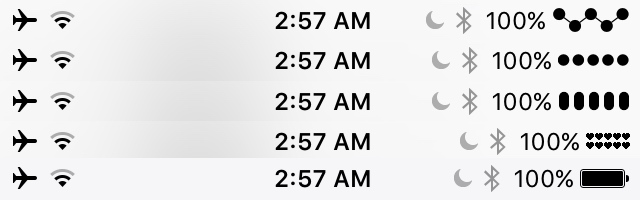
Lithium Ion is a new free jailbreak tweak that provides you with nearly limitless customization of the battery indicator in your Status Bar on any of your jailbroken devices.

With this tweak, you can choose from new colors and themes for the indicator and apply them faster than you can say "done." Plenty of themes are included out of the box that you can pick from and then further customize with different colors depending on your current battery level, and you don't even need Winterboard to do it.

How to customize workout metrics on Apple Watch

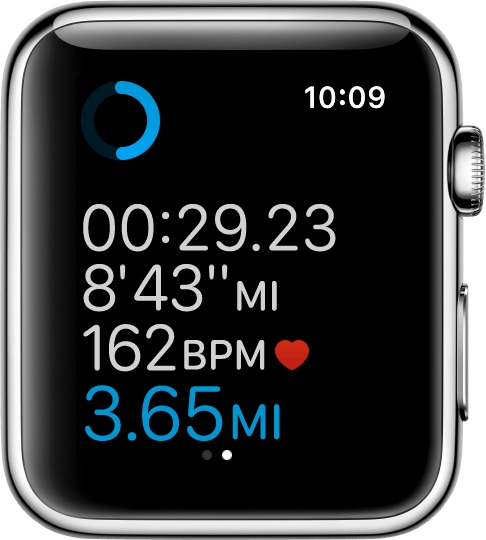
If you'll be using your Apple Watch's fitness features, you'll want to become acquainted with the Workout app, which helps you to keep track of your progress.

Starting with watchOS 3, you can customize your workout metrics, and in this tutorial, we'll talk about all the ways you can do that.

Turning on Power Reserve mode on your Apple Watch

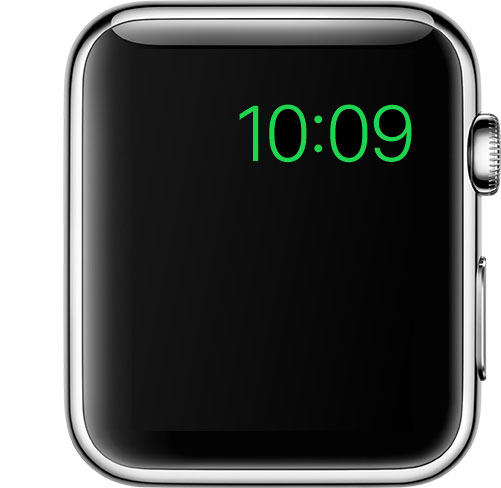
Apple Watch in Power Reserve mode showing just the current time on its watch face

Power Reserve mode is a feature of watchOS that let's you conserve what's left of your battery when you get low on juice by limiting your Apple Watch's functionality to nothing more than a time piece.

Starting with watchOS 3, the steps to enable it has changed, so we'll show you how it's done.