Apple has added a convenient new digital clock widget to your iPhone that you can use to check the current time for any city around the word.
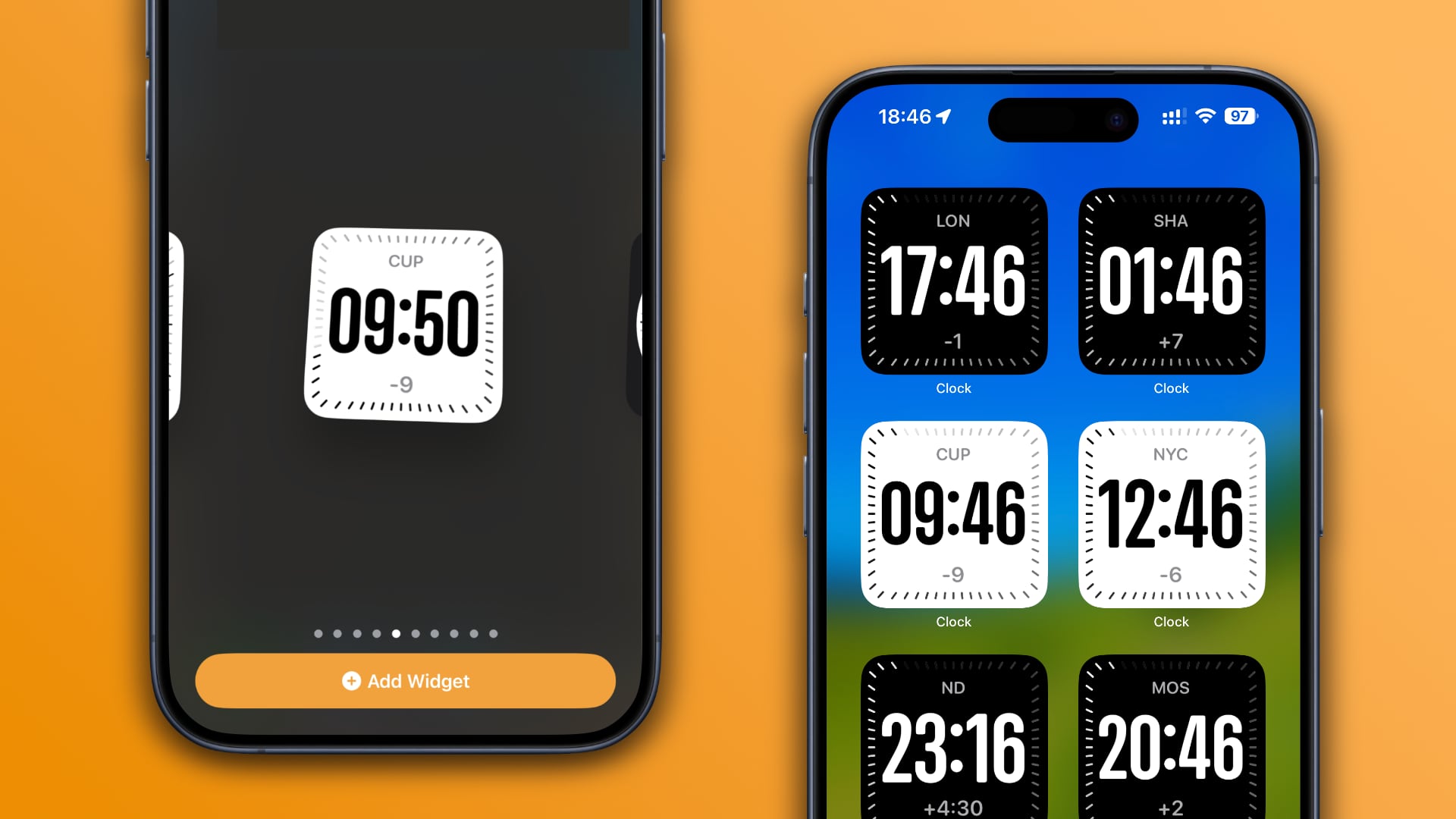
Earlier, Apple added a digital clock app widget called Digital Clock to quickly catch a glimpse of the current time on the Home and Lock Screens and in StandBy Mode.
iOS 17.4 brings a new digital clock widget designed to show the time at any location you choose instead of wherever your iPhone happens to be at the moment.
Whether you travel frequently around the world, work in multiple time zones or just want to call a friend in another country, this widget lets you instantly see their local time so you don’t call them during inopportune times, like in the middle of the night.
iOS 17.4 brings another digital clock widget
You can put widgets on your Home and Lock Screens to glance at snippets of information without opening apps. You can also pick widgets for StandBy Mode, which turns your iPhone into a smart display when charging horizontally.
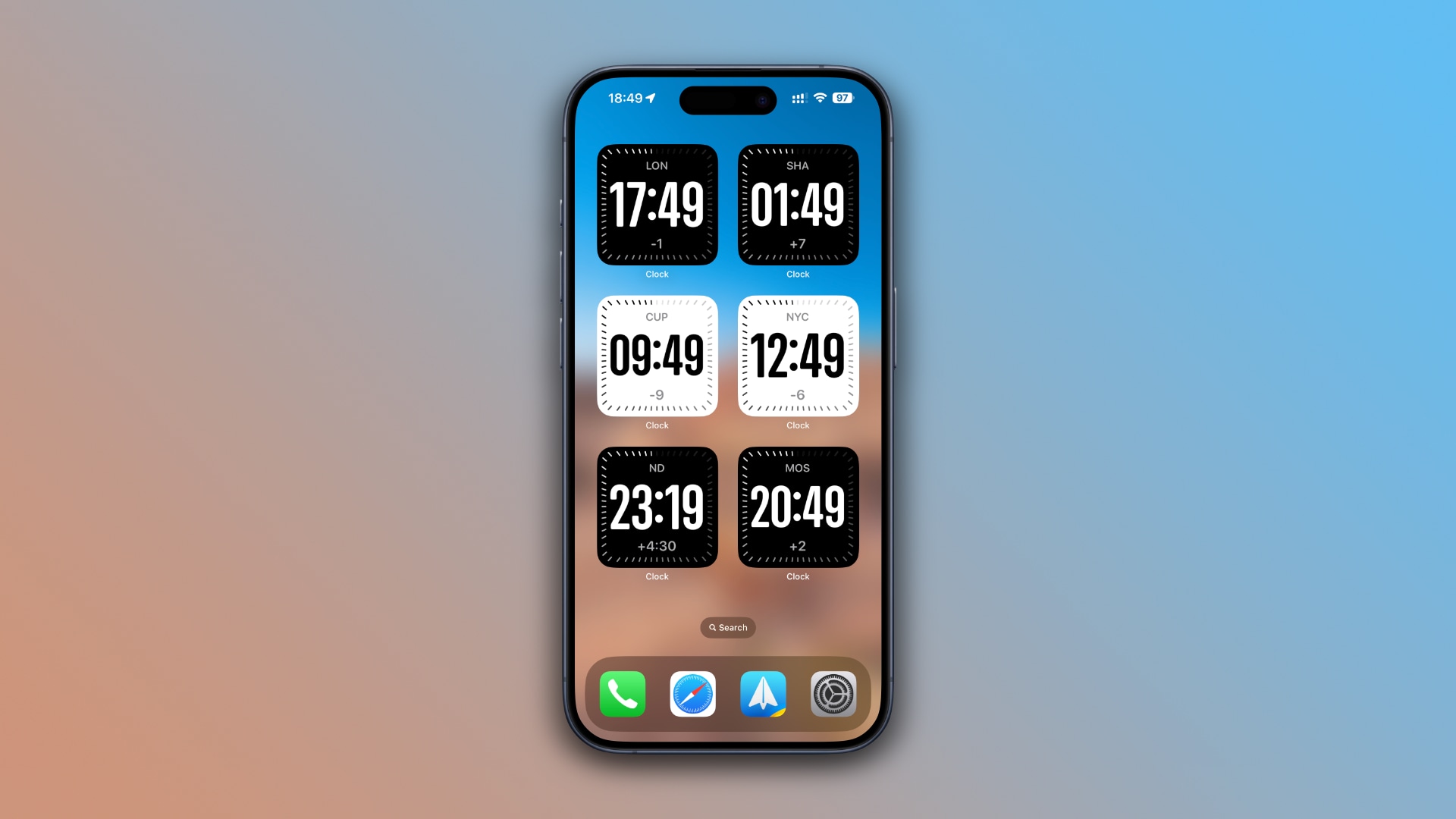 Having the new City Digital widget available in StandBy Mode allows you to quickly check the time for a custom location at a distance while your iPhone is charging.
Like iOS 17.2’s Digital Clock widget, the new City Digital widget in iOS 17.4 fades in and out seconds. Both widgets display a white face during the daytime and a black one at night. Neither one is available in sizes other than the smallest 2×2 tile.
How to use the City Digital widget
To add a City Digital widget to your iPhone’s StandBy Mode or Home Screen, touch and hold the display while in StandBy mode or on the Home Screen, then hit the + (plus) button in the top-left corner to enter the widget gallery. Select Clock in the list of apps, swipe to choose City Digital and hit the Add Widget button.
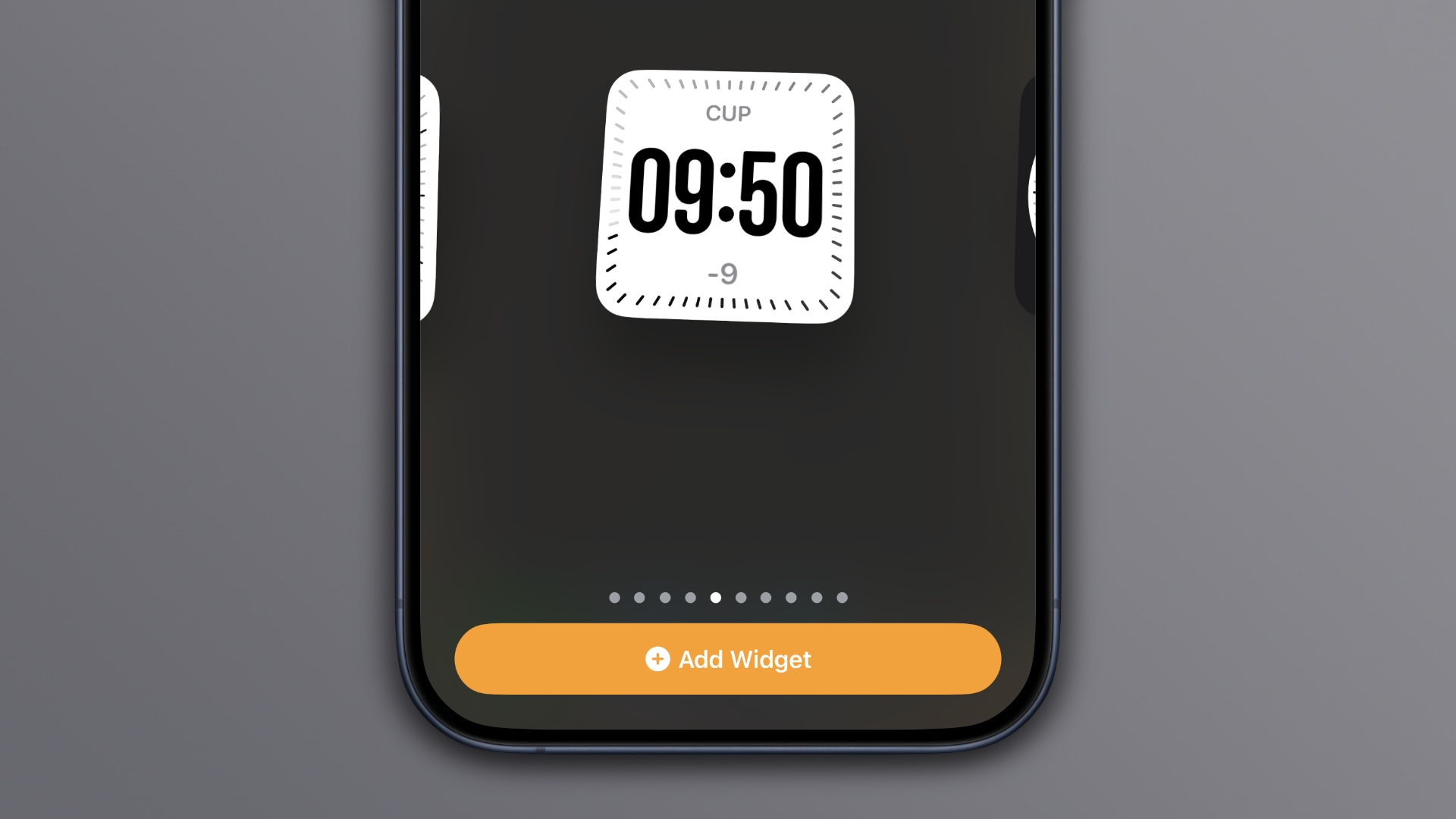 To set a custom location, touch and hold the widget your just added on your Home Screen or in StandBy Mode, then choose Edit Widget. Now touch the currently selected location under City and pick a desired city from the list.
To add a City Digital widget to the Lock Screen, wake your iPhone and touch and hold the display, then choose Customize. Next, select Lock Screen on the left and then touch an empty widget slot below the current time at the top of the screen.
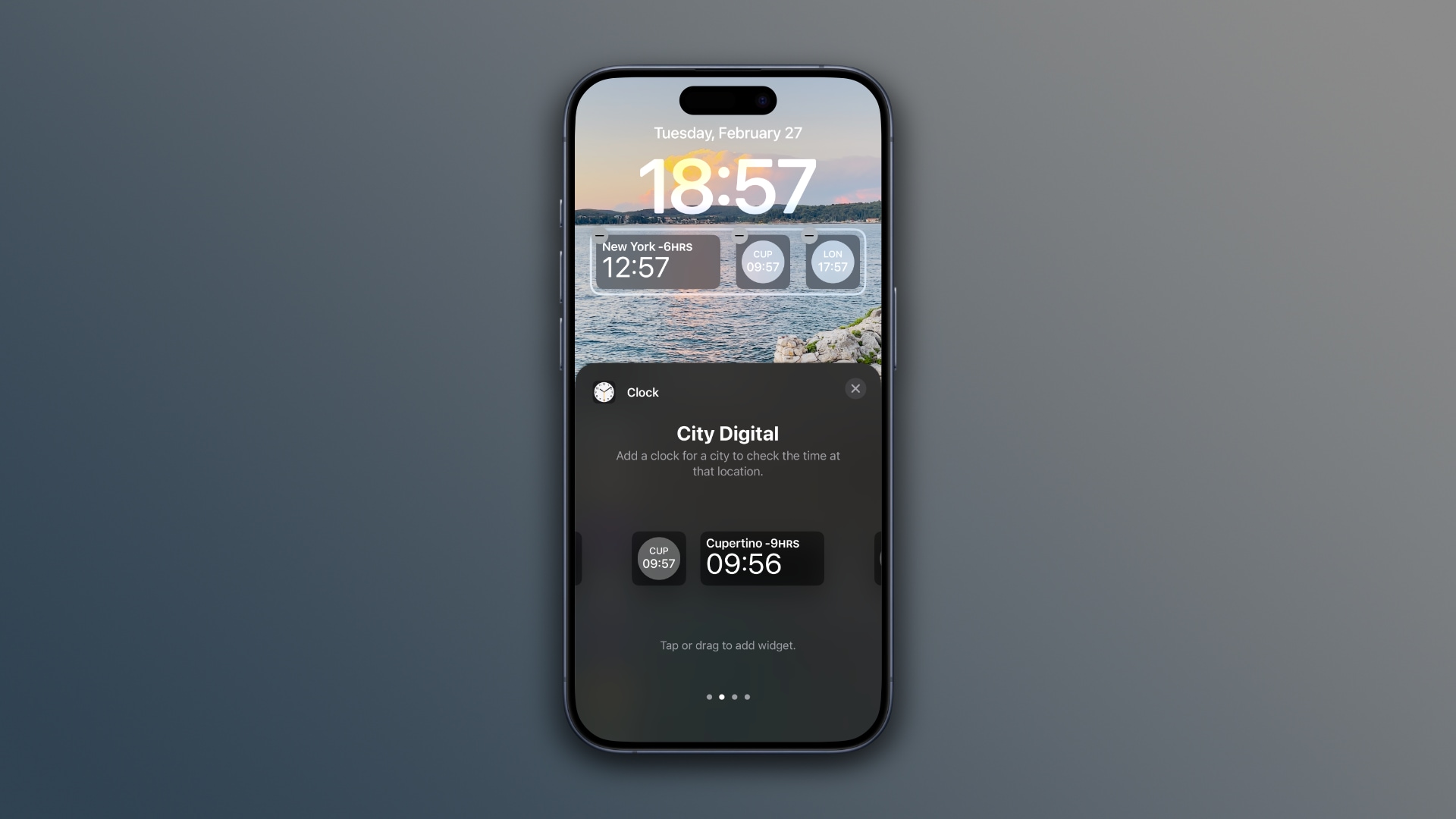 You’re now in the widget browser. Select Clock from the list of apps, swipe to City Digital and hit a small or large widget to add it to the Lock Screen. You can now touch the widget you just added to select a desired city.
Reasons to prefer digital clocks over analog ones
There are many reasons to prefer digital clocks over analog ones. Telling the time of an analog clock can be tricky—some folks (and kids) struggle with that. For them, absorbing four digits can be much quicker and easier.
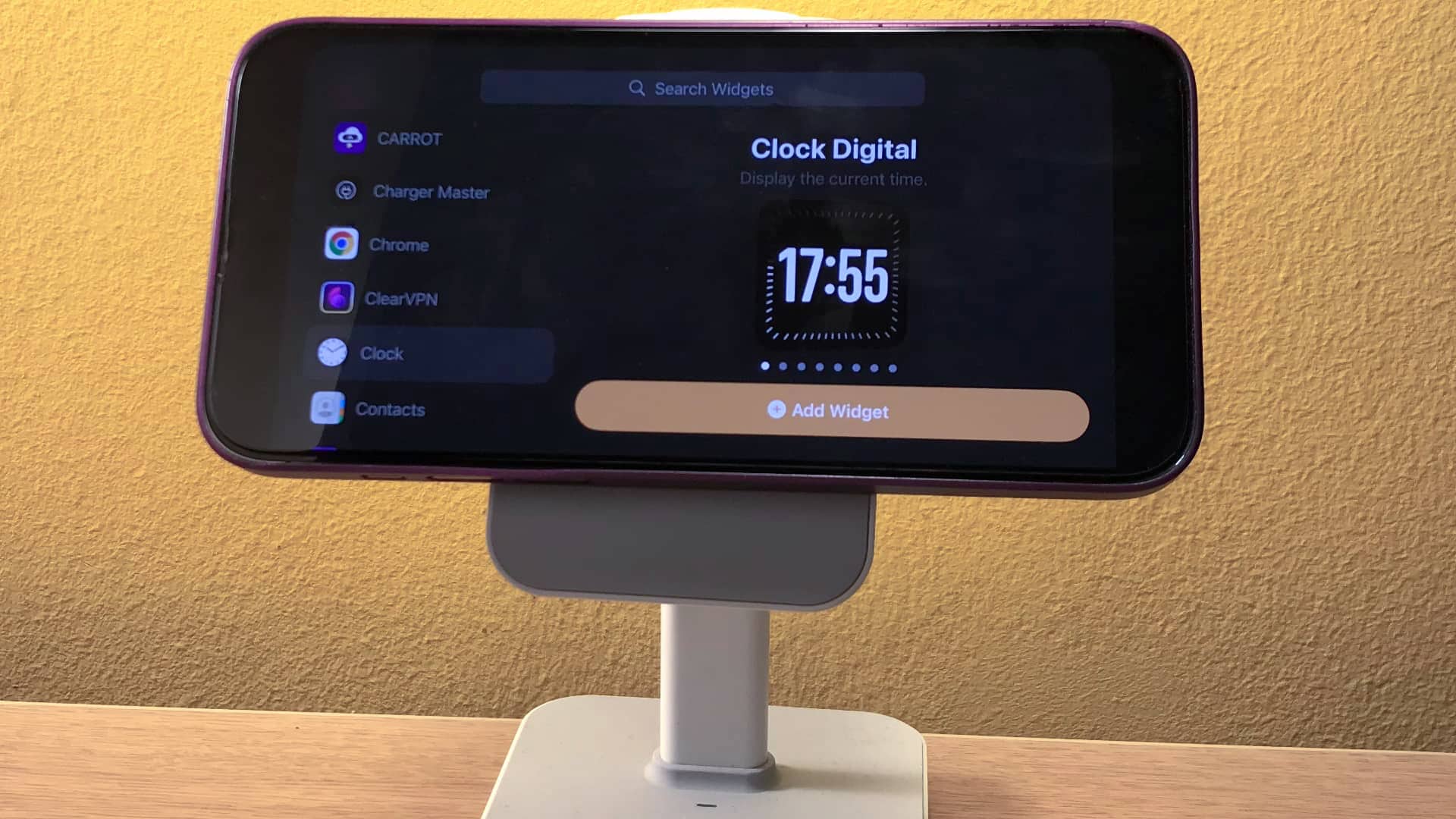 While I don’t have any issues reading analog clocks, I prefer a digital clock at night. My iPhone is always in StandBy mode while I’m asleep, acting as a bedside clock. I’ve found it quite challenging to tell the analog time if I’m still half asleep early in the morning—and especially when I wake up in the middle of the night.