Year: 2016

20 cool things you can do with the new MacBook Pro Touch Bar

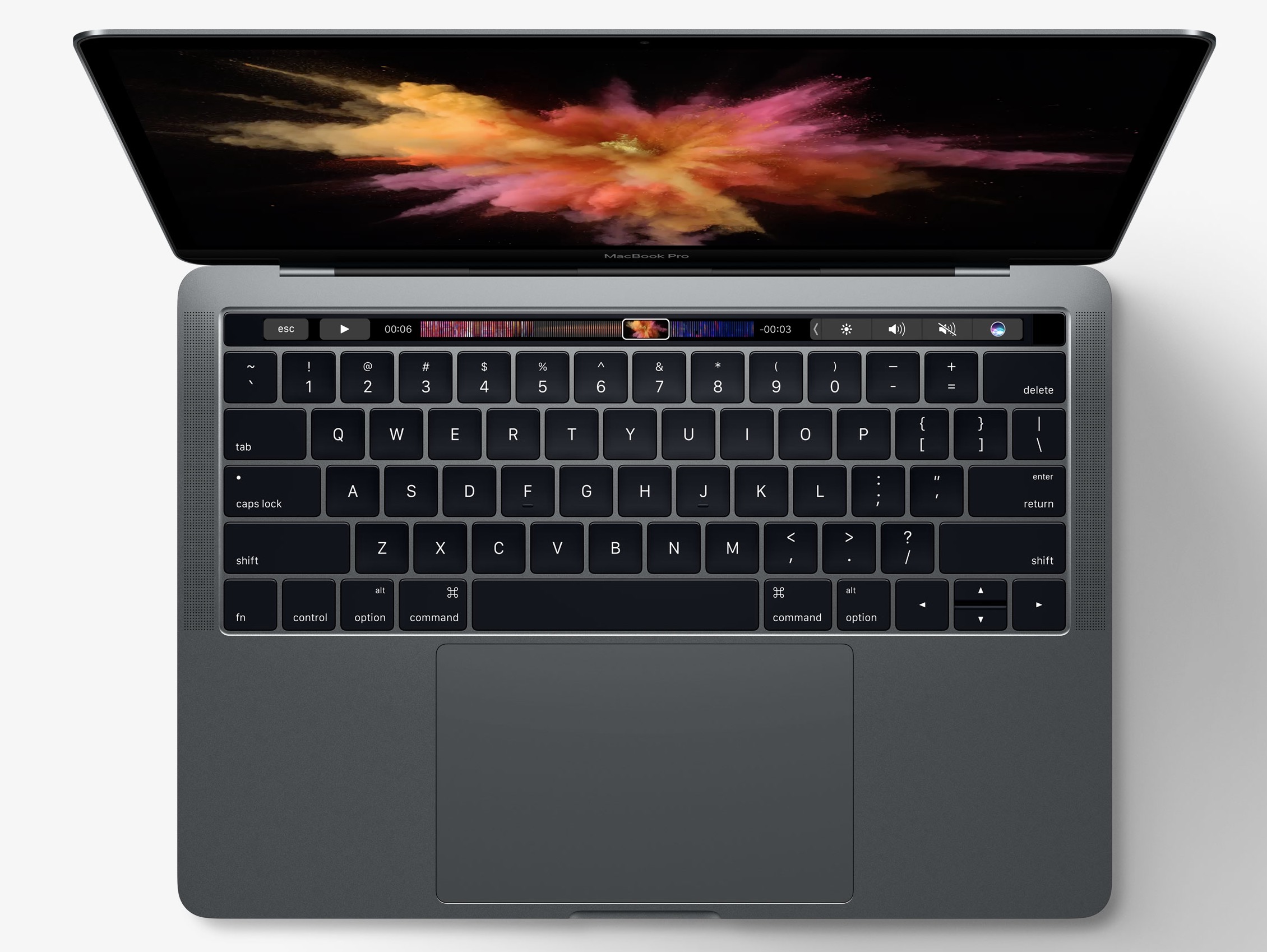
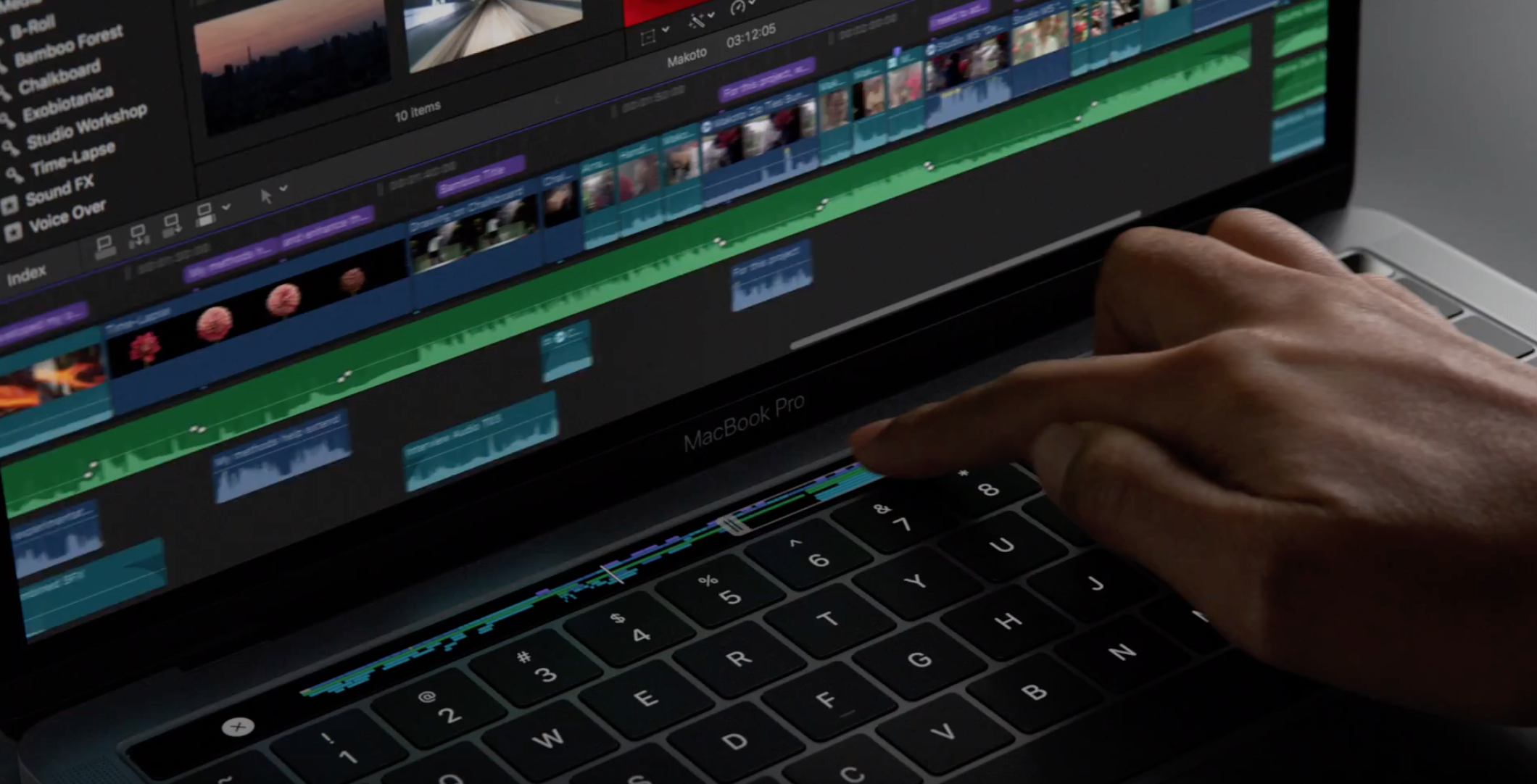
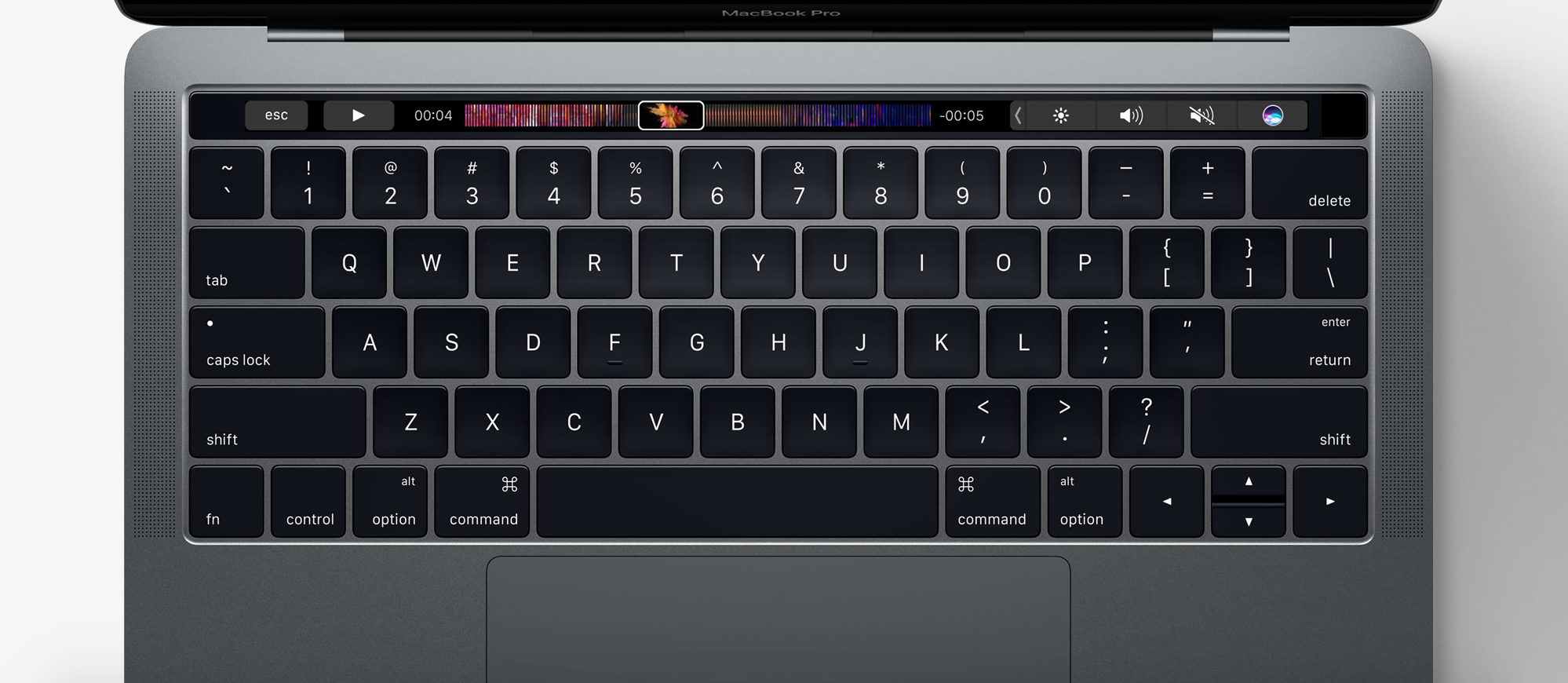
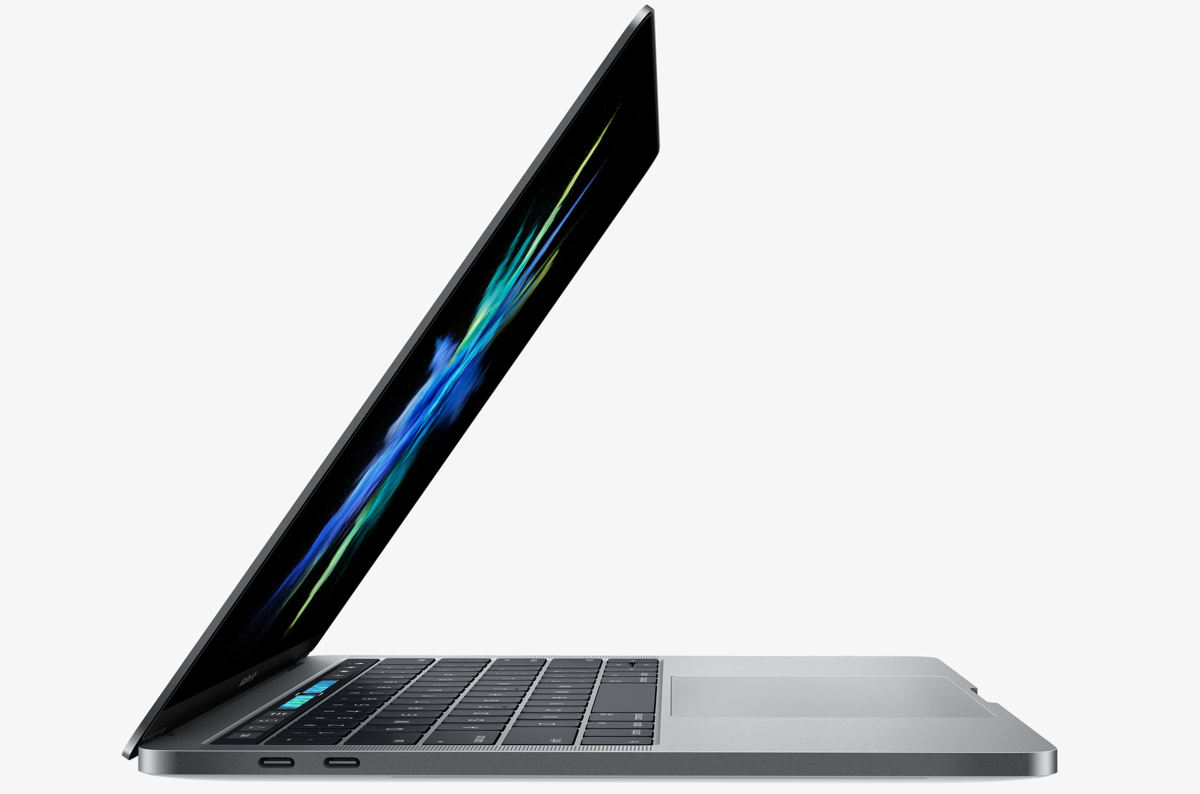
One of the new flagship features on the 2016 MacBook Pro is the new Touch Bar. This is essentially a versatile OLED bar at the top of your keyboard that replaces the function keys with software-based buttons that change based on what app you're in and what you're doing.

In this post, we'll mention 20 awesome things you can do with the Touch Bar on your new MacBook Pro.
Disappointingly, MacBook Pro’s FaceTime camera has not been upgraded to 1080p

If you thought the refreshed innards of the new MacBook Pro would let your friends and family see you in crisp 1080p video resolution via FaceTime, you're in for a major disappointment. Much to my surprise, the built-in FaceTime camera (which, by the way, Apple calls “high definition”) has remained at 720p.

High-end laptops from other vendors are increasingly outfitted with 1080p cameras which provide sharp images during video calls, but not the new MacBook Pros.

15″ MacBook Pro can drive four external 4K displays in addition to built-in Retina screen

If you're a creative type and need a laptop that transforms into a powerful desktop, the new MacBook Pro is for you. Having read Tech Specs page for the 15-inch MacBook Pro, one thing stood out for me—the machine can drive not one, not two, not three, but four high-resolution external displays.

Or, you could run two 5K external displays. What's more, the new notebooks support a smooth refresh rate of 60 Hz across all 4K/5K external displays connected to them.

First impressions of MacBook Pro’s Touch Bar

The newly launched MacBook Pros include a marquee new feature in the form of the Touch Bar, which is a marketing name for a wide, touch-enabled OLED display that runs alongside the top of the keyboard where the function keys row used to be located. Touch Bar is customizable, with shortcuts that change from one app to another, and developers can take full advantage of it with a set of new APIs.

Journalists in attendance at today's event had a chance to play with the new machines in the demo area. Here are some of their first impressions of the new Touch Bar.

The 5K LG UltraFine is the external display Apple didn’t want to make

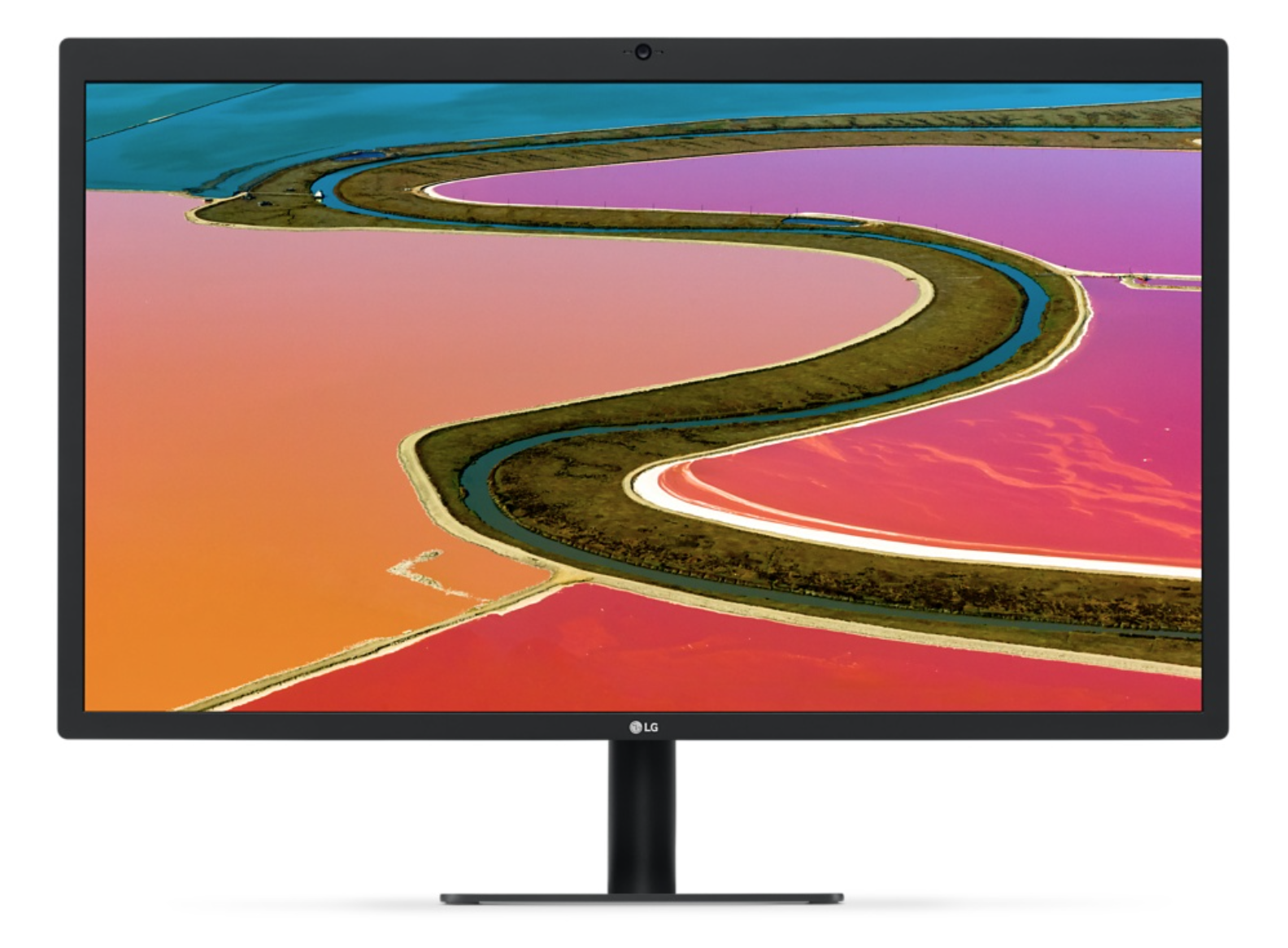
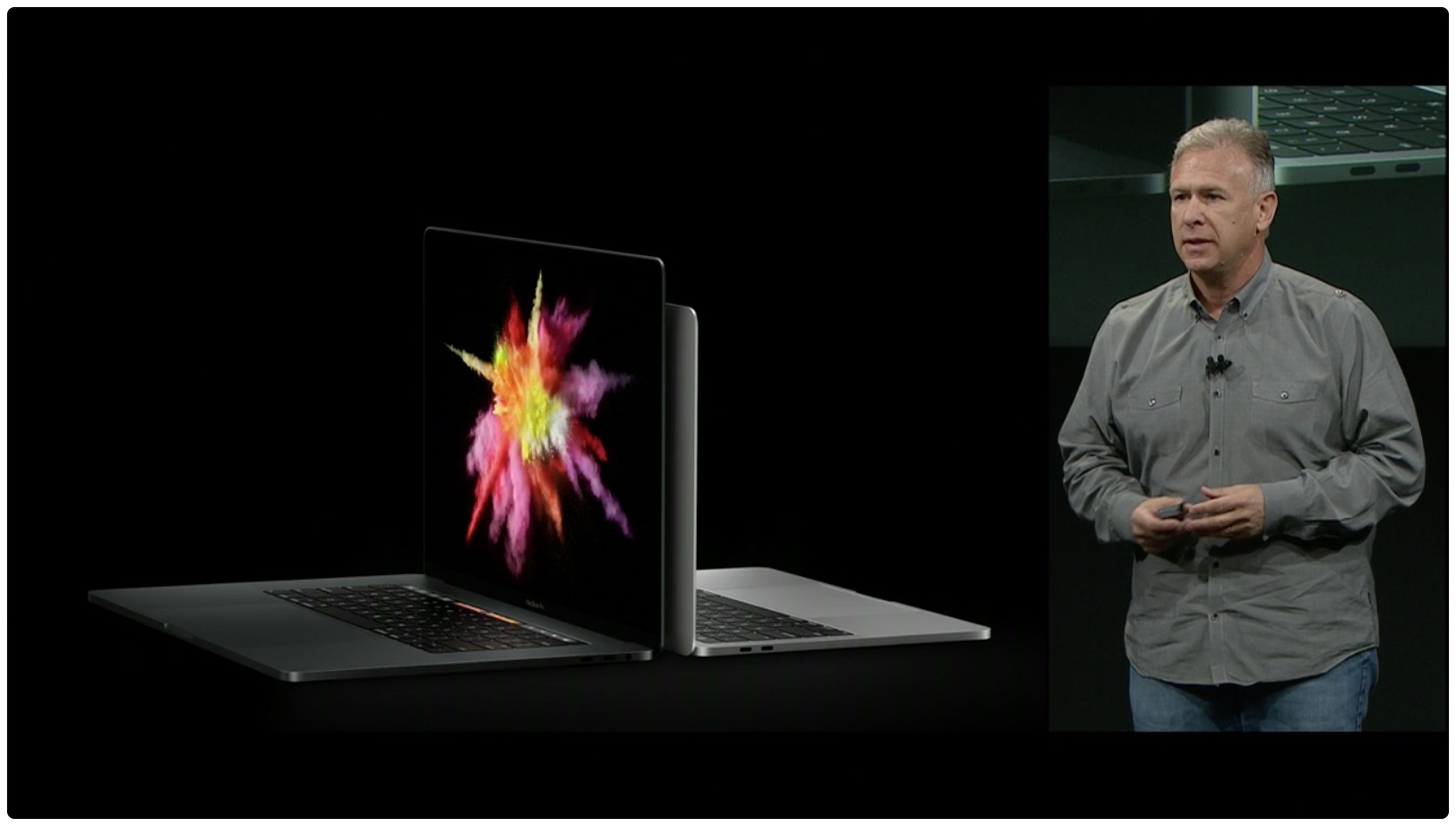
During its 'hello again' event on Thursday, Apple showed off a new 27-inch 5K LG UltraFine display. SVP Phil Schiller described it as the "ultimate docking station" because it has multiple Thunderbolt 3 ports, and can even charge the new MacBook Pro.

Schiller also noted that Apple teamed up with LG to build the display specifically for the new Pro, so it's unclear what the future is of Apple-branded displays. There have been rumors it's building one, but it may have decided the numbers aren't there.

Legacy MacBook Pro with built-in SuperDrive has been officially discontinued

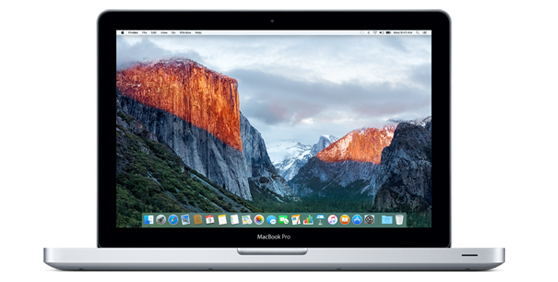
It's official: Apple no longer has a Mac with a built-in CD/DVD drive in its offering. After unveiling the latest MacBook Pros, the Cupertino firm has quietly discontinued the 11-inch MacBook Air and the legacy $1,099 non-Retina MacBook Pro model which had a built-in optical drive.

The standalone $79 SuperDrive continues to be available from Apple for the old-school types who may still have some specialized software on CDs lying around somewhere.

2016 MacBook Pro tech specs

Apple's new line of MacBook Pros was finally revealed at the 'hello again' presentation on Thursday, October 27th, and the initial first impressions with smaller form factor, new Touch Bar, and upgraded specs are stunning.

Apple is sticking to its gun with both the 13-inch and 15-inch sizes in its lineup, and in this post, we'll outline the spec differences between each of them for you.

You can now watch a replay of today’s ‘hello again’ Mac event

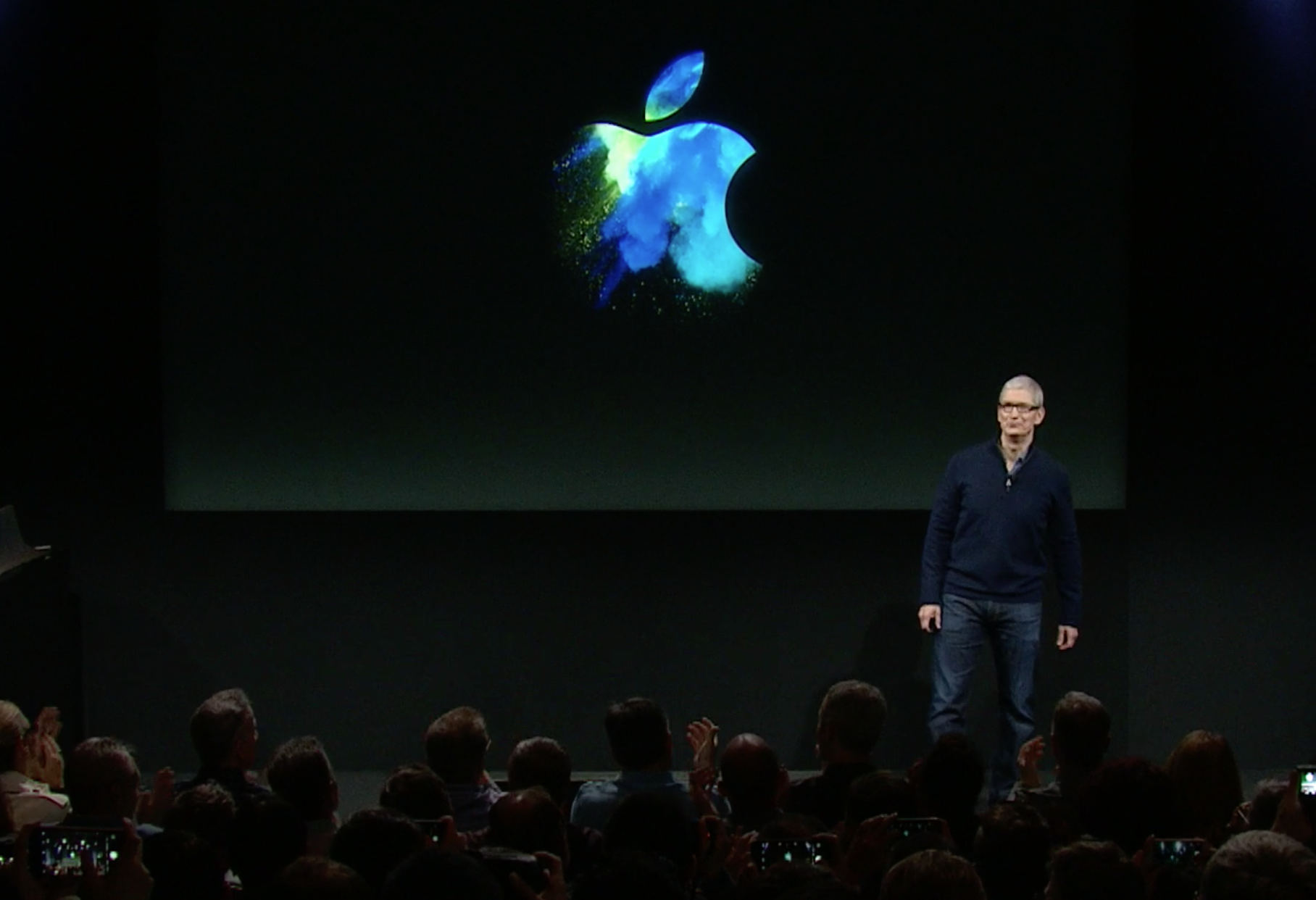
Folks who missed today’s 'hello again' event, or would just like to watch it again, will be happy to hear that Apple has posted the full video online for your streaming pleasure. It was actually a fairly short keynote, by Apple's standards, but they spent most of the 80 minutes introducing and demonstrating the new MacBook Pro with Touch Bar.

Apple discontinues 11-inch MacBook Air

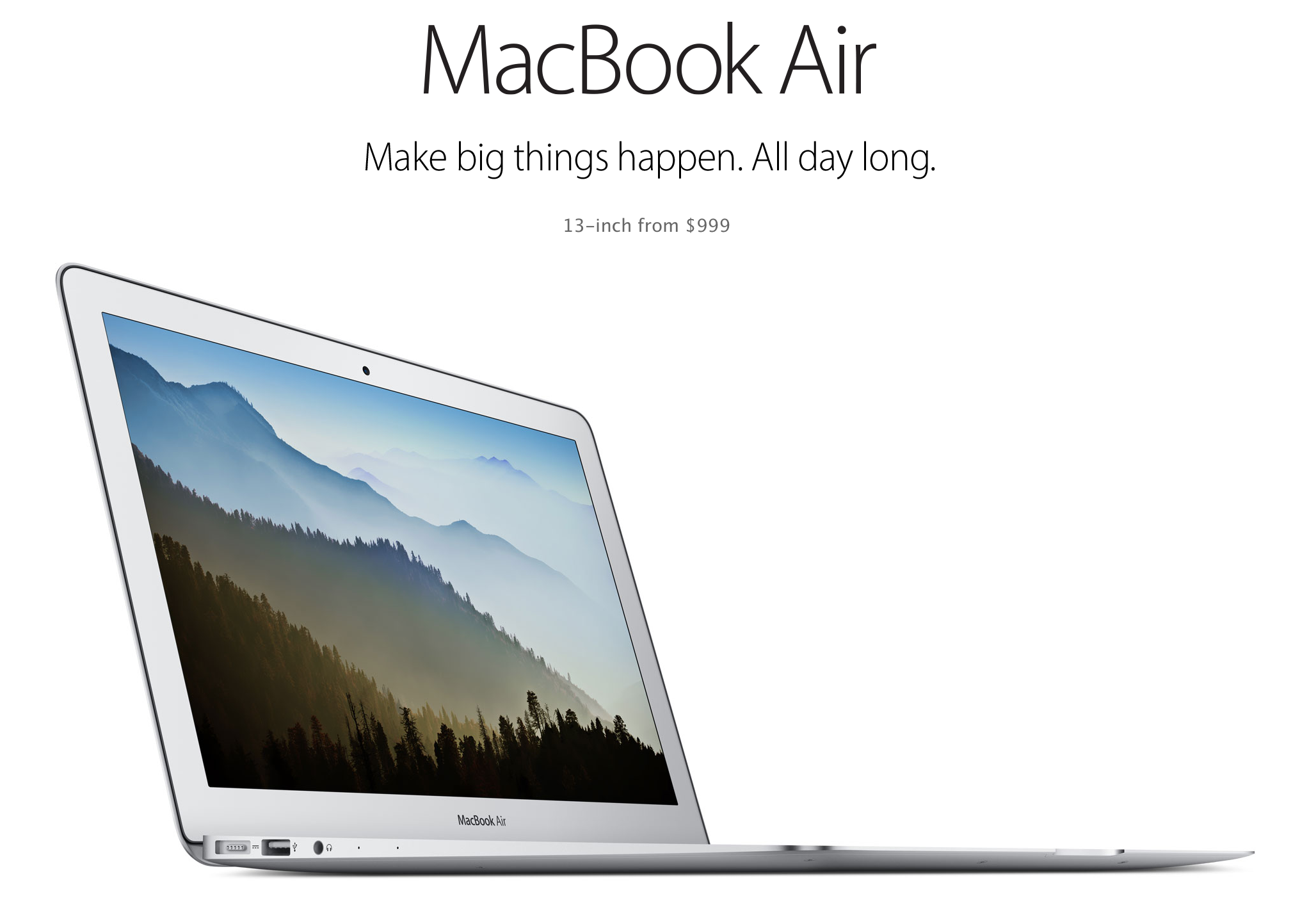
Alongside the introduction of its brand new MacBook Pro laptop on Thursday, Apple announced that it has decided to discontinue the 11-inch MacBook Air (except for in schools). It will continue to sell the 13-inch model with a starting price of $999, although it didn't get an update today and likely won't ever again.

This is how you turn the new MacBook Pro on and off

Apple today refreshed its Mac notebook lineup with all-new 13 and 15-inch models that have Touch Bar and Touch ID in place of the hardware function keys row, among other new features. It's a stellar feature that I can't wait to use.

According to Apple, the Touch Bar is meant to replace the function keys “that have long occupied the top of your keyboard with something much more versatile and capable.” I'm sold on the new Touch Bar, but where did the dedicated Power button go and how exactly do you turn this thing on now?

Watch the videos from Apple’s ‘hello again’ event

Apple has posted various videos shown during today’s 'hello again' Mac event to its YouTube channel. Included are clips highlighting Apple's commitment to Accessibility features and various MacBook Pro demos and promotional spots.

Of course you can watch a replay of the entire event, so folks that completely missed the keynote this morning may want to do that. But if you just want to get to the meat of the big announcements, these videos are a great starting point.

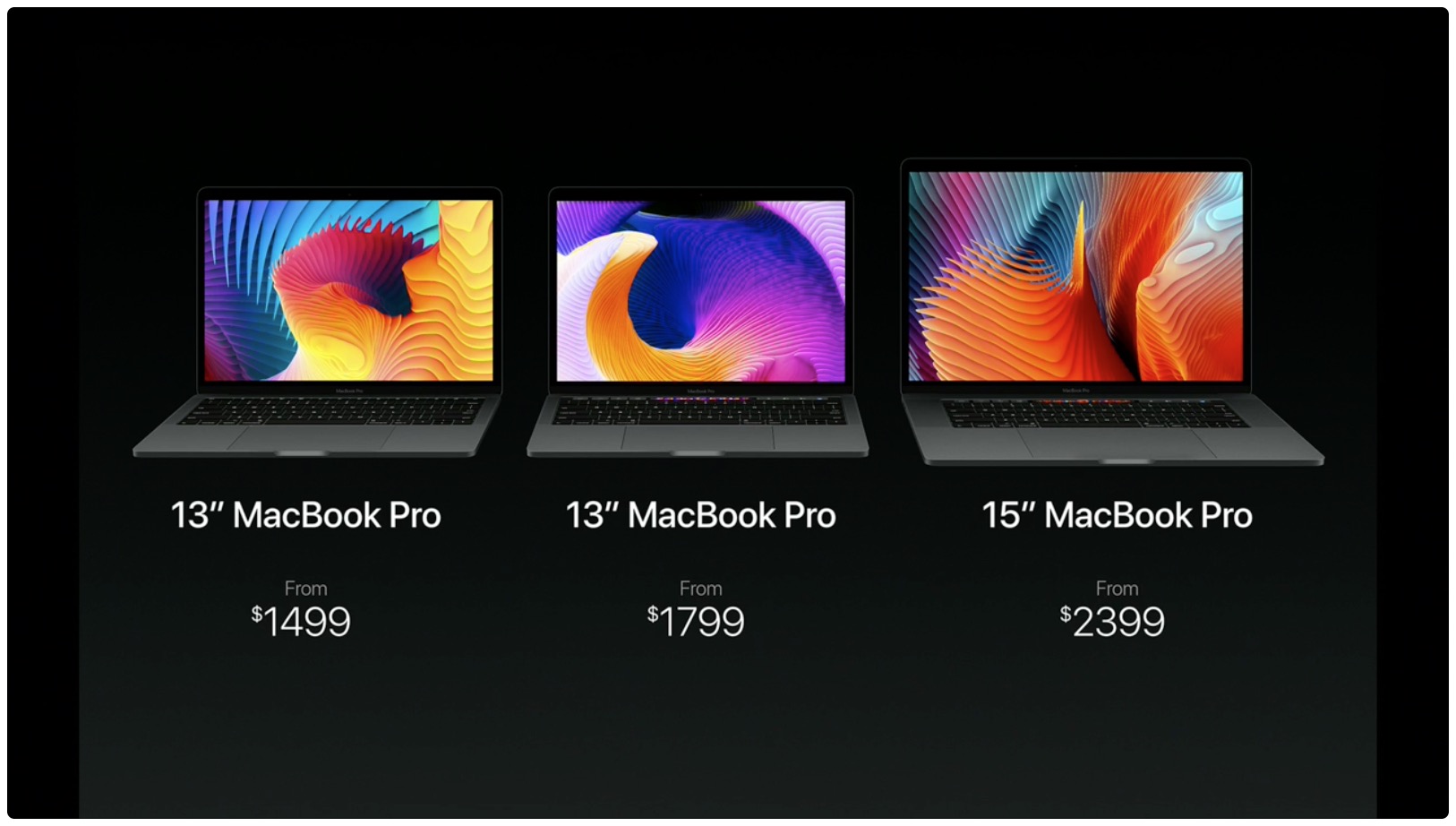
New MacBook Pro starts at $1,499, some models available today

Apple just announced pricing and availability information for its shiny new MacBook Pro. Apparently it will come in 3 models, starting at $1,499, and you can order them all today. Shipping times are different, however, depending on which model you're after.

The entry-level 13-inch MacBook Pro is essentially a MacBook Air replacement. It shares the slimmer design and various internals with the new MacBook Pro, but it comes with physical Function keys instead of the Touch Bar, and doesn't have Touch ID.