Apple on Monday released iOS 10.1.1, a minor update for all iPhones, iPod touches, and iPads with bug fixes.
Apple releases iOS 10.1.1 with bug fixes for Health data
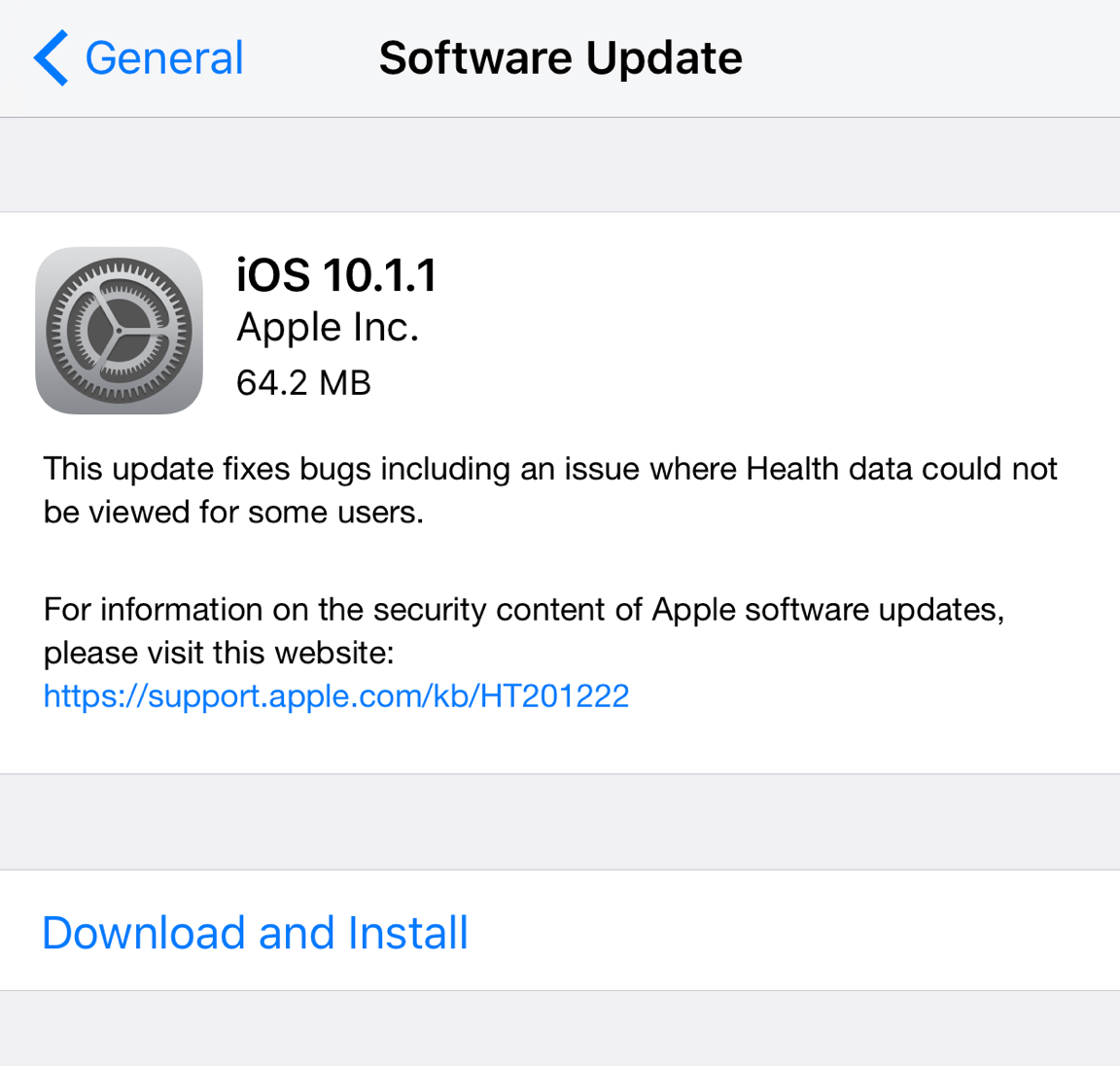
Apple on Monday released iOS 10.1.1, a minor update for all iPhones, iPod touches, and iPads with bug fixes.
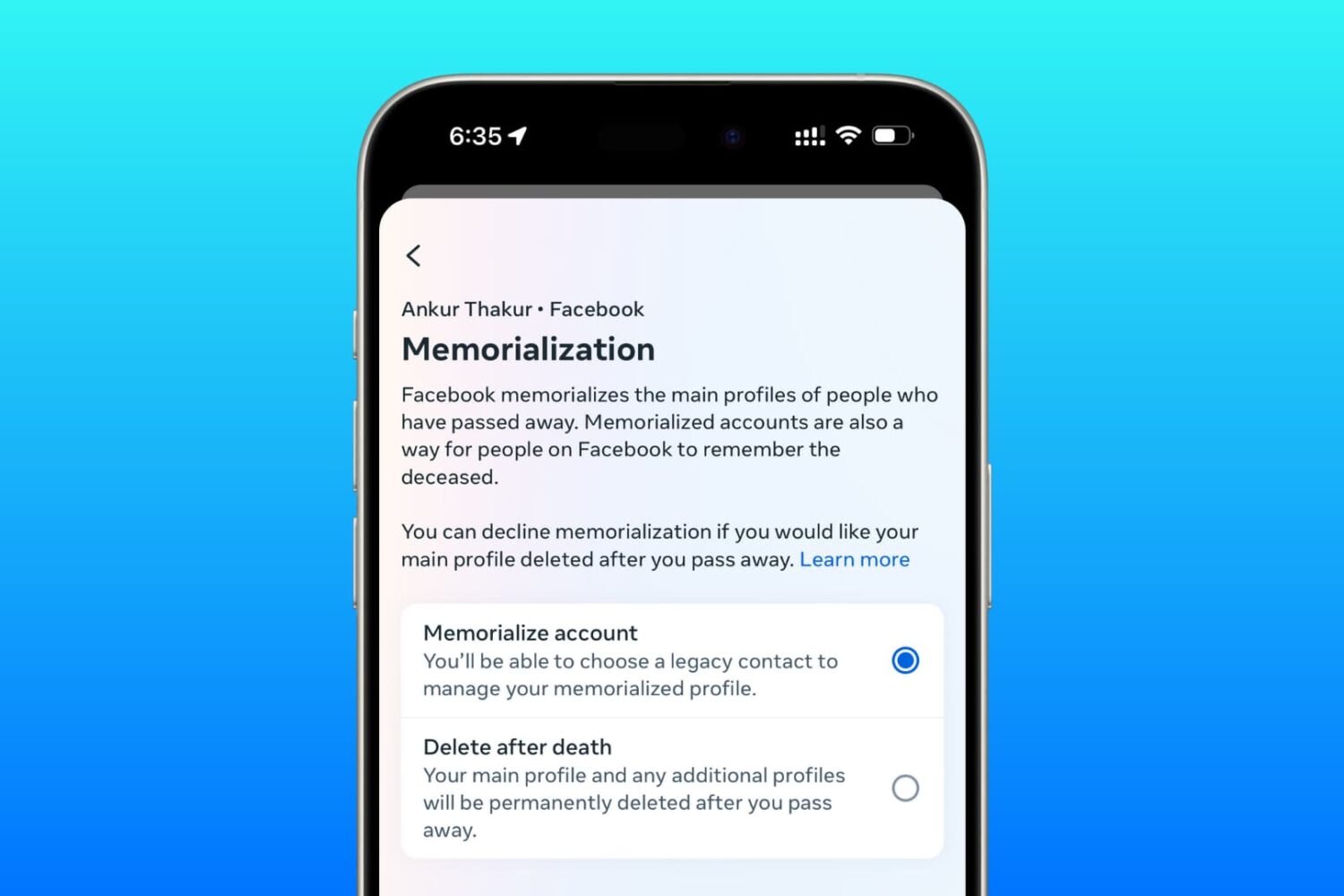
Learn how to set up a trusted family member or friend as a legacy contact for your Facebook account so they can manage it after you pass away.
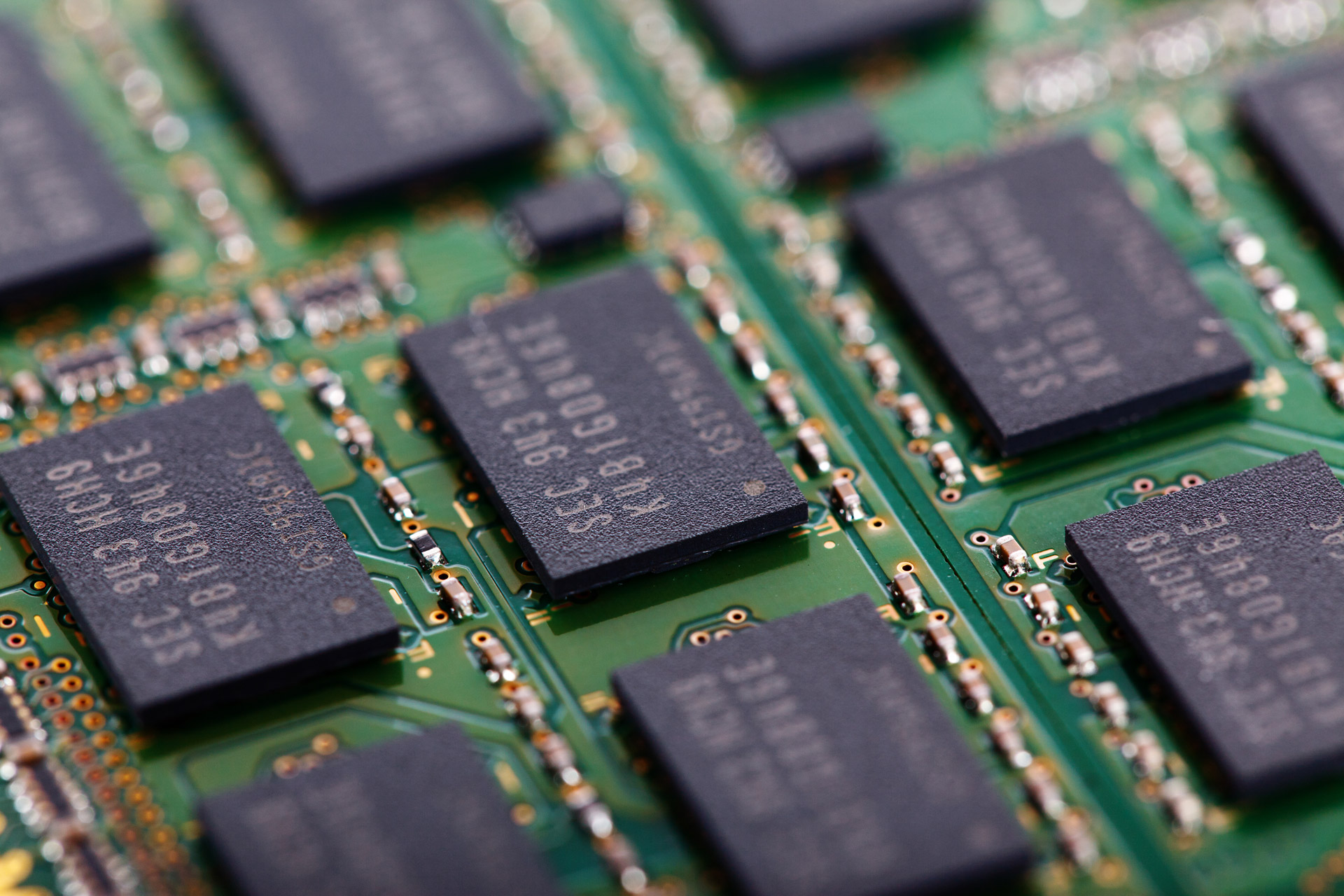
I was recently asked about the difference between active, inactive, and wired memory on computers. Many memory measure tools use these terms to describe your memory usage and doesn't really go into much depth about what they mean.
In this piece, I hope to shed some light on this confusion and explain the differences between these memory states the best I can.
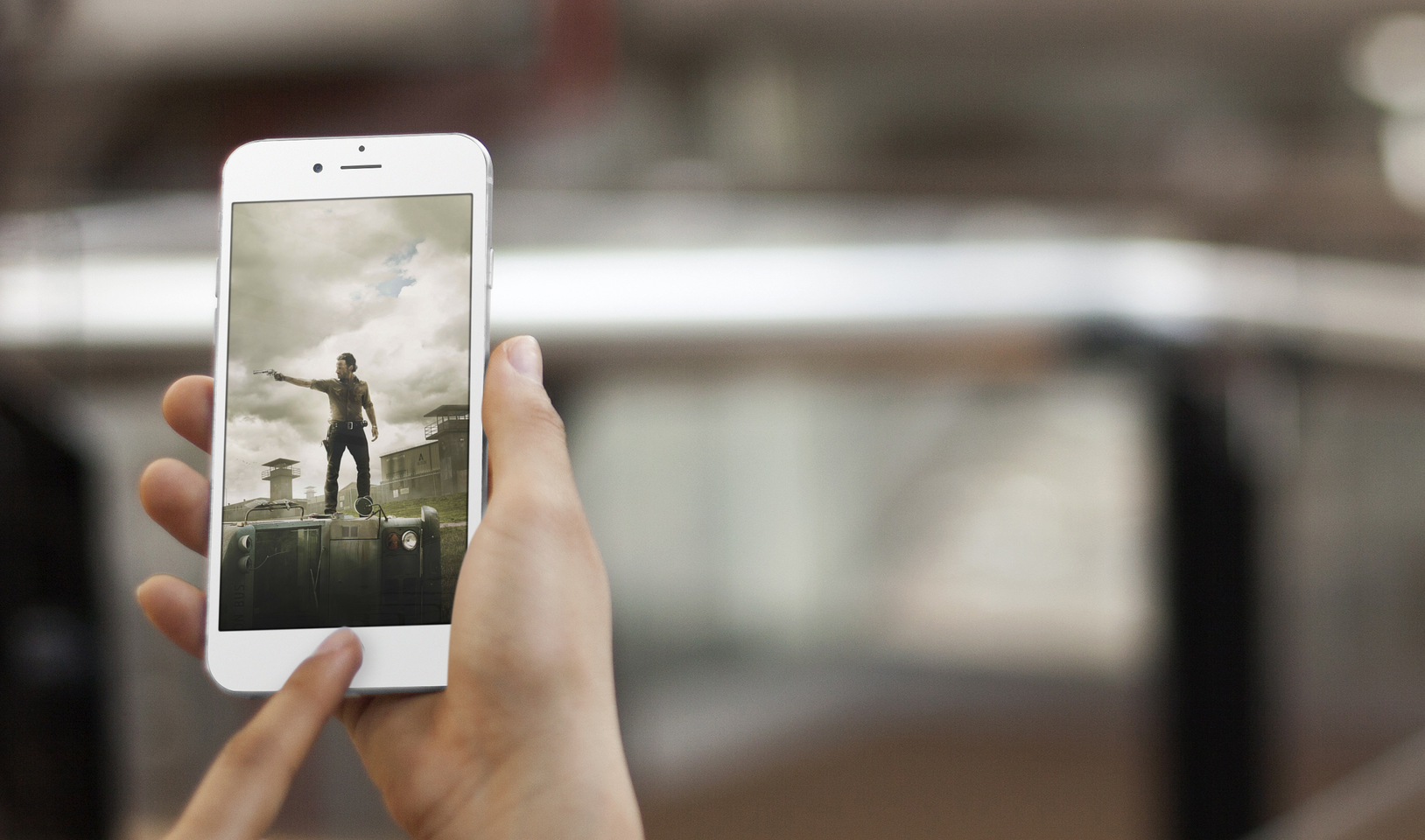
The Walking Dead season 7 premiered last week with a brutally violent opener, bringing the show to the next level. Arguing the tagline "we're just getting started," the show continues to entice viewership.
Before diving headlong into the fresh season, use the following wallpapers to reminisce about the good days. The upcoming season will prove to continue what appears to be a shocking new change in the show.

Drowned out by the excitement behind the release of iOS 10.1 to the public and Apple's 'Hello Again' special event this week, the jailbreak community has been pretty quiet this week.
Nevertheless, we've still seen a number of new jailbreak tweak releases in Cydia and we'll go over all of them in this roundup.
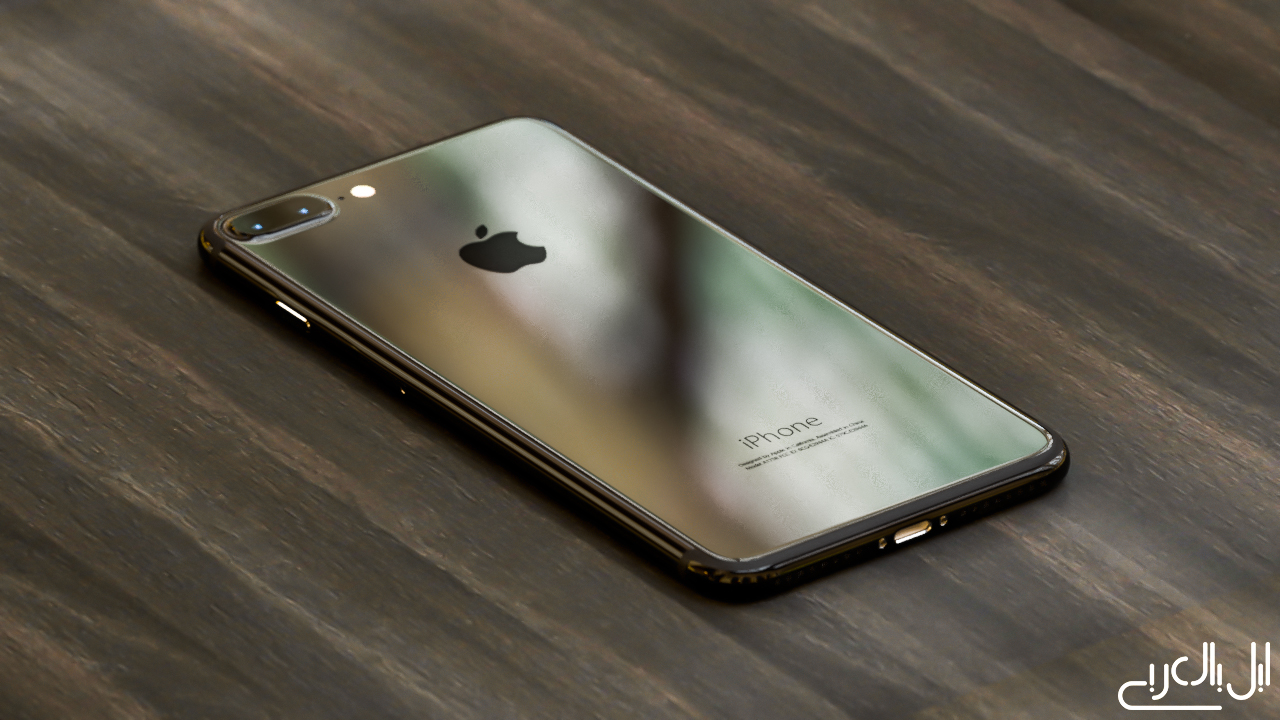
Sharp President Tai Jeng-wu—who is also a high-profile executive at Foxconn, Sharp's parent company and Apple's favorite contract manufacturer—said publicly that Apple's next iPhone will use a curved screen based on organic light-emitting diode (OLED) technology akin to that on Samsung's Galaxy S7 smartphone, Nikkei reported Saturday.
As you know, Apple currently uses OLED screens on the Apple Watch and the new MacBook Pro's Touch Bar. All iPhone, iPad and iPod touch devices to date have used traditional LCD screens.

It's been a long week here at iDB, what with Apple's big Mac event and all. So we're ready to kick back and relax this weekend with some new apps and games. The latest edition of our Apps of the Week roundup includes an app that enables Siri to read you tweets, and an image editor that adds clowns to your photos. And as always, we've selected a few new games for you to check out!

Apple is offering a new promotional tool geared towards app developers, now allowing the distribution of promo codes for early access to in-app purchases by means of iTunes Connect.
As we were watching a live-stream of yesterday's “Hello again” Mac event, our own Sébastien told the rest of the team via Slack that, in his mind, the 1Password + Touch ID + MacBook Pro combination would make a lot of sense. And indeed it would.
Less than 24 hours later, 1Password developer AgileBits has officially confirmed in a blog post that they're hard at work implementing support for Touch ID via the new MacBook Pro's Touch Bar to let users protect the app with their fingerprint.
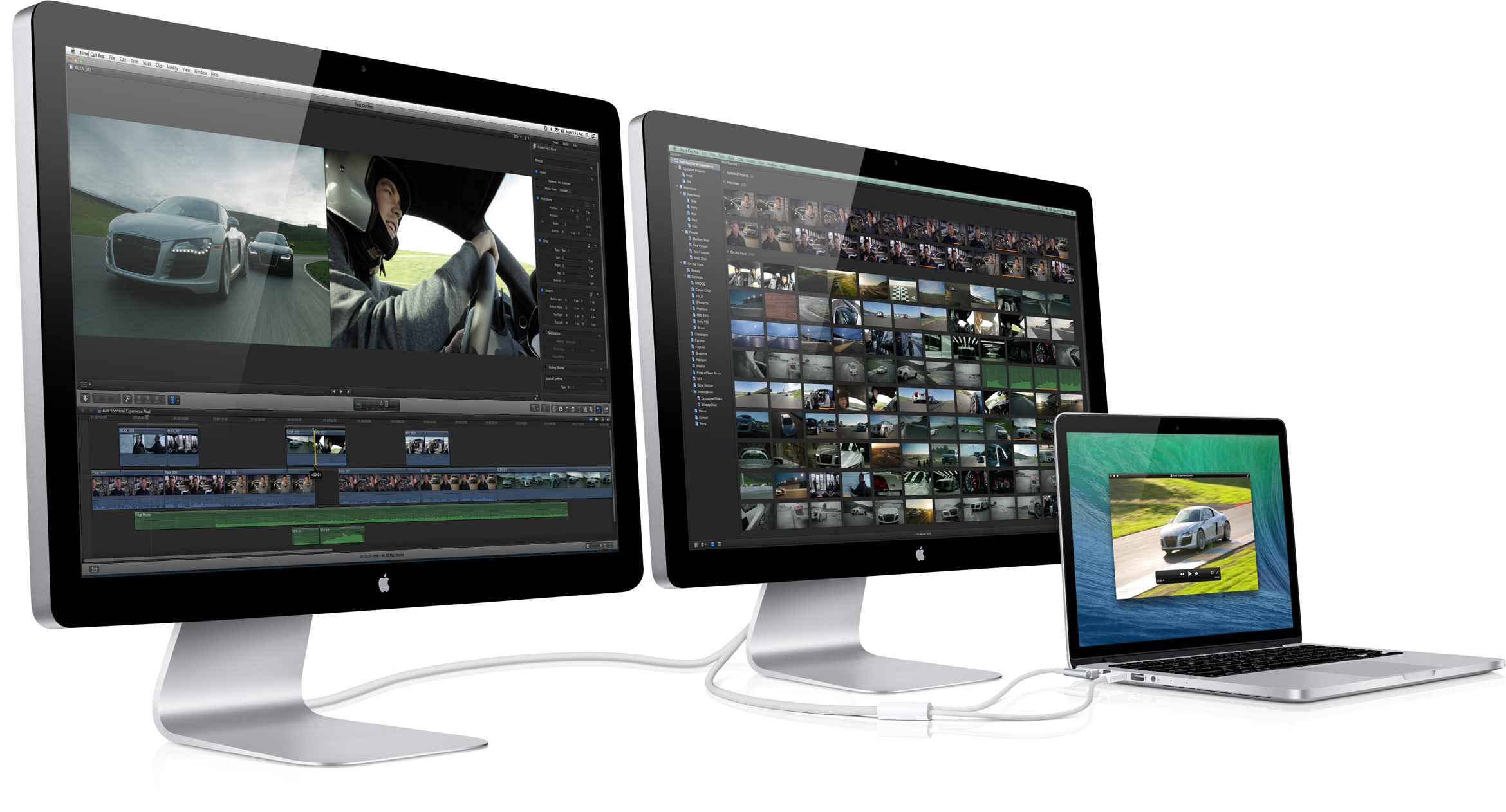
Nilay Patel, Editor-in-chief of The Verge, has confirmed with Apple that the company has officially exited the standalone display business, dashing any hope that we might see a standalone Apple-branded 5K Thunderbolt Display. If you own a Thunderbolt Display, don't hope for a Retina-enabled upgrade.
Responding to Jason Snell's notes on the new MacBook Pro over at Six Colors, Patel wrote on Twitter that “Apple told me it's out of standalone display biz.”
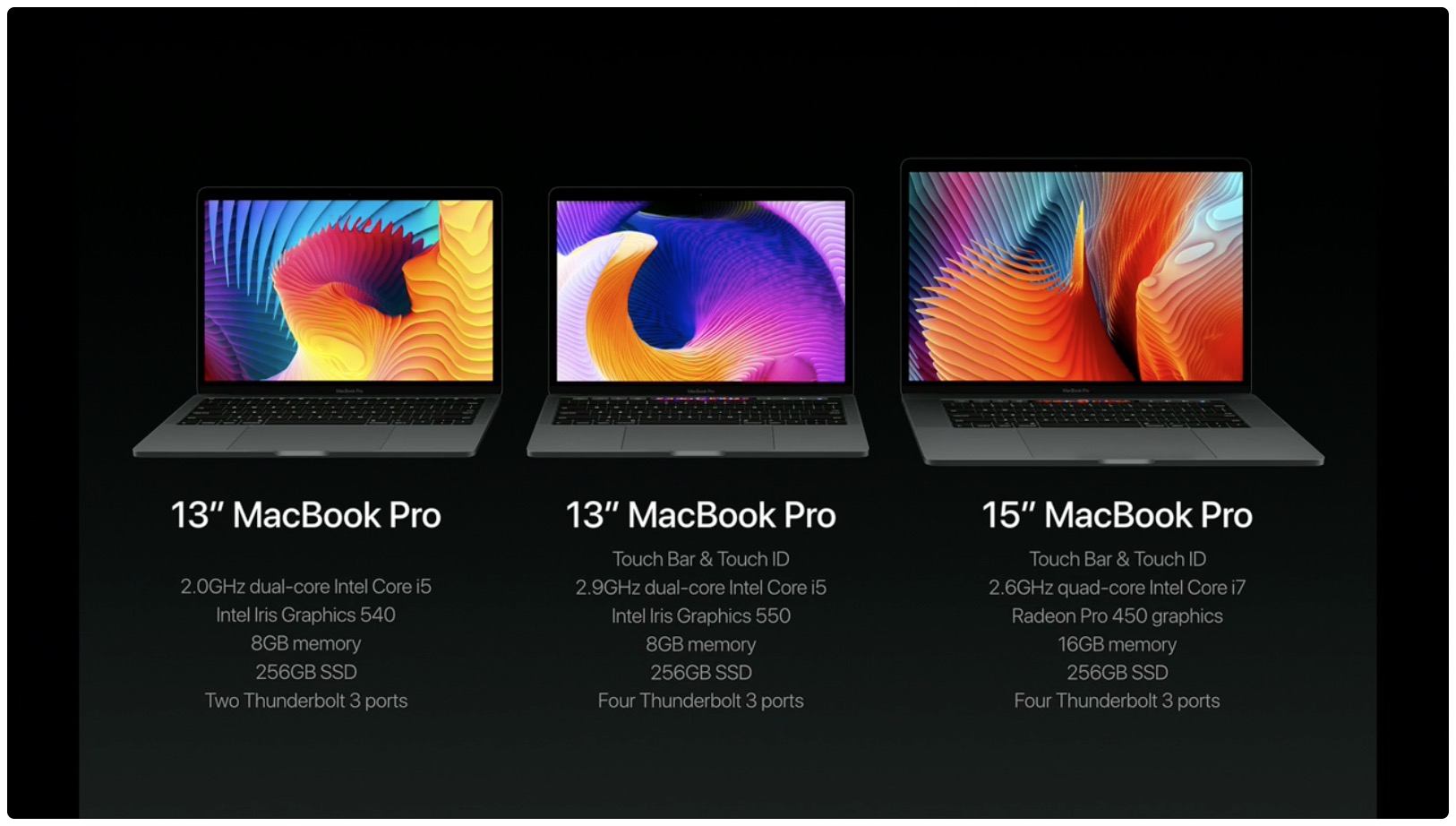
I've had a blast configuring the new MacBook Pro in Apple's online store and a lack of 32GB RAM upgrade option immediately jumped out at me. Thirteen-inch Pros include 8GB RAM while the faster and pricier fifteen-inch machines double that to to sixteen gigabytes.
According to Apple, the new MacBook Pro cannot be configured with 32 gigabytes of RAM because doubling the memory would have a negative impact on battery life.
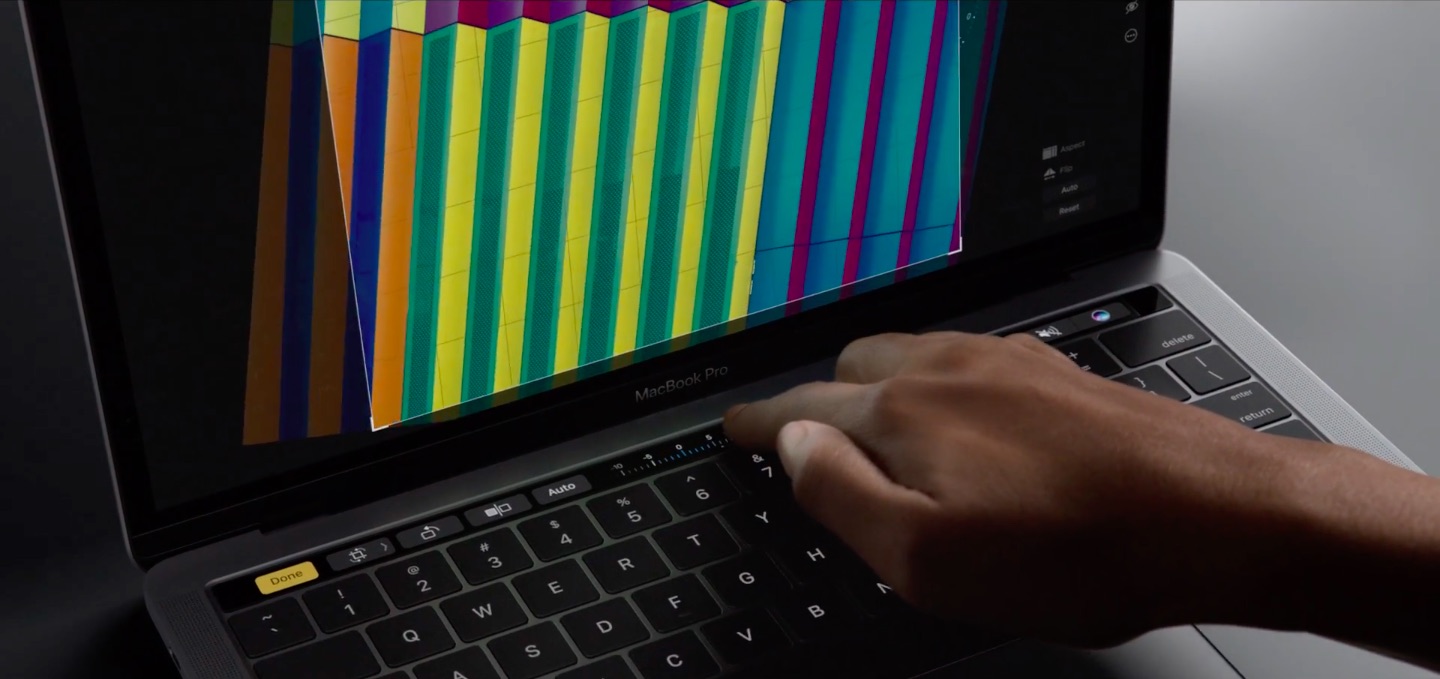
If early impressions are an indication, the Touch Bar on the new MacBook Pro is definitely not a gimmick. The time-saving feature lets you accomplish common tasks faster without needing to memorize a bunch of app-specific keyboard shortcuts.
Instead or remembering a shortcut or wasting time finding it in the menus, you just touch one of the system-wide or app-specific icons that are displayed on the Touch Bar.
For the hardware geeks among us, the more interesting aspect of the Touch Bar is the Apple-designed silicon behind it, dubbed the T1. As developer Steven Troughton-Smith has discovered, the Touch Bar is actually a mini Apple Watch.