Year: 2016

The top stories of the week on iDB

Like every Sunday, we get to take a look at some of the most popular posts that were published on iDB during the week that just ended. Whether it is a news item, a new jailbreak tweak, a tutorial, or an app review, we sum it all up in one convenient place for you.

As always, if you like what you're reading, please feel free to spread the love by sharing our posts on your favorite social network.

We're usually hanging out a lot on Twitter and Facebook, more rarely on Google+.

Don't forget to listen to the latest episode of our new podcast, Let's Talk iOS:

Subscribe on iTunes

And of course, make sure to catch up with the new episode of Let's Talk Jailbreak:

Want to support iDB? Visit our Deals Store and buy something from us.

How to create stunning HDR photos in under 3 minutes

Do you take a lot of photos with your iPhone? Yep, I do too. I am often shooting with it even as I am capturing a scene with my professional camera. I find that I capture different views on a subject when doing so. For me, shooting with my iPhone is all about the fun, ease and whimsy of mobile photography. Plus, it’s always with you, right?

But do you ever capture photos that look great compositionally, but feel like they are just lacking a little something extra? You know, maybe they need a color boost to bring them up a little, or perhaps the shadows are too dark, or worse yet, there is a lot of digital noise in what should be a smooth sky?

It does happen, because despite being very convenient and a capable little camera, it can only do so much. There are many iPhone apps that people have turned to in order to make edits to their iPhone photos (myself included), but using professional software to make those adjustments can usually offer amazing results.

While we often think of making photo adjustments on the fly for a quick upload somewhere, consider how much more beautiful your shots will be if you exert a bit more fine-tuned control over the final image.

Today, we will take a look at doing just that, and help you create a stunning HDR image in just a couple of minutes, using Aurora HDR from Macphun.

Apple meets with top podcast producers to hear their complaints

Unhappy that Apple's been neglecting iTunes podcasts for years now, top producers were invited to meet with Apple executives at the company's Cupertino headquarters and voice their grievances, The New York Times reports.

It's true that the iTunes podcasting hub's remained virtually unchanged since its 2005 debut so it shouldn't surprise Apple if producers think that this might have something to do with the fact that podcasts bring the Cupertino firm nothing in direct revenue.

While Apple essentially gave life to the podcasting industry, and it still dominates that sector, company officials made no promises to these producers. Small wonder some of them are now concerned that Apple may no longer care about podcasting.

Leaked screenshots show off minor design changes in upcoming iTunes 12.4 update

Apple is working on a minor update for desktop iTunes and MacRumors was able to obtain screenshots which show off several design improvements in tow for the app. This isn't the top-to-bottom overhaul we've been all waiting for though the changes in iTunes 12.4 should make this infamous Mac and Windows app a bit easier to use.

As per the leaked screenshots, iTunes 12.4 packs in a redesigned media picker, a persistent sidebar for quick access to different sections of your iTunes library, a slightly reworked mini player and a tad simpler menus.

Audicy lets you import media to your iPhone without iTunes

Audicy is a great new jailbreak tweak that lets anyone running a jailbroken installation of iOS 7.0 to 9.1 import media from various sources to their stock media apps. These include the Music, Podcasts, and Videos apps that come pre-installed on your iOS device.

In this review, we'll talk about how Audicy works and show you how it'll come in handy for quick, on-the-go media importing without having to tether yourself to a computer to use iTunes.

New Tweetbot update makes tweetstorming easier

The Tapbots on Friday issued an update for their popular iOS Twitter client Tweetbot 4, bringing the app to version 4.3. The update includes a number of improvements, and a brand new feature called Topics that promises to make tweetstorming easier.

A Topic is a way to let you quickly Tweet a group of related Tweets without having to manually reply to yourself and/or add the same hashtags over and over. You can activate Topics by tapping the gear menu in the Compose screen, and they sync via iCloud.

iOS 9.3 jailbreak status: what we know so far

It’s been several months since Apple killed off the iOS 9.0.x jailbreak, and since then the state of the jailbreak has been very unstable. True, a new version of the Pangu Tool came out in March, for iOS 9.1, but by then most folks had already updated to 9.2 or the 9.3 beta. So as you can imagine, we’ve received a lot of questions regarding the current status of the jailbreak. Here is what we know so far.

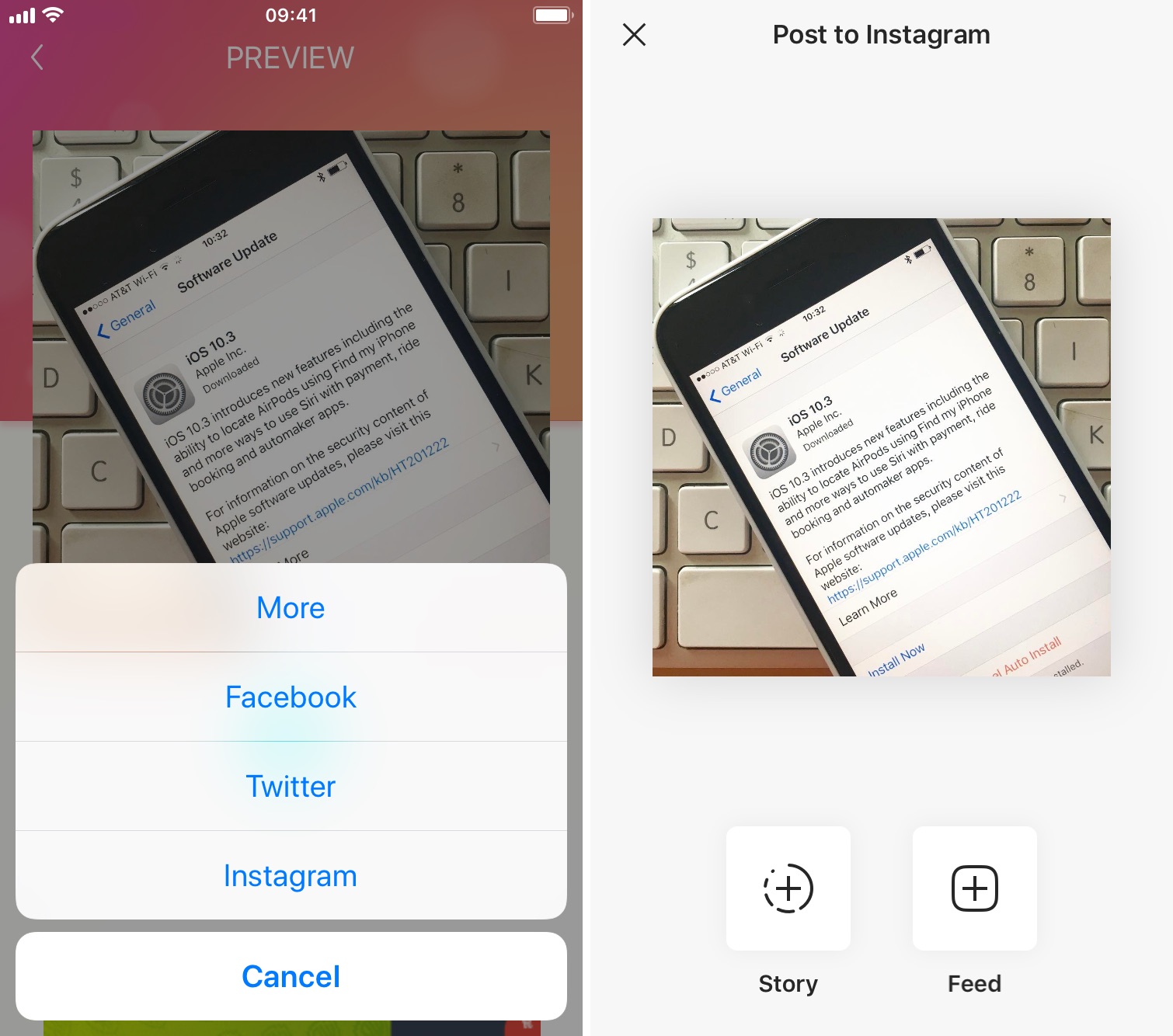
How to repost Instagram photos, videos, and stories on iPhone

Repost photo to Instagram

The Instagram app lacks the option to repost Instagram photos, videos, and stories natively, so people usually screenshot photos to post them as their own. This works fine as a workaround but requires extra steps, such as cropping the screenshot. Maybe more importantly, it generates photos of poor quality.

Reposting, also known as regramming, is quite a common practice, even though the Instagram application doesn't provide a way to easily do that. As a result, you must use third-party applications. In this post, we will show you how to repost Instagram photos, videos, and stories from your iPhone using an app we developed ourselves called Reposter for Instagram.

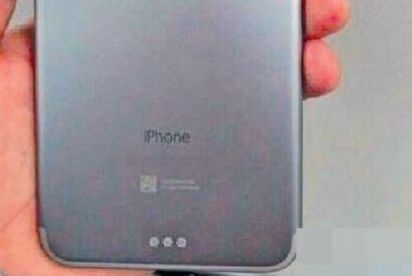
Apple’s reportedly decided not to add Smart Connector to iPhone 7

An unconfirmed iPhone 7 part which leaked out of China back in March had us wondering whether the iconic smartphone might come outfitted with the iPad Pro's Smart Connector. Since then, various analysts and sources have speculated that this could indeed be the case, including the fairly reliable Japanese blog Mac Otakara.

Today, however, Mac Otakara reports that Apple has decided not to include the Smart Connector on the iPhone 7 after all.

Apple makes your Mom star in ‘Shot on iPhone’ ad

Mother's Day is this Sunday and Apple is taking notice. In addition to airing a Mother’s Day-themed iPhone 6s ad and sending an email blast to remind customers to pick up an Apple Watch as a Mother’s Day gift recommendation, the company has now launched a dedicated website that lets you make your Mom appear in her own 'Shot on iPhone' film.

The interactive web app is aptly named “Moms Shot on iPhone” and is really amazing.