Month: July 2015

WSJ: Apple Watch to be sold at Best Buy starting on August 7th

The Apple Watch is about to get even more mainstream exposure. According to a report by the Wall Street Journal, Apple's wearable will be sold in Best Buy retail stores later this summer starting on August 7th.

The initial rollout will be limited to 100 stores, but will eventually triple that amount prior to the holiday shopping season.

A first look at the upcoming Alympus jailbreak tweak

Alympus is a brand new tweak by developer iKyle, and designer Surenix. It's been teased for the past week, but until today, we really had no idea what to expect. Would it be a new messaging tweak? A new theme? Or something else?

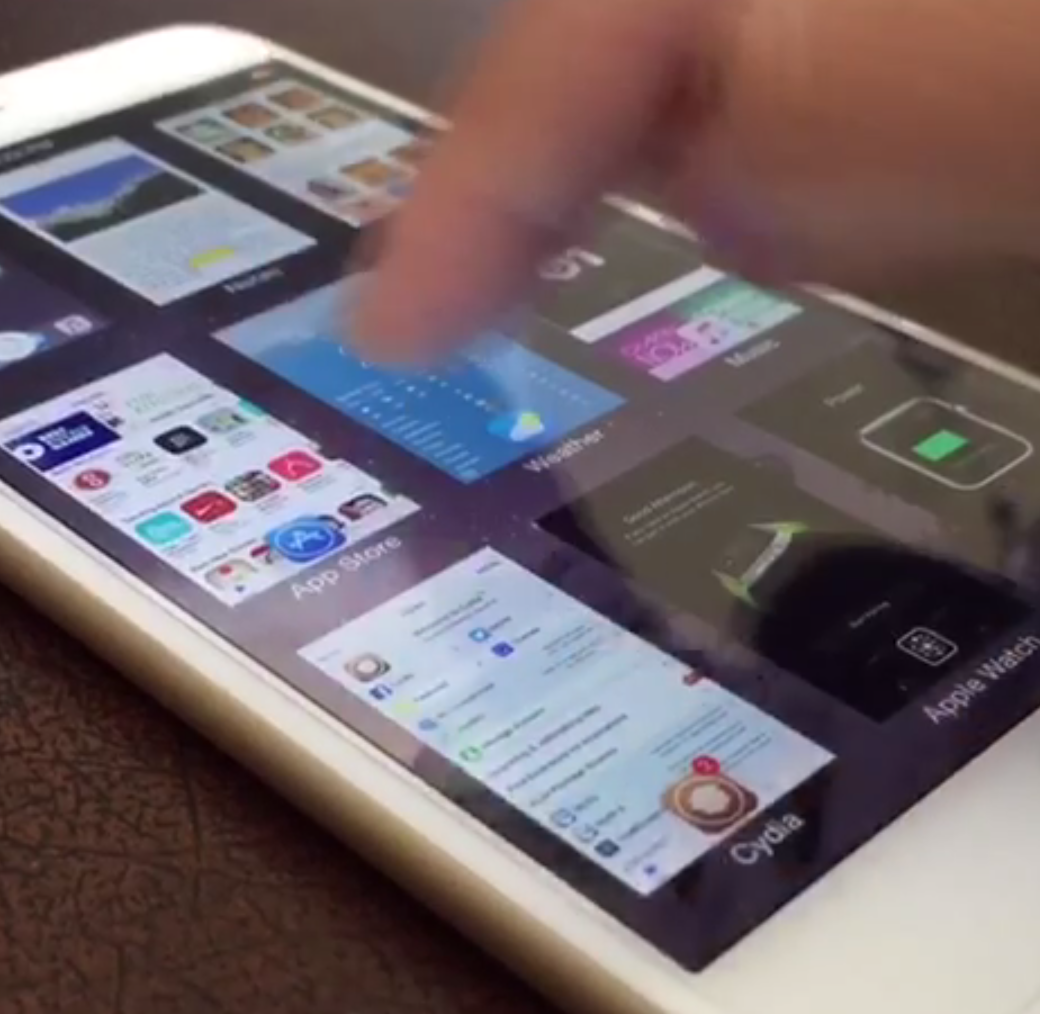
Today, we have a better idea of what Alympus entails. It seems to be an App Switcher replacement for iOS.

Surenix just posted a teaser Vine, which showed off some of the tweak's upcoming functionality. Needless to say, it looks really good. Have a look and tell us what you think...

LockPlus: an upcoming WYSIWYG Lock screen theme maker

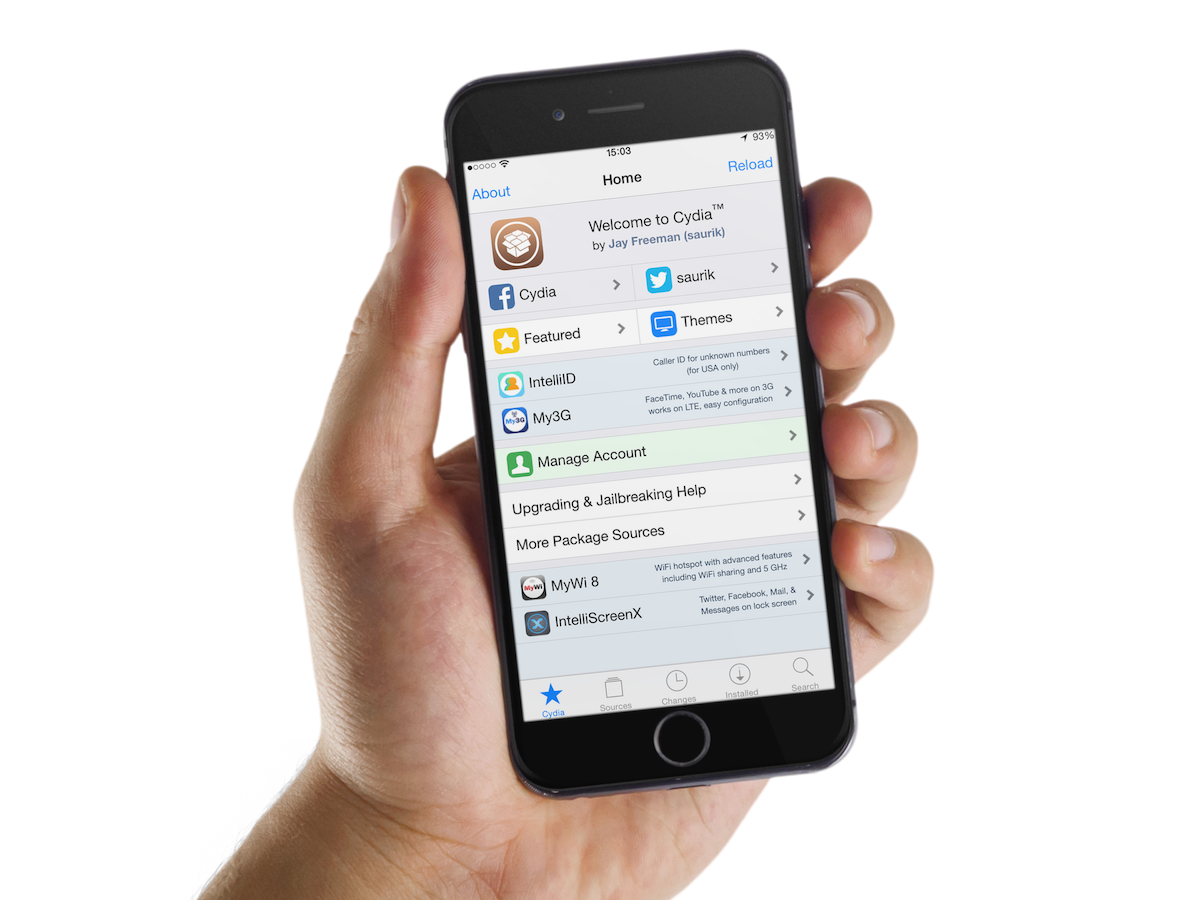
One of the most difficult things that jailbreakers can do is put together a decent looking theme. Sure, all in one themes like Ayeris make it easy, but building a fully themed iPhone piece-by-piece is a little more challenging.

And then there's the fact that there are so many type of themes. There's SpringBoard themes, Lock screen themes, app-specific themes, etc. There's really a lot to plan out and think about when it comes to successfully theming a jailbroken iPhone.

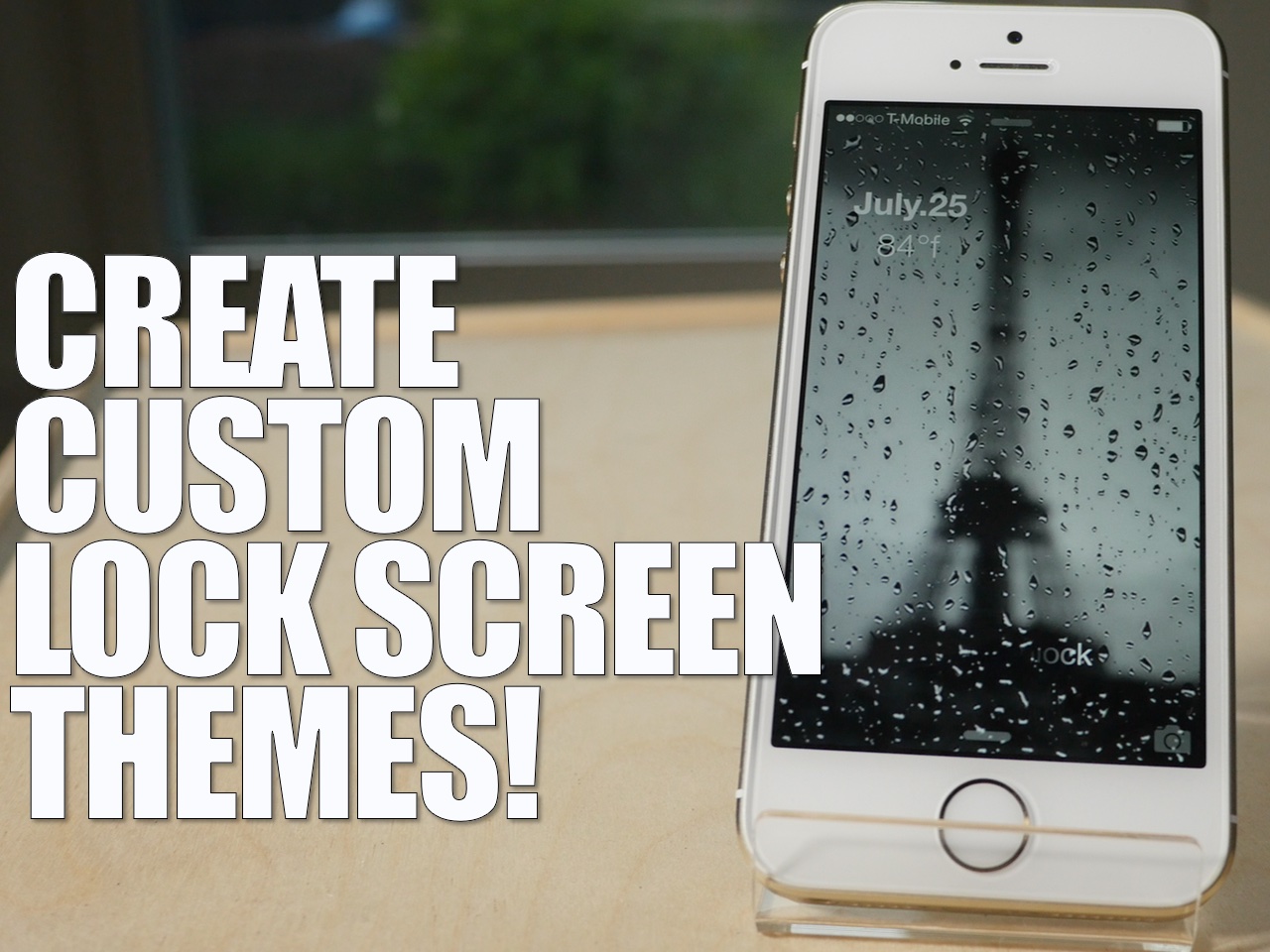
Well, a new theming solution is aiming to change this—at least when it comes to theming the Lock screen. LockPlus is a soon-to-be-released theming solution created by @JunesiPhone and based on Cydget. It allows you to create full Lock screen themes using a simple WYSIWYG web editor.

A cartoon world: wallpapers for iPhone and iPad

Continue the Wallpapers of the Week section, we take a step away from the natural, in favor of the imagined. A small side project of @Frenchitouch, the website gallery boasts a few fun creations.

Inside, find a collection of imagined environments that were digitally created by his graphic design skills. Although not photographically based, the wallpapers are crisp, clean, clear, and make excellently colorful wallpapers. 

Tweaks of the week: LyricForMusic, Dissident, ControlPane, and more

Although this week saw nothing quite as impactful as Cydia Impactor, it was still a fairly solid week for new jailbreak tweaks.

Among the new tweaks released in the past week was Dissident, a new true backgrounding tweak, and LyricForMusic, a tweak that makes it possible to display song lyrics from Apple Music.

Did you miss one of the sleeper hits that was released on Cydia in the last week? Check out our list of new tweaks and see for yourself.

Obscura simplifies taking the perfect picture

Photography is the capture of emotion for reuse. I’m particularly fond of art – photography or otherwise – that makes me feel something on an emotional level, because if art doesn’t induce emotions, what is its point?

Obscura is a new camera app for iPhone that simplifies the art of taking meaningful pictures. The first real shot I took with this app made an onlooker want to download the app immediately, because she looked at the image and felt something. Even Obscura’s flat, black and white interface leaves the user with a feeling of simplicity that, while decidedly modern, somehow connects back to the original colorless photograph.

This week’s top stories

Like every Sunday, we get to take a look at some of the most popular posts that were published on iDB during the week that just ended. Whether it is a news item, a new jailbreak tweak, a tutorial, or an app review, we sum it all up in one convenient place for you.

As always, if you like what you're reading, please feel free to spread the love by sharing our posts on your favorite social network.

We're usually hanging out a lot on Twitter and Facebook, more rarely on Google+.

Don't forget to listen to the latest episode of our new podcast, Let's Talk iOS:

Subscribe on iTunes

And of course, make sure to catch up with the new episode of Let's Talk Jailbreak:

Want to support iDB? Download our iOS 8 Interactive User Guide or Yosemite Interactive Starter Guide in the iBooks Store.

How to create a partition on your Time Machine external hard drive

Time Machine is extremely easy to use, and its flexibility makes it a great solution for keeping your Mac backed up safely. But with external drives being as large as they are, you may wish to use some of the space on your Time Machine drive for basic file storage.

There are many ways to go about this, but one of the best ways is to simply create a separate partition on your external drive. By doing this, you have a dedicated partition for file storage, and a dedicated partition for your Time Machine backups.

Although it's possible to store files on your Time Machine partition, in my opinion, it's a better practice to keep them separated. In this fourth entry into our Time Machine tutorial series, I'll show you how simple it is to create a second partition on your Time Machine external drive.

How to find your Apple Watch UDID

It's relatively easy to find your iPhone or iPad's UDID, because you can do so directly from the summary page in iTunes. But what about the Apple Watch?

Since the Apple Watch has no summary page in iTunes, you'll need to use Xcode in order to find the Apple Watch UDID. In this post, we'll show you how to do just that.

This War of Mine review: a brutal look at war from the civilians’ side

In the video game industry, most war-related titles involve soldiers on the front line and put players onto the battlefield, fighting for a cause. Most are shooter games that let you test your sniper skills.

This War of Mine works from a completely different perspective. Instead of rescuing hostages in an airport, players act as civilians trying to survive in a war torn city. We've got a full game review of This War of Mine today.

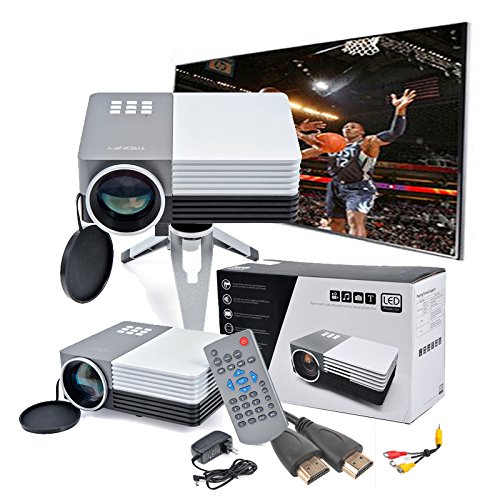
Tronfy TP-50 is a decent portable projector under $90

Pico projectors are hot commodity these days. They are also expensive. However, there are ways to get a decent picture in dark environments for less than $100 if you don't need a lot of high tech specs.

The Tronfy TP-50 mini projector is capable of projecting whatever is showing on your iPhone screen onto a wall, white screen, or even sheet and you won't have to break the bank to get one.