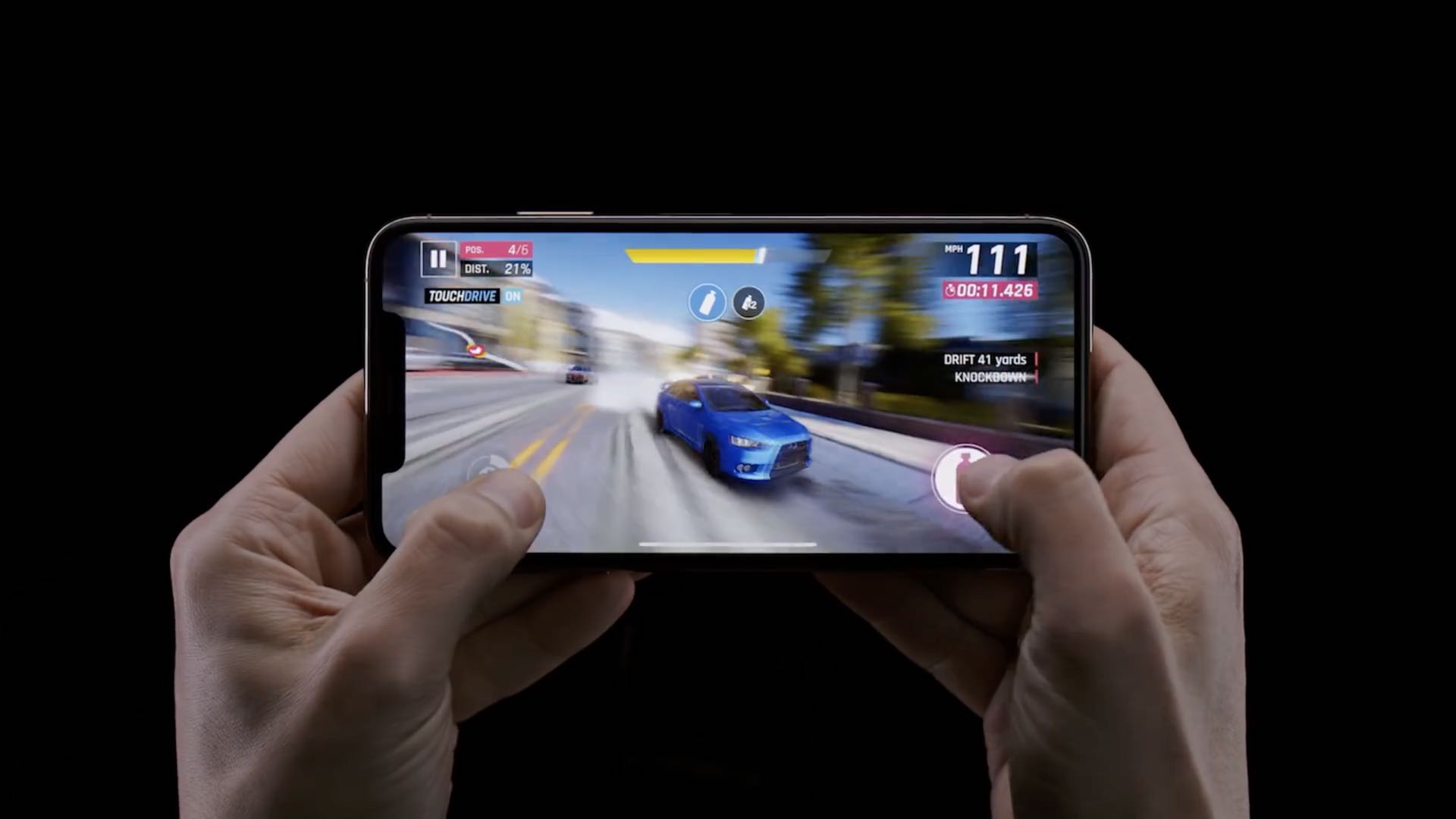
Apple today shared a new privacy-focused video through its official YouTube channel that highlights the intelligent tracking prevention feature in the Safari browser.
Another privacy-related Apple ad focuses on Safari’s anti-tracking measures
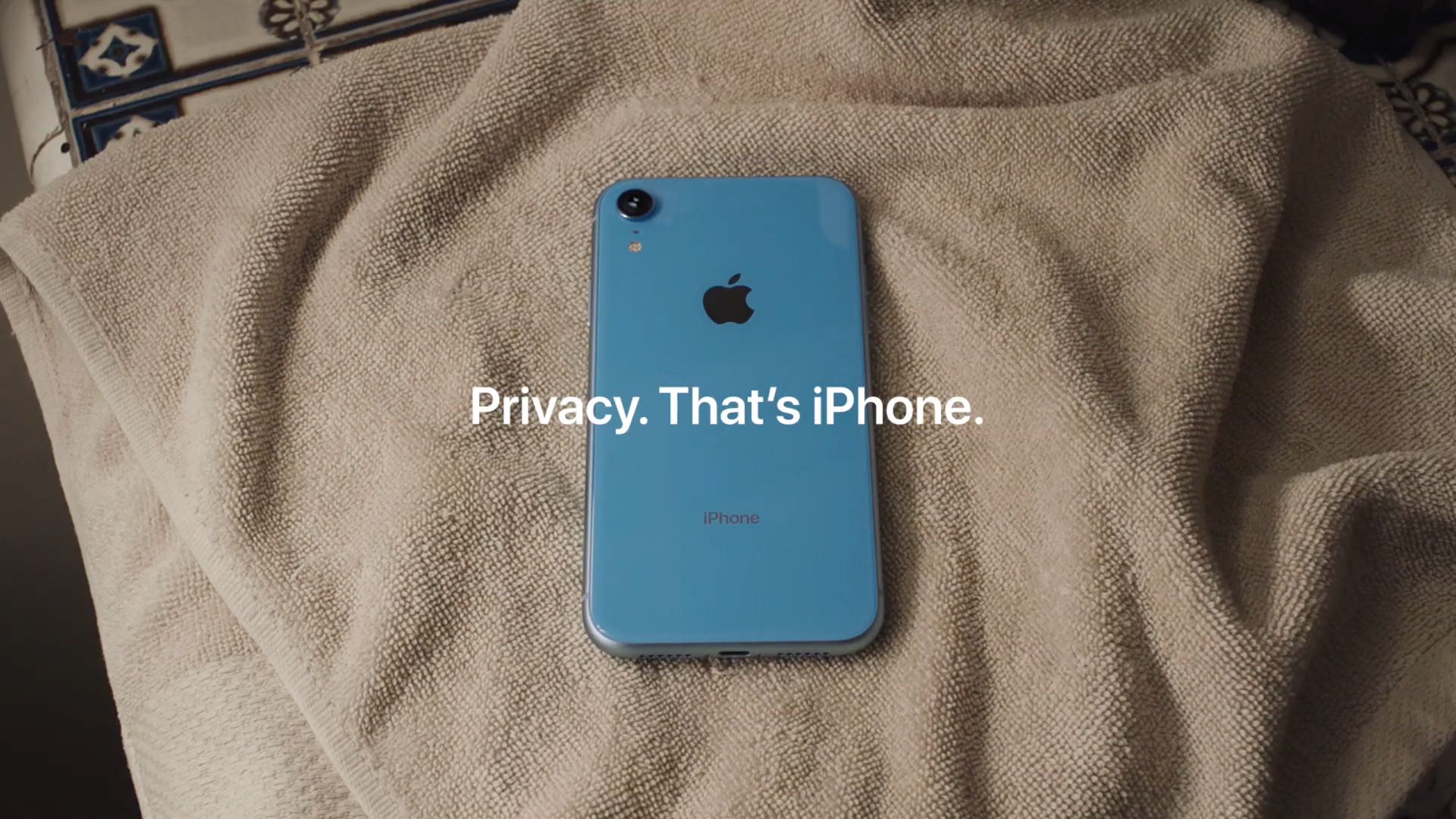
Apple today shared a new privacy-focused video through its official YouTube channel that highlights the intelligent tracking prevention feature in the Safari browser.

Continuing with its slew of announcements on Monday, Apple has revealed its new original video subscription service: Apple TV+. The company says the service will feature "a brand new slate of programming from the world's most celebrated creative artists," ad-free and on demand.

Apple's pivot to services will come into full view at tomorrow's star-studded media event at Steve Jobs Theater. Seemingly trolling everyone ahead of the big reveal, Apple activated the video stream about two hours ago, but it's not what you're probably thinking.

Apple will lay details of its metamorphosis from an iPhone company into a hardware + services one tomorrow. Ahead of the star-studded "It's Showtime" event, The Wall Street Journal has published interesting tidbits surrounding the company's upcoming new subscription services.

Jennifer Aniston executive produces and stars in Apple's upcoming drama series revolving around the lives of TV personalities and their unique challenges, and now first images from the project's set on the downtown Los Angeles have leaked ahead of Apple's big video-streaming reveal at its star-studded "It's Showtime" event scheduled for next Monday.
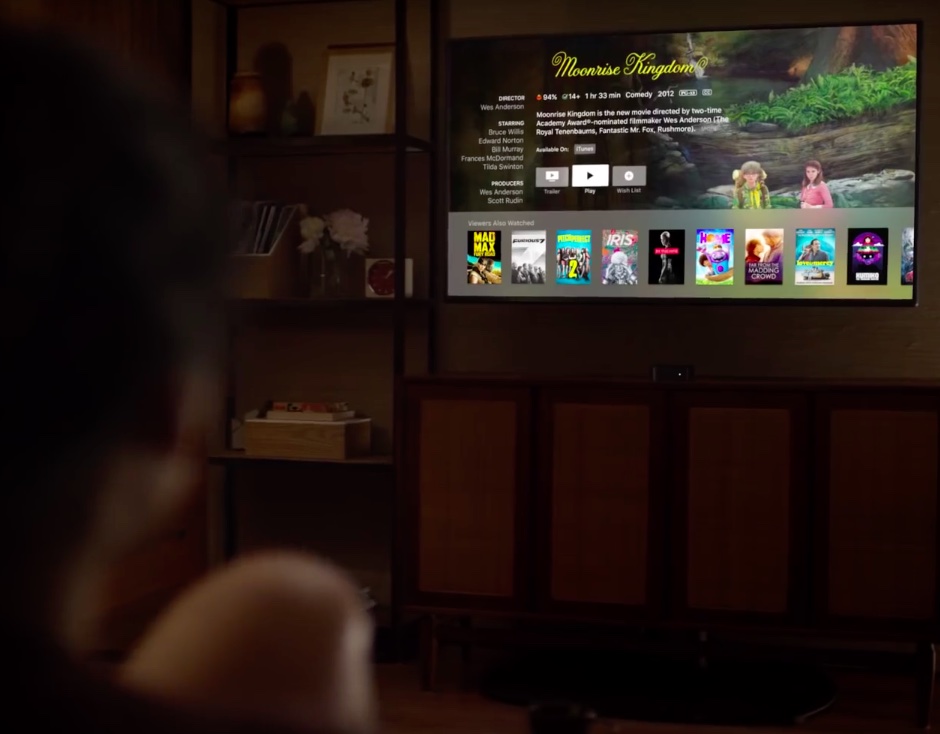
Pieces of Apple's video-streaming puzzle are slowly but surely falling into place ahead of the March 25 reveal, with a new report offering previously unknown tidbits concerning channel bundles and video hosting.
While iOS’ built-in Rotation Lock feature can be an asset at times, there are also instances where it tends to be a real pain in the fanny. Case in point: when you begin watching a video and your handset won’t rotate into landscape mode until you manually turn Rotation Lock off.
iOS developer LaughingQuoll understood the problem with this implementation by Apple and set out to come up with a better solution. The result? – A new jailbreak tweak called SmartRotate has now been released.
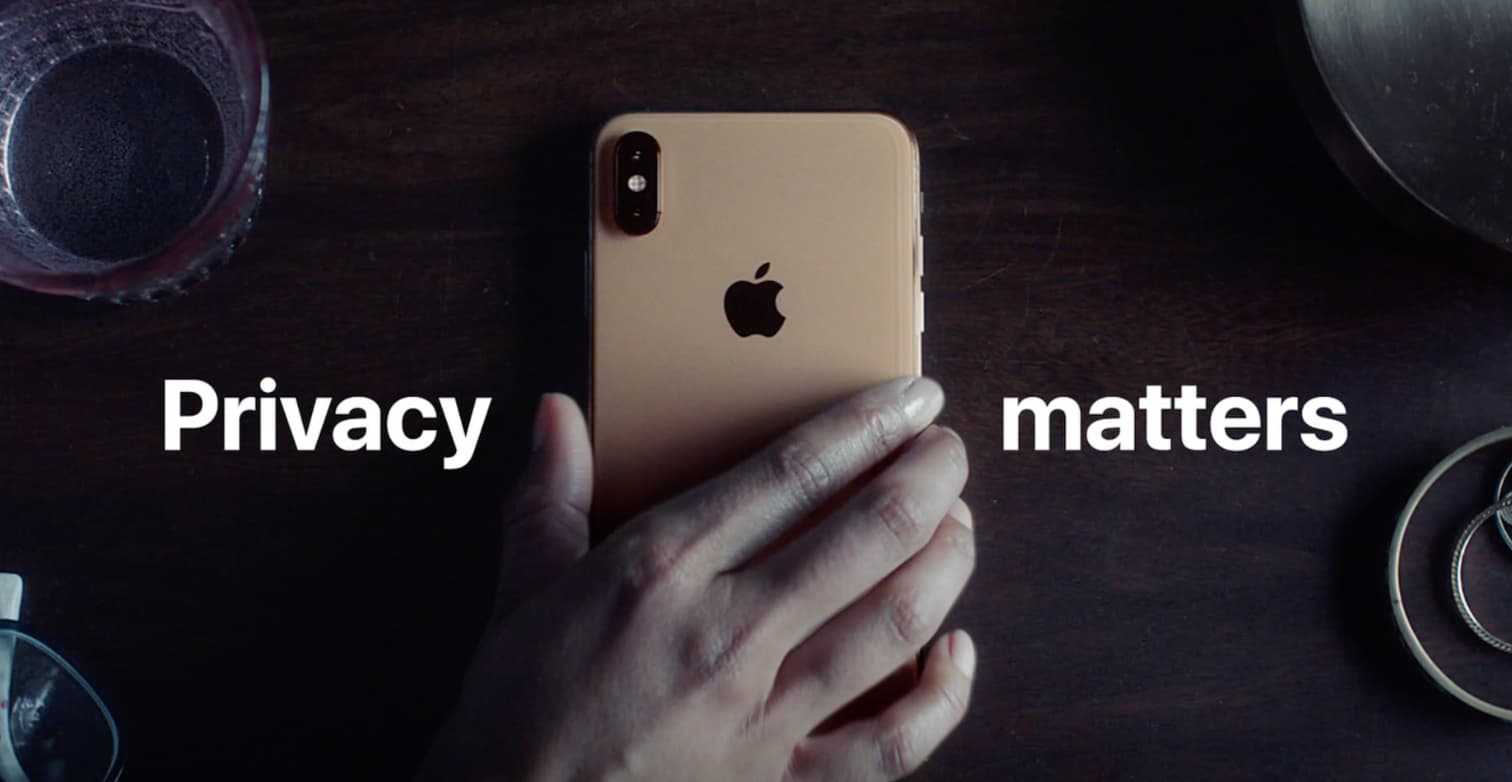
Apple on Thursday posted a new iPhone ad to its YouTube channel called 'Private Side.' It's a fairly humorous clip that highlights a number of real-life situations where people would want their privacy, pointing out that if privacy matters in your life, it should matter to the phone your life is on.
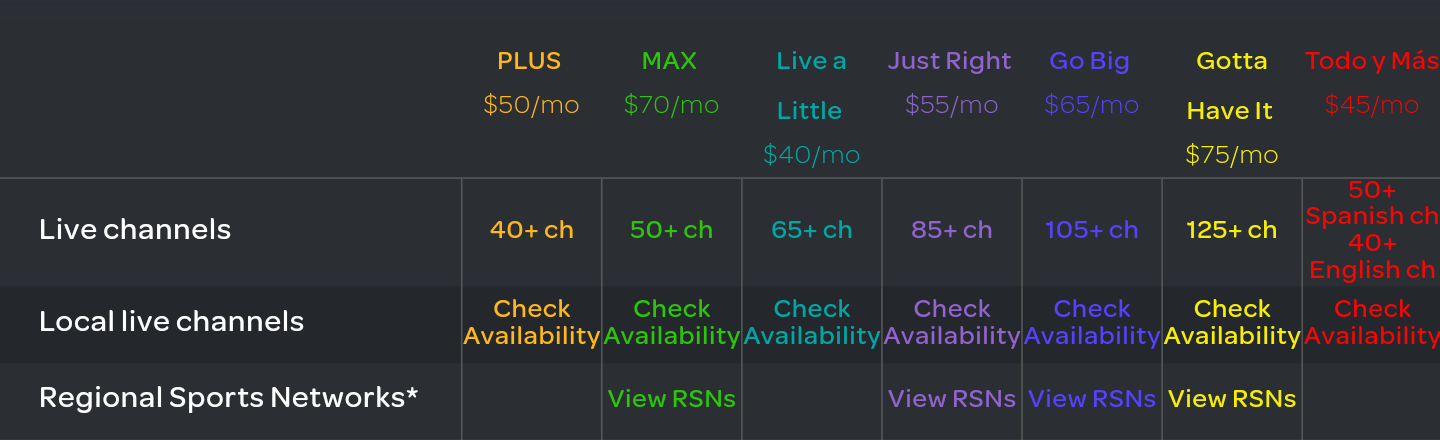
AT&T's subsidiary DirecTV is raising prices across the board for all current users who will start seeing a $10 price hike on their selected streaming plan from April 12, 2019.
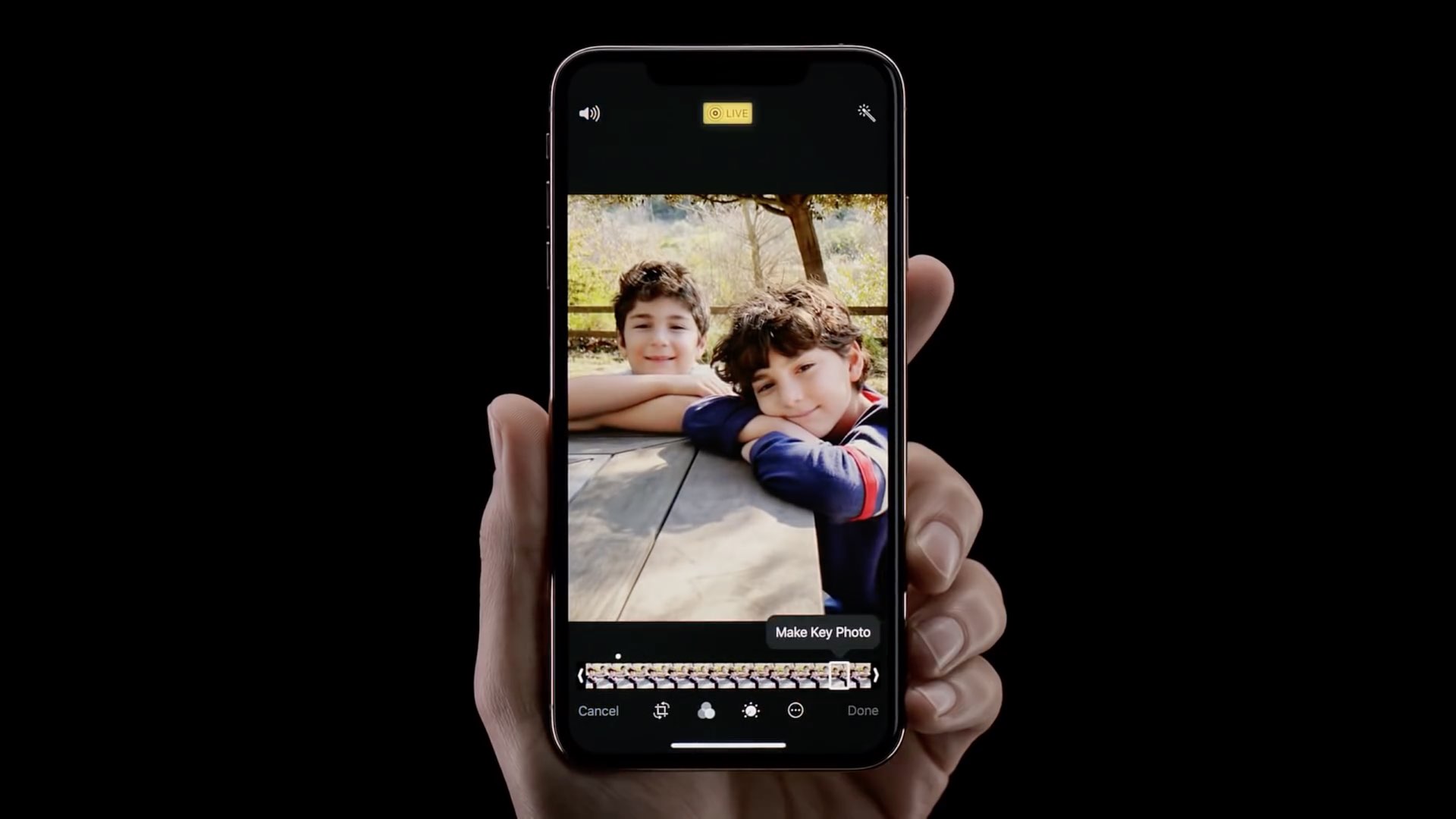
Apple this past weekend shared five nicely done video tutorials through its official channel on YouTube that cover select software and hardware features of the iPhone.
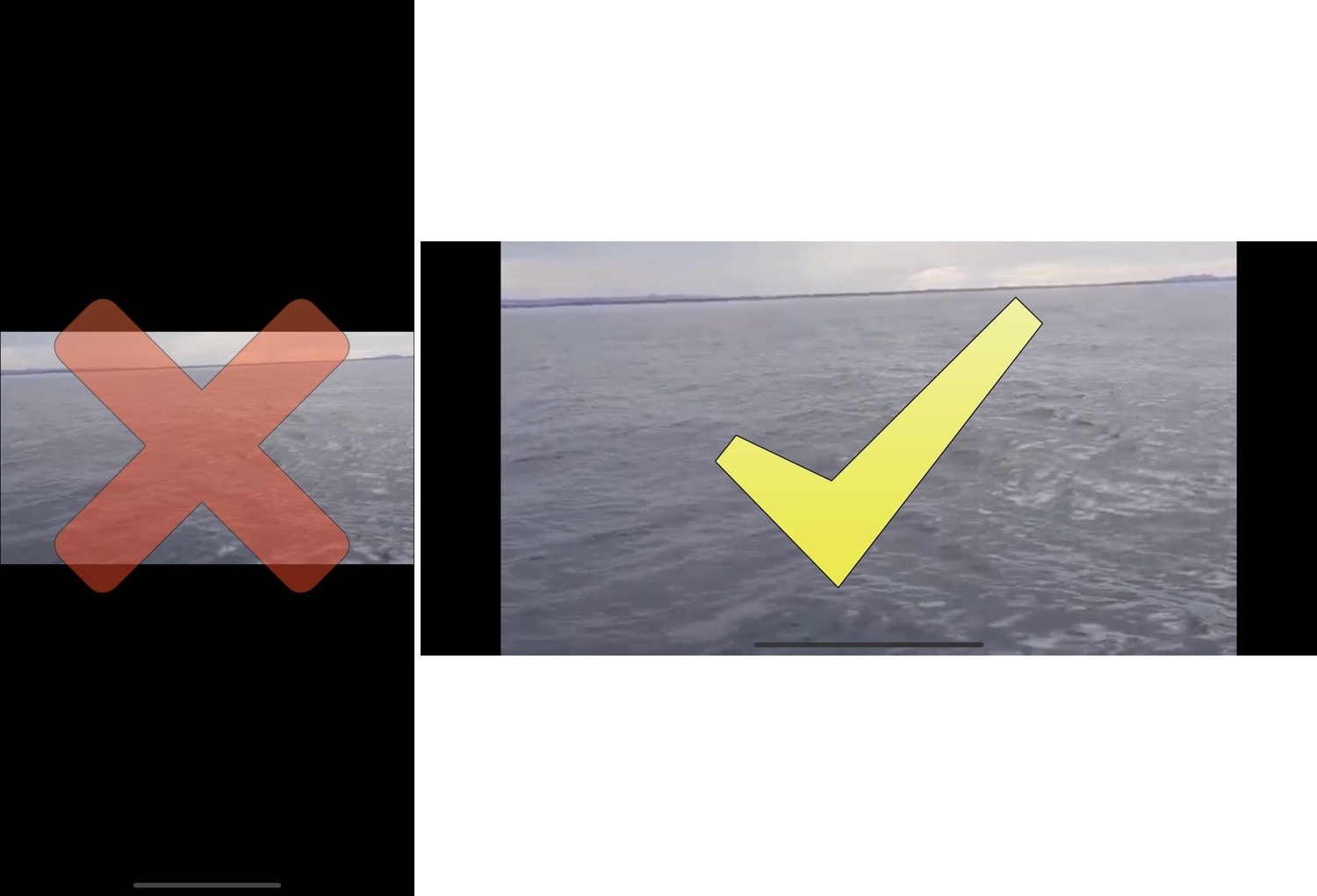
The rotation lock feature on any iOS device can be extraordinarily useful, except when it’s not. More specifically, it tends to be less convenient when you watch videos because it tries to display the (usually widescreen) video in portrait orientation on your tall-displayed device, resulting in something like what you see above on the left.
Fortunately, those with jailbroken handsets can now spearhead this problem dead-on with a new free jailbreak tweak called Video Direction Control (iOS 11) by iOS developer rf00.