UI

ImTrynaVibe keeps users from accidentally force-closing a Now Playing app

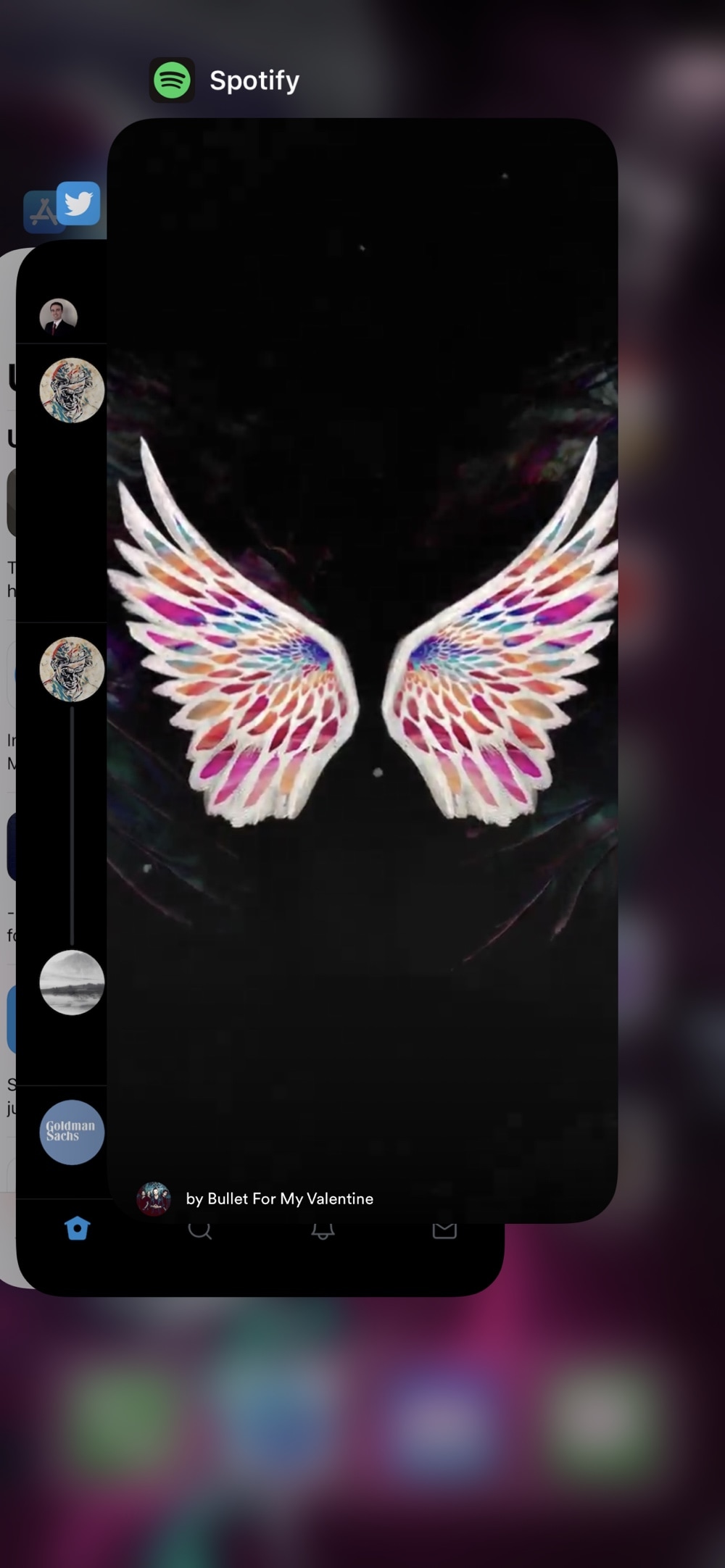
One of my biggest pet peeves is when I’m playing music in the background and I begin force-closing apps from the App Switcher only to learn that I’ve accidentally killed the Now Playing app. This frustrating experience often results in the cumbersome process of re-launching the Now Playing app and finding the track I was playing just to try and scrub back to the point where I was before prematurely killing the music.

If you’ve ever been in the same boat and understand just how irritating this experience is, then you might turn to a newly released and free jailbreak tweak called ImTrynaVibe by iOS developer PopsicleTreehouse for help, as it effectively prevents users from accidentally force-quitting the Now Playing app via the App Switcher.
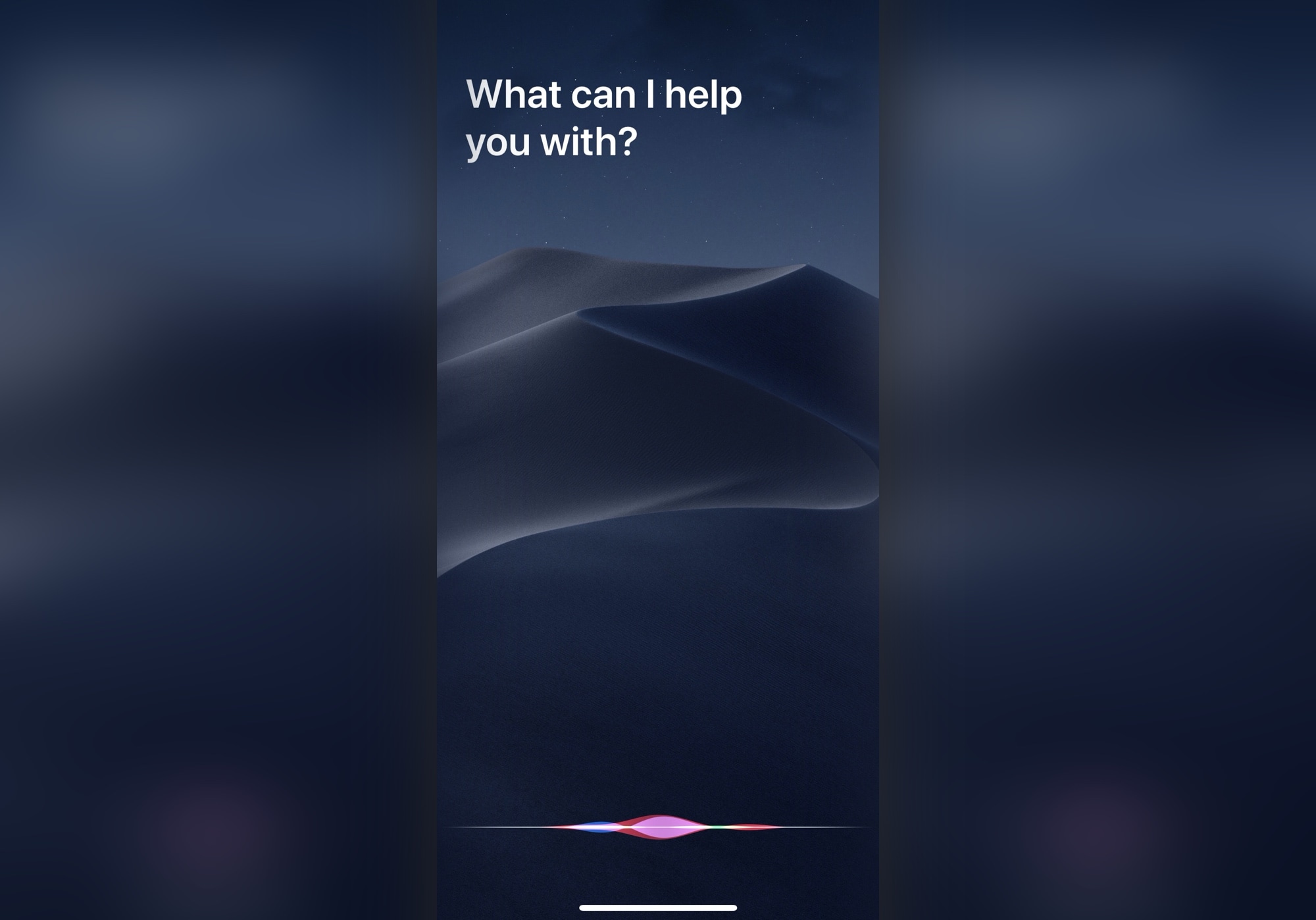
This tweak lets you customize the Siri interface background on iOS 13

Siri's traditional interface is fairly Apple-esque with its darkened, yet blurred background that overshadows any app or interface that you summon the virtual assistant over the top of. But what if you could give Siri just a small touch of additional personality?

Thanks to a newly released and free jailbreak tweak called CustomSiriBG13 by iOS developer TylerD3v, now you can. If the tweak’s name wasn’t self-evident enough, CustomSiriBG13 lets jailbreakers replace the Siri interface background with virtually any image they want.

Rename Bluetooth devices via your pwned iPhone with BTDeviceRenamer

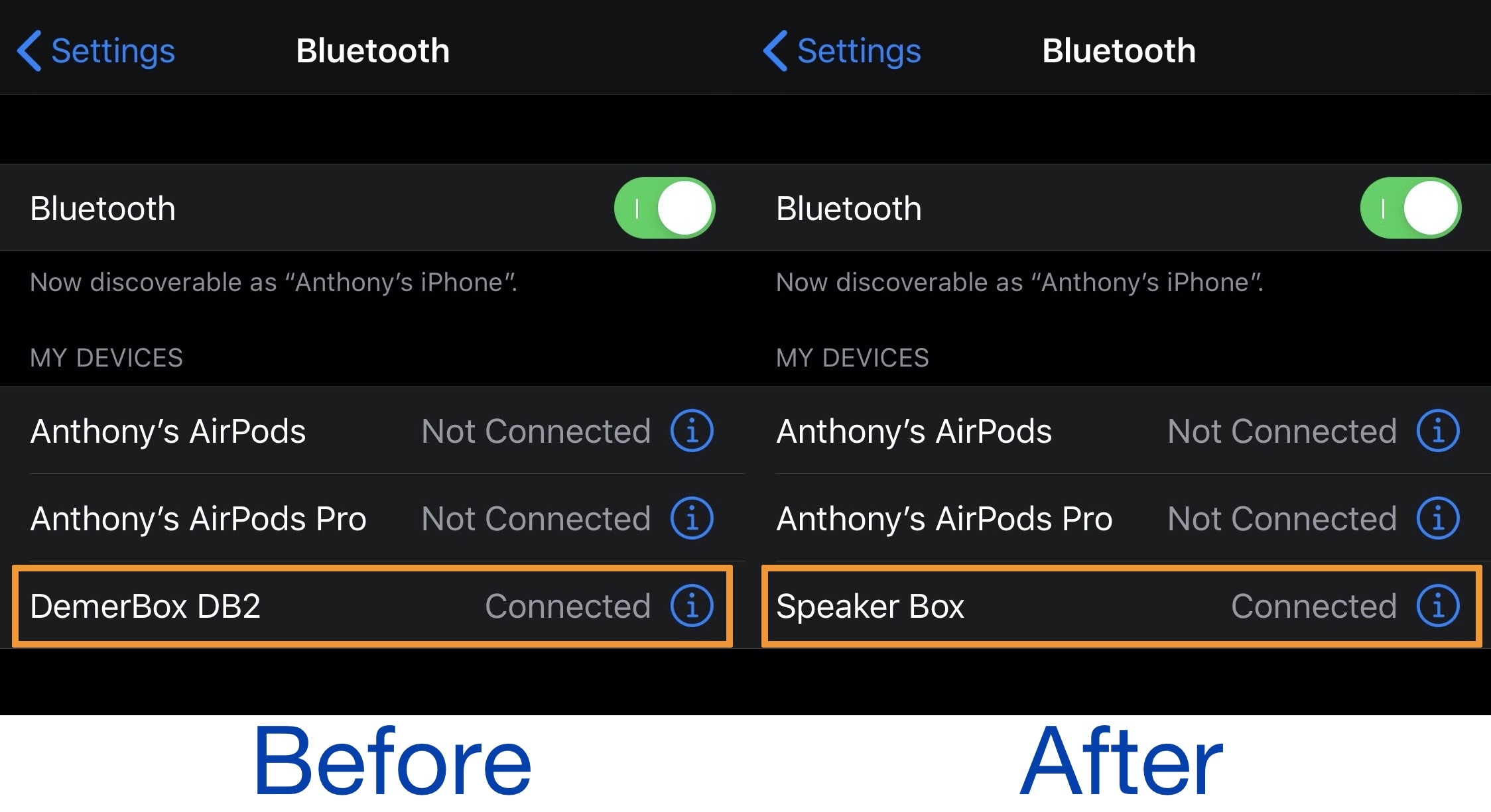
One of the great ways you can amplify your iPhone’s user experience is through the extension of Bluetooth accessories, including but not limited to headphones and/or speakers. But have you ever tried to pair your newly acquired Bluetooth device only to find that it had an odd or unappealing name in the Bluetooth list?

If you answered yes to the question above and have a hard time distinguishing between one device from the next, then we’d like to recommend an excellent new and free jailbreak tweak dubbed BTDeviceRenamer by iOS developer Tr1fecta. Just as the name implies, this tweak lets you rename virtually any Bluetooth device that you’ve paired with your jailbroken iPhone or iPad.

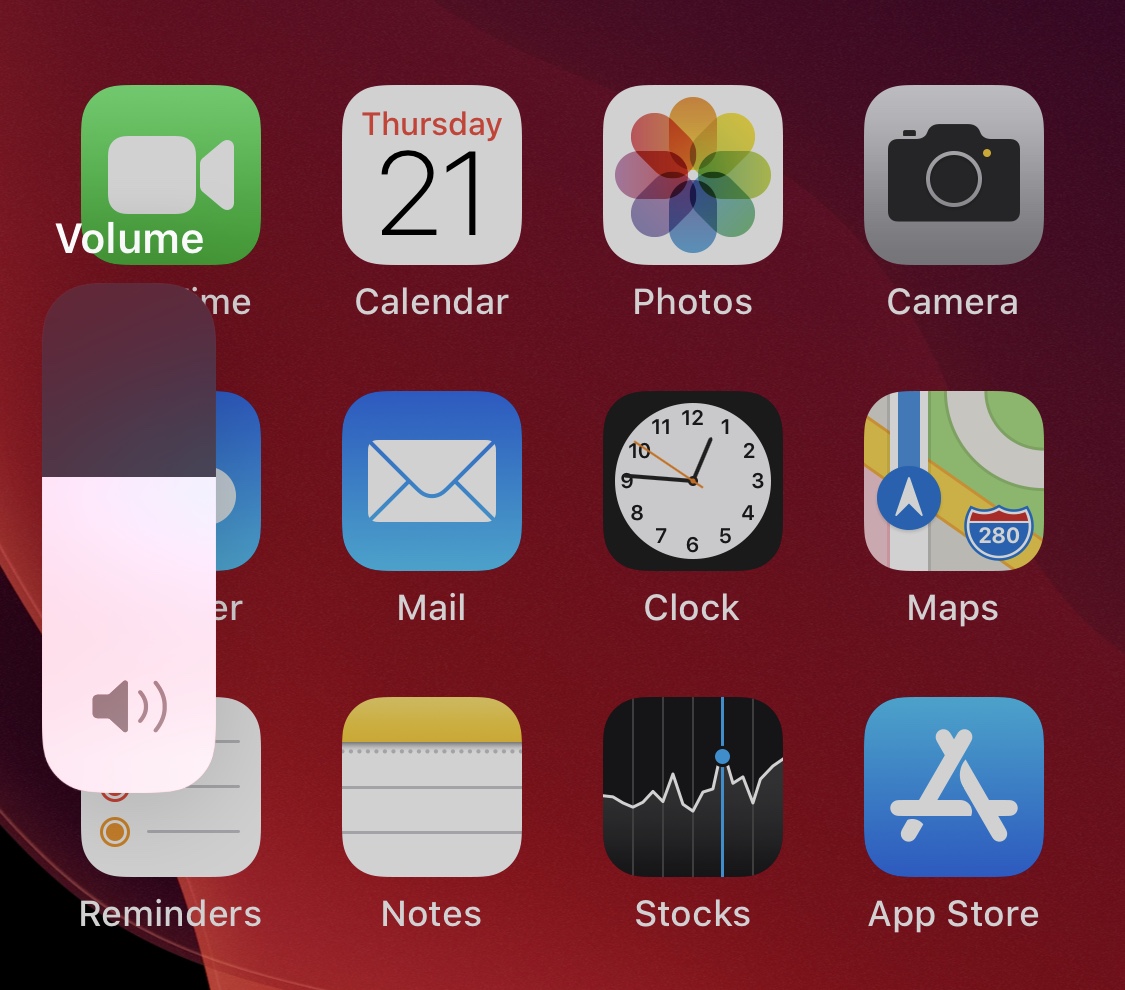
Lock your handset’s current volume level with VolumeLock

It’s relatively easy to accidentally adjust your handset’s volume level when gripping your handset wrong in the midst of listening to music or watching a video. I’ve personally had this happen to me when enjoying videos late at night and trying to catch my iPhone before it fell off the side of my bed – the ensuing death grip resulted in instantaneous maximum volume, perhaps unsurprisingly waking up the entire household.

If you ever find yourself in similarly clumsy predicaments involving your handset’s volume level, then you’ll probably come to appreciate the likes of a free jailbreak tweak dubbed VolumeLock by iOS developer LacertosusDeus. Just as the name implies, this tweak lets you lock your current volume level with a simple gesture to prevent such mishaps from happening.

Valentine brings iOS 14’s updated Calendar icon to jailbroken devices

Apple first demoed iOS 14 at WWDC 2020 and showcased a number of the operating system’s upcoming changes. Hiding behind the scenes, however, were a plethora of smaller changes that were seemingly too tiny to mention on stage. One of those changes included an updated and more aesthetically pleasing Calendar app icon.

If you’re jailbroken on iOS 13, then you’re probably hesitant to upgrade to iOS 14 this Fall, and understandably so. Fortunately, the community is bringing several of iOS 14’s unique features to pwned iOS 13 devices. One of the latest of such add-ons is a free jailbreak tweak dubbed Valentine by iOS developer ArtikusHG, which ports iOS 14’s new Calendar app icon to jailbroken iOS 13 handsets.

Viper supercharges the Home & Lock Screens on jailbroken iPhones

While Apple does its best to keep the iPhone’s user interface simple by design, sometimes it takes things to such extremes that it actually handicaps the smartphone’s potential user experience. If you, like many others, wish your handset’s Home Screen and Lock Screen were a bit more capable, then you may want to do yourself a favor and look into the likes of a newly released jailbreak tweak dubbed Viper by iOS developer Esquilli.

Viper augments the iPhone’s Home Screen and Lock Screen interfaces in more ways than one. Not only does it bring interactive widgets to the Home Screen, but it also incorporates an App Drawer for faster app access and more informative Lock Screen interface with both Weather and time information. Examples of some of Viper’s features are depicted in the screenshot examples above and below.

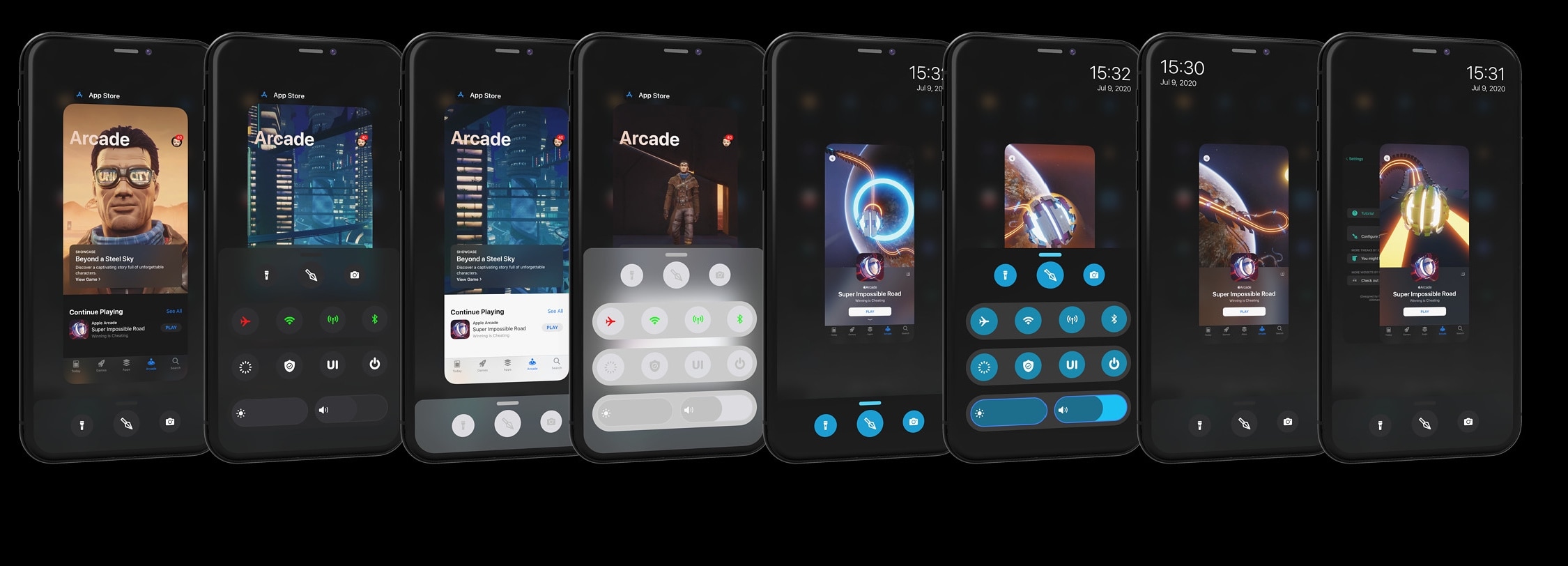
Modernize your iPhone’s App Switcher experience with Spear

There’s no shortage of jailbreak tweaks that try to improve the iPhone’s native App Switcher, but one of the latest concepts to have caught my eye is a new release dubbed Spear by iOS developer Dylan West (iOSthemem0d).

Spear not only replaces the native App Switcher interface with a better looking one, but it adds useful new functionality that most iPhone users are likely to find particularly useful. As depicted in the screenshot examples above, Spear incorporates a swipe-up interface at the bottom of the App Switcher that contains shortcuts and toggles, among other things.

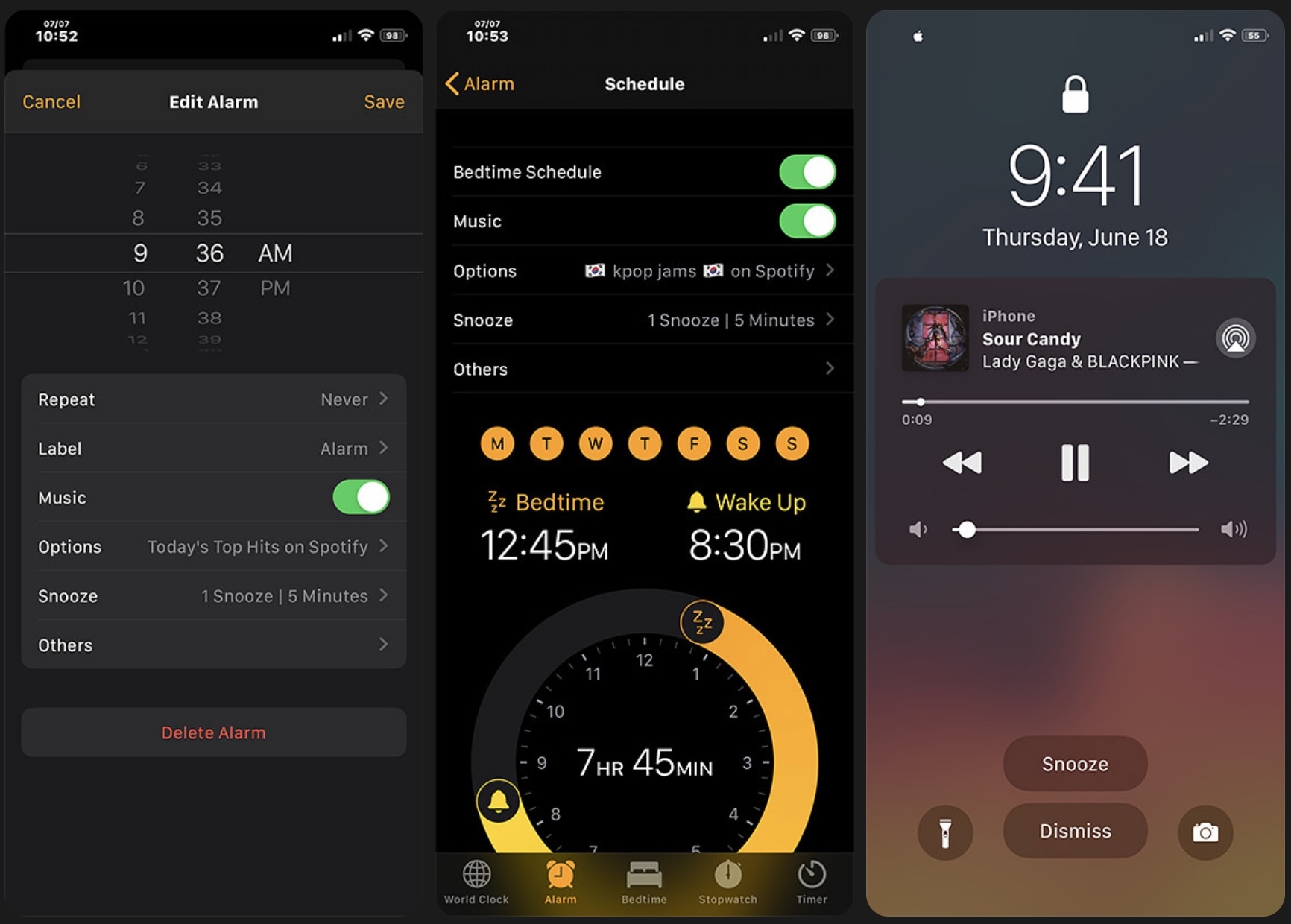
Want more out of your jailbroken iPhone’s alarm? Aurore can help

I don’t know anybody that still uses a physical alarm clock. Most people I know are using the alarm feature built right into their smartphone because it’s both free and convenient. Sadly, iOS’ alarm functionality leaves a lot to be desired in many areas, and that’s one reason why there are so many jailbreak tweaks in the wild that offer improvements for iOS’ alarm department.

Adding to that list, a newly released jailbreak tweak dubbed Aurore by iOS developer Micheal Wu (zhenguwu) tries to supercharge the iOS alarm experience with a bevy of new features and options. But is it worth it? That’s what we intend to show you in this piece.

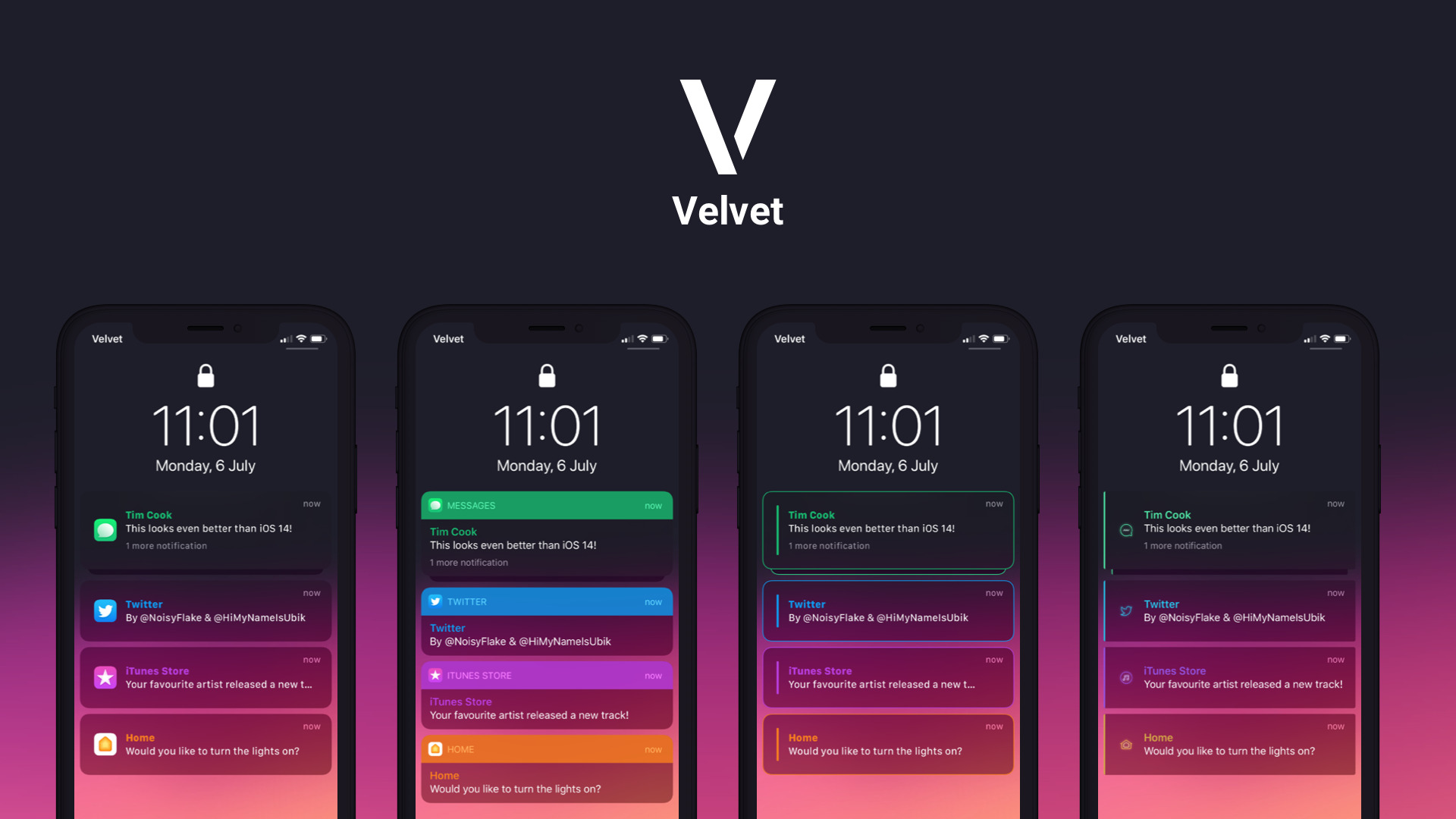
Personalize your handset’s notification & widget appearances with Velvet

If you like personalizing the aesthetics of your jailbroken handset, as most jailbreakers do, then we’d strongly recommend taking a few moments out of your busy day to check out a newly released jailbreak tweak called Velvet by iOS developers NoisyFlake and HiMyNameisUbik.

Velvet imbues jailbreakers with the freedom of customizing and theming their handset’s floating notification banners, Lock Screen notification banners, and Now Playing media player with just about any appearance they can imagine. A few examples of the tweak at work are depicted in the screenshots embedded above and below.

Shortmoji is the Swiss Army Knife keyboard that iOS never had

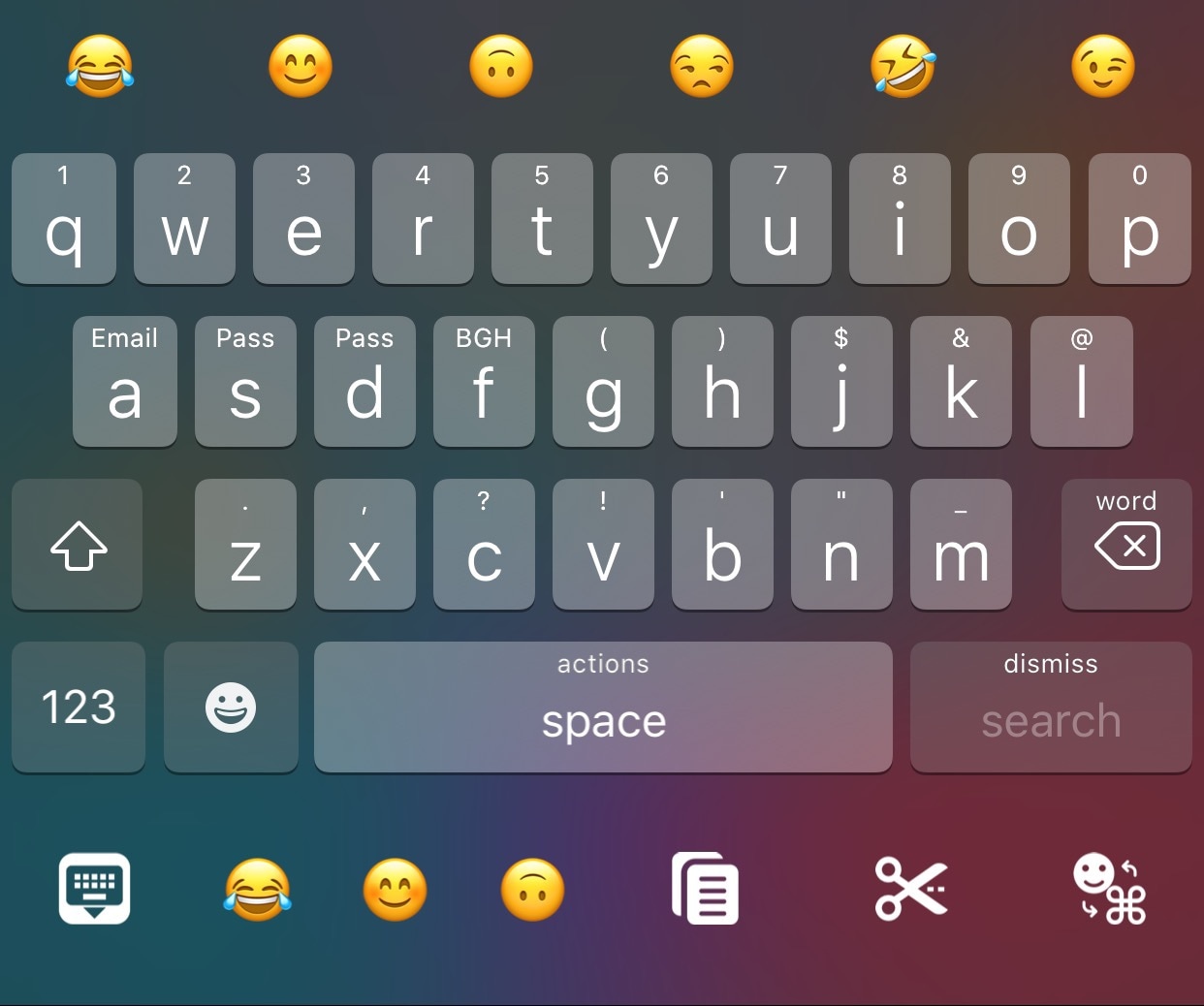
Those who do lot of typing on their iPhones, have a fairly sound argument for having dedicated text-editing buttons on your handset’s keyboard interface; likewise, those who do a lot of texting, may want easier access to Emojis. But what about those who do a lot of both?

For those stuck in the latter case, Shortmoji is a newly released and free jailbreak tweak by iOS developer MiRO that combines the best of both worlds for avid typists and texters who do a lot of both on the same device.

Kleidaria puts your iPhone to sleep when you set it face-down

iPhone 11 Pro

Putting your iPhone to sleep when you’re finished using it is one of the most important things you can do to conserve battery life, and yet I always witness folks around me forgetting to take this simple step before placing their unlocked handset down somewhere. Perhaps they just need a little help remembering to put their iPhone to sleep, or maybe they need a jailbreak tweak that can do it for them?

Enter Kleidaria, a newly released and free add-on iOS developer gilshahar7 that automatically puts your iPhone to sleep after you place it face-down on a flat surface, such as a tabletop.

This tweak prevents photos taken in the Messages app from saving to the Camera Roll

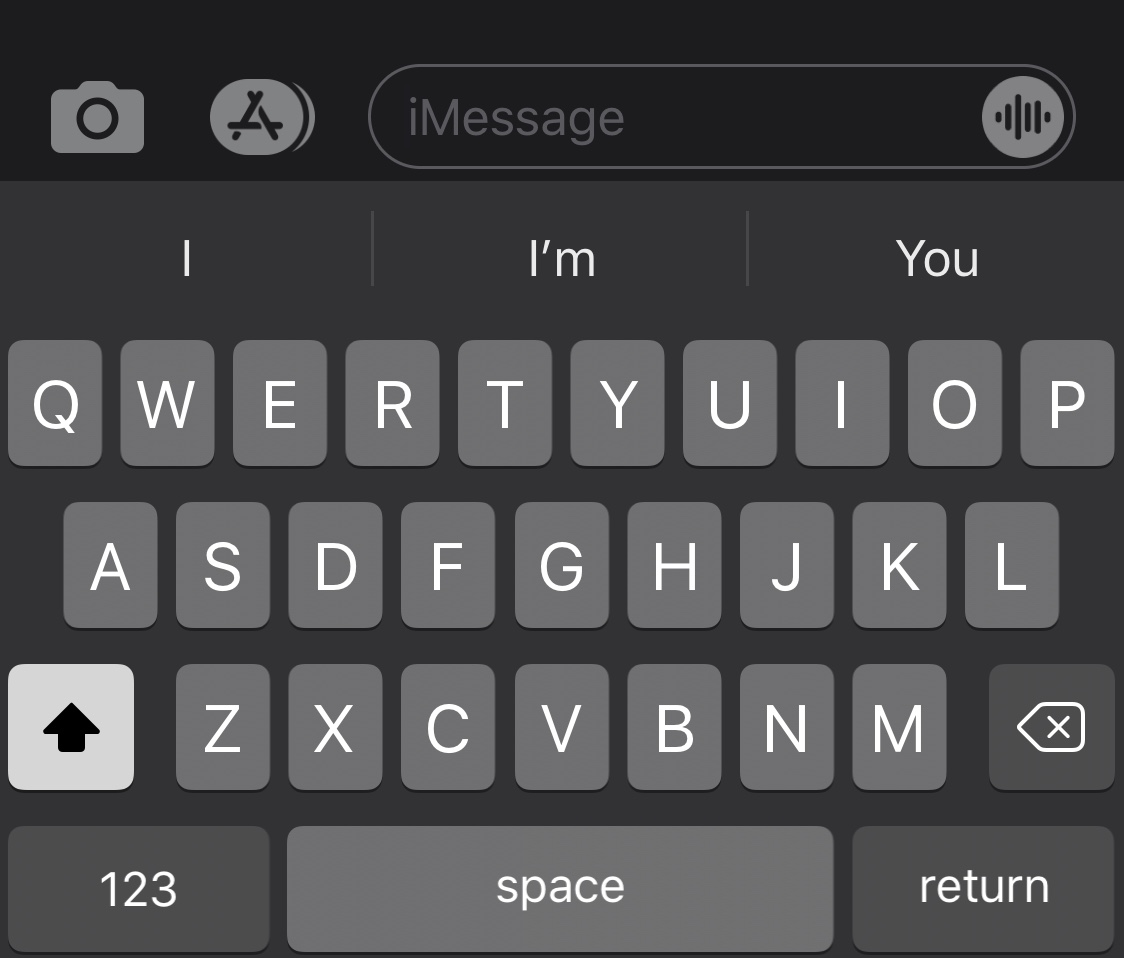
It’s easy to send someone a freshly-captured photograph via the iPhone’s Messages app all thanks to a dedicated button located just to the left of the text input field. Upon capturing a photograph this way and sending it, iOS automatically saves a copy of that photograph to the Camera Roll so that the user can reference it later on.

Apple had good intentions here no doubt, but in many cases, we find ourselves navigating to the Photos app after capturing and sending a photograph in the Messages app to delete it from our Camera Roll afterward. I can personally relate to this particular dilemma, and that’s one reason why I’m excited to share the likes of a newly released and free jailbreak tweak dubbed Don’tSaveMessagePhotos by iOS developer lint.