Do you take a lot of photos with your iPhone? Yep, I do too. I am often shooting with it even as I am capturing a scene with my professional camera. I find that I capture different views on a subject when doing so. For me, shooting with my iPhone is all about the fun, ease and whimsy of mobile photography. Plus, it’s always with you, right?
But do you ever capture photos that look great compositionally, but feel like they are just lacking a little something extra? You know, maybe they need a color boost to bring them up a little, or perhaps the shadows are too dark, or worse yet, there is a lot of digital noise in what should be a smooth sky?
It does happen, because despite being very convenient and a capable little camera, it can only do so much. There are many iPhone apps that people have turned to in order to make edits to their iPhone photos (myself included), but using professional software to make those adjustments can usually offer amazing results.
While we often think of making photo adjustments on the fly for a quick upload somewhere, consider how much more beautiful your shots will be if you exert a bit more fine-tuned control over the final image.
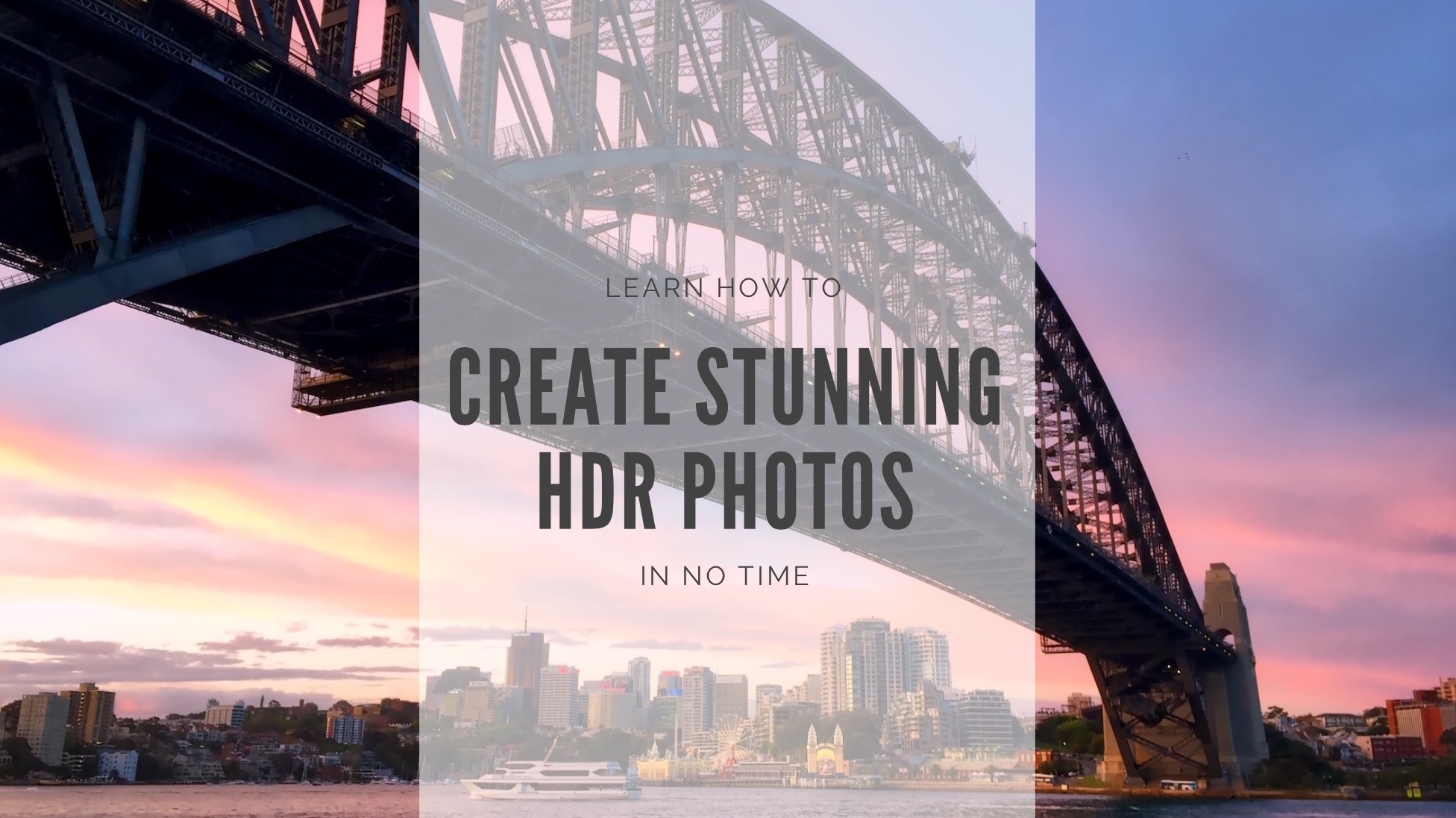
Today, we will take a look at doing just that, and help you create a stunning HDR image in just a couple of minutes, using Aurora HDR from Macphun.