Theme

Make iOS 13’s new volume HUD even better with Sonus13

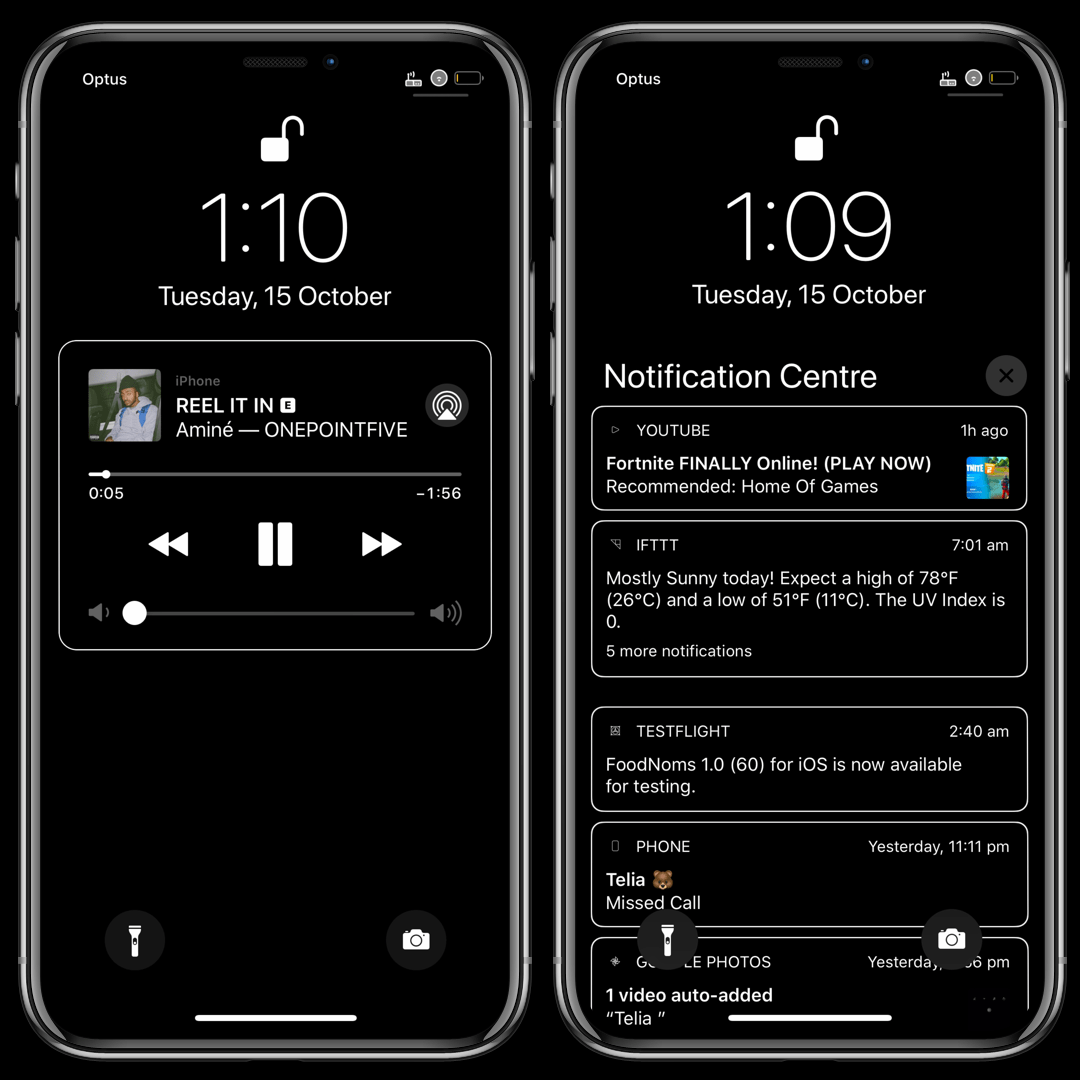
For the first time in years, iOS 13 introduced an overhauled volume HUD to the iOS platform. While the redesign finally did away with the intrusive volume HUD monstrosity iPhone users have lived with for so long, that doesn’t mean everyone likes how the new interface looks.

If you’re jailbroken and looking for an augmented volume HUD experience that incorporates gorgeous athletics and endless customization in one package, then you won’t want to miss a newly released jailbreak tweak dubbed Sonus13 by iOS developer ubik.
CozyBadges: A subtle upgrade for iOS’ native notification badges

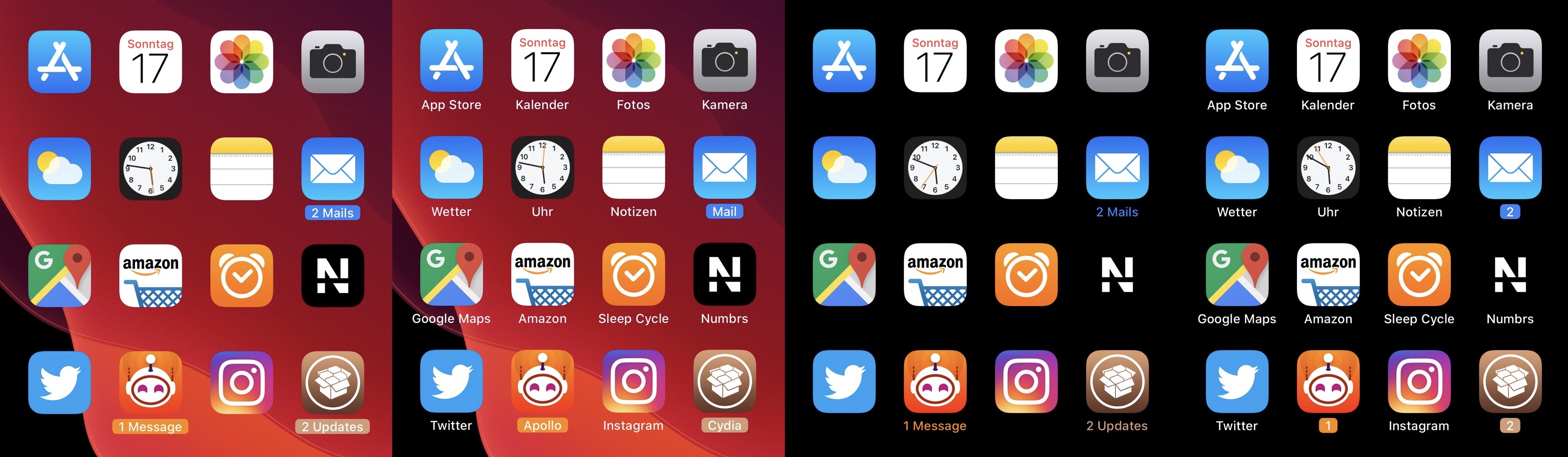
Apart from a few tiny revisions in iOS 7 and later, iOS’ notification badge system has appeared mostly unchanged since its conception. Jailbreakers seeking a fresher take on notification badges would do good to check out a newly released jailbreak tweak called CozyBadges by iOS developer NoisyFlake.

As depicted in the multitude of screenshot examples above, CozyBadges replaces the traditional red circular notification badge with something much more subtle — an updated icon label that appears highlighted or colorized when there are missed notifications. Moreover, the label can be configured to display alternative text, assuming the user wants this.

Continuity brings scrollable widescreen wallpapers to jailbroken iPhones

If you’re anything like me and you change your wallpaper somewhat frequently, then you might've noticed how some of the best wallpapers are optimized for horizontally-oriented displays such as laptops and tablets rather than vertical ones found in smartphones.

Applying these types of wallpapers on your iPhone generally results in an unpleasant viewing experience, but with the help of a newly released jailbreak tweak called Continuity by iOS developer Johnny Waity, you can make even the widest of wallpapers look fascinating on your tall smartphone display.

AdaptiveDarkMode lets jailbreakers set more conditions for iOS 13’s dark mode

Dark mode is one of my favorite new features in iOS 13, but Apple doesn’t give you too many options as far as switching between dark and light mode is concerned apart from doing so manually and automatically based on the time of day it is.

An iOS developer by the name of Smokin1337 recognized that this as something that could be improved, and with that in mind, a new and free jailbreak tweak called AdaptiveDarkMode was conceived.

This tweak gives you the iOS 13 ringer/silent HUD on iOS 12

One of my favorite upgrades in iOS 13 is the updated ringer/silent HUD. Rather than taking up the entire center of the display, iOS 13’s ringer/silent HUD appears near the top, and it looks much sleeker with its smaller footprint and subtle colorization.

If you’re jailbroken on iOS 12 instead of iOS 13, then you might be excited to learn about a newly released jailbreak tweak called XIIIHUD-Mute by iOS developer XCXiao, as it ports the iOS 13 ringer/silent HUD experience to the older mobile operating system. Examples of the tweak are depicted in the screenshot examples above.

Jailbreakers can now customize iOS 13’s native dark mode with Noctis Neo

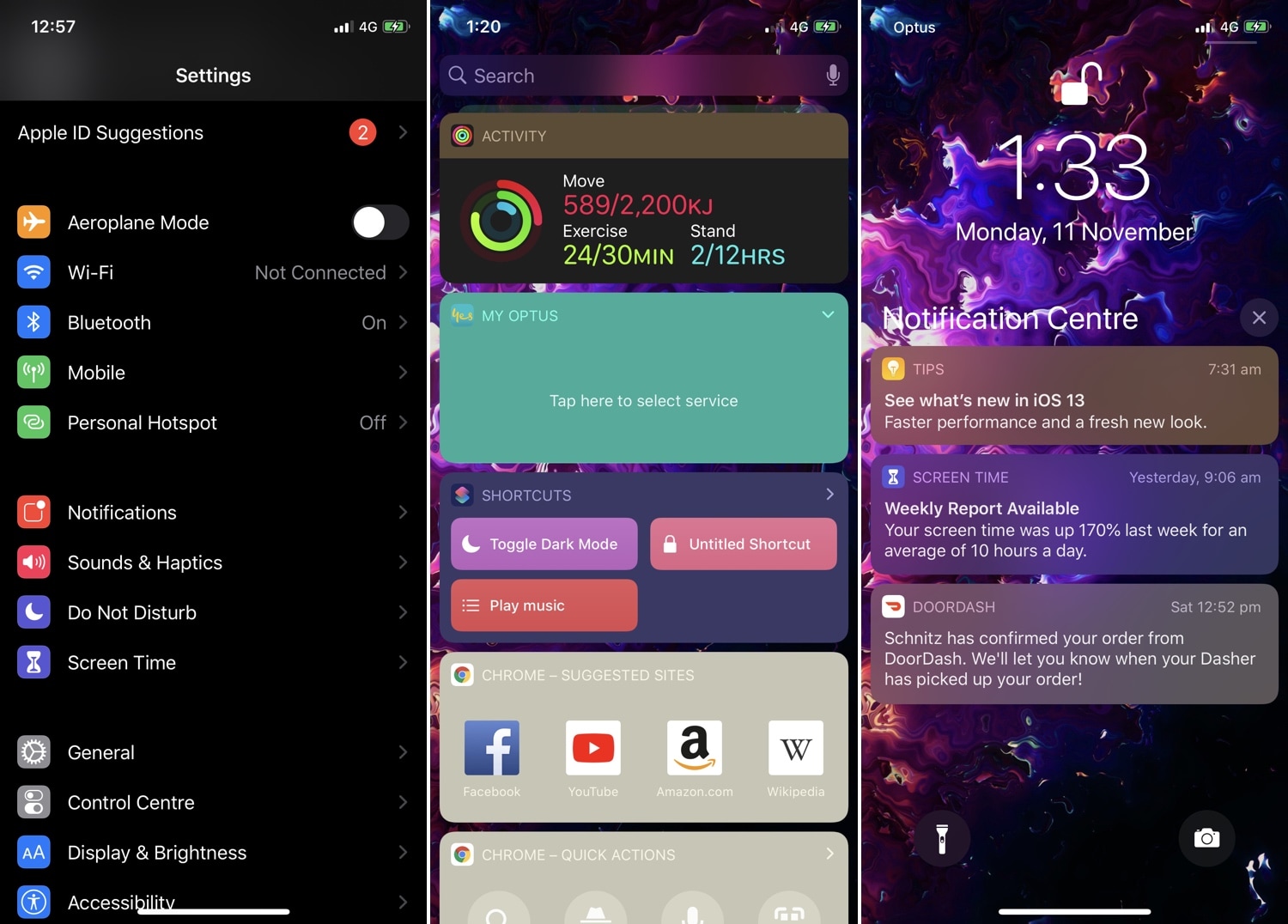
Jailbreakers have had access to dark mode for years, but Apple is just now implementing it out of the box with the launch of iOS 13. Unfortunately, native dark mode in iOS 13 isn’t quite as dark as some users would prefer, and that’s why iOS developer LaughingQuoll has released a new jailbreak tweak called Noctis Neo.

Noctis Neo, much like older iterations of Noctis, lets users enable and configure dark mode with or without custom color accents and tints. You’ll notice in some of the screenshot examples above that Noctis Neo can make iOS 13’s dark mode a truer black than it comes out of the box, but that’s not the only thing it can do.

Give notification badges a custom aesthetic with BadgeMe

The infamous notification badge has looked almost the same on the iOS platform for more than a decade. The single most significant transformation befell with the release of iOS 7 when Apple nixed skeuomorphism from the bulk of iOS’ user interface, but even then, it didn’t change much.

The circumstances are absolutely astounding, but they aren’t hopeless. Those lucky enough to have a pwned handset in their possession can change how their notification badges look right this very second with the help of a newly released jailbreak tweak called BadgeMe by iOS developer Sirius24.

Take Home screen customization to the next level with IconTweak

The Home screen is something you interface with every single day. That said, wouldn’t it be nice if Apple allowed you to do more with it than simply change the wallpaper image and move the app icons around?

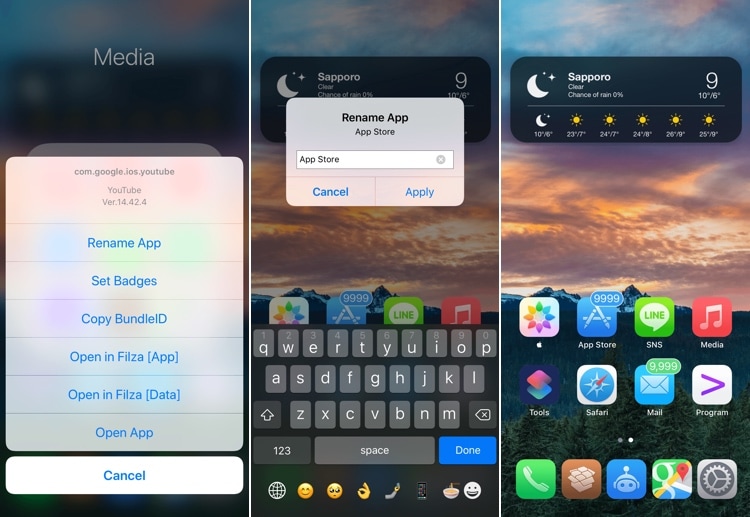
If you’re onboard with the aforementioned idea, then you’ll probably take a liking to a new jailbreak tweak called IconTweak by iOS developer ichitaso. With it, you can customize your Home screen’s app icons in new and exciting ways.

Supercharge your jailbroken iPhone’s Status Bar with Xeon

There are countless ways of customizing a jailbroken iPhone or iPad. A great place to start, especially for novices, is the Status Bar, and I say that because it’s something users will see almost everywhere throughout the mobile operating system.

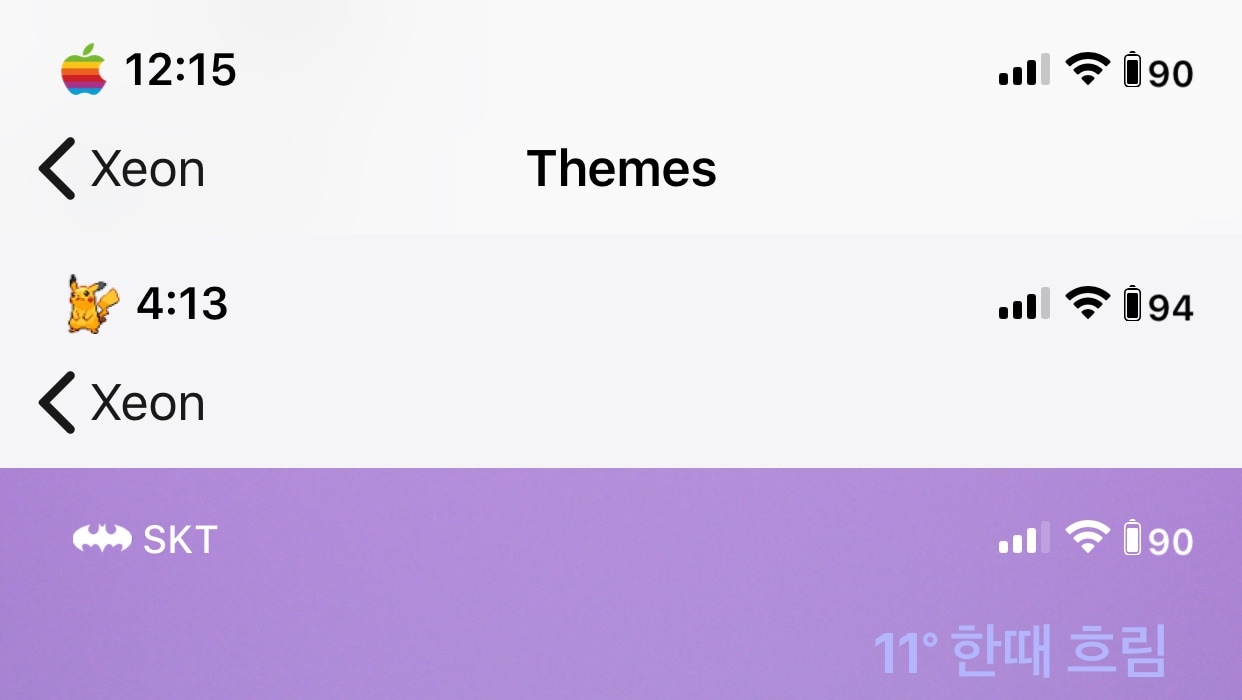
Those looking for a rock-solid Status Bar customization tweak need only turn their attention to a newly released and free jailbreak tweak dubbed Xeon by iOS developer PeterDev.

Nighthawk emphasizes any jailbroken iPhone’s OLED display

Many of Apple’s latest handsets sport OLED display panels, which exhibit higher contrast ratios and deeper black colors when compared with older LCD display panels. If you’re fortunate enough to have a jailbreak on one of these devices, then there’s no doubt that you could take better advantage of your OLED display with the help of a modern jailbreak tweak.

Enter Nighthawk, a new release by iOS developer Dylan Duff that transforms many of iOS’ native blurred-background interfaces into OLED-friendly pitch-black masterpieces.

Customize the look and feel of your Settings app with Horizon

One of the great things about having a jailbroken iPhone or iPad is having the ability to customize the appearance of nearly any interface element. Fortunately, there’s no shortage of jailbreak tweaks that can help you do this.

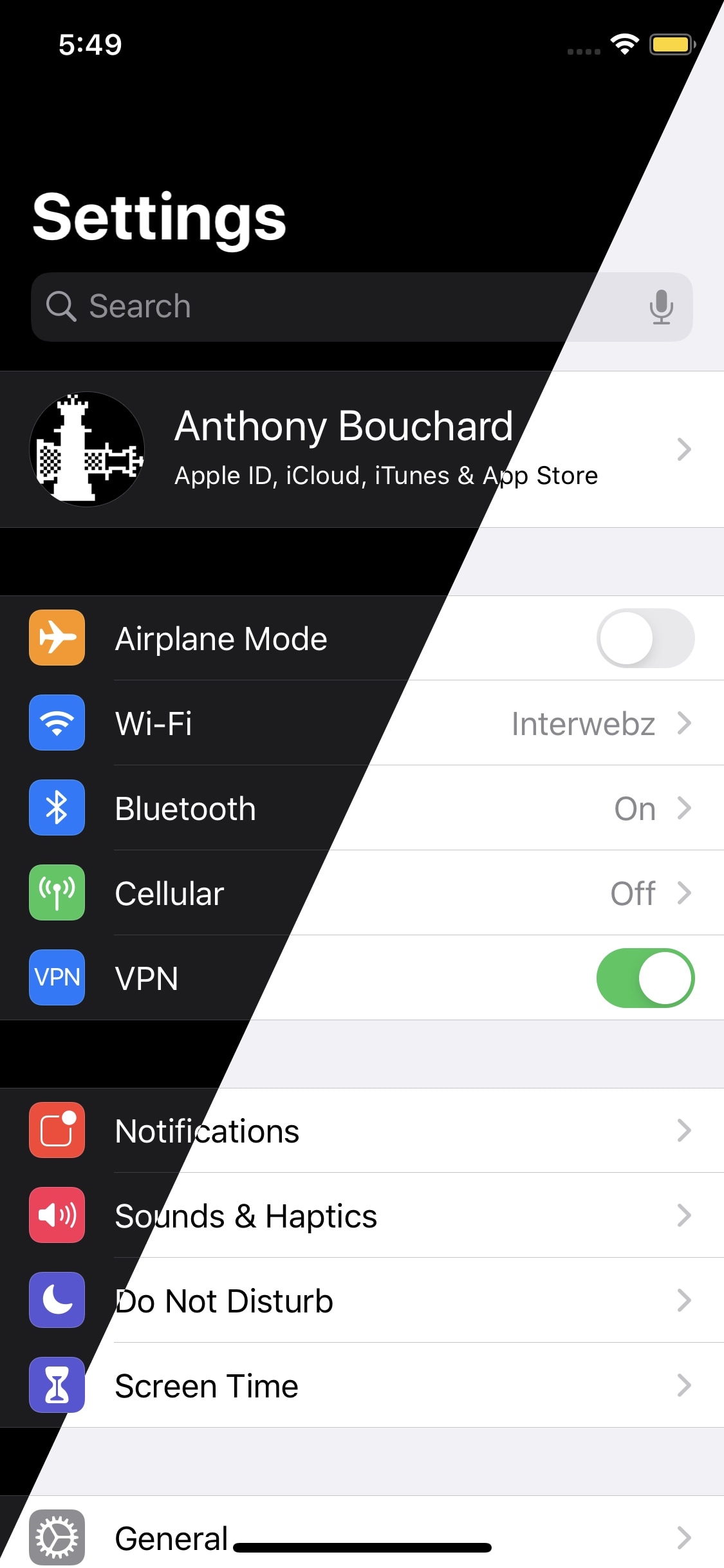
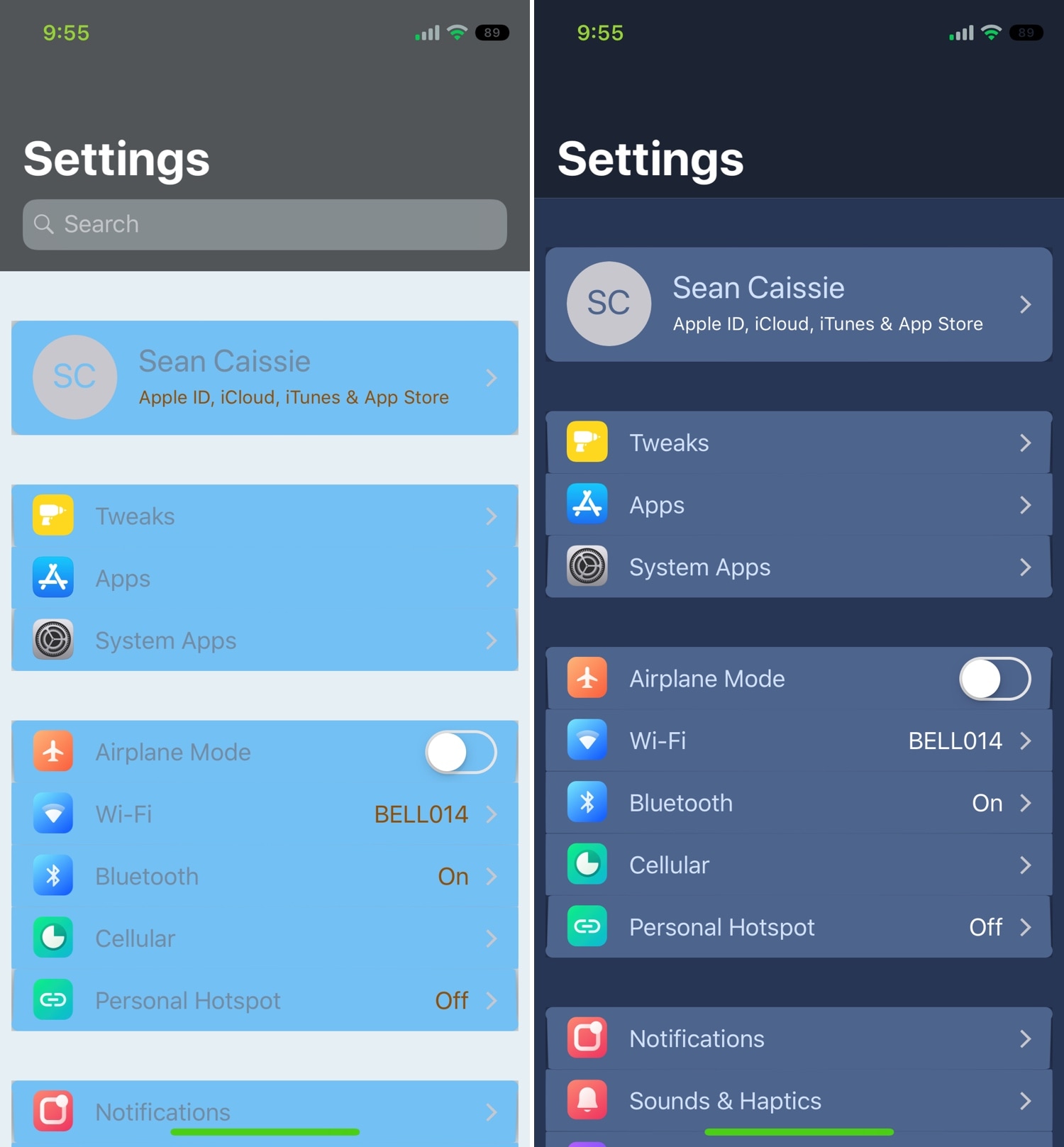
If you’re just refreshing your Cydia or Sileo sources for the first time this week, then you might have noticed a particularly interesting new release under the Changes tab called Horizon by iOS developer Sirius24. This tweak effectively lets you customize the native Settings application however you want.

Flow: A modernized Cover Flow UI for your jailbroken handset

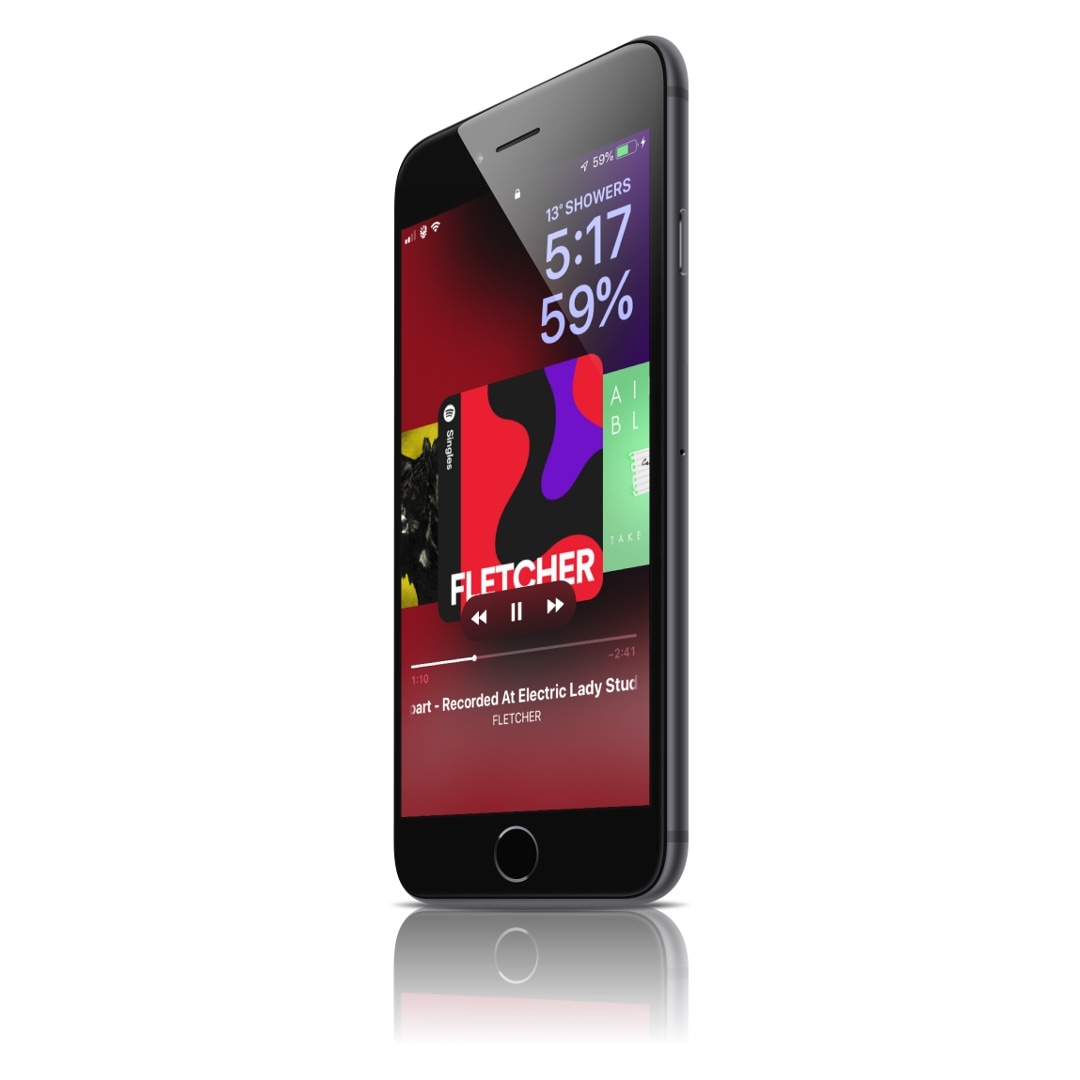
I still remember the early days when Apple placed a heavy emphasis on Cover Flow for browsing your music library. While those days might be over, we’ve taken a particular liking to a newly released jailbreak tweak called Flow by iOS developer Muirey03, as it puts a modernized spin on the classic Cover Flow media view.

Those who remember Cover Flow probably remember it one of two ways: 1) clunky; or 2) simplistic. Cover Flow appeared nice to look at, but it wasn’t always as refined or fluid as I would have liked. Flow, on the other hand, modernizes the Cover Flow concept such that it not only looks good, but works just as well.