Learn how to disable the Stolen Device Protection feature on your iPhone to avoid the one-hour wait for Apple Account changes.
Why and how to turn off Stolen Device Protection on iPhone

Learn how to disable the Stolen Device Protection feature on your iPhone to avoid the one-hour wait for Apple Account changes.
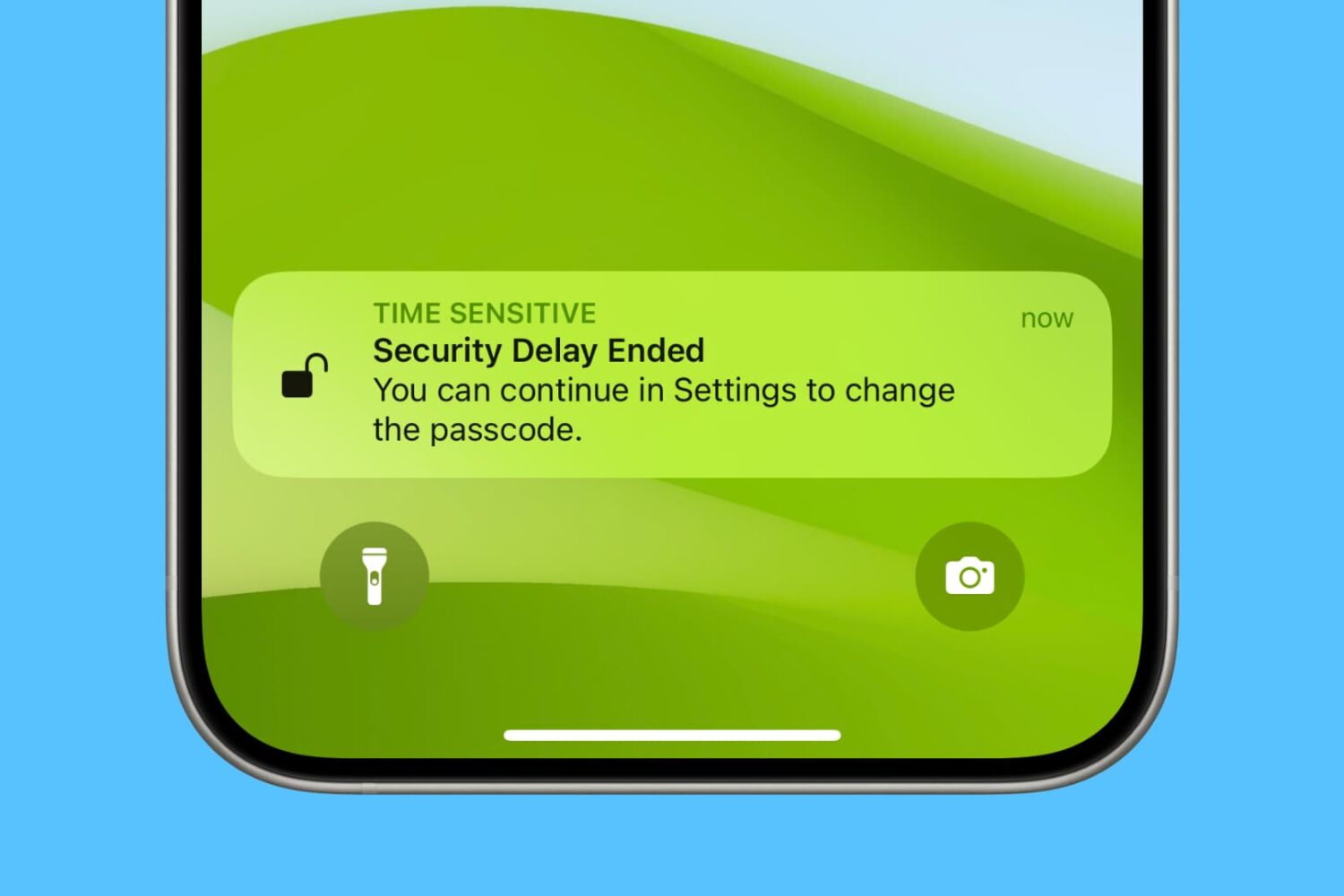
Activate the Stolen Device Protection feature on your iPhone to protect your Apple ID, account passwords, and other critical personal information when your device is stolen or in an unfamiliar location with untrustworthy people who happen to know your iPhone passcode.
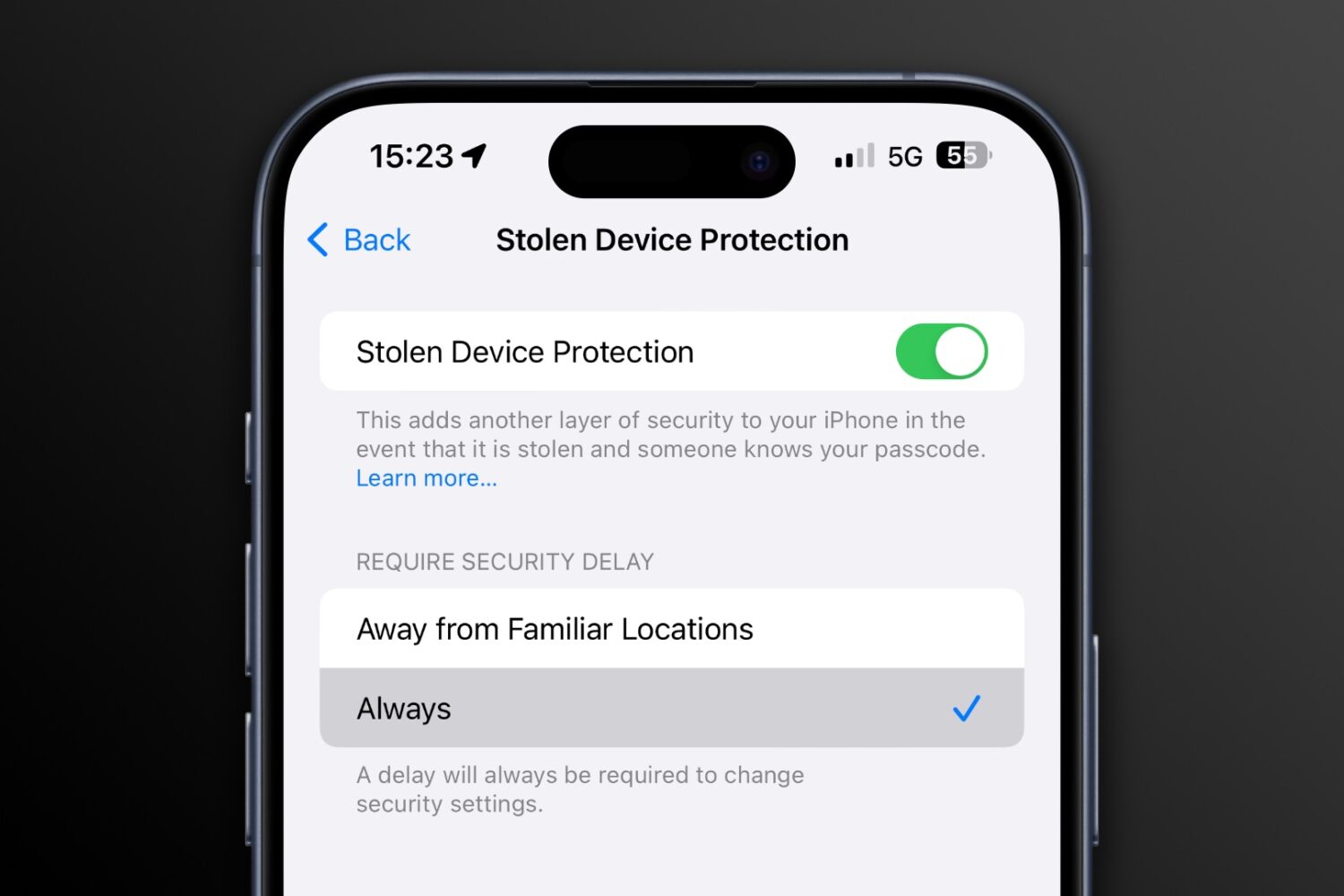
iOS 17.4 brings a new option to the Stolen Device Protection feature to always require a security delay when attempting to change critical settings.
iOS 17.3 release notes list all the new features and improvements coming to your iPhone, like Stolen Device Protection, Apple Music playlist collaboration, etc.
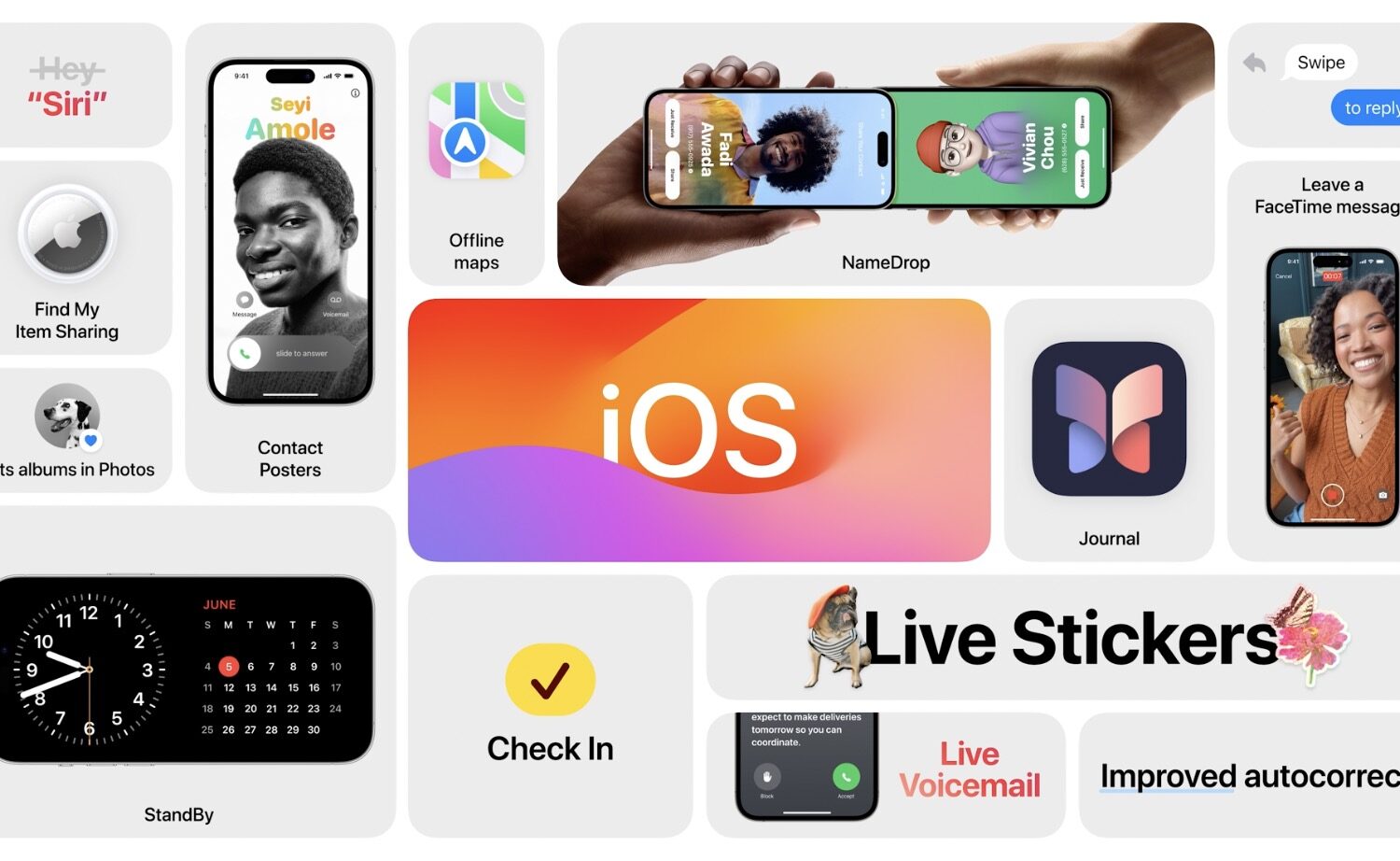
Here's a quick rundown of several new iPhone features that Apple promised to deliver to customers with iOS 17, but booted into 2024.