Use touch to interact with Mac app windows while using Sidecar on an iPad running iPadOS 27 and Mac running macOS 27 Golden Gate.
macOS 27: Use touch to control the Mac window in iPad Sidecar

Use touch to interact with Mac app windows while using Sidecar on an iPad running iPadOS 27 and Mac running macOS 27 Golden Gate.
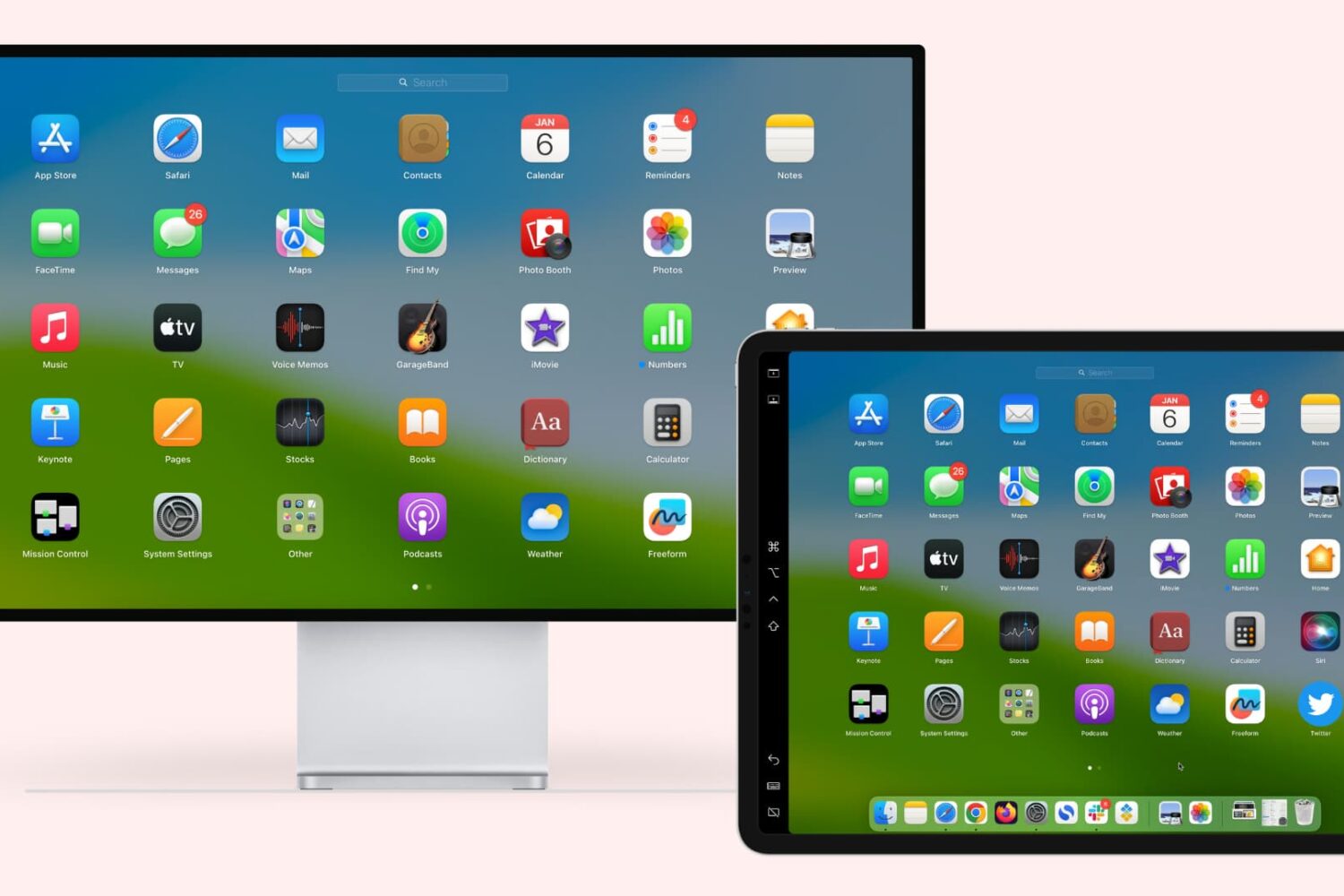
Learn how to extend or mirror your Mac’s display to your iPad wirelessly or via USB, without requiring third-party apps!
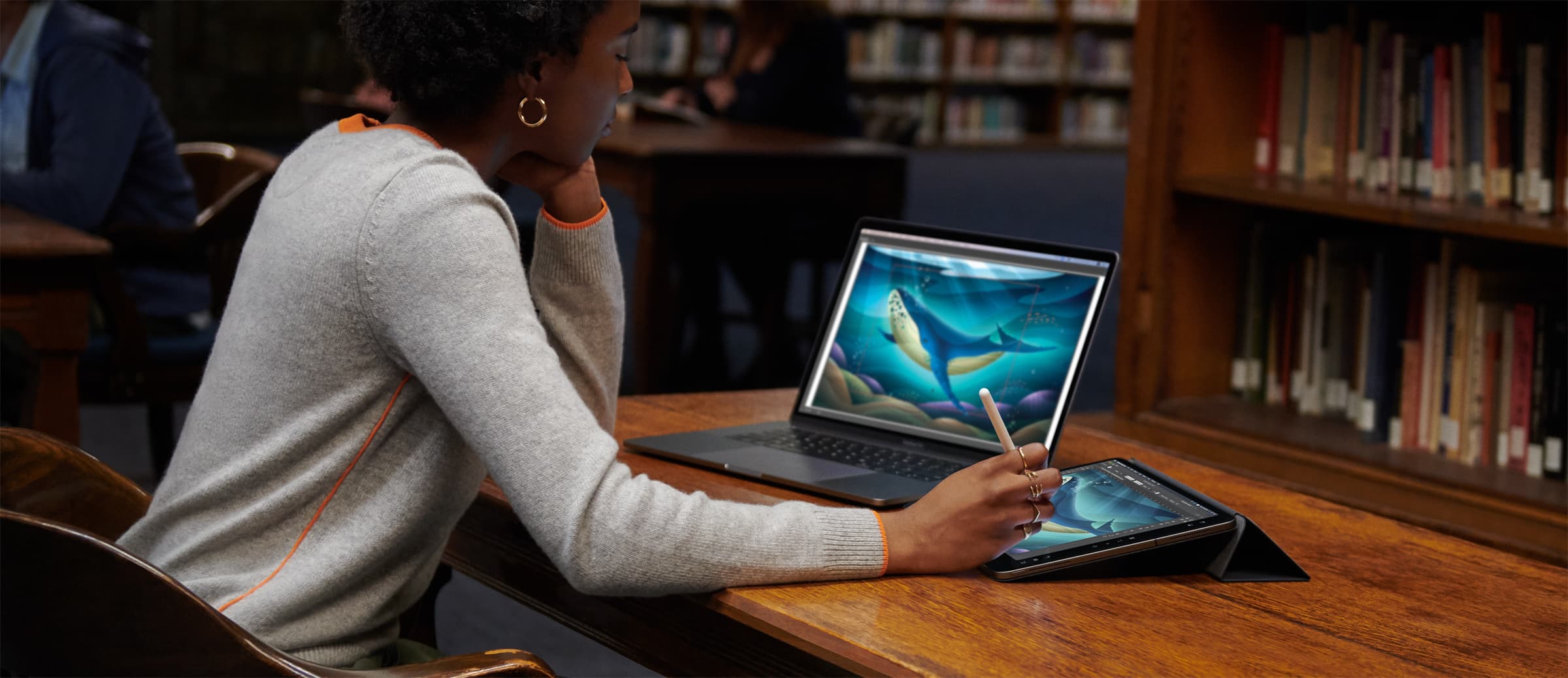
Sidecar, one of the most exciting new features in macOS Catalina 10.15, lets you use your iPad as a Mac display and your Apple Pencil as a graphics tablet for pressure-sensitive drawing and sketching in Mac apps, marking up screenshots and PDFs and more. But do your Mac and iPad devices meet the minimum system requirements needed for the Sidecar feature?

When macOS Catalina launches later this year, it will bring with it a new feature called Sidecar. This will allow owners of specific Macs and iPads to connect the iPad as a secondary, external display. A lot of people are excited about the feature, but it's definitely facing some competition out of the Mac App Store, like Luna Display.
Apple has a new feature in macOS Catalina that could kill the Luna Display accessory.
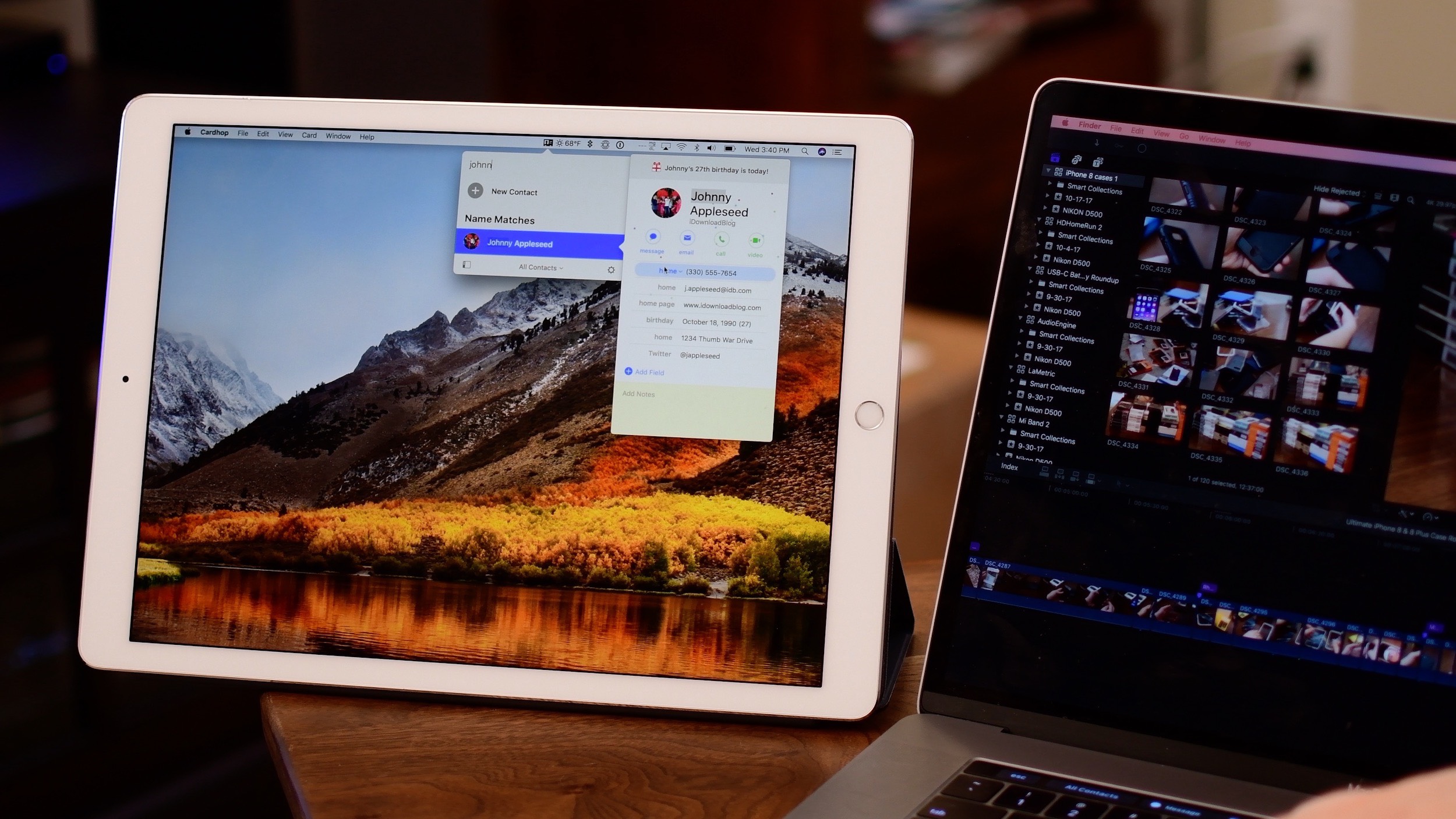
According to people familiar with the development of macOS 10.15, the next major version of Apple's desktop operating system, the software may ship with a cool new feature akin to Luna Display that would make it easy to turn your iPad into an external display for your Mac.