Facebook is launching new privacy controls following the Cambridge Analytica scandal.
Facebook unveils new privacy controls ahead of GDPR compliance deadline
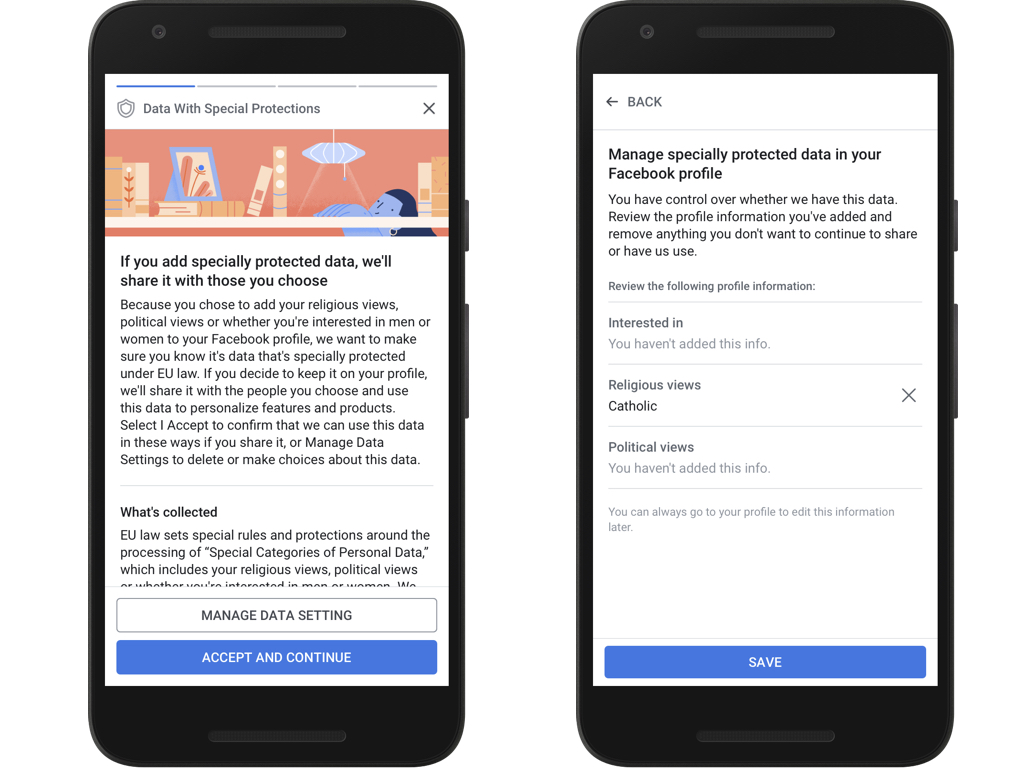
Facebook is launching new privacy controls following the Cambridge Analytica scandal.
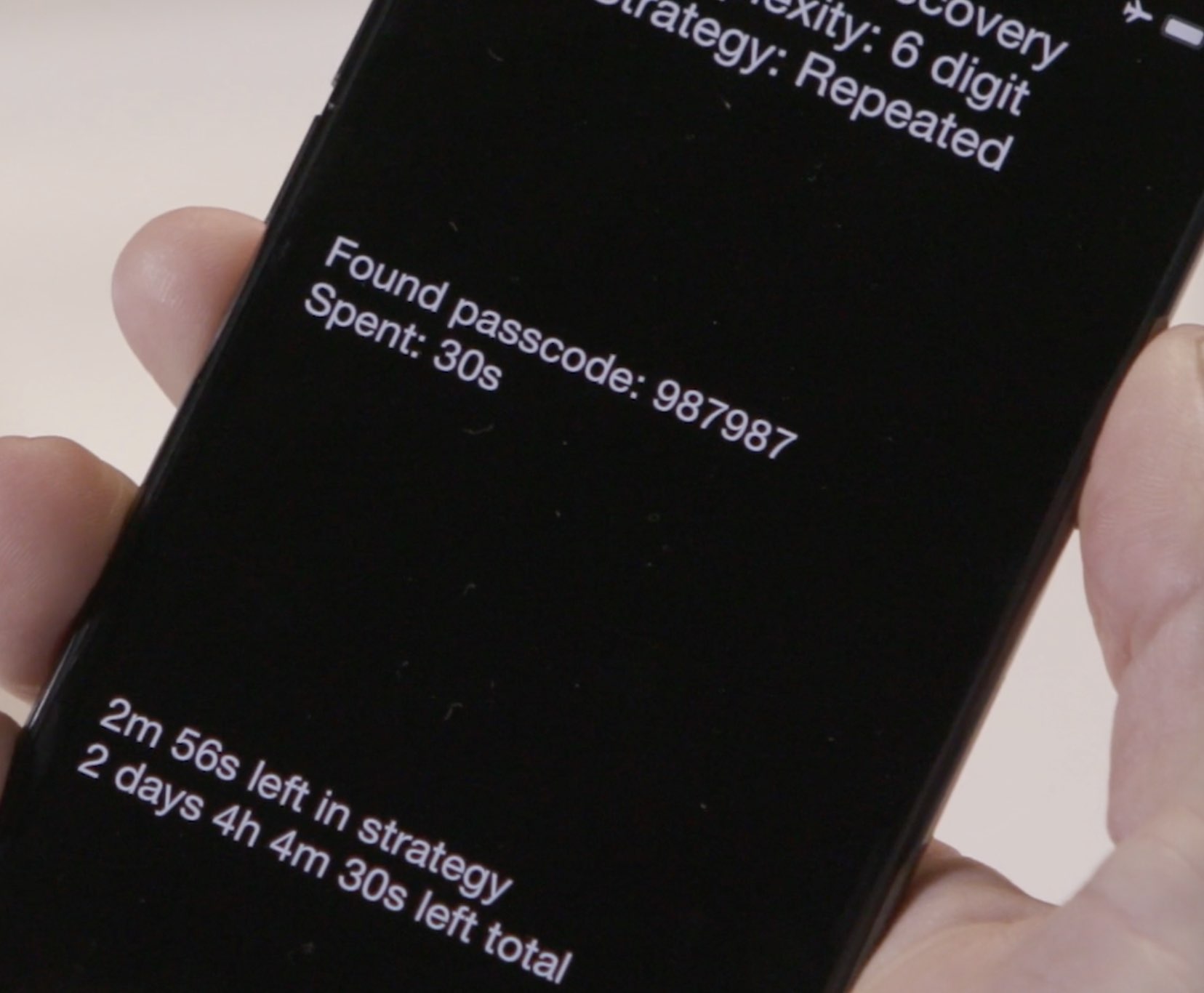
It is no longer safe to use a six-digit passcode on your iPhone.

Timely security patches and seamless iOS software updates are among the chief reasons for many Android customers to switch to an iPhone.

Following the scandalous revelation that Cambridge Analytica exploited the Facebook platform to collect data on undecided US voters through an inconspicuous quiz app, the social network has now released a web-based tool to check if your account may have been exploited.

On March 29, 2018, Apple released the tvOS 11.3 software update, bringing the ability to play videos in their original frame rate to owners of the fourth-generation Apple TV, plus other improvements such as ad-free music videos for Apple Music members right in the Music app.
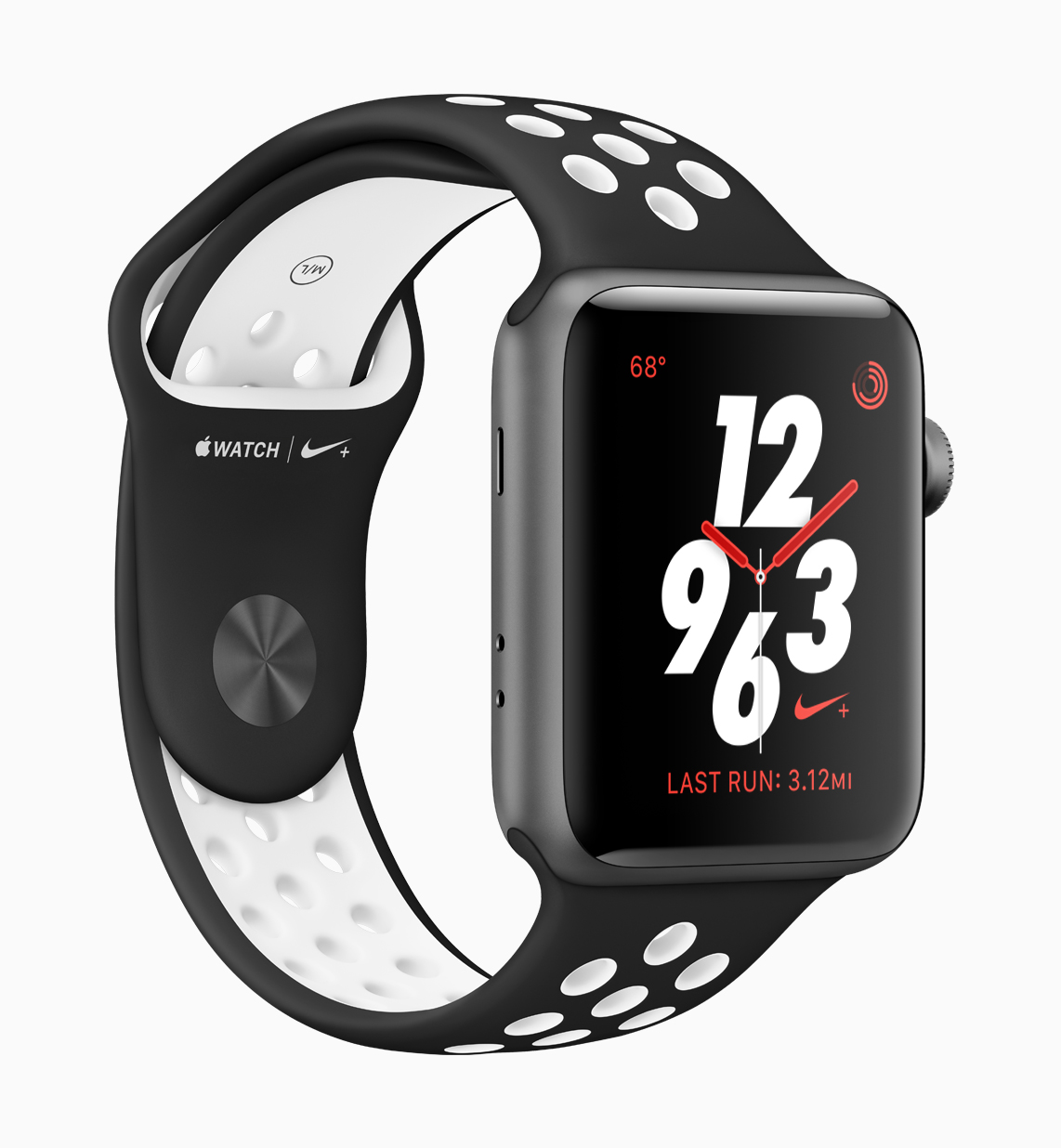
On March 29, 2018, Apple released the watchOS 4.3 software update for Apple Watch. Among other improvements and fixes, watchOS 4.3 reinstates the ability to browse music on your paired iPhone via your wrist while enabling new features like portrait Nightstand mode.

On Thursday, March 29, 2018, Apple released the iOS 11.3 software update for iPhone, iPad and iPod touch with battery health assessment in Settings, the ability to disable Apple's controversial CPU throttling at will and other new features.
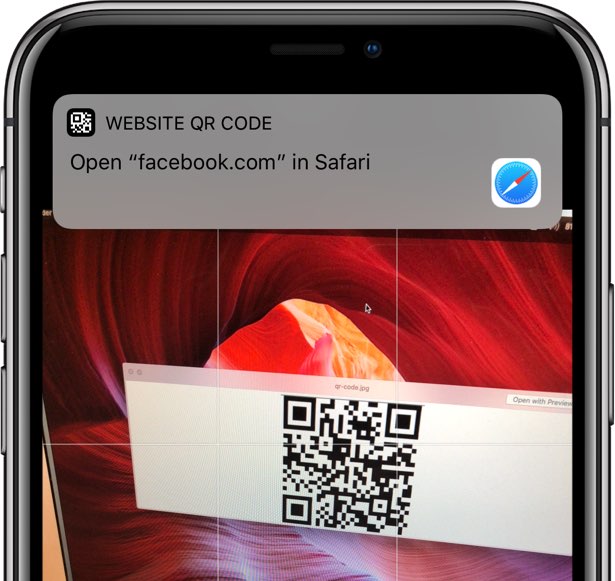
The QR code scanning feature in the stock Camera app suffers from an odd parser bug.
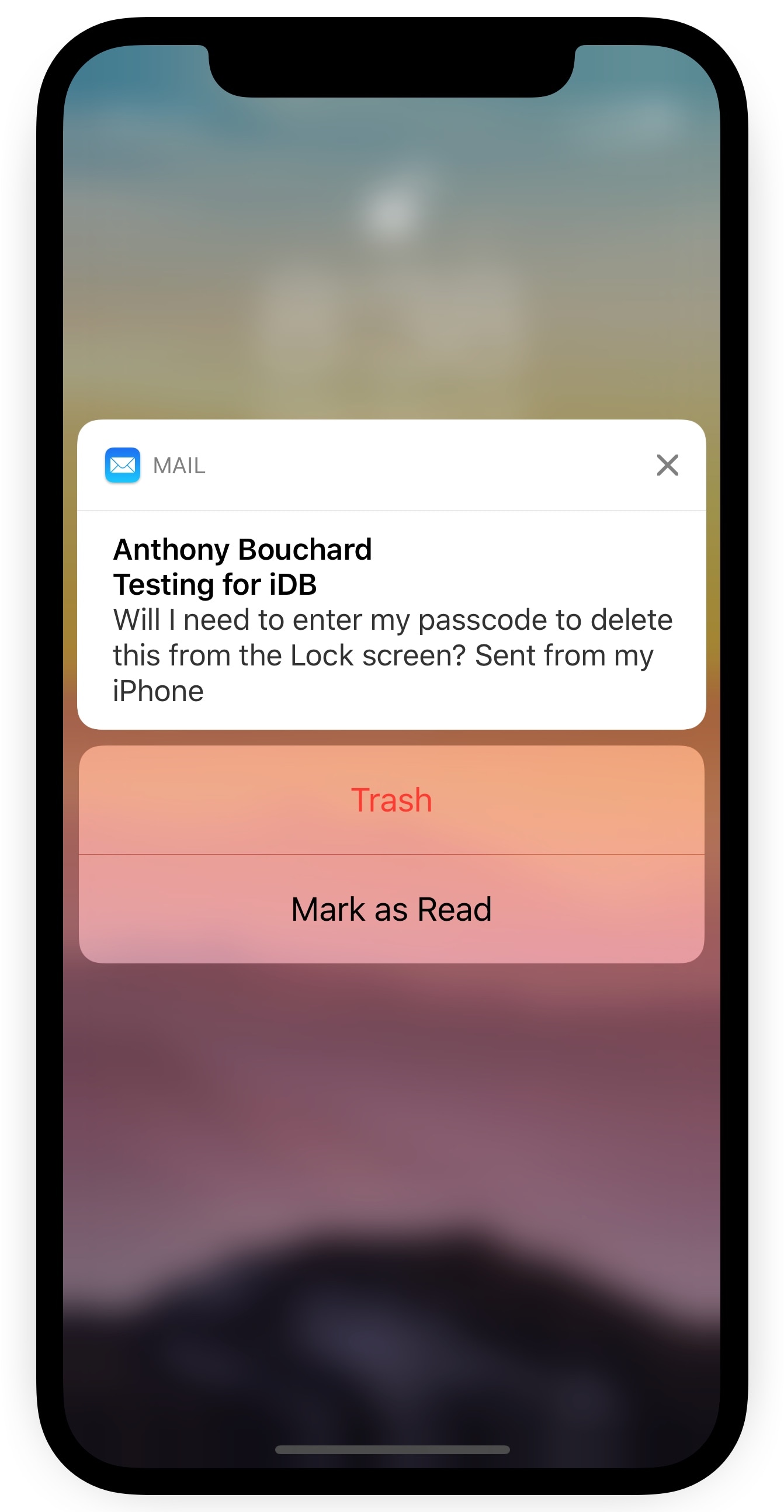
Depending on your iPhone’s notification settings, you might receive email notifications on the Lock screen as the flow of messages come in. While it can be convenient to see these email previews, it’s somewhat annoying that you can’t delete incoming emails from the Lock screen without authenticating yourself first.
A new free jailbreak tweak called TrashFromLS by iOS developer Kiran Patil was just released in Cydia this week and tackles this problem head-on. After installing it, you can move incoming emails to the trash without authenticating yourself.