Security

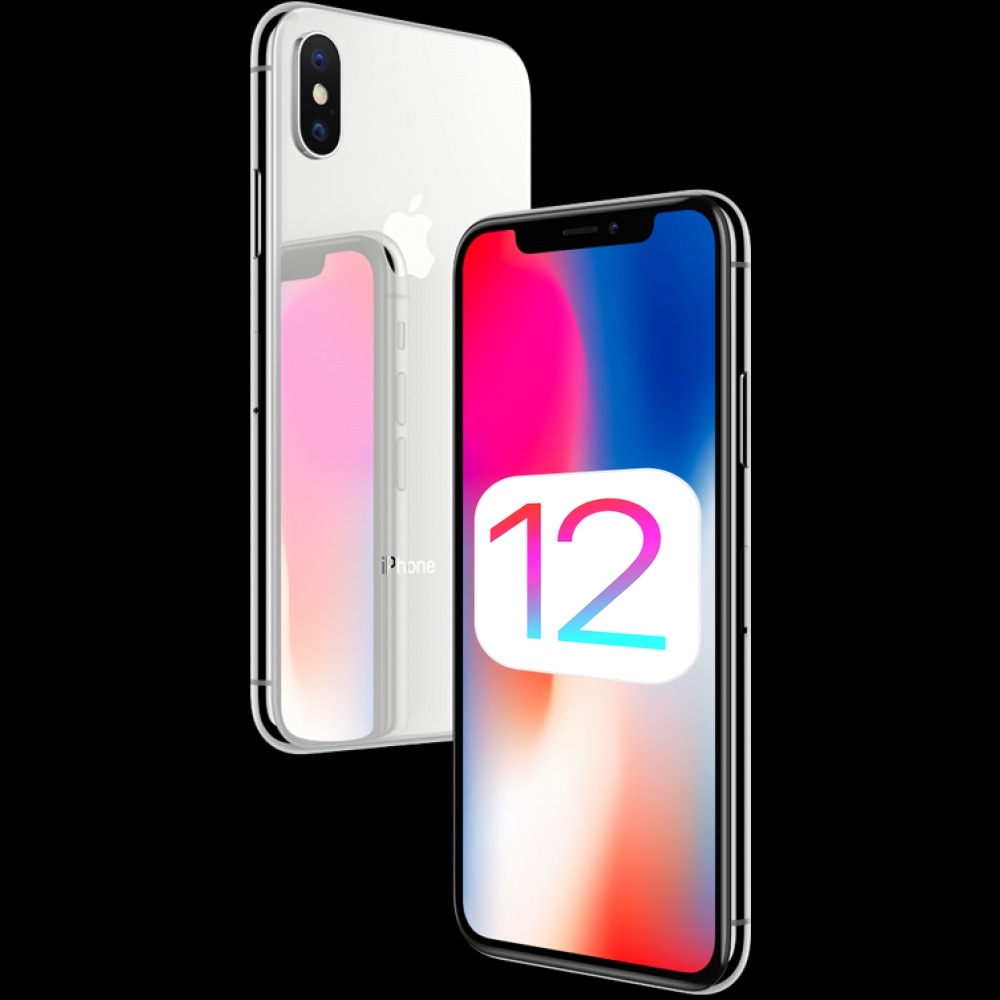
Apple stops signing iOS 12.1.4, thwarting downgrades from recently-released iOS 12.2

Apple on Thursday stopped signing iOS 12.1.4 for its mobile devices, a move on the Cupertino-based company’s part that prevents users from using iTunes to downgrade their firmware to any version below iOS 12.2.

Apple just released iOS 12.2 to the public last Monday, and so the decision to stop signing iOS 12.1.4 today is somewhat abrupt, even to Apple’s standards. The last time Apple stopped signing an older version of iOS, the window remained open for several weeks before Apple flipped their magical anti-downgrade switch.

Protect your jailbroken iPhone from thieves with iCaughtU 12

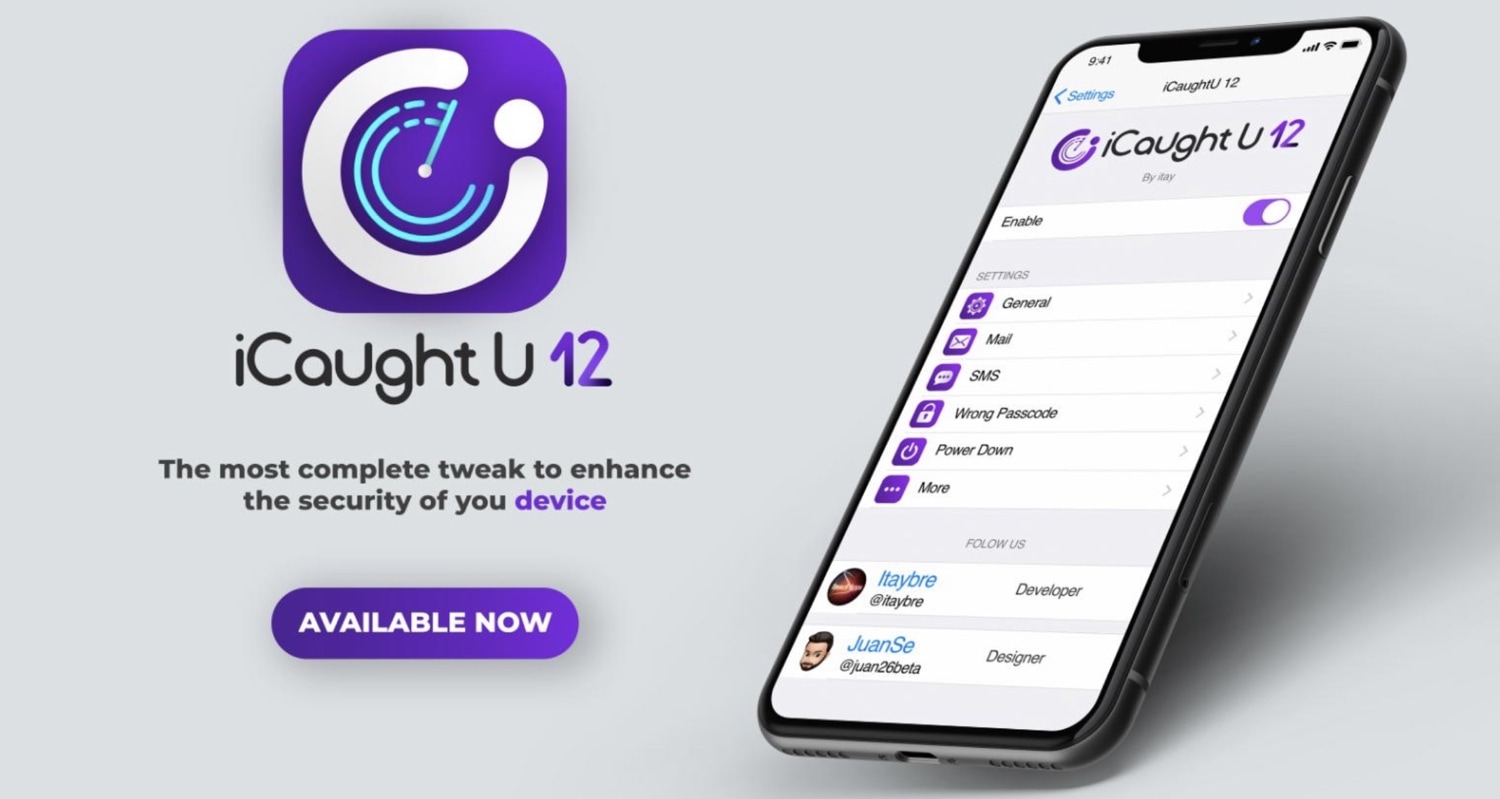
If you’re more anxious than most, especially concerning the safety of your jailbroken thousand-dollar smartphone, then you might be interested in a newly-released jailbreak tweak called iCaughtU 12 by iOS developer Itay.

iCaughtU 12 is an iOS 12-compatible remake of one of the most popular anti-theft jailbreak tweaks ever devised, and as you might come to expect, it provides many of the features that users have come to know and love since the original classic launched several years ago.

No2Theft2 protects your iPhone from thieves and pranksters

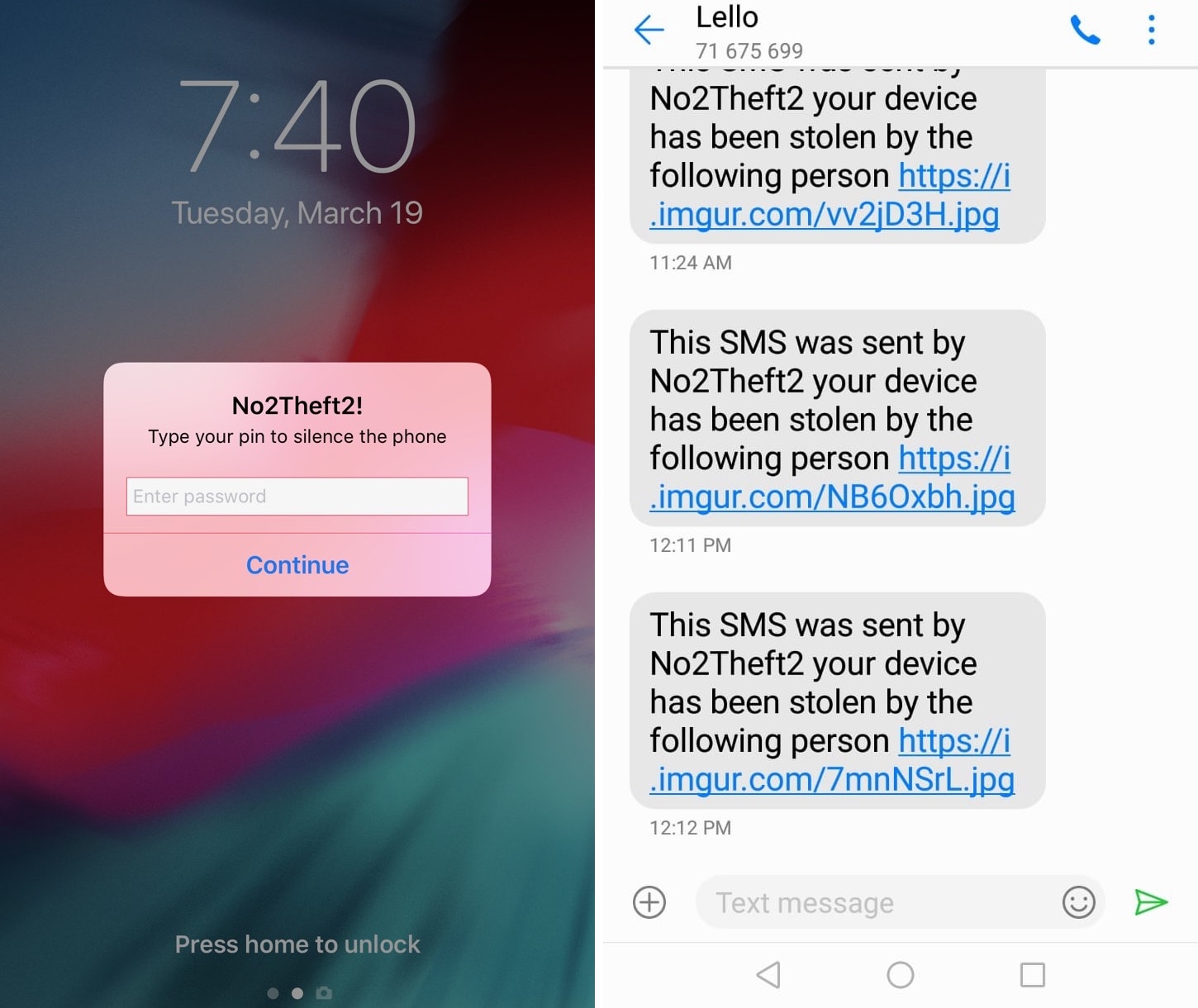
Whether you’re always paranoid about someone stealing your iPhone when you set it down on a table somewhere in public or you’ve just got lousy friends that like to play pranks on you, a jailbreak tweak called No2Theft2 by iOS developer Elias Sfeir promises to let you know whenever someone tries to be nefarious with your handset.

After you’ve installed and configured No2Theft2, you can rest assured that if someone’s doing something fishy with your iPhone behind your back, you’ll know about it. The tweak uses several methods to notify you whenever someone picks up your handset and enters the passcode incorrectly.

Lock your iPhone by placing it face-down on a desk with DownLocker

There are typically two ways to lock your iPhone when you’re finished using it: 1) press the sleep button; or 2) wait for the lockout timer time out. But with a new free jailbreak tweak called DownLocker by iOS developer Soh Satoh, you can add a third and practical method to that list.

DownLocker utilizes your iPhone’s accelerometer system to discern the handset’s orientation in space, and when it senses that your handset is lying face-down, it locks the device. This works with virtually any flat surface, whether that object is opaque or transparent, which is an apparent advantage over similar tweaks that would use the handset’s proximity sensor instead.

LendMyPhone 3 brings a full-fledged guest mode to your jailbroken iOS 13 device

Unlike Apple’s Mac lineup, the company’s iOS devices don’t offer a native ‘guest mode.’ This is a crying shame for anyone who wants to share their device with someone else while keeping the peace of mind that the other person won’t be peering through any personal data.

Fortunately, jailbreakers have long had the option of installing guest mode-centric jailbreak tweaks, and LendMyPhone 3 by iOS developers Luke Muris and Geometric Software offers one of the slickest guest mode interfaces we’ve seen yet.

How to create an Amazon Echo Voice Code for Amazon purchases

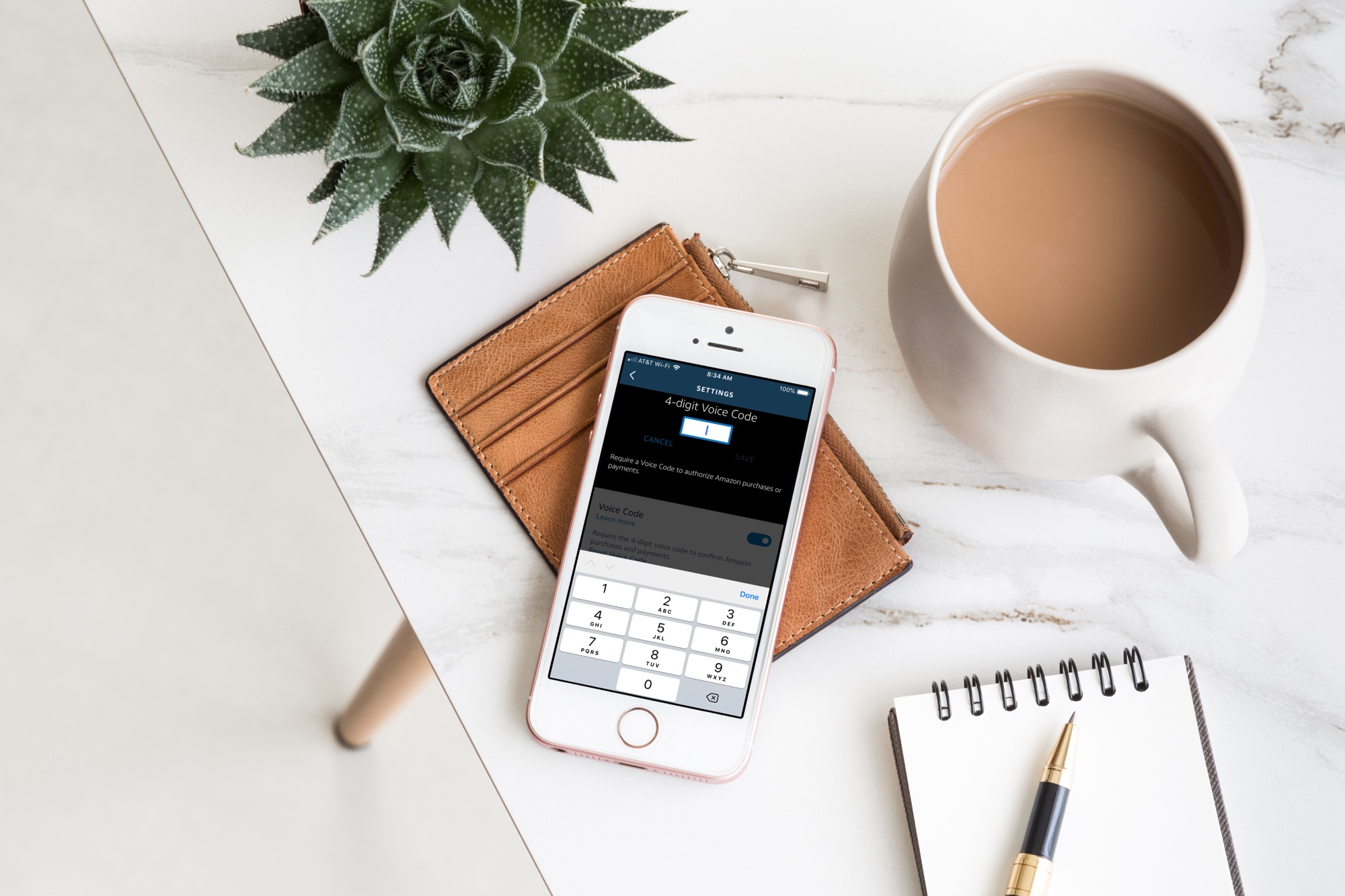
Alexa app Voice Code on iPhone on desk

Your Amazon Echo smart speaker gives you an easy and convenient way to shop on Amazon with simple Alexa commands. But with this handy feature comes the risk of accidental purchases. Whether it’s you mistakenly asking for something, forgetting that Alexa is listening or someone else who orders something they shouldn’t, it’s a little scary and can be costly at the same time.

If you want to continue to order items from Amazon with your speaker, but want to protect yourself from accidental purchases, you can set up a Voice Code. This tool adds a layer of security in a sense so that orders cannot be placed, nor payments made, unless the code is used.

Here’s how to create an Amazon Echo Voice Code for Amazon purchases.

Add an extra layer of security to your jailbroken iOS 12-16 device with BioProtect XS

BioProtect XS

Some people worry about their privacy more than others, and if you’re one to implement defenses on your smartphone that would be equivalent to that of a virtual Fort Knox, then you’ll probably take a liking to a jailbreak tweak called BioProtect XS by iOS developer Elias Limneos.

BioProtect was perhaps one of the most popular security tweaks ever devised for the jailbroken platform. BioProtect XS is fundamentally an iOS 12-16-compatible version of the ever-so-popular security tweak that most know and love, and it has been fully-optimized to work with both Touch ID and Face ID.