Review

SwitcherXI brings an iOS 11-esque App Switcher experience to iOS 10

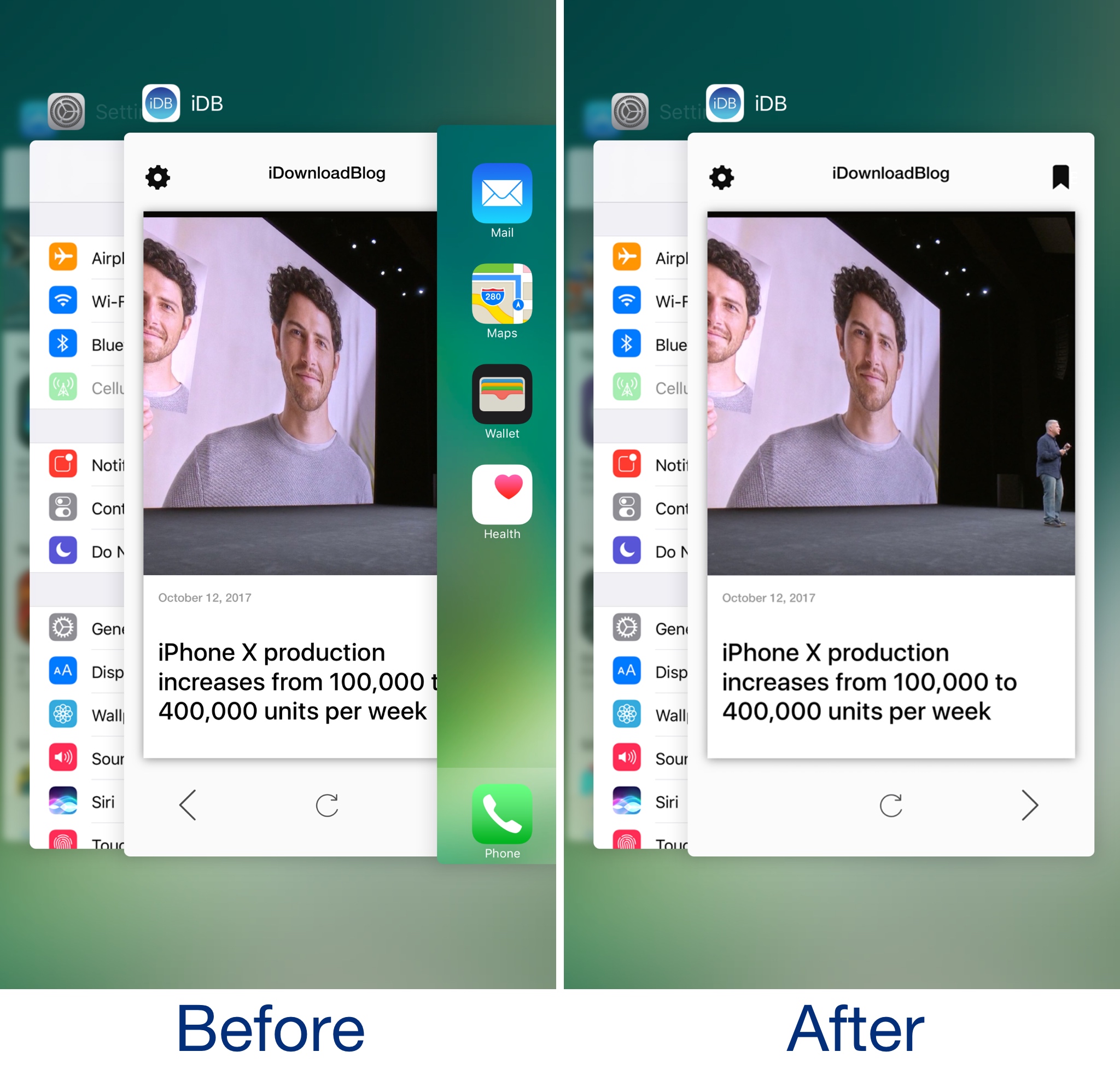
There are some subtle differences in the App Switcher between iOS 10 and iOS 11, and although they aren't significant, iOS developer ArtikusHG created a new jailbreak tweak called SwitcherXI that ports the iOS 11 App Switcher experience to jailbroken iOS 10 devices.

Post-installation, your App Switcher begins to look how it does in the before and after illustration above.

Mimic the iOS 11 experience on your jailbroken device with these tweaks

Although there isn't a jailbreak for iOS 11 yet, that doesn't mean you can't have your cake and eat it too. Even if you're using a jailbroken iOS 10 device right now, you can enjoy several of iOS 11's new aesthetics and features by installing a few tweaks on it.

While a bevy of tweaks released over the last several months specifically port iOS 11-esque features to jailbroken iOS 10 devices, even some older tweaks provide functionality comparable to what Apple included in iOS 11 and are worthy of recognition. In this piece, we showcase all the tweaks that came make your iOS 10 jailbroken device look more like it's running iOS 11.

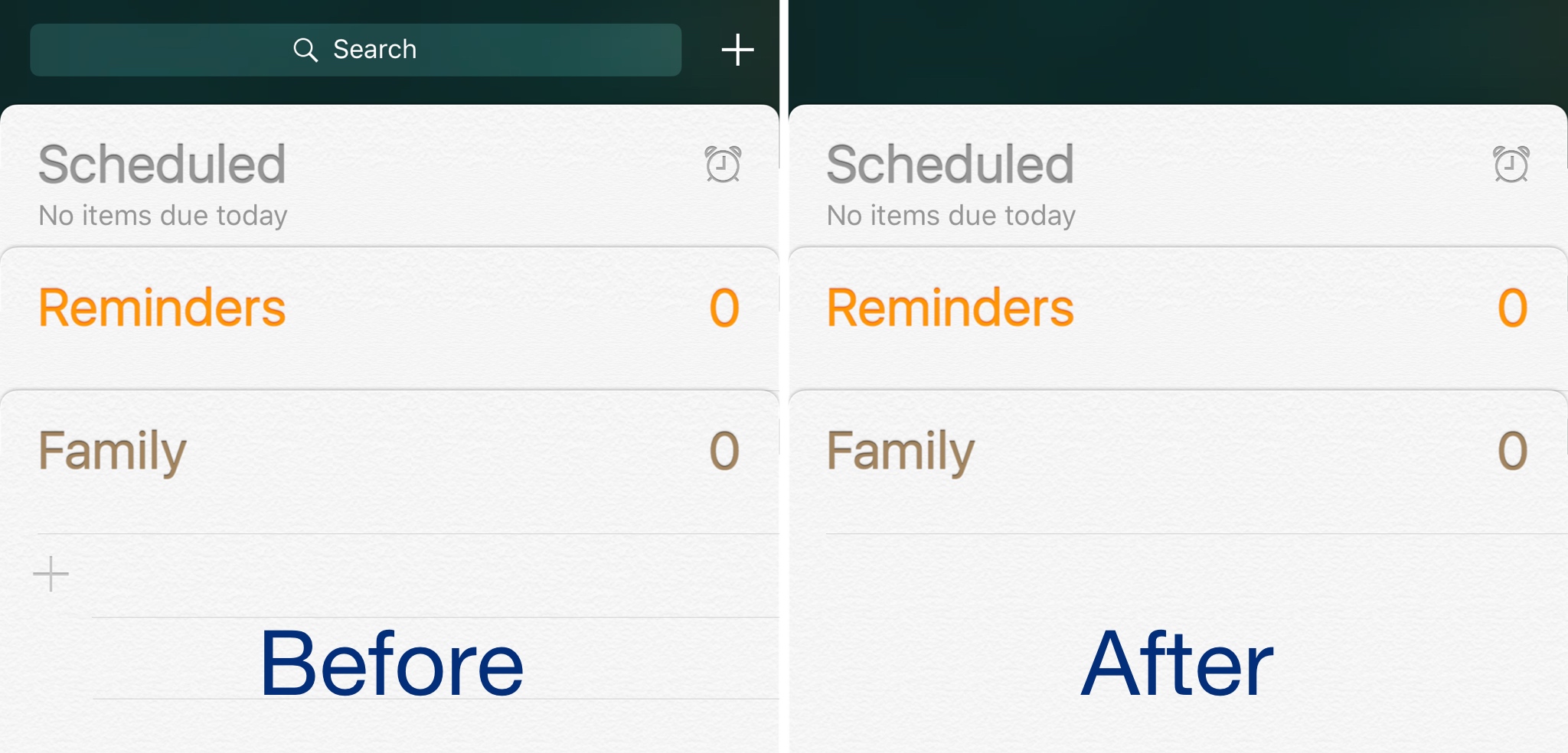
This tweak hides the search bar from the Reminders app

Frequent users of Apple’s Reminders app know how useful it can be for organizing a busy thought process, but some people don’t like that they can’t customize it.

Those with jailbroken devices have a little more customization leeway, and new free jailbreak tweak called HideReminderSearchView by iOS developer CydiaGeek lets jailbreakers flex those muscles.

This tweak integrates your Bluetooth device usage with Activator

Bluetooth-enabled devices are sometimes incredibly handy, but the process of connecting, disconnecting, and toggling between their connections through iOS can be a cumbersome experience.

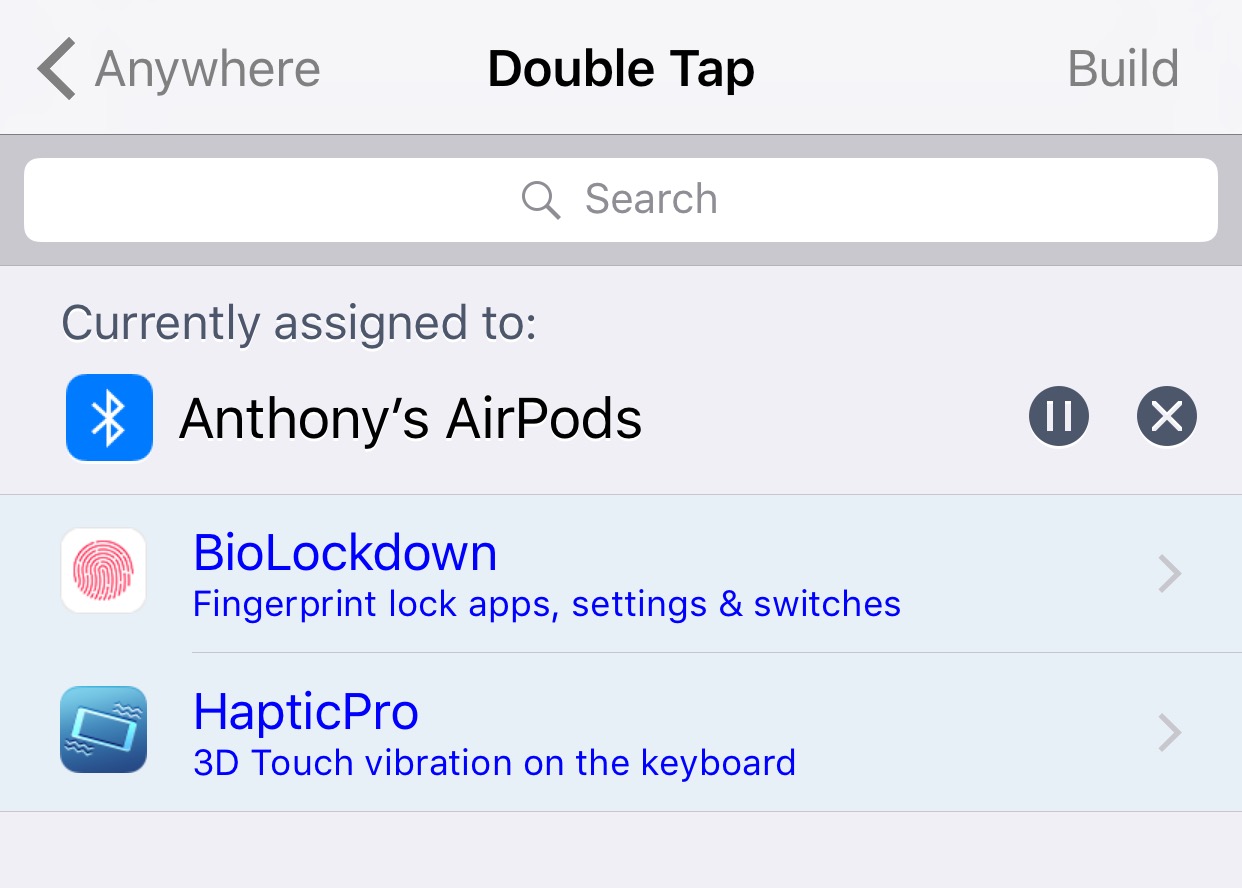
A new jailbreak tweak dubbed Tooth by iOS developer CreatureSurvive, strives to fix this by making these tedious tasks both quicker and easier for everyone. It integrates with Activator, letting you perform these actions from virtually anywhere with nothing more than a gesture.

UpsideBoard enables ‘upside-down’ orientation on your iPhone’s Home screen

One of the minor details that set Plus-sized iPhones apart from the rest of Apple's lineup is the extra support for landscape orientation throughout iOS, which extends to unexpected places like the Home screen.

The iPad offers similar Home screen orientations and undoubtedly served as inspiration for Plus-sized handsets, but Apple’s tablets also accommodate for upside-down viewing, while Plus-sized iPhones don't. A new free jailbreak tweak called UpsideBoard by iOS developer ipad_kid changes that.