Passcode

CatchaThief snaps a picture of the user when your passcode gets entered incorrectly

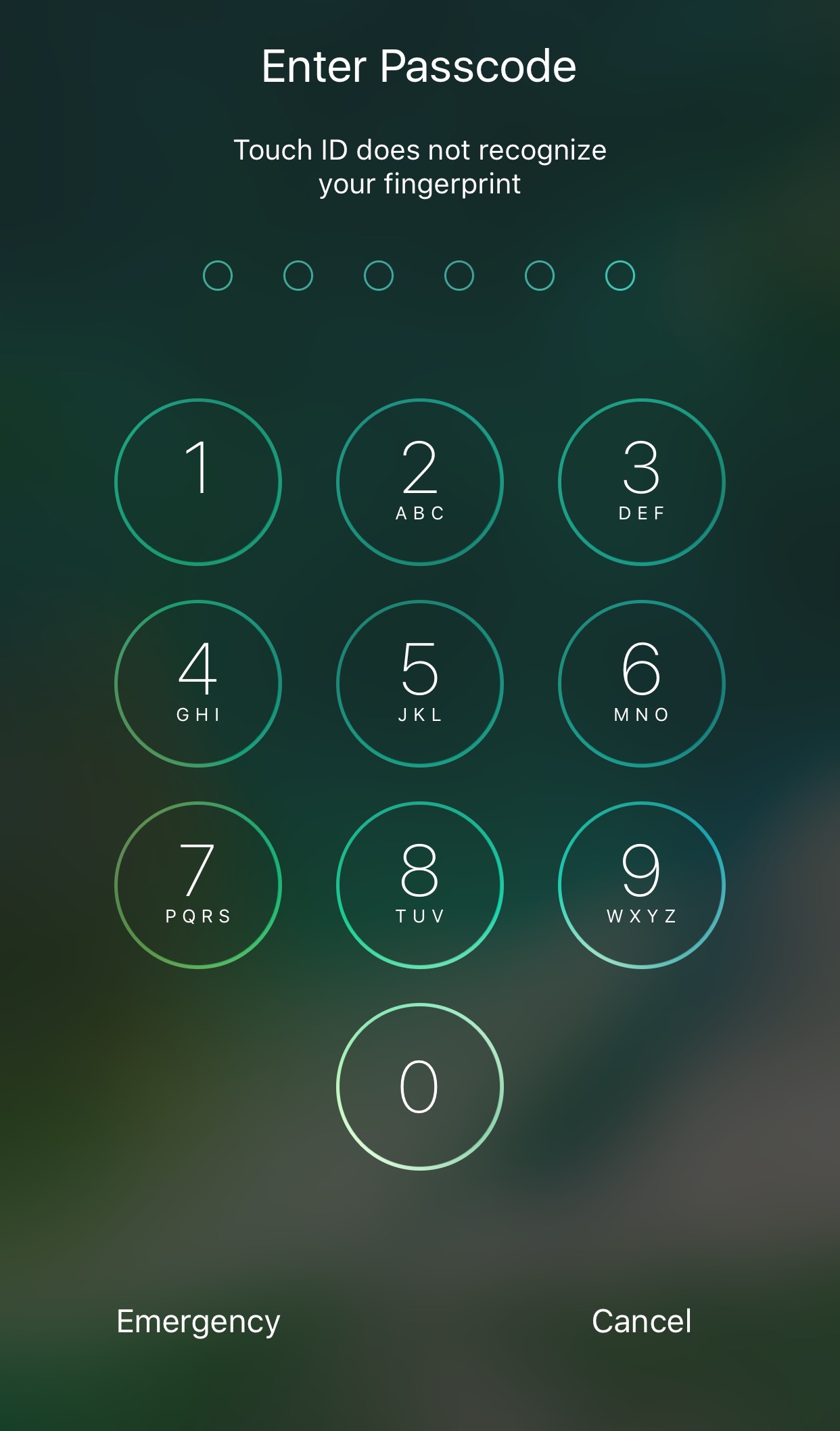
If you’re worried that someone might be trying to obtain unauthorized access to your iOS device when you aren’t looking, then you might find a new free jailbreak tweak called CatchaThief by iOS developer Jake James useful.

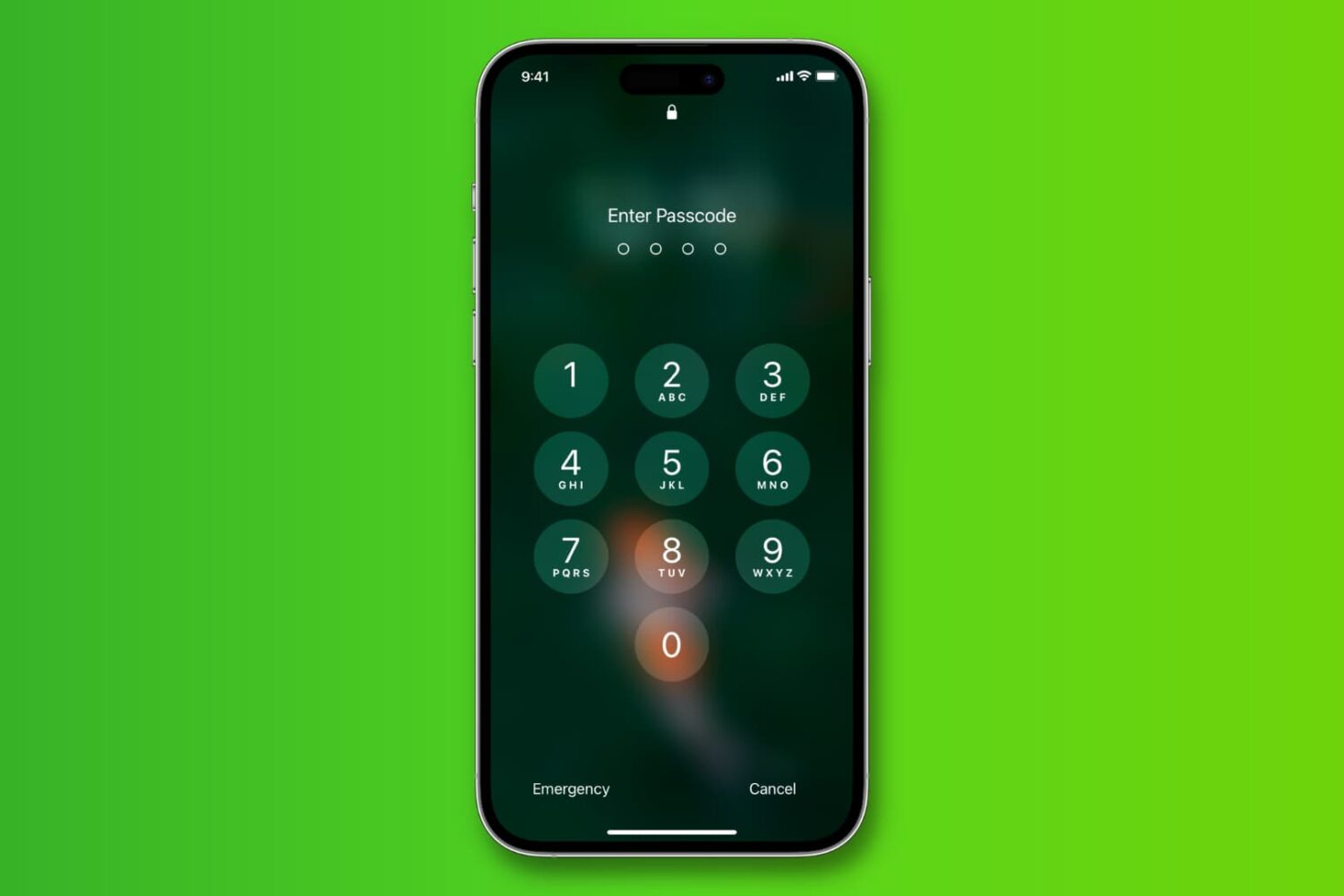
Once installed, CatchaThief harnesses your handset’s front-facing camera to snap a picture whenever someone enters your passcode incorrectly, allowing you to see anyone that might be trying to use your device without your permission.
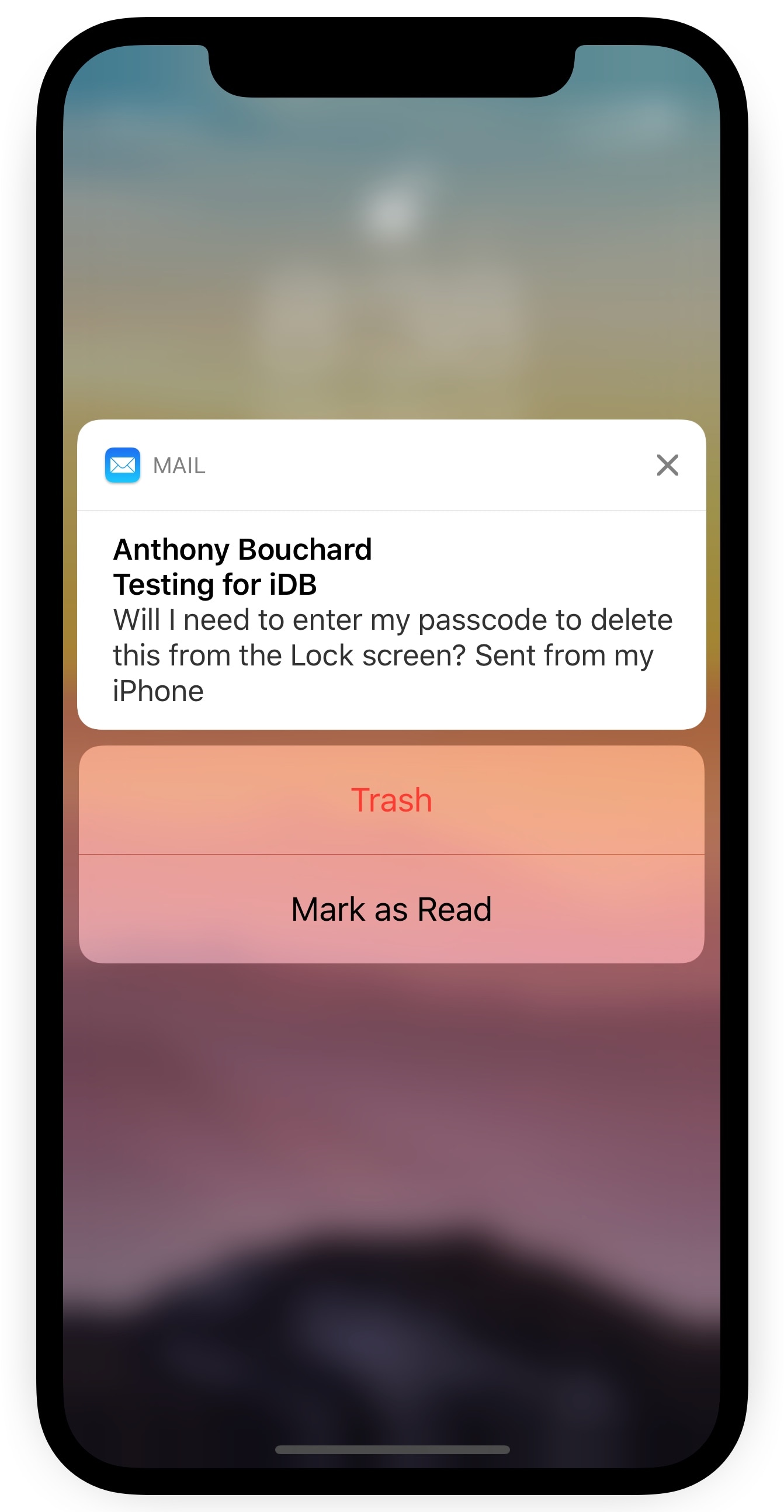
TrashFromLS lets you delete emails via the Lock screen without authentication

Depending on your iPhone’s notification settings, you might receive email notifications on the Lock screen as the flow of messages come in. While it can be convenient to see these email previews, it’s somewhat annoying that you can’t delete incoming emails from the Lock screen without authenticating yourself first.

A new free jailbreak tweak called TrashFromLS by iOS developer Kiran Patil was just released in Cydia this week and tackles this problem head-on. After installing it, you can move incoming emails to the trash without authenticating yourself.

BioLockout lets you disable biometric authentication with an Activator gesture

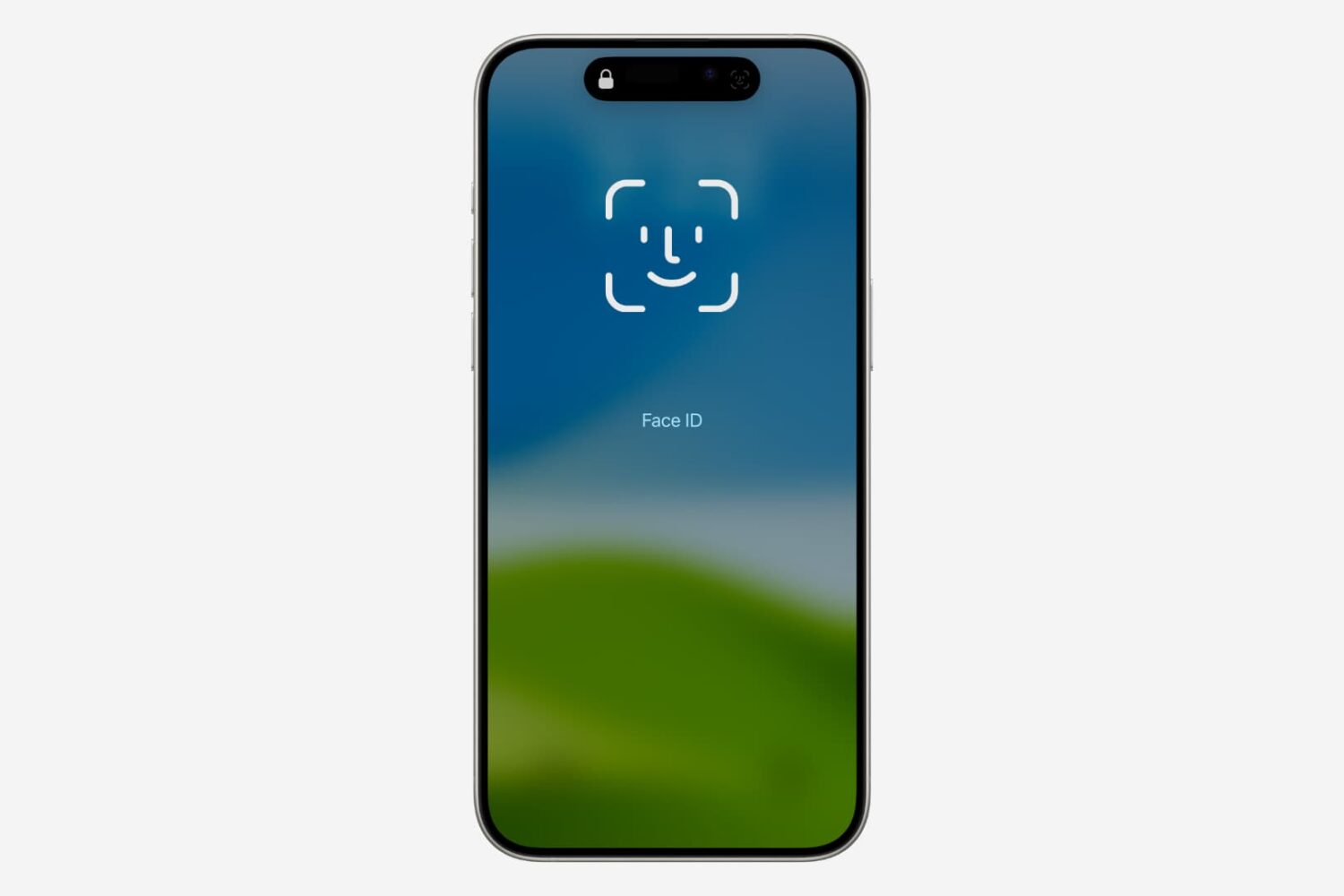
Biometric authentication methods like Touch ID and Face ID come standard on most modern iPhones, and a new free jailbreak tweak called BioLockout by iOS developer ARX8x lets you take full control over when they can be used.

BioLockout takes advantage of Activator, so you can easily configure a gesture that toggles biometric authentication on or off on demand. You can set it up in the Settings app after installation:

Force authentication from your iMessage recipient with MsgL0ck

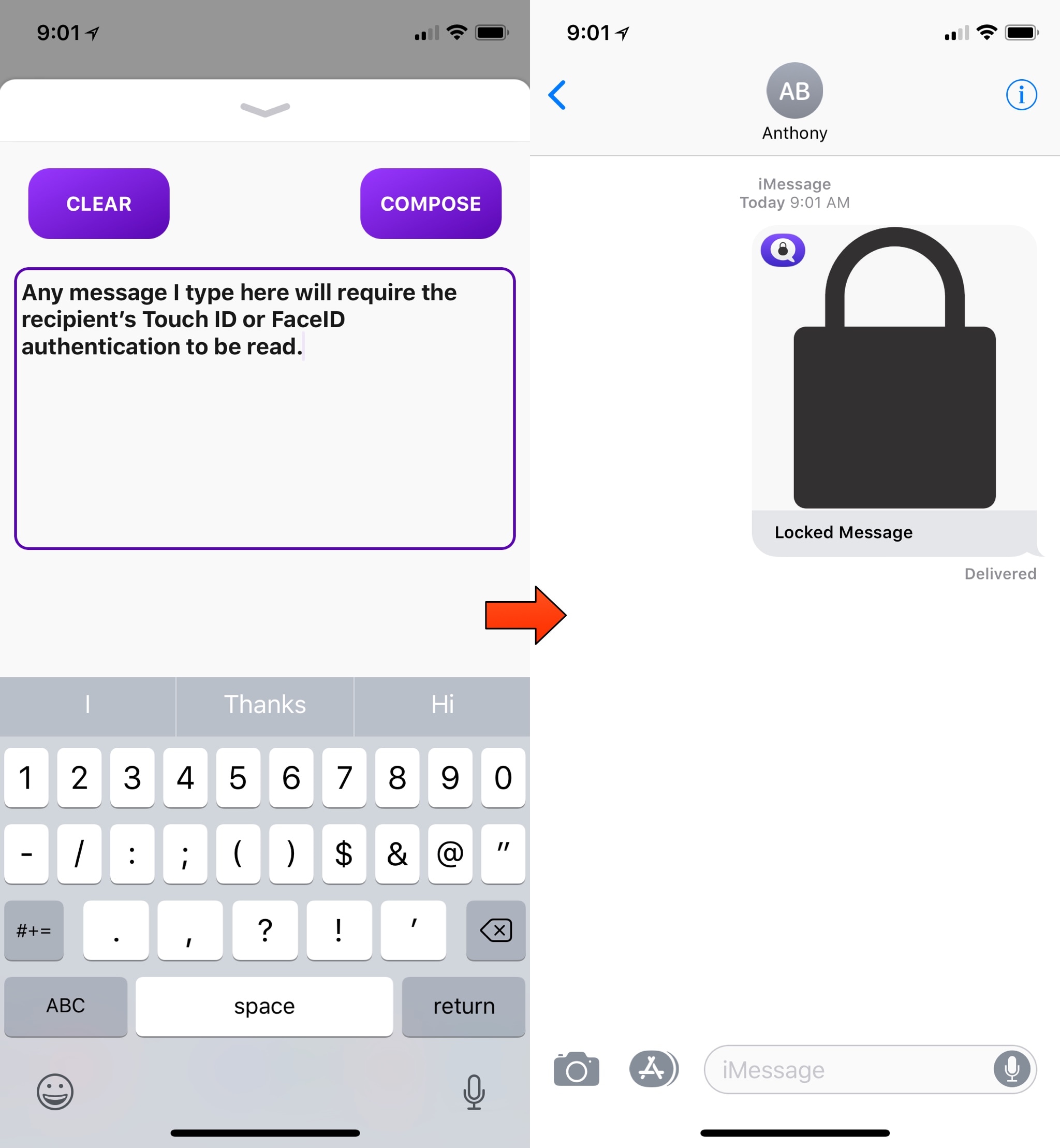
Some people take their privacy more seriously than others, and a new iMessage extension dubbed MsgL0ck by iOS developer Simon Andersson takes that sentiment into consideration.

MsgL0ck lets the sender require authentication from the iMessage recipient before they can read the message. In Apple-speak, this means providing a fingerprint for Touch ID or a facial scan for Face ID (or a passcode if the recipient has neither).