OS X

OS X 10.11 El Capitan software update is now available for your Mac, get downloading

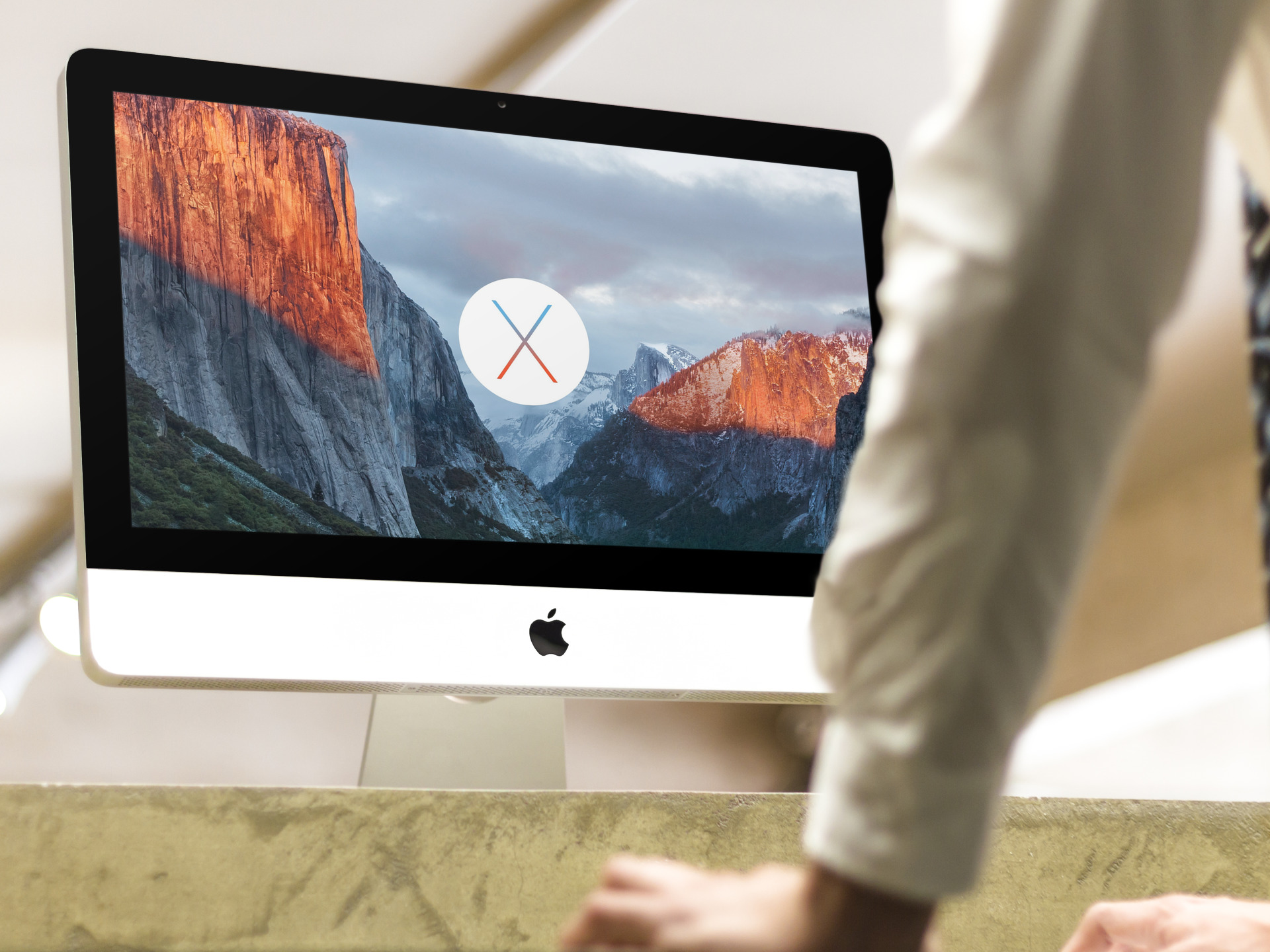
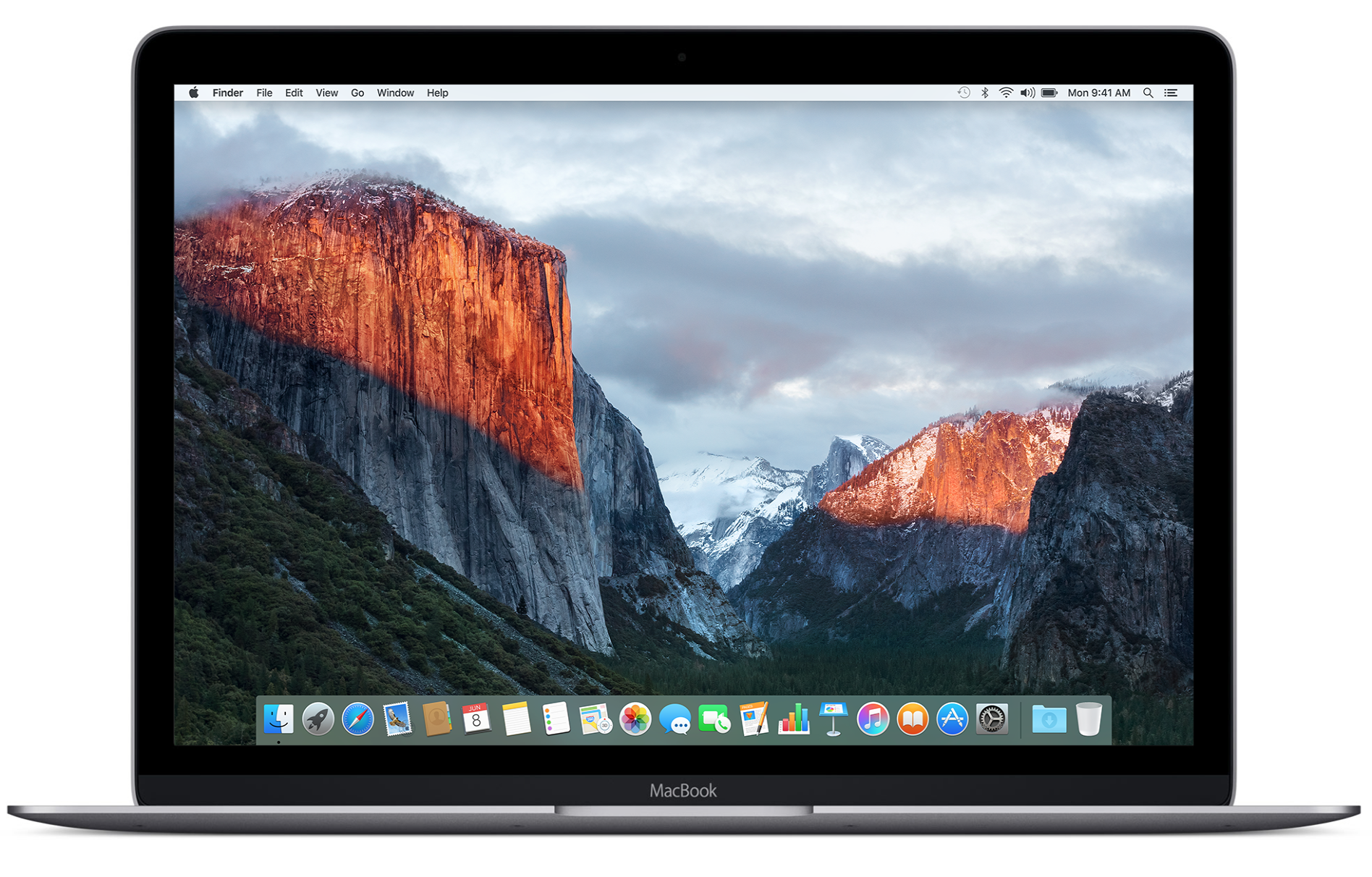
Keeping true to its promise, Apple today launched the OS X 10.11 El Capitan software update for the Mac. El Capitan has the same system requirements as Yosemite, meaning it should run on any Mac introduced in 2009 and later, and some models introduced in 2007 and 2008.

The software update offers several new headline features while packing in a bunch of under-the-hood refinements designed to make your Mac run faster and more efficiently than before.

If you don't see the update in the Mac App Store's Updates tab yet, give it a while as these things take time to propagate through the Interwebs. By the way, you can manually run a search for 'El Capitan' in the Mac App Store and install it from there.


Reeder 3 now available in the Mac App Store

Reeder, Silvio Rizzi's well-regarded RSS feed reading app, just received a major update for Mac, and is now available for purchase on the Mac App Store.

Reeder, which first made waves on iOS, has been a Mac App Store staple for quite some time now. The latest version, Reeder 3, is priced at $9.99, but it's a free update for Reeder 2 users.

I've been testing out Reeder 3 in beta for a few months, and I can assure you that it lives up to the hype. If you're still into RSS feeds in 2015, then there is perhaps no better app for the task than Reeder 3.

How to prepare for OS X El Capitan

Tomorrow, Apple is releasing its yearly update to its desktop operating system, OS X 10.11 El Capitan. It rightly caps off a long month of activity that started with Apple's media event, and from there featured the release of iOS 9, followed by the release of the iPad mini 4, two new iPhone's—the iPhone 6s and iPhone 6s Plus, and culminates with tomorrow's launch.

It's been a busy month of announcements and releases for Apple, and it just feels right that Apple ends the month with an update to the platform that really started it all—the Mac. Tomorrow, likely around 10AM PST, Apple will release OS X El Capitan. It's the follow up to OS X Yosemite, and as its name suggests, it shares a lot in common with that release.

What should you do to prepare for the release? Follow our simple guide for more info.

OS X 10.11 El Capitan software update launching tomorrow on Mac App Store

OS X 10.11 El Capitan is launching tomorrow and Apple just issued a reminder in the form of a media release alerting customers of the impending update.

“Apple today announced that OS X El Capitan, the latest major release of the world’s most advanced desktop operating system, will be available on Wednesday, September 30 as a free update for Mac users,” reads the press release.

Will you be taking the plunge?

Fantastical 2 for OS X gains El Capitan support with split-screen multitasking and more

Developer Flexibits today rolled out an update to Fantastical for Mac, its reminder and calendar replacement available on both iOS and OS X.

Fantastical 2.1, the first major update to the Mac edition, features full support for Macs running OS X El Capitan ahead of its release next week, including support for El Capitan's split-screen multitasking.

A host of other changes and improvements have found their way into this release of Fantastical, such as swiping to delete events on El Capitan systems.

People on Yosemite and earlier versions can now scroll to a specific day or week in the Week and Month views with a trackpad and organize Reminders by list, but that's just tip of the iceberg.

iTunes 12.3 is out with support for iOS 9, El Capitan, two-factor Apple ID authentication and more

Following release of the free iOS 9 software update with new features and core OS enhancements for the iPhone, iPod touch and iPad, Apple on Wednesday also issued a matching update to iTunes for Mac and Windows PCs.

The new iTunes 12.3 introduces OS X El Capitan-friendly design while enabling support for Apple IDs protected with two-factor authentication and syncing with iPhone, iPod touch and iPad devices with iOS 9.

How to start up your Mac from a bootable CD/DVD, USB thumb drive or external storage device

macOS can start up your Mac in a myriad of ways. We've already covered some of them in detail, such as using built-in Startup Manager to pick a disk to startup your Mac from and booting into Safe, Verbose and Target Disk modes.

In this article, we get to talk about starting your Mac up from external storage like optical media or an external USB-based hard drive or flash storage. Booting from an external storage allows you to start up your Mac in another version or copy of macOS, Additionally, it can help you troubleshoot certain issues, and more.

How to create a USB install disk for OS X El Capitan the right way

Now that the final GM version of OS X El Capitan is released, it's time to revisit how to create a USB install disk. Chances are high this GM seed will be the same version of OS X that ships later this month on September 30th.

Not only is the OS X 10.11 GM available to registered Apple developers, but it's also available via Apple's public beta program. With this in mind, you may now deem it the appropriate time to take the plunge, if you already haven't thus far.

In this post, we'll show you how incredibly simple it is to create an OS X El Capitan USB install disk from scratch. All you need is a USB disk with at least 8GB of storage space. 

DaisyDisk: the best app for cleaning up your Mac

As an owner of a Late 2013 MacBook Pro with a measly 256GB of flash storage, space is at a premium for me. Yes, I keep an external drive for all of my video content, but with a drive this small I still find it necessary to keep tabs on my storage space and delete unneeded files on a regular basis.

You can always use the Finder to manage storage space, but that can get tedious. Although it's technically capable of doing so, the Finder isn't the best tool for analyzing your available storage space and deleting files.

Instead, I find that a Mac App Store app called DaisyDisk does a superb job of helping me managing my Mac's storage space. DaisyDisk is a $9.99 Mac App Store app with an awesome looking interface that makes managing storage space a walk in the park.

Using BetterTouchTool to cycle through Safari tabs

BetterTouchTool is a free Mac utility that allows you to supercharge your Mac's trackpad gestures. There are literally hundreds of uses for an app like this, but I'd like to share with you one particular use case scenario that I find extremely useful.

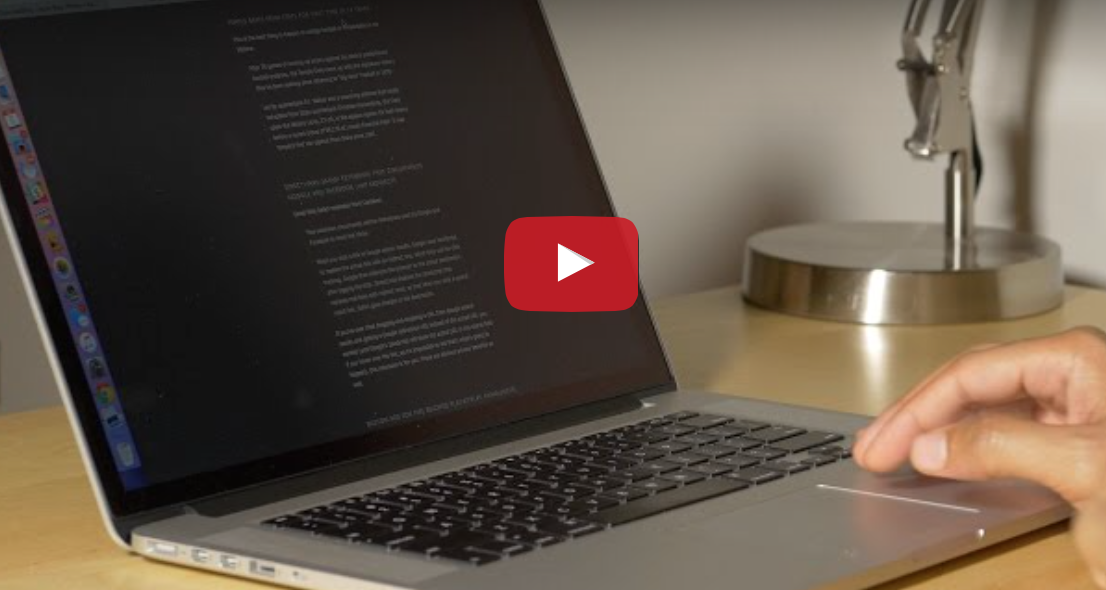
I've set up BetterTouchTool to allow my MacBook's trackpad to quickly cycle through all of my open tabs in Safari using a simple two-finger gesture. Have a look at our full demonstration video and tutorial for all of the details.

Final Cut Pro X updated to version 10.2.2 with new camera support and export options

During its normal Thursday update, Apple issued a new version of Final Cut Pro X. Version 10.2.2 is primarily a bug fix update, but it does usher in a few new features.

Users of Final Cut Pro X will benefit from the addition of new camera support, new export options, and improved compatibility with third-party asset management apps. As you might expert, it's recommended that all Final Cut Pro X users update to this latest version at your earliest convenience.