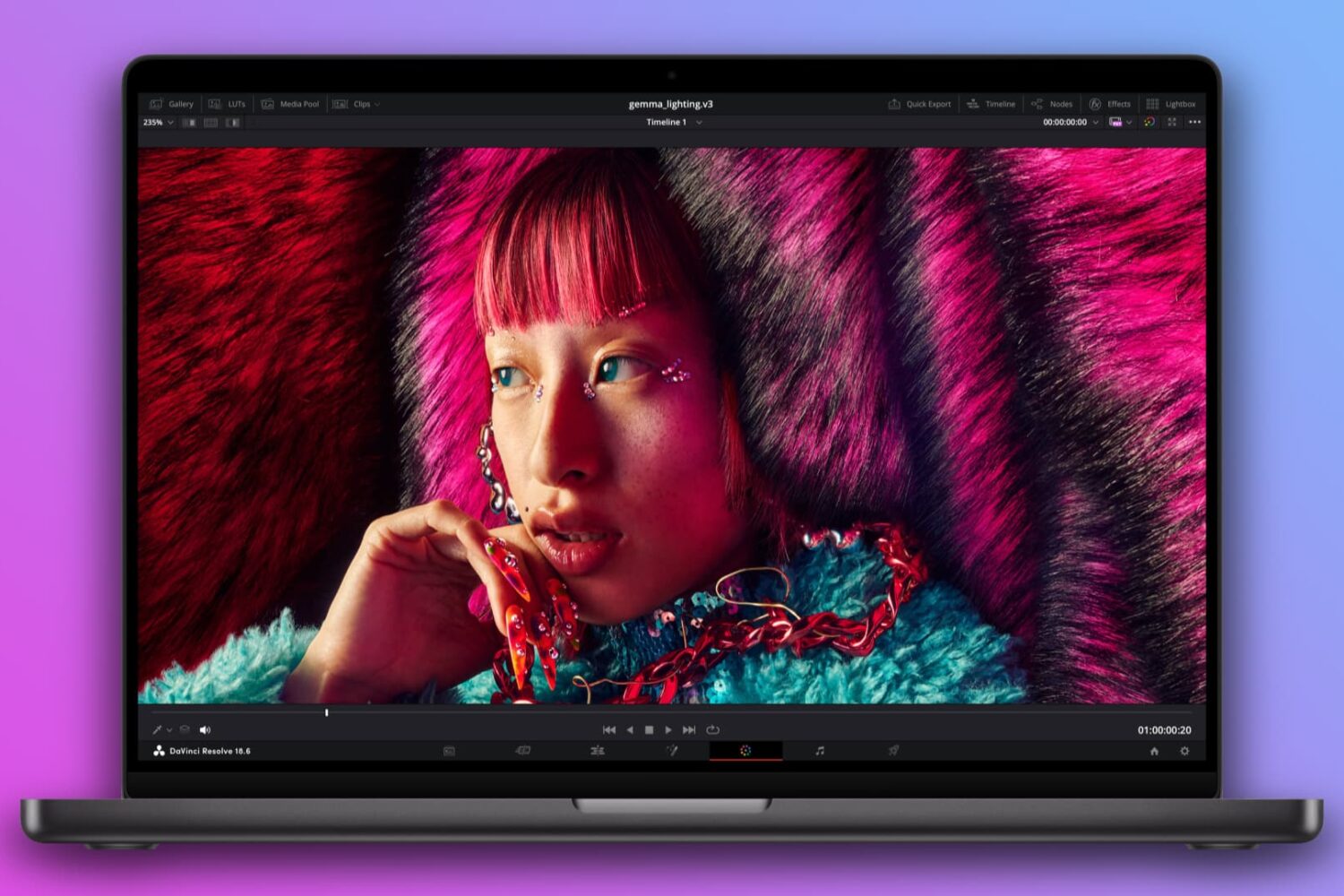
The 14-inch M3 MacBook Pro is the only model in the lineup that cannot drive more than one external display, but Apple will fix this omission in software.
Apple to unlock multi-display support on M3 MacBook Pro with a software update
Stay up-to-date on the latest Mac news, and tutorials. Get expert tips and tricks to optimize your Mac’s performance and learn about the latest Apple products and software updates. Discover the best Mac apps and accessories to enhance your user experience.
The 14-inch M3 MacBook Pro is the only model in the lineup that cannot drive more than one external display, but Apple will fix this omission in software.
Learn how to efficiently manipulate text on your Mac using Find and Replace, simplifying tasks and boosting productivity in popular apps like Notes, Pages, Numbers, Google Docs, etc.
Here are your release notes for macOS Sonoma 14.4 detailing everything new in this Mac update, including new features, fixes and security patches.
Following the March 4 introduction of the refreshed MacBook Air laptops powered by the M3 chip, Apple no longer offers the 13-inch M1 MacBook Air laptop and its 15-inch M2-powered counterpart. It also made the 13-incher a $100 cheaper.
In this tutorial, we’ll show you how to view a list of apps that have access to your photos, camera, microphone, location, contacts, calendar events, Bluetooth, and other such things on your Mac. From there, you can revoke the app’s permission if needed.
Apple says the Midnight color finish featured on its latest M3-powered MacBook Air laptop leverages a special anodization seal to reduce fingerprints.
Apple has expanded its self-service repair program to include its M3-powered iMac desktops and MacBook Pro laptops, with genuine parts now available.
In this tutorial, we will show you how to transcribe a voice memo into text without using third-party apps or services.
Learn how you can get discounts when buying Apple products if you're a college student, a parent buying for them, or a teacher.
The Pixelmator team has updated Photomator, its powerful iPhone, iPad and Mac image editor, with a native file browser providing a smooth experience.
In this tutorial, we'll show you how to stop specific apps from automatically starting SharePlay during FaceTime calls, or completely block the SharePlay feature on your iPhone, iPad, or Mac.