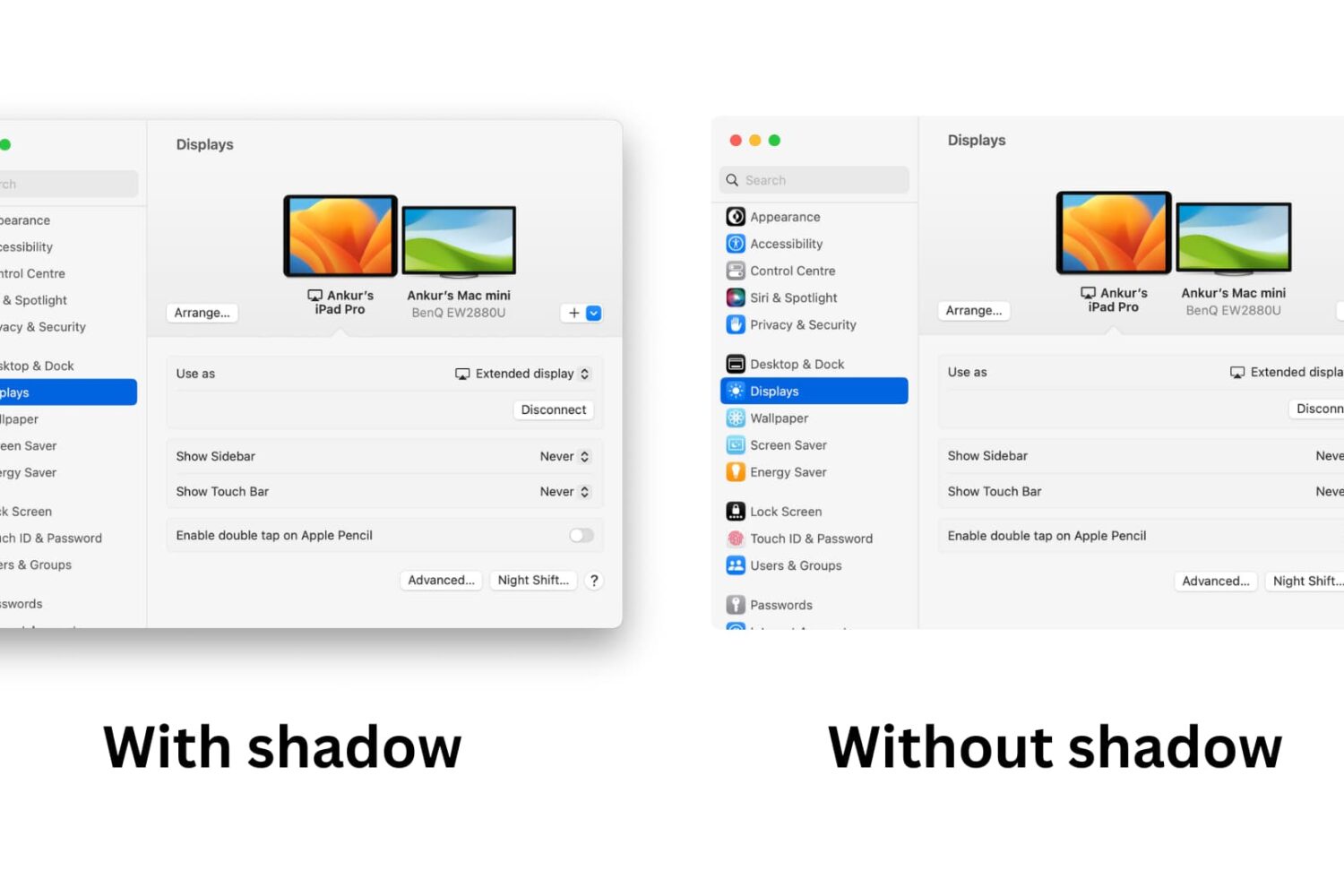
Learn how to take window screenshots on your Mac without the drop shadow effect to remove distracting extra space and white borders for a cleaner look.
How to remove the shadow effect from screenshots on Mac
Stay up-to-date on the latest Mac news, and tutorials. Get expert tips and tricks to optimize your Mac’s performance and learn about the latest Apple products and software updates. Discover the best Mac apps and accessories to enhance your user experience.
Learn how to take window screenshots on your Mac without the drop shadow effect to remove distracting extra space and white borders for a cleaner look.

Learn how to change the default macOS screenshot file format from PNG to JPG, HEIF, GIF, PDF, or TIFF to avoid manual image conversion.
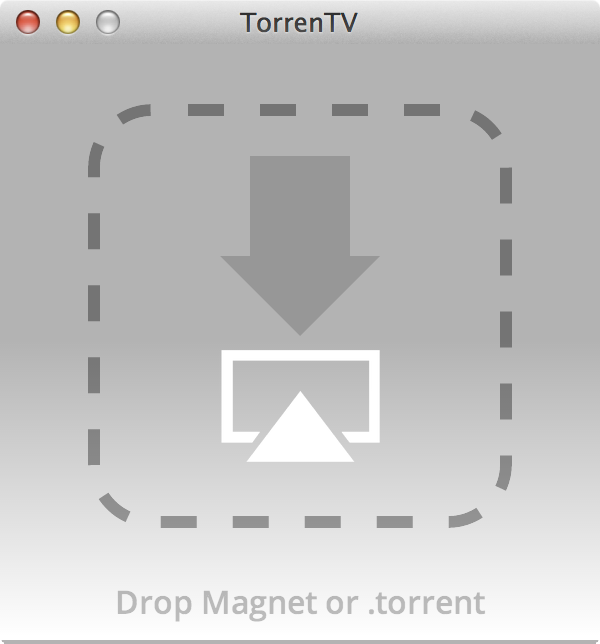
A new Mac app called TorrenTV was recently released to allow users to stream torrents directly to the Apple TV. The app, which begins playing movies immediately via a simple drag and drop of a .torrent file, streams to the Apple TV, even if the device isn't jailbroken.
Even better is the fact that TorrenTV requires zero setup. As long as your Mac and Apple TV share the same Wi-Fi network, TorrenTV will begin streaming video to your Apple TV almost immediately.
Of course, being that we don't condone piracy, the use of such an app would have its limits. Thankfully, there are legitimate videos available via torrents, which can thus be streamed directly to your Apple TV. Have a look inside for more information.

After previewing its major version 3.0 update earlier this month, 6Wunderkinder has now released the refreshed Wunderlist 3, the latest version of the popular cross-platform to-do, task and list management app.
With 60+ new features across iOS, Android, Chromebooks, Mac and on the web, Wunderlist 3 is a huge release for the Berlin, Germany-based company. Two standout new features deserve a mention: an all-new real-time syncing engine and public lists...

Popular audio identification service Shazam launched a new application for the Mac this morning. It lives in the operating system's menu bar, and offers a lot of the same features seen in its iOS counterpart, with a few new tricks.
Because it resides in the menu bar, Shazam for Mac is always-on and constantly running in the background listening for audio to identify. Once it recognizes a track, the app offers quick access to lyrics, song info and downloads...
Following Apple's release of a public beta of OS X Yosemite, iDB reader Antony Verros sent us some code he wrote in AppleScript, which allows users to quickly restart a computer and automatically boot up in the installed OS of choice. For anyone who installed the OS X Yosemite beta on a separate partition, this is an easy solution for booting up into Yosemite or Mavericks without having to hold down the Option key on boot to select the desired partition. The script can even be tweaked to work with BootCamp.
While it's mostly a matter of time-saving convenience, this method can prove to be quite advantageous over time, particularly for users who find themselves frequently switching between OSs, whether it be a Yosemite beta, Mavericks, or Windows 7. Having an easily accessible application for booting into another OS while making a sandwich or refilling a cup of coffee, versus having to wait around to hold down Option, can be highly useful...
As many of you know, I'm rocking a 13" Retina MacBook Pro, and I love it. The screen is killer, it's fairly fast, and it's portable.
But as I begin to take on more "intense" projects, I'm starting to realize that I simply don't have enough screen real estate to be the most productive I can be. I need an external monitor.
The problem is, and if you're a current Retina MacBook owner you've no doubt faced a similar conundrum, most of the popular external displays pale in comparison to the Retina display. Even Apple's mighty Thunderbolt Display, with its 27" screen and 2560x1440 native resolution, looks downright grainy when placed side-by-side with the Retina screen of a MacBook Pro.
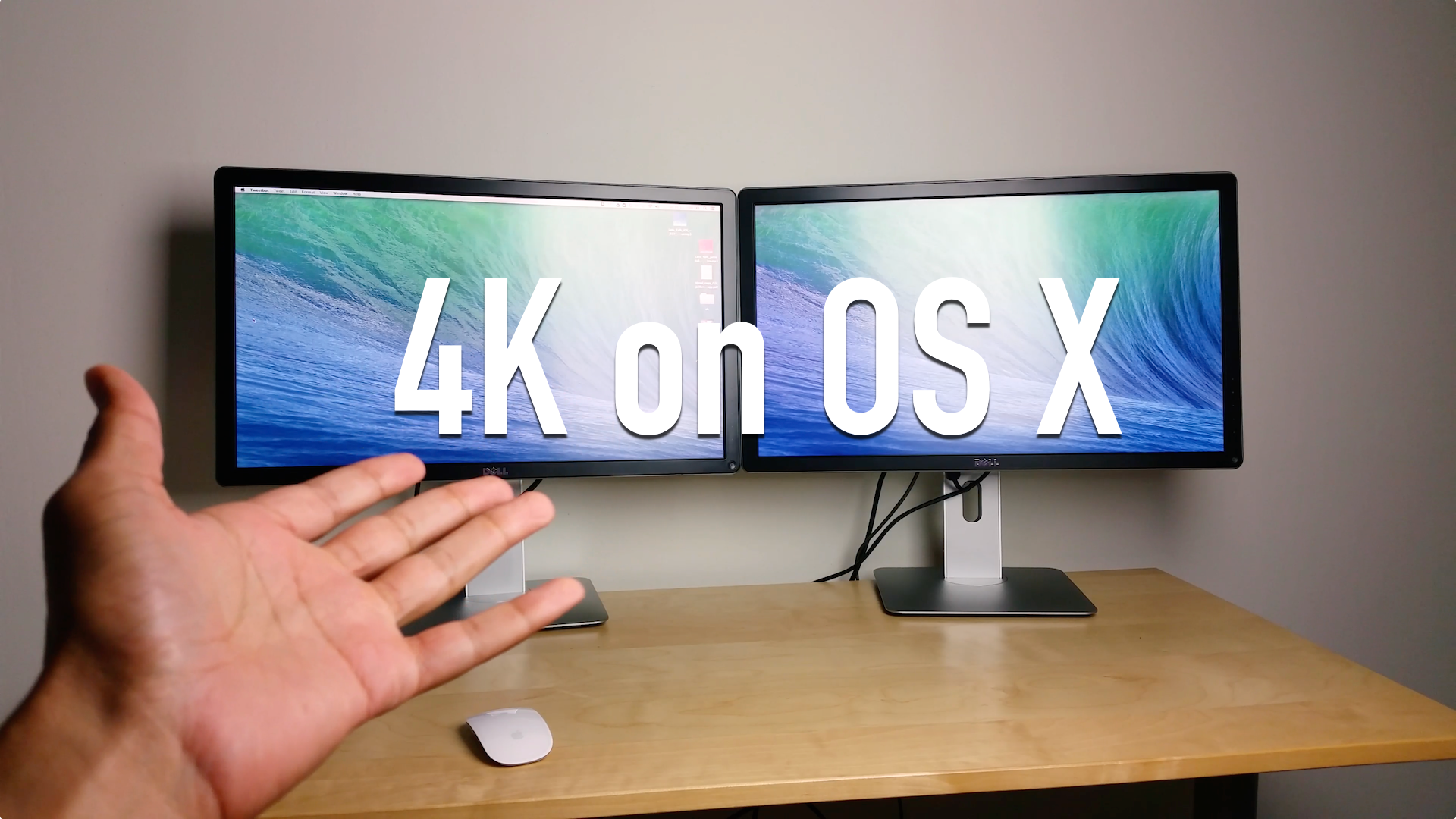
So what to do? You could hold off until Apple finally decides it wants to get with the program and offer a Retina capable Thunderbolt Display, or...or...or! You could get a ultra-HD 4K capable monitor right now and enjoy a "Retina" experience.
That's exactly what I decided to do. Inside, I'll break down some of the pluses and minuses of my latest pickup, Dell's ($799 on Amazon) 24" ultra-HD display, the UP2414Q.

Following its release on the iPhone and iPad last November, Sega's 1991 adorable platformer has at last made its way to the Mac.
Developed by Feral Interactive and published by Disney Interactive, the $14.99 download features eye-candy cartoonish graphics and stars Mickey Mouse who is on the quest to save his lovely Minnie, kidnapped by the jealous witch Mizrabel.
The game involves lots of running and jumping along a side-scrolling landscape, spiced up with attacking enemies, throwing projectiles, solving puzzles and more. The Mac edition has of course been brought to the 21st century with new layouts, updated graphics and silky smooth 60FPS execution...
I downright hate digital-rights management (DRM). No, I'm not a cheapskate who'd rather pirate someone else's hard work rather than support publishers with my wallet - my average monthly spending on iTunes is about $50, for those wondering.
Now, it's perfectly understandable that content owners should be entitled to imposing copy protection on their digital products, but the annoyances to consumers far outweigh the benefits to content owners, methinks.
ComiXology is a typical example. But, but - comics want to be free of the clutches of DRM! Having realized as much, ComiXology on Friday sent out en email informing customers they can now download backup copies of select titles from certain publishers without the dreaded DRM restrictions, using its free iOS app...
Apple today opened the floodgate by posting the public beta of its upcoming OS X 10.10 Yosemite software, which launches officially sometime this Fall, and already a bunch of people took to Twitter over an error message saying the redemption code has already been used.
Each copy of Yosemite beta requires a promotional code which must be redeemed in the Mac App Store to download the installer. Is there anything you can do about this error message?
Yes, there is - and a remedy couldn't be simpler. Read on...
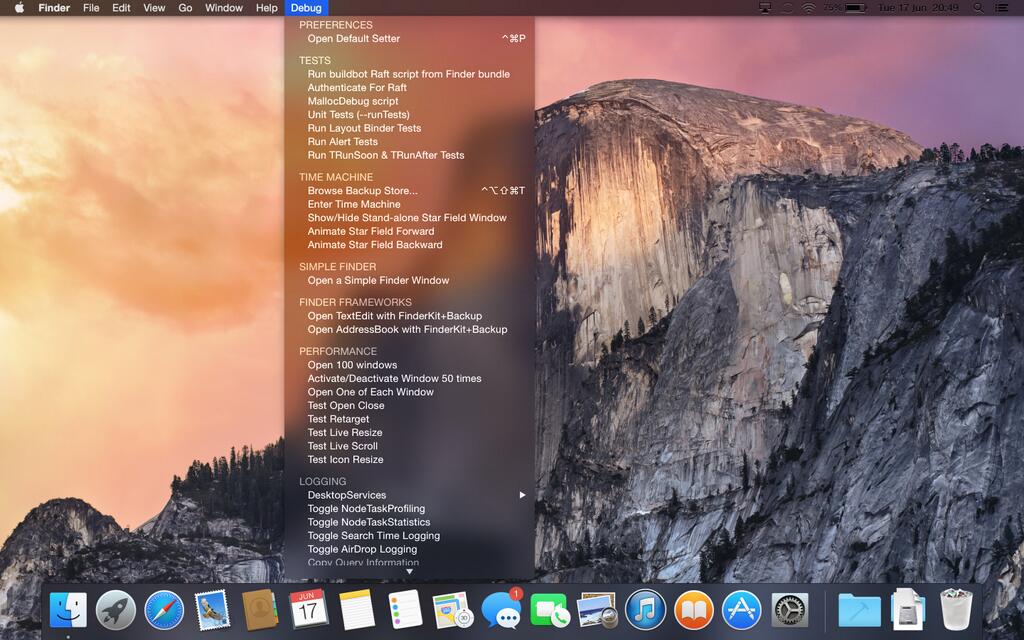
As promised, Apple today opened up OS X 10.10 Yosemite betas to the first million applicants who've signed up for the OS X Beta Program using their Apple ID. If you haven't yet signed up for the program, better hurry up! Otherwise, be patient as Apple will email you soon (using your Apple ID contact details) to let you know when your OS X Yosemite Beta redemption code is ready.
There's a lot to love about Yosemite - both in terms of the simplified, flattened user interface and new features that take integration between iOS and the Mac to the next level.
It also marks the first time Apple has permitted both its registered Mac developers and the general public to access betas of a work-in-progress Mac operating system update.
Today's poll asks a very simple question: are you, or are you not, going to install the public Yosemite beta on your Mac?
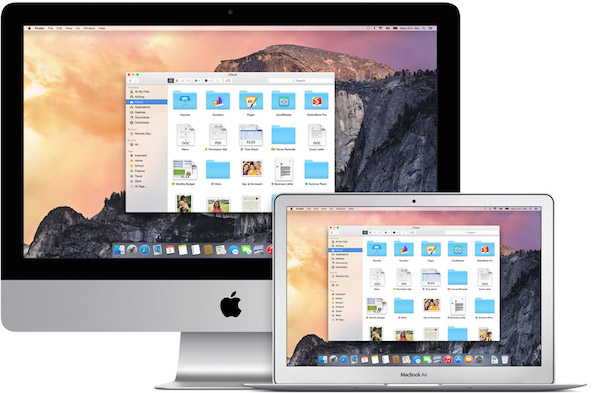
As we told you earlier in the morning, general public can get a taste of Apple's upcoming OS X 10.10 Yosemite desktop operating system for Macs by signing up for a public beta over at the OS X Beta Program webpage starting tomorrow.
The company has said that the public beta will only open to the first million applicants so you better sign up now if you haven't already. Here are a few things you should know if you plan on taking Yosemite for a spin...