Learn how to place a video playing in a floating picture-in-picture window overlay anywhere on your Mac’s screen instead of automatically snapping to one of the four corners.
How to snap Picture-in-Picture videos anywhere on Mac screen

Stay up-to-date on the latest Mac news, and tutorials. Get expert tips and tricks to optimize your Mac’s performance and learn about the latest Apple products and software updates. Discover the best Mac apps and accessories to enhance your user experience.
Learn how to place a video playing in a floating picture-in-picture window overlay anywhere on your Mac’s screen instead of automatically snapping to one of the four corners.
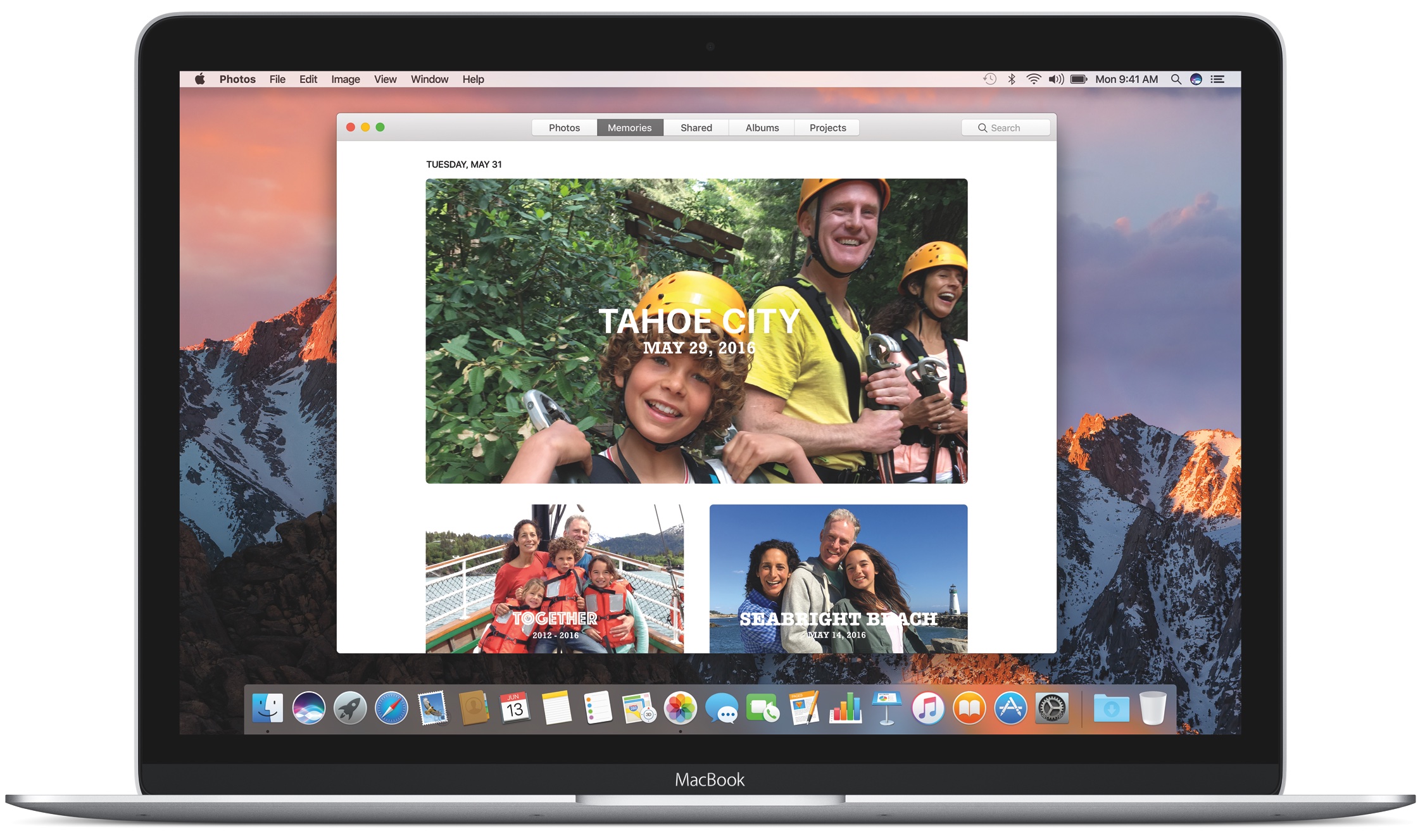
In addition to iOS 10.1, Apple on Monday released updates for its other 3 growing software platforms. After a month of beta testing, macOS Sierra 10.12.1, watchOS 3.1 and tvOS 10.0.1 are now available to the public and can be installed via their respective over-the-air Update mechanisms.
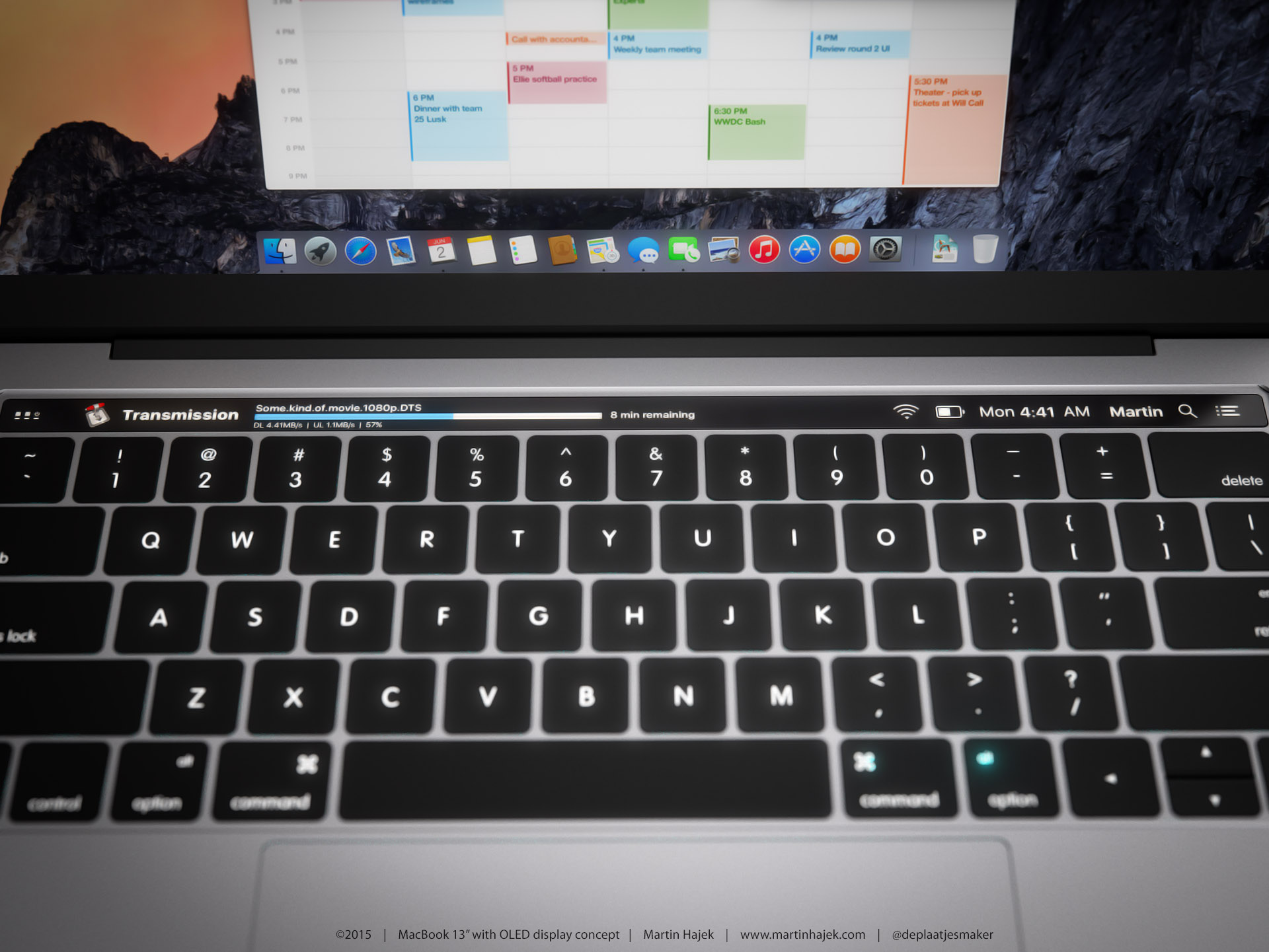
French-language publication Consomac.fr has discovered a trio of previously unknown trademarks for unreleased MacBook models as Apple preps to share what's new for its aging Mac lineup at the “Hello again” media event scheduled for this Thursday, October 27. Apple filed three trademarks for “portable personal computers” in Russia, possibly in order to keep them secret for as long as possible.
It's worth noting that Russian law requires foreign companies to register any products that use encryption or provide other cryptographic tools.
The documents found in the Eurasian Economic Commission database mention model numbers that cannot be linked to existing hardware: A1706, A1707 and A1708.
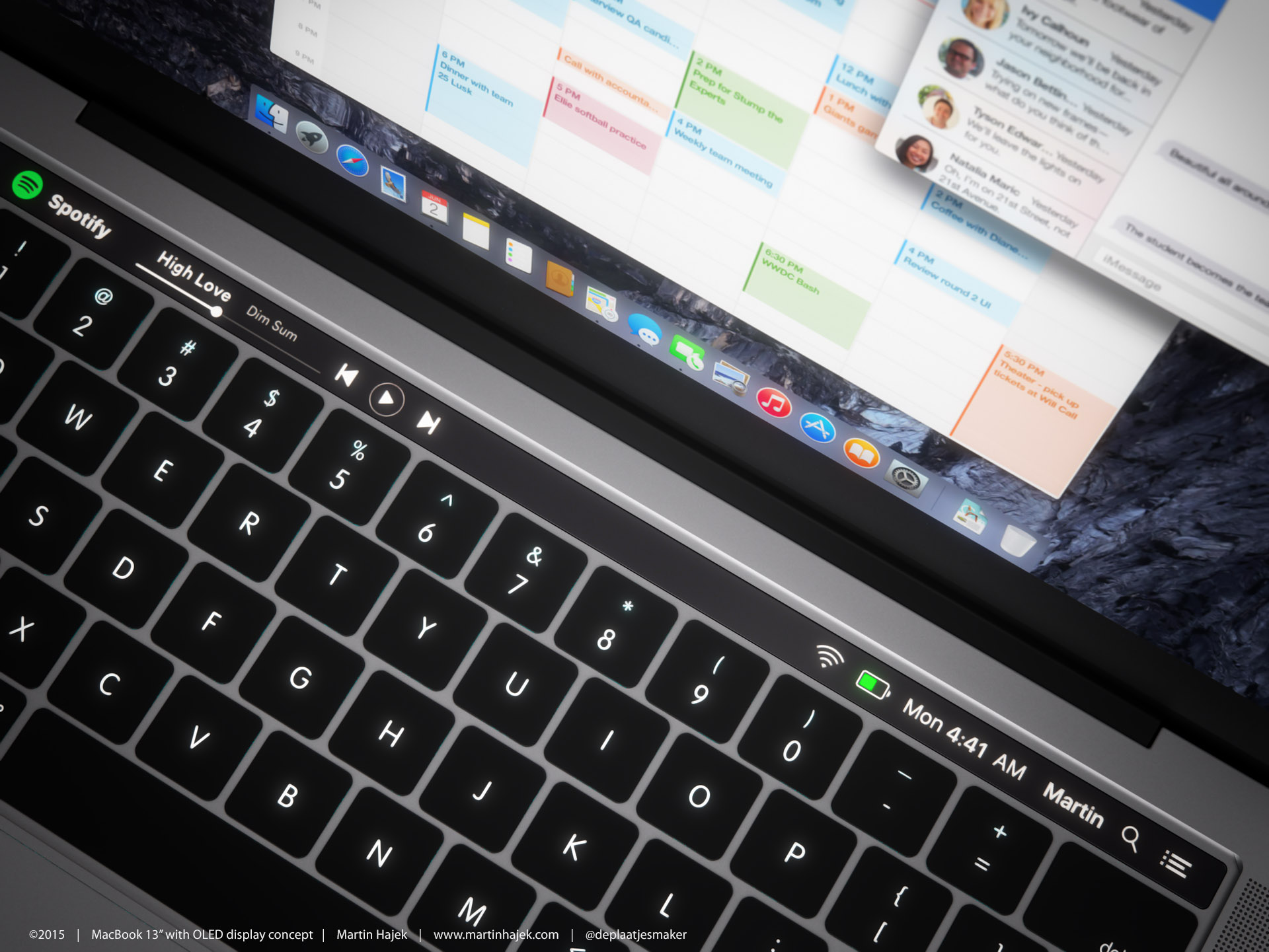
According to revered Apple analyst Ming-Chi Kuo of KGI Securities, Apple's media event next Thursday will serve as a launchpad for a long-awaited update to the aging MacBook Pro notebook lineup, which will see “many” noteworthy upgrades.
Apple will also announce a brand new model of the new MacBook with a screen measuring thirteen inches diagonally, Kuo wrote in a note to clients.
Some observers think this machine is actually a thirteen-inch MacBook Air with new USB-C ports. As you know, the current Retina MacBook has a 12-inch Retina display.
Next-generation iMacs, as well as a rumored 5K resolution display won't be unveiled at the event because they're apparently not ready yet.
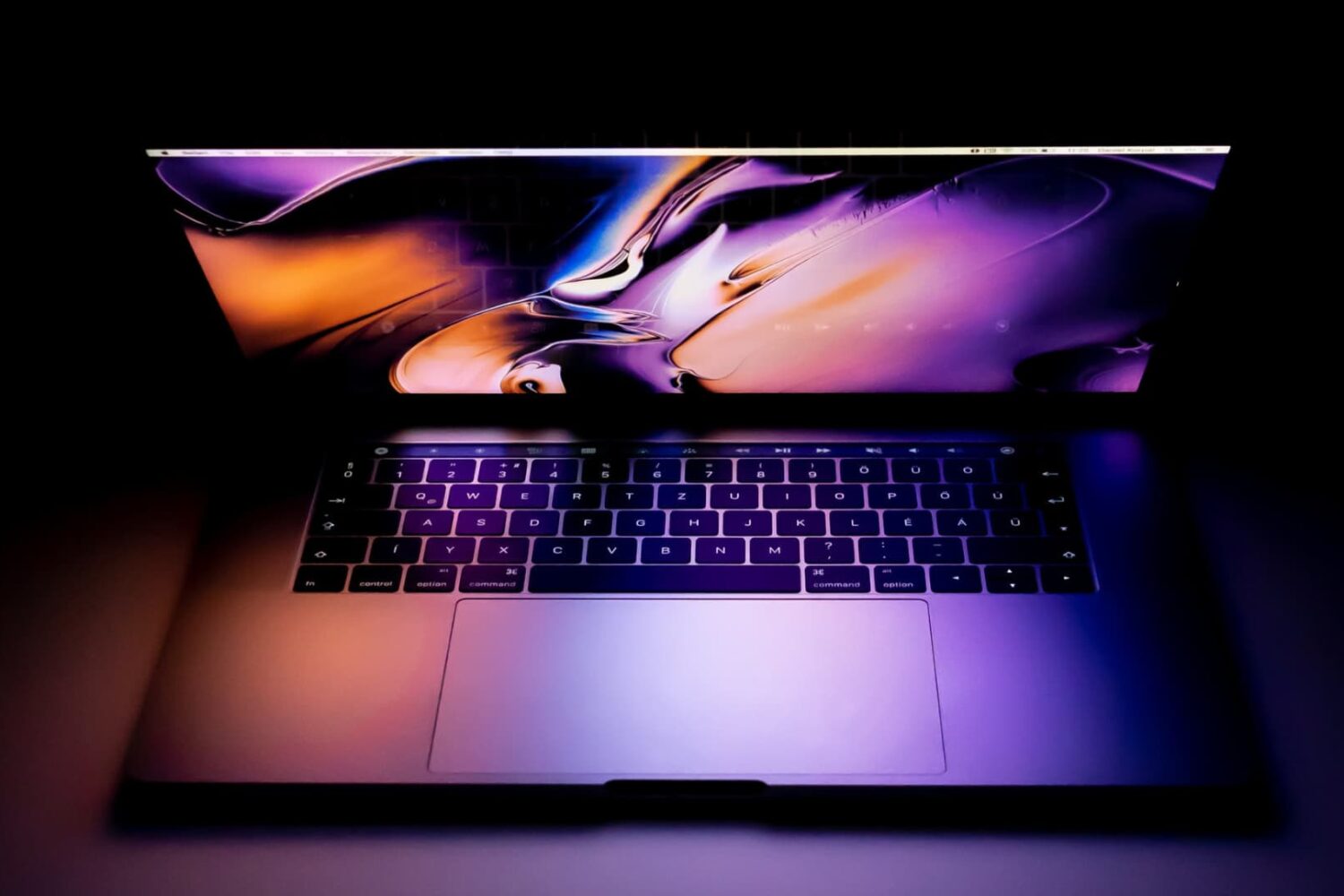
Depending on the model of MacBook Pro you have, you may be able to physically choose whether your computer uses the high-power discreet graphics card for better performance or the low-power integrated graphics chip for better battery life by using an option known as Automatic Graphics Switching.
The feature is only available on MacBook Pros which have two Graphics Processing Units (GPU). The reason it only exists on certain models of the MacBook Pro is not all Macs have dual GPUs. And desktop Macs don’t need this as they don’t rely on batteries and are connected to a power source all the time.
Here's more about Automatic Graphics Switching and how to enable it on your Mac.

For the last several years, I’ve battled with a password problem. It seemed like every new service I used wanted me to create an account, which involved making a new username and a strong password. Making matters worse, some services want you to make difficult passwords you can’t even remember, containing capital letters, numbers, and special characters.
The problem reveals itself the most whenever I get a new phone, like the iPhone 7 Plus I recently purchased. When I go to set it up, I download all the apps I typically use on my device. Afterwards comes the hard part: trying to remember the credentials to log into all of them.
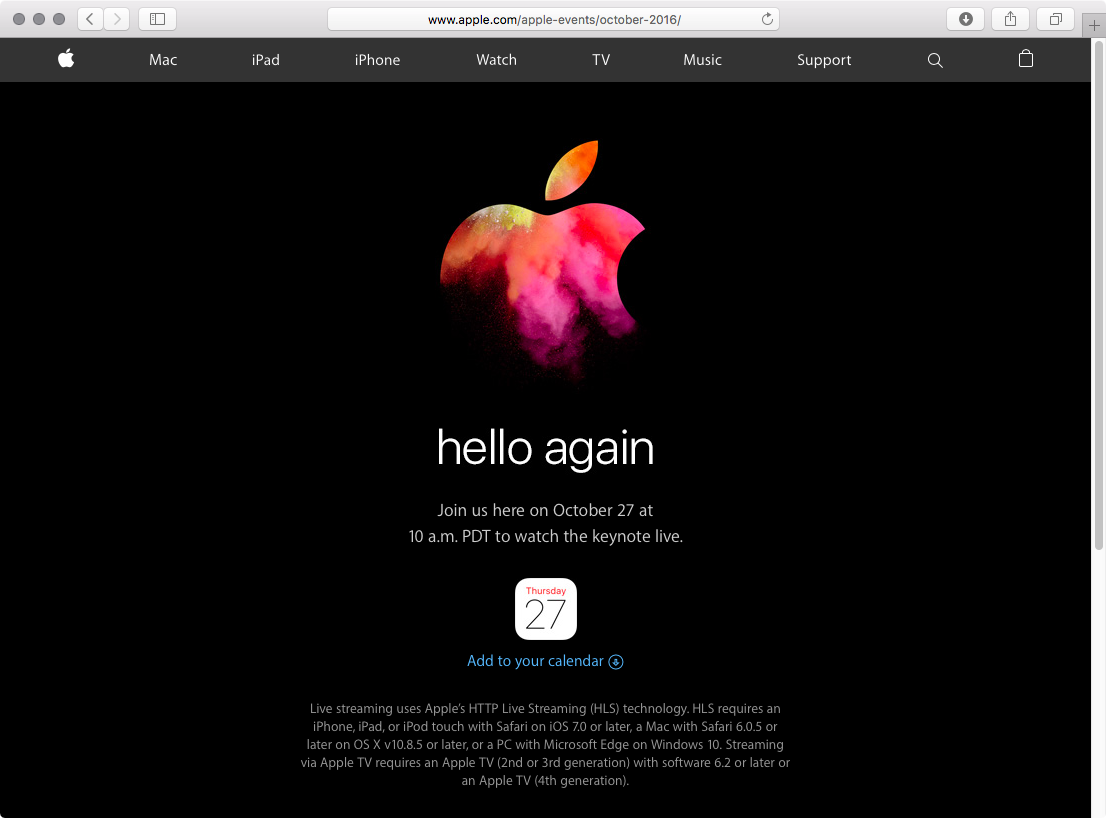
Invites for a new media event went out yesterday and Apple just confirmed that the keynote will be live-streamed through its website. As you've come to expect from iDownloadBlog, we will be providing remote coverage of the keynote along with details of the announcements. This could be the last event at Infinite Loop’s Town Hall campus.
That's because the massive Campus 2 building AKA “iSpaceship” should open come January 2017, barring any unforeseen delays. The site includes a massive underground auditorium where future corporate and press events will be taking place.
Apple is holding a media event on October 27 to unveil new Macs. Everyone is expecting the company to announce a next-generation MacBook Pro with a rumored OLED strip that would replace the physical function keys at the top of the keyboard with programmable shortcuts which would change from one app to another. But what could Apple call that rumored OLED touch bar?
According to trademark agent Brian Conroy who was able to uncover a trademark application that a shell company quite likely filed for on behalf for Apple, the feature could be marketed as “Magic Toolbar.”
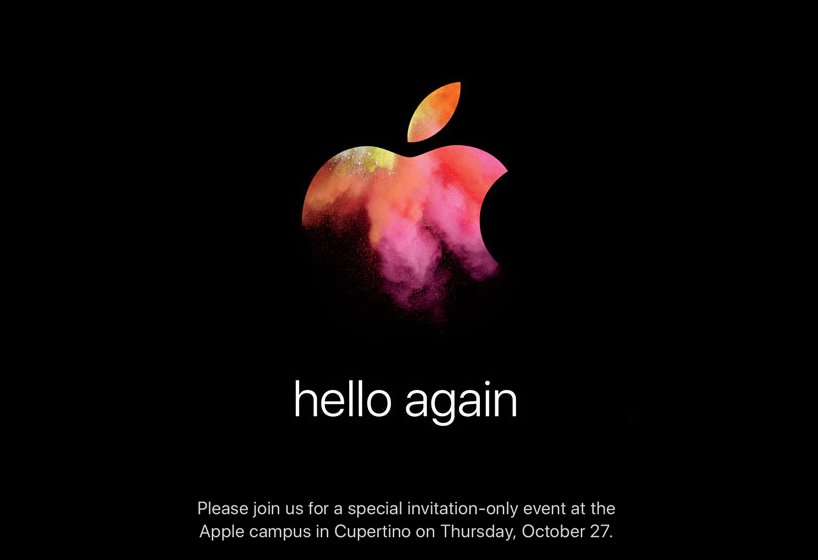
It's official! Apple is holding an event on Thursday, October 27 on its Cupertino campus. On Wednesday afternoon the company sent out the above invitation to select members of the media, asking them to "join us for a special event."
We've been expecting an October Apple event for several weeks now, and yesterday a Recode report accurately predicted it would happen on the 27. And as the invite indicates, the focus of the event is believed to be new Mac hardware.

Aside from releasing a fifth beta of iOS 10.1 with Portrait mode and other changes, Apple also seeded a fifth beta of macOS Sierra 10.12.1 to its registered developers and public beta testers. The new beta arrived eight days following the previous macOS Sierra 10.12.1 beta 4 release.
macOS Sierra 10.12.1 beta 5 (build “16B2553a”) does not introduce any new outward-facing user features. The Mac software update could release for public consumption after Apple's anticipated October 27 Mac event.
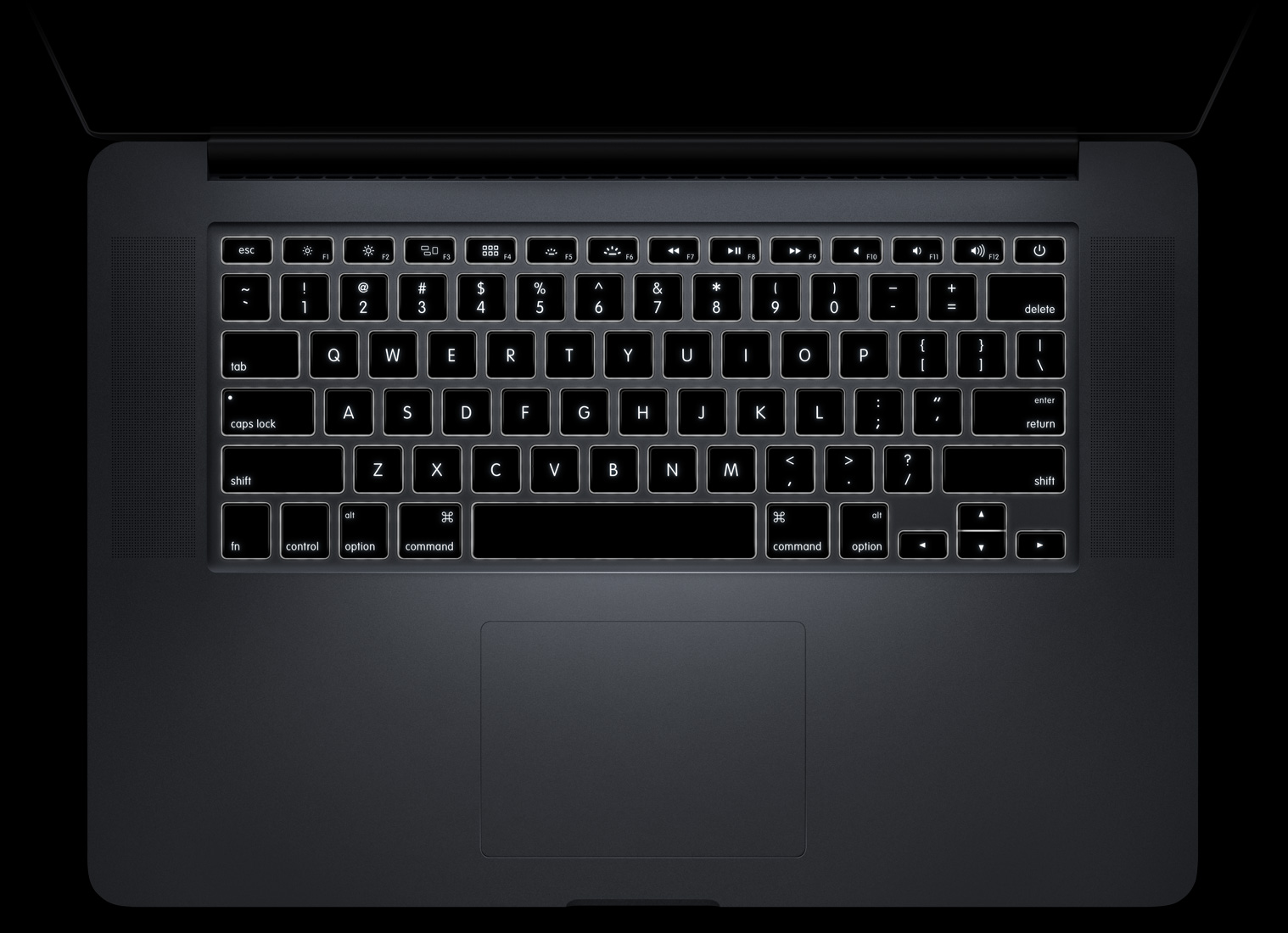
Following The Guardian's report, based on a verified post on Reddit alleging that Apple recently met with representatives from Australian startup Sonder Design to discuss using its dynamic keyboard technology in a future Magic Keyboard, The Wall Street Journal has corroborated that such talks took place on October 11 in China.
However, Sonder CEO Francisco Serra-Martin denied in a press release that the meeting took place. Be that as it may, WSJ claims that the new dynamic keyboards will be a standard feature on next-generation MacBook laptops, which Apple is aiming to launch in 2018.
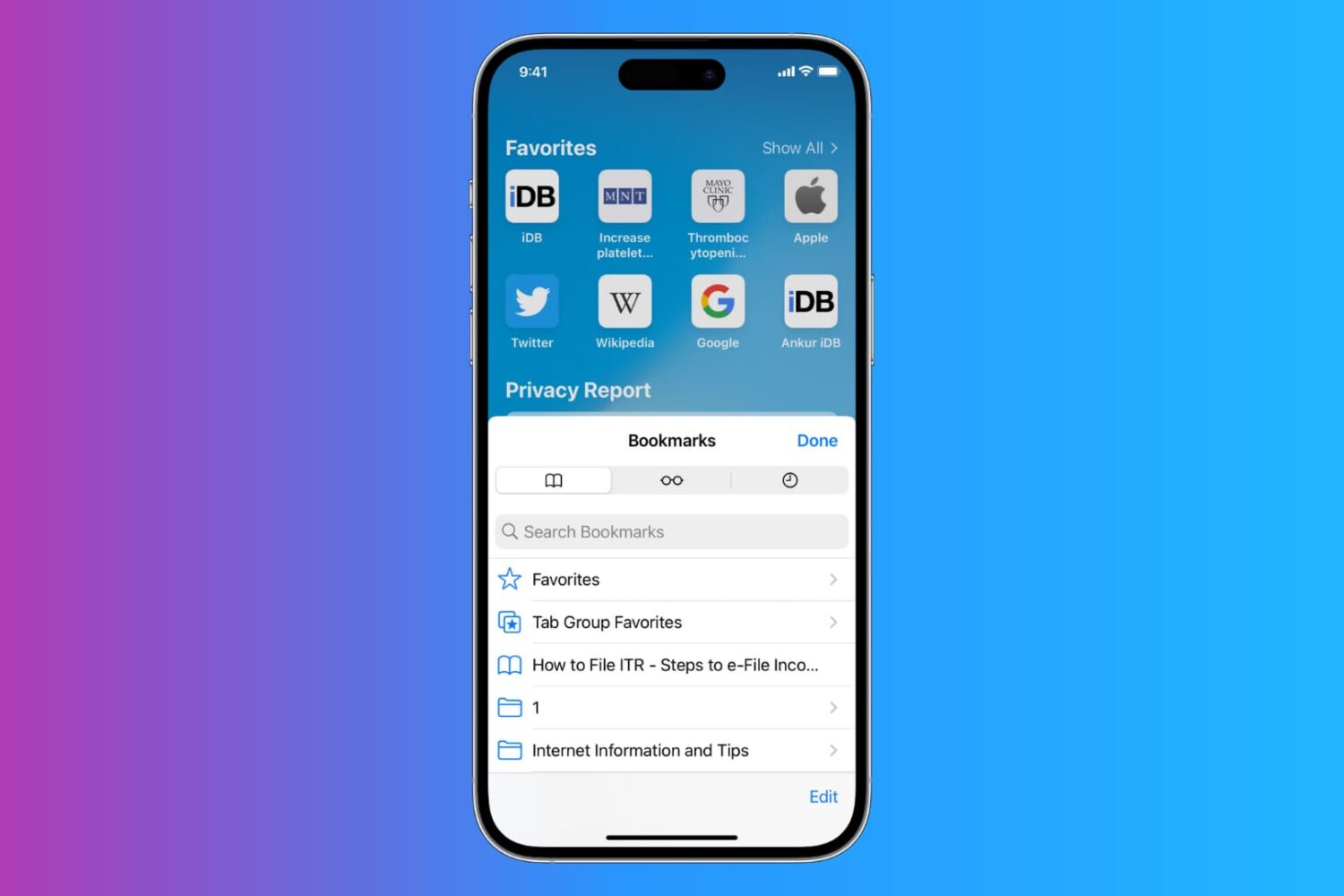
Learn how to export Safari bookmarks from your iPhone or iPad to save as a backup or import them to Google Chrome, Firefox, or Safari on Mac or Windows PC.