Learn how to revert edits and adjustments made to a photo or video on your iPhone, iPad, or Mac and get the original, unedited version back.
How to undo or remove all photo edits on iPhone, iPad, Mac

Stay up-to-date on the latest Mac news, and tutorials. Get expert tips and tricks to optimize your Mac’s performance and learn about the latest Apple products and software updates. Discover the best Mac apps and accessories to enhance your user experience.
Learn how to revert edits and adjustments made to a photo or video on your iPhone, iPad, or Mac and get the original, unedited version back.

Virtual machines have long been used by Mac owners to run non-native operating systems or several instances of macOS on their workstation. Likewise, Docker containers have often been used in conjunction with virtual machines to enhance security, improve migration, and offer a more user-configurable environment.
macOS 16 will improve clipboard privacy on your Mac by displaying a banner if an app tries to read the things you've copied and pasted, Apple has confirmed.

Apple unveiled new accessibility features coming to the iPhone, iPad, Mac, Apple Watch and Vision Pro this fall with iOS 19 and other software updates.

Install iOS 18.5 on your iPhone to get patches for more than thirty security vulnerabilities in Notes, FaceTime, Phone, iCloud document sharing and more.

Apple's iOS 19 update coming this fall will reportedly include a feature that can synchronize captive Wi-Fi access details across the iPhone, iPad and Mac.

Amazon has added a “Get Book” button to Kindle for iPhone and iPad, which links directly to e-books on its store, simplifying e-book purchases..
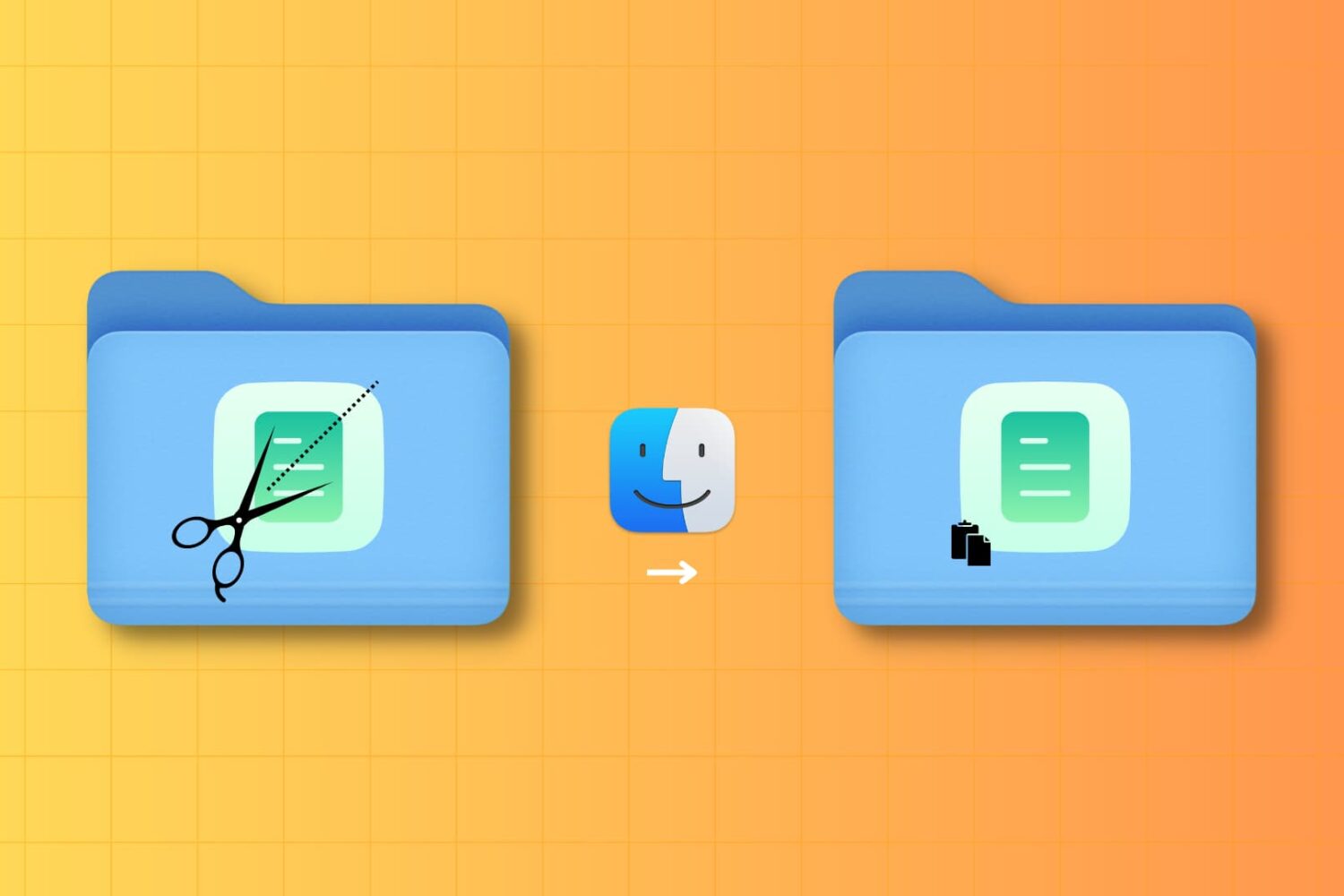
Learn how to strip the original formatting and styling when using macOS clipboard to copy and paste plain text instead of your Mac.

Learn how to export saved usernames and passwords in your Apple account and import them into a browser like Google Chrome, Microsoft Edge, or Firefox.

Learn how to stop a Mac from automatically opening the apps, windows, and tabs from your last session after restarting, powering on or logging into your macOS user account.

You may recall back in January when we showed you a preview of an upcoming app from Festivitas developer Simon Støvring called Smash Smash that could provide endless entertainment to Mac users by letting them ‘smash’ their desktop with a virtual hammer, and now, Smash Smash is officially available for everyone.
