Learn how to stop people from logging into macOS using a guest account, which will protect your privacy and prevent unauthorized access to your Mac computer.
How to disable the Guest User login screen on Mac

Stay up-to-date on the latest Mac news, and tutorials. Get expert tips and tricks to optimize your Mac’s performance and learn about the latest Apple products and software updates. Discover the best Mac apps and accessories to enhance your user experience.
Learn how to stop people from logging into macOS using a guest account, which will protect your privacy and prevent unauthorized access to your Mac computer.
Every Mac owner should peruse this list comprising 50 super useful keyboard shortcuts in macOS that let them do things faster, increasing productivity.
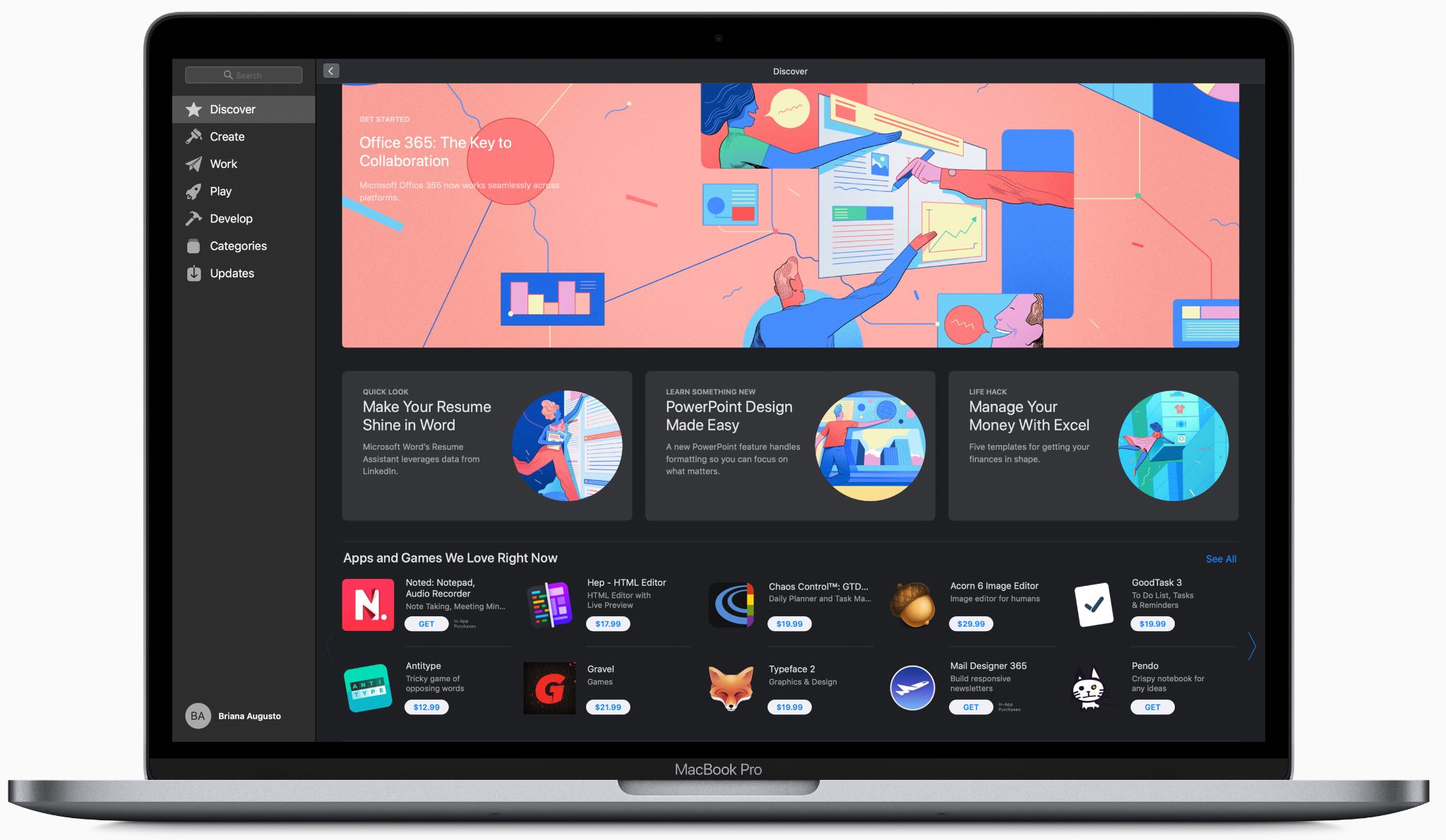
At its annual developers conference held in the summer of 2018, Apple made an unexpected announcement that Windows giant Microsoft would be launching the Office suite on the revamped Mac App Store in macOS Mojave, and now it's made good on that promise.
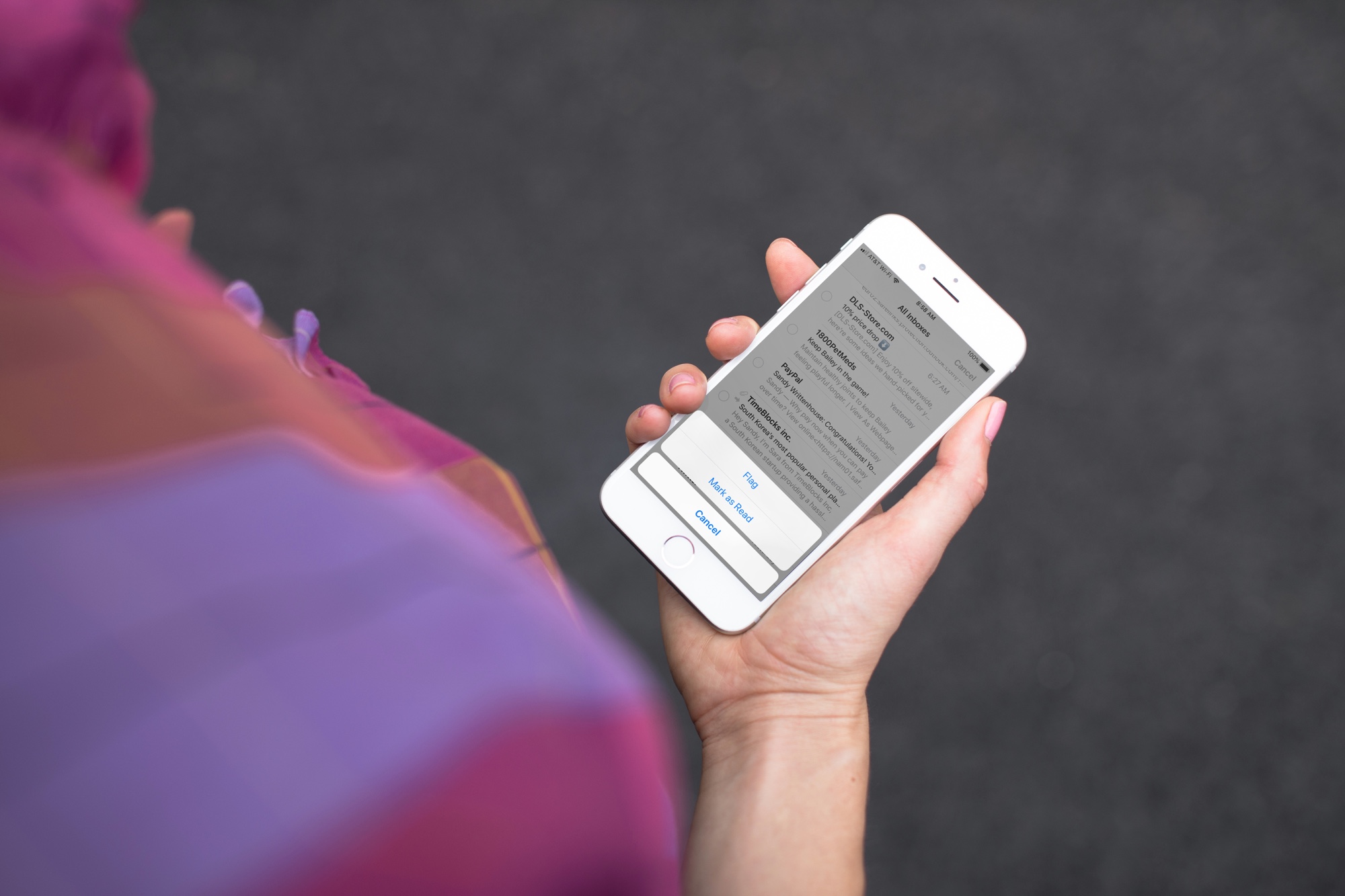
Quickly mark all unopened emails as “read” in the Apple Mail app on iPhone, iPad, and Mac to clear the unread messages in your inbox.
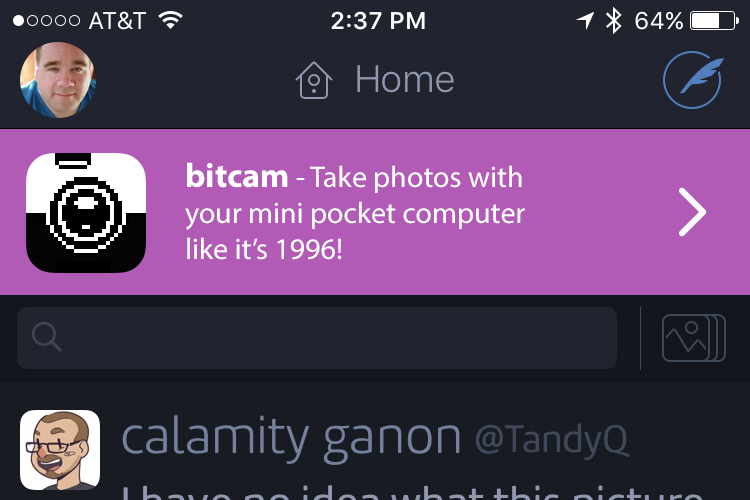
The Iconfactory, the brains behind Twitterrific, the elegant Twitter client for iPhone, iPad and Mac, has created their own advertising service which lets other developers promote their warez directly on Twitterrific for just $100 a month.
The ad impression alone is misleading as it doesn't tell you anything beyond the number of times an ad was shown to the user. That's why they've embraced a fairer business model.
Twitterrific's co-creator Gedeon Maheux announced the news yesterday:
Now you can advertise your app, website, product or service on Twitterrific’s expansive network of tech-savvy users for just $100 a month. For that price we guarantee 1,000 tap-throughs—not impressions but actual visits—to your App Store page or website.
What’s more, we take care of creating the ad for you ourselves and even provide App Analytics for iOS or Google Analytics for websites.
That's just $0.10 per tap, which is a fantastic value.
We prefer to serve smaller developers with great products instead of big brands that are just trying to get bigger. We know that margins are tight on iOS and that there's often not a lot of money available to market your product.
The ad is displayed for 50 seconds at a time and each ad runs for a month. There's an 80-character limit per ad. The solution is free of invasive user tracking and, most importantly, ads are seen by people who appreciate good design in iPhone and iPad apps (by the way, 85 percent of Twitterrific's iOS user base is on iPhone and 15 percent uses the app on iPad).
Anyone who wants to advertise on the Twitterrific network can pay for their campaign via PayPal. The Iconfactory takes care of ad design based on a client's input and rest assured they take special care to ensure every ad works well in both the dark and light theme.
They have a paper that provides detailed ad metrics and information.
Ads are shown prominently at the top of the timeline.For comparison's sake, Apple's own estimate for cost-per-tap with Search Ads is $0.50. In contrast to Search Ads on App Store, The Iconfactory's recent campaign for its excellent sketching app Linea cost about $0.21 per tap.
You can even see their ad server in action on The Iconfactory website and see relevant details like current campaigns, advertisers, impressions and taps, device taps and more.
"As we move forward, we'd like to maintain this transparency," The Iconfactory said. "There are too many hidden things in the mobile ad business. Trackers try to follow your movement without you knowing. We think this needs to change."We normally don't post news like this but Twitterrific is an award-winning, gorgeously designed app and one of the best Twitter clients out there, if not the best.
For years, The Iconfactory has used the Deck Network to provide ads for Twitterrific before the network shut down in March 2017. So, why not use AdMob as a new provider then?
AdMob was disappointing.
The ads were ugly, poorly targeted and click through rates were about 0.05% (or 5 taps for every 10,000 impressions.) We work hard to make a great looking app and these mobile ads just crapped things up for very little financial gain.
After about a month of running these ads, we realized that it made more sense to pitch our own products and forego a few hundred dollars of ad revenue every month. Our ad income became our ad budget.
We also contacted some developer friends and past clients to see if they wanted to be a part of our experiment. It added some variety and let us share the love.
Twitterrific used to be a paid iOS app. In the past few years, they've been offering it at no charge whatsoever. Which begs the question: how are they making money?
With paid upgrades to a Pro edition for those wishing to unlock a few features and, yes, remove all in-app advertising!
Twitterrific's own ads (to get rid of the banner) generated a lot of taps. To be completely transparent here, that's one of the features of these ads for us—it's an incentive for people to upgrade. It's also one of the reasons we can offer these ads at such an attractive rate: ad revenue is not our primary source of product income.
At just hundred bucks per month for 1,000 tap-throughs, small developers who don't have a marketing budget can run an ad in one of the most popular apps on App Store, and they're paying for actual click-throughs rather than ad impressions.
So there you go, girls and boys. We though you might care about how a popular app you might be using is going about generating money. No question about it, The Iconfactory has come up with an interesting idea that's similar to what Overcast does.
Do you use Twitterrific and have you seen ads at the top of your timeline yet? If not, how do you feel about their pricing scheme for Twitterrific ads and the whole idea behind this service?
Let us know by posting your thoughts in the comments!
Twitterrific for Mac is a $7.99 download from Mac App Store.
Twitterrific for iPhone and iPad is available free on App Store.
Learn how to protect your Apple Pages, Numbers and Keynote documents with a password on the iPhone, iPad and Mac to keep your files secure and private.
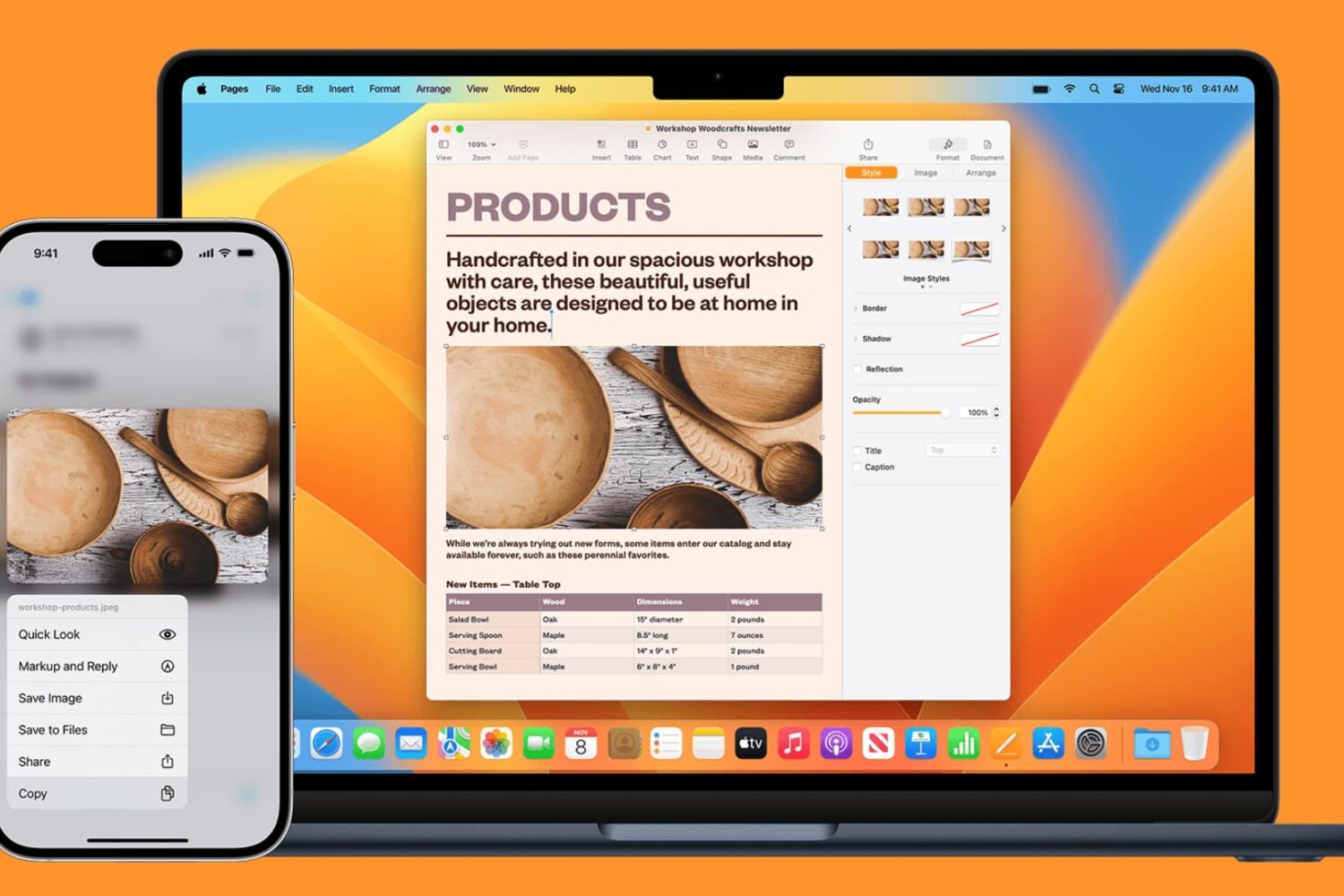
Learn how to seamlessly copy and paste text, images, links, and files across your iPhone, iPad, and Mac using Universal Clipboard.
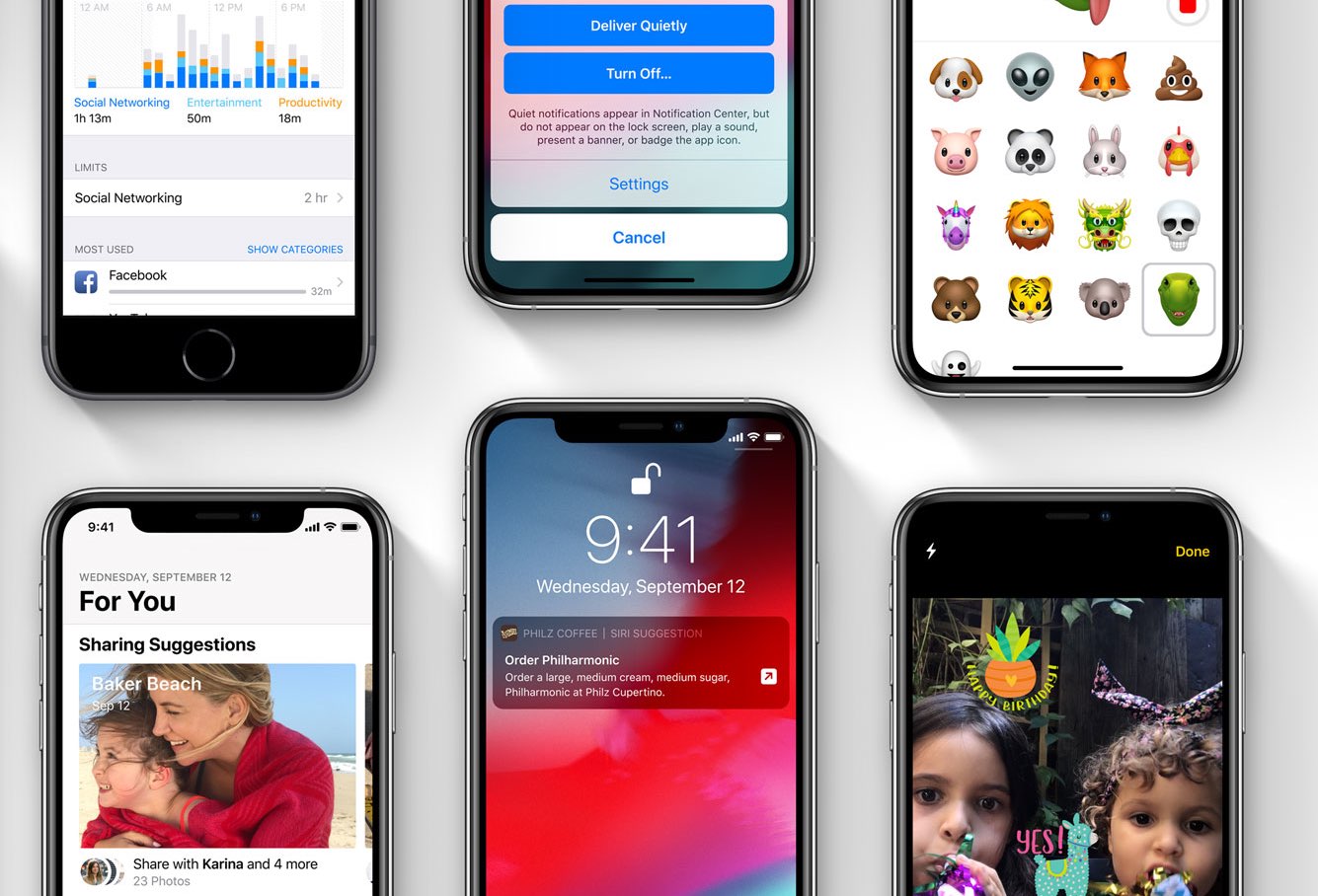
Following weeks of testing, Apple today released new software updates: iOS 12.1.3 for iPhone, iPad and iPod touch, iOS 12.1.3 for HomePod, macOS Mojave 10.14.3 for Mac, watchOS 5.1.3 for Apple Watch and tvOS 12.1.2 for the fourth-generation Apple TV and Apple TV 4K . While mostly about bug fixes that improve your security, these minor software updates are worth the time because they happen to boost the stability, performance and reliability of your devices.

Whether you’re just getting your small business off the ground or growing an already successful venture, onboarding and maintaining your employees’ tech gadgets are important steps. Unfortunately, IT can be expensive — and out of the question for many small businesses. Even if you can afford to purchase reliable Apple devices for your growing staff, it can be hard to find the time to keep them updated without a specialist. That’s where Jamf Now comes into play: it’s a cloud-based solution that delivers Apple management and security with just a few minutes of setup.
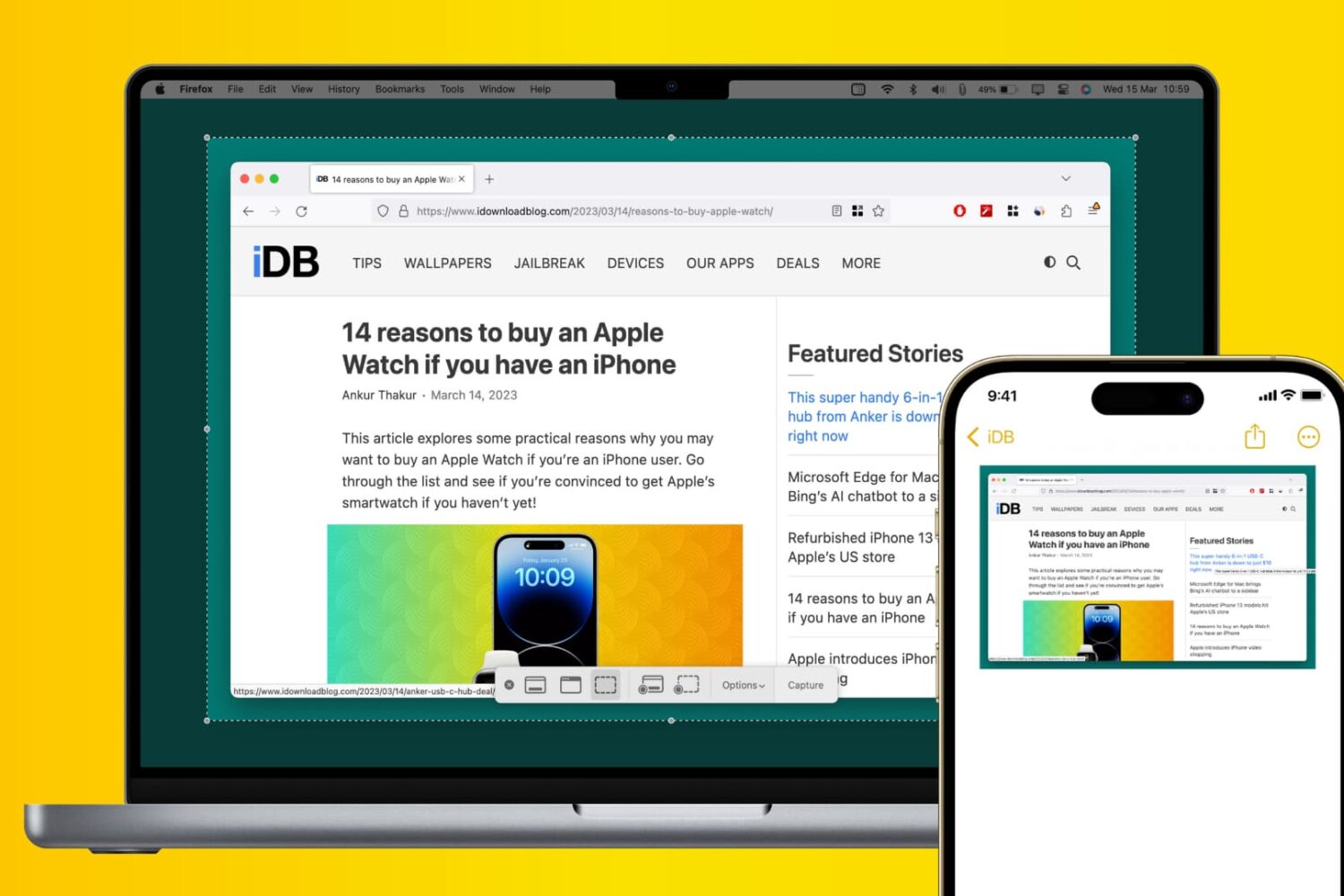
Learn how to use Apple’s Universal Clipboard to copy and paste Mac screenshots into iPhone apps like Notes, Mail, or social media, boosting your productivity.
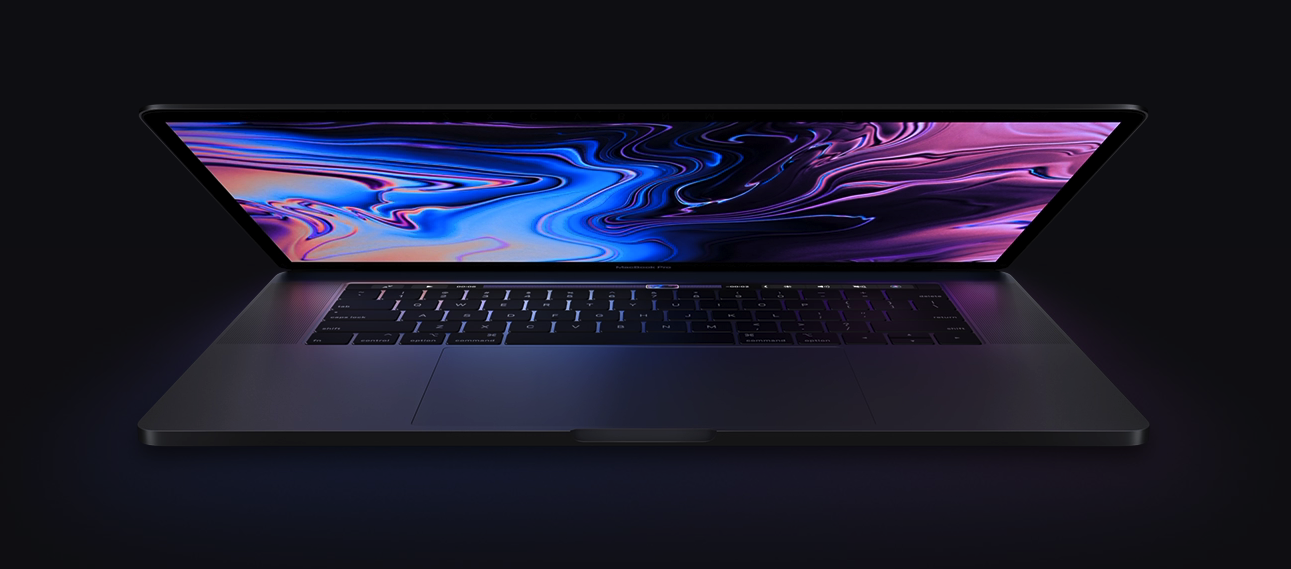
Apple’s MacBook Pro has been my personal computer of choice for almost a decade now, and while I’ve loved every upgrade along the way, I can’t help but feel like Apple could do better.
Given just how expensive a MacBook Pro becomes as you start pegging out the specs on Apple’s website, it seems like Apple could do more to help me justify the price point. With that in mind, I’ll discuss at least ten ways Apple could improve their flagship notebook in this piece.
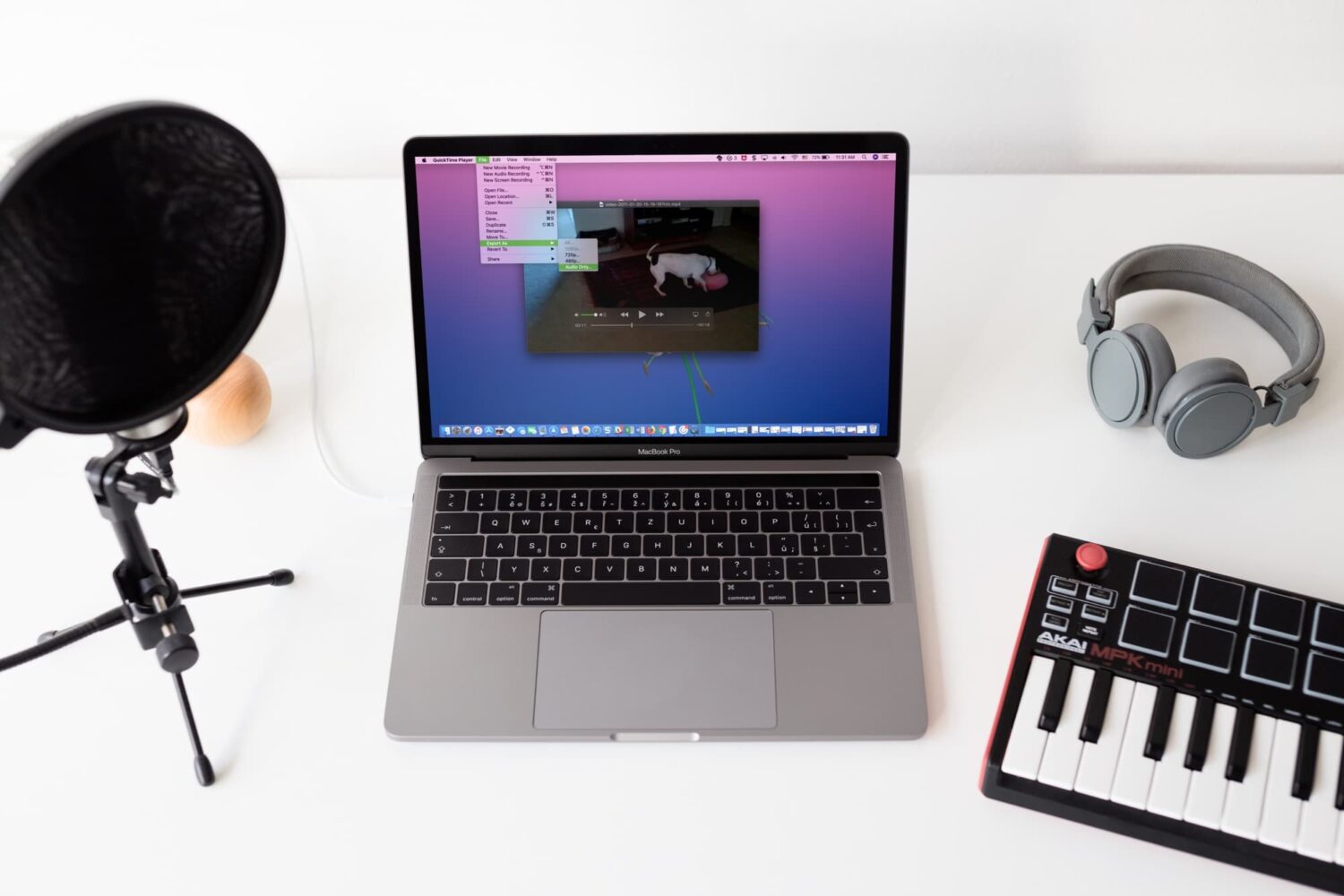
Check out four free methods to extract an audio track from a video clip on your iPhone, iPad, or Mac and save it as a separate file in the MP3 or M4A format.