Jailbreak Apps & Tweaks

These are the latest jailbreak apps and tweaks available for your iPhone or iPad. We save you time by highlighting only the best tweaks.

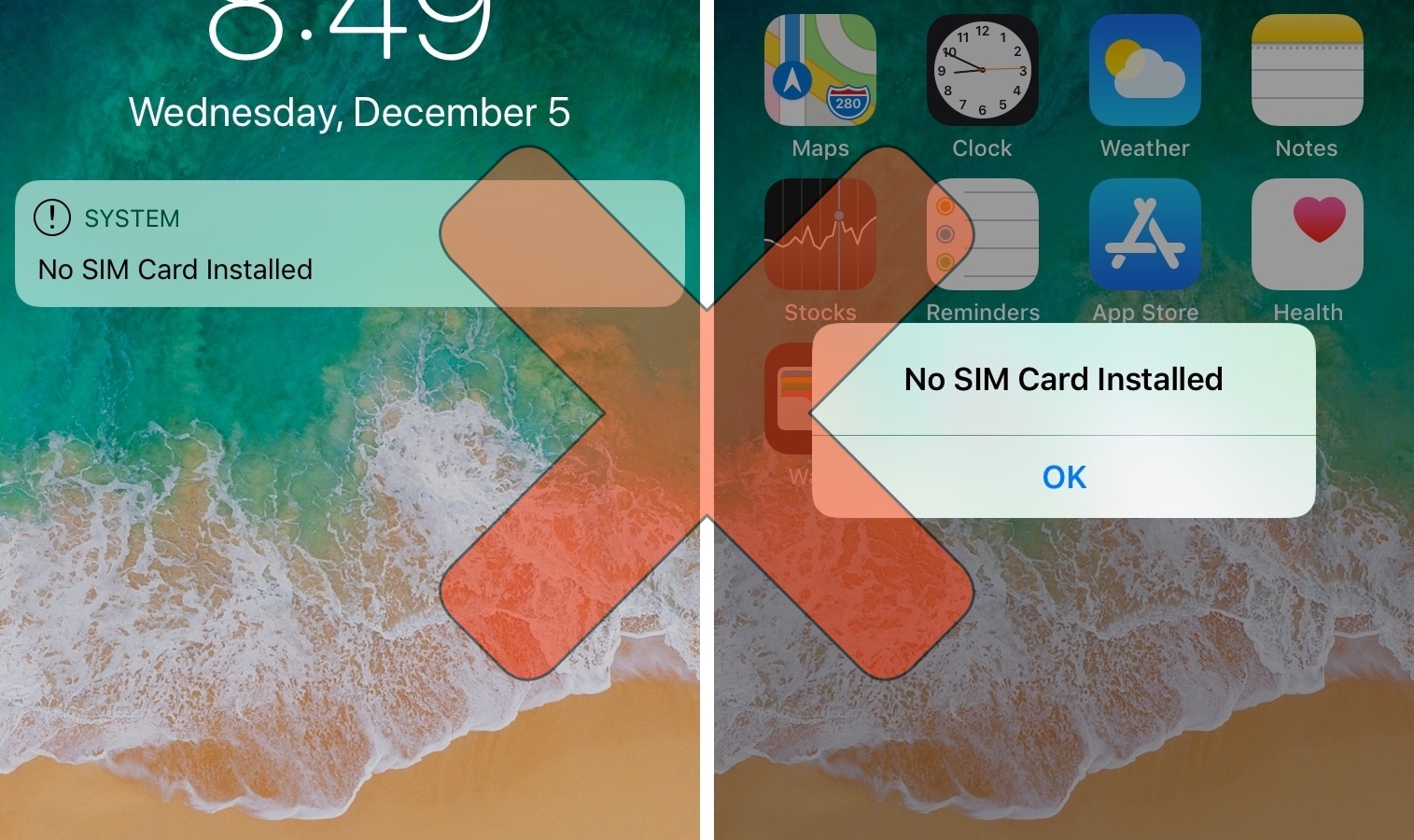
NoSimAlert hides those annoying ‘No SIM Card Installed’ alerts

If you’ve got a stack of old, deactivated iPhones laying around without SIM cards like I do, then you’ve probably become very familiar with iOS’ inherently annoying ‘No SIM’ alerts. Not only does iOS display “No SIM” in the Status Bar, but it feels the need to display Lock screen banners and pop-up alerts to remind you of the obvious not just twice, but three times in a row.

As a jailbreak enthusiast and jailbreak tweak reviewer, I use deactivated and SIM-less iPhones all the time, and I’ve come to loathe these No SIM alerts. Fortunately, a jailbreak tweak called NoSimAlert by iOS developer SparkDev can help tremendously in this department.

Melior is the volume HUD Apple should add to future iterations of iOS

Repeating the sad story about how iOS’ volume HUD leaves a lot to be desired feels a lot like beating a dead horse. You’d think Apple would have done something about this concern by now, but as always, it’s the jailbreak community that offers the fastest refuge.

Melior is a volume HUD-centric jailbreak tweak coded by iOS developer SparkDev and designed by Dennis Bednarz that produces one of the cleanest alternatives to iOS’ terrible volume HUD that we’ve seen.

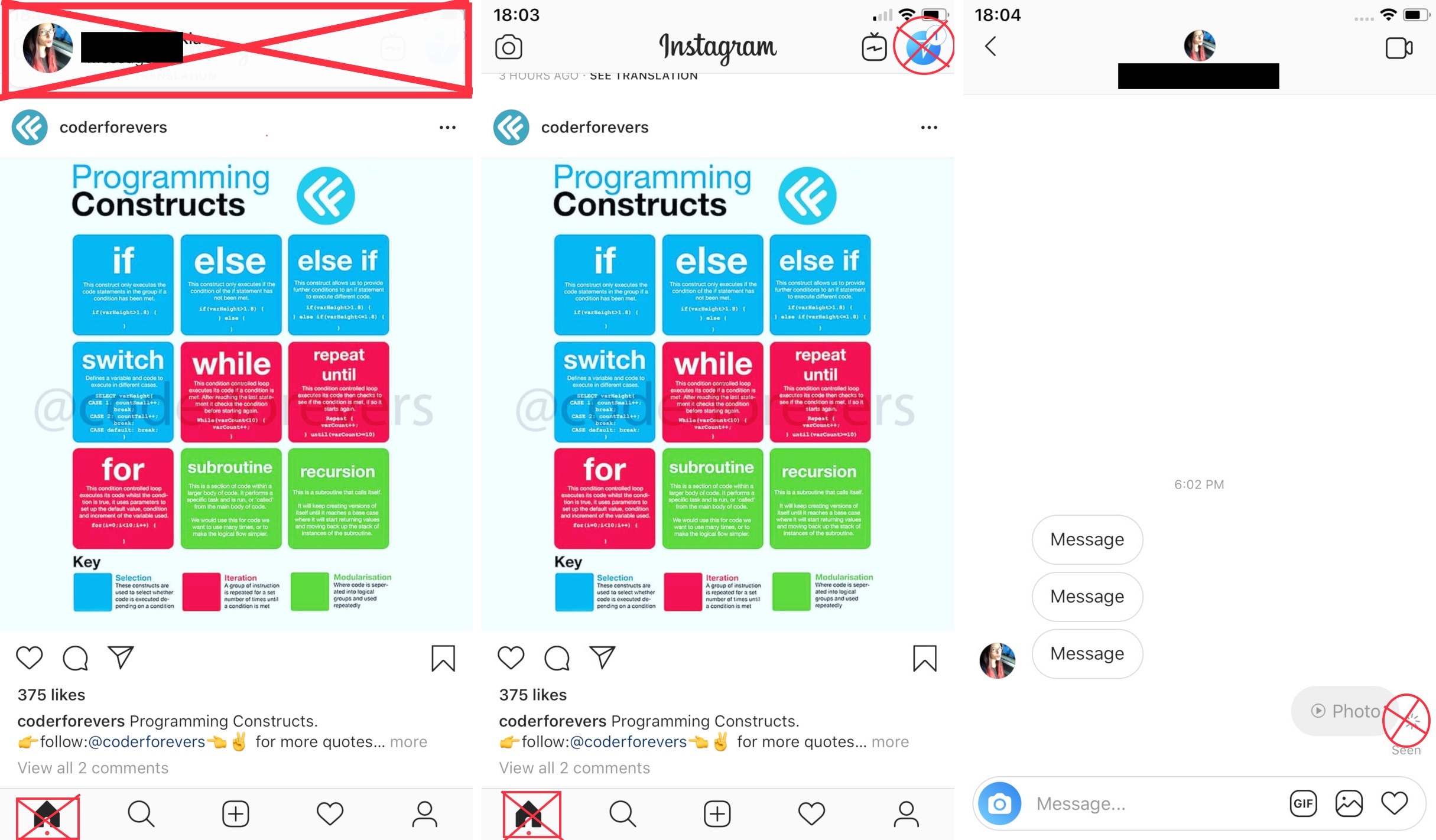
InstaNotifyFilter hides extraneous in-app notifications from Instagram

If you frequently use the official Instagram app on your jailbroken iPhone, then you might have something to gain from using a new free jailbreak tweak dubbed InstaNotifyFilter by iOS developer midkin.

As you might have already inferred from the tweak’s name, InstaNotifyFilter filters some of the more extraneous notifications you might receive in the Instagram app, and citing the tweak’s description, it specifically targets the following:

This jailbreak tweak is a classic remake that brings animated crawling ants to iOS

If you’re one to appreciate fun and quirky animations on your jailbroken iPhone or iPad, then a new free jailbreak tweak called Ants by iOS developer SparkDev might be of interest to you.

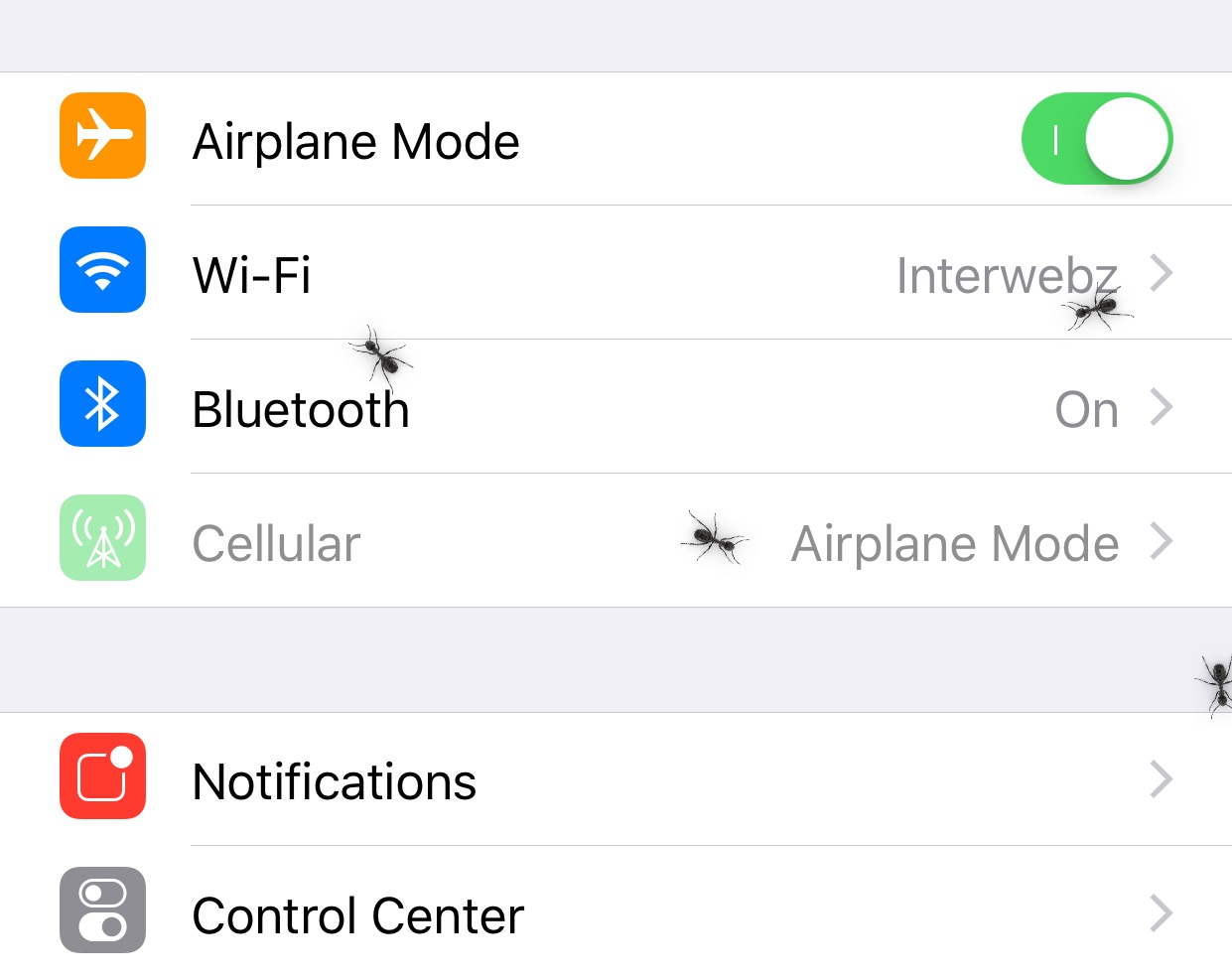
Once installed, Ants causes an army of animated virtual ants to spawn all over the iOS interface. They appear and crawl around whether you’re on your Home screen or inside of an app.

AutoUnlockX augments the Face ID unlocking experience on jailbroken handsets

If you have an iPhone X or any of Apple’s newer Face ID-enabled iPhones, then you’re undoubtedly familiar with the two-step process required to unlock your handset.

Right out of the box, iOS requires you to swipe up from the bottom of the Lock screen after Face ID recognizes you; but wouldn’t it be nice if your handset unlocked itself automatically? If you’re onboard with this idea, then you should seriously consider checking out a free jailbreak tweak dubbed AutoUnlockX by iOS developer SparkDev.

Organize your Home screen’s app icons into stacks with Zenith

Perhaps one of my favorite jailbreak tweaks of all time was Apex 2, an organization mod for your iPhone’s Home screen that permitted you to have nested app icons instead of folders.

Apex 2, was unfortunately never updated for iOS 11, and so iOS developer Muirey03 took things into his own hands. The result? A brand-new jailbreak tweak called Zenith is now available in Cydia.

QuietApps mitigates interruptions while you use specific apps

Your iPhone comes with a feature known as Do Not Disturb that can help mitigate the influx of notifications when using your device or sleeping, but have you ever wished you could minimize interruptions while using specific apps?

If so, then we advise checking out a powerful new jailbreak tweak called QuietApps by iOS developer smokin1337. With it, you can configure a plethora of convenience options on a per-app basis.

Electra Team confirms that the Sileo ‘Cydia replacement’ is still under development

Given everything that’s been happening lately with the unc0ver jailbreak for iOS 11.0-11.4 beta 3, it can be easy for some to forget about Electra and some of the noteworthy developments that were in the works for it.

One that struck us in particular was Sileo, a full-blown package installer that was supposed to replace Cydia on jailbroken iOS 11 devices. Five months ago, the Electra Team teased that Sileo would be “coming soon.” Fast-forward to today, and it’s still not available; so… where is it?

Colorize your Home screen’s notification badges with BadgeColors

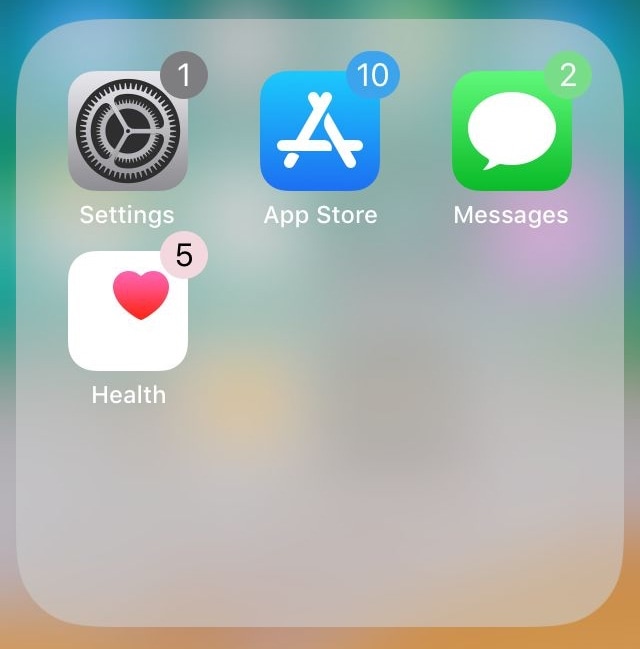
As your iPhone accumulates missed notifications, the icons on your Home screen become littered with little red dots indicating the number of missed notifications you have. Apple calls these red dots notification badges.

There’s no way to customize how notification badges look on a stock device, but if you’re jailbroken, then you can take advantage of a new jailbreak tweak called BadgeColors by iOS developer Cole Cabral.

Bypass Instagram’s 60-second video upload limit with IG Video [jailbreak]

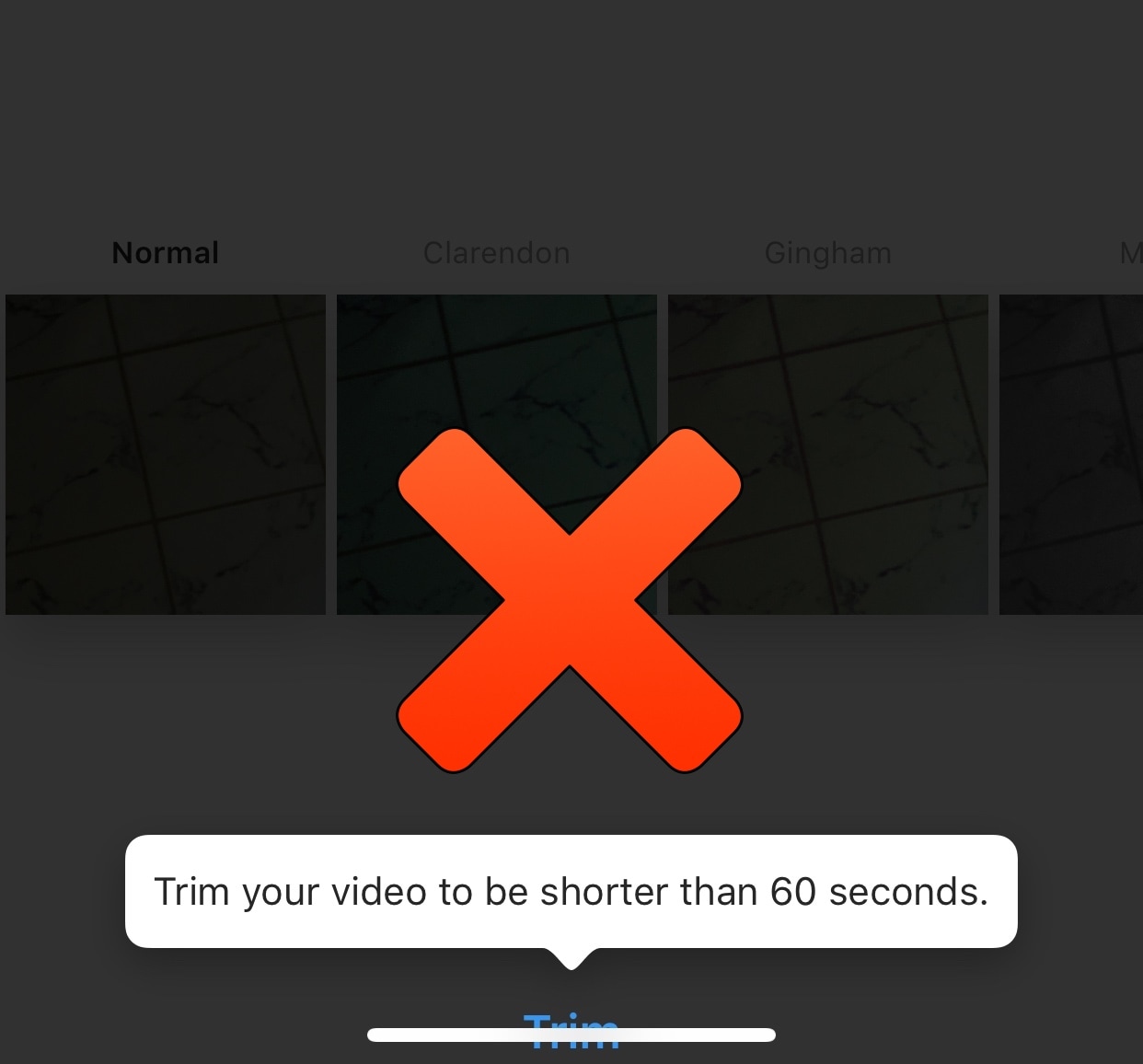
If you’re a frequent Instagram user, then you’ve probably gotten accustomed to the 60-second upload limit that prevents you from sharing longer videos to the platform from your mobile device. Fortunately, jailbreakers can now circumvent this silly restriction with a new free jailbreak tweak called IG Video by iOS developer pxcex.

After you install IG Video, you’ll be able to upload videos longer than 60 seconds to your Instagram account, which means the prompt you see in the screenshot example above no longer has any bearing over what you can upload to Instagram.

SmartVolumeMixer, Switches, XEdgeProtect, and more jailbreak tweaks to check out this weekend

Jailbreak Tweaks to check out

As we conclude the Thanksgiving holiday this weekend, we just wanted to mention how thankful we are to have a jailbreak and to have such wonderful readers like you here at iDB.

In this roundup, we’ll discuss all the jailbreak tweaks released in Cydia from Monday, November 19th to Sunday, November 25th. As usual, we’ll kick things off by talking about our favorite releases and then outline the rest afterward.