Jailbreak Apps & Tweaks

These are the latest jailbreak apps and tweaks available for your iPhone or iPad. We save you time by highlighting only the best tweaks.

SBTaps brings useful shortcuts to your iPhone’s Status Bar

If you wanted a quick shortcut to something, then you could surely open Control Center and access the toggle for it. But why waste time opening another interface when the best one for the job is already waiting for you in plain sight?

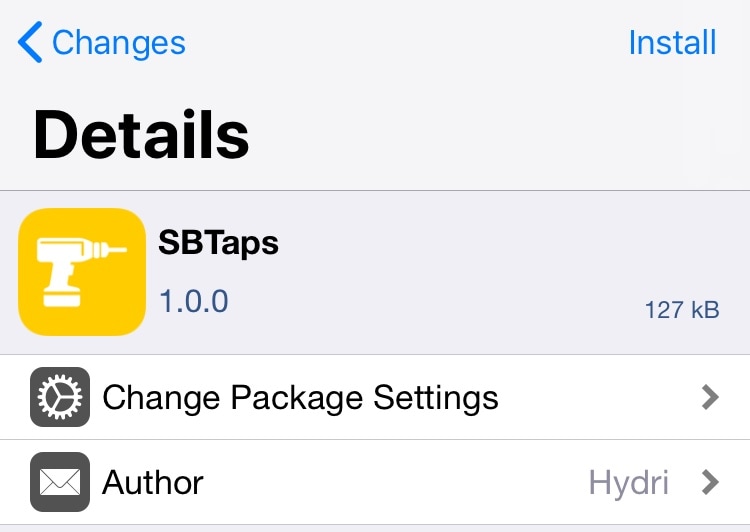
That’s the idea behind a new free jailbreak tweak called SBTaps by iOS developer Hydri, which provides jailbreakers with the ability to use their handset’s Status Bar as an intuitive interface for accessing shortcuts and toggles.
Customize your Phone app’s keypad with this new jailbreak tweak

Unlike some of the earliest cell phones that made it to the public market, the iPhone can do so much more than just make and receive phone calls. With that in mind, the native Phone app is often overlooked in regards to personal customization and features.

To those who feel the same way, a new free jailbreak tweak called NPF by iOS developer Easy-Z brings at least some form of customization to the iPhone’s Phone app. With it, you’ll be able to customize the shape and size of the keypad buttons to give them a new look and feel, as shown above.

Jailbreak tweaks of the week: ChargeAnimation, CopyLog, Essentials, Sonus12, and more

Jailbreak tweak developers have been particularly busy these past several weeks, and this week was no exception. We unquestionably have the unc0ver iOS 12 jailbreak to thank for this sudden revitalization, and there’s still much more to come.

In case you haven’t been following along as closely as you should have, this roundup will summarize all this week’s new jailbreak tweak releases. As usual, we’ll kick things off by discussing our favorites first and then outline the rest afterward.  

If you thought Parallax was nuts, then try TiltPaper

While I do love jailbreak tweaks that serve a functional purpose, I also enjoy the occasional fun and quirky add-on that makes my handset do something interesting. TiltPaper by iOS developer c1d3r just so happens to be one of those add-ons.

As you might have inferred from the tweak’s name, TiltPaper makes something interesting happen with your wallpaper when you tilt your device in your hand. More specifically, the wallpaper appears to ‘scroll’ from left to right, an effect much more noticeable than Apple’s native Parallax feature.

Give Cydia an App Store-inspired makeover with CydiaXIStyle 2.0

Cydia has endured a lot of criticism over the years from the jailbreak community because of its seemingly out-of-style user interface and lack of modern aesthetics. Such criticisms have given rise to third-party alternatives, such as Sileo.

But in case you forgot, Cydia as a platform is entirely customizable ever since Jay Freeman updated the Cydia Substrate framework to allow for Cydia-centric jailbreak tweaks. With that in mind, iOS developer iOSNJB took to the drawing board to produce a new release called CydiaXIStyle 2.0.

These tweaks port features from Apple’s ‘notched’ handsets to other iOS devices

Notched handsets such as the iPhone X, XR, XS, and XS Max sport unique features and gestures that aren’t available on non-notched handsets such as the iPhone 8, 8 Plus, and earlier. With that in mind, iOS developer Ryan Nair figured he’d do something about that, and a pair of free jailbreak tweaks dubbed Poseidon and Poseidon-Rounded were conceived.

These tweaks port many of the most sought-after features and gestures available on notched handsets to non-notched handsets, including the following:

ChargeAnimation brings a plethora of new charging animations to iOS

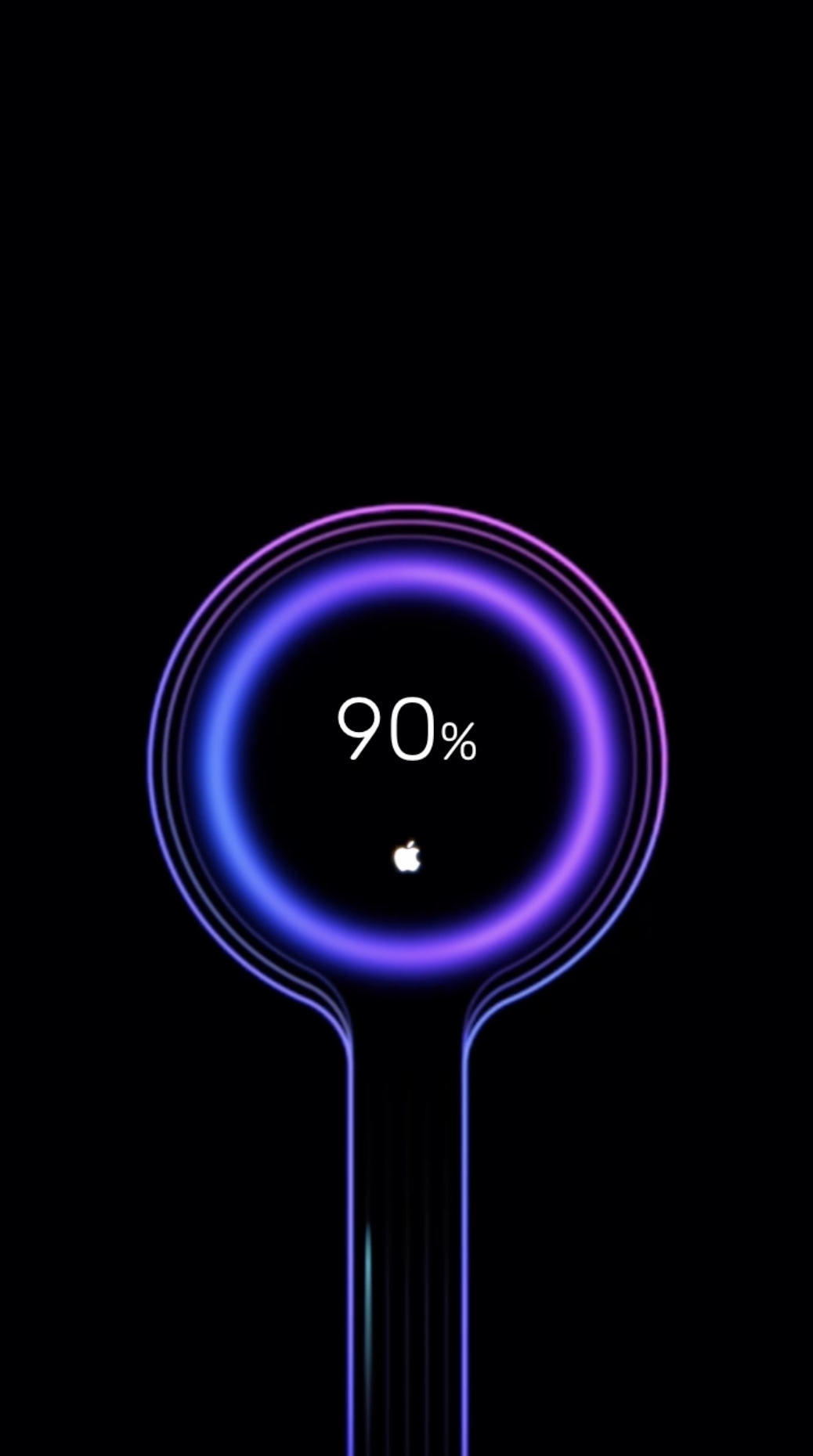
Whenever you plug your iPhone or iPad into a power source, a familiar battery icon appears on the Lock screen in place the date and time to depict your battery’s current charge. This implementation works, but it’s not quite as aesthetically pleasing as some would have hoped. Fortunately, jailbreakers now have a way to make this interface more interesting.

Say hello to a jailbreak tweak called ChargeAnimations by iOS developer c1der, which as you might have inferred already from the name, brings a bevy of new charging animations to your pwned handset.

This tweak changes the Emoji keyboard’s scrubber animation

If you do a lot of texting from your iOS device(s), then chances are you send an Emoji every now and again. Apple’s Emoji keyboard is already nicely polished out of the box, but now you can make it even cooler with a custom animation by way of a new free jailbreak tweak called Organic Emoji Scrubber by iOS developer Orangebananaspy.

According to the developer, the new tweak adds an “organic” animation to the Emoji scrubber in the keyboard interface. Rather than attempting to explain what the amination looks like with words, we’ve embedded some animated GIF examples below so that you can see for yourself:

Vibrato brings customizable haptic feedback to your jailbroken iPhone

Many Android handsets offer an ounce of haptic feedback when you perform certain actions on the device, but haptic feedback is somewhat minimal on the iOS platform – mostly limited to when using 3D Touch.

If you have a jailbroken iPhone and are looking to receive more haptic feedback from various actions, then you might enjoy a new jailbreak tweak dubbed Vibrato by iOS developer Synnyg. This tweak can enable haptic feedback for nearly anything that you do.

Amour 2 lets you customize your locking and unlocking animations

If you’ve just jailbroken your iOS 12 device with unc0ver and you’re looking for new and exciting ways to customize the user experience, then you might take an interest in a newly-released jailbreak tweak called Amour 2 by iOS developers Luke Muris and Geometric Software.

With Amour 2, you can make your handset stand out from everyone else’s by customizing the handset’s locking and unlocking animations. The concept isn’t particularly new, but the apparent popularity of the original Amour tweak helped motivate the developer to release to the latest version.

SmartLight lets you toggle the iPhone’s flashlight with hardware buttons

I use my iPhone’s rear-facing LED flash as a flashlight all the time for various tasks, but I’ll be the first to admit that Apple could and should come up with a more intuitive way of toggling it on or off. In some cases, using a software button to toggle the flashlight just isn’t good enough, such as when you have wet or dirty hands.

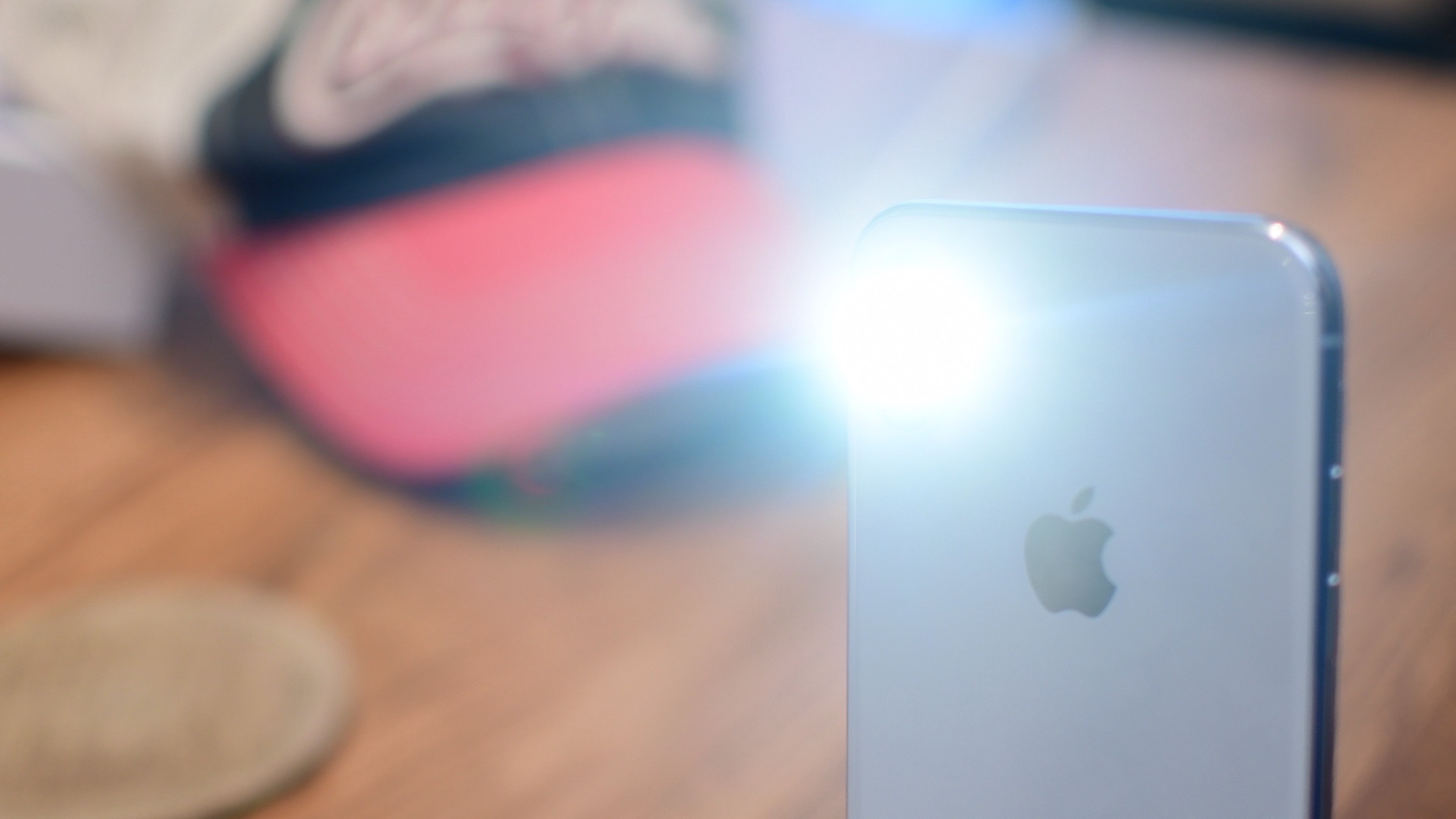
Here to the rescue is a new free jailbreak tweak called SmartLight by iOS developer smokin1337, which spearheads a solution to these kinds of scenarios by letting users toggle the rear-facing flashlight on or off with the device’s hardware buttons instead.

Add an application drawer to your jailbroken iPhone with Vesta

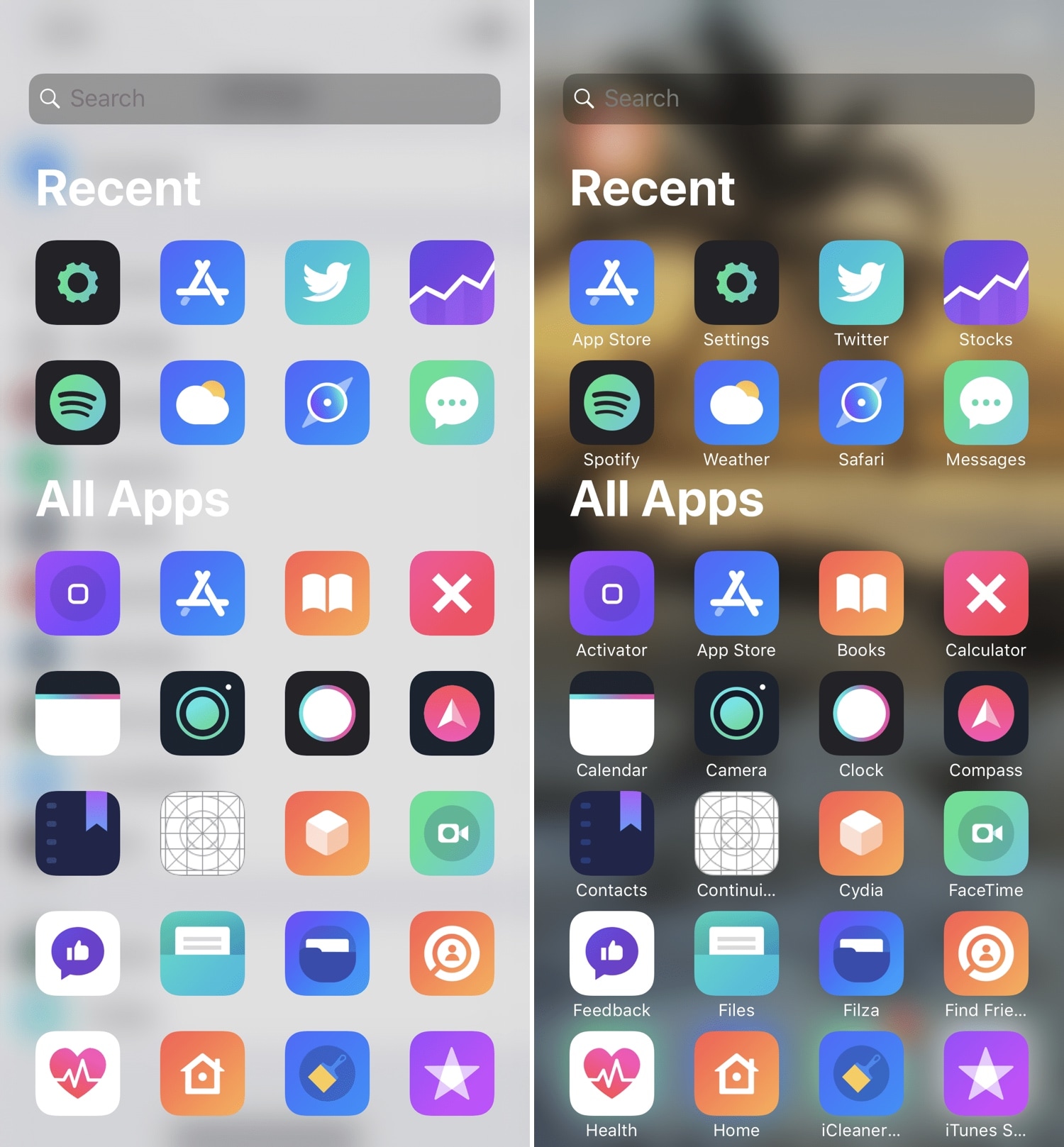
If you’ve ever used an Android handset before, then you might be familiar with the App Drawer where you can access any of your installed apps from one place. iOS has never sported an App Drawer-like feature out of the box, and this prompted iOS developer SparkDev to create a new jailbreak tweak called Vesta to bring one to the iOS platform.

Vesta is easily invoked with any of the built-in gestures or with Activator, and as depicted in the screenshot examples above, the Vesta interface is divided into two sections – one that displays some of your recently-used apps, and another that displays all your handset’s installed apps in one convenient place with no Home screen pages or folders to get in your way.