iPhone

Stay up-to-date on the latest iPhone news and learn new tips and tricks with our comprehensive tutorials. From software updates to new features, we’ve got you covered.

Pwn20wnd shares progress update concerning the iOS 12 jailbreak with Cydia & Cydia Substrate support

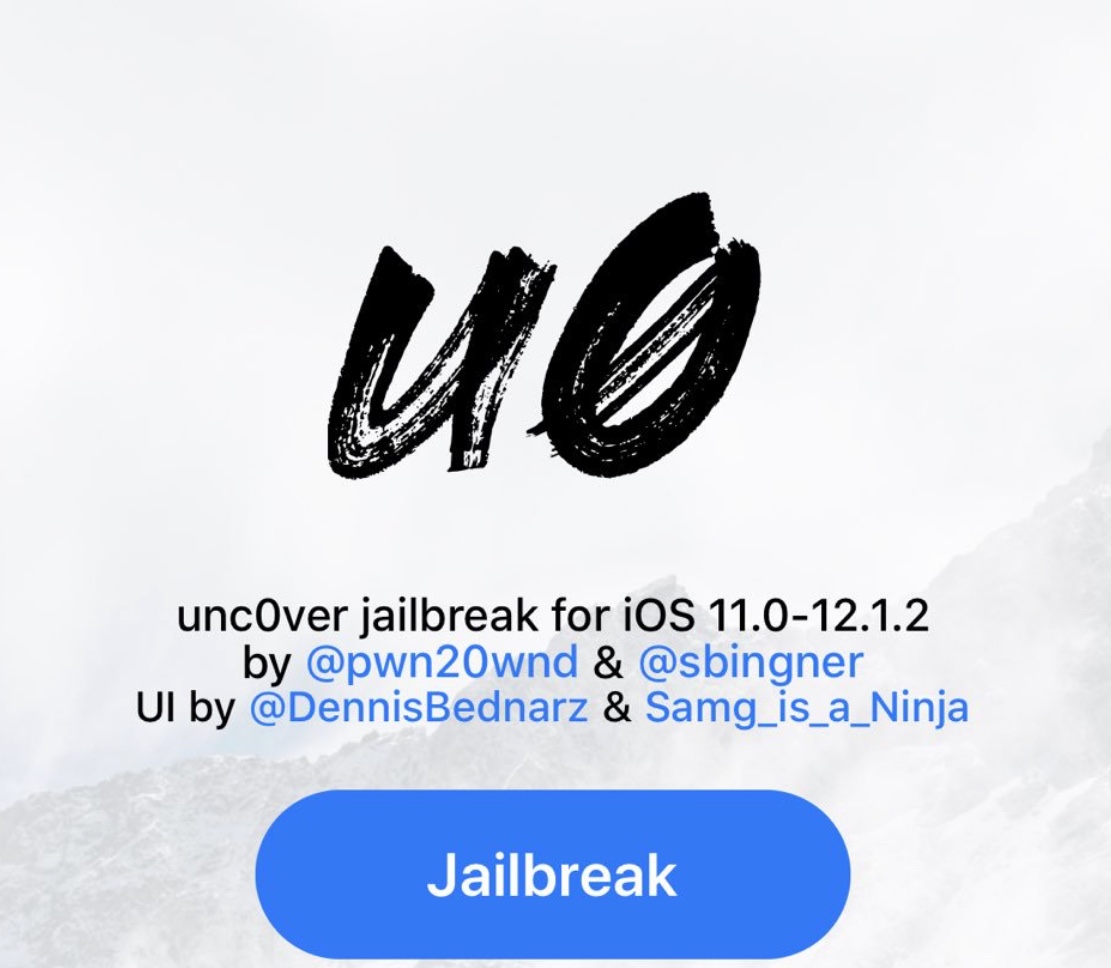
In case you’ve been MIA these past few weeks, hacker and unc0ver lead developer Pwn20wnd has been working hard on a full-fledged iOS 12 jailbreak with Cydia and Cydia Substrate support. And as it would seem, he’s quickly approaching the finish line.

Small revisions to the unc0ver v3.0.0 pre-release here and there have added ‘partial’ iOS 12 support for certain devices without Cydia or Cydia Substrate; but thanks to a rootfs remount released just over a week ago, we’re now closer than ever to enjoying all the perks of a full-blown iOS 12 jailbreak with Cydia and Cydia Substrate. But just how close are we?

Jailbreak tweaks of the week: AirWave, EZBatteries, TabBlocker, & more

A lot has been going on in the jailbreak community as of late, and it's no surprise that developers continue to build jailbreak tweaks that can help you trick out your iPhone or iPad so it stands out from the crowd.

In this roundup, we’ll discuss all the jailbreak tweaks released from Monday, February 11th to Sunday, February 17th. As usual, we’ll kick things off by discussing our favorites and then wrap things up afterward.

How to hide the emojis you never use with Smojis

Using Smojis on iPhone Keyboard

We all love to use emojis. Happy faces in our emails, hearts in our text messages, and even checkmarks in our notes; there’s an emoji for everything, everywhere. But it’s getting to the point that there are too many emojis to pick from and the list keeps growing. You look for one and have to sift through hundreds of others. What if there was a way to hide those emojis that you never, ever use?

Enter Smojis, a cool app that lets you hide single emojis or complete categories. So, if you never use flags or objects, hide them. If you only use specific smileys, hide the others. It’s all up to you! So, here’s how to hide the emojis you never use with Smojis.

Pwn20wnd gets jailbreak tweaks working under Cydia Substrate on iOS 12

Team unc0ver has been working exceptionally hard in the past several weeks to fully jailbreak iOS 12, and while co-creator Sam Bingner teased a functional Cydia app on iOS 12 just this week, he also noted that there was still a lot of work to be done before it’d be ready for the general public.

Fortunately, hacker and unc0ver lead developer Pwn20wnd dropped a bombshell Saturday morning when he Tweeted that he had successfully gotten jailbreak tweaks to run with the help of Cydia Substrate on iOS 12:

WorkFFS: A tweak made to resolve freezing and crashing issues with certain apps

If you've ever been unfortunate enough to encounter unwanted freeze-ups and crashes when launching specific apps, then you aren’t alone. As it would seem, iOS developer Muirey03 was getting tired of experiencing similar problems, thus a new free jailbreak tweak dubbed WorkFFS was conceived.

Citing the developer, WorkFFS fixes an issue where some apps would freeze up on the splash screen at launch and do absolutely nothing for nearly 20 seconds before inevitably crashing. Apps that are purportedly known to exhibit this problematic behavior include:

unc0ver v3.0.0 pre-release updated with initial support for tihmstar’s v3ntex exploit

Renowned hacker and unc0ver lead developer Pwn20wnd has issued a new revision to the unc0ver v3.0.0 pre-release Friday morning; beta 28 is now the latest version available for public testing purposes.

In a Tweet shared just minutes ago by Pwn20wnd, we learn that unc0ver v3.0.0 beta 28 adds provisions for timstar’s iOS 12-centric v3ntex exploit; on the other hand, the tool only supports the iPad Air 2 and iPad mini 4 with the v3ntex exploit at the time of this writing. Support for more devices will come later:

How to manage bookmarks in Safari on iPhone, iPad, and Mac

Manage Bookmarks in Safari on iPhone, iPad, and Mac

Bookmarking your favorite websites in Safari on your iPhone, iPad, and/or Mac is handy for accessing the pages you need with a tap. But bookmarks can also quickly get out of control. So for the best experience, you can organize your bookmarks in folders, rearrange them, edit them, and of course, delete those you end up never using.

To help you get control of your saved pages, here's how to manage bookmarks in Safari on iOS and Mac.

AppLabelValentineDay decorates your iPhone’s Home screen for Valentine’s Day

It’s officially Valentine’s Day, and whether you’re feeling just lovely all by your lonesome or you have a significant other with a jailbroken iPhone or iPad, you can get into the festive spirit by installing new free jailbreak tweak called AppLabelValentineDay by iOS developer CydiaGeek.

Once installed, AppLabelValentineDay replaces your Home screen’s app icon labels with various types of heart-centric Emojis, as shown in the screenshot example above.