In this brief post, I talk about three small changes to iPhone Mirroring in iOS 27 and macOS 27 Golden Gate that have further improved my user experience.
3 iPhone Mirroring improvements I love in iOS 27

In this brief post, I talk about three small changes to iPhone Mirroring in iOS 27 and macOS 27 Golden Gate that have further improved my user experience.

Even though iPhone Mirroring is one of my favorite iPhone-Mac ecosystem features that I use every day, there are some quirks and issues that I find problematic. Here’s all about them. And I hope Apple fixes them in future updates.

In this quick tutorial, we tell you about various ways to cast your iPhone or iPad screen to a computer monitor or television so you can see everything on a bigger canvas.

In this quick tutorial, we’ll show you how to stop one or all iPhone app notifications from showing up on your Mac.

Apple's iOS 18.2 software permits you to use the iPhone Mirroring feature while sharing your iPhone's Personal Hotspot with a Mac.

Apple continues refining the iPhone's redesigned Control Center, with the upcoming iOS 18.1 software update adding two new toggles.
Apple is developing a fix for a bug in iPhone Mirroring that could compromise your privacy and security when using the feature at work.
Apple's new feature that mirrors your iPhone on a Mac will support drag and drop when iOS 18.1 and macOS 15.1 arrive in October.

macOS Sequoia introduces several new features to the Mac, and in this guide, we'll give you an overview of the most significant ones to enhance your desktop experience.

Learn about the iPhone Mirroring feature on your Mac to see, control, and use iOS apps on your computer, without touching your iPhone.
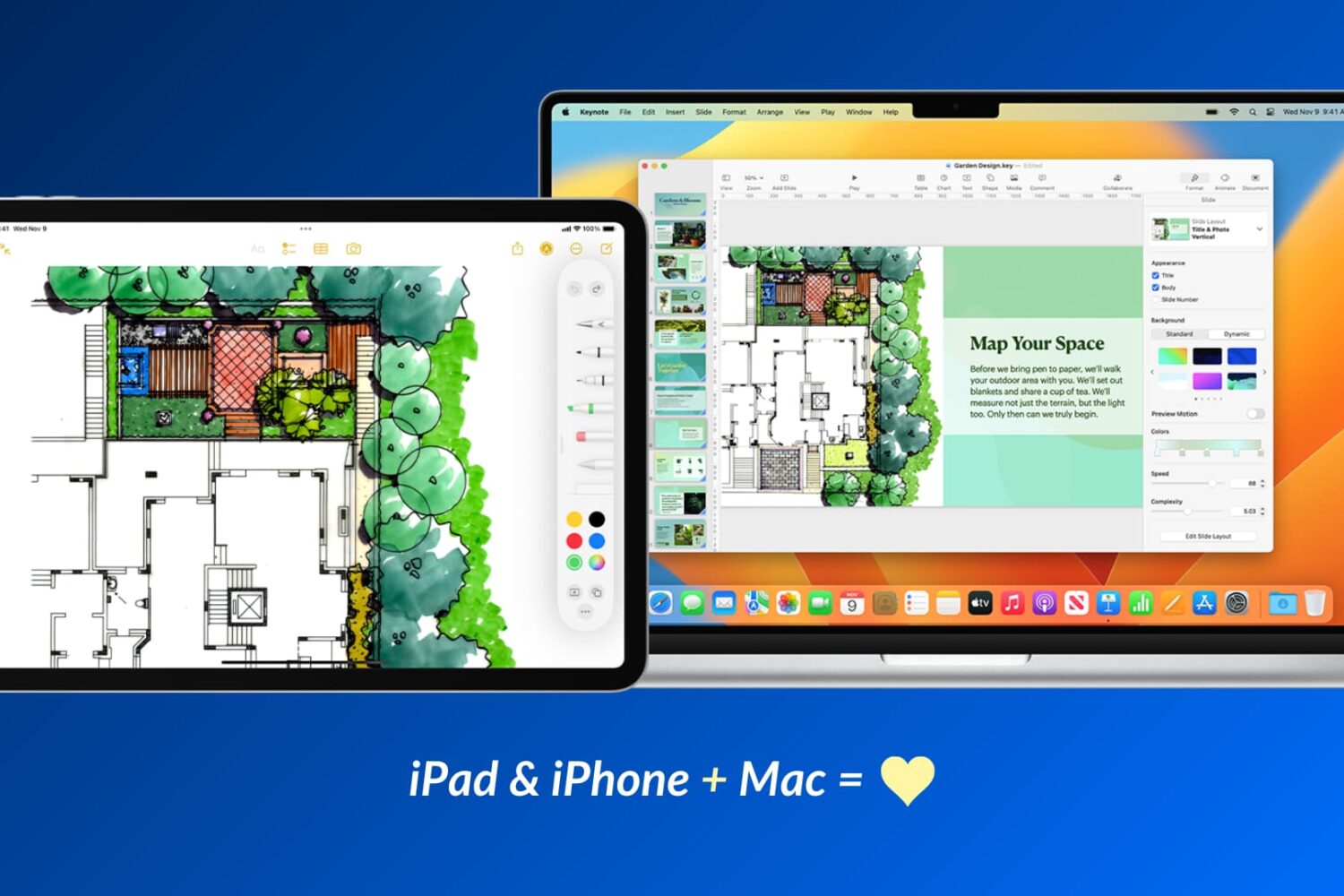
Apple devices work particularly well with one another, and in this guide, we’ll share 17 ways to use your iOS device and your Mac together for a more productive and efficient experience.