Learn how to hide the email address using the “Bcc” feature in the Apple Mail app to copy someone on an email you’re sending, but don’t want your recipient to see it.
How to hide an email address with Bcc in Mail on iPhone, iPad, and Mac

From the latest news to the most comprehensive tutorials, learn how to get the most out of your iPad with our step-by-step guides and expert tips.
Learn how to hide the email address using the “Bcc” feature in the Apple Mail app to copy someone on an email you’re sending, but don’t want your recipient to see it.
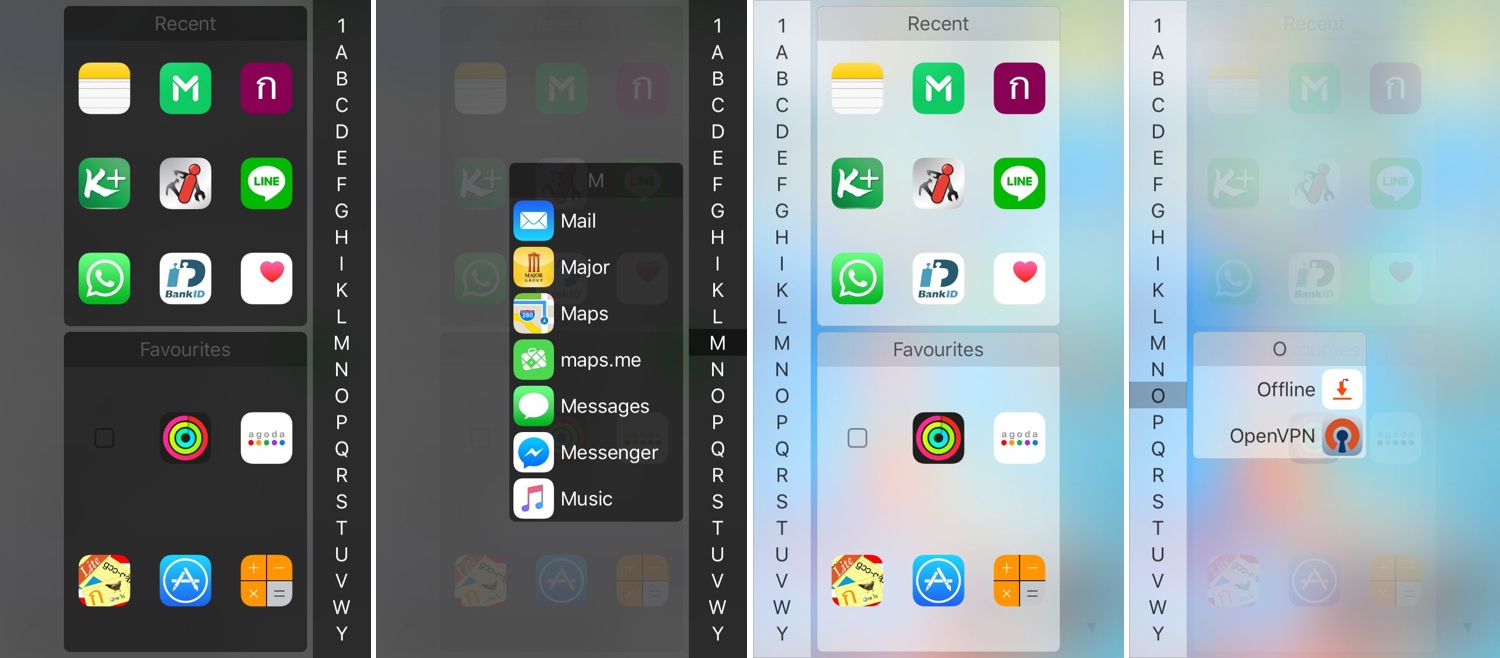
One of my favorite parts about jailbreaking over the years has been installing custom app launchers that make accessing my apps easier. There haven’t been that many tweaks of this nature in recent memory, and that’s why I’m excited to show you the rebirth of a classic jailbreak tweak dubbed InstaLauncher by iOS developer Jonathan Winger-Lang.
InstaLauncher has been around for several years, but it was just recently re-released with full support for the latest Electra and unc0ver jailbreaks encompassing iOS 11 and iOS 12. Those who remember the original tweak should see InstaLauncher for what it is: a tweak that lets you launch any app on your device in a jiff without having to scour multiple Home Screen pages.
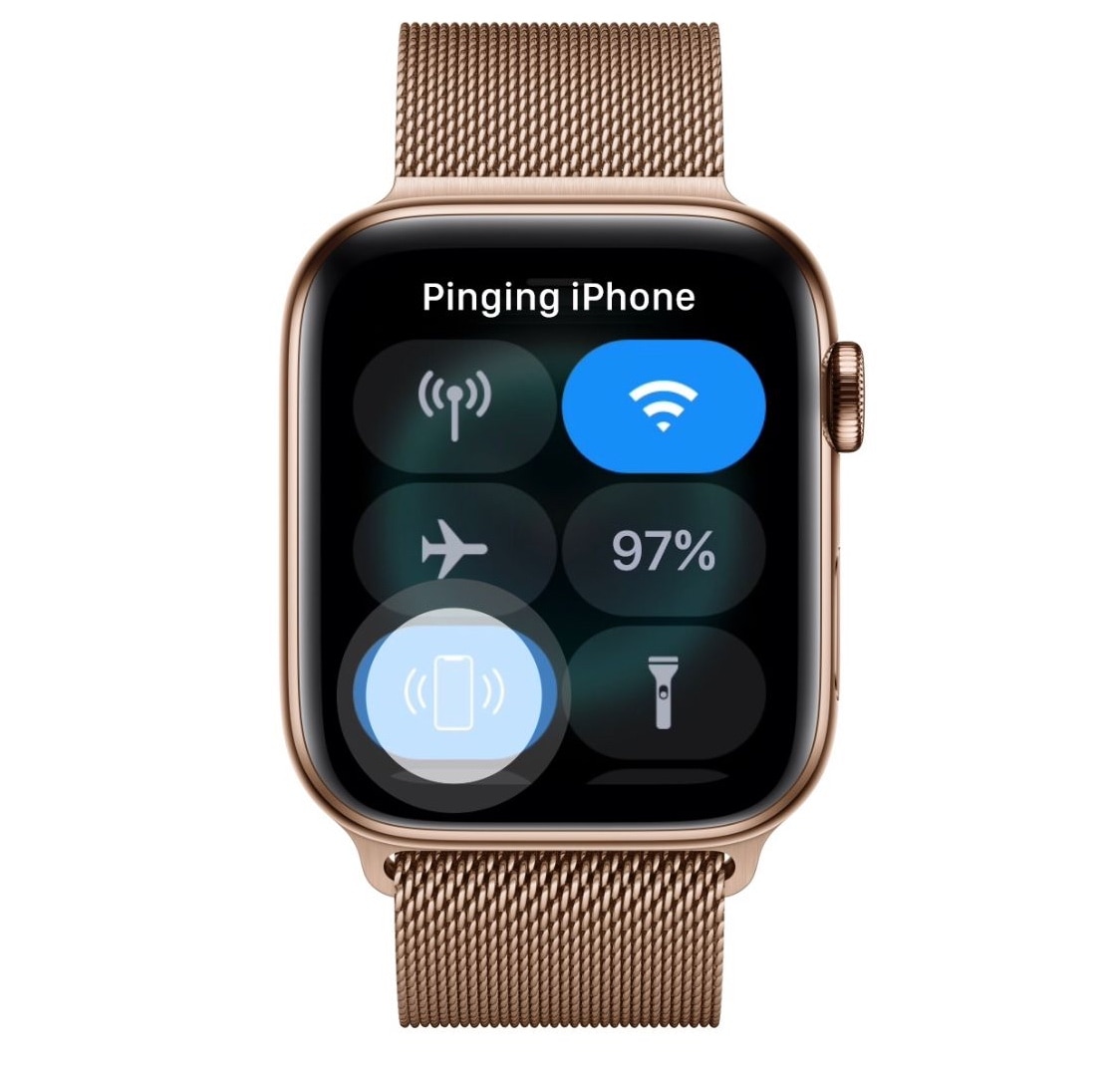
Sometimes you misplace your iPhone and it’s merely hiding in between the seat cushions on your couch rather than being lost out in public, and that’s why Apple includes a native feature on your Apple Watch called Lost and found, which forces your iPhone to emit a high-frequency sonar tone so that you can locate it with just your ears.
As cool as this feature is, many have expressed their concerns with the sound, noting that it isn’t loud or noticeable enough. Apple’s response to these concerns? – such is life. But iOS developer Lefteris Karkaletsis wanted to do more, and so he released a new jailbreak tweak called PingWatch to replace the native Lost and found tone with something more audible.

The unc0ver jailbreak tool for iOS 11.0-12.1.2 was updated on Tuesday to version 3.0.1 as an incremental update from the previous release, which spent several months evolving over the course of 50-something beta updates.
Pwn20wnd announced the update via Twitter Tuesday afternoon, noting that unc0ver v3.0.1 contained important bug fixes in addition to miscellaneous improvements:
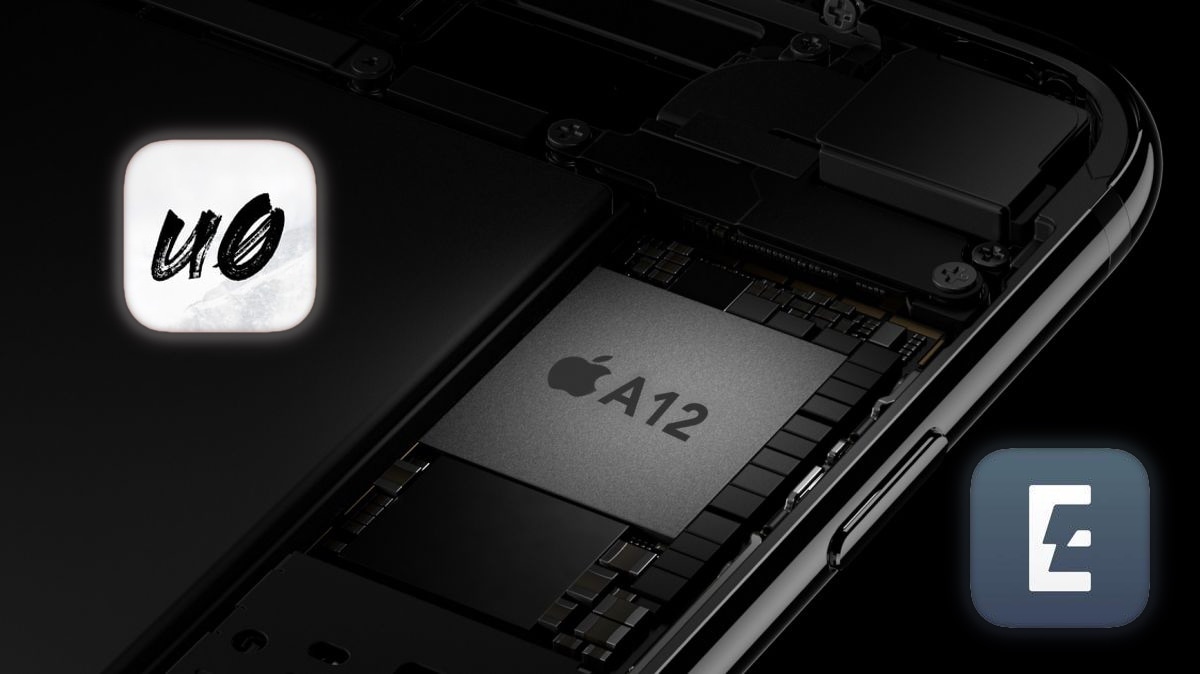
Despite the unforeseen bombshell that Saurik recently dropped on the jailbreak community regarding the much-anticipated Cydia Substrate update for A12(X) devices, this hasn’t stopped talented hackers such as those from the Electra and unc0ver jailbreak teams from devising workarounds to ensure that the community gets its cake and eats it too.
The unc0ver jailbreak is perhaps the most impacted jailbreak from the ordeal, as Electra uses Substitute instead of Cydia Substrate. And for that reason, we consider the following words from hacker and unc0ver lead developer Pwn20wnd be to be somewhat significant given the times we’re in:
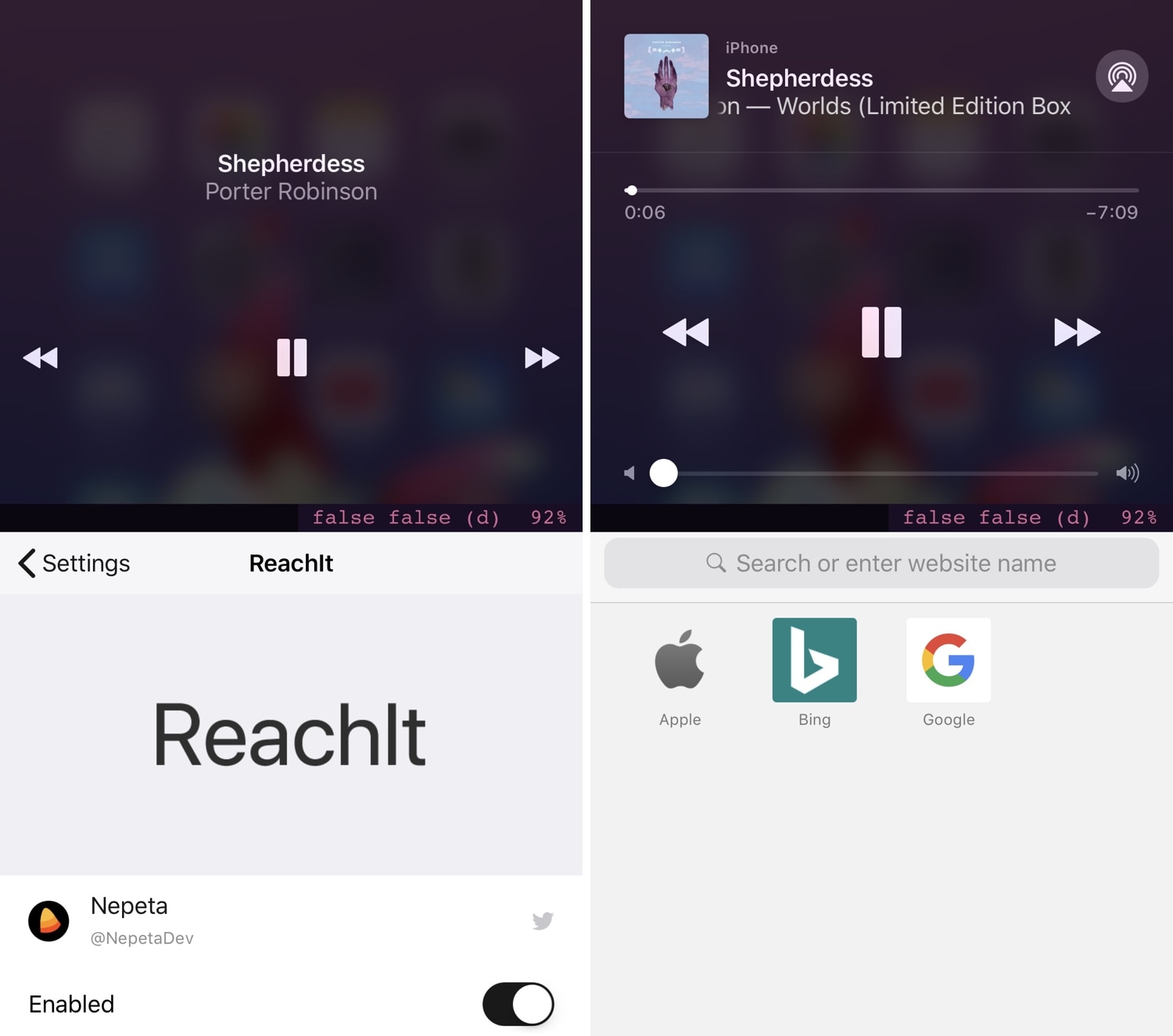
Modern iPhones have become so massive that it’s becoming a challenge to operate them one-handed. For this reason, Apple implemented a feature in iOS called Reachability that pulls the contents of your display farther down so you can reach them with your thumb.
On any stock device, the Reachability interface leaves a large gap of unused space at the top of your display, but a new free jailbreak tweak called ReachIt by iOS developer Nepeta makes use of that wasted screen real estate by incorporating a Now Playing music interface into it.
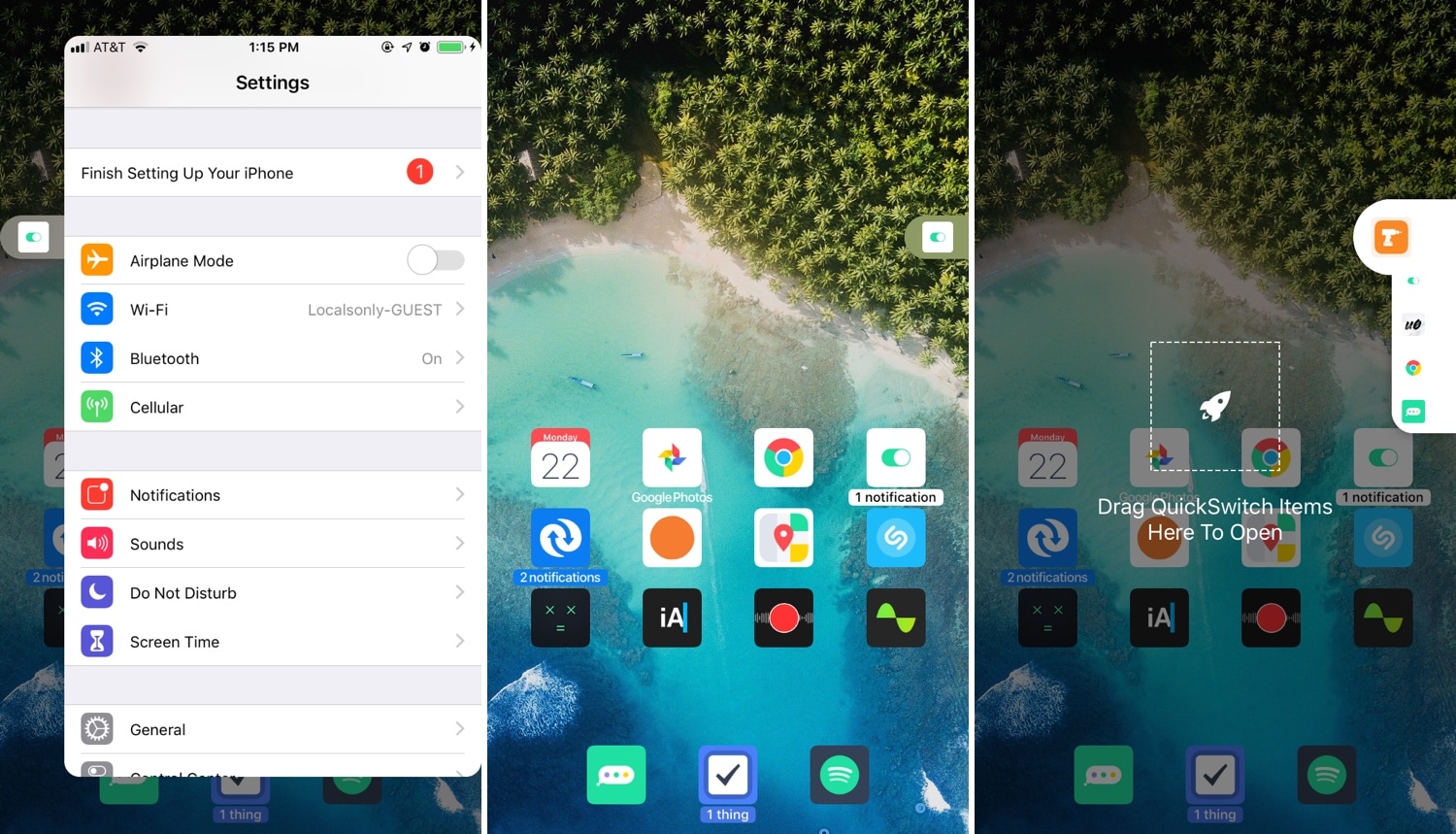
Multitasking is something that the iOS platform has always fallen short on, and that’s precisely why we’re excited to talk to you about a newly-released jailbreak tweak called PullOver Pro by iOS developer c1d3r.
As you might’ve noticed from the screenshot examples above, PullOver Pro is exactly what it sounds like. The tweak adds a small grabber to the side of your display that you can interact with to gain quick access to your favorite or most recently-used apps.

On last week's episode of the Connected podcast, MacStories editor Federico Viticci revealed a pretty interesting scoop he'd been sitting on: mouse support is apparently coming to iPad with iOS 13, which will be previewed at WWDC 2019 on June 3 ahead of launch this fall.

In this quick step-by-step tutorial, we show you how to add an email account to the Apple Mail app on your iPhone, iPad, or Mac.

The Sileo Team pushed another update for the Sileo beta preview on Monday, bringing the package manager up from version 0.8b11 to 0.8b12.
As you might come to expect, the Sileo Team announced the update via Twitter just this morning, elucidating what was new in the Tweet:
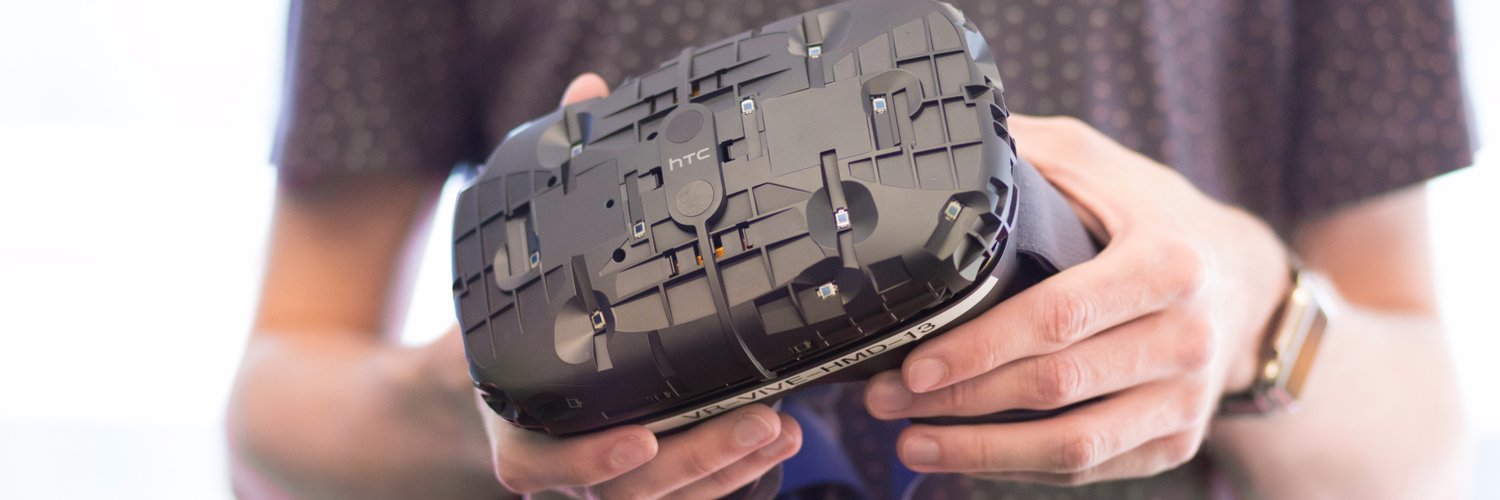
The next major updates to Apple's mobile and desktop operating systems are expected to bring developer support for stereo augmented reality (AR) headsets, as well as enhanced support for gaming controllers that feature touch pads (like Sony's DualShock controller).
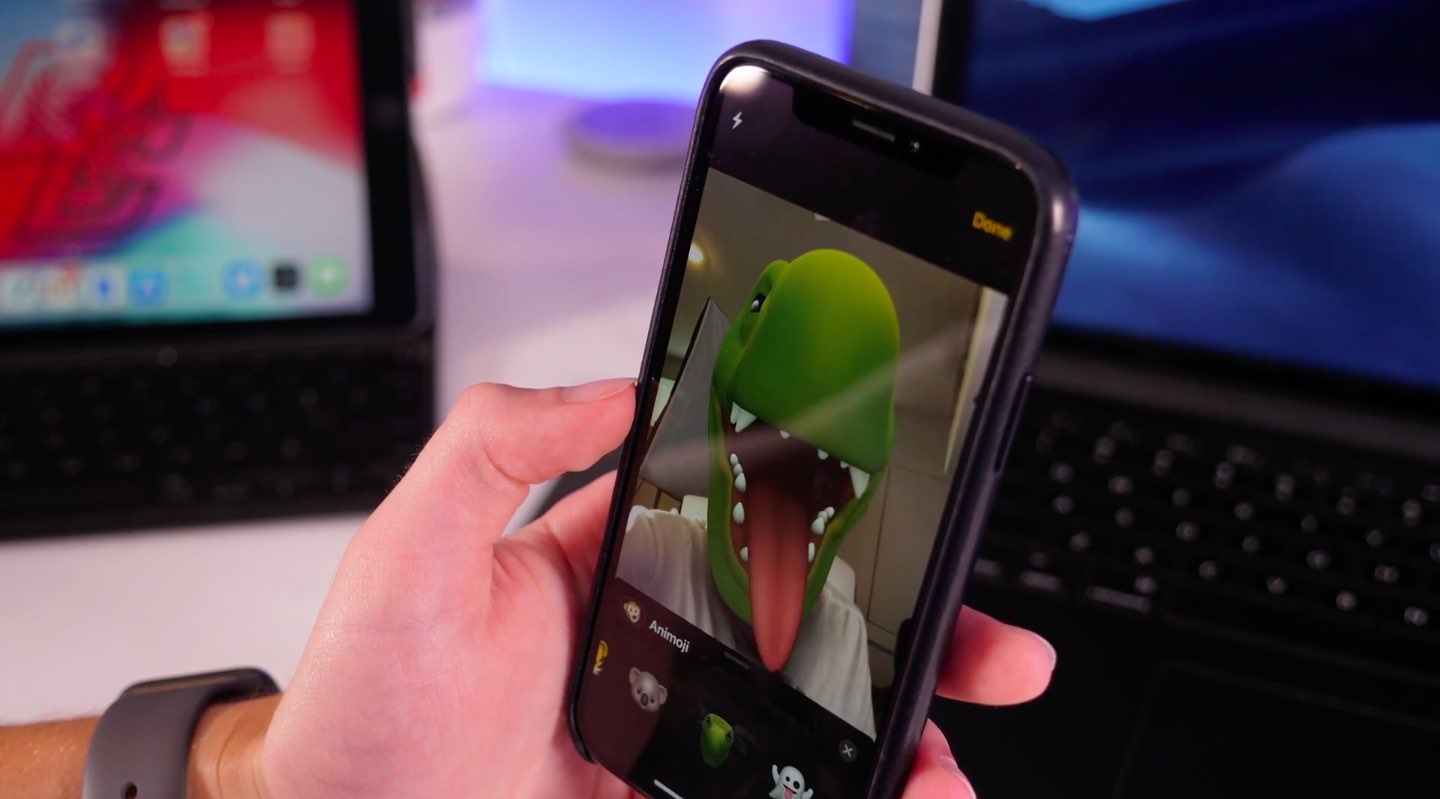
Aside from a bunch of significant changes coming to iOS 13 down the pike, Apple customers can expect some new Animoji characters like a cow, an octopus, a mouse and an emoji face.