Learn how to turn on the crossfade feature on your HomePod speaker for seamless transitions between Apple Music songs with no gaps or silence in between.
How to crossfade Apple Music songs on your HomePod

Learn how to turn on the crossfade feature on your HomePod speaker for seamless transitions between Apple Music songs with no gaps or silence in between.

Access your iPhone call list, make cellular phone calls, and listen to voicemails from your Mac or iPad using the new Apple Phone app in macOS Tahoe 26 and iPadOS 26. We’ll also explain what to do if the calls fail to connect.

Learn how to revert Apple’s Liquid Glass design changes for your Mac’s menu bar in macOS Tahoe by replacing the default frosted look with a solid background.

Learn how to increase the Lock Screen clock size on your iPhone or iPad in iOS 26 to make it easier to read or to add an exciting new visual impact.

Learn how to remove an email address from your Apple account if you no longer need it for iMessage, FaceTime, App Store, iCloud and other services.

Learn how to fix wrong timestamps or capture dates and times for images and videos in the Photos app on your Apple devices.

Learn how to turn a regular 2D picture into a 3D spatial wallpaper on your iPhone or iPad to create an immersive Lock Screen experience.

Learn everything about sports mode on CarPlay, which lets apps display real-time stats for live sporting events on the Now Playing interface while streaming audio.

Find out how to stop your iPhone or iPad from automatically opening the screenshot and showing the full-screen preview after you take a screenshot.
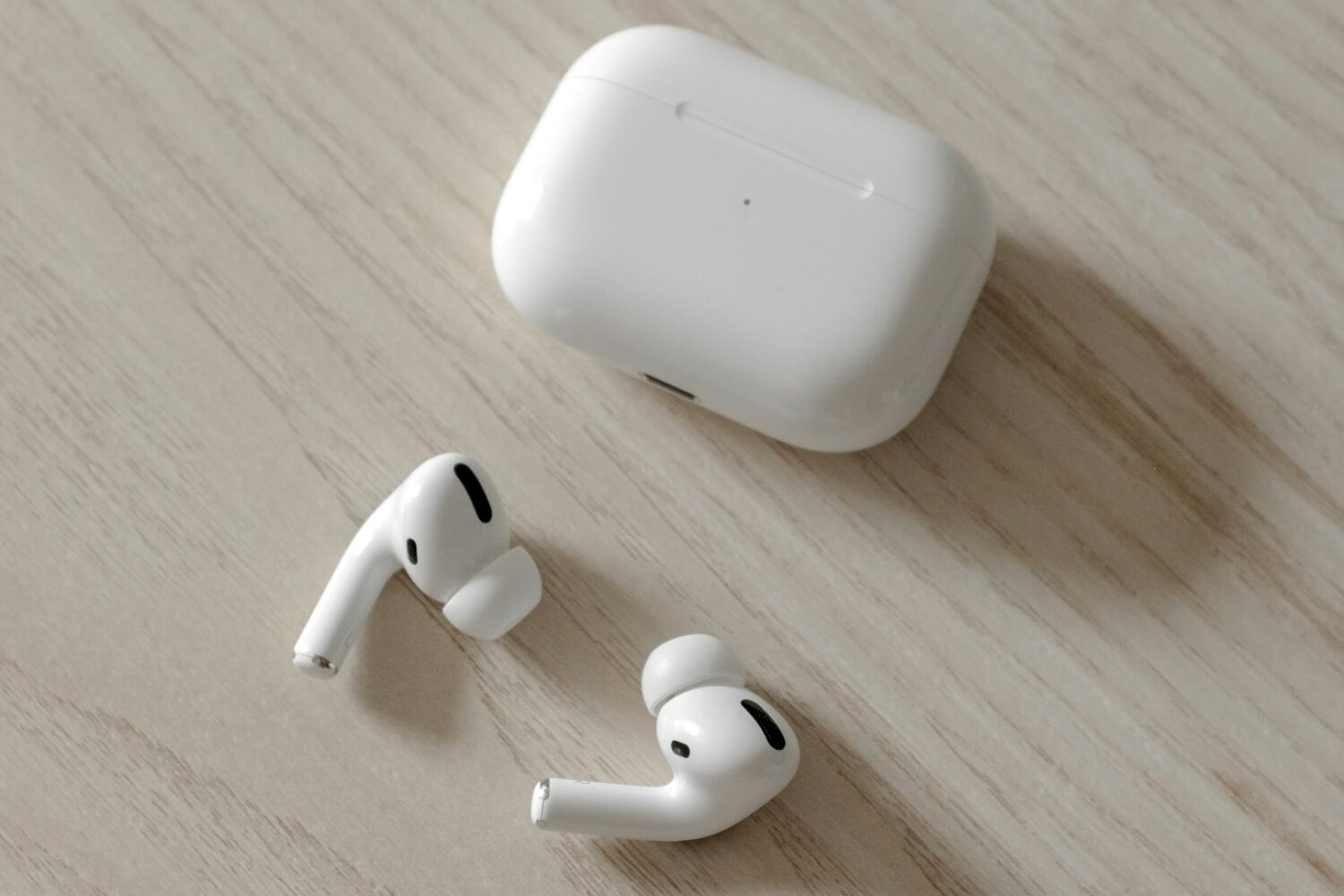
Learn how to configure your AirPods to automatically pause audio or video playback when you fall asleep so your favorite music or podcast won’t disrupt your sleep.

