From customizing pointer settings to setting up Hot Corners, boost your productivity with these tips for using a mouse and trackpad on your iPad.
10 iPad mouse, trackpad and pointer tips to increase productivity
From customizing pointer settings to setting up Hot Corners, boost your productivity with these tips for using a mouse and trackpad on your iPad.
The iOS 13.4 software update, along with its matching iPadOS 13.4 counterpart, enables more than a dozen major new capabilities on your iPhone, iPad and iPod touch.
Learn how to navigate around iPadOS, select menus, click items, toggle buttons, scroll lists, and control your iPad by using the physical keyboard, with no screen touching required.
If you rely side-loadable jailbreak tools such as Chimera, Electra, or unc0ver, then it’s important to understand the plethora of ways you can install them on your iPhone or iPad. While methods such as AltStore, Cydia Impactor, and third-party signing services like Ignition and iOS Ninja are some of the most popular, many tend to forget that you can use Apple’s own Xcode development platform on the Mac to accomplish this task.
The Xcode method came in clutch for me countless times when Cydia Impactor stopped working for an extended period and when all the best signing services had been revoked; to make matters worse, my handset's iOS version was too old to run AltStore. With that in mind, we’ll be sharing the Xcode method in this tutorial for fellow jailbreakers that find themselves in similar predicaments down the road.
Learn how to control your Mac cursor with head movements, toggle it with a custom keystroke, and adjust the available head-tracking options to your liking.
Check out all the handy keyboard shortcuts for the Photos app on your iPad to be more productive, and manage your library without taking your hands off the physical keyboard.
Learn how to use the Finder’s file inspector to get a summary of multiple Mac items in a single floating window on macOS that dynamically refreshes as your selection changes.
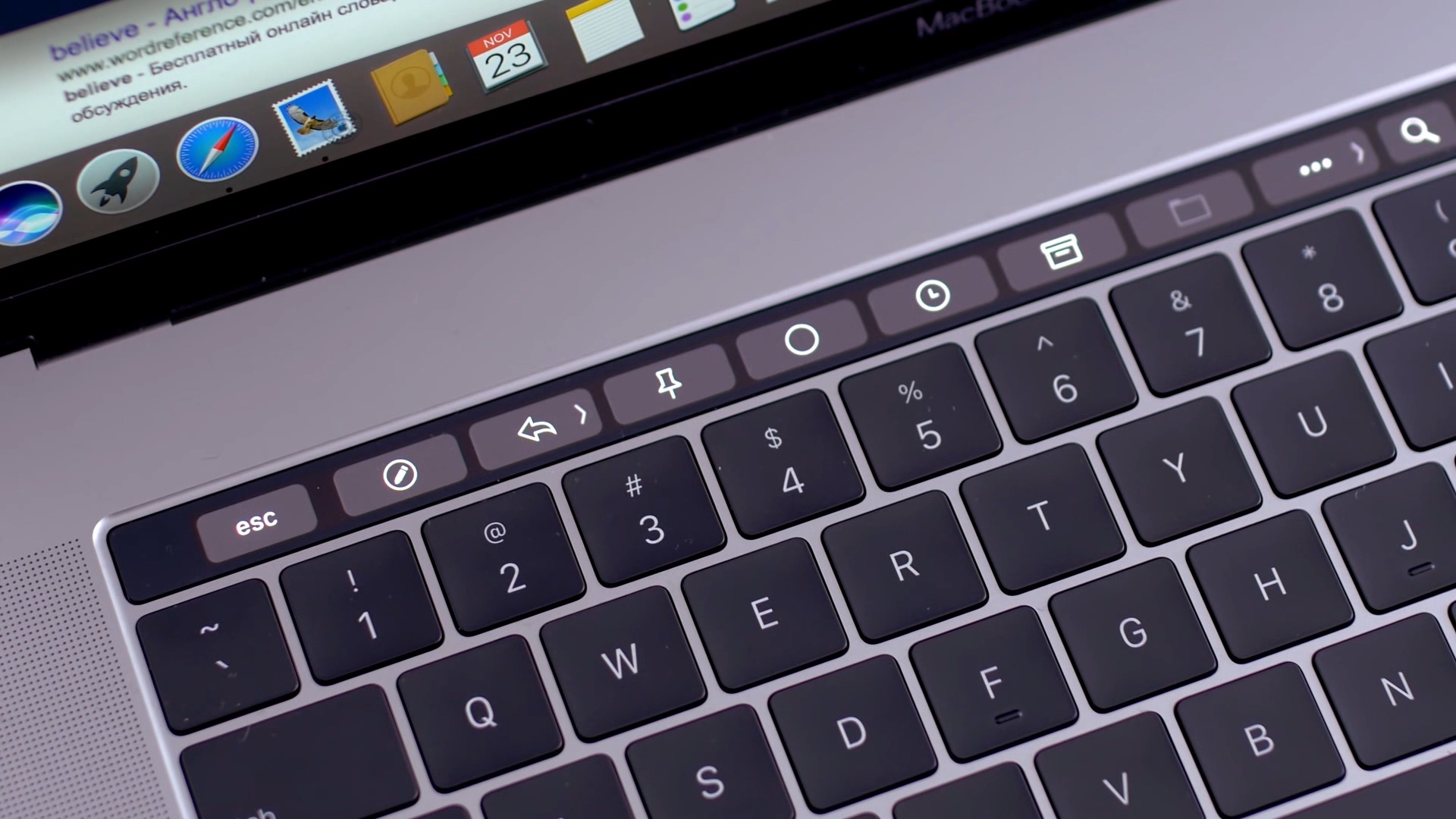
The iconic Mac startup chime played when you power up your computer had been around since 1998, but Apple disabled it in 2016 beginning with that year's MacBook Pro refresh. Thanks to a newly discovered Terminal command, you can re-enable the Mac startup chord sound on macOS Catalina and earlier, and our step-by-step tutorial shows you how.
In case you missed it, the Sileo Team has officially released Diatrus’ Cydia fork that permits checkra1n jailbreak users to have both the Cydia and Sileo package managers running on the same device. This was a historic moment for the Sileo Team because it’s the first time that an official solution of this magnitude has ever been released for a jailbreak not created by the Electra Team.
If you’re using the checkra1n jailbreak and you want to have both the Cydia and Sileo package managers present on your device, then you’ve come to the right place. In this tutorial, we’ll show you how.
The unc0ver jailbreak supports a semi-untethered jailbreak on iOS & iPadOS 14.0-14.3 and a fully unethered jailbreak on arm64e devices (iPhone XS and later) running iOS 14.4-14.5.1, which means that the tool is now compatible with all versions of iOS & iPadOS ranging from 11.0-14.3 (and 14.4-14.5.1 with a big asterisk). To date, AltStore is the best and most reliable way to install the unc0ver jailbreak app on your iPhone or iPad.
As long as your iPhone or iPad is running running iOS or iPadOS 12.2 or later, then you can use AltStore to install the unc0ver jailbreak, and in this tutorial, we walk you through the steps necessary to make it happen so you can reap all the benefits.
Find out how to disable the search column on the right side of the Twitter app on your iPad if you do not like staring at trending topics and world news while using the app.
Follow this brief step-by-step tutorial to learn how to export Apple Card monthly statements as a CSV spreadsheet that can be loaded into financial planning apps such as Mint or Quicken.