Learn about your options to turn off all text, app, and call notifications or distractions when you’re on an important phone call on your iPhone.
How to disable all notifications when on a call on iPhone

Learn about your options to turn off all text, app, and call notifications or distractions when you’re on an important phone call on your iPhone.

iOS 26 adds a helpful new feature that lets dual SIM users independently limit a SIM for calls when a specific Focus mode is active. This ensures you don’t get work calls during family time or personal calls during office hours.

Turn off the photo shuffle feature and unlink a Lock Screen from Focus if your iPhone or iPad’s wallpaper changes automatically and you don’t want that to happen.

In this guide, we walk you through ten quick tips to declutter your iPhone Home Screen for better focus and productivity.

Discover nine tips to prevent your iPhone, iPad, or Mac from auto-enabling Focus modes, ensuring you don't miss important calls or notifications.

Learn how to set up the Emergency Bypass feature for a specific person to hear their call ringtone or text message tone when your iPhone is in silent mode.

Learn about the Reduce Interruptions Focus that uses Apple Intelligence to inform you of important notifications and mute those it thinks are unimportant.

Life comes with a lot of distractions, but I wouldn’t be alone in saying that the proliferation of smartphones in everyday life has greatly exacerbated the problem with distractions, especially given just how many apps we have notifying us about menial things throughout the day.
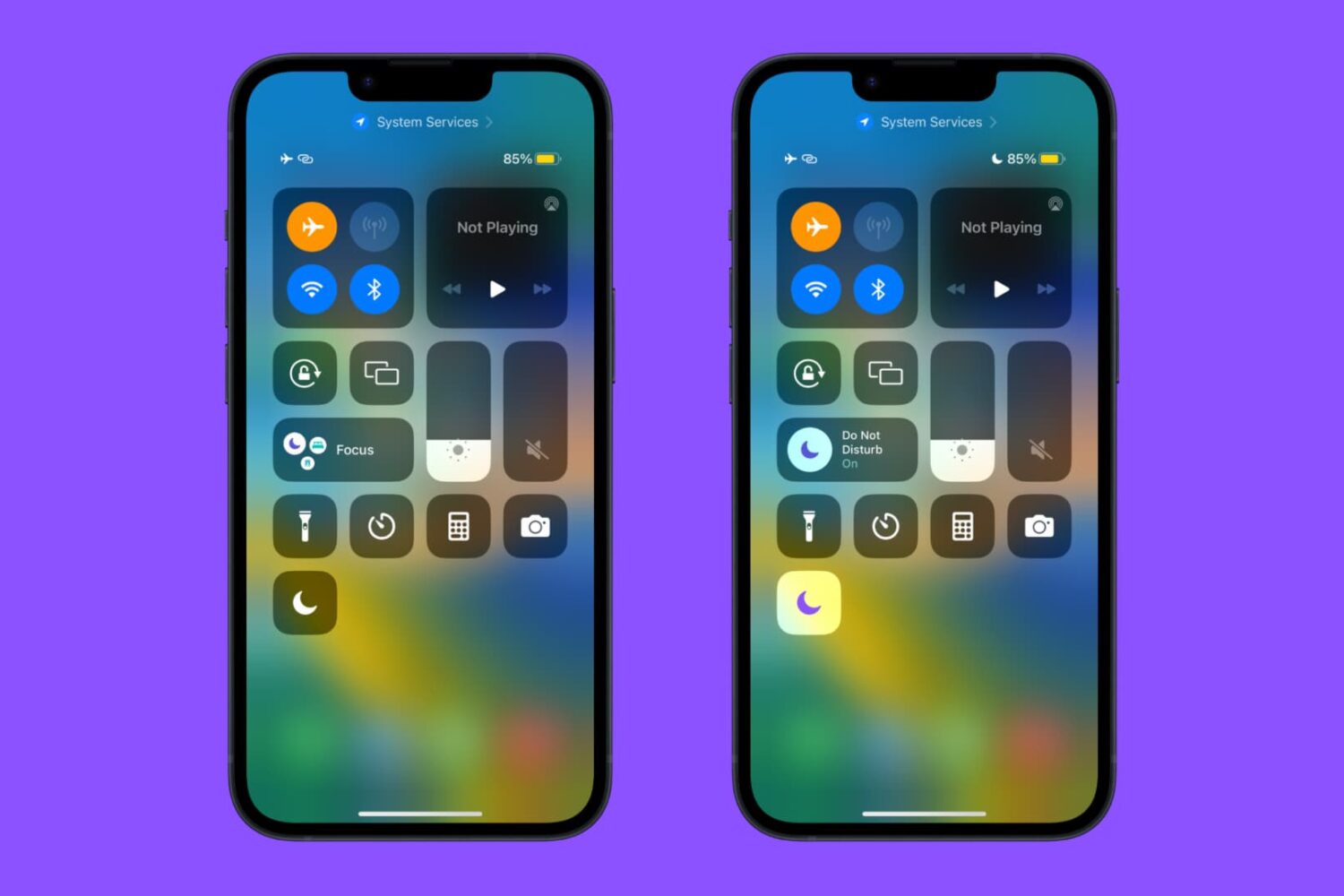
Remember the good ol’ days when you could just open Control Center and tap on a dedicated Do Not Disturb toggle to silence all your notifications? Yeah… we do too.
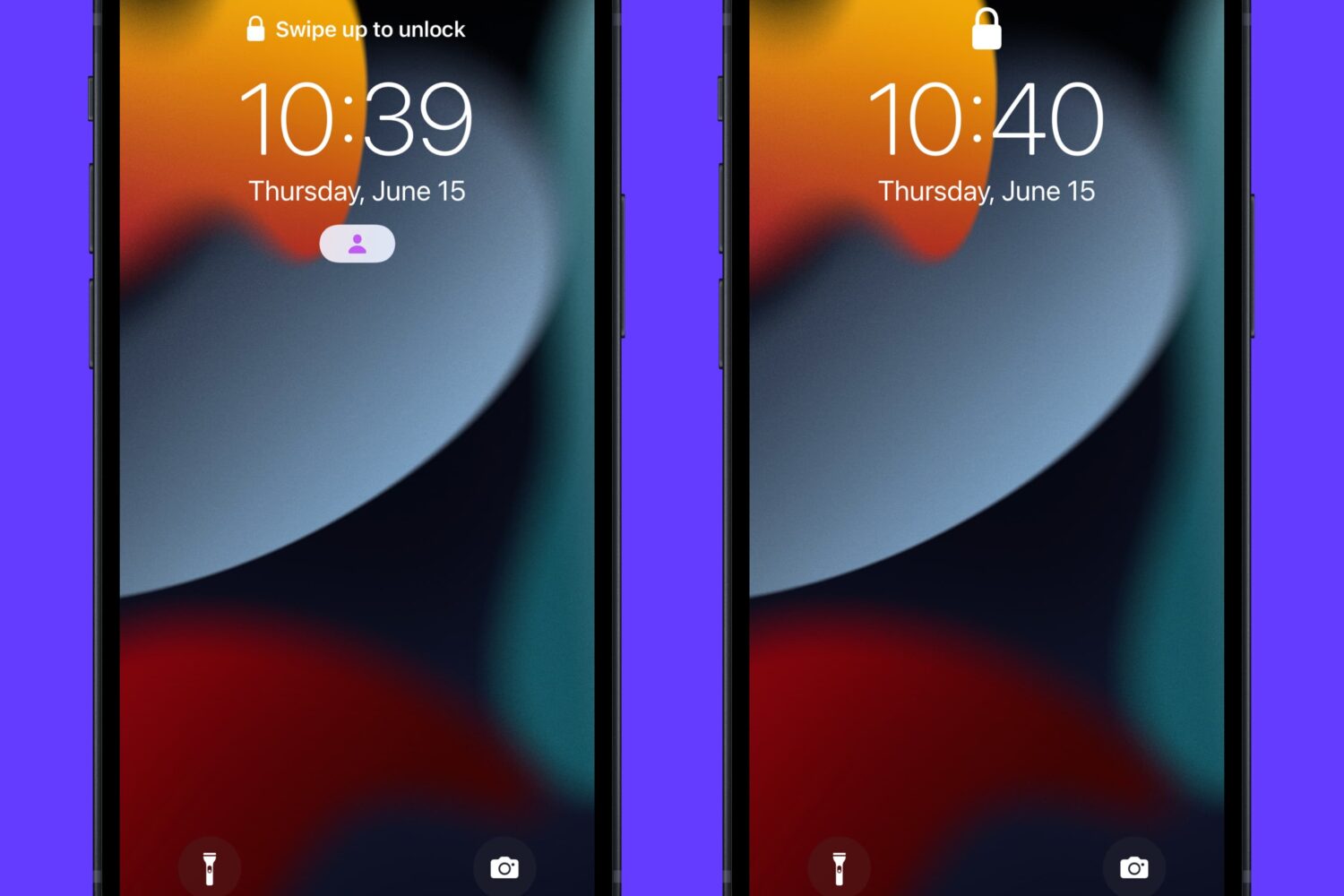
If you’re a chronic Focus mode user on your iPhone or iPad and you don’t enjoy seeing the Focus mode indicator on your Lock Screen every time you use your device, then you might take an interest in a newly released and free jailbreak tweak called NoFocusIndicatorOnLS by iOS developer P2KDev.
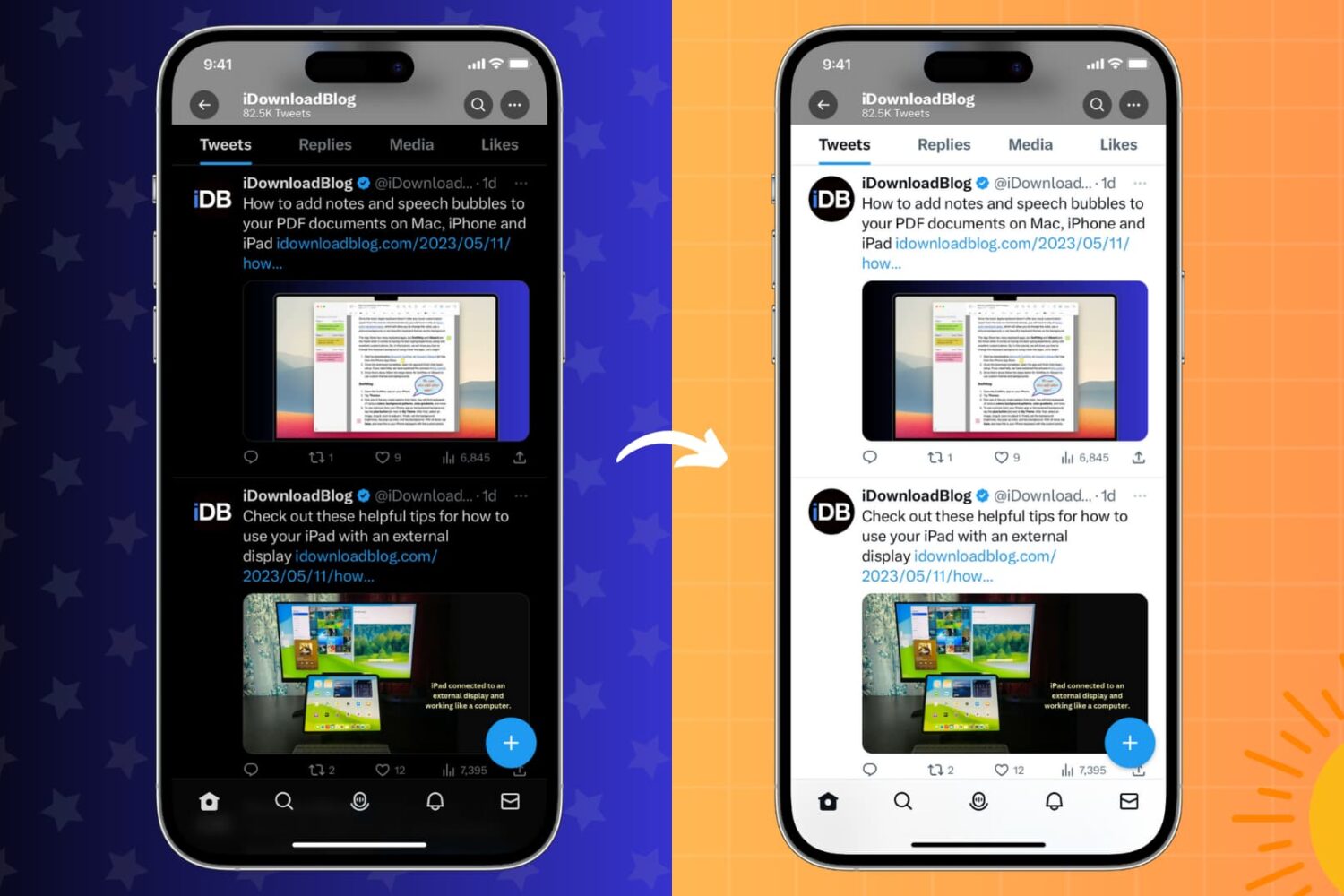
Learn how to stop your iPhone or iPad, installed apps, or websites you visit from switching between Light Mode and Dark Mode on a whim.
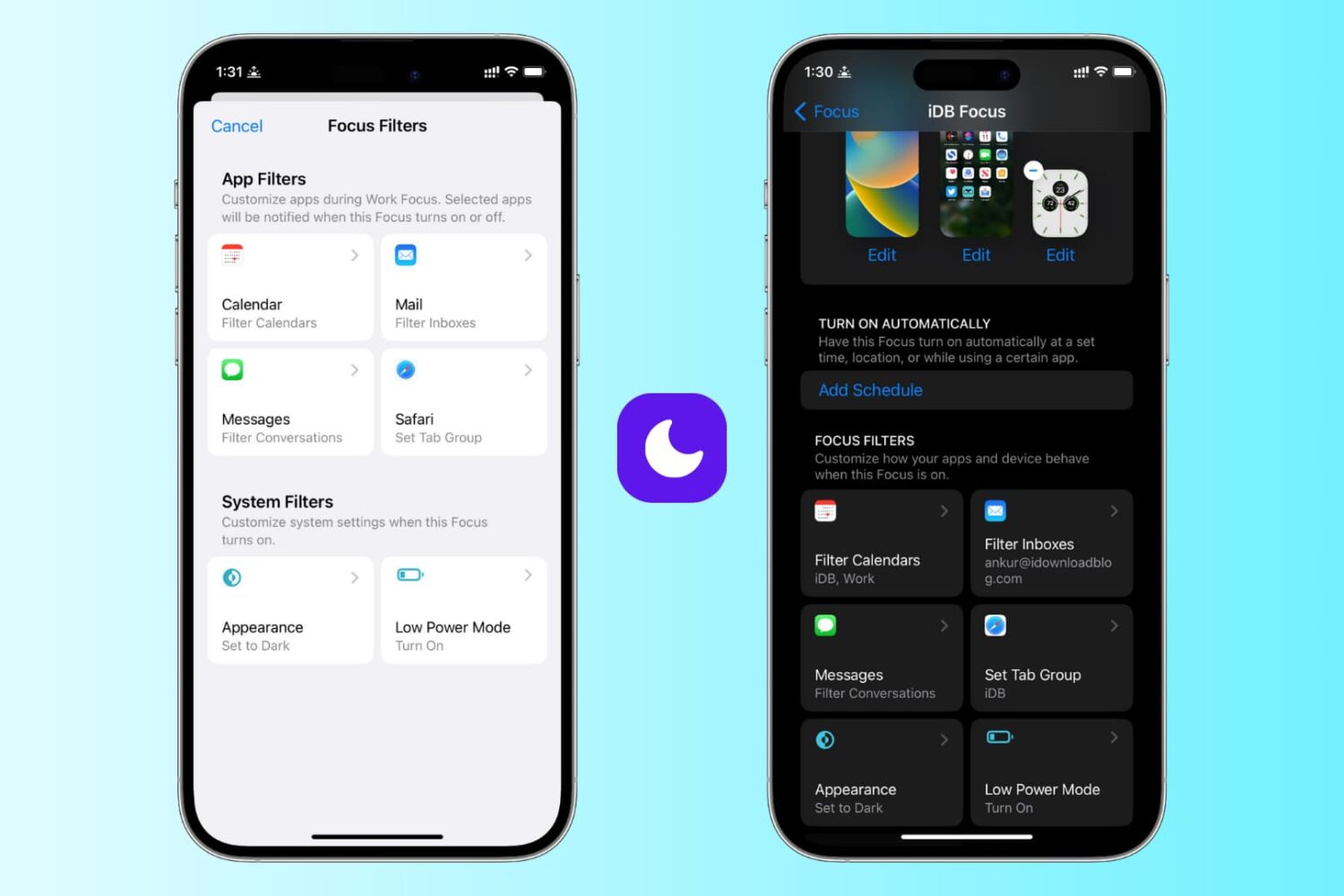
Learn how to use focus filters on iPhone and iPad to increase your productivity and limit outside distractions when a Focus mode is active.