Learn how to automatically translate Apple Music lyrics and show lyric pronunciations on your iPhone, iPad, or Mac to better understand foreign songs and sing them correctly.
How to use Lyrics Translation and Pronunciation in Apple Music

Learn how to automatically translate Apple Music lyrics and show lyric pronunciations on your iPhone, iPad, or Mac to better understand foreign songs and sing them correctly.

Learn how to use the pin feature in the Music app on iPhone, iPad, Mac, Apple Watch, Apple TV, and Android phone to stick your most loved songs, playlists, artists, and albums to the top of your music library for fast access.

Apple Music turned 10 today, so Apple shared a new ”Replay All Time” playlist and announced another one with the top 500 most-streamed songs.

Learn how to turn on the song transitions feature on your HomePod speaker for seamless transitions between Apple Music songs with no gaps or silence in between.
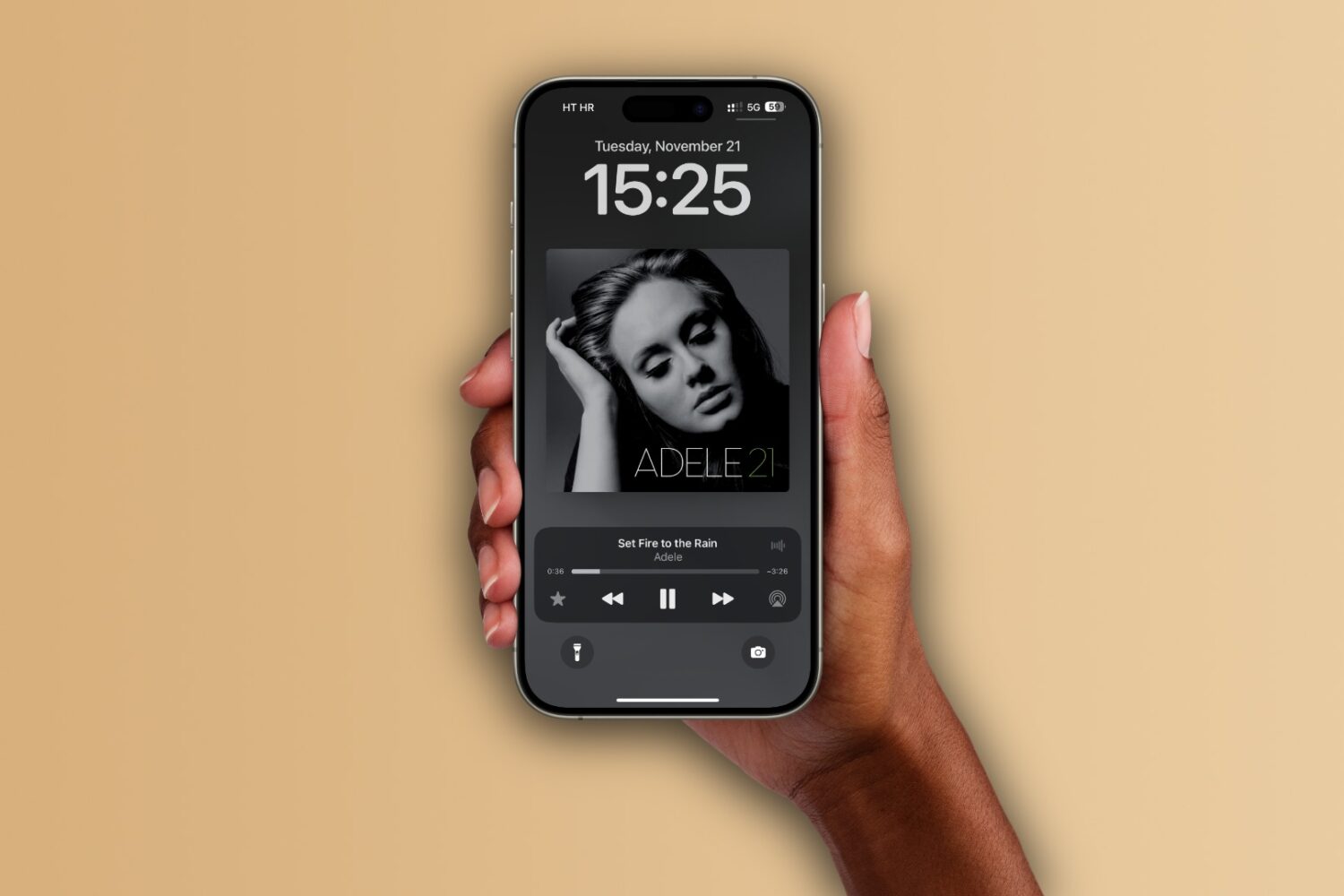
Apple's iOS 26 update could delight Apple Music subscribers with fullscreen album artwork animations on the iPhone's Lock Screen.

Whenever you listen to a song in in the last.fm app, that listen becomes known as a ‘Scrobble,’ which is a fancy way of indicating that you’ve listened to the song before and allowing last.fm to make algorithmic decisions about what to play next based on your listening history.

Switching to Apple Music? Learn how to transfer your library, including playlists, from a compatible service like Spotify or Amazon using Apple's new tool.

The new “Sound Therapy” playlists on Apple Music bring popular songs enhanced with sound waves or white noise to help you focus, relax and sleep.

Apple Snapshot lets you browse, discover and follow the latest music, films and other works from your favorite artists, actors and athletes on Apple's platforms.

This tutorial explains how and why to set Apple Music as the default media player on your Windows PC.

Learn what to do if Apple Music tracks don’t play completely and skip to the next song before the current one finishes.

Learn how to configure settings in the Apple Music app on Windows to download and listen to compatible songs in spatial audio on your PC.