App Updates

Google Maps gains redesigned iOS 10 widgets for “Nearby Transit” and “Travel Times”

Google yesterday bumped its mapping application for the iPhone, iPad and iPod touch to version 4.23, adding a few new features including revamped widgets for “Nearby Transit” and “Travel Times” that now adhere to iOS 10's new design style for widgets.

In Google Maps 4.23 for iOS, you can now upload photos along with your reviews of places and see descriptions of places including features, atmosphere and amenities.


Dropbox Paper app now available in the EU

Paper, a new productivity app from cloud storage experts over at Dropbox, launched in public beta in the United States a month ago. After a slight delay, Paper is now available to customers in the European Union. With the free Paper app (not to be confused with Facebook's experimental Paper app), you can collaborate on projects, get updates, make edits and respond to feedback right from your iPhone, iPad or iPod touch.

Adobe releases Photoshop and Premiere Elements 15 with facial feature adjustments & more

Adobe today released new versions of Photoshop Elements and Premiere Elements for Mac and Windows with new automated tools, video collages, facial feature adjustments allowing you to change frowned faces into bright smiles with open eyes, a Photomerge Group Shot option that combines faces and bodies from a series of pictures to create a single perfect composite and much more.

Skype for iOS updated with Siri, Phone, Contacts and Lock screen integrations

Microsoft today announced availability of freshly updated Skype for iOS apps. Bumped to version 6.25, both Skype for iPhone and Skype for iPad now include SiriKit support that lets them integrate with Siri so you can call people and send messages using just your voice. The apps also take advantage of CallKit, which allows VoIP Skype calls to behave like normal cellular calls with fullscreen contact images on the Lock screen and integration with Phone's Recents and Favorites on iSO 10 devices.

Adobe updates Lightroom for iOS with support for iPhone 7 Plus dual-lens camera & more

iOS 10 provides new APIs allowing third-party photography apps to capture and edit raw image data in the DNG format, and Lightroom for iPhone and Lightroom for iPad are among first apps to implement photo capture in the highest possible RAW quality. Earlier this week, Adobe released updates to Lightroom for iOS to help users take advantage of the new iPhone 7 camera’s raw shooting capabilities, including support for the iPhone 7 Plus's dual-lens camera.

Facebook Messenger gains iOS 10 integration on the Lock screen and in Phone app

Facebook just pushed a major update to its Messenger software in the App Store. On iPhones with iOS 10, the app now takes advantage of Apple's new CallKit framework to make audio (VoIP) calls from Messenger look and behave like normal cellular calls with full support for Lock screen and Phone integration.

Bumped to version 89.0, the app now shows incoming VoIP calls from Messenger contacts right on your Lock screen complete with fullscreen contact images, standard controls like the Mute, Keypad, Speaker, Add Call and Video buttons and more.

Snapchat rolls out Sticker Search

Snapchat recently rolled out a minor refresh to its iPhone application in the App Store, bumping version number to 9.39.3.0 and bringing out a new Sticker Search feature. As the feature's name suggests, this lets you find precisely the sticker you want simply by typing its description. A previous Snapchat update introduced a few tweaks, including support for caption styling with the new bold, underline and italic options.

Tweetbot for Mac updated with support for macOS Sierra, extended Tweets and more

Tweetbot users will be happy to hear that the Tapbots have updated their popular Twitter client today to support the just-released macOS Sierra software. The release brings the app to version 2.4.2, and it includes several improvements.

Among these improvements is support for extended Tweets—a change Twitter made to its service this week that prevents media URLs and Quote Tweets from counting against your 140 character limit. It also now supports extended videos.

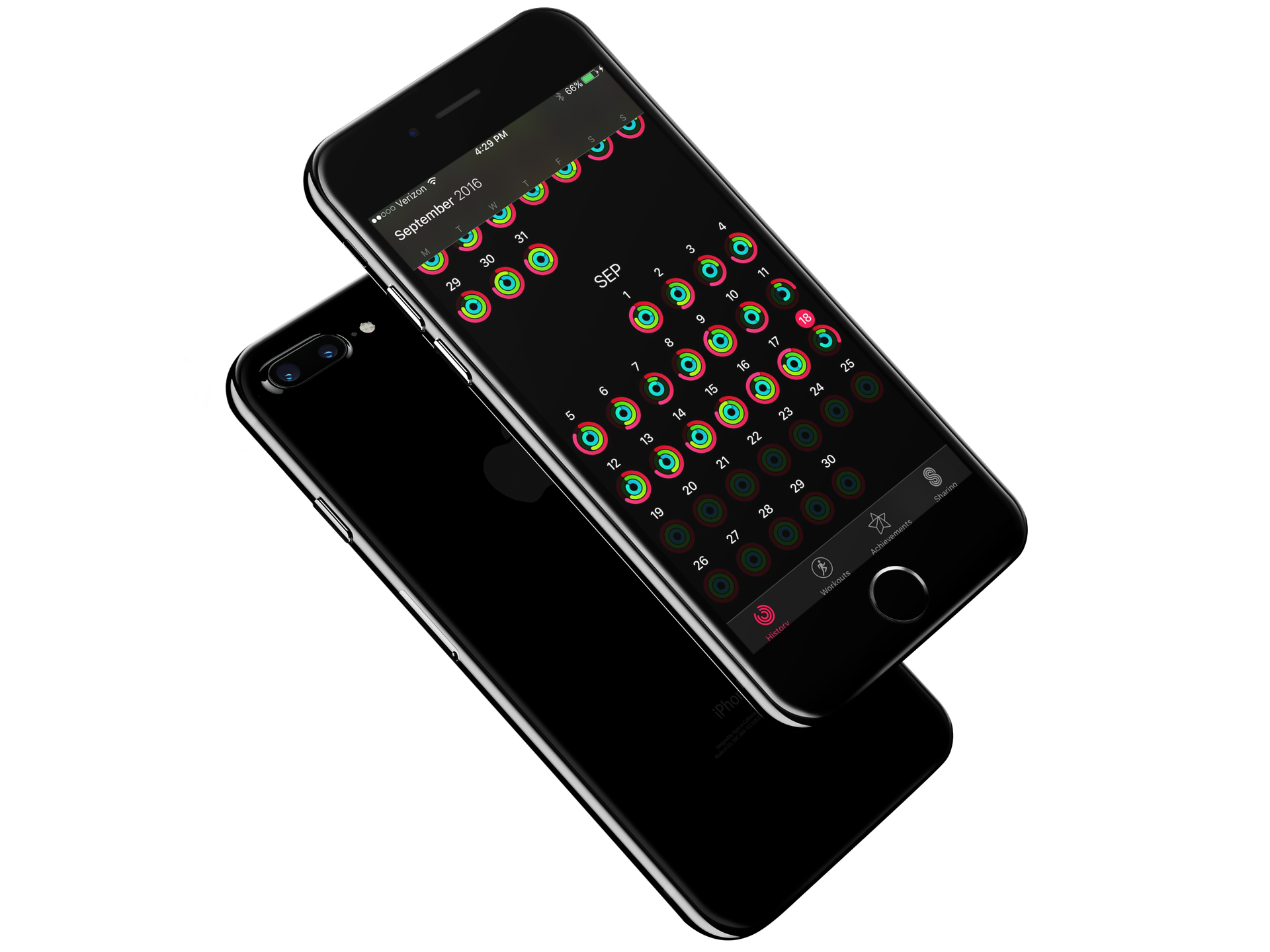
How to transfer only Activity and Health app information to a new iPhone

Each year when a new iPhone lands on my doorstep, I am excited to carefully unpack the new device and get everything installed. Like you, I prefer to think of loading up a new iPhone as one of the best digital experiences. It is like taking a new car for its first run on the highway. To ensure the best experience, those among us with strong opinions always start from a fresh iPhone and never restore from a previous backup. By starting from scratch, you guarantee no faulty details work their way into an otherwise fresh system.

However, with the advent of Apple Watch and encrypted Health and Activity data, the only way to transfer those precious Activity rings is via an encrypted backup. If there was just some way, to only restore the Activity and Health data... 

WhatsApp rolls out its iOS 10 update with Phone/Siri support & more

WhatsApp is one of the showcase apps for CallKit, Apple's new framework allowing VoIP calls to integrate with iOS 10's Phone app and behave like cellular calls. Today, WhatsApp has rolled out its anticipated update which enables integration with Phone and Siri on iOS 10 while bringing out half a dozen other features and improvements like forwarding multiple chats at once, a new iOS 10 widget that lets you go to a recent WhatsApp chat or see which chats have unread messages, and more.

Instagram rolls out keyword-based comment filtering

Instagram today announced it has rolled out a new anti-harrasment comment moderation tool in its refreshed mobile app for iOS and Android. This feature requires Instagram 9.3 for iOS, available at no charge from the App Store. In addition to comment moderation, Instagram 9.3 includes an enhancement for Stories where you can add color to your text by swiping the colors above the keyboard to revel more. Or, simply tap and hold a circle to select a custom color.

Google Photos for iOS gains Live Photos stabilization feature

iPhone photography fans who use Google Photos for iOS as their go-to photo management and backup solution will be delighted to learn that the latest version of the iPhone and iPad application now integrates advanced stabilization and rendering features that can make Live Photos smoother. Borrowed from Google's Motion Stills app which debuted in June 2016, this feature can freeze the background in your Live Photos or create sweeping cinematic pans.