Accessories

Microsoft’s new Modern Keyboard is the Touch ID-enabled keyboard we wish Apple had made

Windows giant Microsoft today unveiled a nicely designed wireless keyboard with a built-in fingerprint sensor located between the Alt and Ctrl keys, as reported by Engadget.

Dubbed Modern Keyboard and priced at $129.99, the accessory lets users unlock their Windows 10 devices with a finger press using Windows Hello.

The dedicated Fingerprint ID key was designed to blend seamlessly so it would appear to be any other key, said Microsoft. The keyboard supports both wired connections via USB and wireless connections via the low-energy Bluetooth 4.0/4.1 standard.

Although Modern Keyboard can be paired with any device via Bluetooth, fingerprint scanning does not work on iOS and macOS due to the lack of a dedicated Secure Enclave chip.

https://www.youtube.com/watch?v=YDpGtDzAw4I

Featuring slim, low-profile design and a robust aluminum-clade frame, Modern Keyboard is “heavy and virtually indestructible”, according to Microsoft.

Like Apple's Magic Keyboard, Modern Keyboard sports a built-in rechargeable battery with up to two months on full charge and provides seamless Bluetooth paring experience, with automatic pairing when first connected to a computer via a cable.

Microsoft also unveiled a brand new mouse.

https://www.youtube.com/watch?v=5eI0klTsqnA

Called Modern Mouse and priced at $49.99, it has an aluminum body and a metal scroll wheel.

The device looks visually similar to Modern Keyboard to match Microsoft's Surface styling. Unfortunately, it uses AAA batteries with up to 12 months of run time on a single charge, not a rechargeable lithium-ion battery.

Furthermore, Modern Mouse is not compatible with macOS.

Both Modern Keyboard and Modern Mouse are listed as “coming soon” on Microsoft Store.

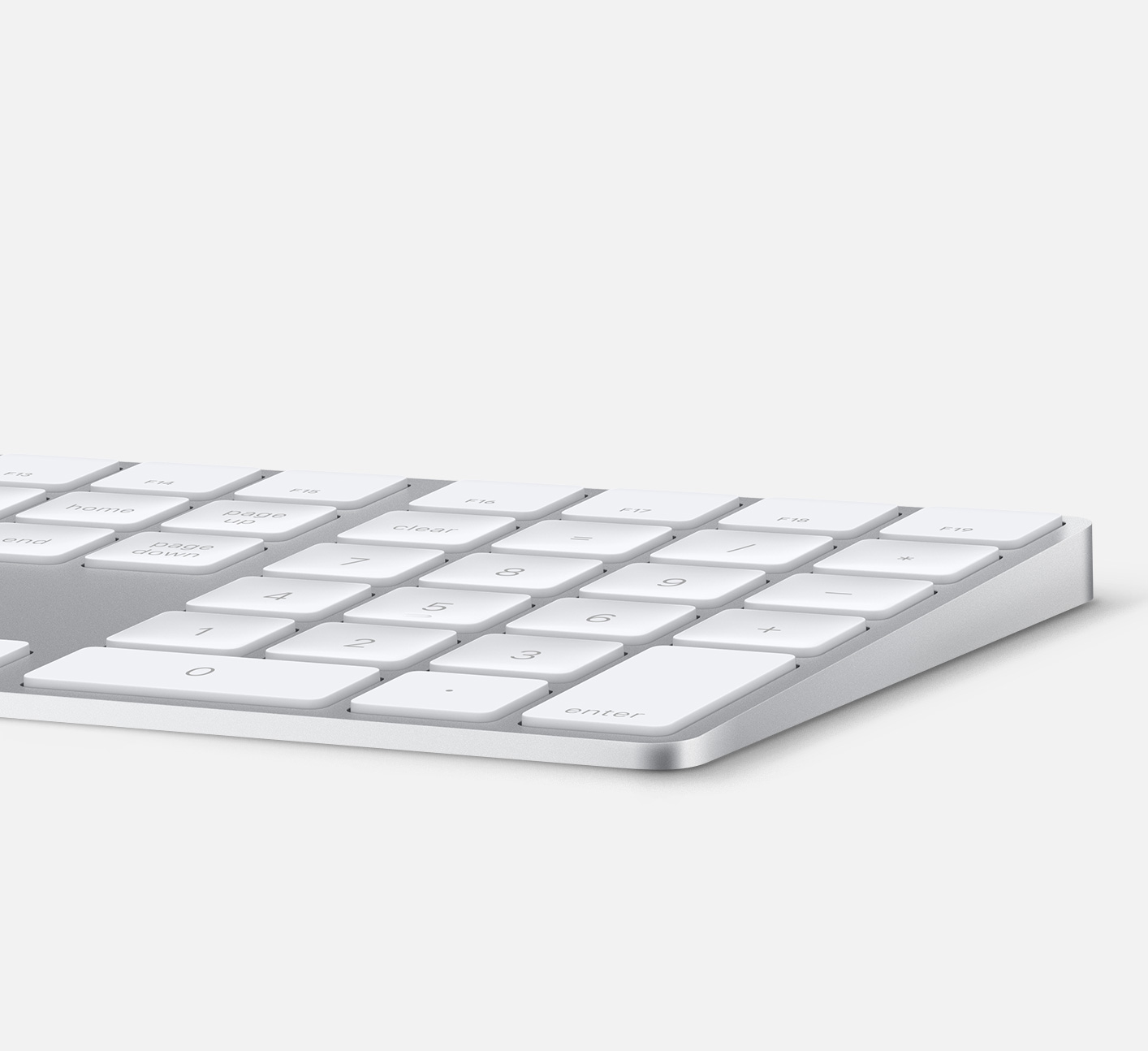
Apple currently sells an extended keyboard with a numeric pad that can be used in either wired or wireless mode. However, the company has yet to make a standalone keyboard with a built-in Touch ID sensor.

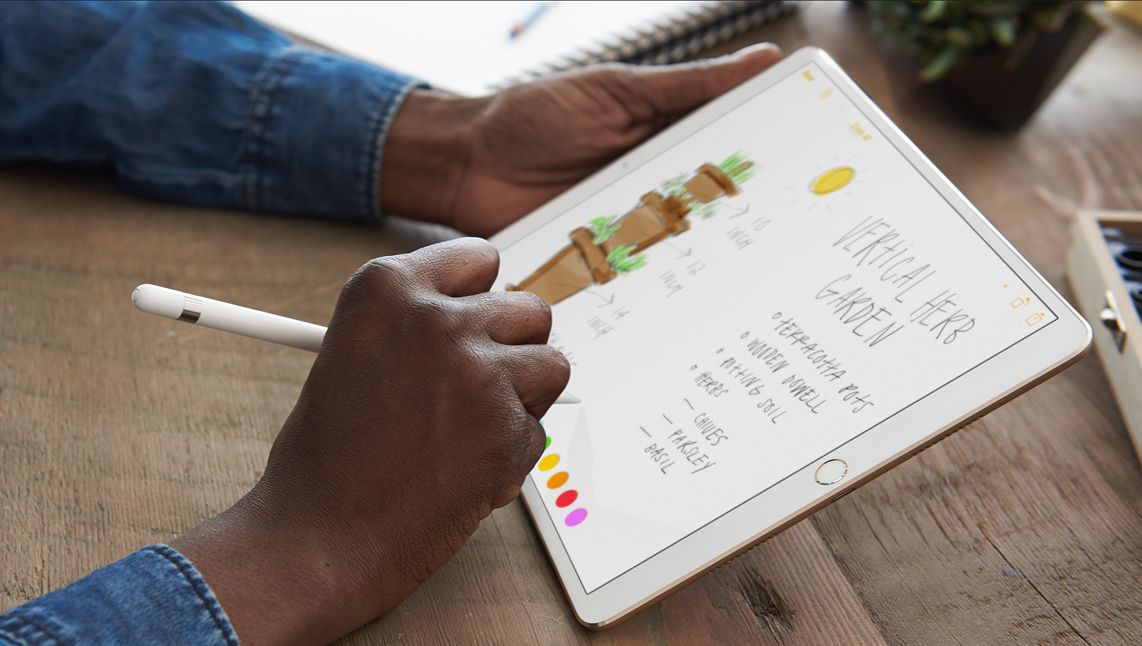
Hands-on with Apple’s new leather case for Apple Pencil that prevents rolling and broken tips

You know how Apple Pencil is weighted to prevent rolling and how it always stops rolling with the word “Pencil” facing upward on its metal band? Well, Apple's attention attention to detail doesn't stop at the stylus.

Today, we have Apple's brand new leather case for Apple Pencil put through its paces by our resident video editor Andrew O'Hara. In his hands-on video, Andrew finds that the case has been designed to prevent rolling and broken tips.

And while you can put your stylus with the bottom part in first, it won't be stuck inside the case because the body is soft: you just squeeze it down the tube until it comes out.

And here it is.

https://www.youtube.com/watch?v=HlaVSLN4bgc

Subscribe to iDownloadBlog on YouTube.

“This simple leather secures the cap, prevents it from rolling off your desk, and keeps the tip from being damaged,” says Andrew in the video.

Apple's case for Apple Pencil is available in Saddle Brown, Taupe, Midnight Blue and Black finishes. Priced at $29 a pop and currently shipping in 1-2 weeks, it can be grabbed from Apple's web store. The price is a bit on the high-side, but then again—this isn't an ordinary, sloppily designed stylus case.

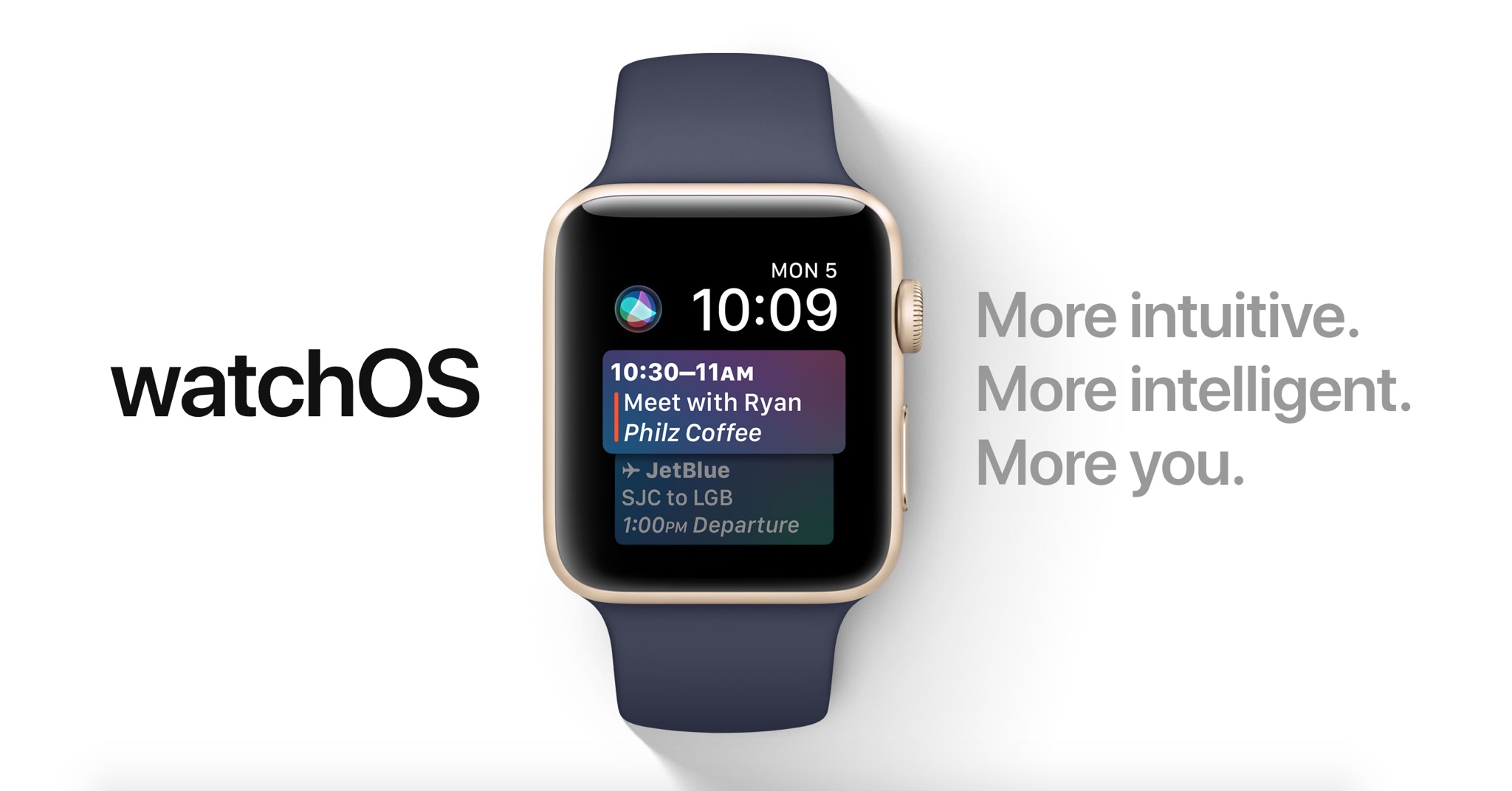
60+ new Apple Watch features in watchOS 4

Apple demonstrated a host of useful new features that will ship with watchOS 4 at the WWDC 2017 keynote, but as always, they were constrained on time and couldn’t show us everything the update has to offer.

In this piece, well talk about everything we’ve found new in watchOS 4 so far. We'll include everything Apple demonstrated in addition to lesser-known features that weren’t given the spotlight at the event.

The best cases for Apple’s new 10.5-inch iPad Pro

If you're in the market for Apple's 10.5-inch iPad Pro, you should know that any previous cases made for the 9.7-inch model will not fit the new tablet. It's slightly wider than its predecessor (6.8" vs 6.67"), significantly longer (9.8" vs 9.45"), and it has a larger rear camera.

Never fear, there are already several cases available for the new iPad, and we've taken it upon ourselves to track down the best options. Below is our list of the best cases for the 10.5-inch iPad Pro, selected based on manufacturers' reputation, user reviews, and case features.

Apple Smart Cover

If you want the best fitting/functioning cover for your new iPad, and money isn't really a factor, you're probably going to want to check out Apple's Smart Cover. It only covers one side of your iPad (display by default, rear if you fold it over), but it snaps on and peels off easily using magnets, and it folds up to act as a stand with multiple viewing angles. I also like that it's ultra-thin and comes in several colors.

Buy for $49.

Apple also has a more expensive and luxurious cover for the 10.5-inch iPad Pro called the Leather Smart Cover for $69.

JETech Case Cover

JETech is a popular accessory-maker on Amazon known for offering OEM-style products at cheap prices. Their products typically get high ratings from customers, and we've had good experiences specifically with their iPad cases. This is their Apple Smart Case-esque Case Cover. The synthetic case slips on the rear of the iPad and then the front is covered by a Smart Cover-like flap—includes magnets that activate the iPad's Sleep/Wake function. If you like this style of case and don't want to pay Apple's prices, check this one out.

Buy for $15.

I-Blason Slim Halo Case

The Halo case from i-Blason is a clear protective cover for your 10.5 inch iPad Pro. It has a completely transparent back, which also features a convenient stand that makes it easy to watch shows and videos hands-free. Other features include a slim design and full shock, drop and scratch protection. This is a heavier duty case than those mentioned above, but not so much so that it makes the iPad a nuisance to travel with.

Buy for $15.

Supcase Unicorn Beetle Pro Case

The Supcase Unicorn Beetle Pro offers dual layer protection and convenience without compromising sensitivity. Thermoplastic polyurethane and polycarbonate provide cushion during accidental drops. All phone ports are covered to block dust and debris. Built-in screen protector protects the screen from scratches. This case is designed to withstand heavy use and demanding conditions. This is a little more rugged than the i-Blason Halo, but note that it is not waterproof.

 Buy for $25.

Moko Slim Stand Cover

This one is similar to the aforementioned JETech Case cover, which again is a lot like Apple's Smart Case. It has a synthetic back cover and a folding, magnetic front cover that can automatically wake the iPad up and put it to sleep. It has a premium PU leather on the outside, microfiber on the inside to protect your iPad from scratches, and no bulky bezels around the display to allow for unobstructed swiping. Comes with a lifetime warranty.

Buy for $9.

Moko Clear Grip TPU Case

For those looking for a more minimal case, check out the Clear Grip from Moko. It's a soft TPU case that snaps on the back of your iPad Pro and it has a unique ruffled design for a grippier feel. Other features include raised edges at the 4 corners for added screen protection, cutouts for all of the ports, buttons and speakers, and it even comes with a lifetime warranty from the manufacturer.

Buy for $8.

Belk Vintage Leather Folio

If you're looking for something a little more professional, check out this Vintage Leather Folio from Belk. It's not real leather, but Belk says they used premium PU leather here with a special texture to give it that vintage look and feel. Like most folios, this case has a book-like design with a snap-in cradle for your iPad—giving it full protection. Other features include built-in magnets that activate your iPad's auto-sleep/wake functions and built-in slots for an ID, credit cards and cash.

Buy for $16 (sale price).

Logitech Slim Combo Keyboard Case

And for those of you in the market for a keyboard case, there's the Logitech Slim Combo. This case was designed specifically for the new 10.5-inch iPad (there is also a 12.9-inch model). It has no charging cable or batteries—it gets all its power through the iPad via its Smart Connector. This allows it to sip power—0.3% - 2.3% of battery per hour of typing—and makes pairing instant. Other features include full-size, backlit keys, with 3 levels of brightness and an Apple Pencil holder.

Buy for $130.

Did we miss a great 10.5-inch iPad Pro case? Let us know in the comments below!

HomeKit gains easier setup with NFC/QR Codes, improved latency, support for sprinklers/faucets & more

Interesting new capabilities for HomeKit, Apple's home automation framework, were announced at the Worldwide Developers Conference earlier this week. The new features were designed to make the smart home platform more flexible for users and even more accessible to third-party developers and device makers in order to encourage faster adoption.

For starters, Apple no longer requires vendors to use dedicated encryption chips in their gadgets. But the big news is that hobbyists and enthusiasts (or just about anyone with an Apple developer account) are now permitted to create prototypes of HomeKit devices without being MFi-certified.

Apple's “What's New in HomeKit” developer session provides a wealth of information on the new end-user capabilities for HomeKit, like easier setup with QR Codes and NFC, greatly improved responsiveness, support for new smart home device types, like sprinklers and faucets, and much more.

HomeKit now implements new triggers and events, making it possible to automatically run scenes based on who is home, only at certain times, and with more types of accessories.

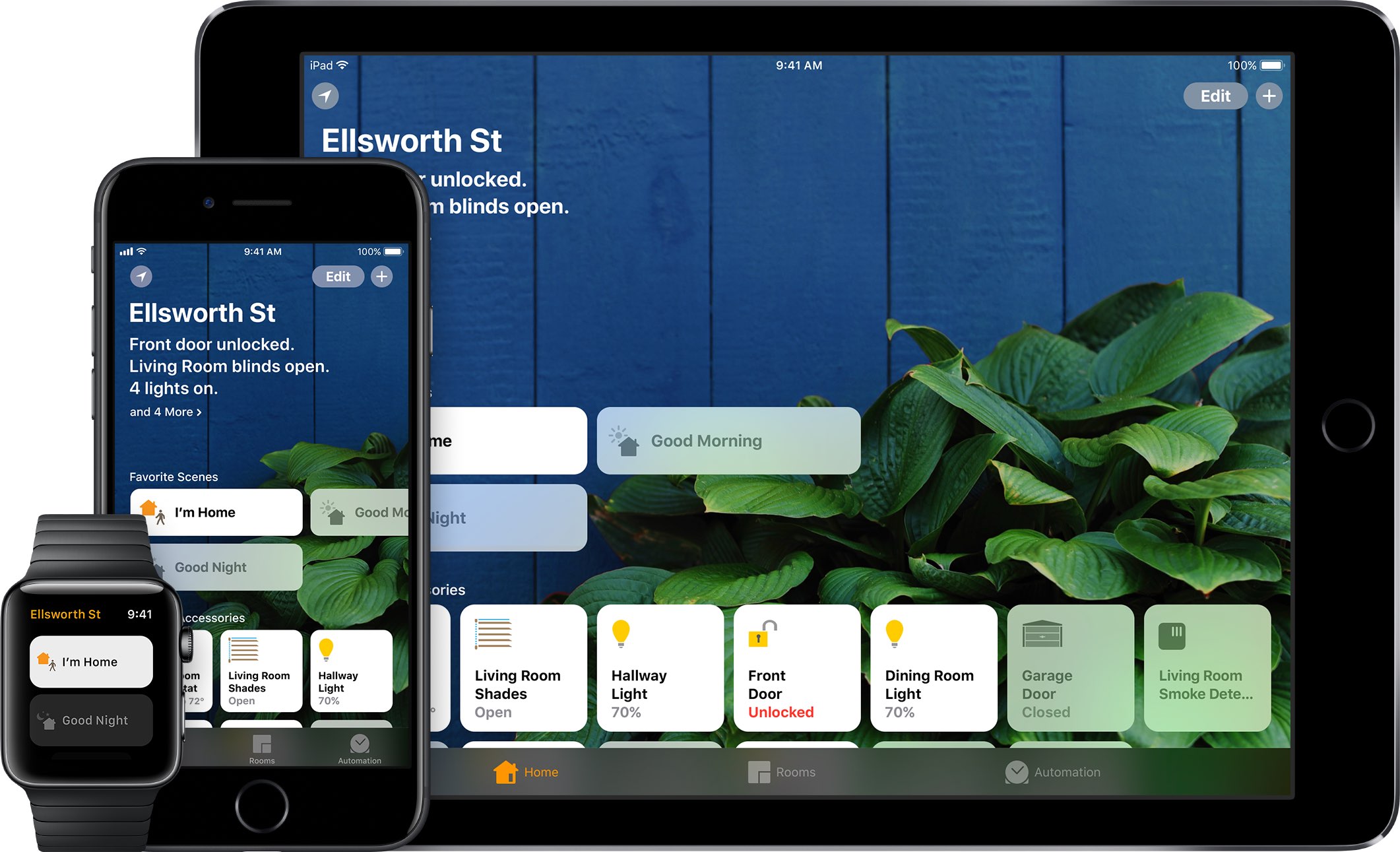
HomeKit scenes and accessories can be controlled through iOS 11's Control Center, with Siri, using the Home app on iPhone, iPad, iPod touch or Apple Watch, and via Apple's new HomePod smart speaker. And with an Apple TV, an iPad or a HomePod actings as a HomeKit hub, you can control your smart home products from just about anywhere in the world.

Sprinklers and faucets

With support for two new product categories—sprinklers and faucets—users can now control water in the garden via Siri. Or, you could have Siri turn on the shower in the morning, knowing the water will be the right temperature by the time you finish your morning coffee.

Greatly improved responsiveness

Many HomeKit accessories use the low-energy Bluetooth standard. In order to reduce the latency which occurs when a Bluetooth accessory communicates with a HomeKit hub, Apple is rolling out a completely new system based on secure broadcast sessions that now send a notification to a HomeKit device.

This reduces the latency between a new event and the actual accessory state change from a few seconds down to under a second. You won't have to buy new products: when iOS 11 launches, all your existing accessories will take advantage of improved responsiveness.

Easier setup

On iOS 10, setting up a home accessory requires launching the Home app, turning on the accessory, tapping the Add option and scanning the special setup code printed on the product's box to authenticate the device.

It is currently not possible to pair a turned-off HomeKit device. With iOS 11, you can pair a HomeKit accessory by scanning its code while it's powered off.

Furthermore, Apple  now supports scanning QR Codes for HomeKit authentication. QR Codes can be as small as 10-by-10 millimeters so this seemingly small change will turn authenticating really tiny HomeKit accessories into a frictionless process.

And with all-new support for NFC tags (who knew, right?), accessory makers can deliver easier experiences where authenticating a HomeKit device is as easy as tap-and-pair.

New event triggers

New events, triggers, recurrences and enhancements for mutable events allow for a significantly elevated flexibility of HomeKit scenes. HomeKit can now run scenes based on who is home, only at certain times, and more. Date-based events let HomeKit triggers to fire off only at certain times (like 5pm every day, for instance).

Significant time events activate triggers on sunrise or sunset, with positive or negative offsets.

For example, you could have HomeKit trigger your “I'm at home” scene an hour after sunset or have the lamps in your home turned on right before the sun goes down. A new convenience condition in iOS 11 makes it easy to create a custom condition between two significant events. As an example, you could have a scene running from one hour before sunset to one hour before sunrise.

Another new iOS 11 condition allows HomeKit to execute a scene when a custom threshold is exceeded. For instance, you could set your air conditioning/heater to kick in when the temperature in your home rises above 76 degrees or when it's between 50 and 76 degrees.

A new presence event lets HomeKit activate scenes when a user arrives home , or leaves home. And with multi-user support, you now can have triggers activate automatically when the last known user leaves home (to shut down the lights, air conditioning, lock the doors and so forth) or the first user arrives home to an empty house.

End events support specifying the time interval from the event execution time.

Apple provided the example of opening a door at night, which triggers an event that turns on the outside lights for just a few minutes. Currently, there's no way to have a HomeKit device enable a certain state for a period of time.

And with recurrences, it's possible to execute triggers only on certain days of the week. For instance, if you like to sleep a little longer on Saturdays, you can now restrict the execution of your “Good morning” scene to workdays only.

Plus, HomeKit now supports creating an event that triggers once, then auto-disables itself.

AirPlay 2

Apple also unveiled a new version of AirPlay, called AirPlay 2.

AirPlay 2 supports multi-room audio and HomeKit, meaning your smart home products can now communicate with your AirPlay 2-enabled speakers or Apple's own HomePod speaker. You can control multi-room audio playback through HomeKit, as long as your wireless speaker or home audio setup works with AirPlay 2.

Apple-owned Beats, as well as audio equipment makers like Bose, Bang & Olufsen, Bowers & Wilkins, Marantz and many others have pledged their support for AirPlay 2. With HomeKit and AirPlay 2, “third-party audio apps will be able to get in on the multi-room audio fun,” said Apple's software engineering chief Craig Federighi said onstage during the WWDC keynote.

Relaxed licensing

HomeKit has always been, first and foremost, about user security.

And because Apple does not compromise about requiring HomeKit developers and vendors to use end-to-end encryption, HomeKit user data is far from being insecure as it unfortunately is with most other platforms for the connected home.

For starters, all HomeKit makers must adhere to Apple's strict “Made for iOS” (MFi) policies and use Apple's authentication chips to guarantee user privacy and security with strong hardware-based encryption. On the downside, this complicates hardware development and makes HomeKit devices pricier than rival gadgets.

The updated HomeKit specification now includes a new option allowing all the HomeKit authorization to go through software. Although software-based encryption is slower versus a dedicated chip, it has the benefit of shortened development times and lower cost.

But more important than that, existing devices that currently lack HomeKit integration will now be able to implement HomeKit support after iOS 11 launches this fall in software, without requiring a hardware change.

Apple now operates two HomeKit certification labs in the United States and is scheduled to open similar labs in the United Kingdom and China next month, which should help local vendors bring their HomeKit hardware to market faster.

Apple also wants encourage hobbyists to build their own HomeKit devices. During WWDC 2017, the company announced that developers no longer have to be MFi-certified to build prototypes of smart home accessories. Not only that, but HomeKit developers can now use popular developer boards like Raspberry Pi and Arduino.

Of course, MFi certification is still required before products can be sold to customers.

That said, the fact that Apple now permits regular people to tinker with HomeKit and even build their own accessories from scratch, for personal use, without an MFi license, should help accelerate the adoption of the platform.

These new HomeKit features are available across iOS 11, watchOS 4 and tvOS 11. macOS currently does not support HomeKit. HomeKit debuted two years ago at the 2014 Worldwide Developers Conference.
iOS 11 lets AirPods owners skip forwards and backwards between tracks with a double tap

The most common complaint about AirPods is their inability to change the currently playing song directly on the earphones, without invoking Siri. Well, YouTuber Appsolutely Tech has discovered that iOS 11 solves this customer pain point by adding the ability to skip forwards and backwards between tracks with a double tap.

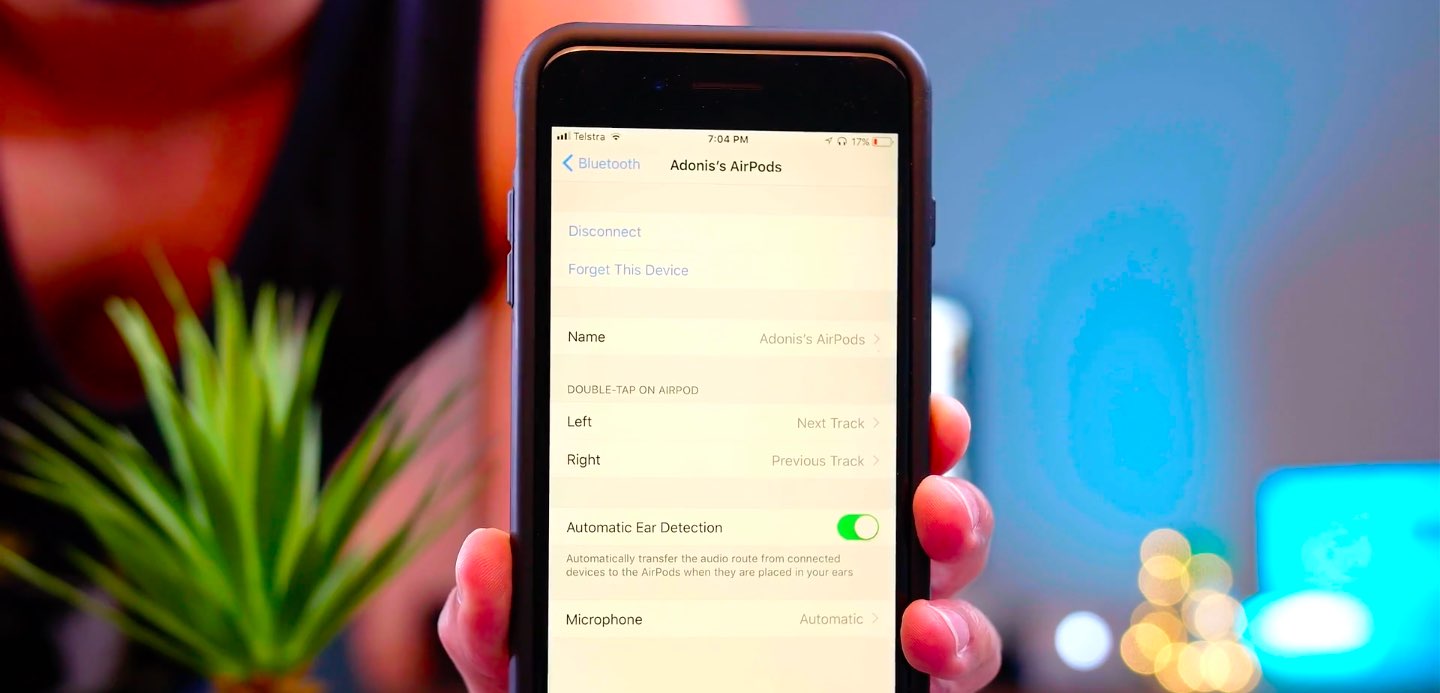
On iOS 11, your AirPods settings include some handy new options for choosing a double-tap action separately for the left and right earbud.

TUTORIAL: Tips and tricks for using AirPods like a pro

You could, for example set your left AirPod to skip to the next track and your right AirPod to go to the next track. Or, you could leave Siri as the default action for one of your AirPods and set the other one to go to the next track when double-tapped.

Watch Appsolutely Tech's video below.

https://www.youtube.com/watch?v=VsQ9J1mwU78

Simply tap the “i” next to your AirPods in Settings → Bluetooth on your iOS 11 device.

You will see you can now set a different double-tap action for each of your AirPods:

Siri Play/Pause Next Track Previous Track Off

It's unclear if Apple might bring this new feature to iOS 10 via a future AirPods firmware update.

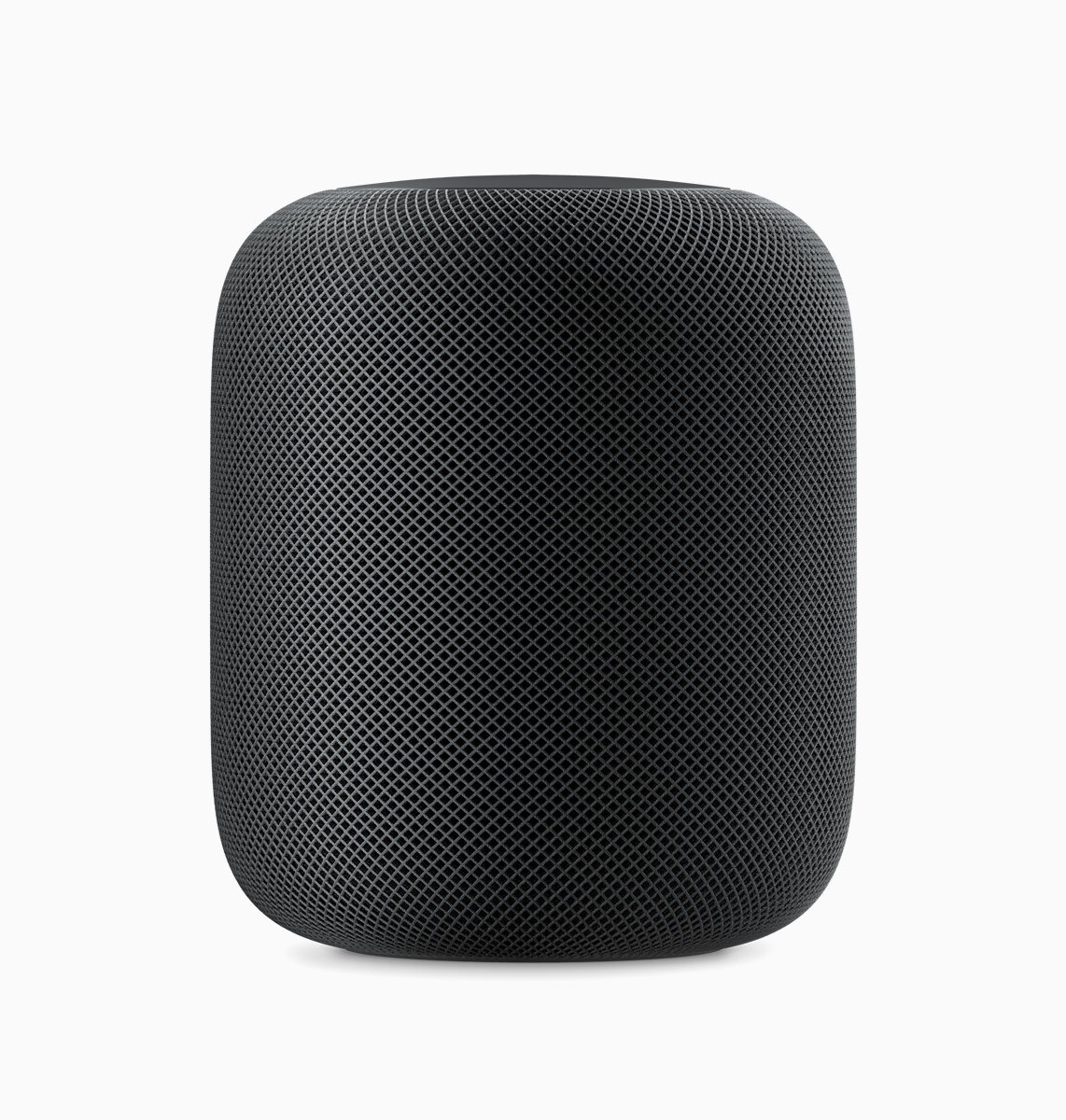
Meet HomePod, the new Apple speaker

Apple is taking a new responsibility in the world of delivering music to your home by unveiling the HomePod, a new wireless speaker and assistant for your house.

This intelligent new wireless speaker uses similar technology to what’s available in the AirPods, except it’s incredibly more advanced on both the software and hardware ends of things.

10.5″ iPad Pro screen protector surfaces ahead of rumored WWDC announcement

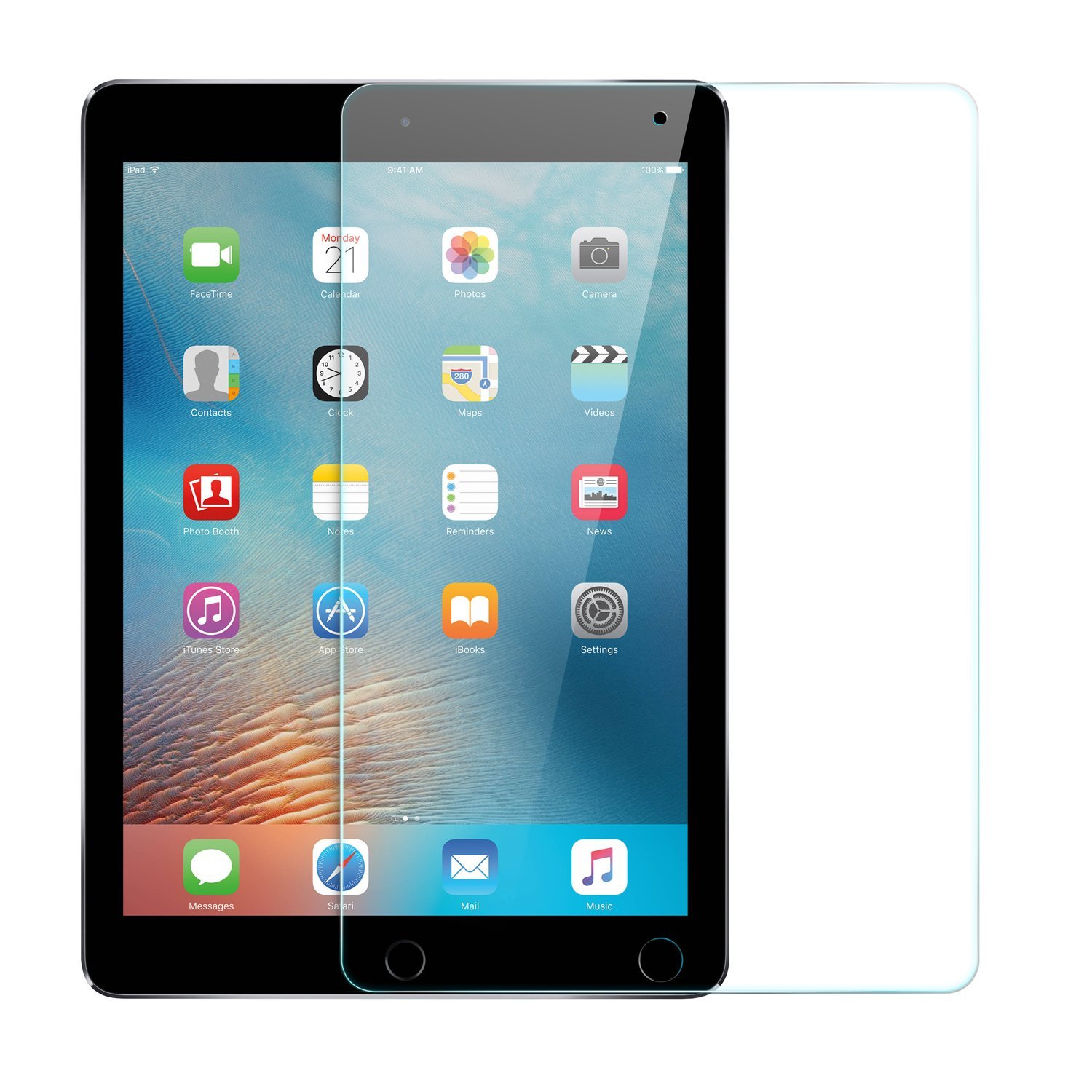
A screen protector for the rumored 10.5-inch iPad Pro has surfaced on Amazon ahead of Apple's WWDC keynote on Monday. It's made by popular accessory manufacturer Anker and is available for overnight delivery.

It's not unusual for accessories like this to pop up ahead of expected device announcements, but for a company as large as Anker to feel confident enough in pre-lease info to advertise and ship them is far less common.

Apple is widely believed to introduce a new 10.5-inch iPad on stage during its keynote next week. The tablet is said to have a footprint the same size as the 9.7-inch iPad, with slimmer bezels, and various other upgrades.

There are two customer reviews here: 1 5-star review where the user said they purchased this for the new iPad, and 1 1-star review where the user apparently tried to cut it to fit a smaller tablet. It's glass, so it...shattered. Weird.

Noted Apple analyst Ming-Chi Kuo gives the rumored iPad a 70% of being unveiled next week, and multiple reports claim Apple has ramped up production on the device. We've also seen alleged cases for the 10.5" tablet.

Join us Monday for full coverage of Apple's WWDC keynote and all subsequent announcements.

Source: Amazon via 9to5Mac

Twelve South’s BookArc stand for Apple notebooks now available in Space Gray

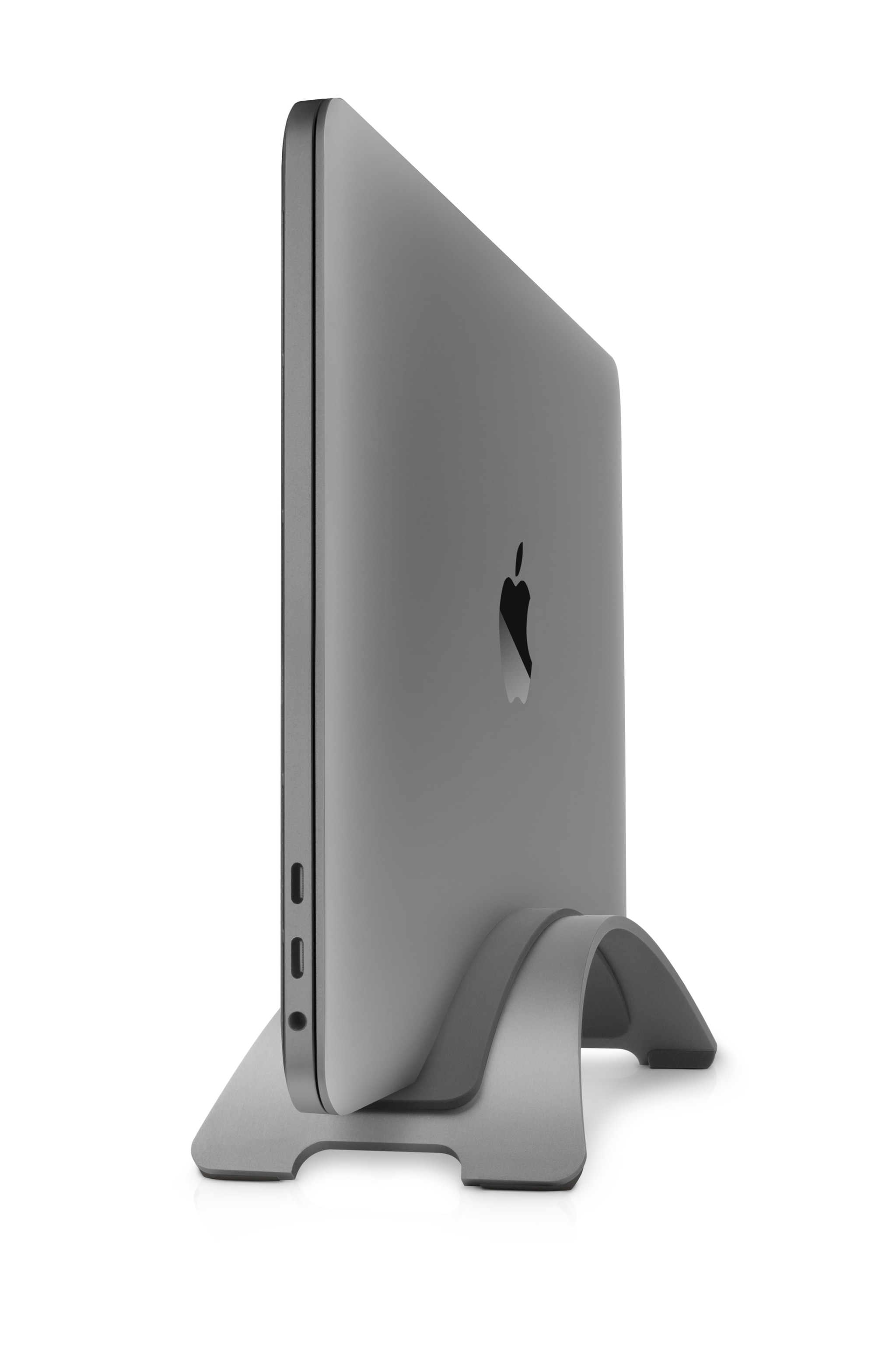
Twelve South just launched a new Space Gray color option for its popular BookArc stand for MacBook, MacBook Air, and MacBook Pro on Thursday.

It's intended to look great with the OEM Space Gray color Apple offers for its MacBook with Retina display and 2016 MacBook Pro (with or without the Touch Bar), and it joins the classic silver finish, made to match the standard aluminum finish of the previous generation MacBook Pro, along with other notebooks in Apple's lineup.

Apple’s begun manufacturing its Siri speaker ahead of WWDC

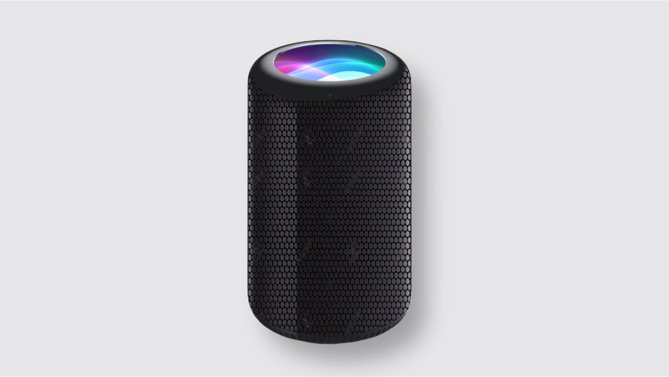
Apple has started manufacturing its Siri speaker ahead of the WWDC keynote next week.

Bloomberg's Mark Gurman has learned from people familiar with the matter that the new smart home appliance won't be ready to ship until later in the year. However, Apple could debut the gadget during next Monday's keynote presentation at WWDC.

People who have seen it told Bloomberg that the product won't have a touchscreen, unlike what KGI Securities analyst Ming-Chi Kuo speculated.

Taipei-based AirPods manufacturer Inventec has been tapped as the sole manufacturer of the Siri speaker. Bloomberg previously reported that Apple employees have been secretly testing the device in their homes for several months.

The forthcoming Siri gadget reached an advanced prototype stage late last year.

Apple is reportedly seeking to differentiate the Siri speaker from Amazon Echo and Google Home by offering virtual surround sound technology, Apple Music and other integrations.

The Siri speaker would also act as a HomeKit hub to let users remotely control smart home appliances such as lights, door locks and window blinds, a feature that currently requires either a fourth-generation Apple TV or an iPad.

Here's an excerpt form the article:

Along with generating virtual surround sound, the speakers being tested are louder and reproduce sound more crisply than rival offerings, sources in the know said.

Apple has also considered including sensors that measure a room’s acoustics and automatically adjust audio levels during use, one of the people said.

“This will be a platform for developing Apple’s services,” says Gene Munster of Loup Ventures.

Gurman speculated the Siri device could be tucked into Apple’s $11 billion “Other Products” category along with other devices like Apple Watch, Apple TV, AirPods and Beats accessories.

Apple declined to comment.

Siri speaker mockup via iFunnyVlogger on Twitter.