Theme

Adjust your iPhone’s native tint color with Rainbow

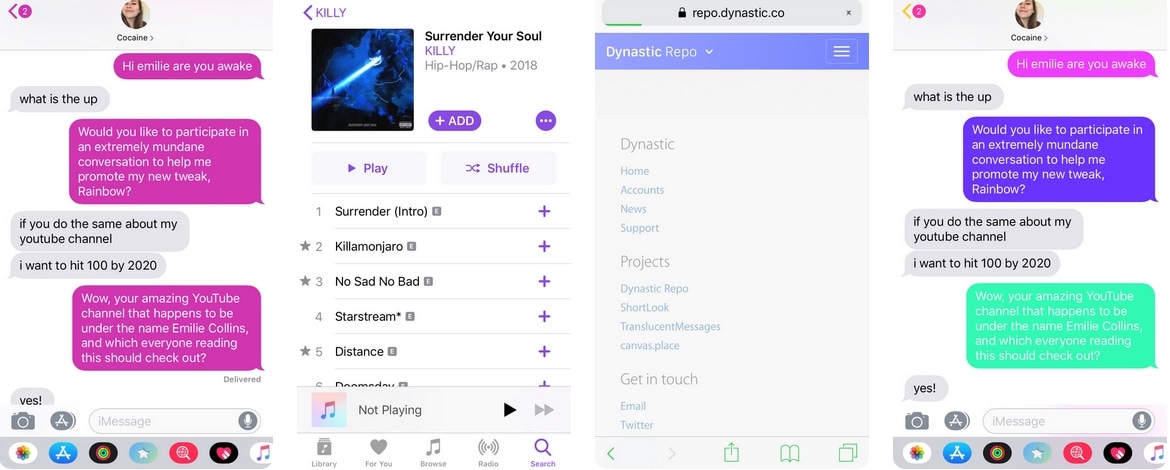
As you use iOS, you’ll find that Apple loves to use Blue as the system’s natural tint color. You’ll find this blue tint across various UI elements, including, but not limited to: iMessage chat bubbles, links, loading bars, and even those shortcuts that appear at the top right of the interface as you navigate preference panes in the Settings app.

Blue is a cool color, but if you’d rather have more control over your handset’s tint color, then we’d suggest turning your attention to a newly-released jailbreak tweak called Rainbow by iOS developer Justin Proulx, as it lets you change this color to almost anything you could ever want.
MathTeacher brings much-needed upgrades to the native Calculator app

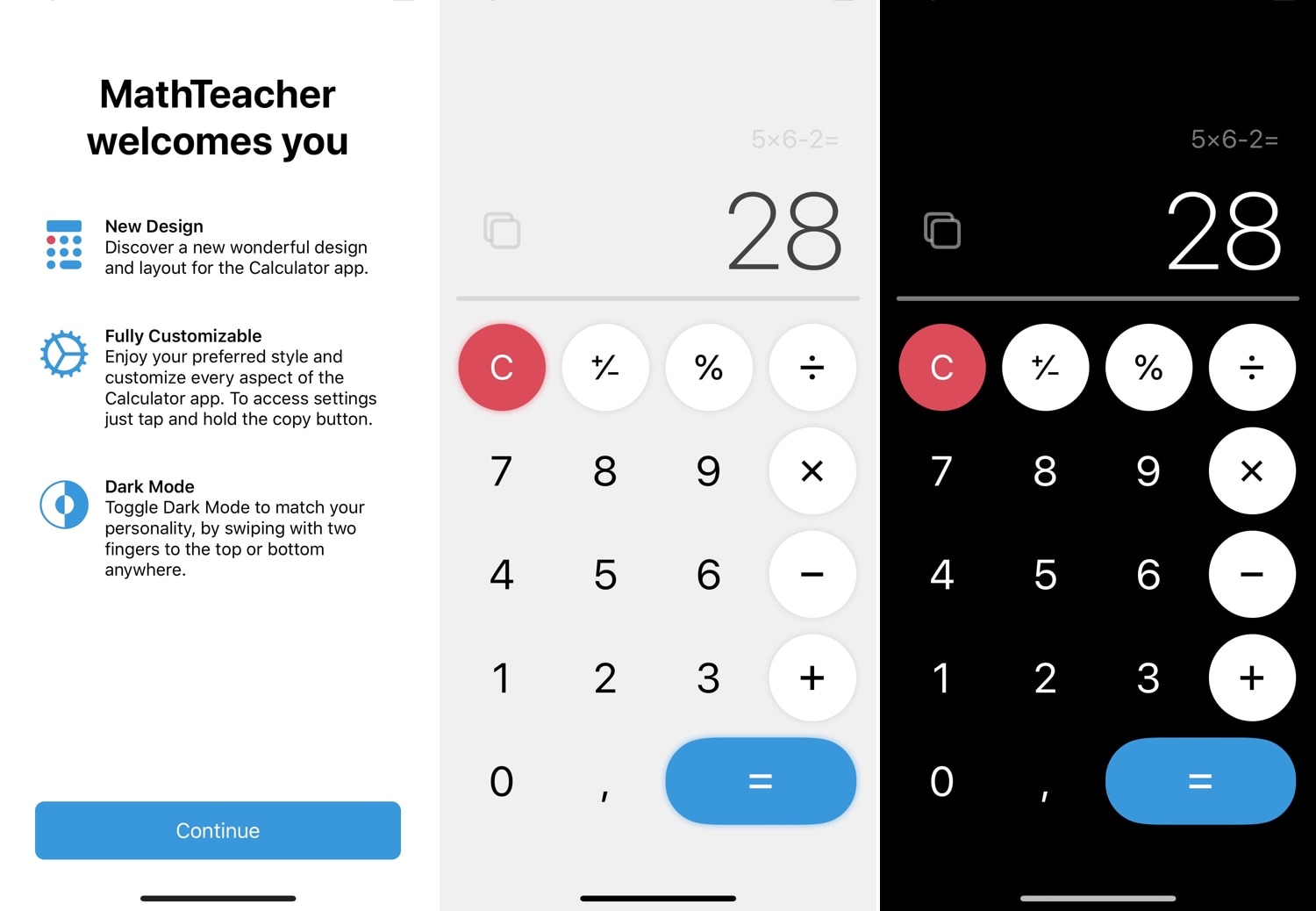
One of the native apps in iOS that doesn’t get the attention it deserves is the Calculator app. While you could download a more robust third-party alternative from the App Store, the fact remains that the native experience is abysmal at best. For that reason, we’re excited to show you a new free jailbreak tweak called MathTeacher by iOS developer Gabriele Filipponi.

As depicted in the screenshot examples above, MathTeacher incorporates several upgrades into iOS’ native Calculator app, making it a significantly more functional math-solving platform than it would have been out of the box.

Honey brings the Apple Watch’s Home screen experience to your iPhone

If you own an iPhone and an Apple Watch, then you know that each device’s Home screen functions in a different way. iOS' Home screen is optimized for a larger display, while watchOS' is optimized for a smaller display; but if you have a soft spot for how the Apple Watch’s Home screen works and fancy the same experience on your iPhone, then today's your lucky day because you'll no longer need to settle.

Enter Honey, a newly-released jailbreak tweak by iOS developer Blake Boxberger that ports the Apple Watch’s Home screen experience to iOS devices. As you’ll notice in the screenshot examples above, Honey can be configured to work in several different ways and lets you experience what you love about your Apple Watch right on your iPhone or iPad.

GlyphAlert brings a gorgeous glyph-centric notification system to iOS

iOS’ notification system certainly gets the point across when you receive a notification, but it hasn’t had much of an aesthetic overhaul for quite some time now. If you’re jailbroken and in the market for a somewhat exhilarating new notification experience, then you might take a liking to a newly-released jailbreak tweak dubbed GlyphAlert by iOS developer c1d3r.

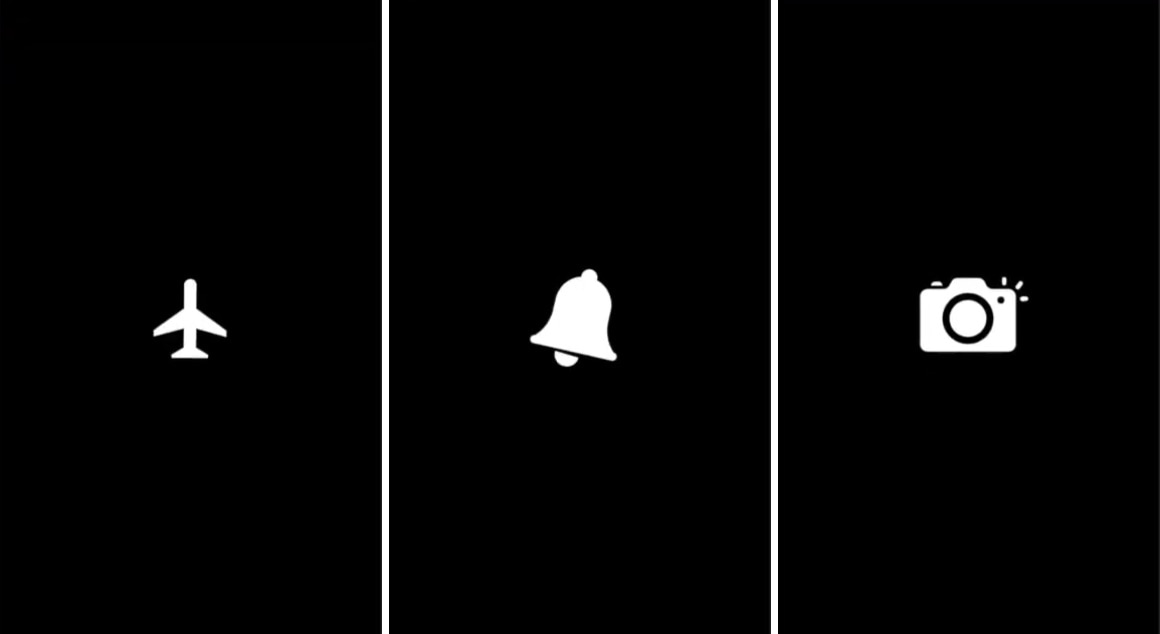
Just as the name implies, GlyphAlert takes a glyph-centric approach to letting you know when you have an incoming notification. The glyphs, such as those shown in the screenshot examples above, are animated and can be assigned to specific applications, depending on what they represent.

This tweak gives dynamic wallpapers an Apple-esque makeover

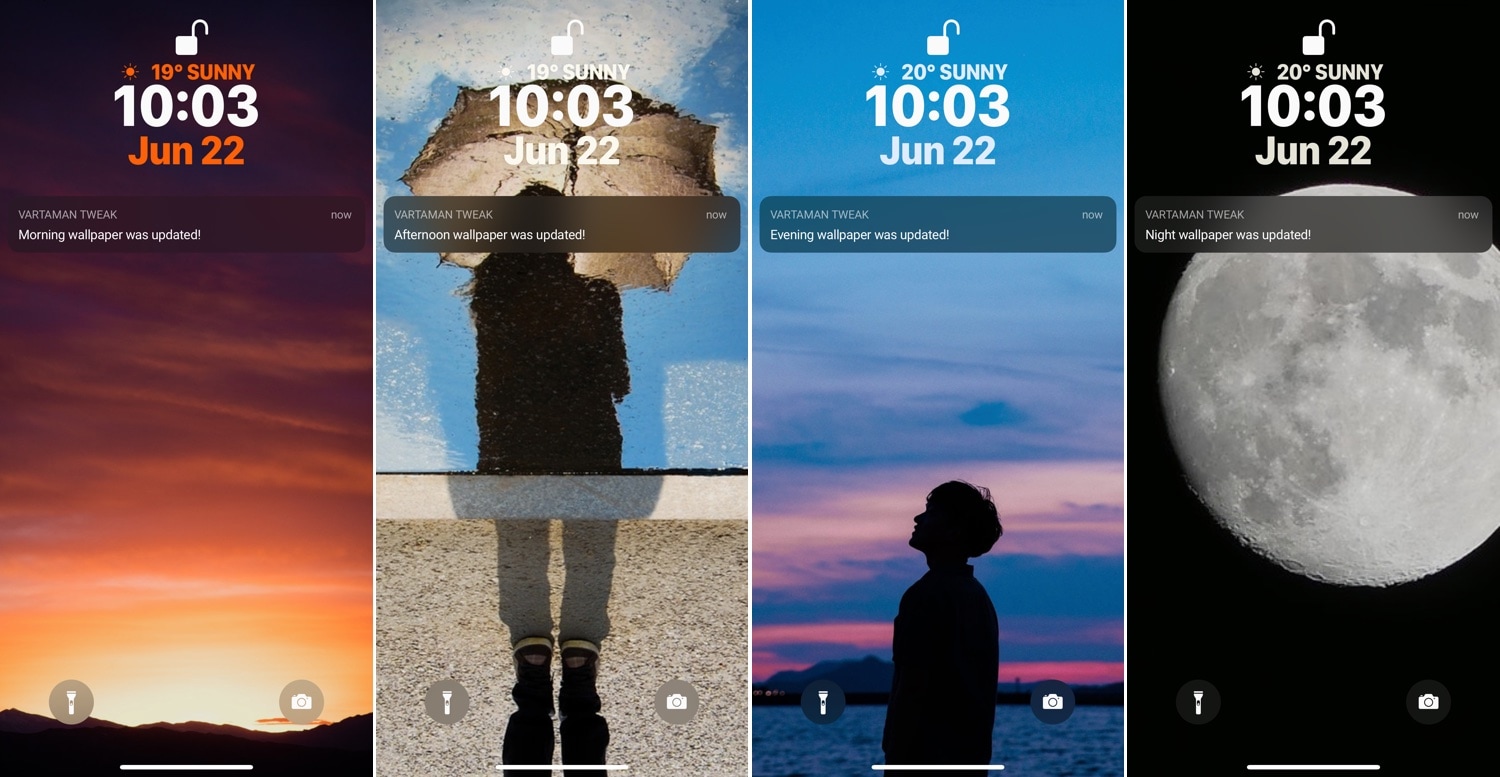
iOS users have three different wallpaper options to choose from out of the box: still images, Live Photos, and dynamic wallpapers. Most opt for still images or Live Photos since Apple’s dynamic wallpaper selection feels somewhat limited out of the box; on the other hand, a new jailbreak tweak called Dynamic Apples by iOS developer JGeorge can help with this.

As shown screenshot example above, Dynamic Apples changes the appearance of Apple’s native dynamic wallpapers by replacing their circular sprites with Apple logos.

Speculum gives your Lock screen a customizable aesthetic upgrade

If you’re in search of a fresh and aesthetically-pleasing Lock screen experience on your iPhone or iPad, then you might take an interest in a newly-released and free jailbreak tweak called Speculum by iOS developer LacertosusDeus.

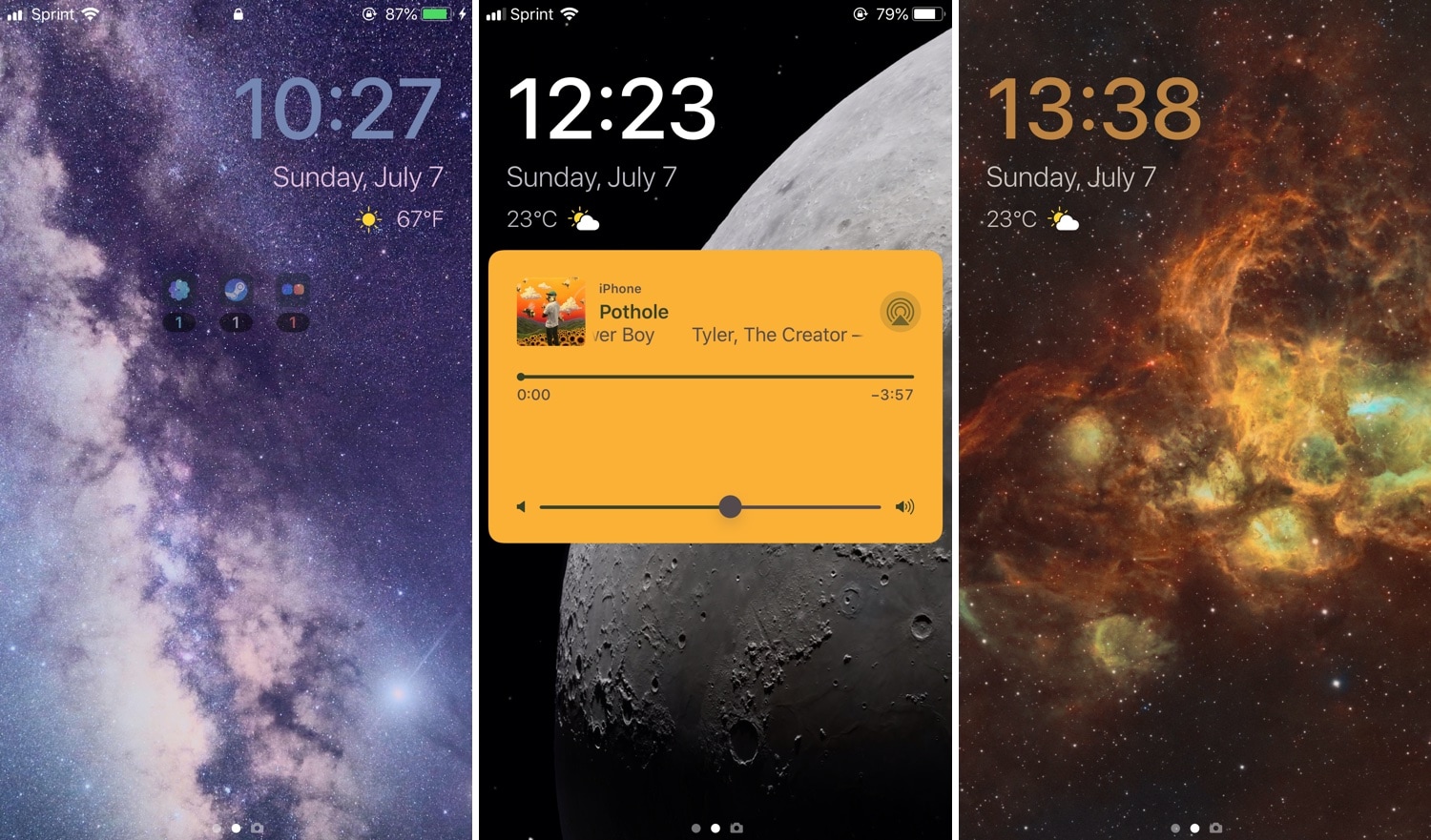
As shown in the screenshot examples above, Speculum augments the Lock screen experience with customizable new features, including custom text alignment, formatting, colorization, and even a helpful new weather display.

Luminous adds a customizable underglow to your Home screen’s app icons

If you’re in the market to add a bit of quirkiness to your iOS device’s Home screen, then you might want to look into a new jailbreak tweak called Luminous by iOS developer Sirius24.

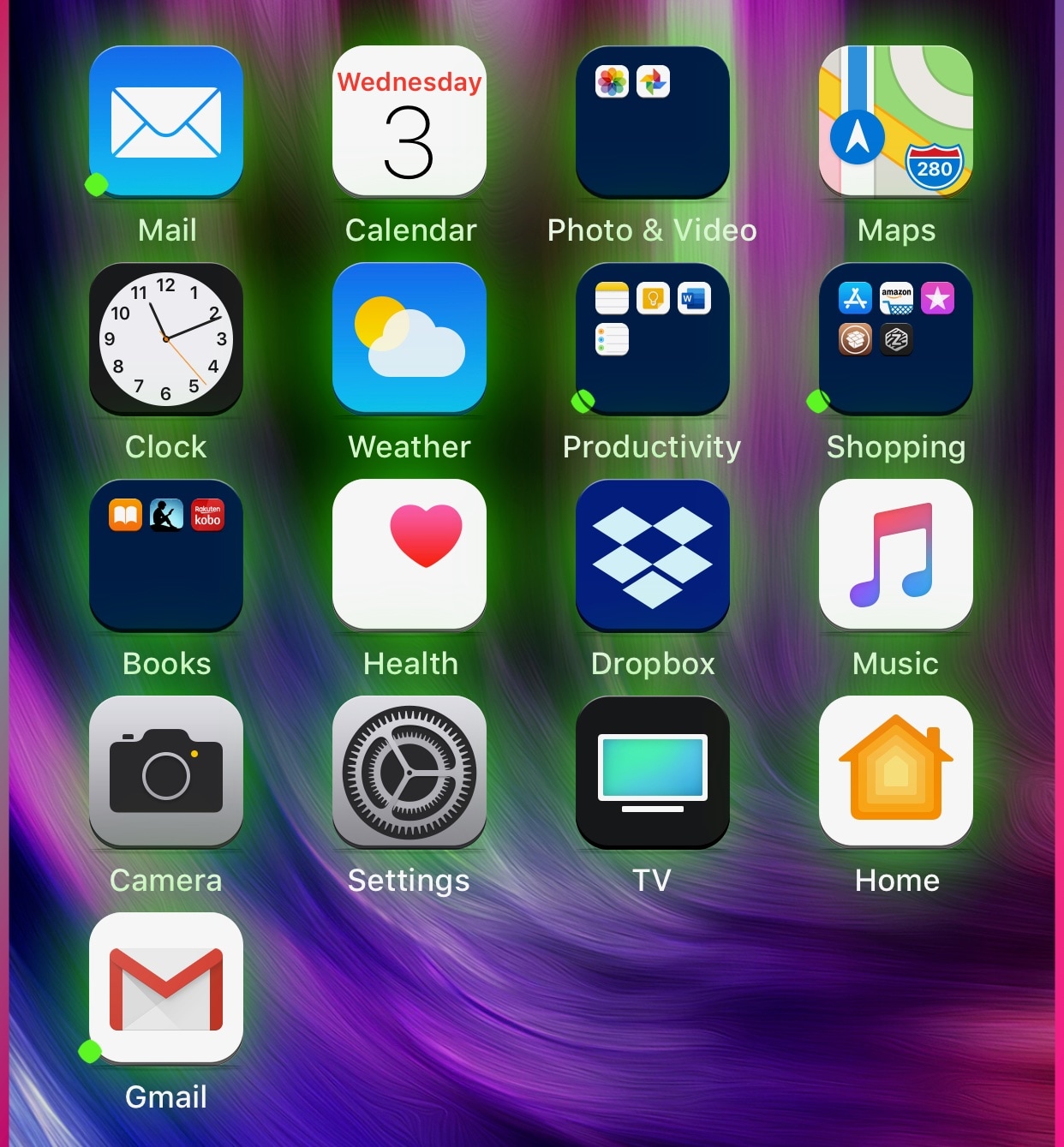
As you’ll notice in the screenshot examples above, Luminous gives every one of your Home screen’s app icons a colored underglow. But perhaps more importantly, the tweak is fully-configurable, allowing just about anyone to achieve the look and feel that they’re aiming for.

Dune: A free and open-source dark mode jailbreak tweak

The jailbreak community is no stranger to dark mode-centric jailbreak tweaks, but the bulk of them cost money to be downloaded. Given the circumstances, dark mode lovers might be particularly excited to learn about a free release called Dune by iOS developer Skitty.

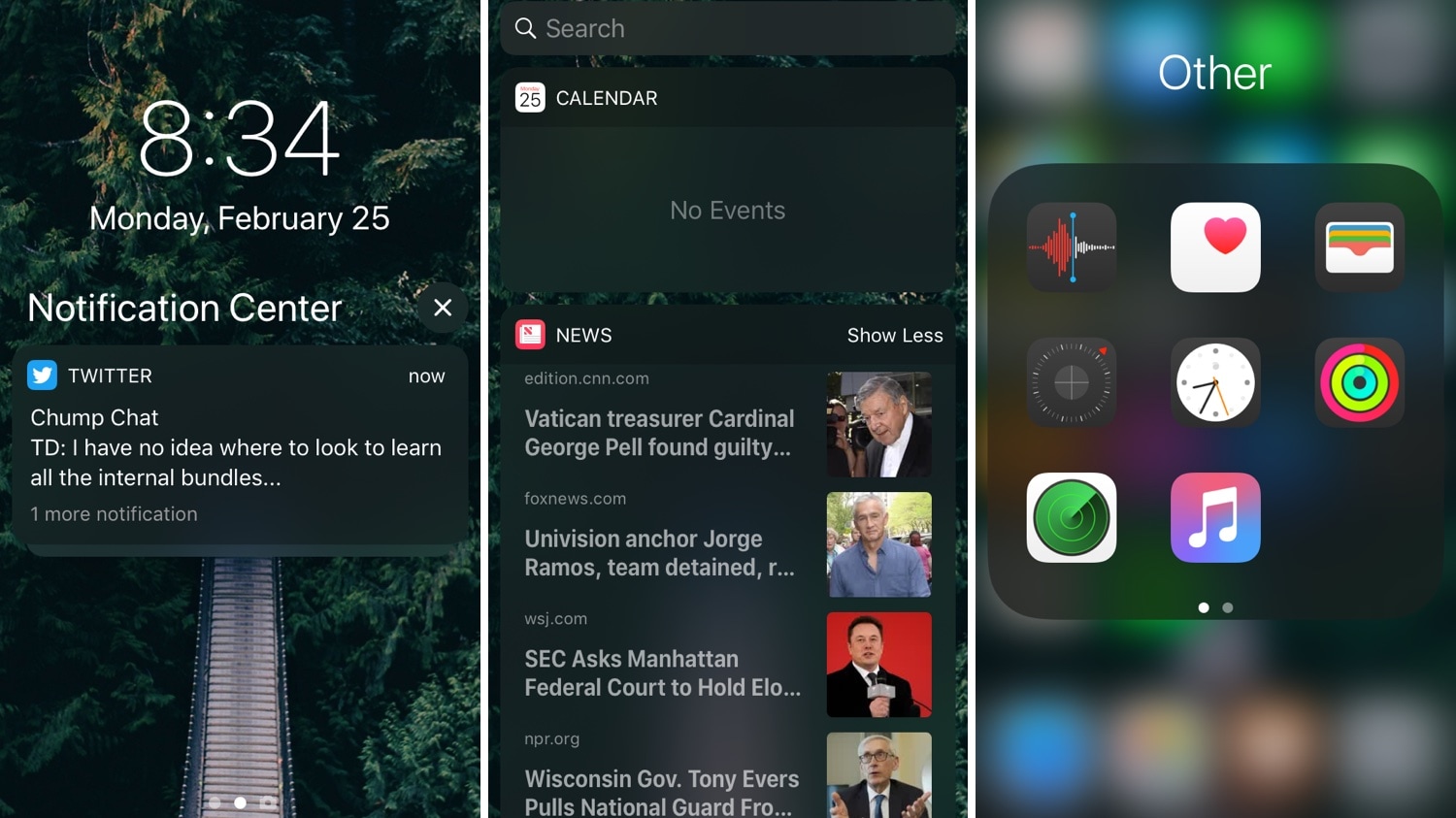
As you’ll see in the screenshot examples above, Dune can be used to give your mobile operating system a darker aesthetic overall. The tweak is designed to darken various UI elements found throughout the operating system, such as:

Nostalgic for the classic iOS 6 Lock screen? Try this jailbreak tweak

iOS underwent a seriously polarizing redesign as it transitioned from iOS 6 to iOS 7, and for the most part, Apple still maintains the flat UI aesthetic over the older skeuomorphic design to this very day.

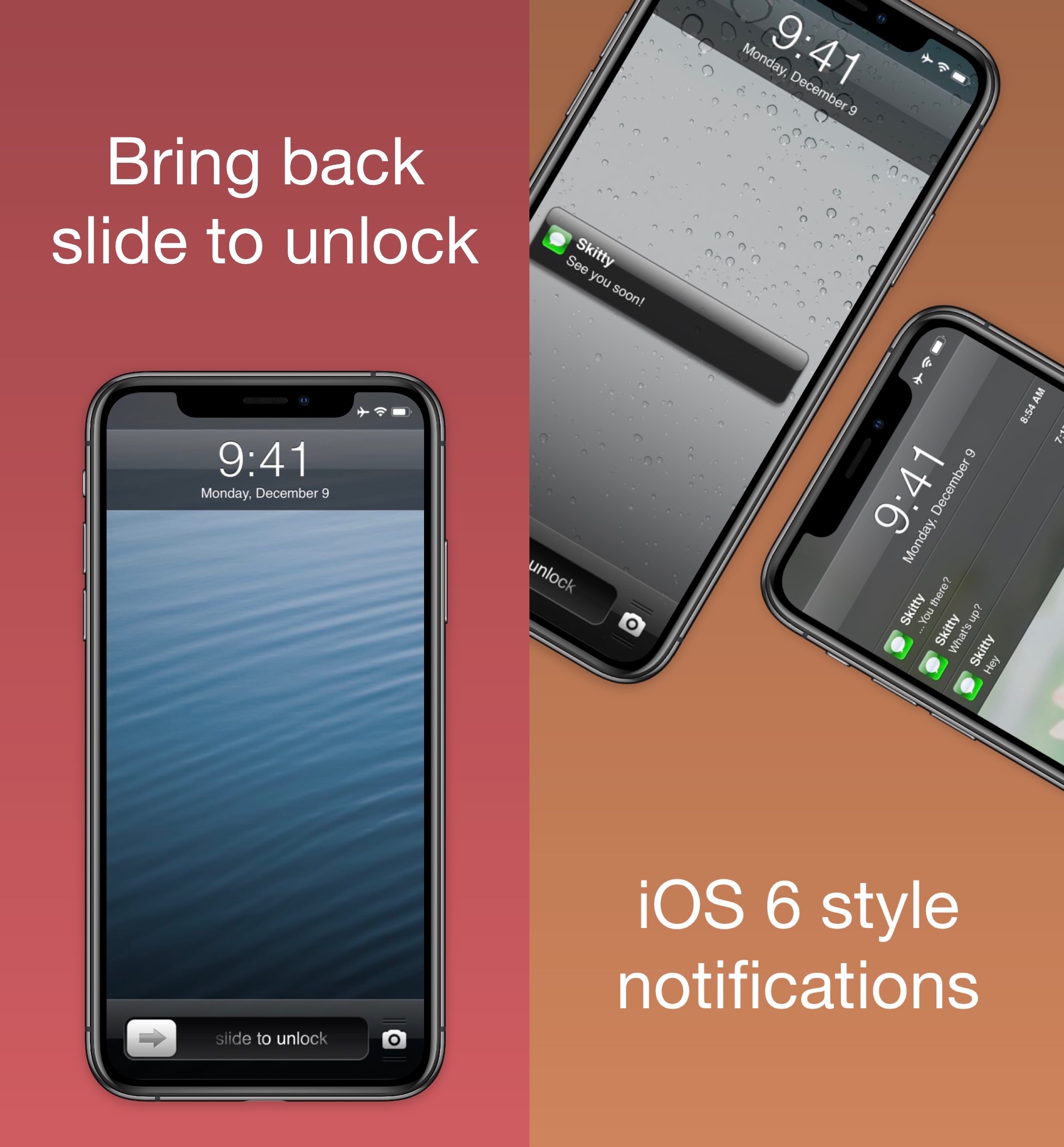
But for those who might be nostalgic of the good old days, a free jailbreak tweak dubbed Six (LS) by iOS developer Skitty ports the iOS 6-esque Lock screen with the classic ‘Slide to Unlock’ slider to even the latest iOS devices.

Give your 3D Touch menus a makeover with Baylor

You can press firmly on your Home screen’s app icons on any 3D Touch-compatible handset to access handy shortcuts pertaining to that specific app, and while they can be useful at times, it’s equally valid that Apple provides little or no customizability in this department.

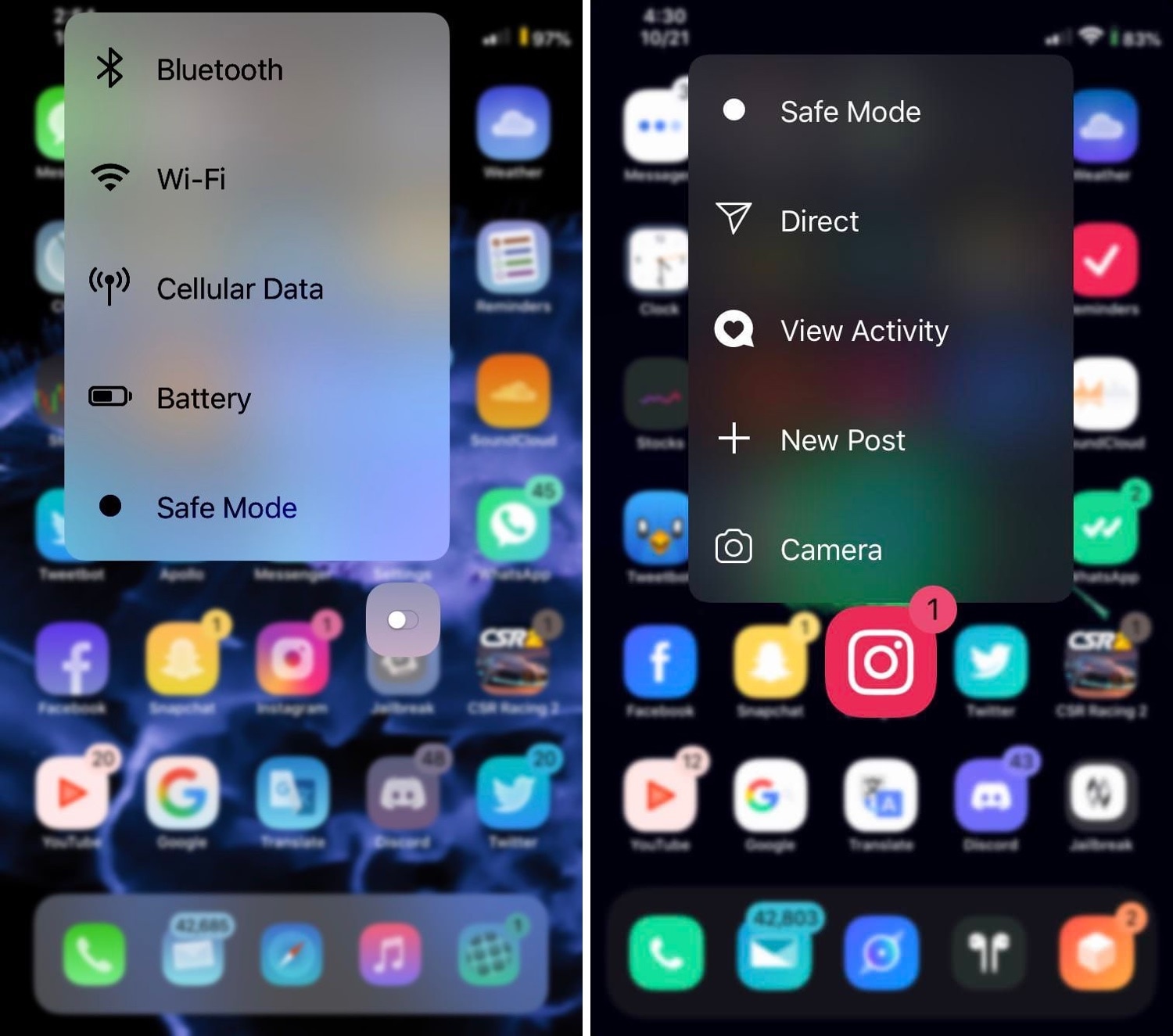
If you’re in the market for a way to make your handset’s 3D Touch menus stand out from the rest of the crowd, then you just might come to appreciate a newly-released jailbreak tweak called Baylor by iOS developer dpkg_.

This tweak plays a Live Photo of your choice when someone calls you

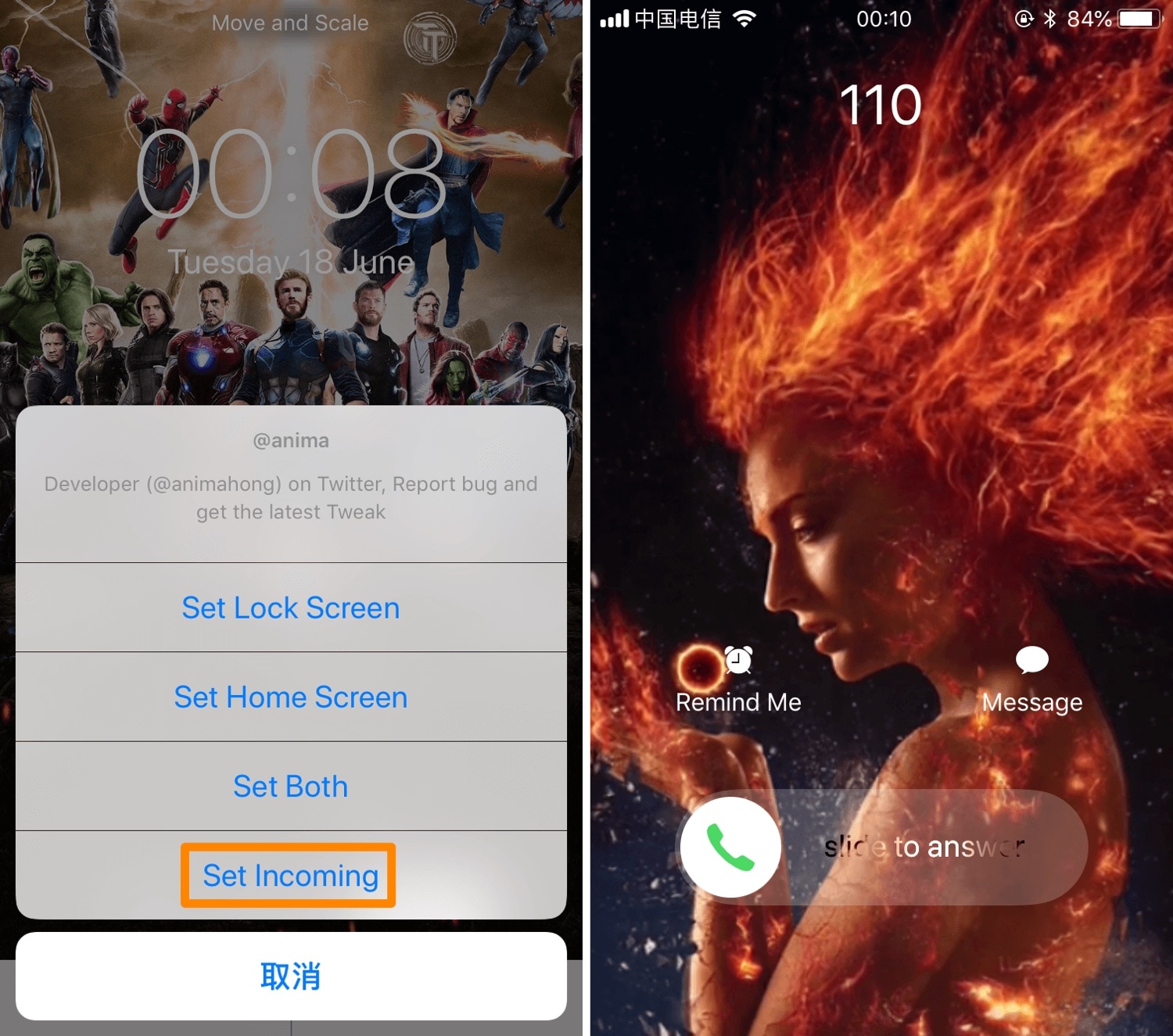
iOS’ native incoming call interface can be somewhat bland at first glance, and that’s precisely why iOS developer Anima has released a new jailbreak tweak dubbed Incoming Call LivePhoto (A12 Support).

Just as the name implies, Incoming Call LivePhoto replaces the bland incoming call background with a Live Photo of your choosing, ensuring that you always have something cool to look at when your iPhone starts ringing.