Learn all the ways you can select stuff on your Mac, including contiguous groups of Finder files, multiple non-adjacent items, and more.
How to select one, several, or all files on Mac

Learn all the ways you can select stuff on your Mac, including contiguous groups of Finder files, multiple non-adjacent items, and more.
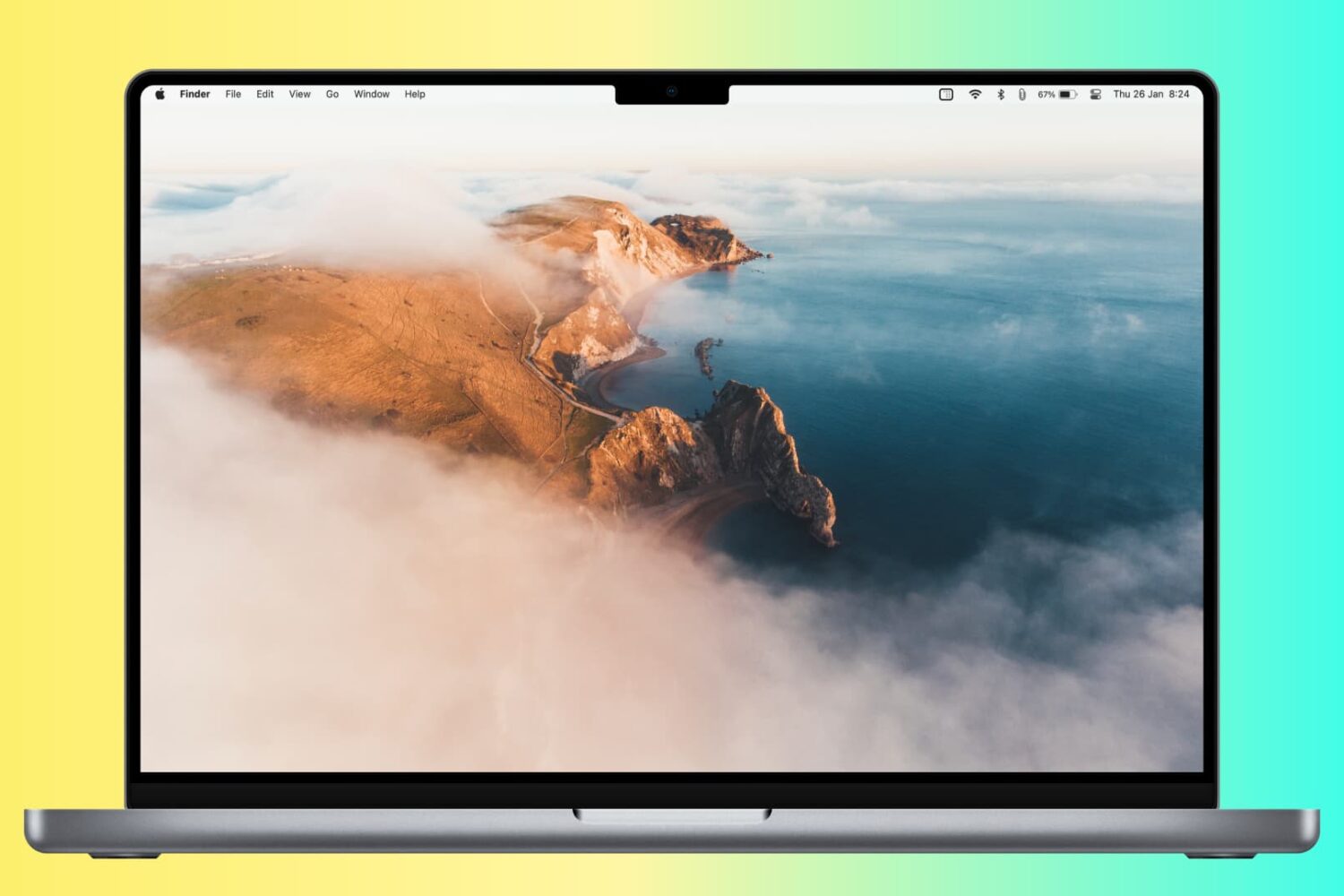
In this step-by-step tutorial, we’ll show you how to automatically hide and show the Mac Dock, and we’ll even share a pro tip to make the animation faster.

In case you didn't get the memo, macOS High Sierra is the last release of Apple's desktop operating system that supports 32-bit apps out of the box without any compromise.
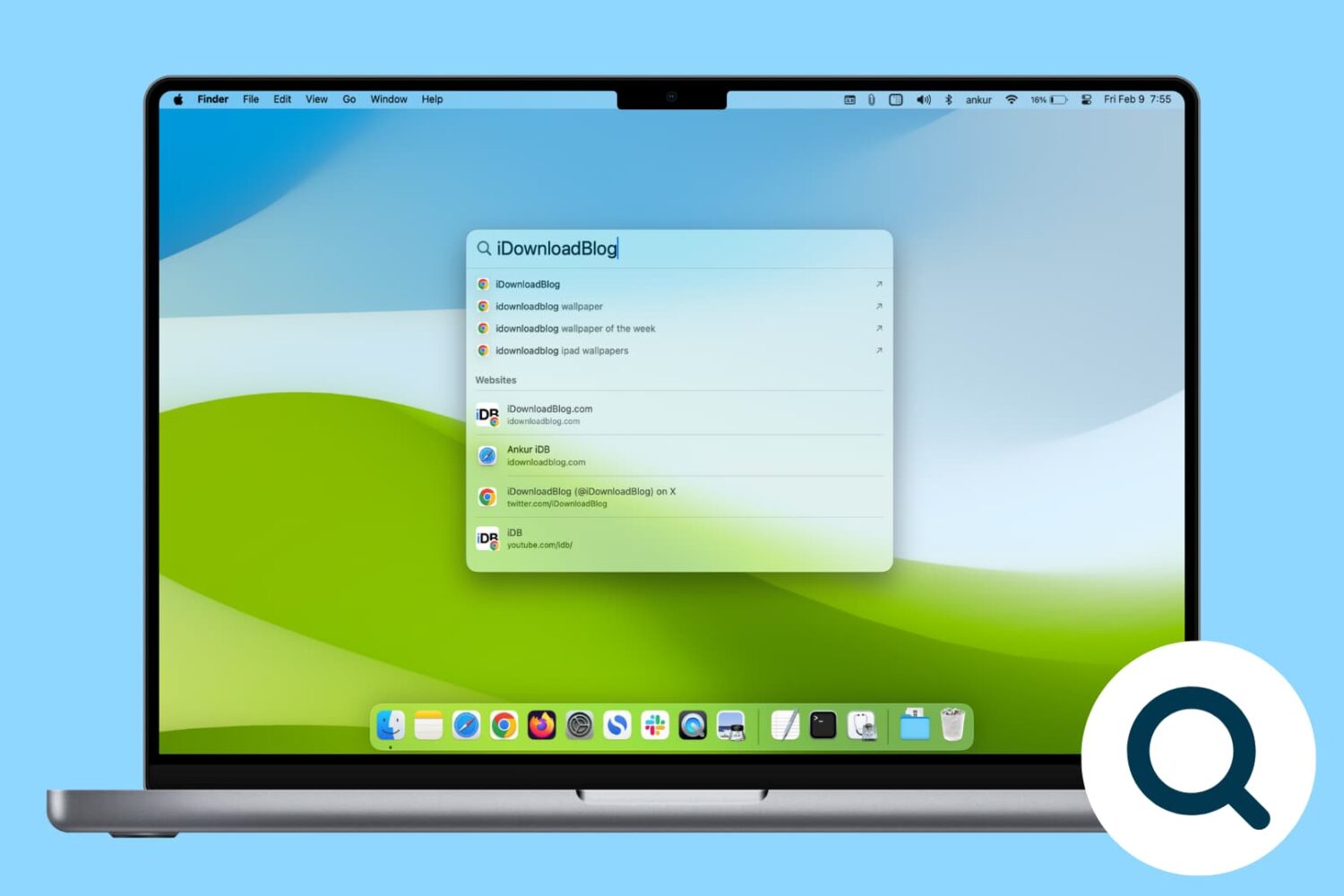
Rebuild the Spotlight index on your Mac if Spotlight isn’t working properly or if searching doesn’t show the expected results.
If you don't plan on installing macOS High Sierra for whatever reason, your Mac will still inform you of the software update every now and then via persisting system notifications.
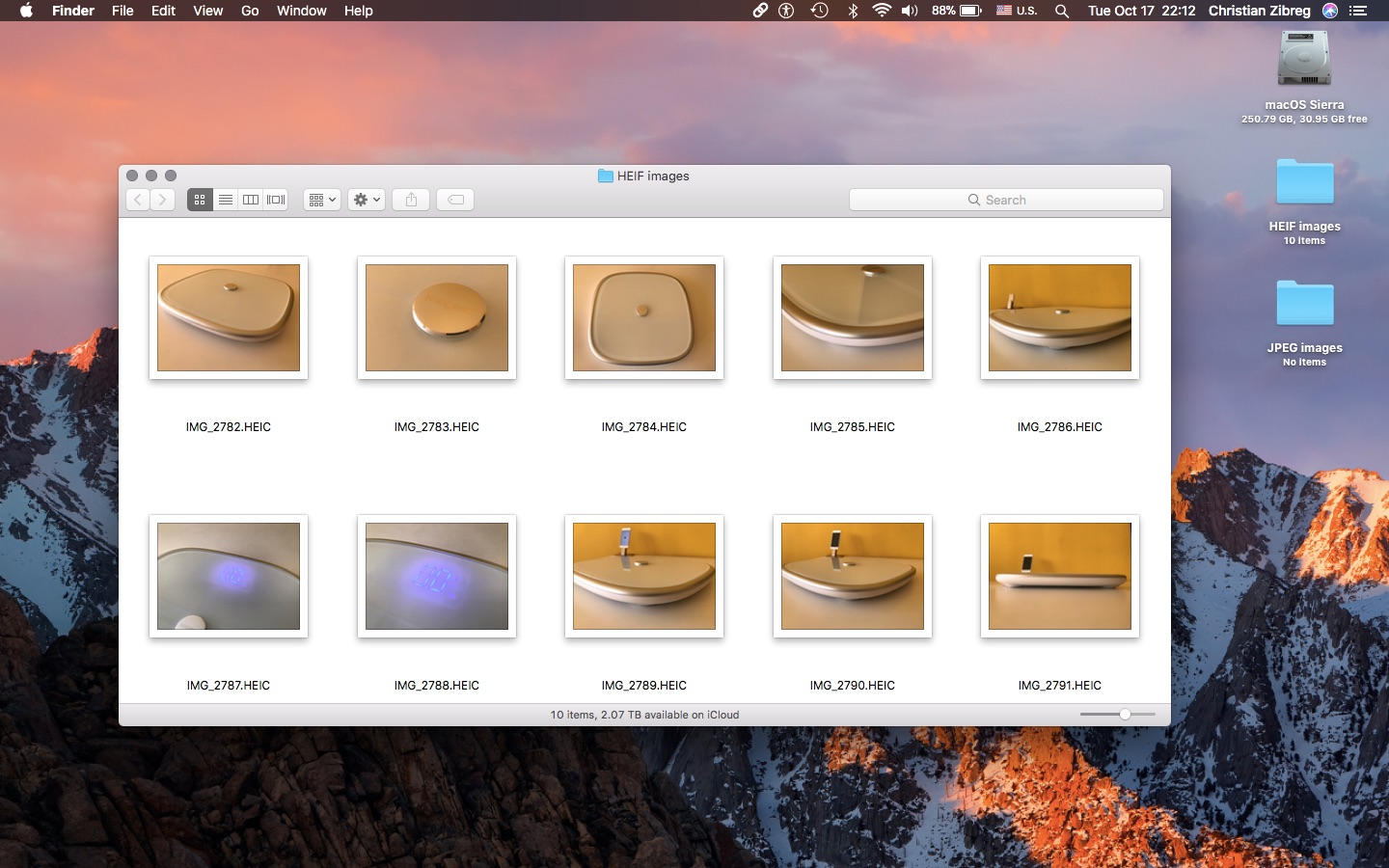
iOS 11 and macOS High Sierra debuted HEIF, Apple's new efficient image format meant to supplant JPEG by delivering the same or better quality at half the file size. That's great, but what about converting your HEIF photos into the more compatible JPEG format?
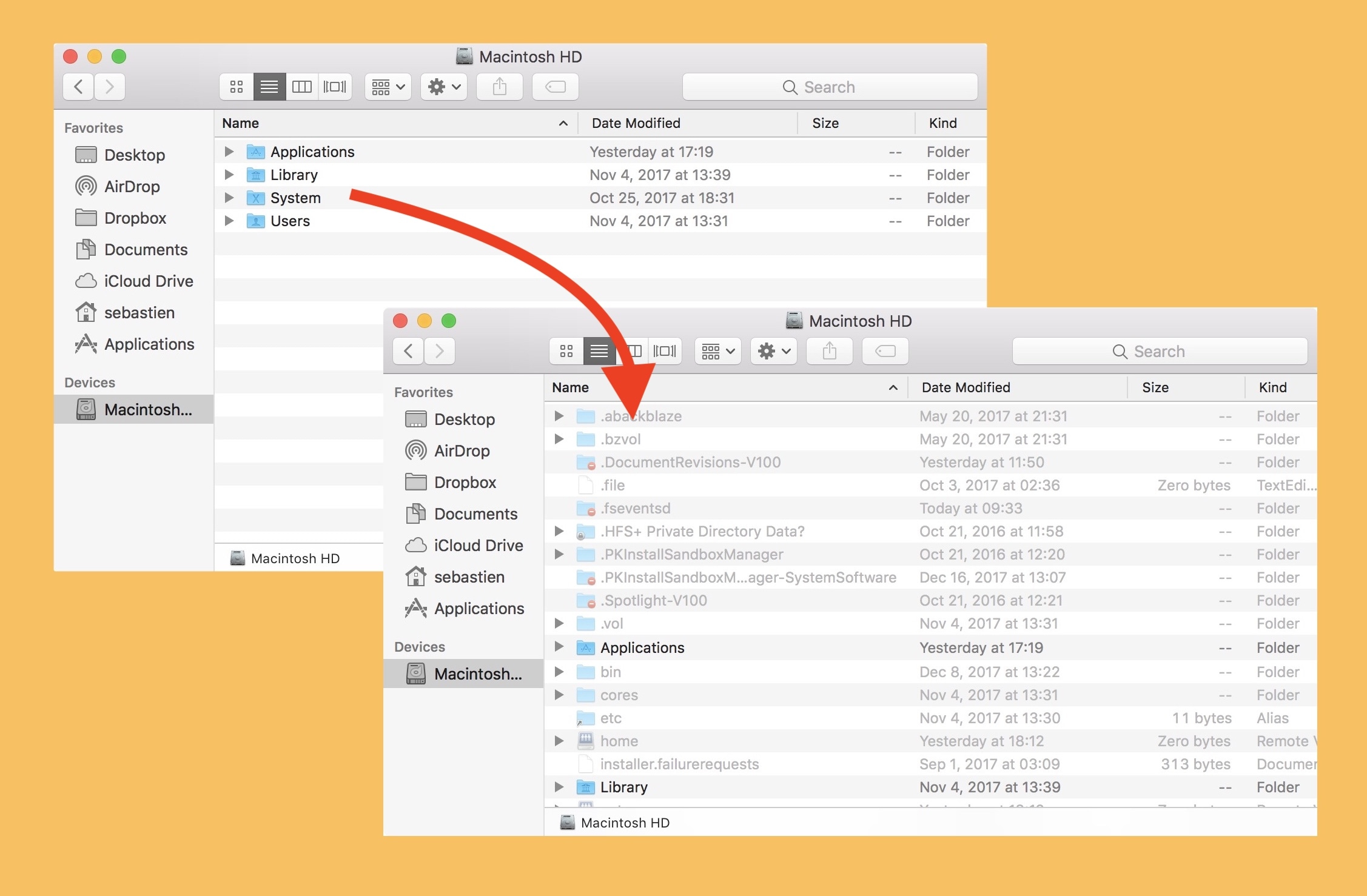
Sometimes you need to edit a system file, or look at a file created by one of your programs. Many of these files are hidden by default, so you'll need to make them visible before you can go about your business. One example I often encounter is hosts files, either for SSH or for your computer's whitelisted and blacklisted domains, though there are many others.
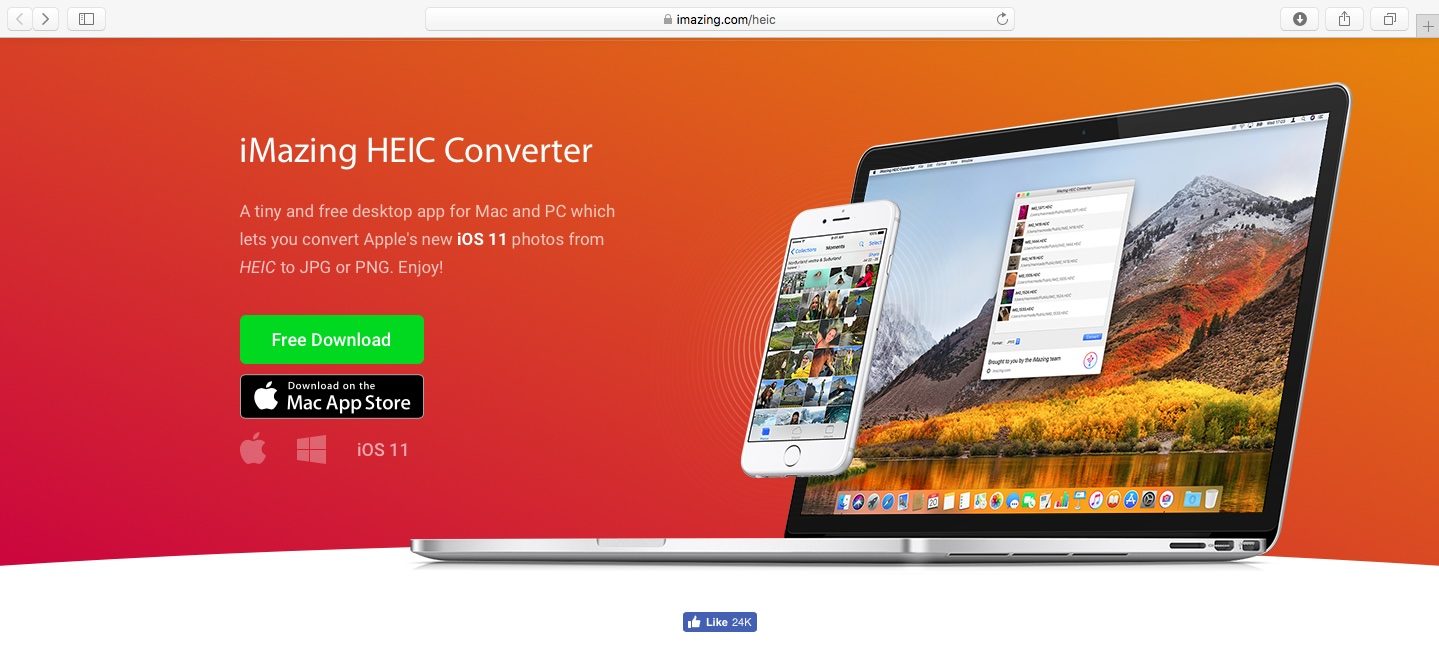
As you might know, Apple with iOS 11 and macOS High Sierra introduced a new space-saving image file format, called High Efficiency Image File Format (HEIF).
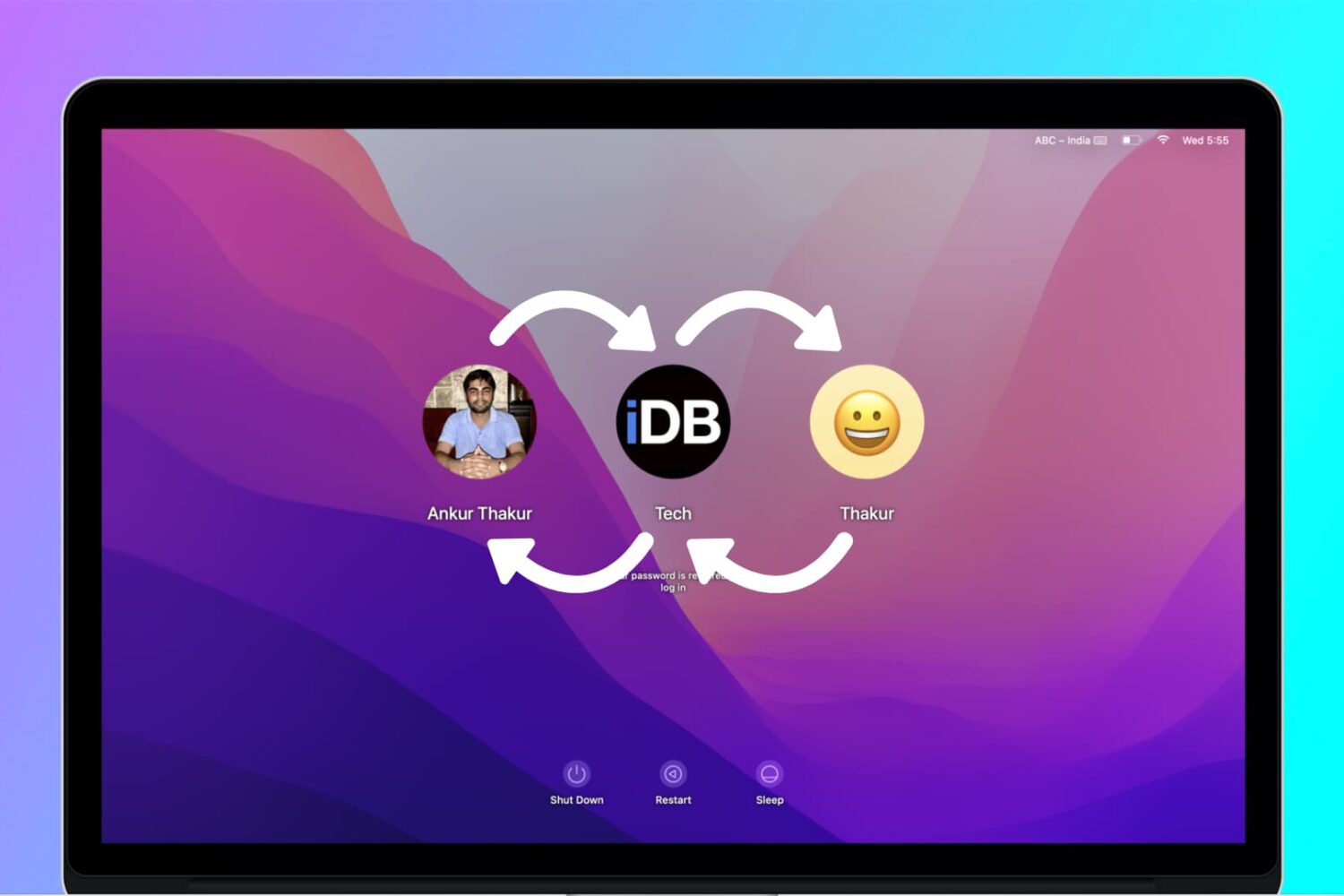
If you have a Mac in your household, chances are it's being shared between several family members. With every family member having his or her own account, each user can then operate the computer without messing up other users' files and settings.
In that kind of situation, users might, at some point, want to share files and documents with each other. This can be done either via a Shared folder, a Public folder available to each user, and a Drop Box folder that is specific to each user. (Not to be confused with cloud storage service Dropbox.)
In this post, you will learn the differences between a Shared folder, a Public folder, and the Drop Box folder. You will find out when and how to use each method to share files and documents between users of the same Mac.
Learn how to quickly find all screenshots taken on your Mac, regardless of their save location, even if you manually moved them to custom folders.
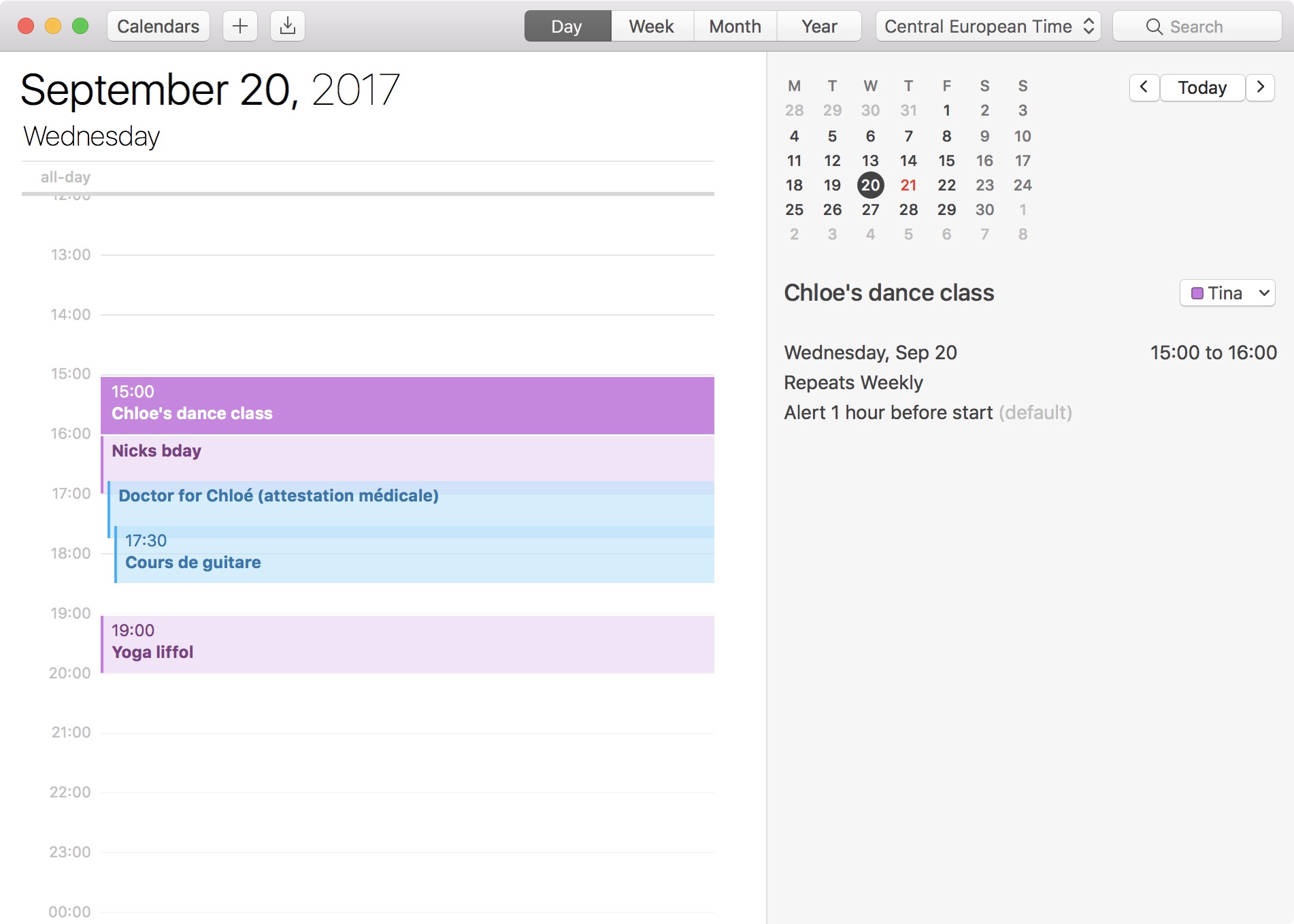
The 24-hour clock is the most commonly used time notation in the world. That is if you're not living in the US or any of the few countries that sill operate on a 12-hour clock system. Also called military time in the US, 24-hour time format arguably makes more sense than anything else as it divides the day into -- you guessed it -- 24 hours.
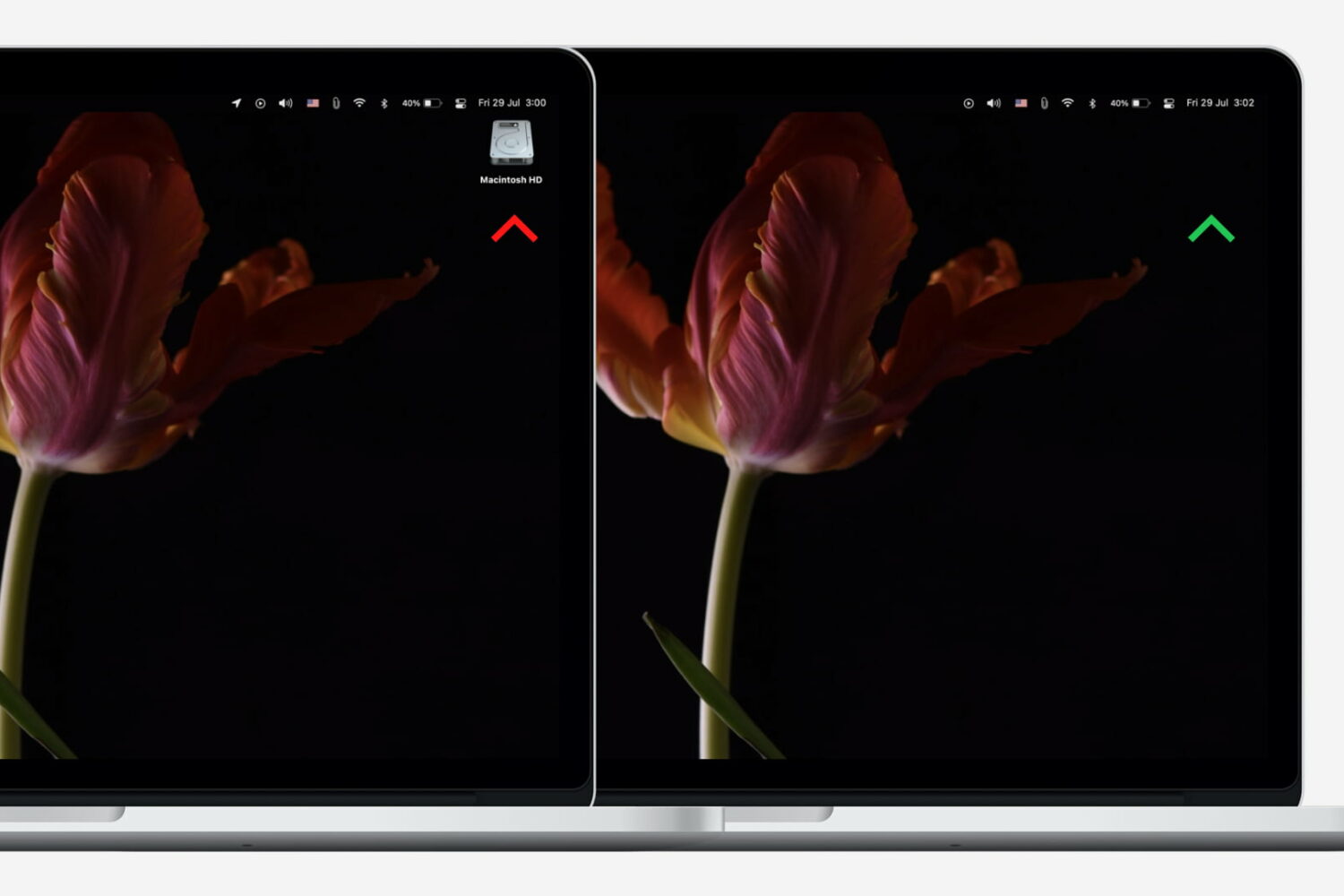
Neat freaks like me like to keep the desktop of their computers free of any clutter. That includes files, folders, and of course, the Macintosh HD icon. As a matter of fact, removing the Macintosh HD icon from the desktop is one of the first few things I do when setting up a new Mac.
Although pretty simple to do, hiding that icon is not very obvious to less tech-savvy people. So in this post, I will describe how to remove the Macintosh HD or the hard disk/SSD icon from the desktop on your Mac.