Find out what to do if you plug your iPhone into the charger but see a “Liquid Detected” alert message on the screen and the device doesn’t start to charge.
Fix Liquid Detected in iPhone charge port issue
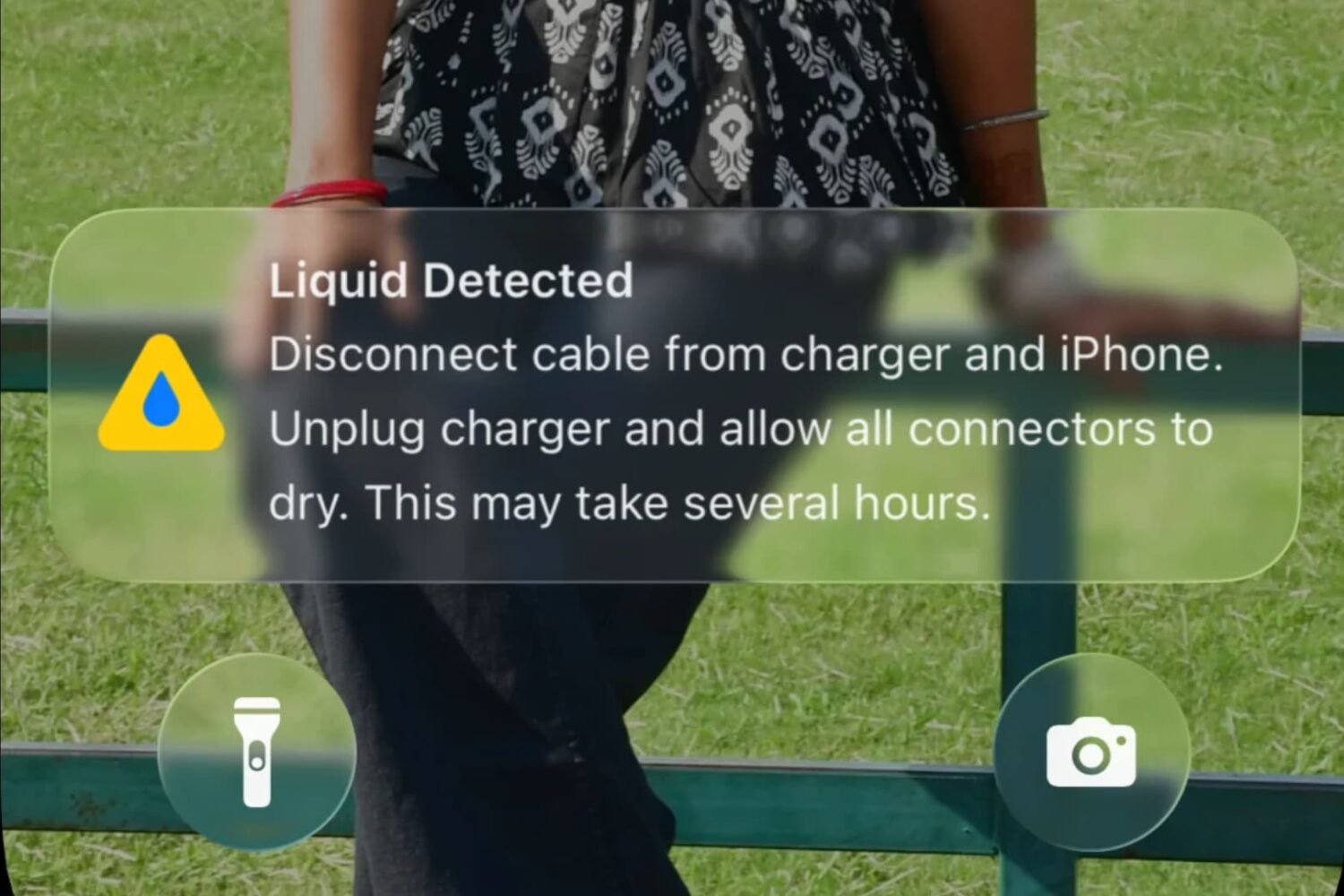
Find out what to do if you plug your iPhone into the charger but see a “Liquid Detected” alert message on the screen and the device doesn’t start to charge.
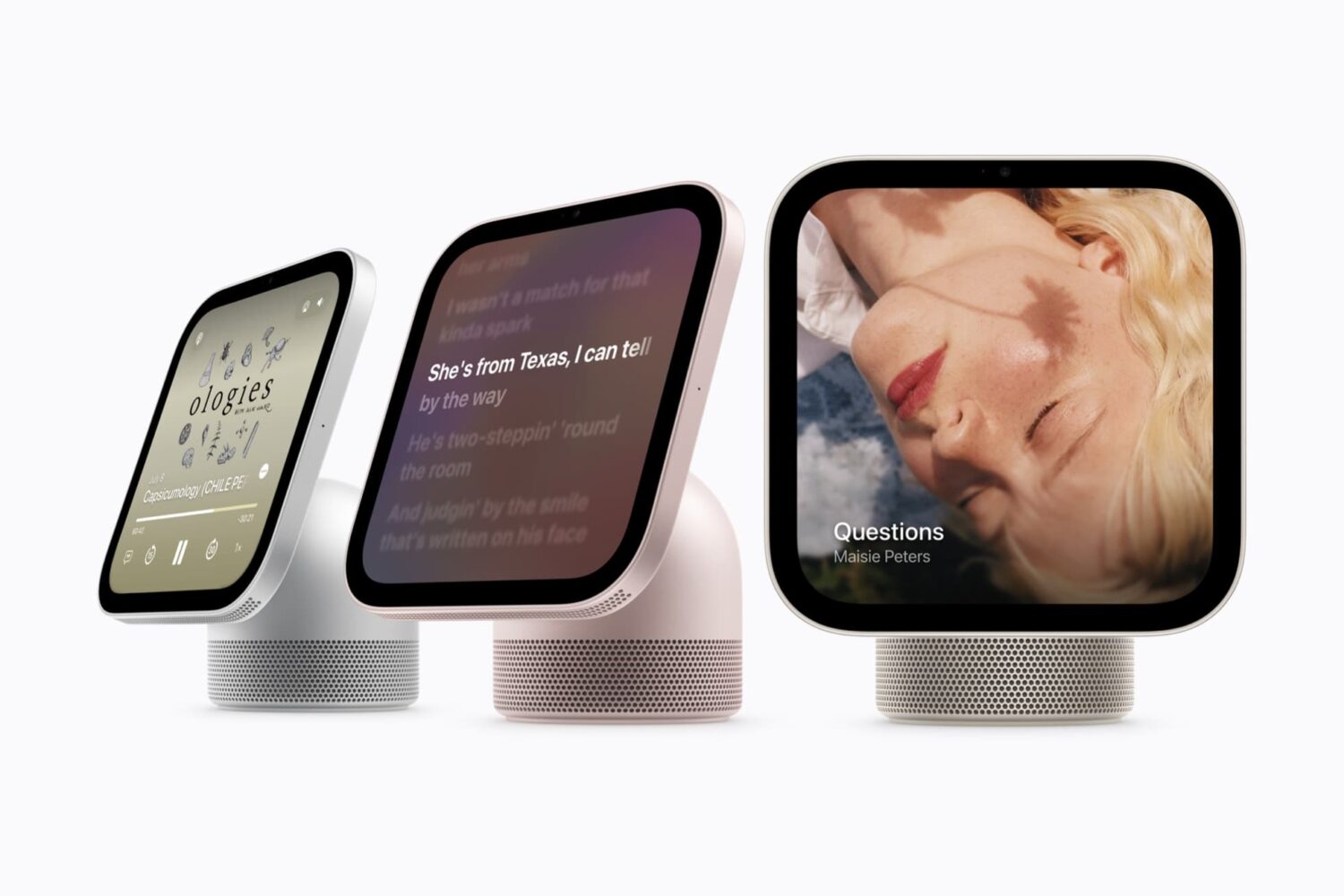
Apple has launched a new device called the “HomeView,” which is a smart home hub with a 7-inch square touchscreen display, FaceTime camera, speakers, and microphones.
It’s a fusion of a HomePod (on the speaker side) and an iPad (on the display side), meant to sit on a desk or tabletop, or be mounted to the wall.
You can use it to ask Siri all sorts of questions, control your Home, view CCTV camera feeds, make FaceTime calls, listen to music, see recipes on the screen, access your messages or have it read to you, reply to messages using voice or on-screen keyboard, use it as an Intercom machine to broadcast to other devices in your house, and more.
Just as HomePod can recognize different family members by voice, the new HomeView can recognize up to 6 users by face (using the front camera; HomeView doesn’t have Face ID). Based on this recognition, it can show personalized responses for that person in Siri, Messages, Calendar, Reminders, FaceTime, and Find My.
Here’s a quick summary of what you need to know about it.
In this opinion piece, I talk about things I don’t like about iCloud Photos and potential new features that would improve my experience many times over.

I use CarPlay on nearly all of my drives, and the core features, namely maps, music, and phone calls, work fine for the most part. But there are some small areas where I think improvement is required to make the experience even better.

Apple has sneakily made changes to the shared iCloud Photos album in the name of an ‘upgrade,’ which could be worse than you think!

Even though iPhone Mirroring is one of my favorite iPhone-Mac ecosystem features that I use every day, there are some quirks and issues that I find problematic. Here’s all about them. And I hope Apple fixes them in future updates.

Apple recently celebrated its 50th anniversary, and Tim Cook shared a letter reflecting on the company’s history, values, and people who have helped make Apple not only the most valuable but also one of the most loved companies of all time. The CEO’s letter features a beautiful Apple logo at the top that appears to have been sketched on an iPad with an Apple Pencil. This sketch celebrates Apple’s early rainbow-colored logo with a new twist, and looks amazing. Inspired by that, here are 9 wallpapers with a sketched, colorful Apple logo on different backgrounds.

The most affordable smartphone in Apple’s current lineup is the new iPhone 17e, which starts at $599. The regular iPhone 17, announced last September, starts at $799. In this post, we tell you about all the wonderful upgrades you get by paying an extra $200!

Apple has just unveiled a new Mac notebook model named MacBook Neo, which joins their Pro and Air lineups.
MacBook Neo is a low-cost Mac that starts at $599, and with the education discount, it drops to just $499, making it an incredible value for students and anyone who wants to experience macOS at an affordable price.

Apple announced the newest model of its most affordable iPhone, the iPhone 17e, via a press release on March 2, 2026.
Compared to last year’s iPhone 16e, the new iPhone 17e has more base storage, supports MagSafe accessories, and comes in a new pink color, which can appeal to many buyers.

In this quick tutorial, we’ll explain why you might want to change the date of birth (DOB) in your Apple Account and how to do so on iPhone, iPad, Mac, or a web browser.

In this short post, we’ll tell you why you can’t subscribe to Spotify Premium from inside the official iOS app using Apple billing and how to eventually get the premium music experience on your iPhone or iPad.