How to create an Amazon Echo Voice Code for Amazon purchases

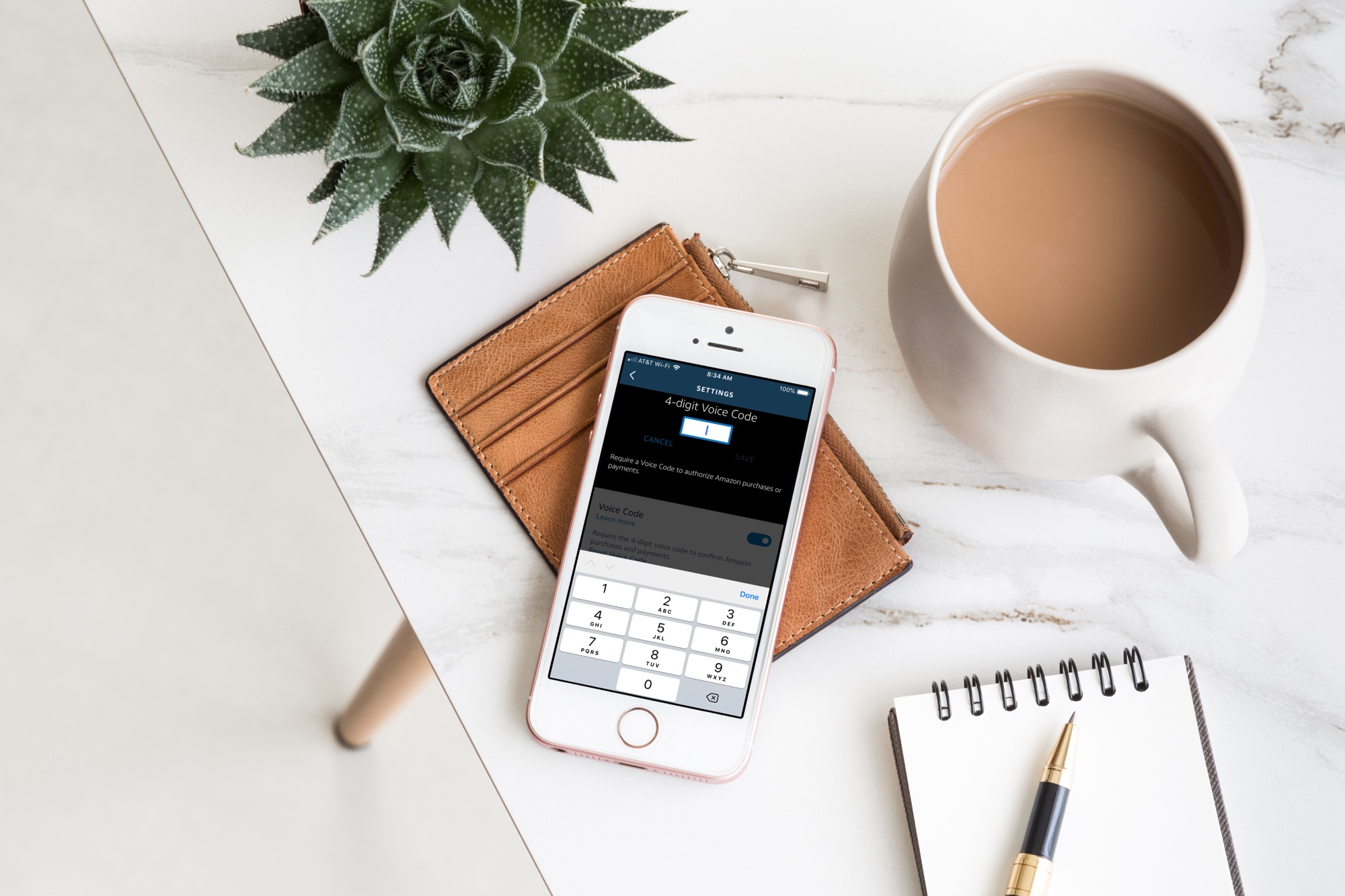
Alexa app Voice Code on iPhone on desk

Your Amazon Echo smart speaker gives you an easy and convenient way to shop on Amazon with simple Alexa commands. But with this handy feature comes the risk of accidental purchases. Whether it’s you mistakenly asking for something, forgetting that Alexa is listening or someone else who orders something they shouldn’t, it’s a little scary and can be costly at the same time.

If you want to continue to order items from Amazon with your speaker, but want to protect yourself from accidental purchases, you can set up a Voice Code. This tool adds a layer of security in a sense so that orders cannot be placed, nor payments made, unless the code is used.

Here’s how to create an Amazon Echo Voice Code for Amazon purchases.
PSA: Nagging Pwn20wnd won’t make A12(X) support come any faster to unc0ver

Many enjoy jailbreaking their iPhones and iPads because it gives them more control over the aesthetic and behavior of their device. That said, it comes as no surprise that folks are thrilled to get their hands on a full-fledged jailbreak for iOS 12 on Apple’s latest handsets.

Albeit exciting, we’d like to remind the community that relentlessly begging for support on your device and hounding the experts for ETAs does not make things come any faster; in fact, it may only delay our waiting as the hackers behind our jailbreaks don’t much care for the spam and become frustrated as a result.

Add a splash of color to your Home screen’s 3D Touch shortcuts with ColorShortcuts

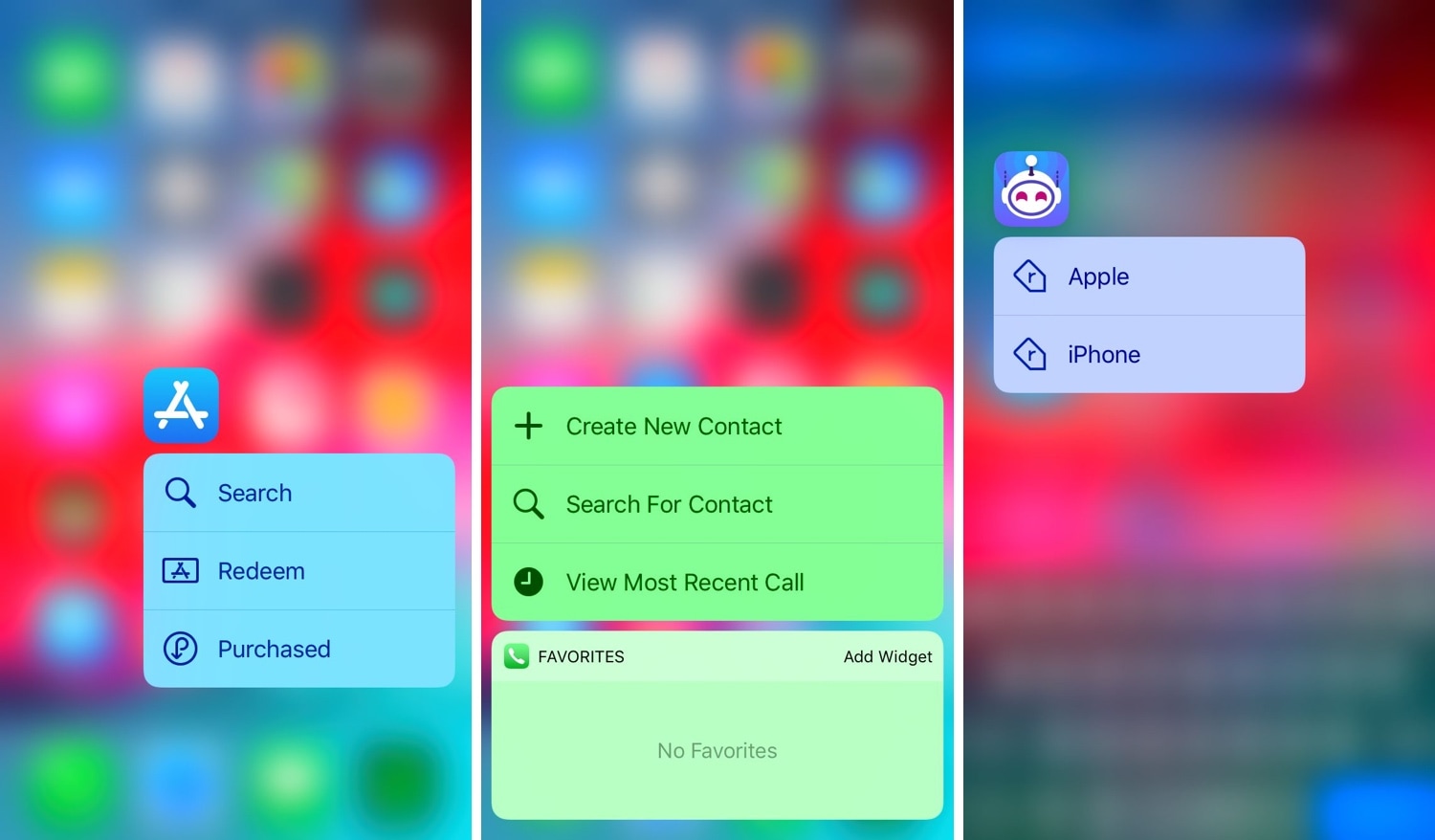
I often take advantage of the 3D Touch-based shortcuts on my Home screen to access vital features in my favorite apps, but I’ll be the first to admit that Apple’s native implementation of these menus looks somewhat bland out of the box.

Fortunately, a jailbreak tweak called ColorShortcuts by iOS developer Cole Cabral can fix that. Just as you might have inferred from the tweak’s name, ColorShortcuts will permit jailbreakers to colorize their 3D Touch menu shortcuts however they’d like.

Add an extra layer of security to your jailbroken iOS 12-16 device with BioProtect XS

BioProtect XS

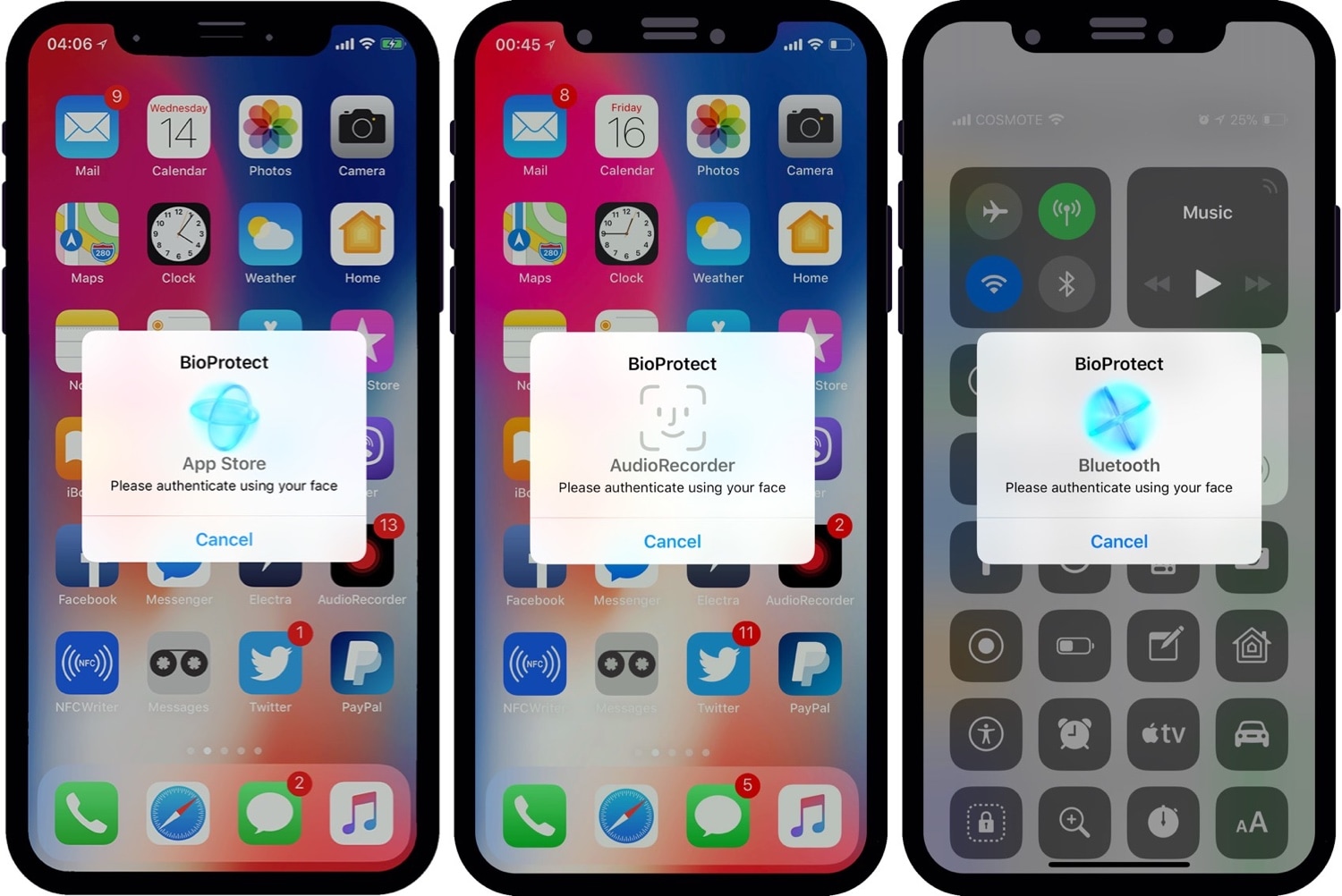
Some people worry about their privacy more than others, and if you’re one to implement defenses on your smartphone that would be equivalent to that of a virtual Fort Knox, then you’ll probably take a liking to a jailbreak tweak called BioProtect XS by iOS developer Elias Limneos.

BioProtect was perhaps one of the most popular security tweaks ever devised for the jailbroken platform. BioProtect XS is fundamentally an iOS 12-16-compatible version of the ever-so-popular security tweak that most know and love, and it has been fully-optimized to work with both Touch ID and Face ID.