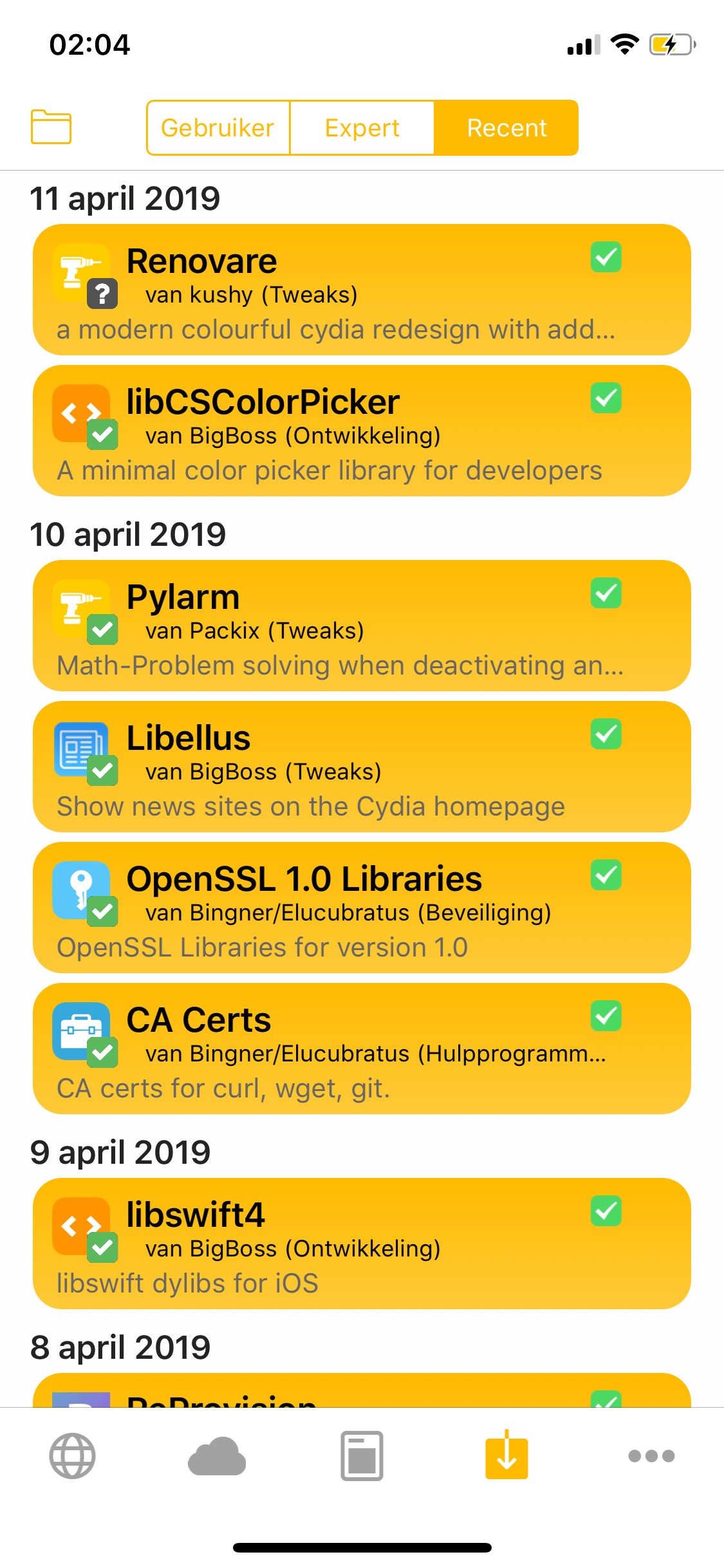
Augment your Cydia app’s visual appeal and more with Renovare

With the help of a newly-released free jailbreak tweak called Renovare by iOS developer KushyDaBush, you can give your Cydia app interface a colorful, modernized makeover in a jiff.

As you can see in the screenshot example above, Renovare can be used to colorize the tabs, glyphs, and backgrounds of the Cydia app. The tweak is fully-customizable, and adds a dedicated preference pane to the Settings app where you can set it up to your liking:
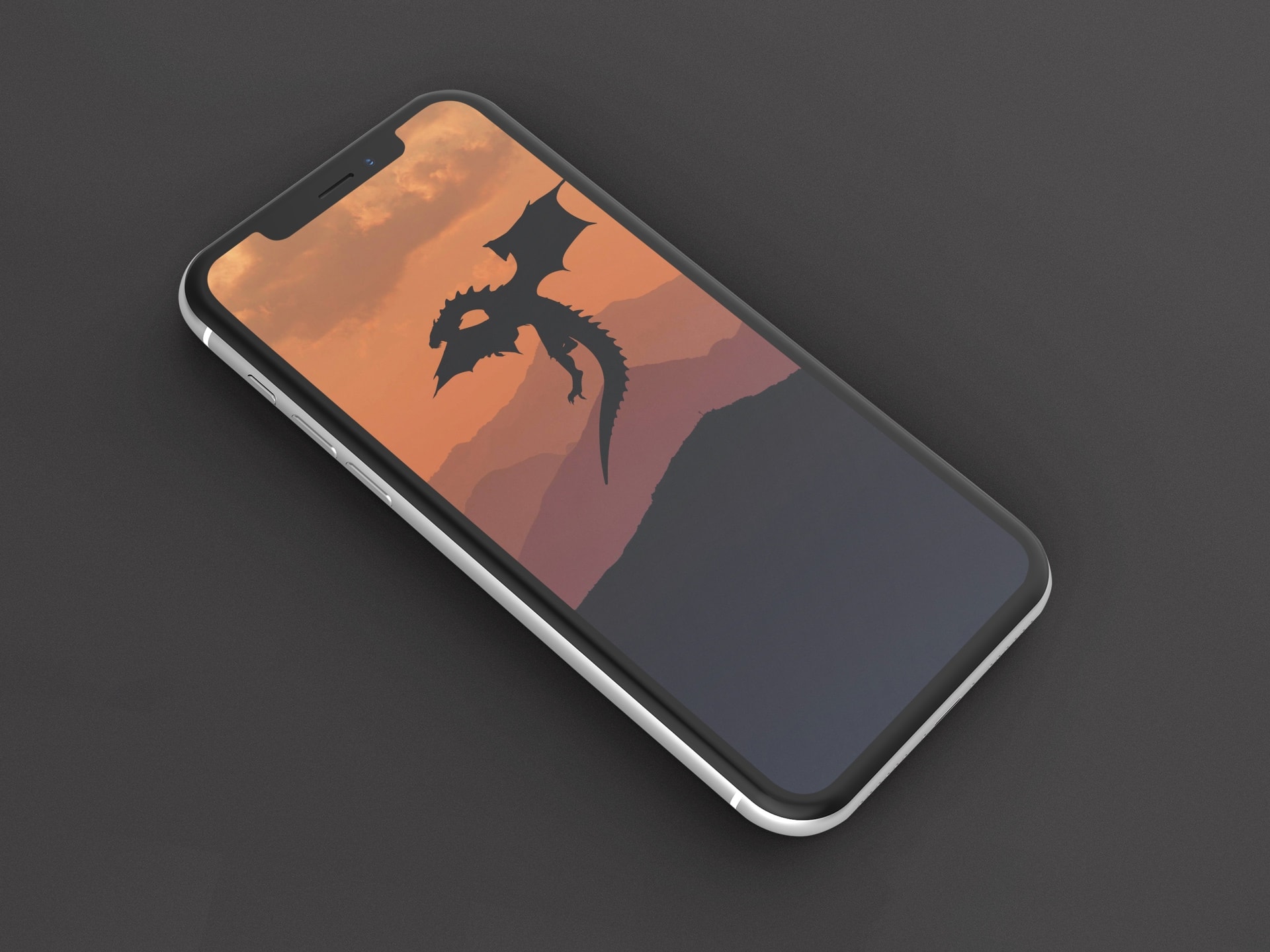
Best Game of Thrones wallpapers for iPhone

Season 8 of Game of Thrones premiers on April 14, so this is the perfect occasion to provide a special edition of our Wallpapers of the Week.

Our wallpaper gallery aims to bring you quality images to your favorite iOS devices. This collection contains the best illustrated Game of Thrones wallpapers for iPhone. Grab your favorite before Winter comes.

Jailbreak tweaks of the week: ActionBar, Goodges 2, Vocito, and more

If you’re in search of the best and latest ways to customize your jailbroken iOS 11 or iOS 12 device, then you’ve come to the right place.

In this roundup, we’ll summarize each of this week’s new jailbreak tweak releases from Monday, April 8th to Sunday, April 14th. As usual, we’ll kick things off by discussing our favorites and then outline the rest afterward.

FlashyHUD is a minimalist volume HUD replacement for iOS with oodles of configuration

It’s no secret by now that the iPhone’s native volume HUD leaves a lot to be desired, especially in the realms of aesthetics and intrusiveness. Thankfully, there are a plethora of jailbreak tweaks in Cydia that can change how your iPhone’s volume HUD looks, and we’re here today to talk about the latest in this batch of tweaks called FlashyHUD by iOS developer Nepeta.

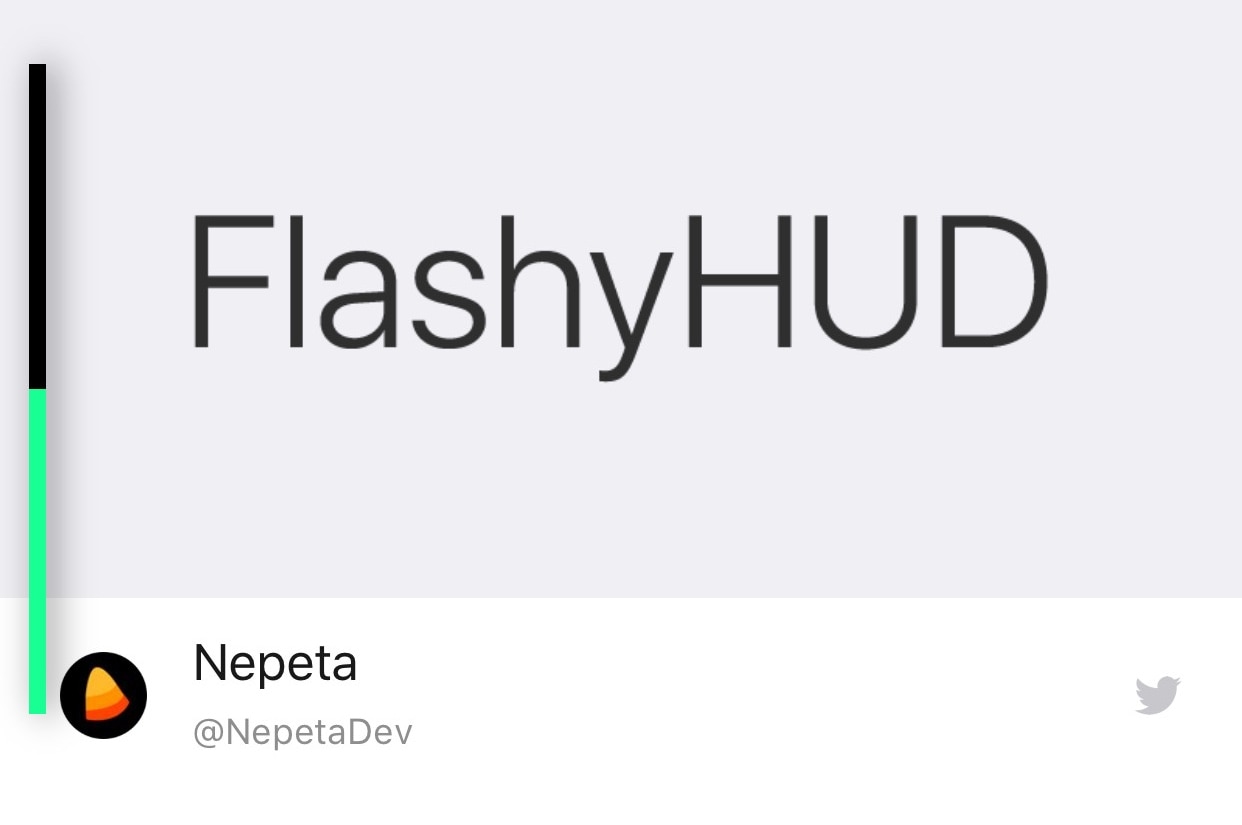
As shown in the screenshot example above, FlashyHUD provides a volume HUD interface that appears at the very edge of the display, hence preventing it from getting in your way and causing a ruckus. Perhaps more importantly, FlashyHUD is fully-configurable; not only can you colorize it however you want, but you can also choose where it appears on your display.