Jim Gresham

Editor at iDownloadBlog.com since 2012, Jim Gresham curates the finest wallpapers and customizations for Apple devices, enhancing user experience through visual creativity. With a keen eye for design and a passion for personalization, Jim helps readers transform their screens into stunning displays. He spent his younger years tinkering with computers, reading about technology, and watching Star Wars, while being teased by his peers at school for nerdy tendencies. Since 2008, he has worked on improving his Apple arsenal and spends his free time researching the latest gadget trends, trying to find the next awesome iDevice accessory for review. A native of the Commonwealth of Virginia, he enjoys the stiff crease on a well-ironed dress shirt and dons a bow tie on a regular basis.

The premium leather Nodus iPhone case collection

The smell is what first grabs you. After receiving several Nodus items since their inception in 2013, it is the smell, every time, that first catches my senses. Maybe, it is the long trip across the pond from the UK that lets the leather scent build up in the box. Cracking open the package on any Nodus Collection item springs forth the best premium leather smell you will find on an iPhone case.

Certainly, there are many other things that make the Nodus line exceptional, but you can tell the attention to detail by smelling the quality of leather. It is something that should not be overlooked, when investing in a nice case.

Having attended CES for the last three years and milling over case after case, this is truly something incredible. It is leaps and bounds above Apple's similar leather cases. Step inside for your next iPhone case purchase and a great Black Friday special discount.

Blackberry Priv geometric wallpapers for iPhone

The Wallpapers of the Week section has continued for longer than two years! Over this time and more than 100 posts, we are able to see certain trends in popularity. Other than starry galaxy wallpapers, geometric wallpapers seem to be the biggest hit each time they are posted.

Today, the new Blackberry Priv wallpapers fit the geometric category. These wallpapers were optimized by @AR72014. Follow him online to see a steady stream of creativity and other images. Step inside for a download of the five new Blackberry Priv wallpapers. Additionally, find links to some of our previous posts with similar themes.

James Bond Spectre wallpapers

The recently released James Bond film Spectre has been showing good numbers in the box office. A harkening back to the good old days of Bond, Spectre is full of gadgets, cars, and explosions. It puts Casino Royal's only gadget, the heart defibrillator, to shame, but Spectre doesn't quite hang with Skyfall.

My personal movie commentary aside, it was a bang up James Bond film and a few iOS device wallpapers will show your support. Inside, there are Spectre wallpapers for iPhone, iPad, and desktop. Although today's Wallpapers of the Week post is a mixed bag of devices, there is something for everyone. 

Star Wars wallpapers for iPhone

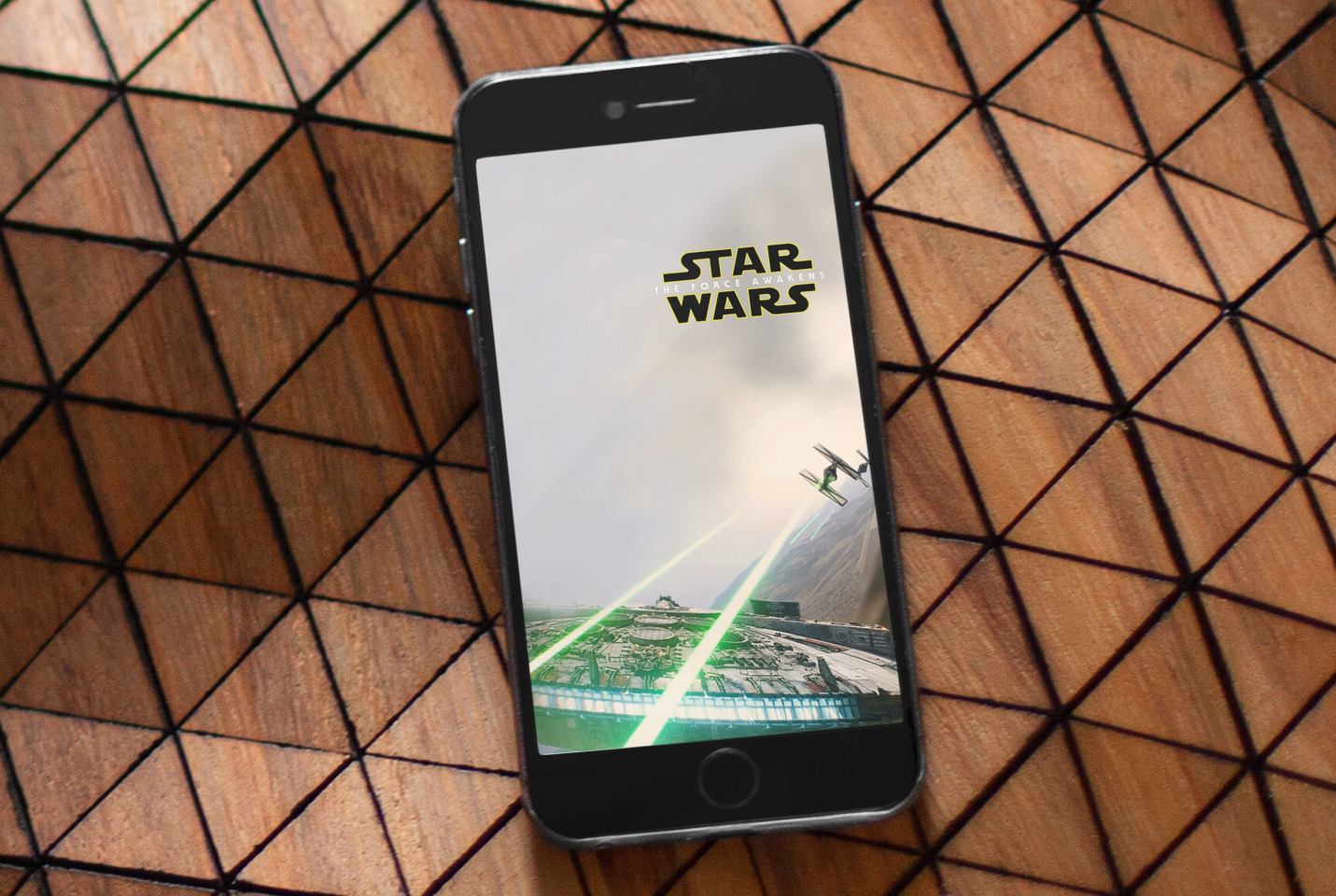
The Force Awakens trailer releases are causing a great disturbance in the Force. If you are particularly interested in seeing additional sneak preview details, any Star Wars fan would tell you to view the Disney release Japanese trailer that contains footage not released to English speaking audiences.

With the movie just more than one month away, the Wallpapers of the Week section is hoping to help celebrate the excitement. Inside this week's installment are a few images from and inspired by The Force Awakens. Of course, we must also pay homage to the original trilogy.

Wallpapers of the week: Hey Siri and Apple TV

This past week, Apple launched the new generation Apple TV. Pre-orders began to arrive Friday, October 30 and a plentiful supply of stock was available in Apple Stores. Two new features for the device include Siri enhanced search and navigation, along with new time lapse motion screen savers.

To commemorate the occasion, the included images are inspired by Siri and Apple TV in this Wallpapers of the Week installment. Take a step inside for a plethora of download options, including Apple Watch and iPad Pro sized images. 

Wallpapers inspired by the new Apple Watch TV ads

One of the more popular wallpaper categories, are those images inspired by actual Apple events, banners, website designs, and advertisements. Last week, Apple released seven new Apple Watch TV ads, promoting their popular wearable device. The ads appear to harken back to the original iPod advertising days, with great color schemes and simplistic messages.

Inside, find wallpaper inspired by 12 of the Apple Watch October campaign TV spots, by crowd favorite, Jason Zigrino. An image is ready for each of your devices.

The expansive Apple Watch wallpaper collection

With the launch of WatchOS 2, Apple Watch owners can now more effectively control the look of their watch faces. By adding the ability to change photo based faces, Apple provided unlimited options to make Apple Watch fit your preferences.

Using a photo album, Apple Watch users are able to cycle through photos at each wrist raise, or have the photo remain constant. Last week, we released a set of Apple Watch wallpapers based on all previous iOS stock wallpaper images. Back by popular request, today, another giant collection is ready for download.

Upcoming Springtomize 3 update for iOS 9

One of the most popular ways to customize your iOS device is the Springtomize tweak. With the ability to drastically modify the UI, Springtomize allows for modifications like the number of dock icons, status bar clean up, animation changes, and, my personal favorite, icon label manipulation. I absolutely hate icon labels and for several iOS generations, Springtomize saved the day.

There are a lot of questions about when the tweak will be available for the recently jailbroken iOS 9. I was able to chat with the Springtomize developer, Filippo Bigarella, this afternoon.

Massive collection of iOS-inspired wallpapers for Apple Watch

With the launch of WatchOS 2, Apple Watch gained the ability to include user-selected wallpapers on select watch faces. Either a photo album will rotate through wallpapers each time the watch lights up or a single photo may be chosen.

This customization gives you more possibilities and matching device wallpapers can create a nice effect. Thanks to @AR72014, this Wallpaper of the Week post includes optimized Apple Watch wallpapers from previous versions of iOS. Take a step past the fold to find your favorites, both new and old.

Colorful Fall wallpapers of the week

As we approach Fall, the colder months are creeping in. Summer's warm and sunny days are now lost and colorful leaves begin to fall. Unfortunately, this is a fairly localized natural phenomenon, but we can all enjoy the orange and red hues from our device screens. Step inside this week's Wallpapers of the Week post to grab images for both iPhone and iPad.

Wallpapers of the week: urban sprawl

Another edition of the Wallpapers of the Week section comes to you this Sunday with city life. While having nature shots and blurry bokeh backgrounds are excellent, it is time to give the city some time in the spotlight. With tall illuminated buildings and articulately complex infrastructure, the city makes an intriguing image for your favorite devices.

Inside, take a look at four new wallpapers and enjoy the different images captured of the city. Depending on the camera's point of view, the beauty of the city changes every time.

How to only transfer Activity and Health app data to a new iPhone

Transitioning to a new iPhone is made simple by iCloud backups, iTunes, and a few clicks or taps. Apple ensures it is easy to move from a fully loaded and setup device to a completely fresh iPhone with the same information, using their backup options. Most laypeople, almost always choose to restore new iPhones from their backups; however, more technically inclined concerned people tend to start with a fresh iPhone and do not restore from backup to prevent carrying over any unwanted information.

Earlier this week Christian highlighted two methods for upgrading to a new device and retaining your Activity and Health data. Method #1: use a third-party app to import your Health data, but it lacks Activity logs. Method #2: backing up your old device to iCloud or iTunes and restoring from backup, as I've described above.

But, what if you want both your Activity and Health data, but a fresh setup too? Step inside to learn how to install both, yet only, your previous device's Activity and Health data on your new iPhone.