UI

ModernAlerts gives your iPhone tvOS-inspired notifications and alerts

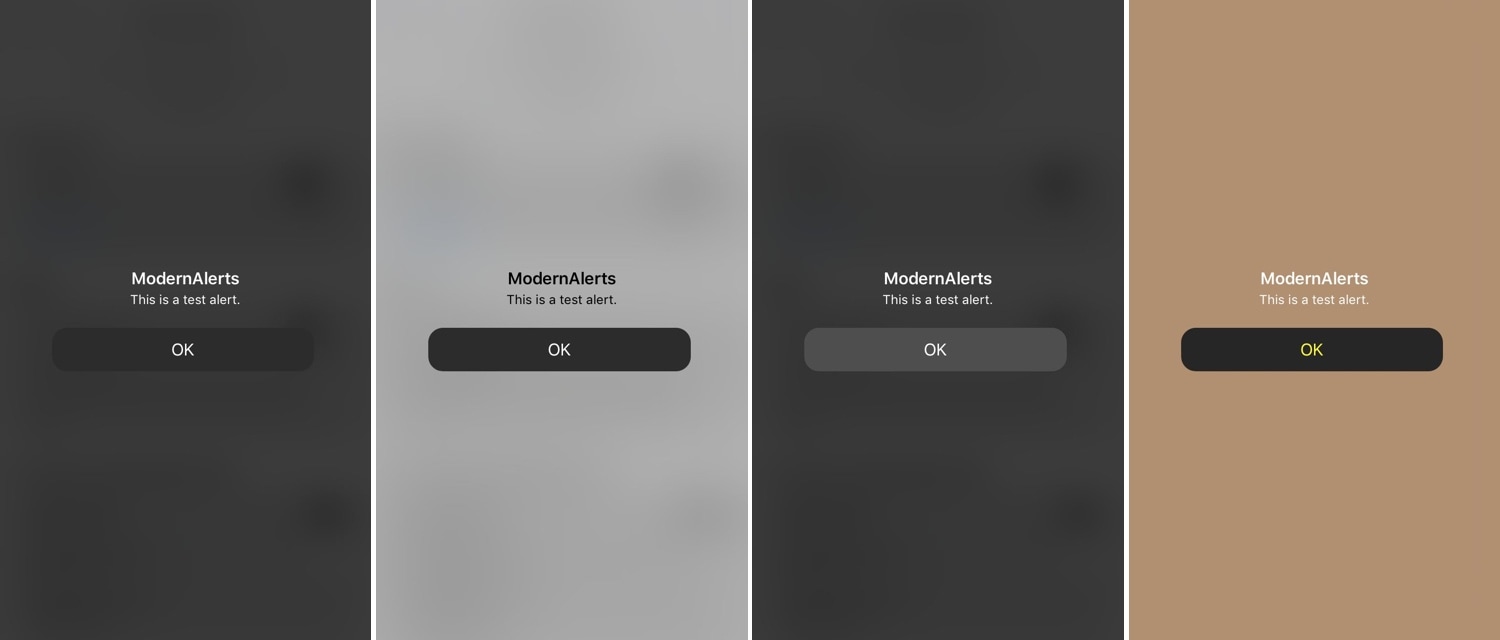
While I enjoy the seamless software experience that the iPhone brings to the table, I still must admit that the mobile platform’s notification system leaves a lot to be desired. As it would seem, iOS developers Luke Muris and Geometric Software felt the same way, and so a new jailbreak tweak called ModernAlerts was born.

As it would seem, ModernAlerts draws most of its inspiration from the tvOS platform; as such, it themes your incoming notifications to look more like what you’d expect to see on your Apple TV. But the tweak doesn’t stop there… it takes things a step further by providing users with a full range of theming options.
Customize the YouTube app’s native dark mode color scheme with GrooveTube

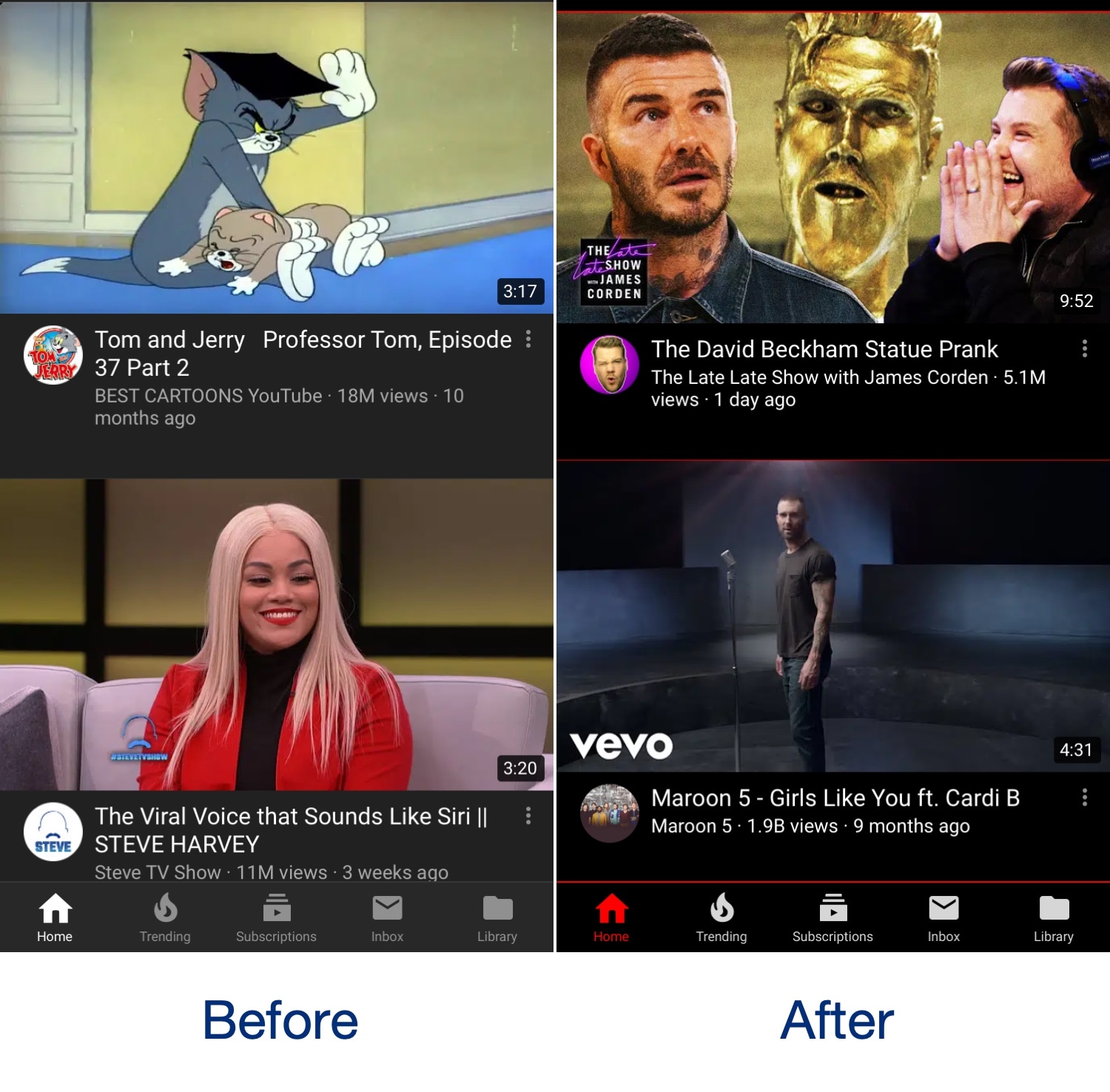
The official YouTube app incorporates a native dark mode that can help ease the stress on your eyes when using the app in a dark environment, and while it’s great, it’s also far from customizable. With that shortcoming in mind, iOS developer Revulate has just released a new free jailbreak tweak called GrooveTube.

After installing GrooveTube, you can manually configure the color scheme of the YouTube app’s dark mode to your liking. In the before and after screenshot examples above, you’ll observe how we’ve re-colored the YouTube app background to be darker and altered the tab bar tint color to be red.

This tweak lets you reassign the native Spotlight/Today page gesture to something more useful

The Spotlight/Today page can be a wonderful thing, but not everybody uses it. With that in mind, iOS developer Oliver Crespo has created a new free jailbreak tweak called XB-SpotlightScroll that aims to increase the number of things you can do when invoking the gesture that’s typically used to access the Spotlight/Today page.

As it would seem, XB-SpotlightScroll can replace the native Spotlight/Today interface with any one of the following options:

This tweak gives your iPhone a Nintendo Switch-like volume HUD

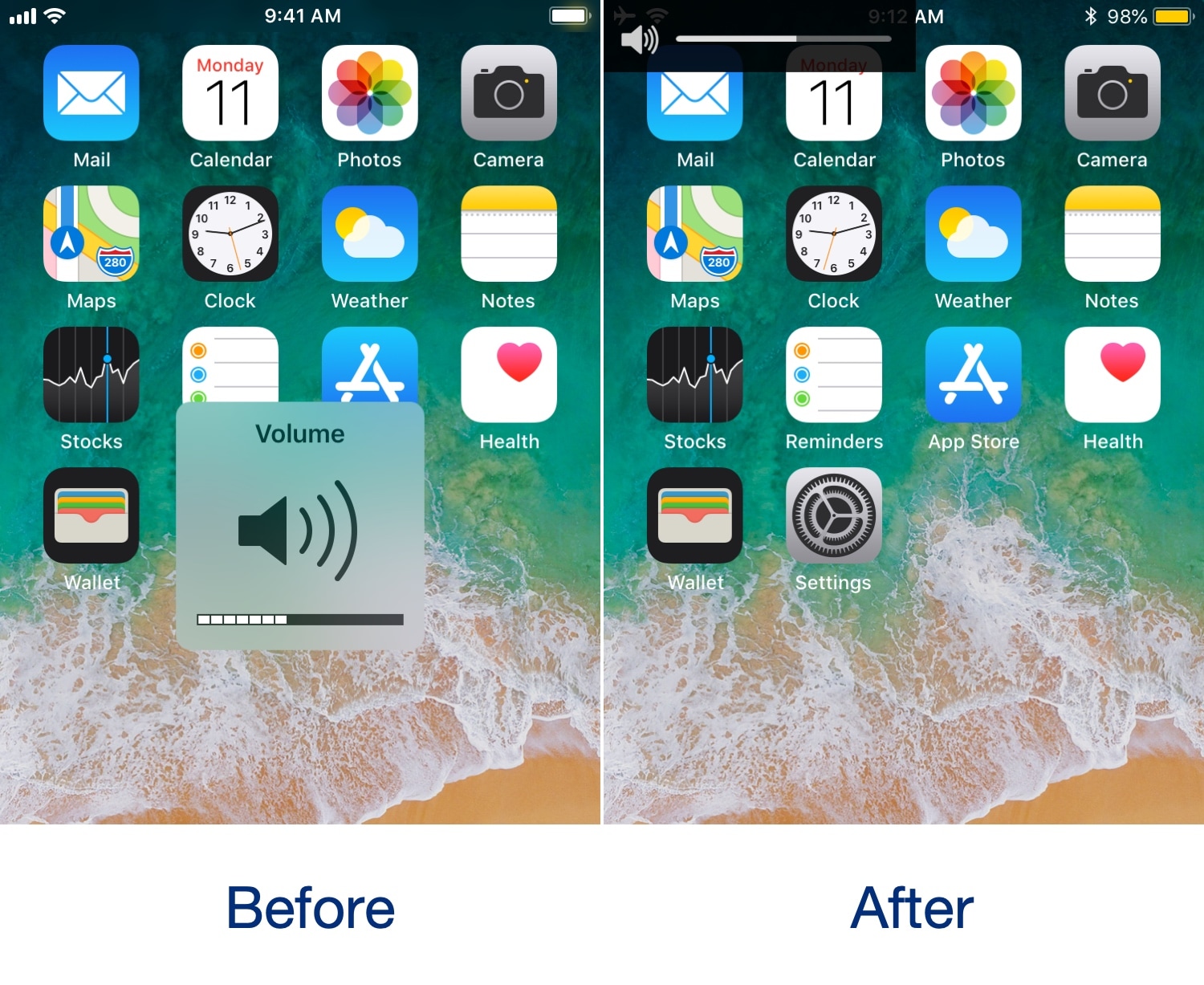
We’ve seen so many different types of volume HUD replacements for the iOS platform that it’s not even funny, but if you’re familiar with the Nintendo Switch, then you might be excited to learn that it’s now possible to achieve a similar volume HUD experience on the iPhone and iPad.

The newfangled volume HUD for iOS comes by way of a new free jailbreak tweak called NintendoSwitchHUD by iOS developer iKilledAppl3, and once you’ve installed it, you’ll see witness akin to the before and after screenshots illustrated above.

Lock your iPhone by placing it face-down on a desk with DownLocker

There are typically two ways to lock your iPhone when you’re finished using it: 1) press the sleep button; or 2) wait for the lockout timer time out. But with a new free jailbreak tweak called DownLocker by iOS developer Soh Satoh, you can add a third and practical method to that list.

DownLocker utilizes your iPhone’s accelerometer system to discern the handset’s orientation in space, and when it senses that your handset is lying face-down, it locks the device. This works with virtually any flat surface, whether that object is opaque or transparent, which is an apparent advantage over similar tweaks that would use the handset’s proximity sensor instead.

Hate iOS’ native App Switcher? Try NewGridSwitcher

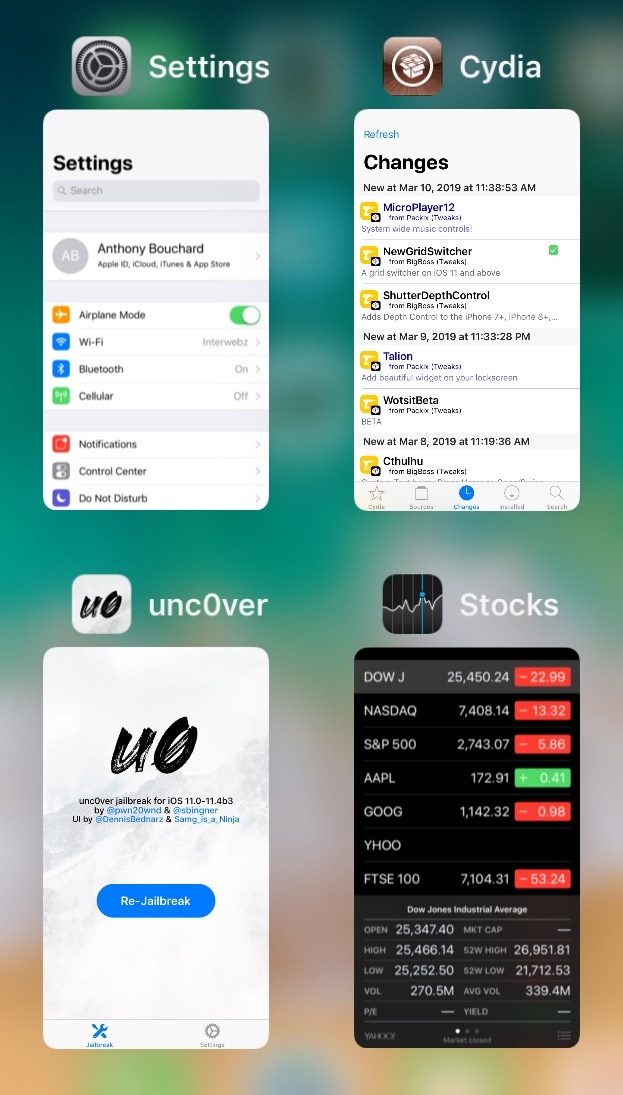
The App Switcher has changed a plethora of times over the years with each major iteration of iOS, but most would agree that even the latest interface leaves a lot to be desired.

One of the most common complaints about the current App Switcher setup is how it seemingly wastes so much canvas space that could otherwise be used for a more intuitive interface. That said, iOS developer relative just released a new free jailbreak tweak called NewGridSwitcher that aims to help resolve this problem.

Video Direction Control lets rotation lock users enjoy videos in landscape orientation without fuss

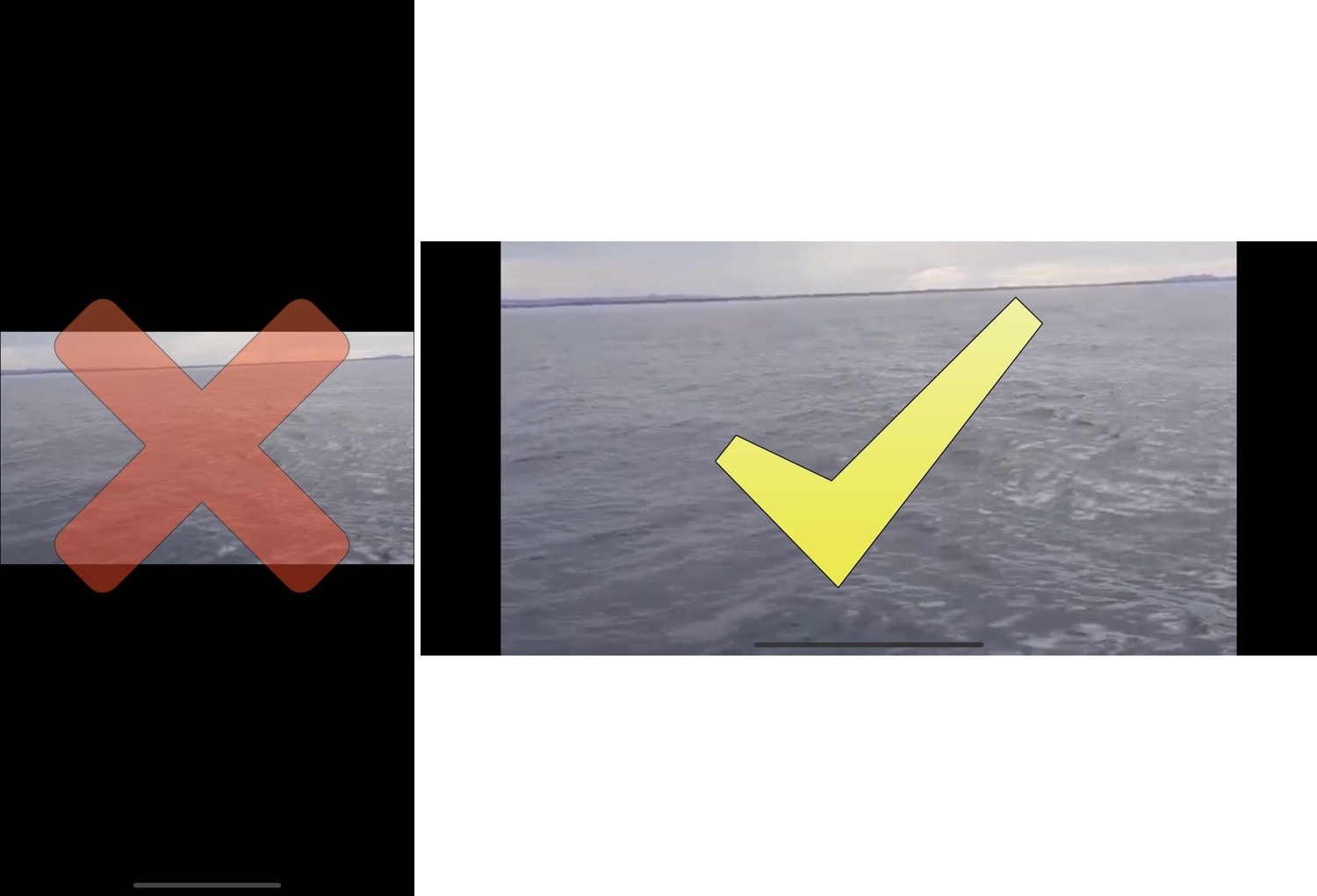
The rotation lock feature on any iOS device can be extraordinarily useful, except when it’s not. More specifically, it tends to be less convenient when you watch videos because it tries to display the (usually widescreen) video in portrait orientation on your tall-displayed device, resulting in something like what you see above on the left.

Fortunately, those with jailbroken handsets can now spearhead this problem dead-on with a new free jailbreak tweak called Video Direction Control (iOS 11) by iOS developer rf00.

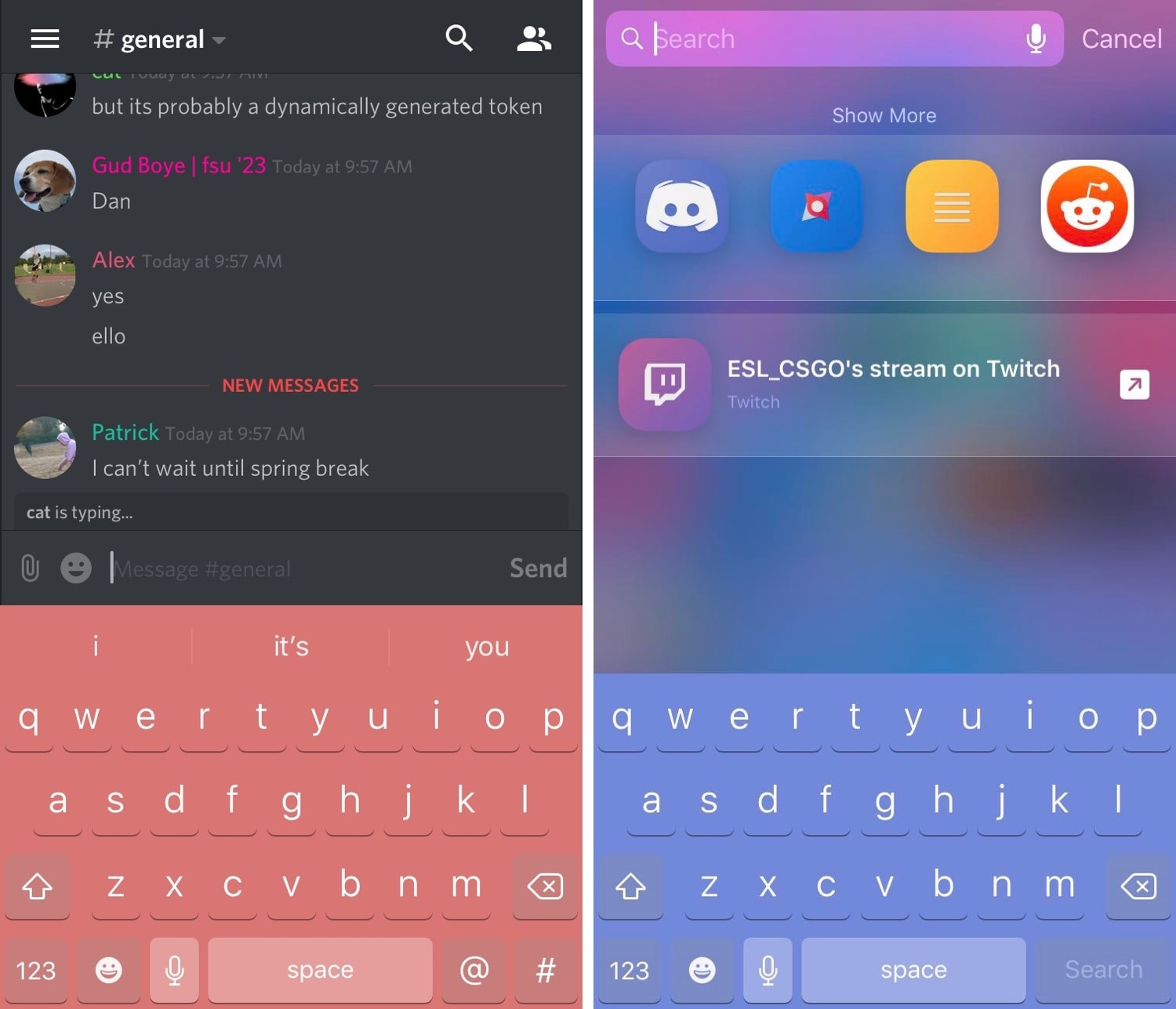
Colorize your iPhone’s keyboard however you want with KeyboardColorXII

It was only yesterday that we showed you a free jailbreak tweak called DarkKeysXII that could give your iPhone’s keyboard a dark makeover, but what should you do if you wanted something more colorful? If you fall into this category, then you’re in luck!

A new free release called KeyboardColorXII by iOS developer asphyxia is now available in Cydia that lets you colorize your handset’s keyboard however you’d like, whether you prefer things dark, light, or even colorful.

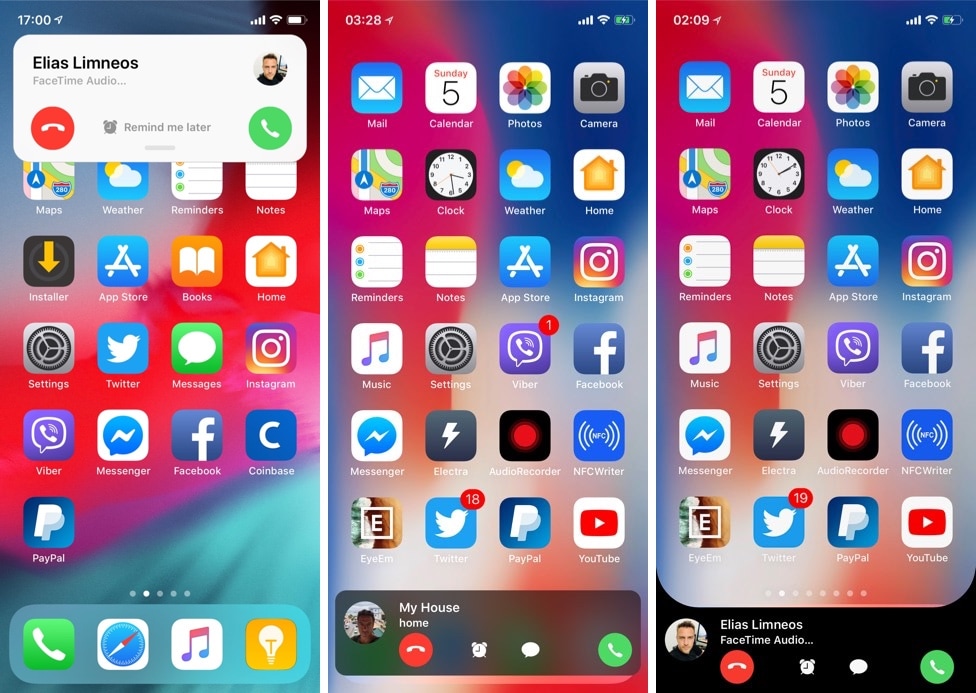
CallBar XS brings everyone’s favorite phone call-centric jailbreak tweak to iOS 14

If you have a jailbroken iPhone, then you should probably add Elias Limneos’ new CallBar XS jailbreak tweak to your wish list.

Just like its predecessor, CallBar XS streamlines the phone-centric functionality of your iPhone by incorporating a less intrusive incoming and outgoing phone call interface. In short, it replaces iOS’ full-screen call interface with one that’s hardly any larger than a standard notification banner, and it does so without sacrificing any functionality.

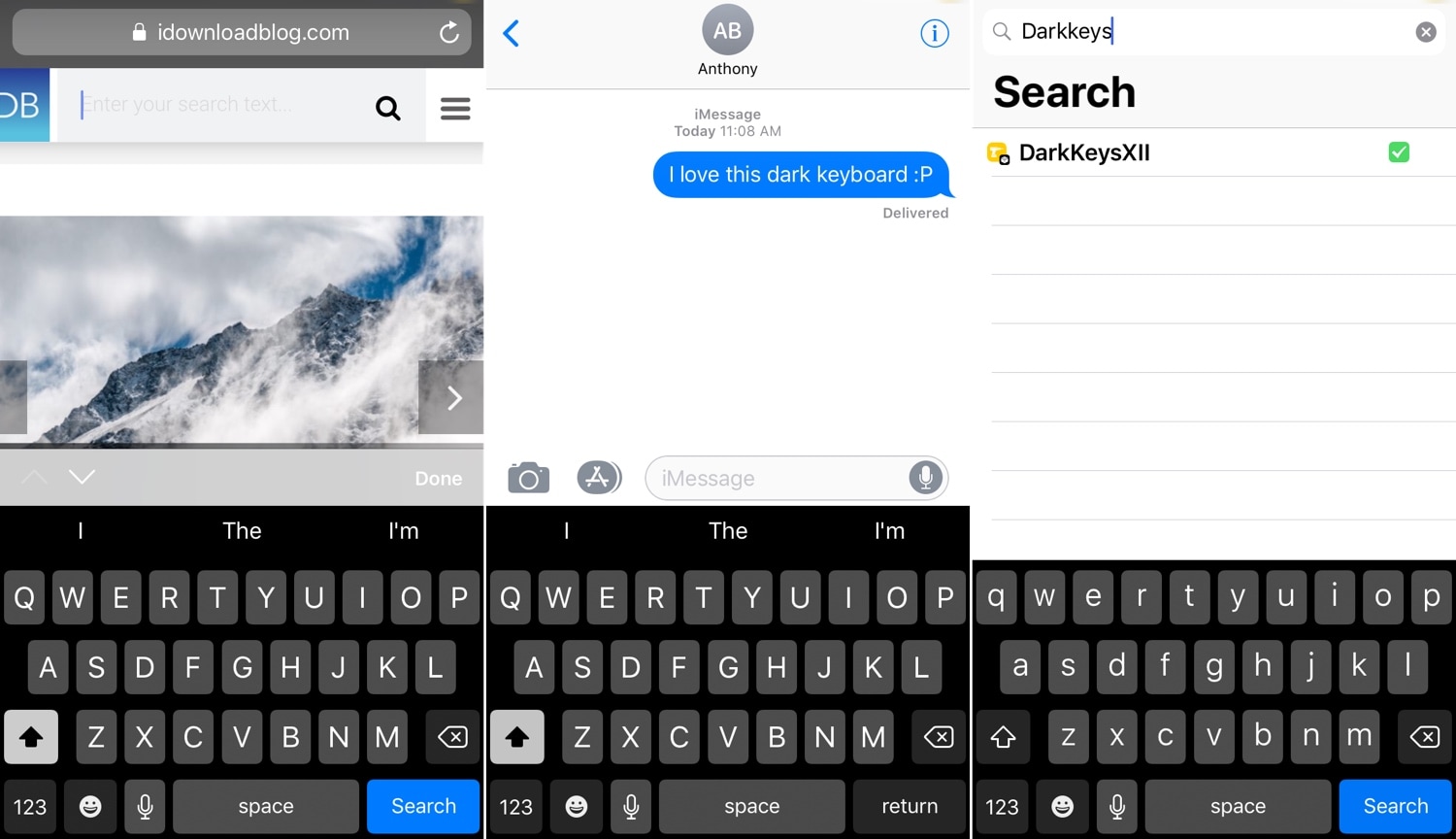
DarkKeysXII gives your iPhone’s keyboard a dark makeover

DarkKeysXII is a new free jailbreak tweak by iOS developers Patrick Simpson and Ultra that implements a darker keyboard interface for jailbroken iPhones and iPads.

The tweak takes effect immediately after installation without the need to configure any complex options, giving you the slick darkened typing experience that you see in the screenshot examples above.

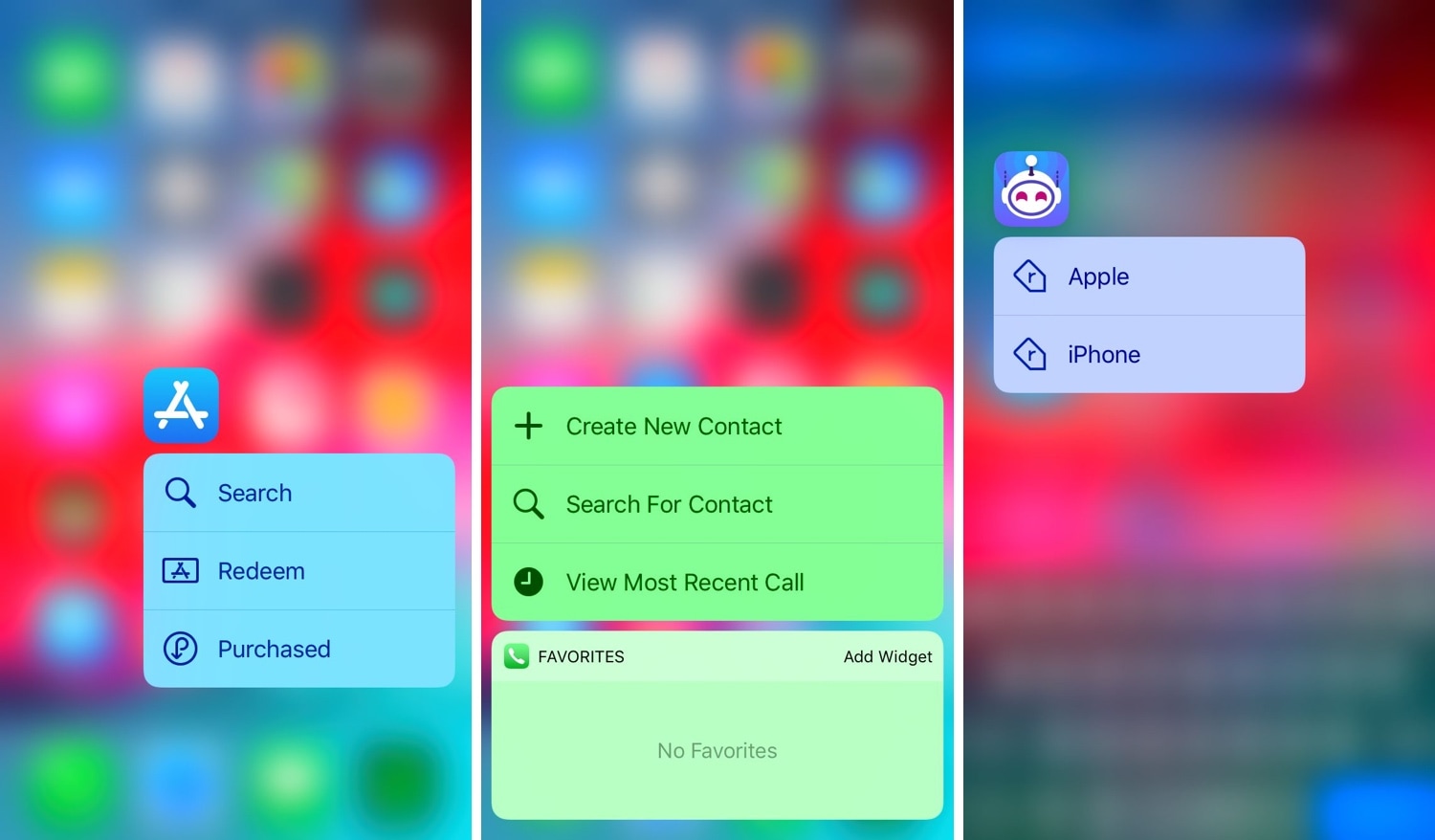
Add a splash of color to your Home screen’s 3D Touch shortcuts with ColorShortcuts

I often take advantage of the 3D Touch-based shortcuts on my Home screen to access vital features in my favorite apps, but I’ll be the first to admit that Apple’s native implementation of these menus looks somewhat bland out of the box.

Fortunately, a jailbreak tweak called ColorShortcuts by iOS developer Cole Cabral can fix that. Just as you might have inferred from the tweak’s name, ColorShortcuts will permit jailbreakers to colorize their 3D Touch menu shortcuts however they’d like.

ColorBadges gives your notification badges a fresh coat of paint

Jailbreakers are always looking for ways to make their handsets stand out from the rest of the crowd, and one great way to do that is with a jailbreak tweak called ColorBadges by iOS developer David Goldman.

Just as the name implies, ColorBadges gives your Home screen’s app icon notification badges a fresh coat of paint. More specifically, it colorizes those badges based on the dominant color of the app icon itself.