In this tutorial, we share multiple free ways to convert a video file or screen recording into a GIF on your iPhone, iPad, and Mac.
How to turn a video or screen recording into a GIF on iPhone and Mac

Learn how to master your Apple devices with our comprehensive tutorials. From iPhone and iPad to Mac, Apple Watch, AirPods, and more, our expert guides will help you unlock the full potential of your Apple products. Discover new features, tips, and tricks each day to enhance your user experience.
In this tutorial, we share multiple free ways to convert a video file or screen recording into a GIF on your iPhone, iPad, and Mac.
Learn how to prevent Pages, Numbers, and Keynote from automatically saving files to iCloud Drive with these easy steps.

Learn what a tab bar is, what apps support it, and how to use it in your favorite apps on iPad running iPadOS 18.

Learn how to solve basic mathematical expressions and do calculations directly inside iPhone, iPad, and Mac apps such as Notes, Messages, Mail, and more.

Learn how to view all your screenshots in one place in the Photos app by filtering out other images, videos, and GIFs on your iPhone or iPad.

Learn how to move all your usernames and passwords from Google Chrome, 1Password, Dashlane, Bitwarden, Last Pass, Nord Pass, and other password managers to Apple’s new Passwords app on iOS 18, iPadOS 18, and macOS Sequoia.

In this quick tutorial, we’ll show you how to delete one or more photos or videos from an Instagram carousel post without removing the entire post.
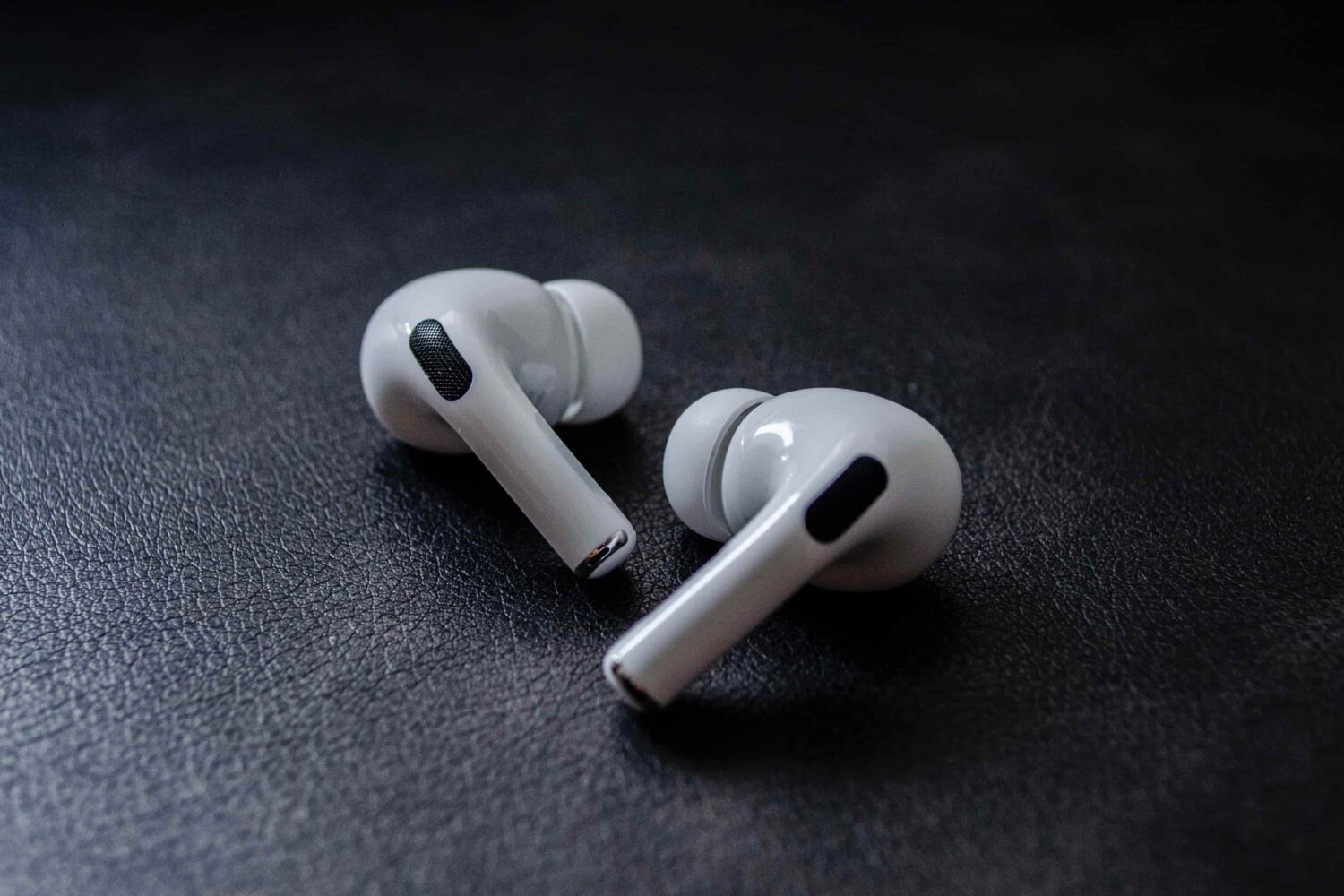
Learn how to install beta firmware on your AirPods to test new upcoming features before the general public.

Check out eight easy tips to manage your WhatsApp photos, videos, and files to free up tons of local space on your iPhone or Android phone.

Find out what to do if your tasks and to-dos in the Apple Reminders app fail to sync between your iPhone, iPad, Apple Watch, Vision Pro, Mac, and the web.

Learn about the iPhone Mirroring feature on your Mac to see, control, and use iOS apps on your computer, without touching your iPhone.

Learn about the Apple Passwords app on iPhone, iPad, and Mac to conveniently see, save, autofill, and manage your various account login information.