Privacy

WikiLeaks: CIA has been hacking wireless routers for years

A new batch of confidential “Vault 7” documents, leaked by the non-profit whistleblower organization WikiLeaks, has revealed that the United States Central Intelligence Agency has been hacking routers from major brands for years, turning them into surveillance devices.

The reported "Cherry Blossom" tool can modify a router's firmware without a victim's knowledge, giving the attacker a wide range of capabilities like eavesdropping on network traffic, gathering passwords, scanning for email addresses and phone numbers and more.

The attacker even has the power to redirect an unsuspecting user to a particular website, including government-created webpages used for phishing purposes.

Once infected, the backdoor remains functional even after a router is updated to a newer firmware version, so long as it has not changed its underlying hardware or operating system.

The hack cannot be deployed remotely. Instead, the CIA can install it on a target router using its Claymore tool or by side-loading a compromised firmware using supply chain tactics (intercepting the target device between the factory and the end user).

ZDNet reports that the documents reveal that the “Cherry Blossom” hack supports more than two-dozen router models from major manufacturers.

Among the compromised router brands are the devices from Asus, Belkin, Buffalo, Dell, Dlink, Linksys, Motorola, Netgear, Senao and US Robotics. However, Apple's AirPort devices don't seem to be among them, but the fact they're not listed doesn't mean that the CIA hasn't hacked Time Capsule and AirPort devices.

This tweak hides your web search history from Spotlight

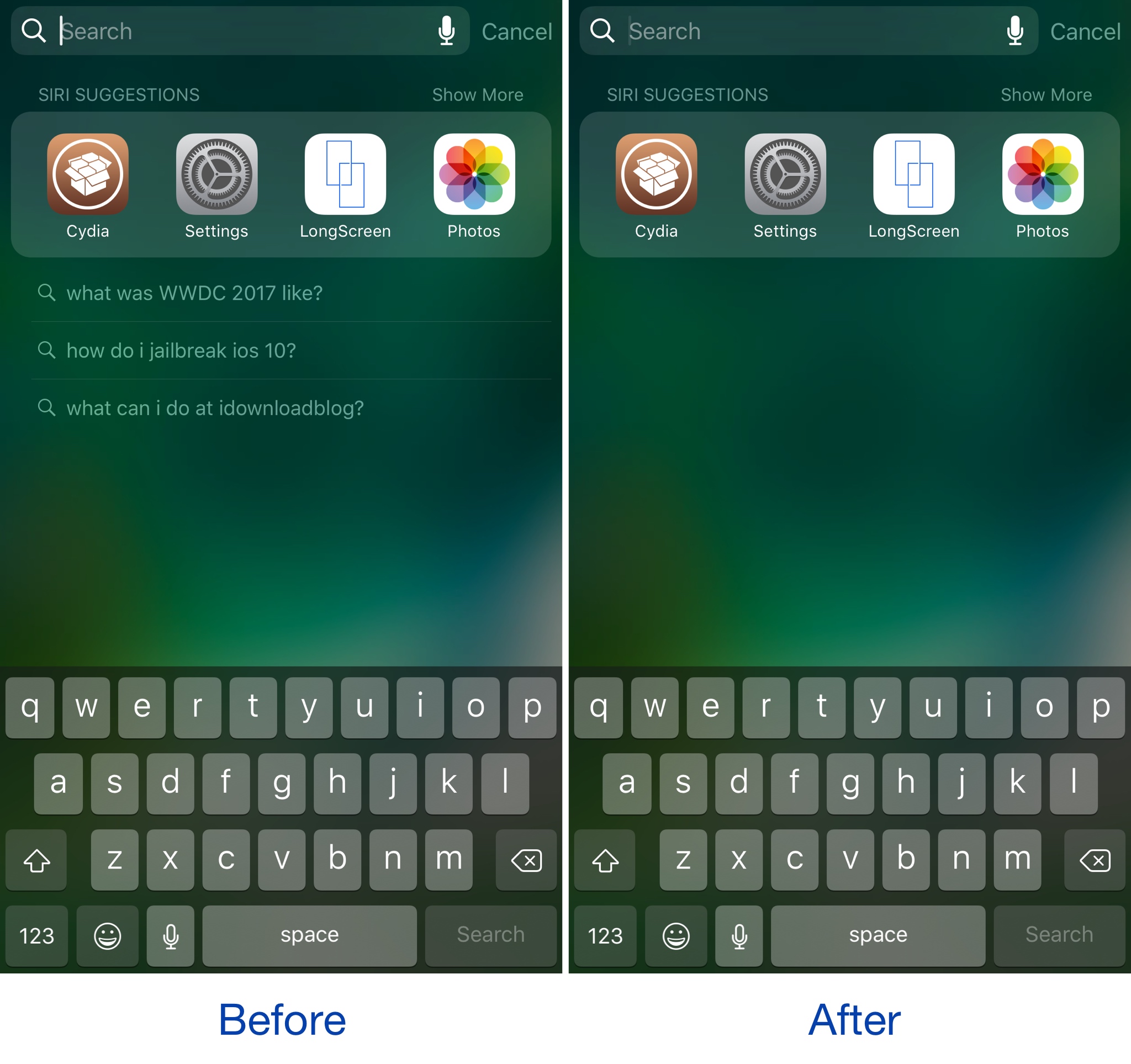
Whenever you search for stuff using Spotlight on your iPhone, a history of what you’ve searched for is kept just below the Siri app suggestions.

If you’re concerned about the privacy of your web search history via Spotlight, then you might want to download a new free jailbreak tweak dubbed Spotlight No Suggest by iOS developer ichitaso.

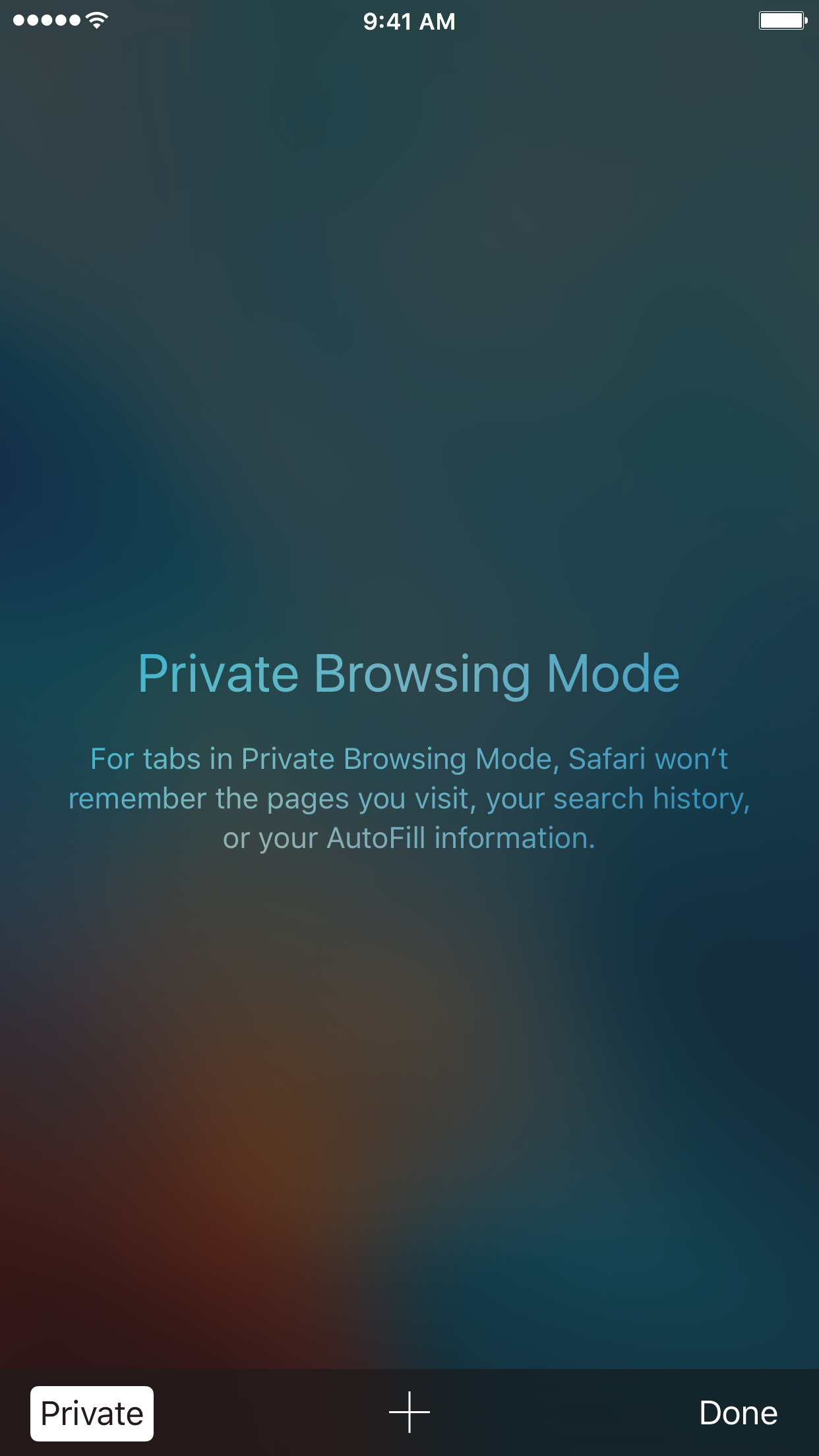
How to always open Safari in a private window

With privacy becoming a hotter topic these days, web users are becoming more and more wary about what they share online. While there are many different steps that can be taken to increase your online privacy, a very simple way to get started is to use a web browser in Private mode.

In this post, you will learn about what Private mode means in Safari, and you will find out how to always open Safari in a private window to make this simple precaution an automatic way of accessing the web on your Mac, your iPhone, or your iPad.

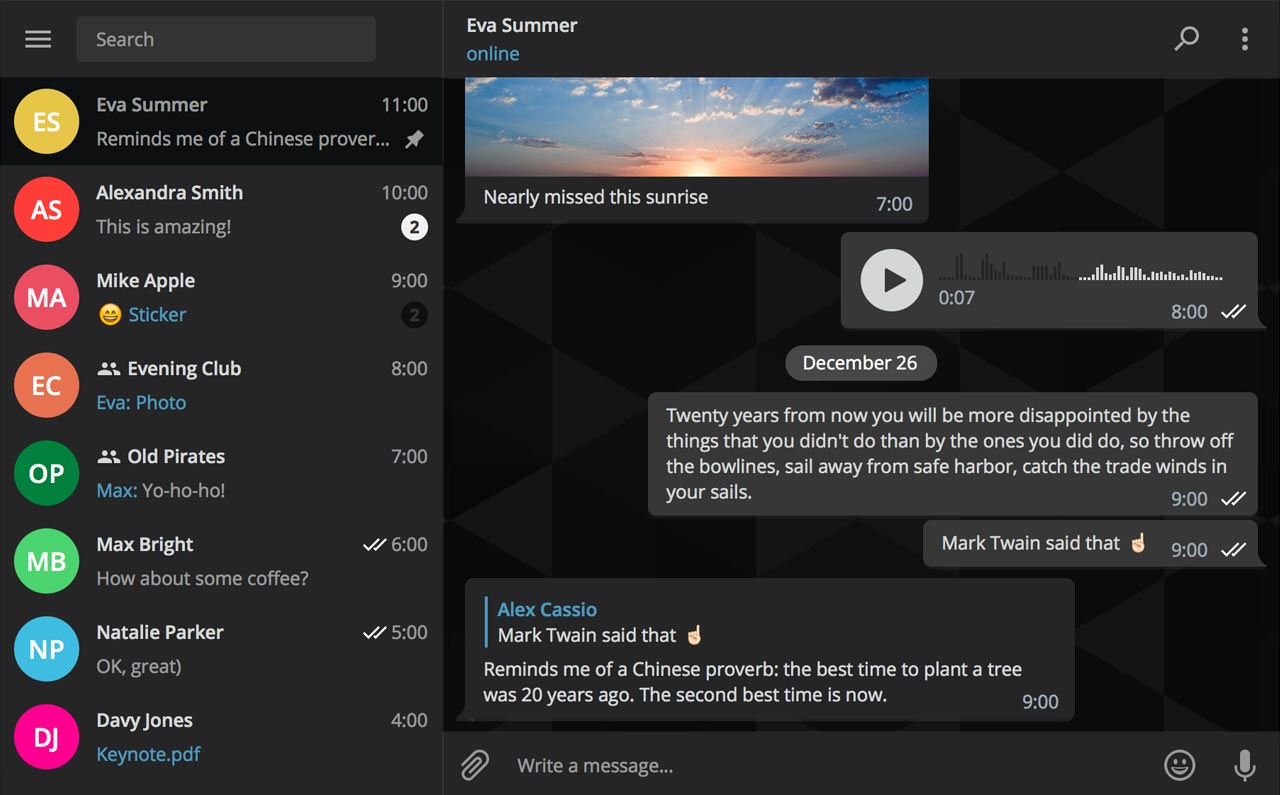
AI powered, end-to-end encrypted calls now available in Telegram Desktop

Secure instant messaging service Telegram today launched voice calls in its desktop app for Mac, Windows and Linux nearly two months after implementing the voice-calling feature in Telegram Messenger for iPhone and iPad.

To make sure Telegram calls are the best in terms of quality, speed and security, the app uses artificial intelligence to update its neural network after each call about things such as network speed, ping times, packet loss percentage and other factors that influence the quality of your VoIP calls.

Based on gathered data, the app optimizes dozens of parameters to improve the quality of future calls on the given device and network. By default, Telegram calls are lightweight.

https://twitter.com/telegram/status/864543129847955457

If there's a change in your connection during the call, the app will make necessary adjustments.

For instance, Telegram may boost your sound quality on stable Wi-Fi connection or use less data if your Wi-Fi or cellular coverage is spotty at best.

Whenever possible, your calls will go over a peer-to-peer connection using the best audio codecs to save traffic while providing “crystal-clear quality.” When a peer-to-peer connection cannot be established, the app will use the closest server to you.

Telegram has its own distributed infrastructure all over the world to ensure the fastest possible delivery of your texts and seamless voice calling experience. As mentioned, VoIP calls on Telegram use end-to-end encryption, just like the app's Secret Chats feature, to prevent eavesdropping.

For voice calls, however, they've improved the key exchange mechanism. “To make sure your call is 100 percent secure, you and your recipient just need to compare four emoji”, said the team.

Bottom line: the quality of Telegram calls will further improve as you and others use them, thanks to the built-in machine learning. And with group calling, video calling and screen sharing apparently on the team's to-do list, Telegram is bound to become a capable Skype alternative.

As soon as VoIP calls are enabled for your country, a phone icon will appear on every profile page in Telegram Desktop.

Telegram for iOS is available free via App Store.

Telegram Desktop can be downloaded from Mac App Store or through the official website.

WhatsApp quietly added encryption to iCloud backups in late 2016

WhatsApp last year closed an important security loophole by adding encryption to users' chat backups stored in iCloud. Before the change, hackers could theoretically gain access to WhatsApp chat archives in iCloud using third-party forensic tools to access underlying messages in a readable form.

Rather than rely on iCloud Drive to protect customer data, the Facebook-owned company has added a unique encryption key created by the WhatsApp app.

A spokesperson confirmed iCloud backups are now being encrypted, telling Forbes: “When a user backs up their chats through WhatsApp to iCloud, the backup files are sent encrypted.”

Although Apple holds the encryption keys for iCloud, it's up to app makers to use encryption when sending user data to iCloud. According to TechCrunch, a Russian company called Oxygen Forensics, which supplies mobile and cloud hacking tools, was able to generate encryption keys for WhatsApp's iCloud backups.

The workaround requires that an attacker have access to a SIM card with the same mobile number that the app uses to send a verification code to generate the encryption key for the iCloud backup. Of course, Oxygen still needs a user's Apple ID and password to gain access to their iCloud user space in the first place.

“Then, using the associated SIM, Oxygen said it can generate the encryption key for decrypting the data by passing the verification process again,” explains TechCrunch. Forbes suggests the method could be used by police in possession of a device where the WhatsApp account has been deleted but iCloud backups have not been wiped.

https://twitter.com/FiloSottile/status/861569977681412096

In other words, after realizing that forensic tools could be used to download encrypted WhatsApp data from iCloud backups in a readable form, WhatsApp has beefed up security and quietly rolled out encryption for iCloud backups last year.

You can backup your entire WhatsApp chat archive to iCloud by tapping the Settings tab in the lower-right corner of the app. Now tap Chats, then Chat Backup and finally hit Back Up Now.

By the way, WhatsApp should update the wording of the Chat Backup screen because it states, somewhat confusingly, that “media and message you back up are not protected by WhatsApp end-to-end encryption while in iCloud.”

FBI paid $900,000 for the tool to break into San Bernardino shooter’s iPhone 5c

FBI and Apple logos

Just how much did the tool to break into the San Bernardino gunman's locked iPhone 5c cost US taxpayers? According to senator Dianne Feinstein, the Federal Bureau of Investigation coughed up a cool $900,000 to purchase the tool from a third-party.

The Associated Press said Monday that the classified information was revealed during a Senate Judiciary Committee oversight hearing, where senator Feinstein was questioning FBI director James Comey.

“I was so struck when San Bernardino happened and you made overtures to allow that device to be opened, and then the FBI had to spend $900,000 to hack it open,” said Feinstein, D-Calif. “And as I subsequently learned of some of the reason for it, there were good reasons to get into that device.”

While the tool's vendor wasn't named, it's been speculated that the FBI bought the software from Israeli digital forensics firm Cellebrite.

Comey called the sum “worth it” even though the FBI itself said it found “nothing of real significance” after gaining access to the device.

https://www.youtube.com/watch?v=PM7X-EUTowY

Subscribe to iDownloadBlog on YouTube

The FBI sought to protect the identity of the vendor it paid to do the work.

The organization considers the exact sum paid for the tool to be classified information, prompting The Associated Press and a few other news organizations to file a public records lawsuit seeking to force the government to publicly reveal both pieces of information.

How to clear your web browsing cache in Chrome, Safari, and Firefox on Mac

Chrome settings on Mac

Over time, web browsers accumulate website data from everyday browsing. Known as cache, this data collection helps browsers load web pages more quickly, so these files don't have to be re-downloaded when you revisit the same websites in the future.

Unfortunately, cache is also the main suspect when diagnosing issues loading websites, and it can also eat up valuable storage space on your Mac. That's why in this tutorial, we'll show you how to delete cache and cookies in three of the most popular web browsers: Apple Safari, Google Chrome, and Mozilla Firefox.

What you need to know about OSX/Dok malware

A new type of man-in-the-middle attack has been detected in the wild, targeting Apple's Mac. Dubbed OSX/DOK, it relies on a new strain of macOS malware which leverages a bogus security certificate to bypass Apple's Gatekeeper protection. Popular anti-virus programs are currently unable to detect OSX/DOK.

The Hacker News and researches at CheckPoint explain that the malware affects all versions of macOS by using a valid developer certificate signed by Apple. Here's what OSX/DOK does, how it works, how to tell if you're affected and what you can do to protect yourself and avoid these kinds of attacks in the future.

The best VPN deals right now

There are so many VPNs to choose from, and if you’re having trouble deciding what one to choose for your own internet privacy and security, then we’re here to help.

One of the biggest deciding factors in purchasing a long-term commitment to software is the cost, so in this roundup, we’ll discuss some of the best VPN deals you can get right now.

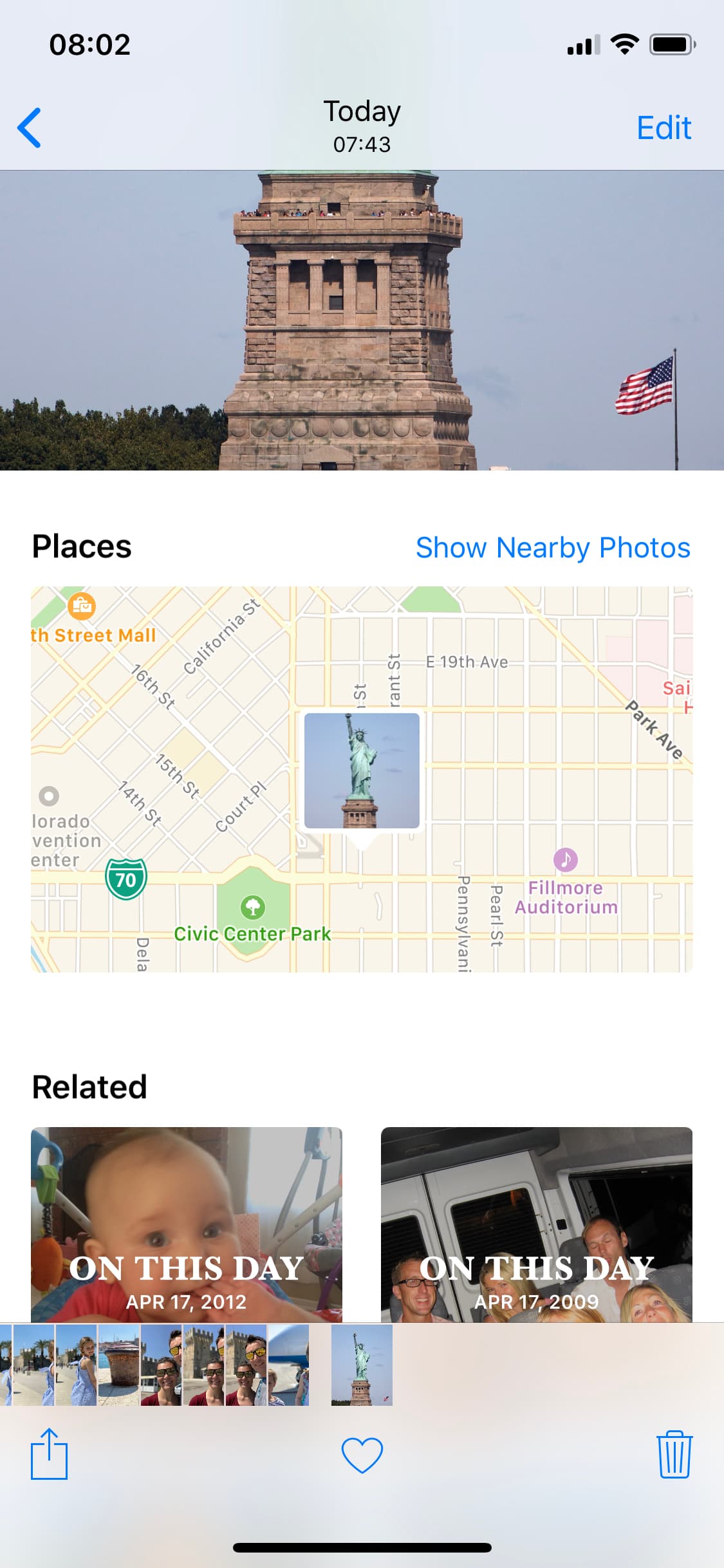
How to spoof the GPS location of photos on your iPhone

spoofed location

The Photos app can keep track of where your photographs are taken, assuming the photos in your Photo Library have location-based metadata attached to them. Even images you save from the internet can have this location data baked into them from time to time.

What most people don’t know is that it’s possible to spoof a photograph’s location data to make it look as if it were taken somewhere else. In this tutorial, we’ll show you how you fake the location of your photos in less than a minute with Exif Metadata, an app we developed in house.

Researchers demonstrate passcode detection method that uses your phone’s motion sensors

A team of researchers from the United Kingdom's Newcastle University have demonstrated how criminals could steal your passcode simply by tracking the motion of your phone. Don't worry, Apple issued patches last year to prevent anyone from collecting sensor data, but Android users remain at risk of having their passcodes stolen if they visit a rogue website or tap a malware link. Although Google is aware of the issue, they're still looking into a fix.

How to disable comments on your Instagram posts

If you have problems with trolls leaving nasty comments on your Instagram posts, then it might be music to your ears to hear that you can disable commenting, a step that can prevent trolls from leaving hurtful comments on your posts while allowing you to maintain a presence on the popular media-sharing social network.

While the workaround certainly isn’t perfect, it can be effective if used correctly. We’ll show you how to disable comments on your Instagram posts in this tutorial.