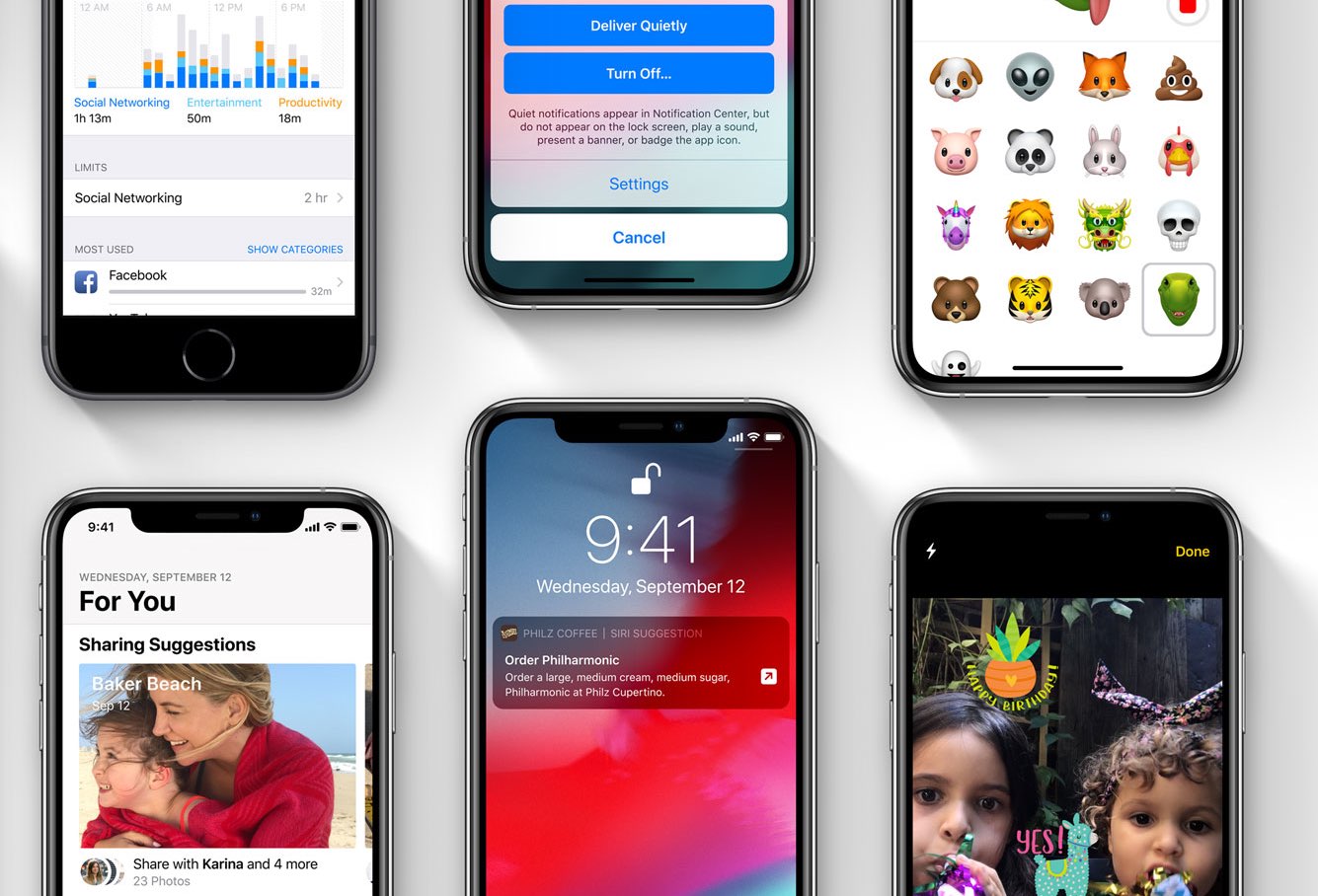
Grid Wallpaper by developer Batbayar Batbaatar is a new app that makes it simple to create your own grid backdrops to use as custom wallpapers on your iPhone.
Grid Wallpaper lets you create custom grid backdrops for your iPhone
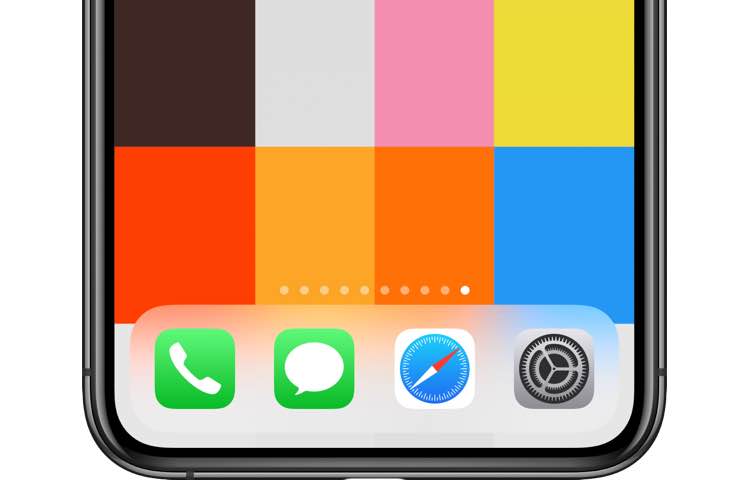
Grid Wallpaper by developer Batbayar Batbaatar is a new app that makes it simple to create your own grid backdrops to use as custom wallpapers on your iPhone.

Spotify yesterday filed an antitrust complaint against Apple with Europe's competition watchdog, saying App Store's 15-30 percent levy on iOS subscriptions is unfair and anti competitive. The lawsuit could set a major precedent because it might radically shake up the App Store economics should Apple be found guilty of anticompetitive behavior.
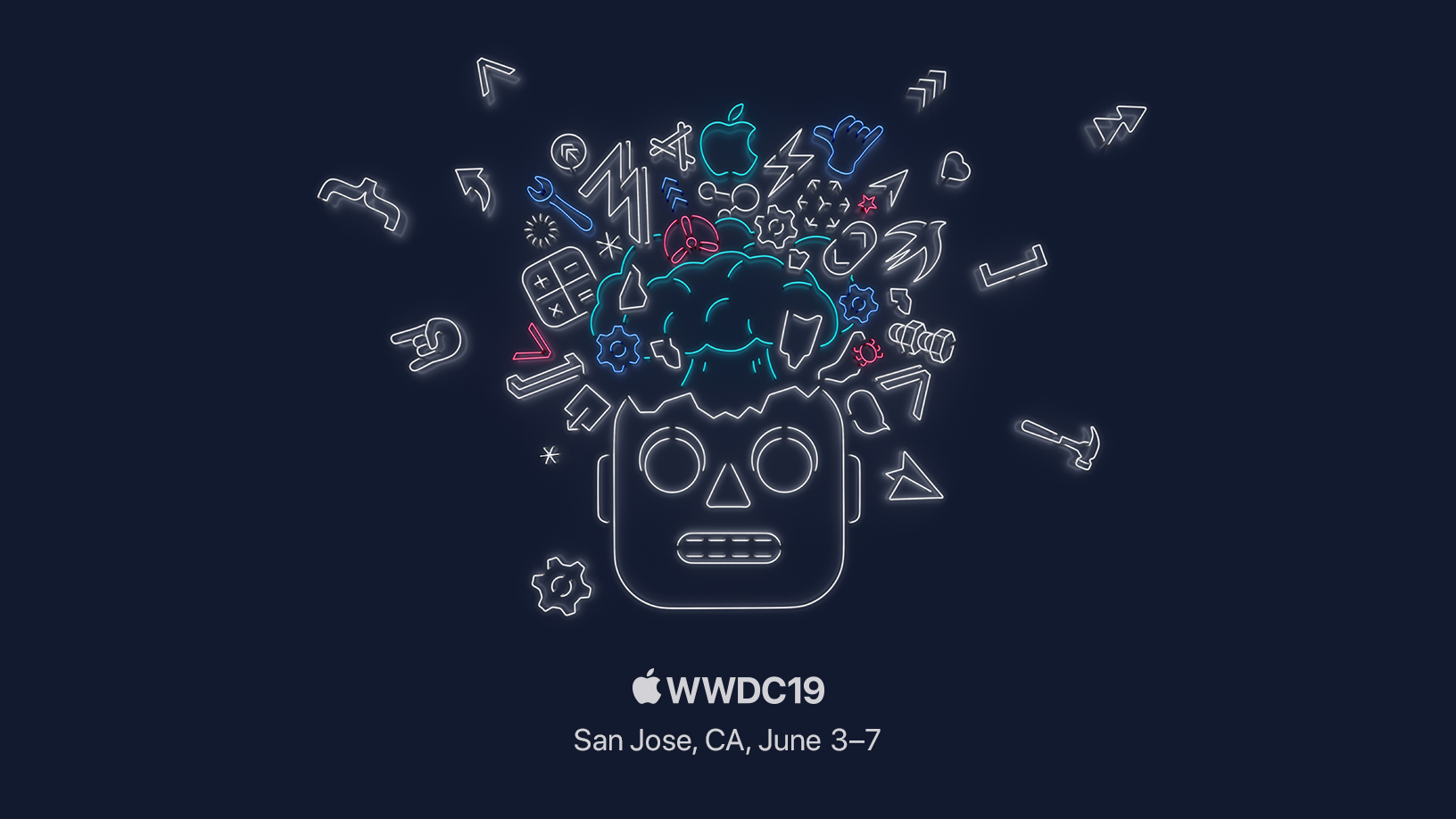
Apple said today its Worldwide Developers Conference is taking place from June 3 through 7 at San Jose’s McEnery Convention Center, confirming earlier detective work by MacRumors.
A joint credit card that Apple and investment bank Goldman Sachs are said to be developing might be officially announced at the iPhone maker's press event scheduled for March 25.

If you need yet another sign that Apple has been refocusing on pushing services to as many people as possible, then look no further than the latest expansion of its existing partnership with Amazon that now includes Apple Music on the Fire TV HDMI dongles.
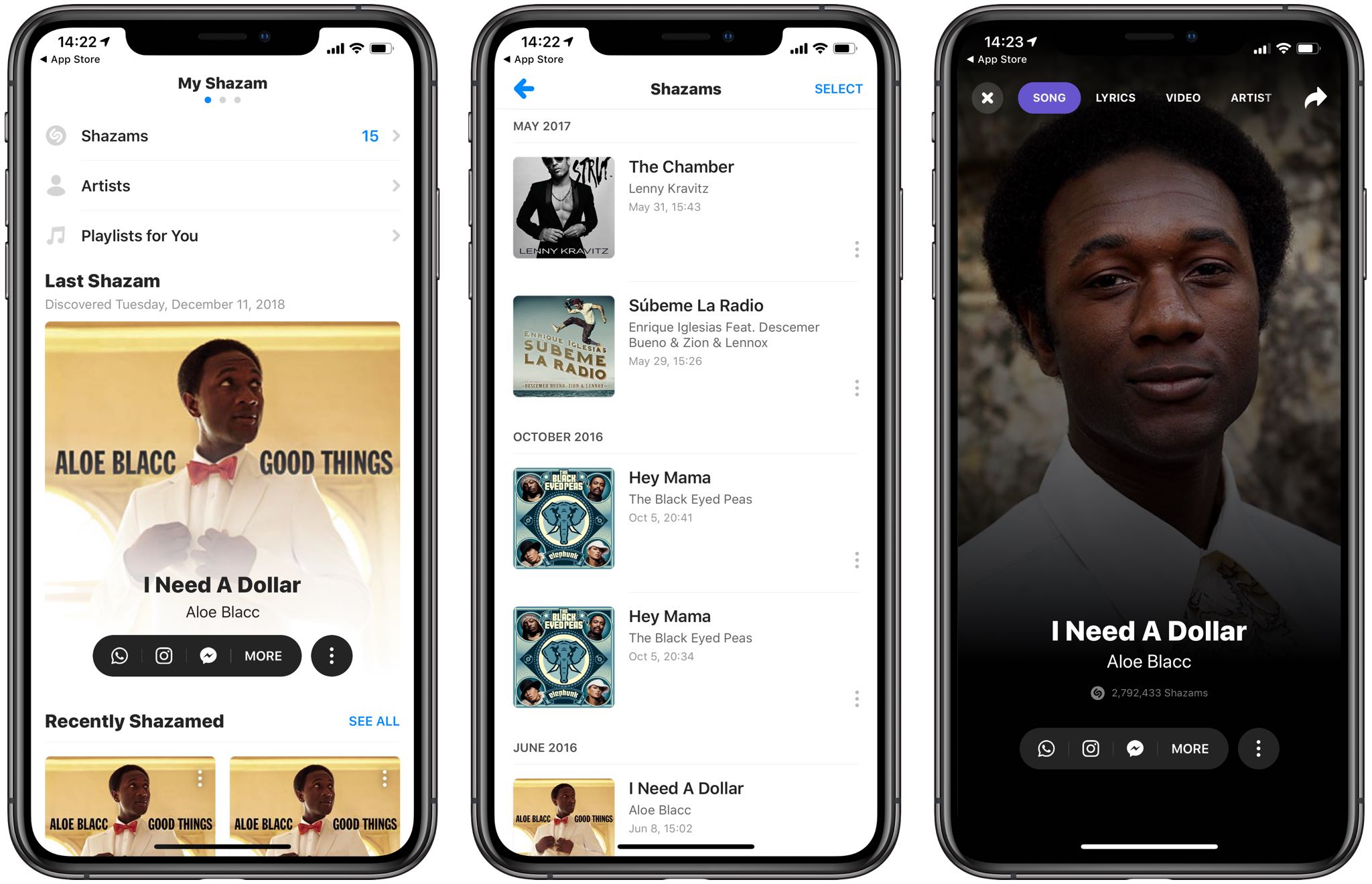
The song identification service Shazam, owned by Apple, updated its apps on App Store with handy timestamps appearing next to your Shazamed songs.
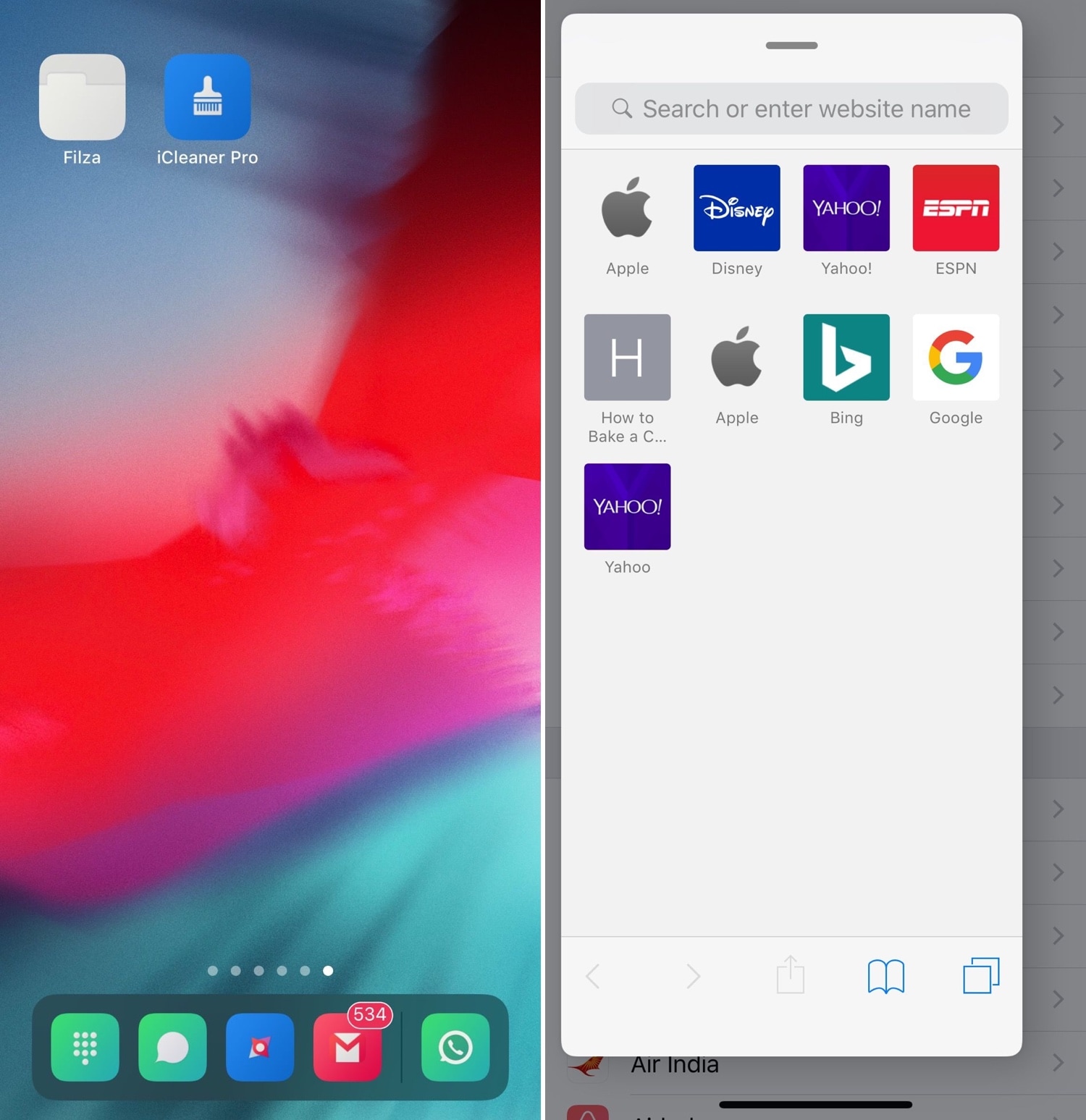
Every iOS device sports a Dock at the bottom of its Home screen, but not every Dock is created equally. Case in point, anyone who has used an iPad before has likely taken notice of unique behavior that isn’t necessarily present on iPhones and iPod touches; more specifically, the iPad’s Dock shows recently-used apps in a separate section just right of the usually docked icons.
This is just one of several ways that the iPad makes multitasking easier, and with that in mind, iOS developer Kiran Patil set out to port many of these features to other iOS devices. The end result? – a jailbreak tweak dubbed FloatingDockPlus is now available to download from Cydia.
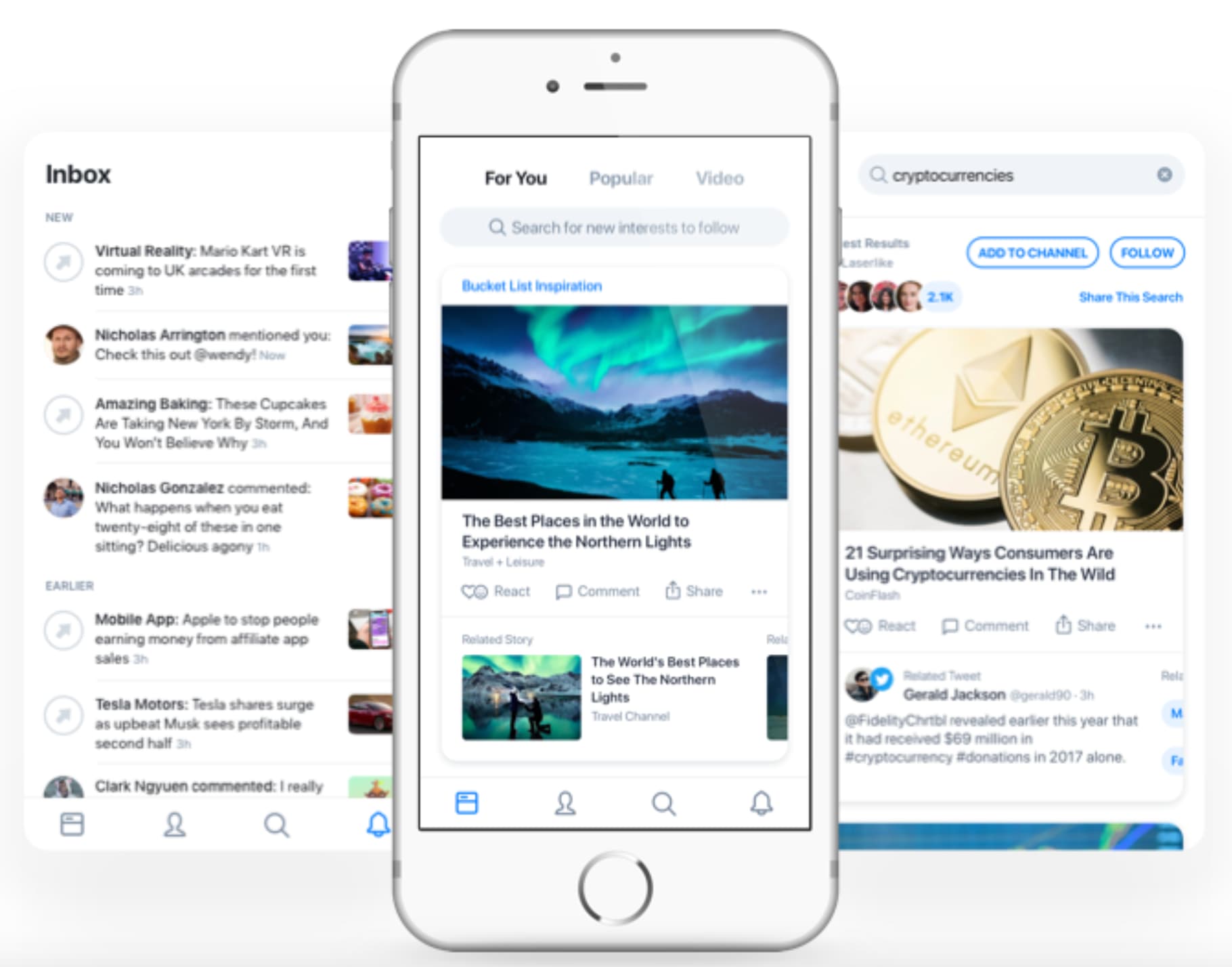
Apple has acquired Laserlike, a small machine learning startup based in Silicon Valley. The Information reports that the buyout happened late last year, and the team has joined Apple's new artificial intelligence group.
Find out what measures Apple takes to protect your privacy when you use Apple Maps on your iPhone or iPad. Additionally, we’ll show you how to opt out and stop your location from being used to improve Apple Maps.
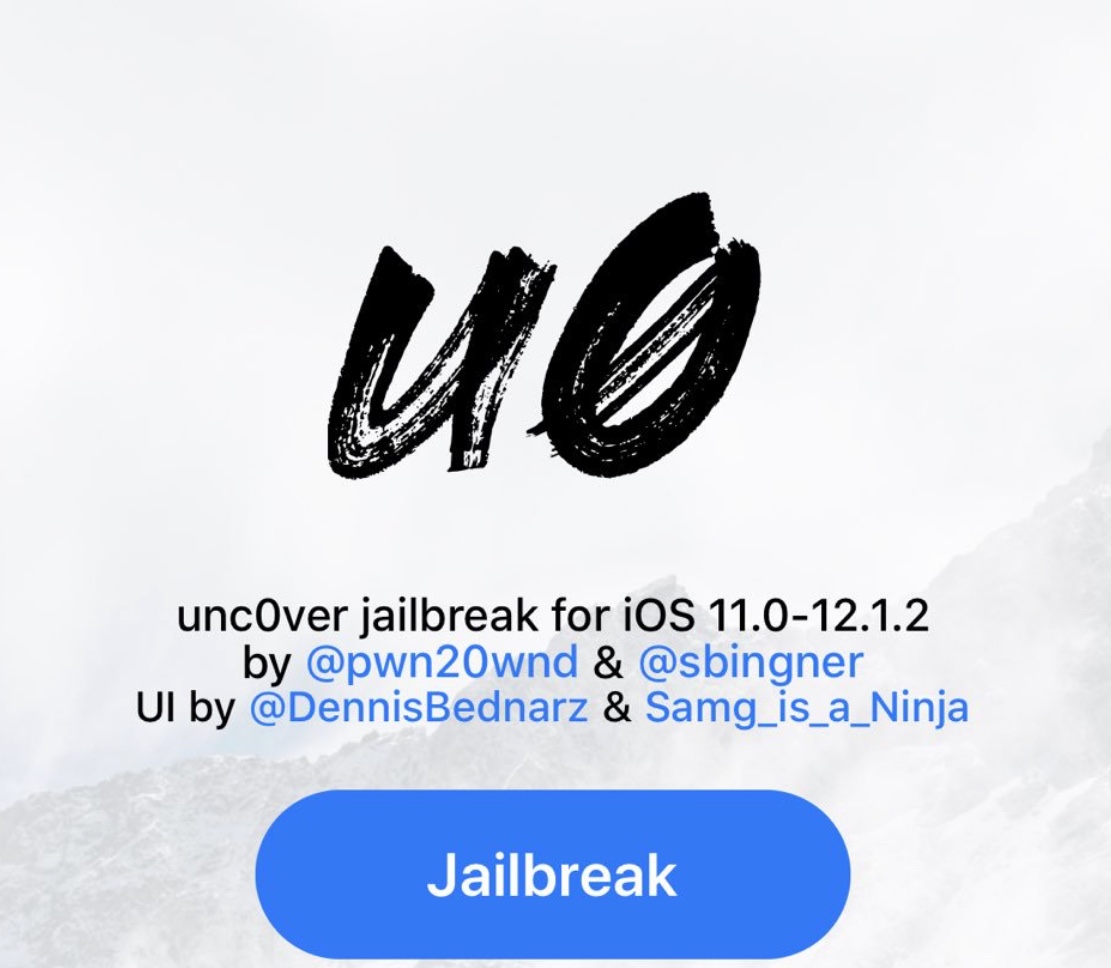
On Wednesday, hacker and unc0ver lead developer Pwn20wnd pushed a new revision to the unc0ver v3.0.0 pre-release, bringing it up to beta version 46.
Pwn20wnd shared news of the update via Twitter, adding that the update would fix significant instabilities on iOS 12 and make the system run noticeably faster:
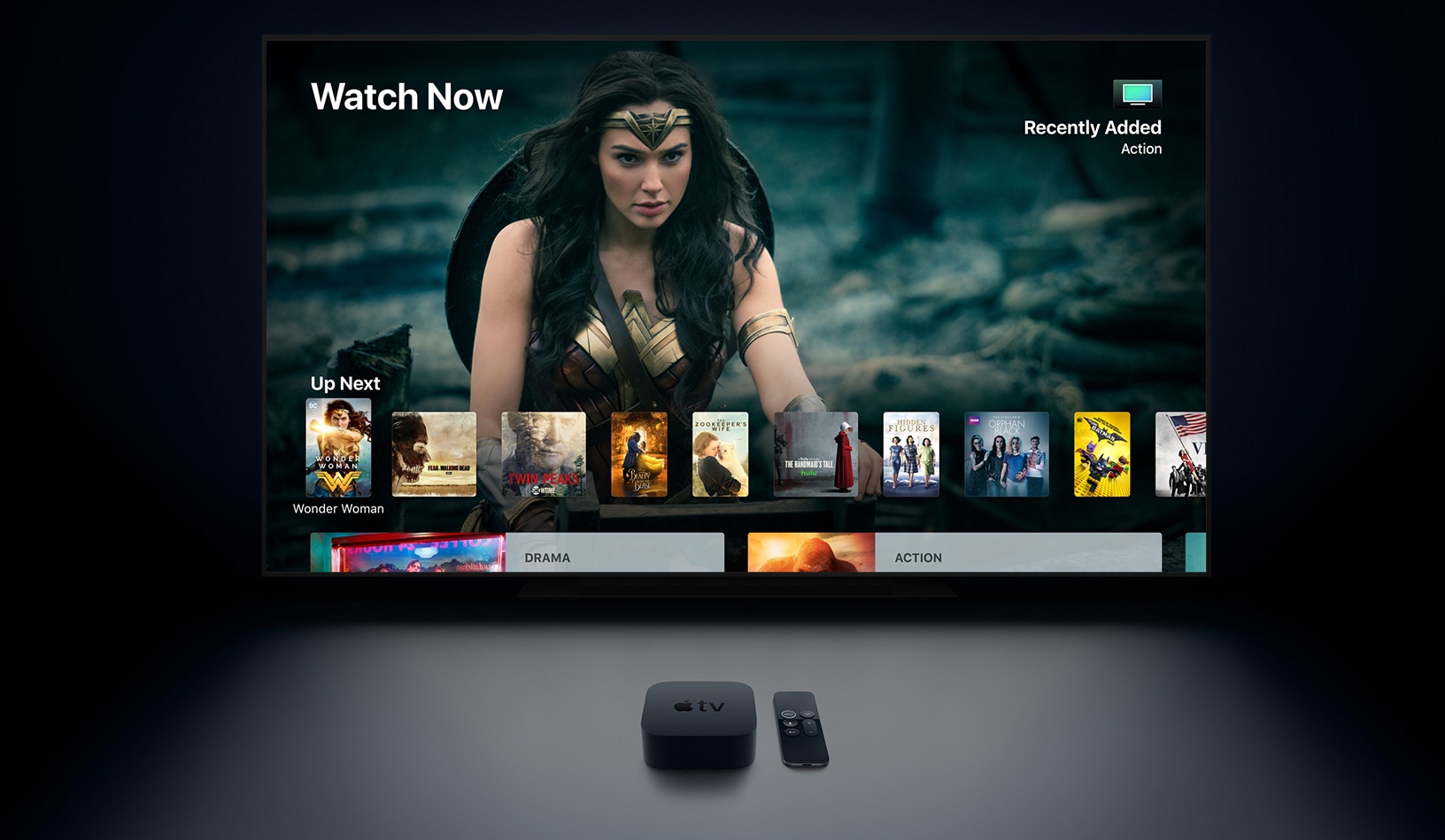
Following the official unveiling on March 25, Apple's long awaited streaming TV service will launch with licensed television shows and movies while Apple's own original content will be coming to the platform no earlier than the fall, or possibly even later.