News

Making-of video shows Apple used explosives to create an avalanche for the nature-focused “Don’t Mess With Mother” mini film

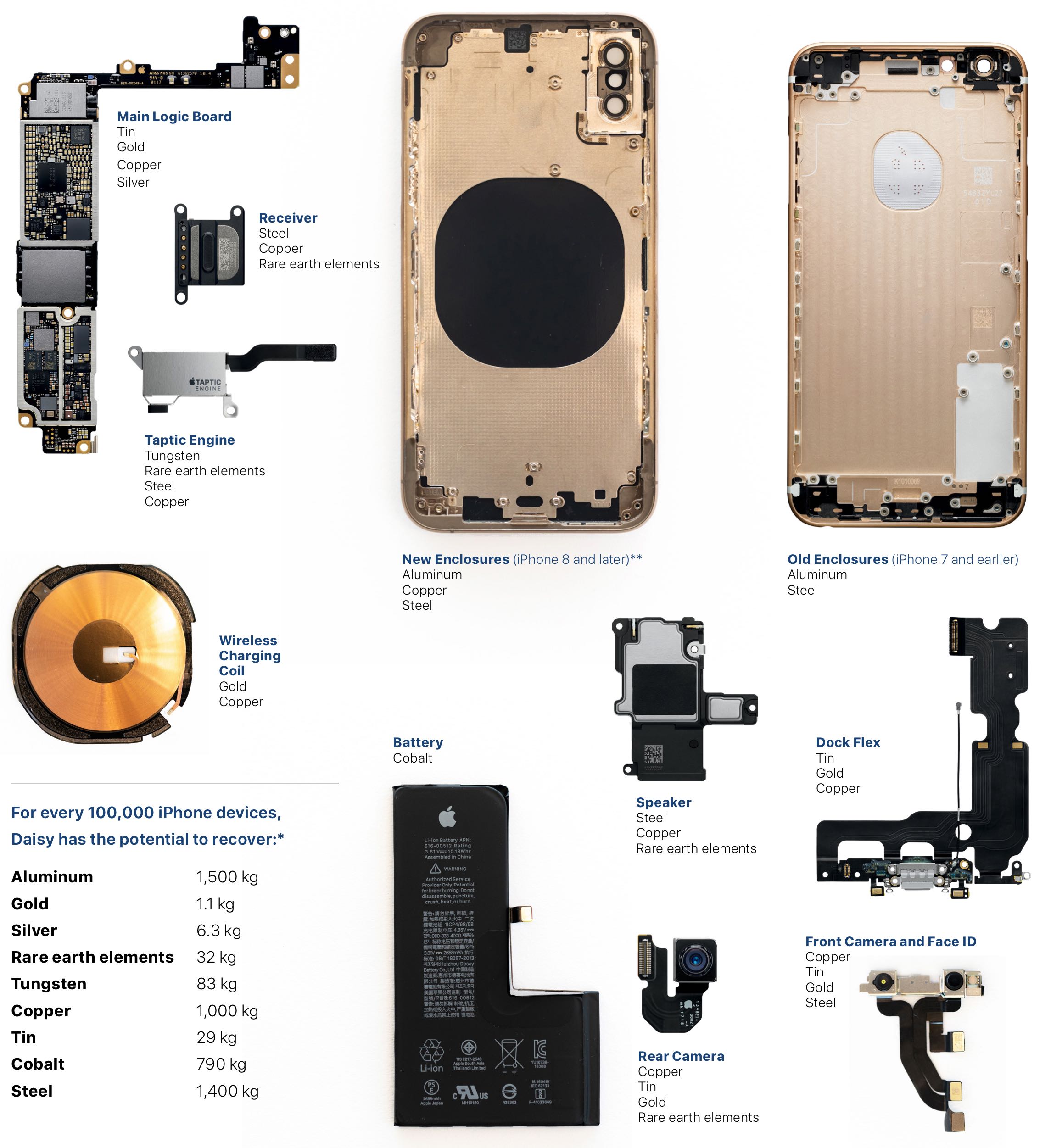
Apple yesterday shared a new video featuring beautifully shot scenes of nature from around the world. Today, the company released a making-of video revealing how the project was shot using iPhone XS cameras and some additional equipment and accessories, like cinema-quality lenses and stabilizers. For the scene of a stunning avalanche, Apple used real explosives rather than computer graphics and special effects.

This tweak enables true randomized playback shuffling in Spotify

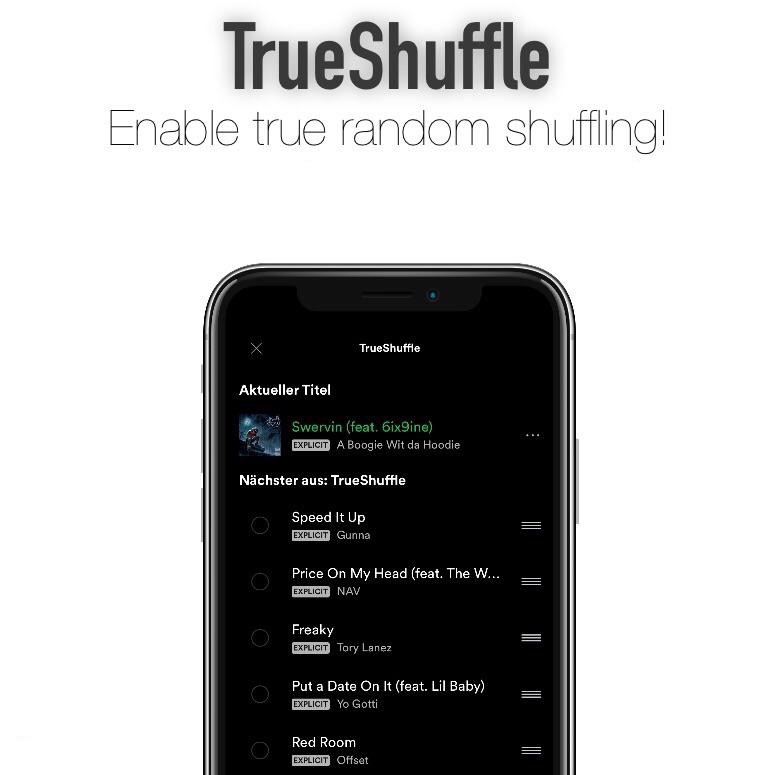
I still prefer using Spotify over Apple Music, but that’s not to say that the former couldn’t do with some improvements. One of the most notable gripes about Spotify is that the random shuffle isn’t as random as some folks would prefer.

Here to a rescue is a new free jailbreak tweak called TrueShuffle by iOS developer Yung Specht, which, as the name implies, brings true song randomization to the Spotify app on jailbroken devices.

JumpSkip lets you skip between music tracks with your volume buttons

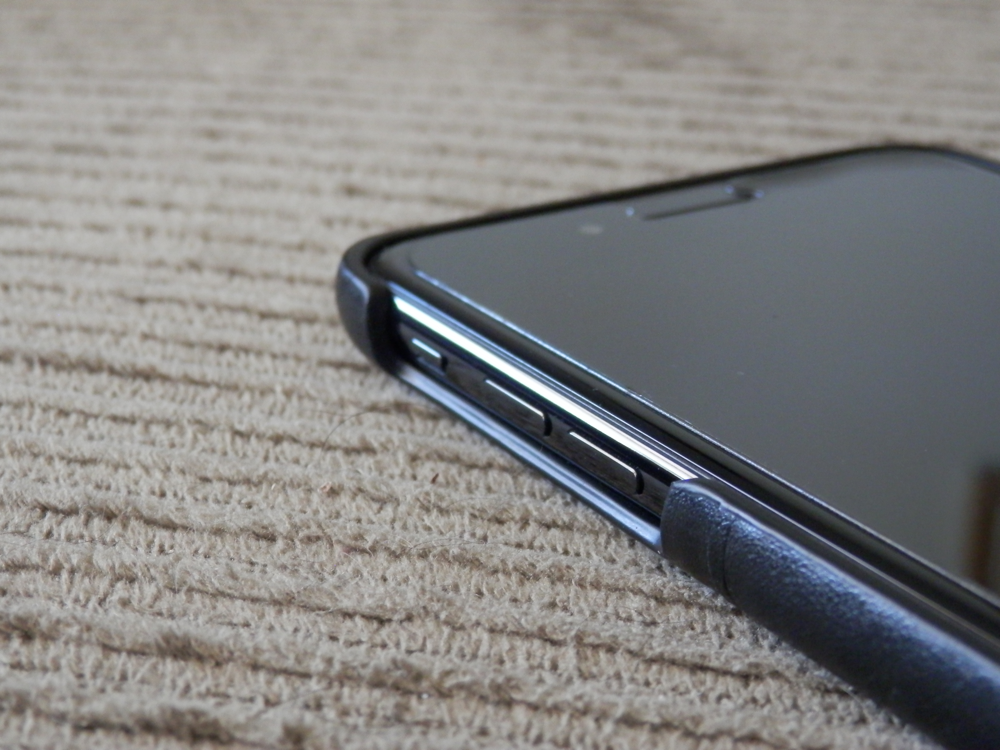
As you listen to music on your iOS device, you can move forward and back between tracks with the designated buttons in the Now Playing widget. But if your handset is in your pocket, then you can’t switch between tracks without first pulling the device out of your pocket.

JumpSkip is a new free jailbreak tweak by iOS developer Karimo299 that lets you move forward and back between music tracks without taking your device out of your pocket; instead, you can articulate specific volume button sequences to accomplish this task.

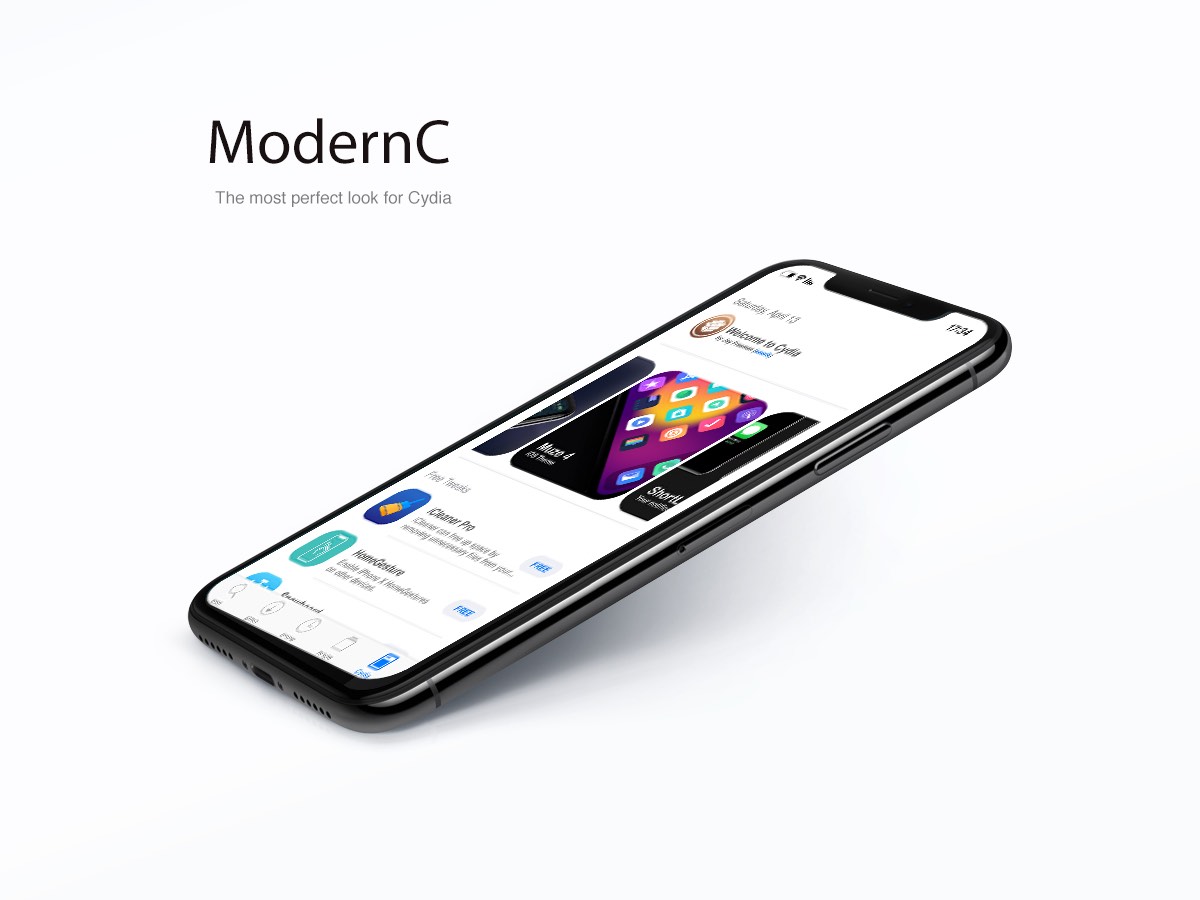
ModernC is yet another modernized redesign for Cydia’s home page

There have been a significant number of jailbreak tweak releases in recent memory that aim to redesign the Cydia app’s user interface to make it more aesthetically pleasing, and while many of them definitely seem like improvements, not all Cydia redesigns are created equally.

One of the latest Cydia redesign-centric tweaks to be released is ModernC by iOS developer DevelopApple, and at first glance, it looks particularly stunning.

Unclutter your Lock screen’s Now Playing widget with Clean Player

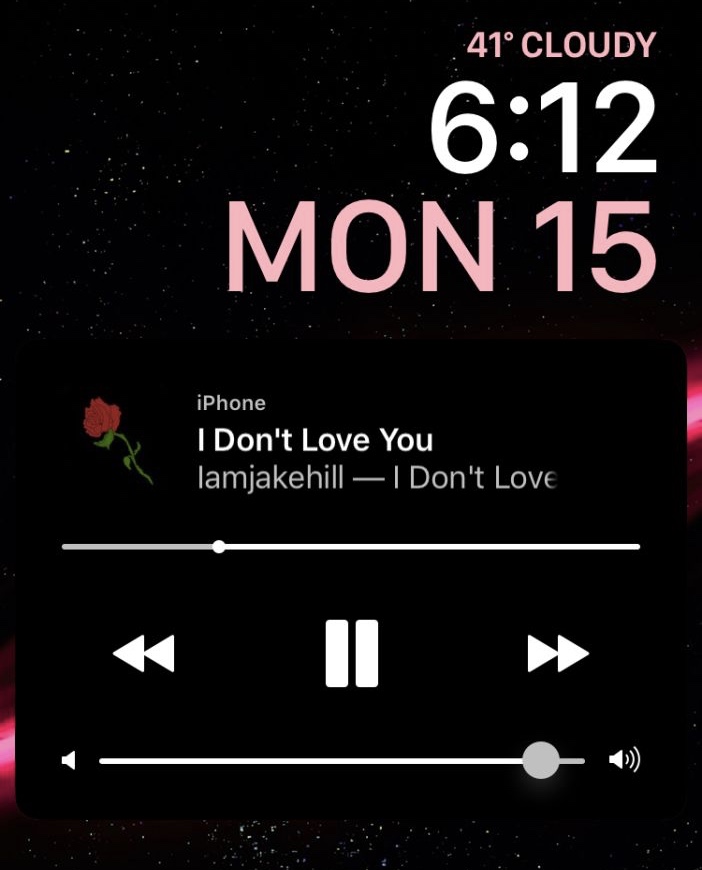
As you listen to music on your iPhone or iPad, your device displays an interactive Now Playing widget on the Lock screen so that you can view information about what’s playing and control your music playback. On the other hand, some people would argue that the widget shows more controls than it needs to.

Clean Player is a new free jailbreak tweak by iOS developers Easy-Z and CloudDev that aims to resolve this problem by providing users with the ability to configure what does and doesn’t appear in the Now Playing widget.