macOS

How to open your iTunes playlists in separate windows

In older versions of iTunes, you could easily open a playlist in a separate window. It was both a great time-saver and a boon to your productivity, especially on large screens.

For reasons unknown, Apple has removed that functionality from the iTunes 12 update which was overhauled around a single-window workflow.

Thankfully, the company has reinstated the ability to open playlists in new windows with iTunes 12.6. Here's how to open your playlists in their separate windows using iTunes for Mac.

How to open your playlist in a new iTunes window

1) Launch iTunes on your Mac.

2) Choose Music from the menu near the upper-left corner, then click the Library tab.

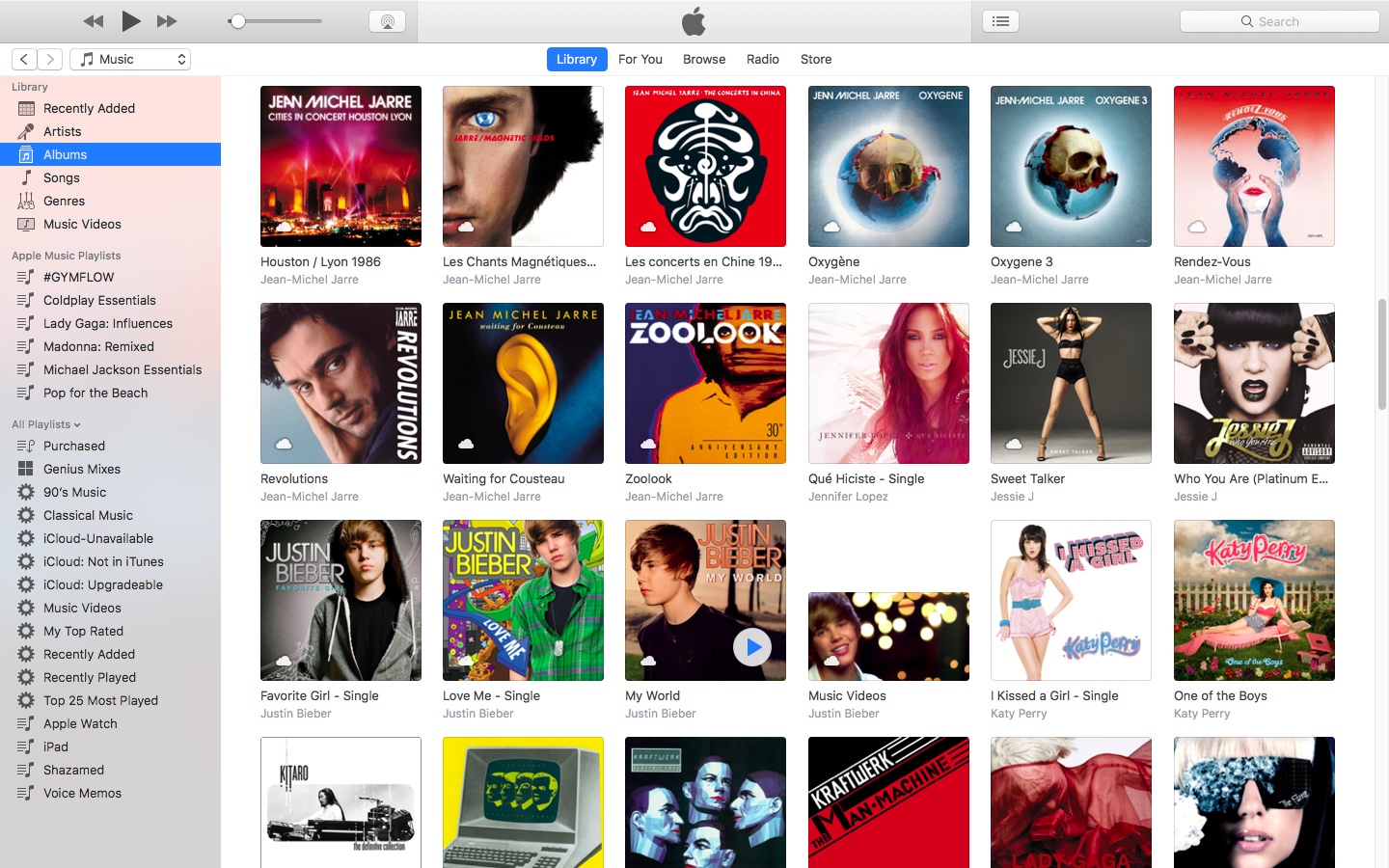
3) In the lefthand column, right-click or Control (⌃)-click your playlist underneath the All Playlists heading, then select the option Open In New Window from the popup menu.

This will open a new iTunes window containing the selected playlist, as shown top of post.

You can drag songs at will between the playlist windows and open as many playlists in separate windows as you like. I don't have that many playlists created in iTunes so I was able to open “only” four playlist windows, but it worked like a charm.

How to open an Apple Music playlist in a new window

Playlists on Apple Music cannot be opened in their separate windows unless they're in your iTunes library. To do so, follow the steps below:

1) Launch iTunes on your Mac.

2) Choose Music from the popup menu near the upper-left corner of the window, then click either the Library or the For You tab.

3) Find a playlist on Apple Music and click the three dots in the lower-right corner of playlist graphics to bring up the contextual menu, then choose the option Add to Library.

4) With the selected Apple Music playlist now in your iTunes library, switch to the Library tab, right-click it underneath the Apple Music Playlists heading in the lefthand column, then select the Open in New Window command.

Just like that, the selected Apple Music playlist from your library opens in a new window.

iTunes playlists windows and Split View

Sadly, playlists windows in iTunes don't support macOS's useful Split View feature.

If iTunes supported Split View properly, it could have been a great multitasking feature. In other words, you cannot browse your iTunes library in the main window and have your favorite playlist in its separate window in macOS's Split View mode.

And that's it, boys and girls!

Pass along this article to other Mac users you support and don’t forget we accept your submissions regarding future coverage ideas via tips@iDownloadBlog.com.

If you have any questions, please post a comment below.

How to clear your web browsing cache in Chrome, Safari, and Firefox on Mac

Chrome settings on Mac

Over time, web browsers accumulate website data from everyday browsing. Known as cache, this data collection helps browsers load web pages more quickly, so these files don't have to be re-downloaded when you revisit the same websites in the future.

Unfortunately, cache is also the main suspect when diagnosing issues loading websites, and it can also eat up valuable storage space on your Mac. That's why in this tutorial, we'll show you how to delete cache and cookies in three of the most popular web browsers: Apple Safari, Google Chrome, and Mozilla Firefox.

macOS Sierra 10.12.5 beta 5 rolls out to developers

Monday, Apple issued a fifth beta for the upcoming macOS Sierra 10.12.5 software update to its registered developers and members of the Apple Developer Program. The latest macOS Sierra 10.12.5 beta 5 (build 16F71b) software can be obtained via the Mac App Store's Updates tab on supported Mac models with a prior beta and an appropriate configuration profile.

What you need to know about OSX/Dok malware

A new type of man-in-the-middle attack has been detected in the wild, targeting Apple's Mac. Dubbed OSX/DOK, it relies on a new strain of macOS malware which leverages a bogus security certificate to bypass Apple's Gatekeeper protection. Popular anti-virus programs are currently unable to detect OSX/DOK.

The Hacker News and researches at CheckPoint explain that the malware affects all versions of macOS by using a valid developer certificate signed by Apple. Here's what OSX/DOK does, how it works, how to tell if you're affected and what you can do to protect yourself and avoid these kinds of attacks in the future.

Fourth betas of iOS 10.3.2, macOS Sierra 10.12.5, watchOS 3.2.2 & tvOS 10.2.1 now available

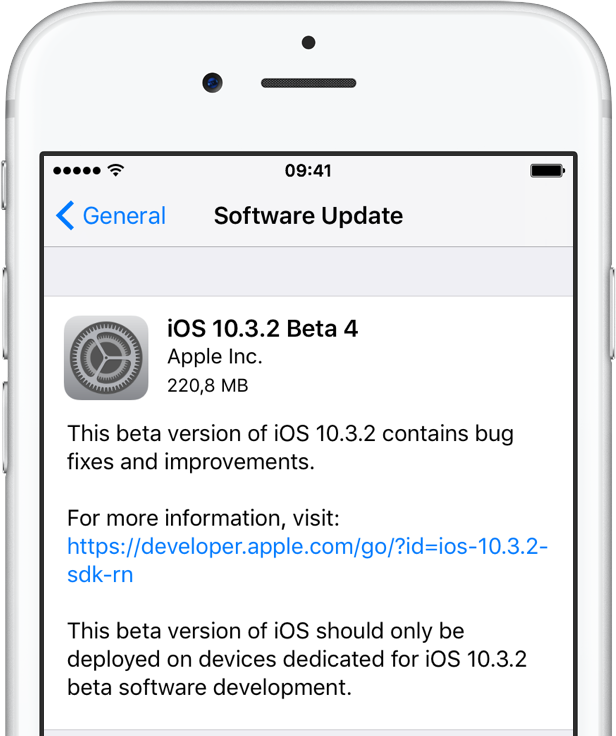
Apple on Monday issued fourth betas of what would become maintenance and bug-fix updates to its four major software platforms: iOS, macOS Sierra, watchOS and tvOS. Members of the Apple Developer Program can now deploy iOS 10.3.2 beta 4 (build 14F5086a), macOS Sierra 10.12.5 beta 4 (build 16F67a), watchOS 3.2.2 beta 4 (build 14V5485a) and tvOS 10.2.1 beta 4 (build 14W5583a) through the Software Update mechanism.

Five neat tricks Spotlight search can do for you on iPhone

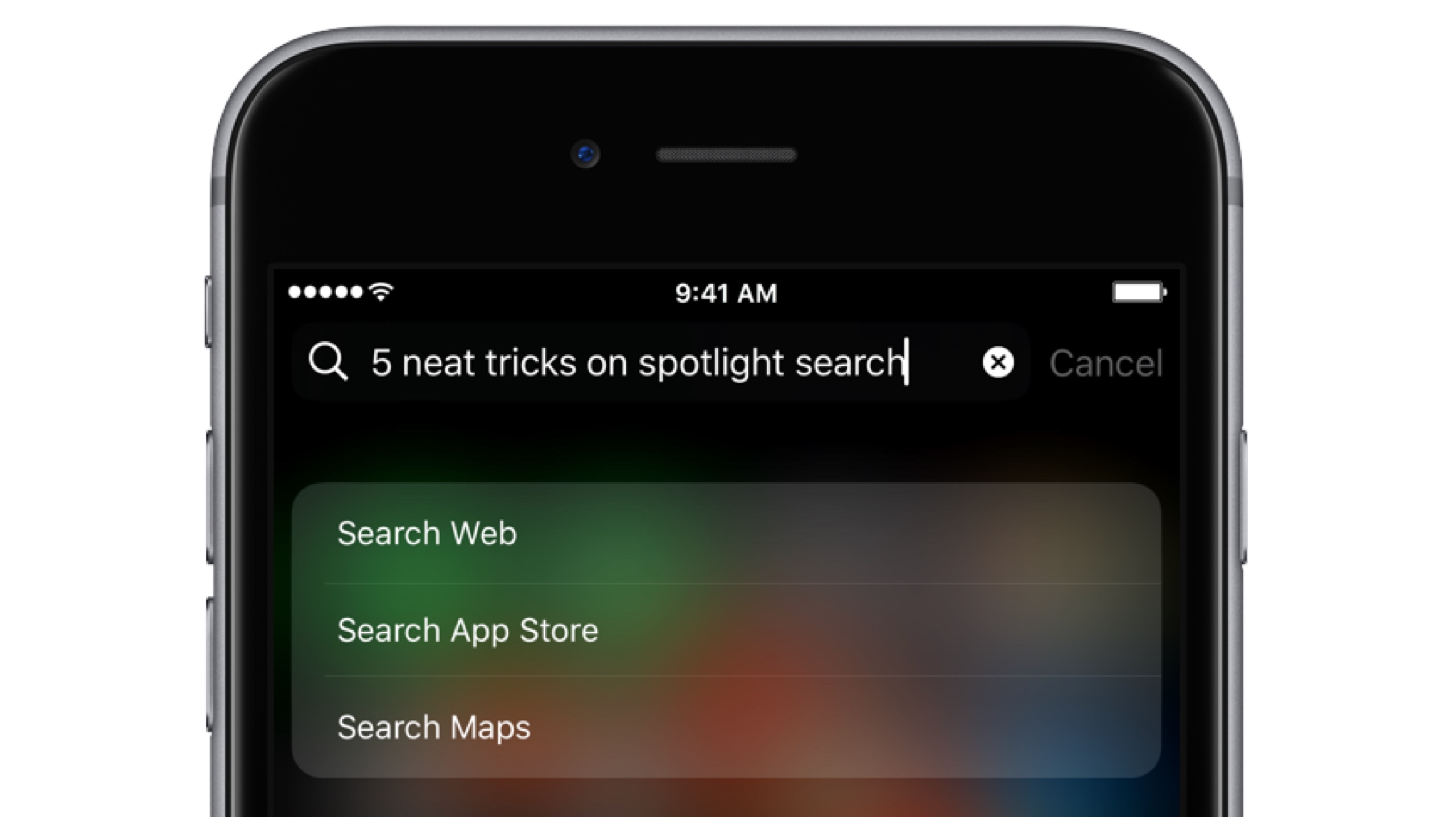
Bearing in mind the numerous ways to invoke Spotlight search on your iPhone today, the feature has clearly become a centerpiece of iOS 10th iteration.

That is because for one, it's the fastest way to rifle through your device for any type of information, however it is also incrementally adopting Siri-level intelligence. You might know about using Spotlight for swift currency and measurement conversions by now, but the list does not end here. Largely undiscussed on the web, here are five more cool uses for Spotlight.

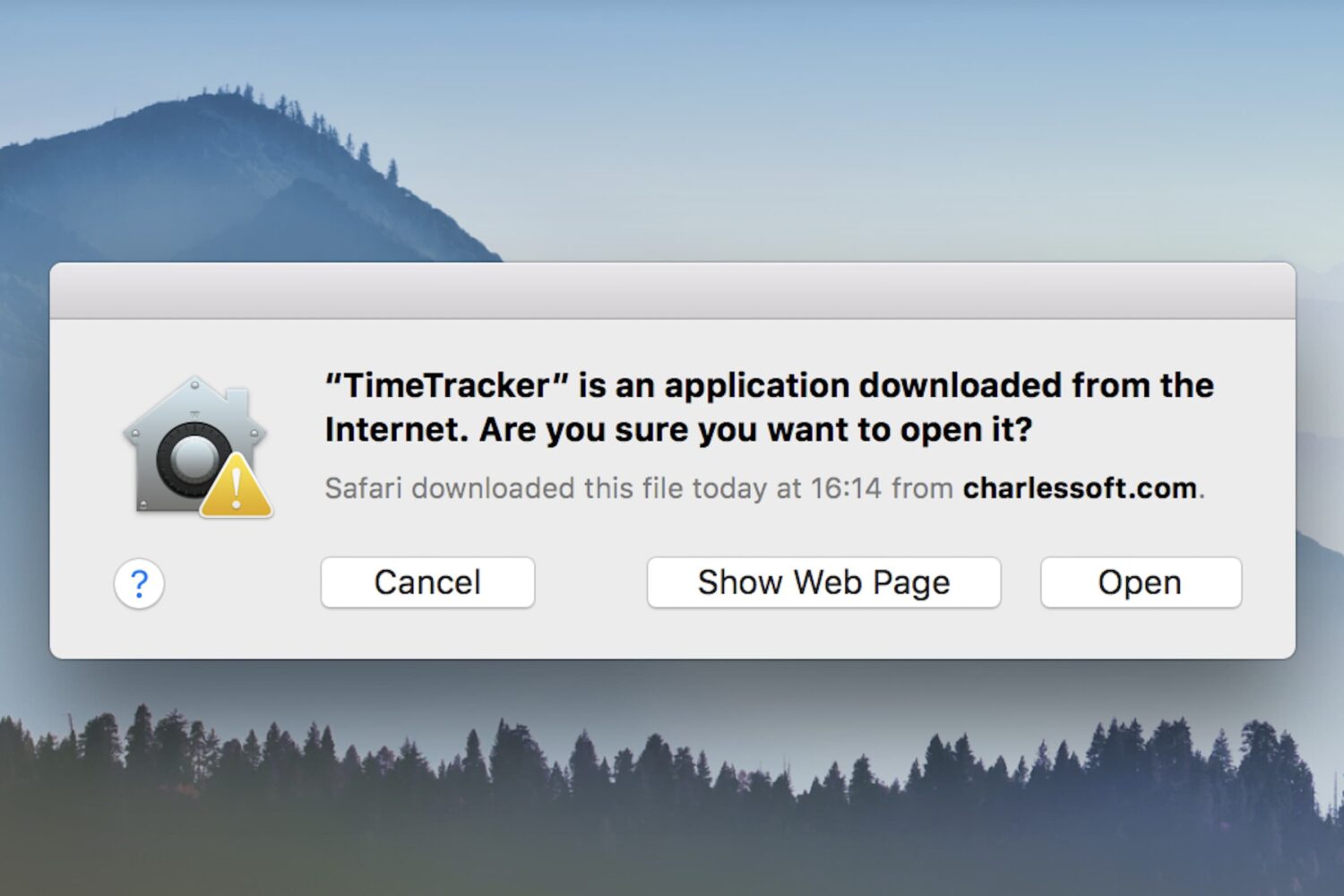
How to fix: This is an application downloaded from the Internet. Are you sure you want to open it?

Open app dialog box on Mac

One of the security features in macOS is a prompt that appears when opening a program for the first time: This is an application downloaded from the Internet. Are you sure you want to open it?

While this can be helpful to the average Joe, preventing him from opening programs he may have downloaded accidentally (such as malware), power users may wish to circumnavigate the prompt. If you already practice good housekeeping with what you download and open, this dialog can be a time waster. There are various ways to deal with it, and this guide will talk you through their pros and cons.

Apple posts third betas of iOS 10.3.2, macOS Sierra 10.12.5, watchOS 3.2.2 and tvOS 10.2.1

Apple on Monday issued third betas of what would become maintenance and bug-fix updates to iOS, macOS Sierra, watchOS and tvOS. Members of the Apple Developer Program can now deploy iOS 10.3.2 beta 3 (build 14F5080a), macOS Sierra 10.12.5 beta 3 (build 16F60a), watchOS 3.2.2 beta 3 (build 14V5480a) and tvOS 10.2.1 beta 3 (build 14W5578b) through the Software Update mechanism.

The best VPN deals right now

There are so many VPNs to choose from, and if you’re having trouble deciding what one to choose for your own internet privacy and security, then we’re here to help.

One of the biggest deciding factors in purchasing a long-term commitment to software is the cost, so in this roundup, we’ll discuss some of the best VPN deals you can get right now.

Second betas of iOS 10.3.2 and macOS Sierra 10.12.5 now available to public beta testers

Both iOS 10.3.2 beta 2 and macOS Sierra 10.12.5 beta 2 are now available to the general public via the Apple Beta Software Program. Public betas of iOS 10.3.2 and macOS Sierra 10.12.5 follow their developer-only releases yesterday. If you're enrolled in Apple's public beta program, you should receive the latest iOS 10.3.2 and macOS Sierra 10.12.5 betas through the Software Update mechanism in Settings on iPhone, iPad and iPod touch and via the Updates tab in Mac App Store on your Mac.

The best VPNs for iPhone, iPad, and Mac

Amid all the recent conversation about ISPs retaining the legal right to sell your internet usage data, many are contemplating their VPN options so they can mask their internet activity for increased privacy and security.

In this piece, we’ll talk about some of the best VPNs for iPhone, iPad, and Mac.