Jailbreak Apps & Tweaks

These are the latest jailbreak apps and tweaks available for your iPhone or iPad. We save you time by highlighting only the best tweaks.

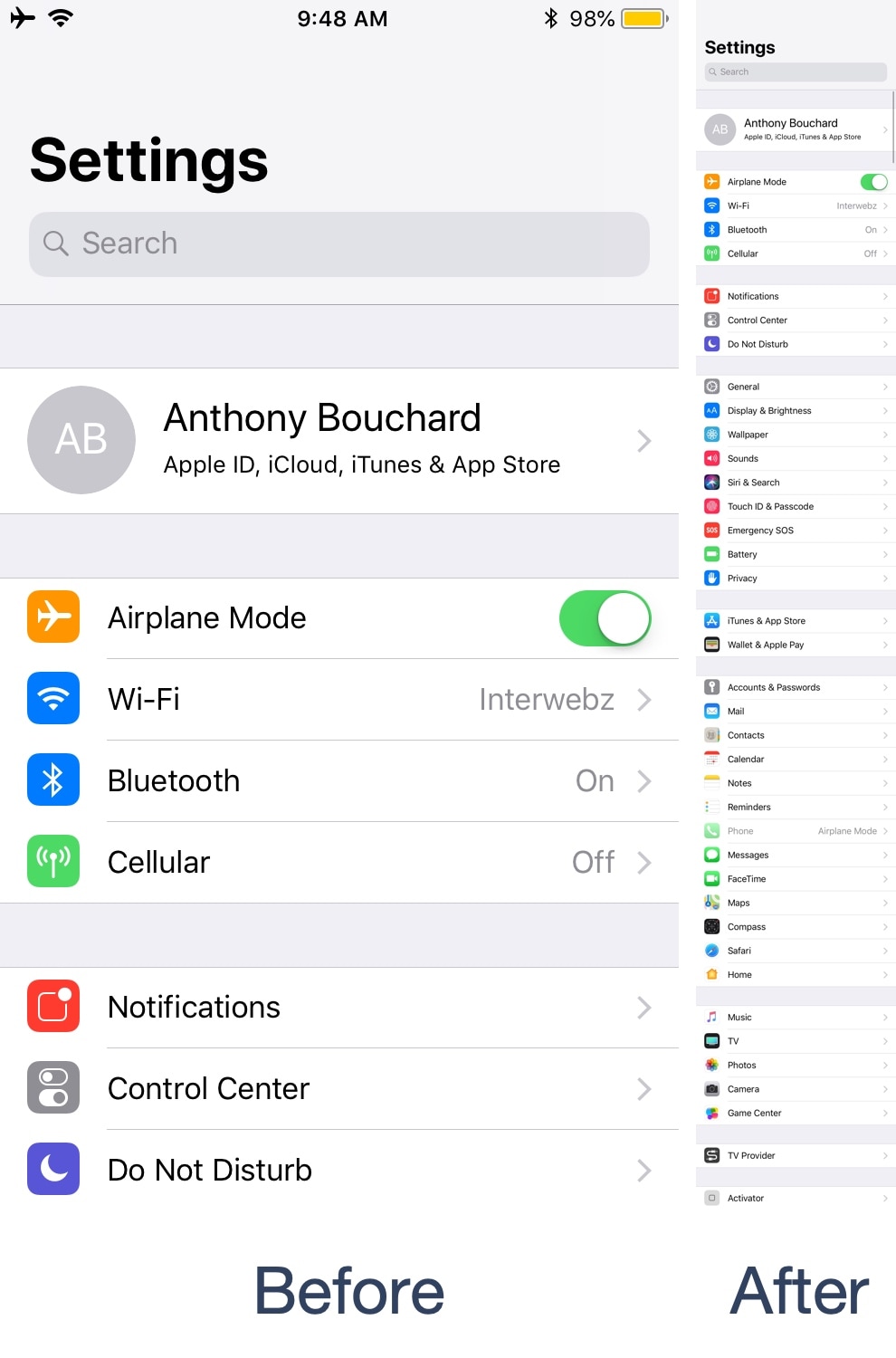
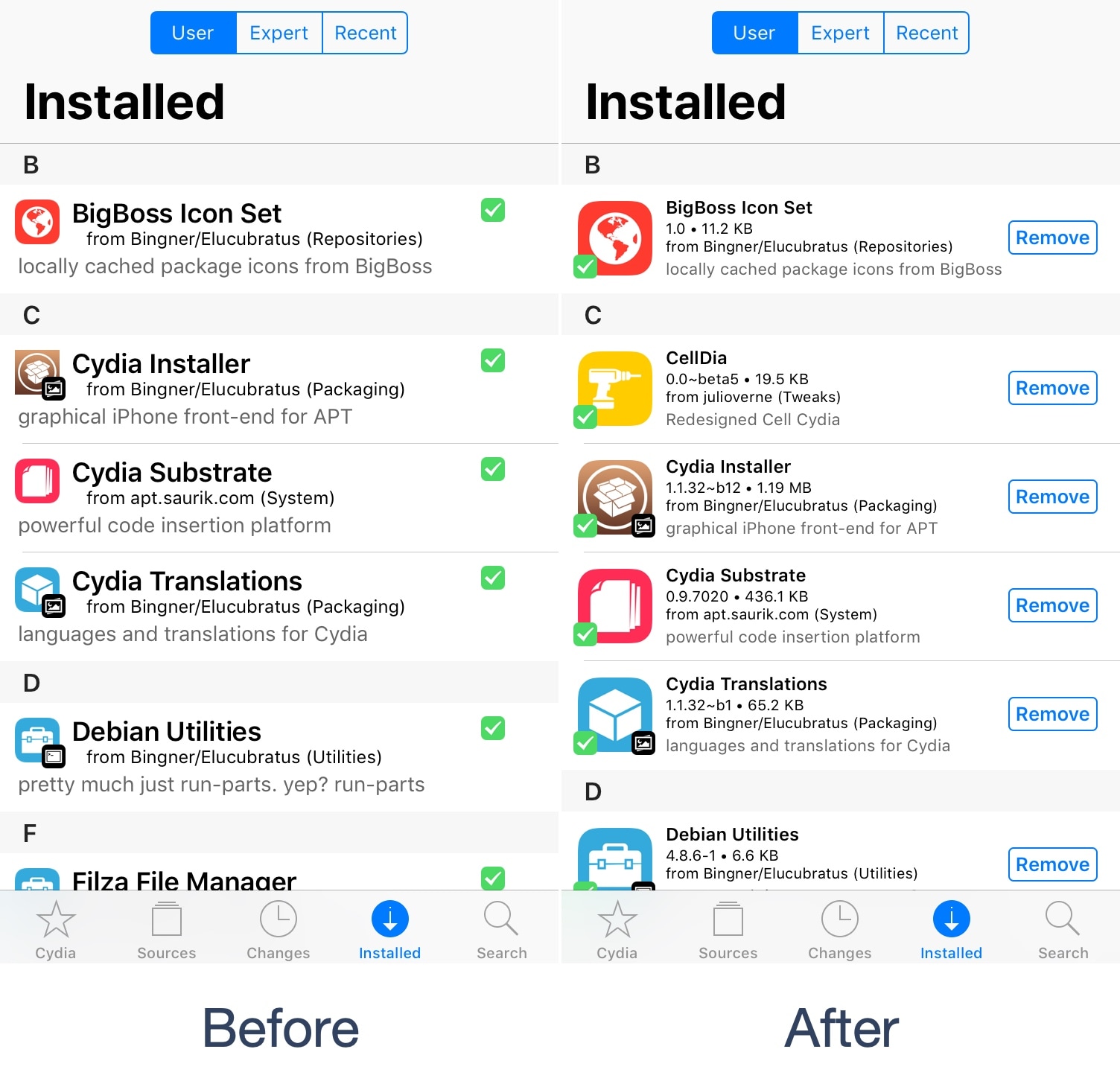
Looking to give Cydia a modernized facelift? Try CellDia

Despite the relatively small number of redecorations the Cydia app has received over the last several years, it continues to be a reliable package manager today. Fortunately, Saurik (Jay Freeman) empowered developers to tweak and modify the Cydia app under Cydia Substrate starting in 2015.

Given the circumstances, the ball is very much in the jailbreak community’s court to make Cydia look and behave differently than it does out of the box, and that’s exactly what a free jailbreak tweak called CellDia by iOS developer Julio Verne attempts to accomplish as you’re about to witness.

BLightAlert leverages your iPhone’s display brightness to get your attention for notifications

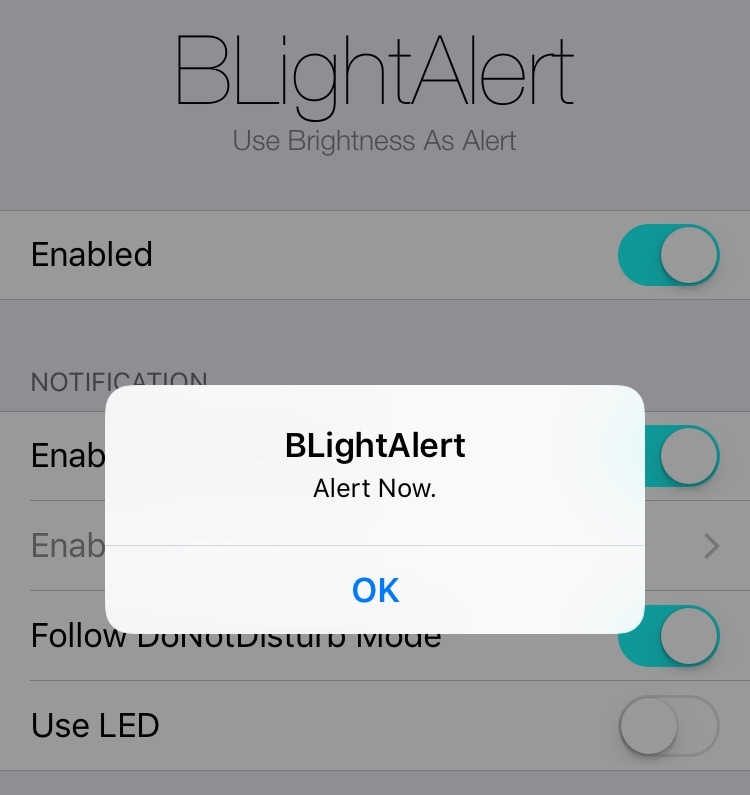
iOS’ notification system tends to be subtle enough that it can be easy to forget or miss an incoming notification. Fortunately, a free jailbreak tweak called BLightAlert by iOS developer Julio Verne can help mitigate this problem.

BLightAlert leverages your handset’s display backlight to grab your attention for incoming notifications. Once installed, the display brightness changes rapidly from low to high for a couple of seconds whenever an incoming notification rolls in, like so:

BigShotJb lets you capture taller screenshots more easily

I snap so many screenshots on my iOS devices each day that even the world’s most renowned mathematicians would need a calculator to keep count, but the situation is intensified when I capture tall vertical interfaces; doing so often requires snapping several screenshots that will need to be stitched together in photo-editing software afterward.

If you’ve ever been in a similar predicament, then you know what a pain this can be and you’ll be ecstatic to know there’s another way. A free jailbreak tweak dubbed BigShotJb (iOS 11) by iOS developers tapthaker and Julio Verne lets you capture tall vertical screenshots just like the one in the example above with minimal effort.

DashBored: A tweak to reduce your boredom with the iPhone’s Dashboard interface

Your iPhone’s Lock screen and Notification Center are each home to a specialized interface for displaying the date and time along with a list of information notifications – this interface is known as the Dashboard.

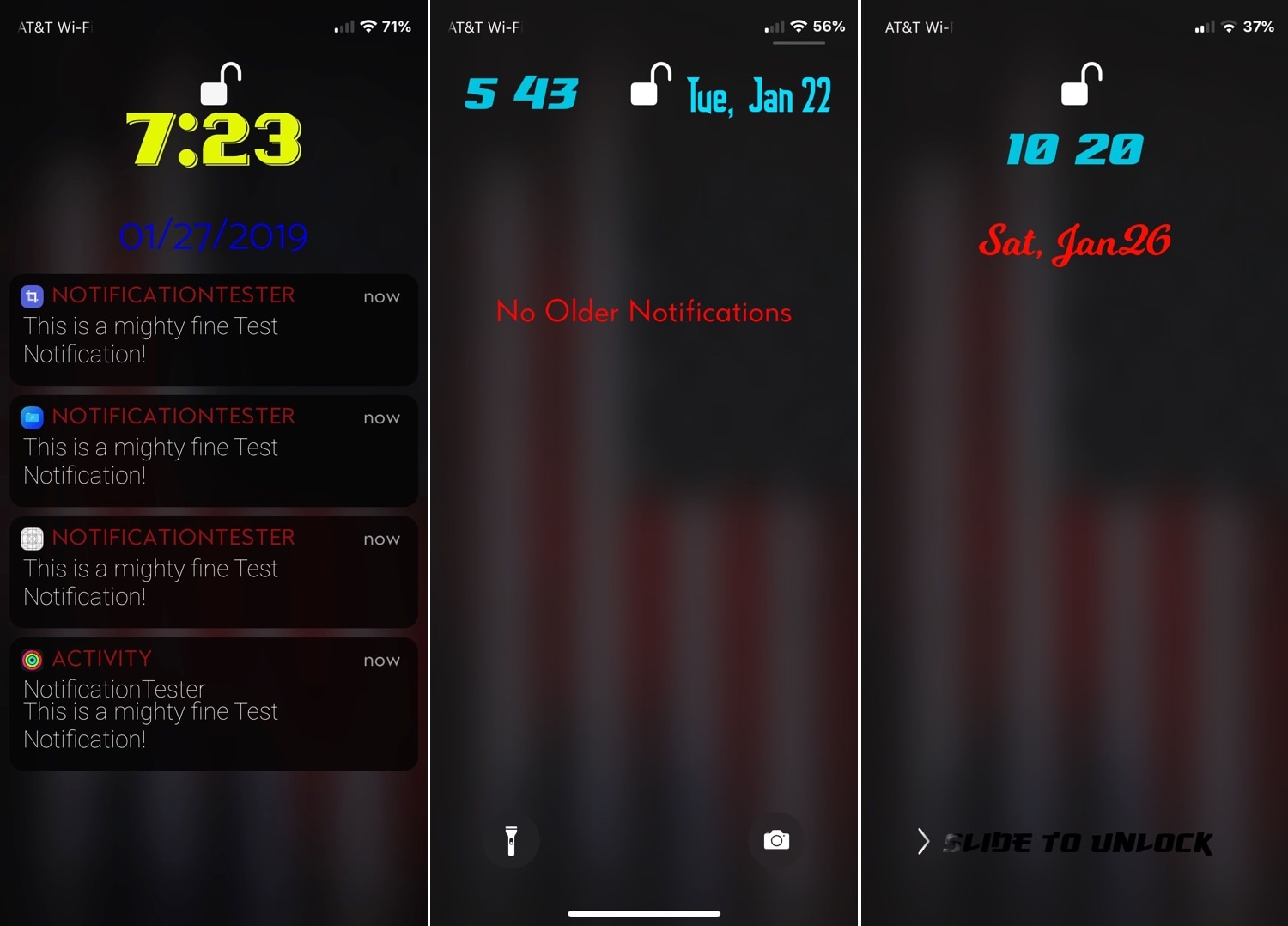
That said, if you’re feeling a bit bored with the stock look and feel of the Dashboard, then perhaps you should try a new free jailbreak tweak called DashBored (pun intended) by iOS developer Smokin1337. As shown in the screenshot examples above, this tweak lets you customize the Dashboard’s colors, font, notifications, text, and much more.

Ventana brings a Windows 10-inspired Lock screen to jailbroken iPhones and iPads

If you like how the Windows 10 Lock screen looks and feels, then you’ll probably enjoy using a jailbreak tweak called Ventana by iOS developers CoolStar and Jeremy Goulet. This tweak redesigns your iPhone or iPad’s Lock screen to make interface elements appear more as they would on a Windows 10 device.

Right out of the box, Ventana themes the Now Playing interface, any incoming notification banners you might have waiting for your attention, and the date and time display. Ventana also provides you with a Siri shortcut akin to the Cortana shortcut that you might find on Windows 10.

Slyd: A new jailbreak tweak that cures your nostalgia for ‘slide to unlock’

It’s been quite a few years since Apple has used the classic ‘slide to unlock’ interface on any of its mobile handsets, and with the advancements in biometric authentication and software since then it should be safe to say it isn’t coming back; at least not officially.

But if you’re feeling a bit nostalgic about the slide to unlock interface, then you’ll be thrilled to learn about a new free jailbreak tweak called Slyd (SlideToUnlock) by iOS developer Nepeta. Just as the name implies, this tweak ports the classic slide to unlock interface from iOS 7 to iOS 11.

Jailbreak tweaks of the week: AutoWall, Dimage, Hive, & more

Jailbreak Tweaks to check out

If you have a jailbroken handset and you’re looking for new and exciting ways to customize it, then you’ve come to the right place.

This roundup will encompass all the latest jailbreak tweaks released in Cydia from Monday, January 21st to Sunday, January 27th. As usual, we’ll kick things off by discussing our favorite releases first and then outline the rest for you afterward.

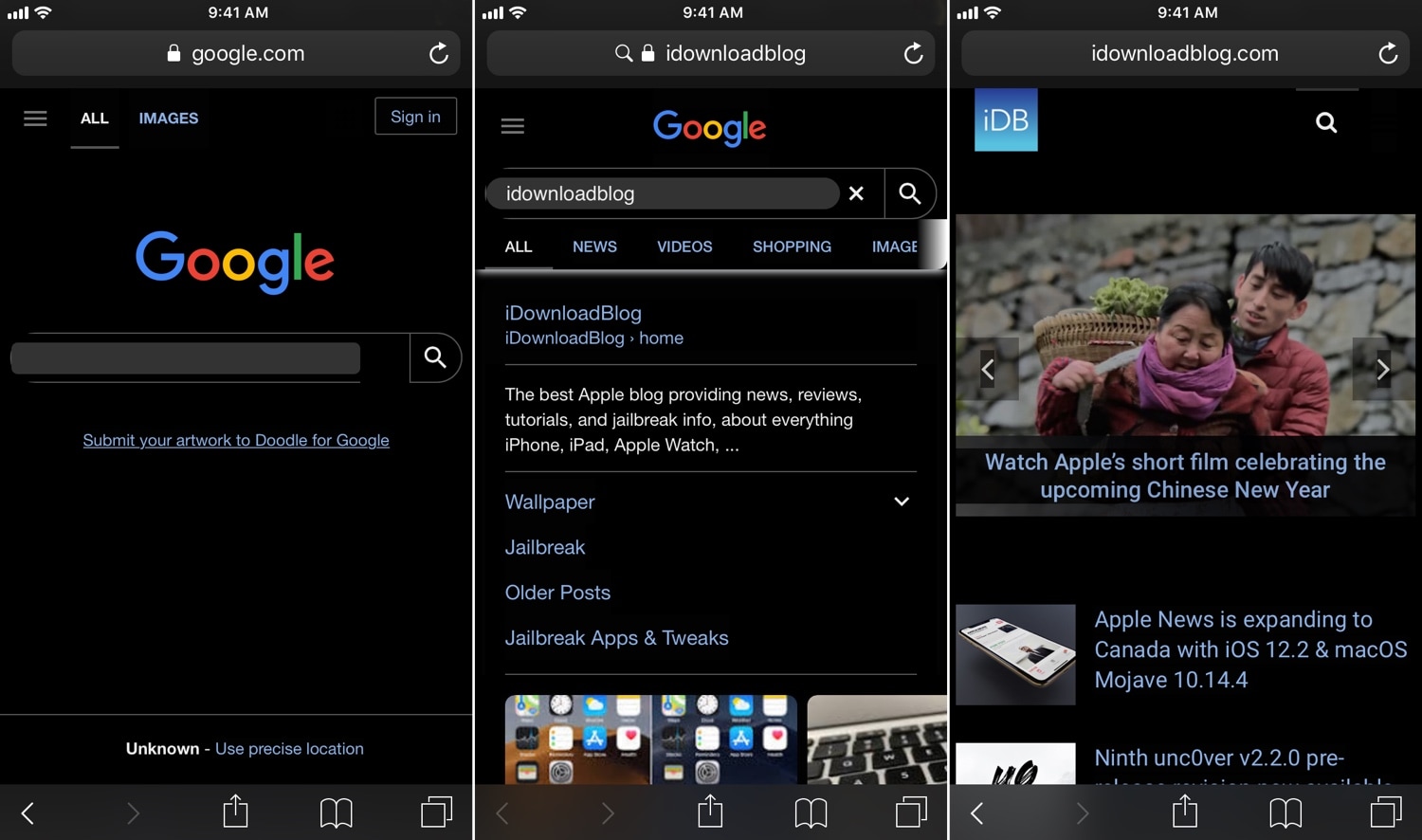
Umbreon: A customizable Dark Mode for web pages in iOS

While most Dark Mode-oriented jailbreak tweaks support iOS’ native app interfaces, the vast majority lack support for the various web pages you might visit while surfing the web.

Two tweaks launched in September, dubbed Deluminator and Nebula, were some of the first to bring a full-featured Dark Mode experience to web pages in particular. But now, a new release called Umbreon by iOS developer Soh Satoh accomplishes this same goal while providing some additional customizations.

In the screenshot examples above, you can see how white backgrounds on most web pages are darkened to reduce the eye-searing effect that’s typically endured while browsing the internet in a dark environment. Umbreon should play nicely with most standard web pages, but there are some instances where a web page won’t be fully compatible.

After you install Umbreon, you’ll find an extensive preference pane in the Settings app where you can configure the tweak to your liking:

Here, you can:

Toggle the tweak on or off on demand Enable Dark Mode for web pages Combine custom CSS formatting with Dark Mode CSS Select different apps to disable features in Configure a CSS injection delay Toggle gray background instead of black for Dark Mode Enable web image brightness adjustments Use a slider to set a custom image brightness level Enter custom Dark Mode CSS styling if you don’t want to use the default Toggle website filtering Choose whether filter is a black list or a white list Choose whether filter should exactly match URLs or guess websites based on name Inject custom JavaScript Toggle filtering for JavaScript injection

The developer includes a respring button at the top right of the preference pane that you can use to save your changes. You should use it any time you adjust the settings in this pane.

Compared to Deluminator and Nebula, it seems like Umbreon intends to offer more features to the end user, but its aesthetics aren’t as streamlined. As you can probably discern from our screenshot examples above, some website elements don’t render as expected, such as the Google search bar text field and the filtering tabs just above the Google search results.

Finally, we should mention that Umbreon looks best when paired with a core Dark Mode tweak, such as Eclipse or Nightshade; otherwise, you'd only be theming web pages and not the apps you use on a regular basis.

If you’re interested in trying Umbreon, then you can download it for $1.00 from Cydia’s Packix repository. The tweak is compatible with jailbroken iOS 10 and 11 devices. Any bugs should be reported directly to the developer such that they can be fixed promptly.

What are your thoughts about the versatility that Umbreon presents? Let us know in the comments section below.
Enjoy a fuller Home screen experience with Fullboard

Apple designed the iOS Home screen such that you could scroll through pages of app icons, but there’s always been a single row of non-scrollable, static app icons near the bottom of the display, more commonly referred to as the Dock.

Love it or hate it, the Dock is a staple in Apple’s desktop and mobile operating systems, but a new free jailbreak tweak called Fullboard by iOS developer Heft Johnson lets you nix it entirely, instead transforming the full height of the Home screen into a scrollable interface.

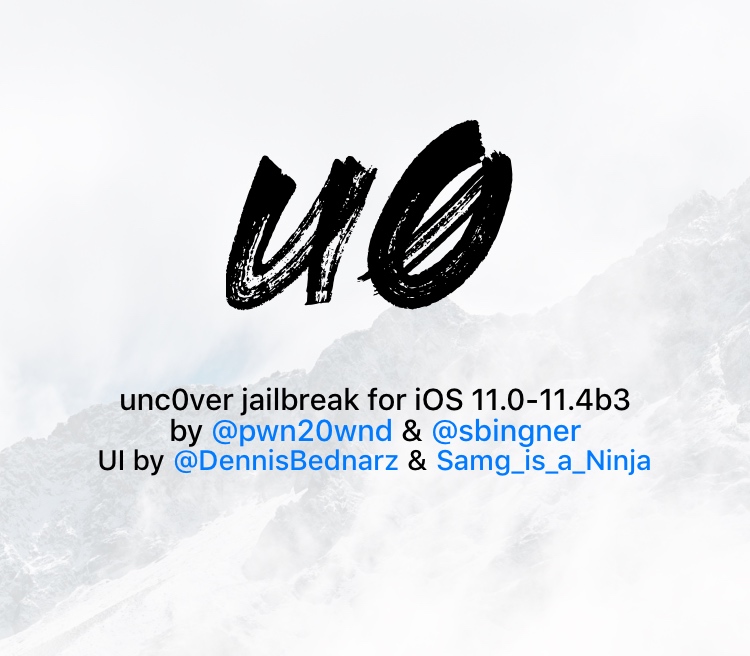
Ninth unc0ver v2.2.0 pre-release revision now available for public testing

acker and unc0ver lead developer Pwn20wnd pushed his ninth revision to the unc0ver v2.2.0 pre-release jailbreak tool for public testing on Friday. As you might come to expect, this revision incorporates minor bug fixes and improvements to help the beta process along.

We can gather from Pwn20wnd’s official GitHub changelog that this new revision brings the following changes:

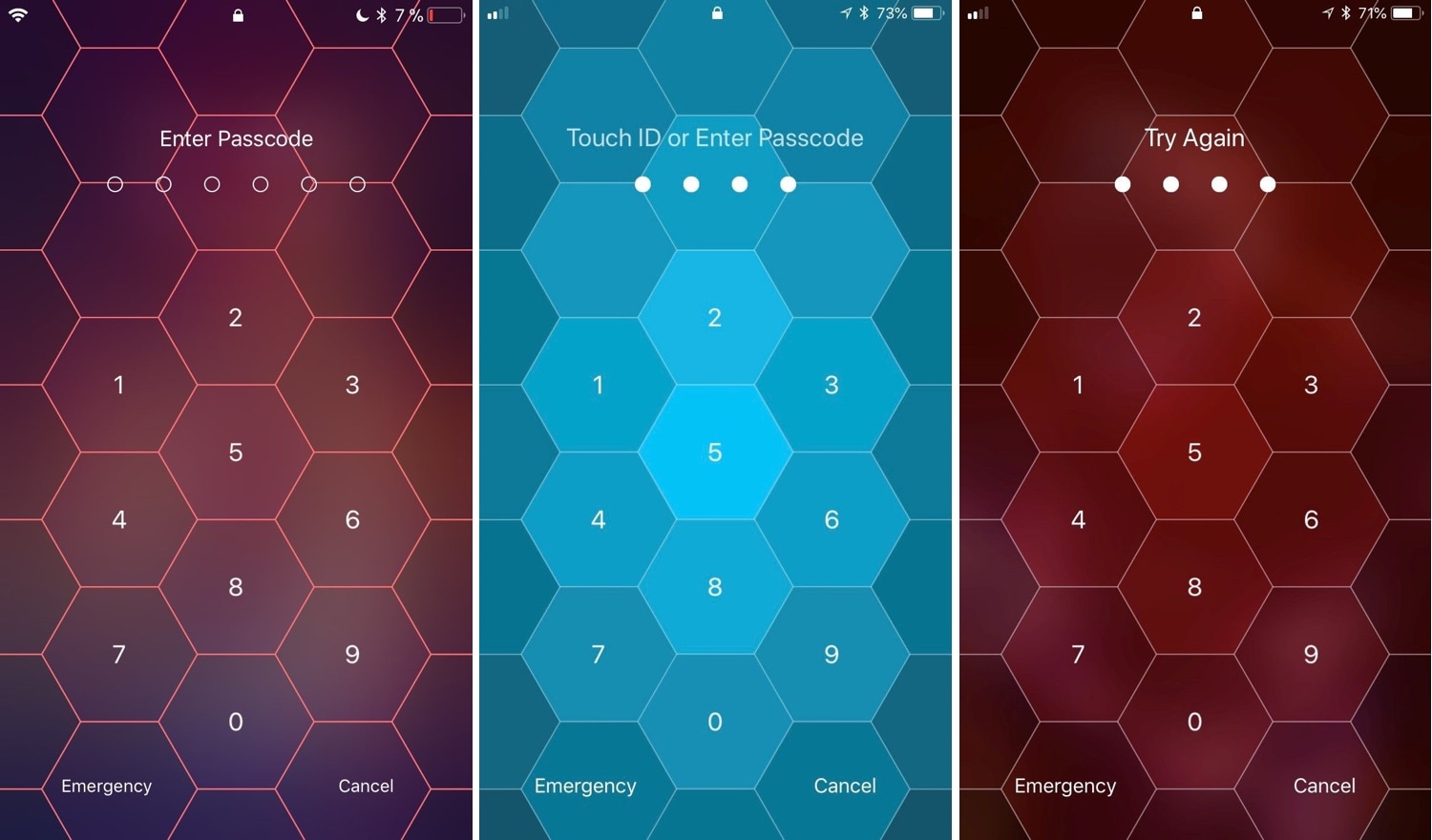
Hive: A hexagonal take on the iPhone’s passcode interface

I use Face ID and/or Touch ID so often these days that I’ve all but forgotten what it’s like to need to enter a passcode manually. Still, iOS occasionally asks for it, such as after rebooting your handset and following a multi-day timeout period. That said, you'll still stumble upon the passcode entry screen at one point or another.

And that brings me to my next point; if you’re jailbroken, then you might want to customize the look and feel of your passcode entry screen. Fortunately, there’s a new jailbreak tweak in town that will let you do that.

Set iPhone wallpapers that change throughout the day with AutoWall

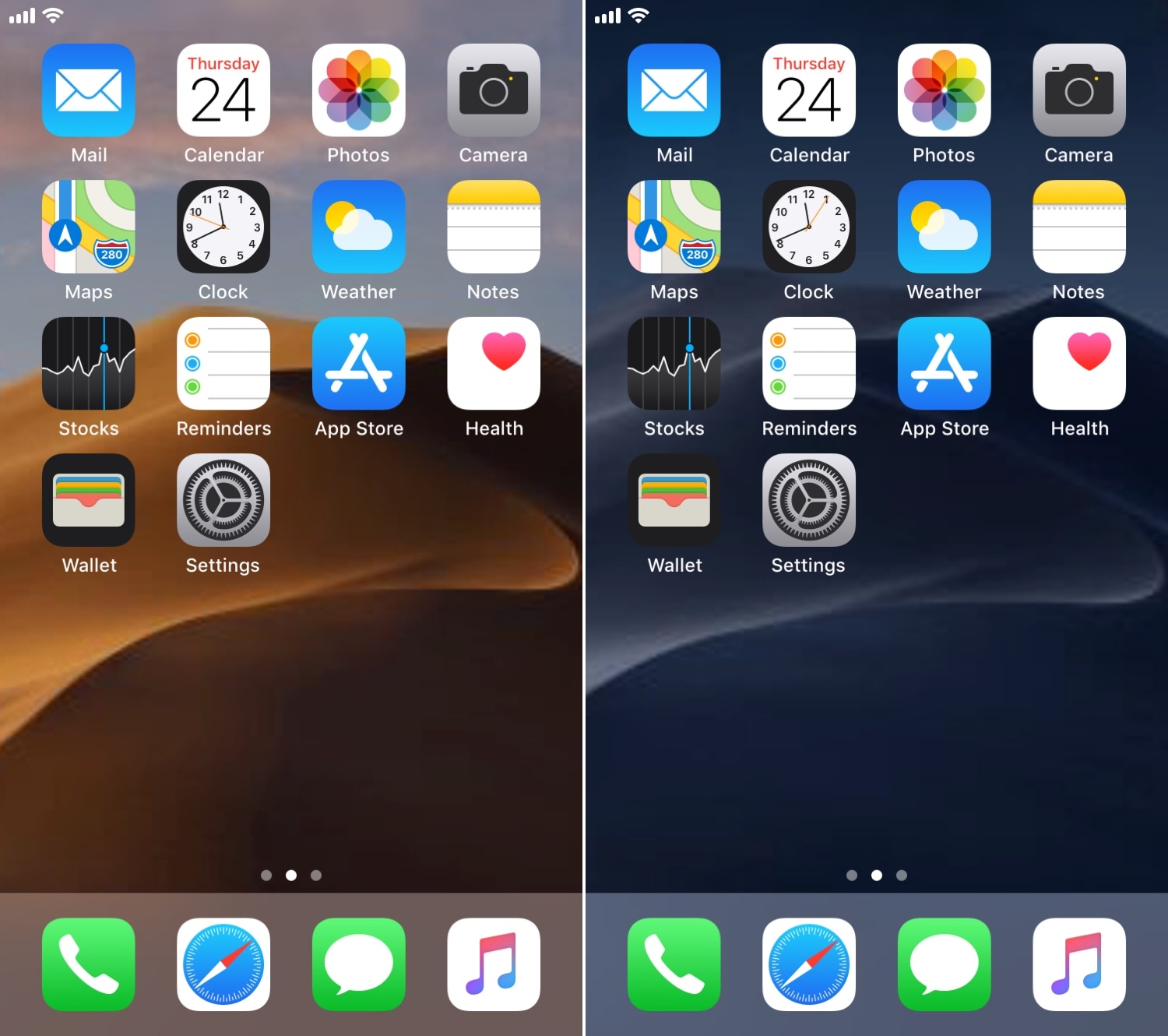
One of my favorite features in macOS Mojave is the dynamic wallpaper, which changes from a daytime desert landscape during the day to a nighttime desert landscape come nightfall. Apple is evidently capable of implementing something like this on the iOS platform as well, but they haven’t yet; and there’s no guarantee they ever will.

Fortunately, jailbreakers don’t need to wait. A free jailbreak tweak called AutoWall by iOS developer Julio Verne lets you have time-centric dynamic wallpapers on your iPhone or iPad – perfect for replicating macOS Mojave’s treasured feature on the iOS platform.