iOS

Pwn20wnd updates unc0ver v3.0.0 to beta 45 to address exploit issue on A12(X) devices

Shortly after releasing an update for the unc0ver v3.0.0 pre-release with ‘partial’ support for A12 and A12X devices, Pwn20wnd dropped yet another revision, bringing the tool up to beta number 45 for public testing.

In a Tweet shared just this afternoon, Pwn20wnd reveals that the somewhat minor update addresses an issue involving the voucher_swap exploit by Brandon Azad on certain beta-centric firmware versions on A12(X) devices:

Unc0ver v3.0.0 beta 44 released with ‘partial’ A12(X) support

Shortly after announcing that he had managed a root filesystem remount on A12 and A12X devices with read and write privileges, hacker and unc0ver lead developer Pwn20wnd has released another revision for the unc0ver v3.0.0 pre-release, bringing the public beta jailbreak tool up to beta version 44.

Citing Pwn20wnd’s announcement on Twitter, unc0ver v3.0.0 beta 44 brings ‘partial’ support for A12 and A12X devices:

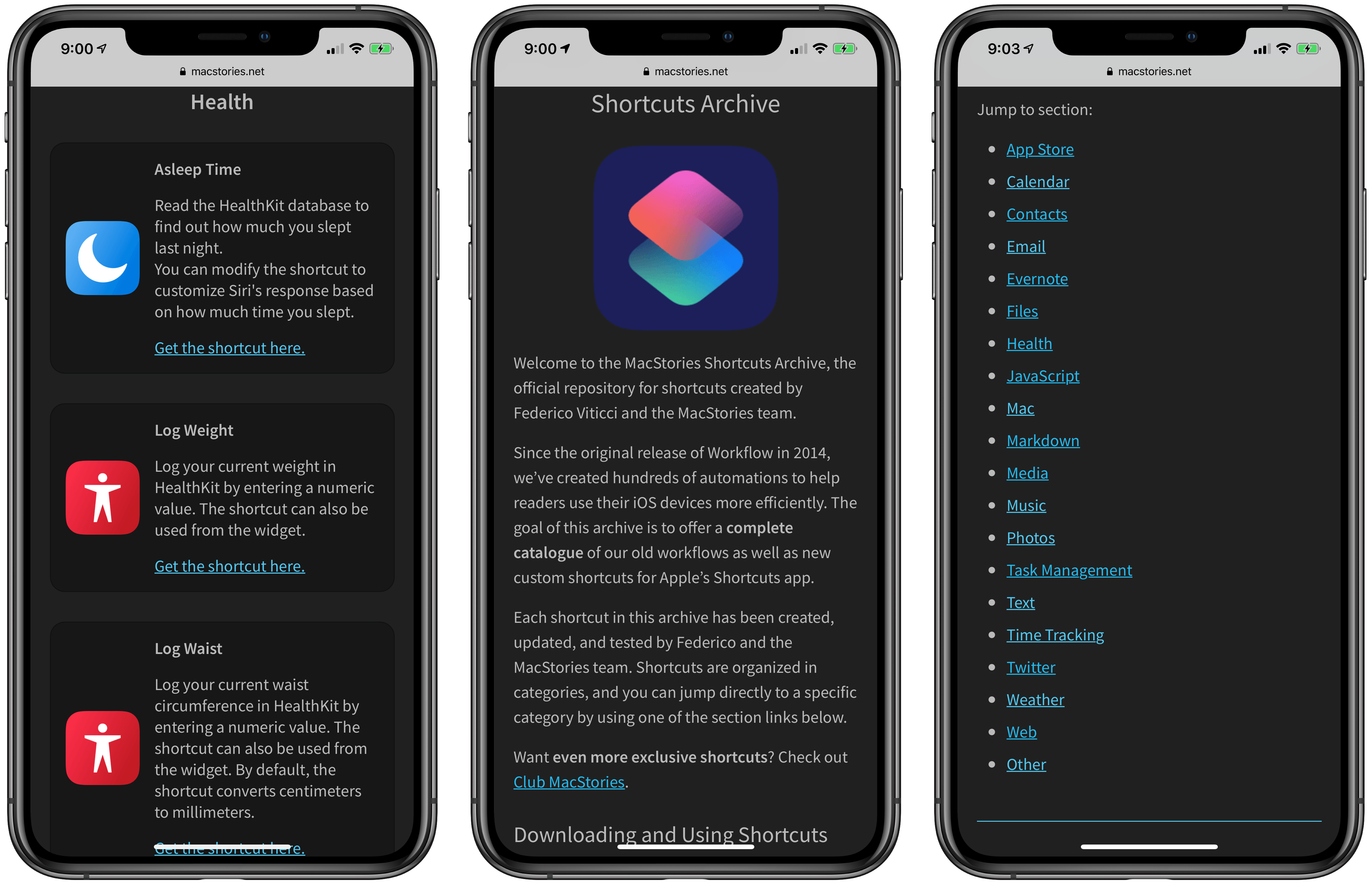
Shortcuts Focus: enforcing Picture in Picture on YouTube & other unsupported websites on iPad

Your iPad supports Picture in Picture (PiP) videos in apps and webpages, but this handy mode isn't universally supported across all video-streaming websites. Crucially, PiP is unsupported by YouTube.com's iPad interface on Safari. But there's a shortcut for that, too—thanks to the power of iOS automation, you can enforce Picture in Picture on YouTube and other websites.

Pwn20wnd achieves rootfs remount with read/write privileges on A12(X)

Hacker and unc0ver lead developer Pwn20wnd hasn’t made any significant revisions to the unc0ver v3.0.0 pre-release for a few days now, and as you might come to expect, that’s because he’s been busy attempting to pwn A12(X) devices.

If you fall under the category of ‘currently waiting for A12(X) support,’ then you’ll be excited to hear that Pwn20wnd has made some progress. A Tweet shared Monday afternoon reveals that the hacker has officially achieved a rootfs remount with read and write privileges on his A12 test device:
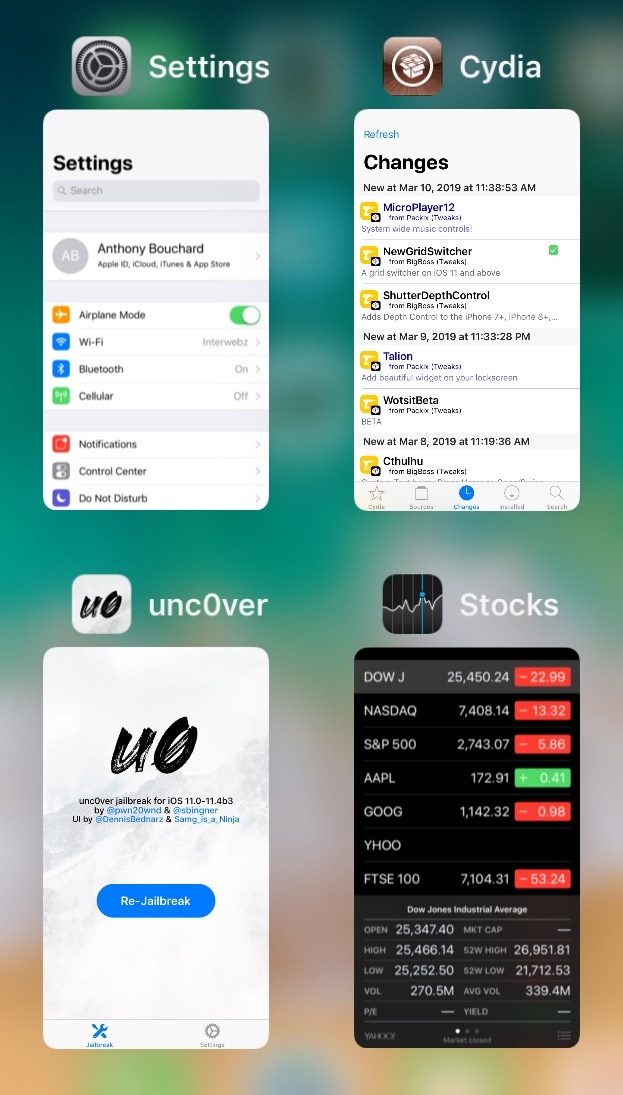
Hate iOS’ native App Switcher? Try NewGridSwitcher

The App Switcher has changed a plethora of times over the years with each major iteration of iOS, but most would agree that even the latest interface leaves a lot to be desired.

One of the most common complaints about the current App Switcher setup is how it seemingly wastes so much canvas space that could otherwise be used for a more intuitive interface. That said, iOS developer relative just released a new free jailbreak tweak called NewGridSwitcher that aims to help resolve this problem.

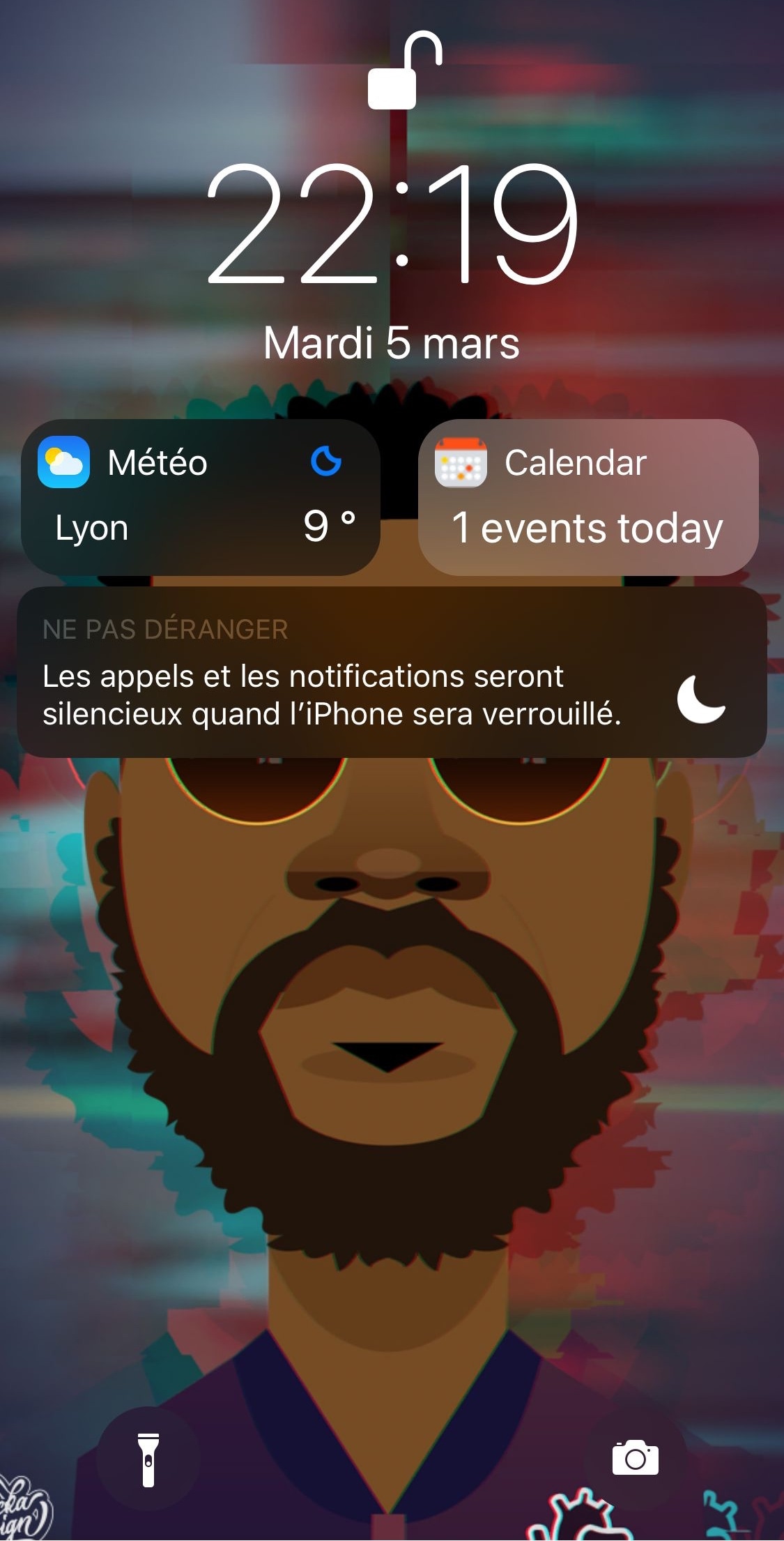
Talion adds a pair of configurable side-by-side widgets to your Lock screen

If you’re interested in transforming your iPhone’s Lock screen into a customizable quick-glance information hub, then you might enjoy a new jailbreak tweak called Talion by iOS developer maximehip.

Talion lets you add various widgets directly to your Lock screen, and unlike the ones that appear in iOS’ Today view, widgets that appear via Talion are optimized to display side-by-side in a lovely and compact manner, as shown above.

ShutterDepthControl brings depth control to unsupported dual-lensed iPhones

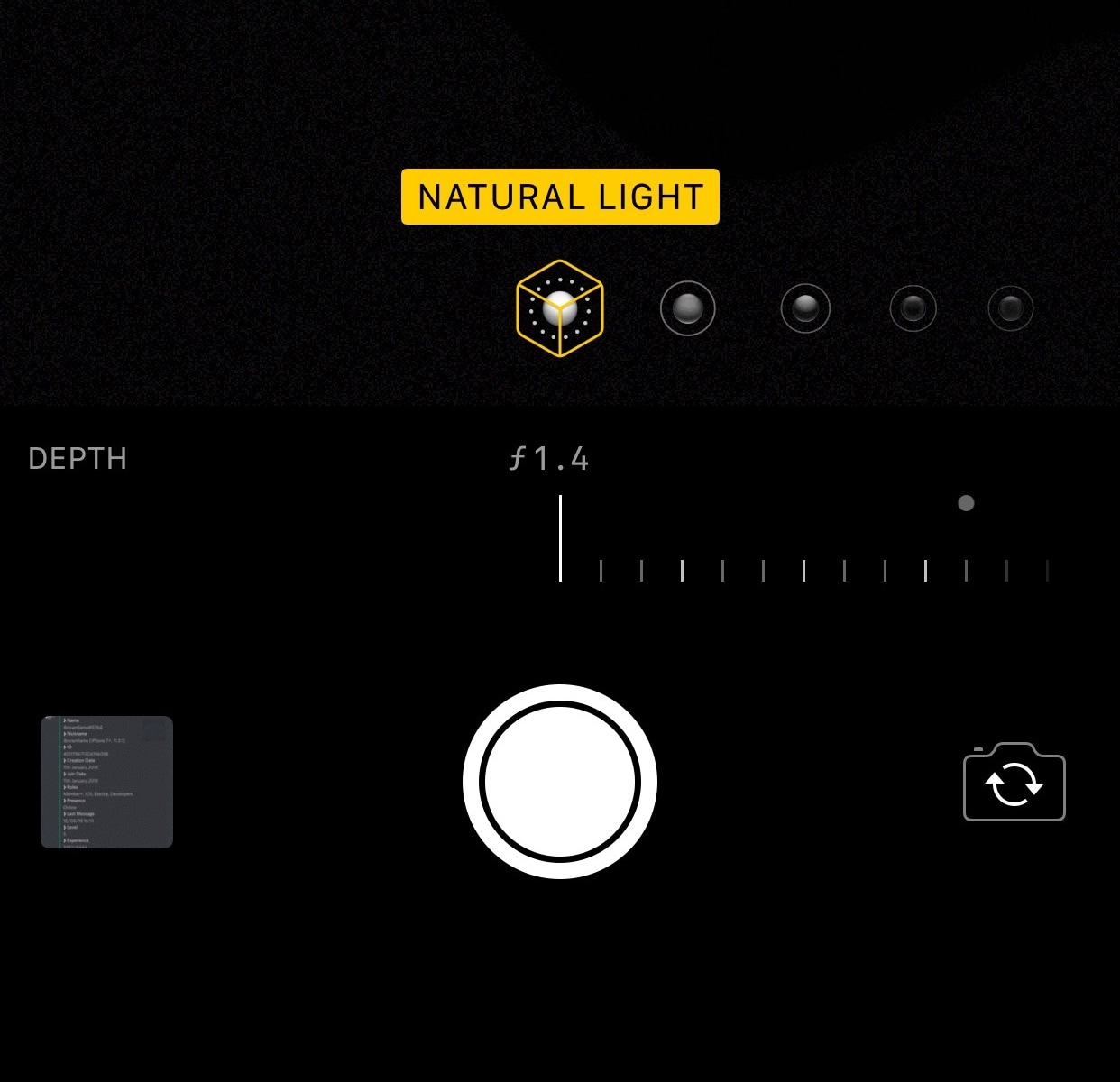
It was just a couple of weeks ago that we showed you a jailbreak tweak called Aperturize, which unlocked a variety of different bokeh features on unsupported devices – both before and after snapping the picture. But for those on a budget, a new free release called ShutterDepthControl by iOS developer Jbrownllama just might suffice.

ShutterDepthControl isn’t as full-featured as Aperturize was, but it can still enable depth control on most unsupported dual-lensed devices such as the iPhone 7 Plus, 8 Plus, and X. For reference, Apple only officially supports native depth control on the iPhone XR, XS, and XS Max.

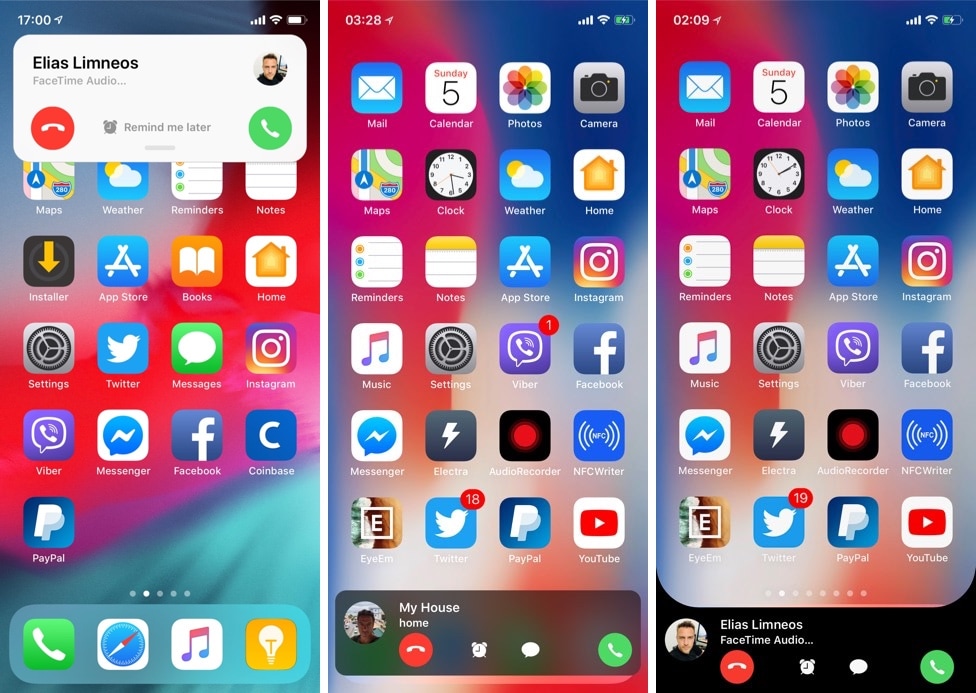
Jailbreak tweaks of the week: BioProtect XS, CallBar XS, LendMyPhone 2, and more

Given the massive influx of jailbreak news as of late, many are wondering what kinds of jailbreak tweaks they should install on their newly jailbroken iOS 11 or iOS 12 handset.

This roundup will encompass all the new jailbreak tweaks released from Monday, March 4th to Sunday, March 10th. Of course, we may throw a couple of other noteworthy releases inside to keep things interesting.

Video Direction Control lets rotation lock users enjoy videos in landscape orientation without fuss

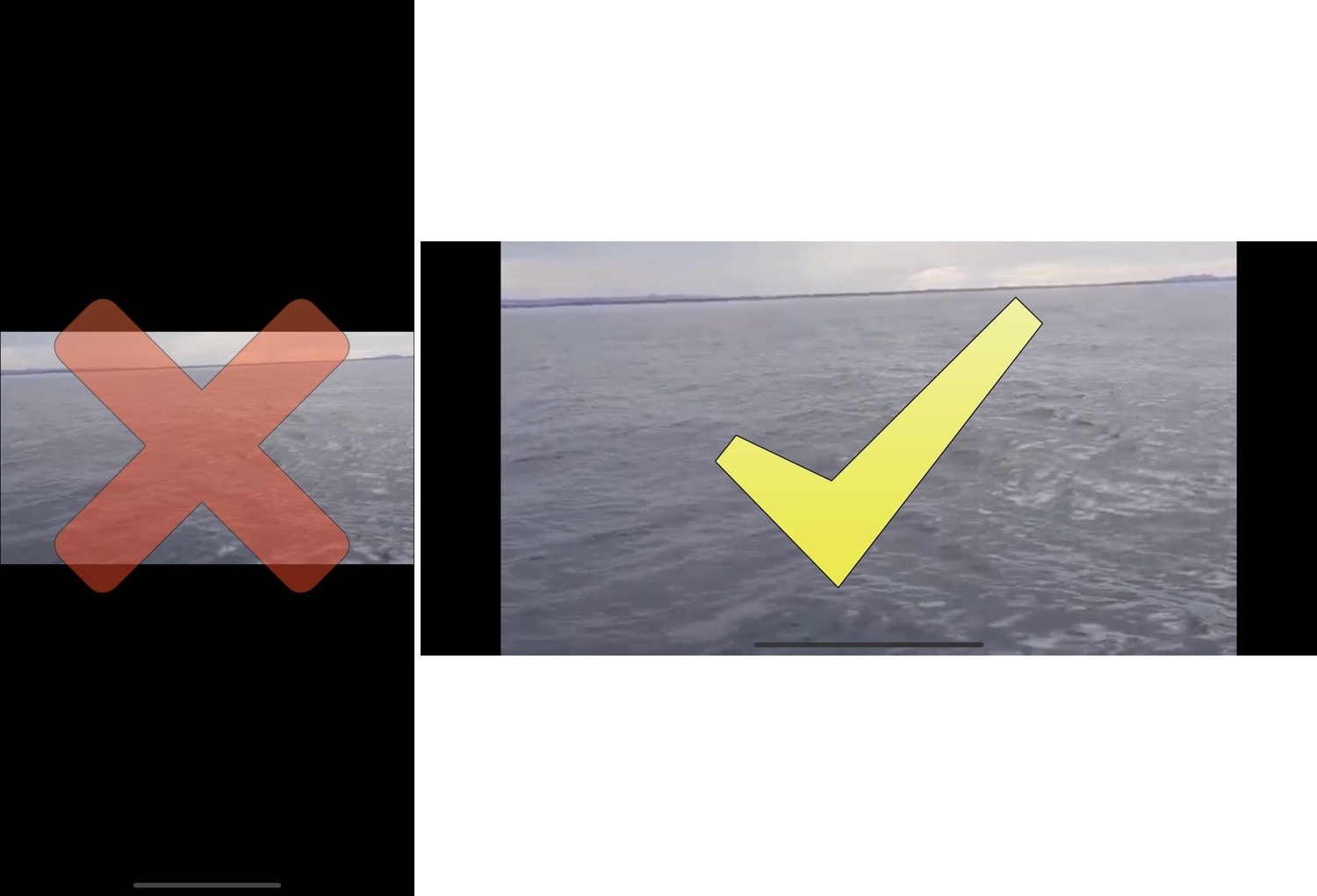
The rotation lock feature on any iOS device can be extraordinarily useful, except when it’s not. More specifically, it tends to be less convenient when you watch videos because it tries to display the (usually widescreen) video in portrait orientation on your tall-displayed device, resulting in something like what you see above on the left.

Fortunately, those with jailbroken handsets can now spearhead this problem dead-on with a new free jailbreak tweak called Video Direction Control (iOS 11) by iOS developer rf00.

LendMyPhone 3 brings a full-fledged guest mode to your jailbroken iOS 13 device

Unlike Apple’s Mac lineup, the company’s iOS devices don’t offer a native ‘guest mode.’ This is a crying shame for anyone who wants to share their device with someone else while keeping the peace of mind that the other person won’t be peering through any personal data.

Fortunately, jailbreakers have long had the option of installing guest mode-centric jailbreak tweaks, and LendMyPhone 3 by iOS developers Luke Muris and Geometric Software offers one of the slickest guest mode interfaces we’ve seen yet.

Pwn20wnd pushes beta 43 of the unc0ver v3.0.0 pre-release with fix for sandbox escape error

Hacker and unc0ver lead developer Pwn20wnd released another revision to the unc0ver v3.0.0 pre-release on Thursday with bug fixes and improvements, bringing the pre-release jailbreak tool up to beta version 43.

Pwn20wnd shared the news of the update via Twitter early this morning, noting that it would fix the sandbox error that many people were receiving on certain devices:

Colorize your iPhone’s keyboard however you want with KeyboardColorXII

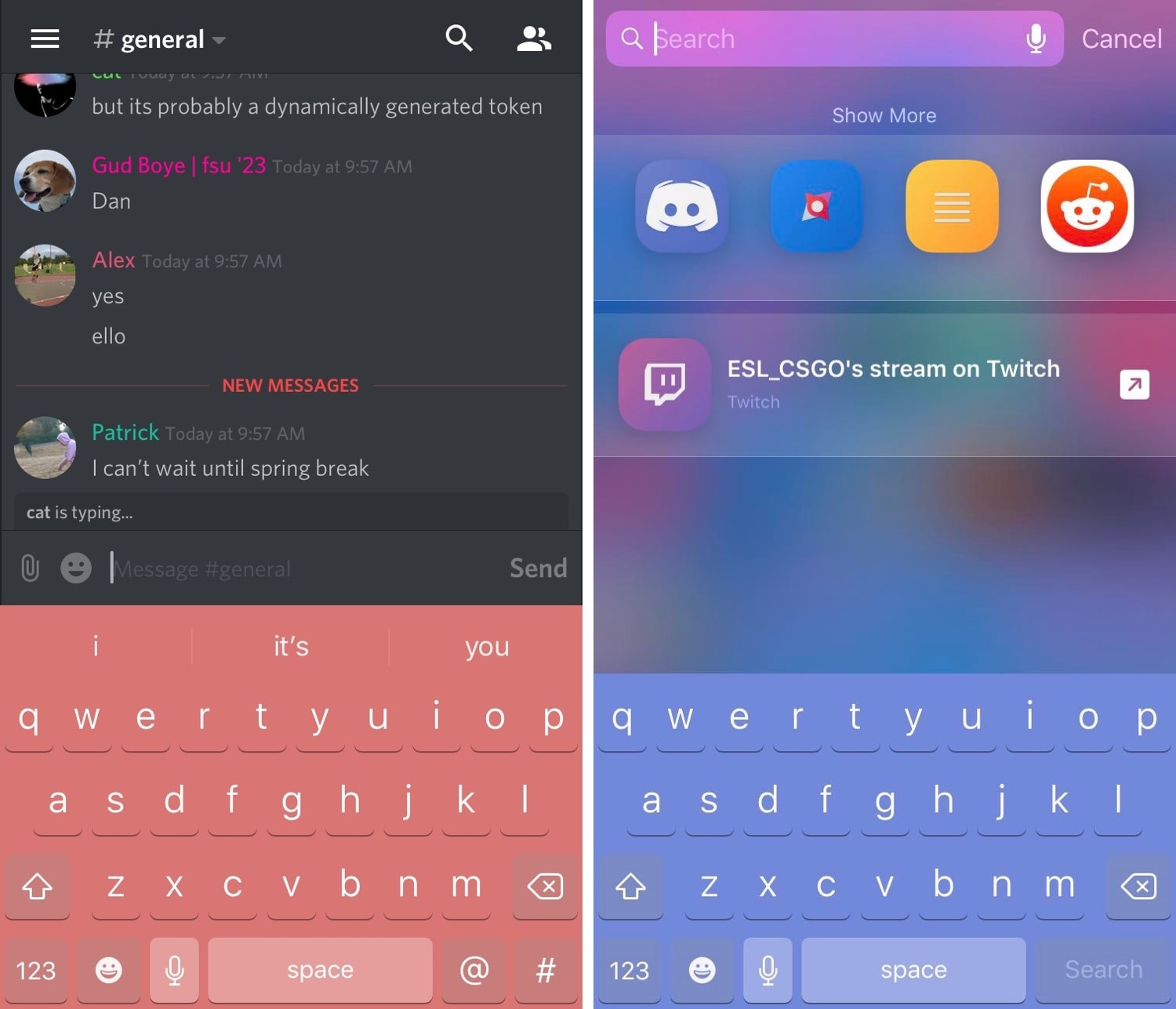
It was only yesterday that we showed you a free jailbreak tweak called DarkKeysXII that could give your iPhone’s keyboard a dark makeover, but what should you do if you wanted something more colorful? If you fall into this category, then you’re in luck!

A new free release called KeyboardColorXII by iOS developer asphyxia is now available in Cydia that lets you colorize your handset’s keyboard however you’d like, whether you prefer things dark, light, or even colorful.