Learn how to solve basic mathematical expressions and do calculations directly inside iPhone, iPad, and Mac apps such as Notes, Messages, Mail, and more.
How to solve math equations in any app on iPhone, iPad, or Mac

Learn how to solve basic mathematical expressions and do calculations directly inside iPhone, iPad, and Mac apps such as Notes, Messages, Mail, and more.

Learn how to view all your screenshots in one place in the Photos app by filtering out other images, videos, and GIFs on your iPhone or iPad.

Learn how to move all your usernames and passwords from Google Chrome, 1Password, Dashlane, Bitwarden, Last Pass, Nord Pass, and other password managers to Apple’s new Passwords app on iOS 18, iPadOS 18, and macOS Sequoia.

IOS 18 beta 2 changes include the iPhone Mirroring feature, a new Wallet widget, an RCS messaging toggle for Messages, and other tweaks.

Learn how to improve your task management and streamline productivity by creating and managing reminders straight from the Calendar app on your iPhone, iPad, and Mac.

Apple’s new software tools make it easier for third-party developers to add translation capabilities to their iPhone and iPad apps powered by the system.

iOS 18 will enable compatible third-party Bluetooth and Wi-Fi accessories to pair with an iPhone using a seamless AirPods-like process.

Apple Intelligence requires modern hardware to run on-device generative AI and large language models, so here's a list of compatible devices
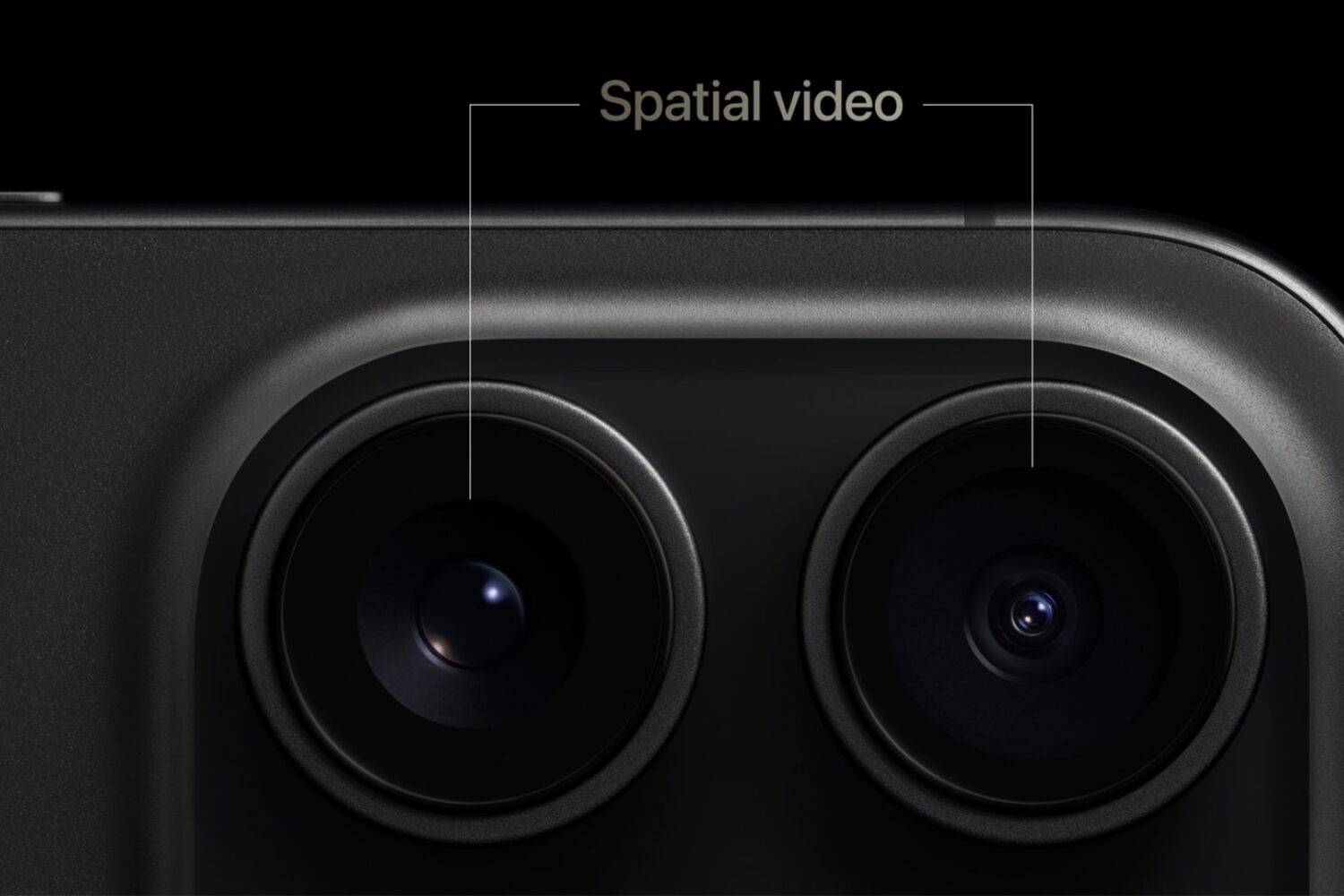
Spatial video recording is coming to third-party camera apps, though they won't be available on the App Store until iOS 18 launches for public consumption.

Apple unveiled iOS & iPadOS 18, the upcoming firmware updates for the iPhone and iPad platforms, at its annual WWDC 2024 event. But one disturbing trend we noticed when the Cupertino-based company began showing off new features is just how… familiar… many of them seemed.

With iOS 18, no third-party apps are required to record cellular phone calls on your iPhone, and Apple Intelligence provides automatic transcription and summary.
